
SuperMaker AI App — Create Anything with AI, Anywhere
Your All-in-One AI Creative Studio on iOS
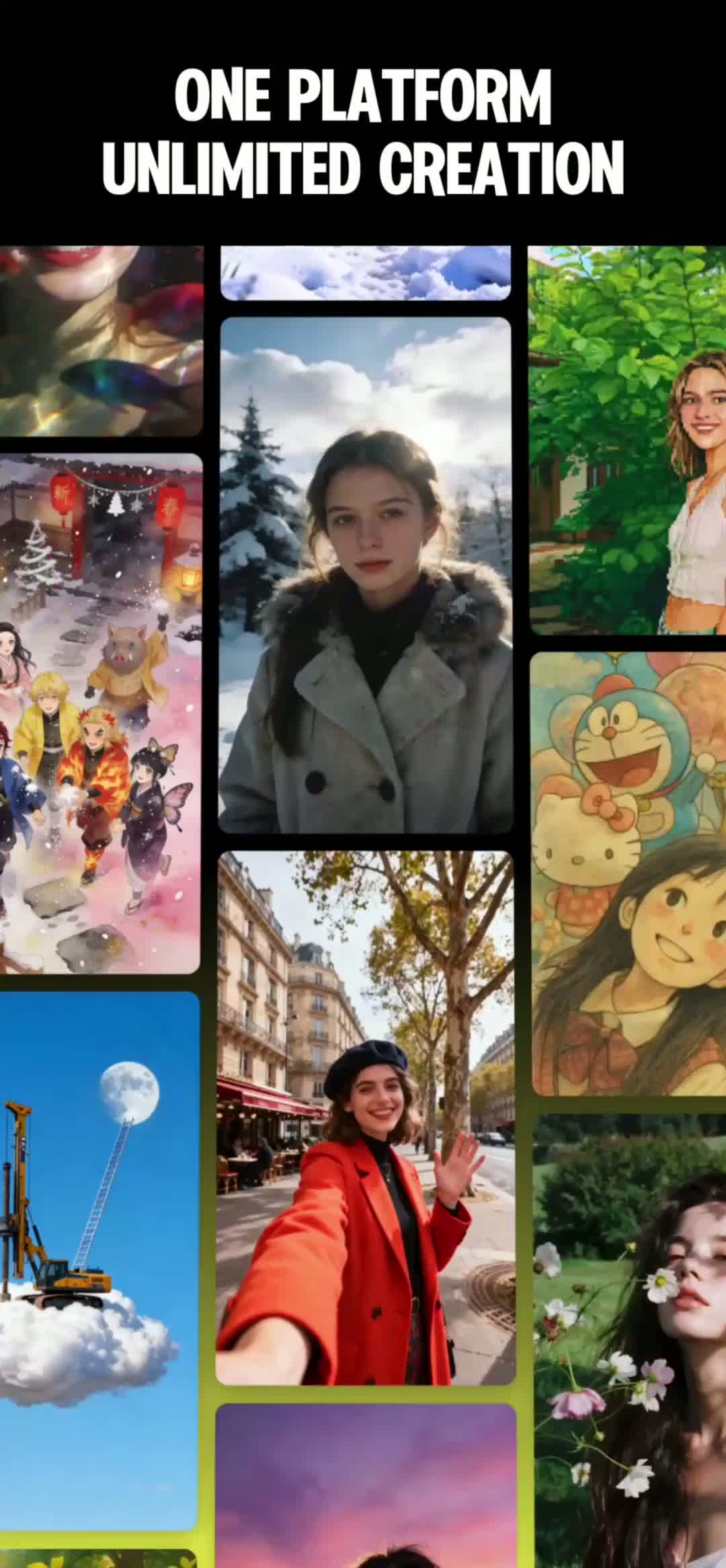
Harness the power of Sora, Veo, Kling, and 10+ industry-leading AI models. Generate cinematic videos, stunning images, royalty-free music, and natural voiceovers — all from your pocket.
Powered by Industry-Leading AI Models
Everything You Need to Create
SuperMaker AI App puts powerful AI creative tools for images, videos, and music right in your pocket. Experience the full creative suite on your mobile device.
AI Video Maker
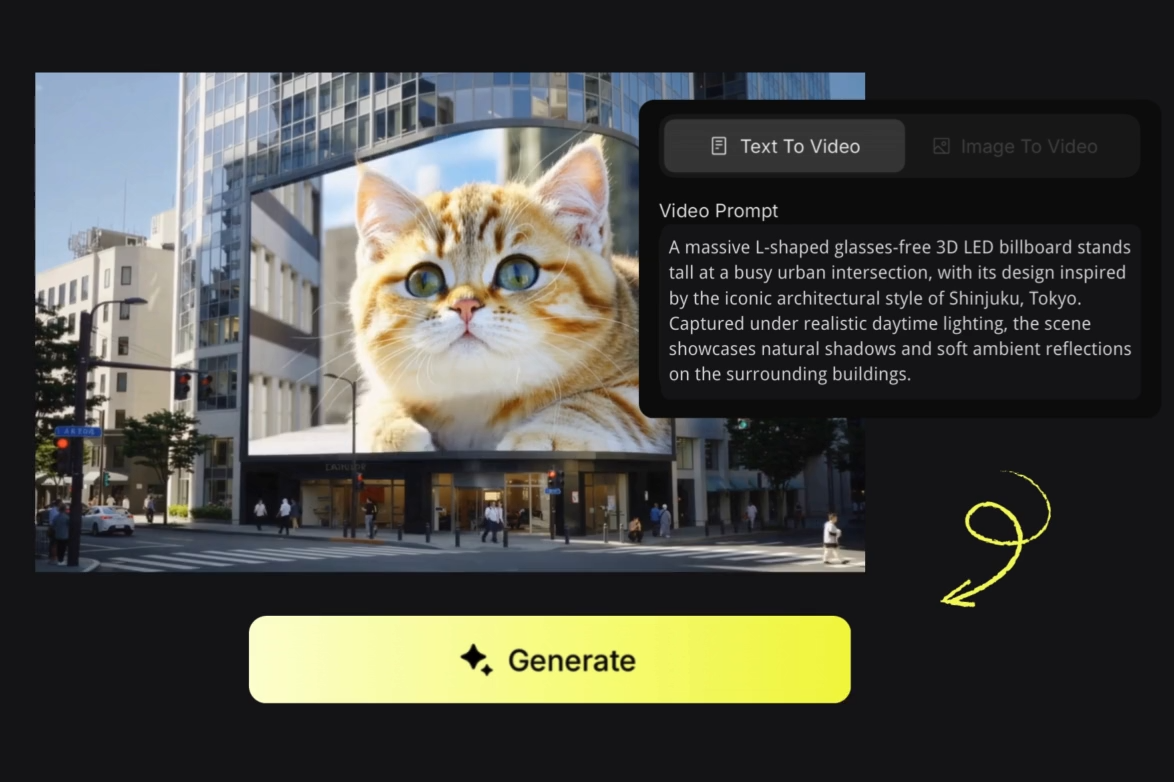
Transform text prompts or still images into cinematic, high-quality videos with synchronized audio. Powered by Sora, Veo, and Kling — create realistic scenes, animate characters, and produce professional content in seconds. Features first/last frame control, multi-track audio overlay, and perfect for ads, shorts, and social content.

AI Image Maker
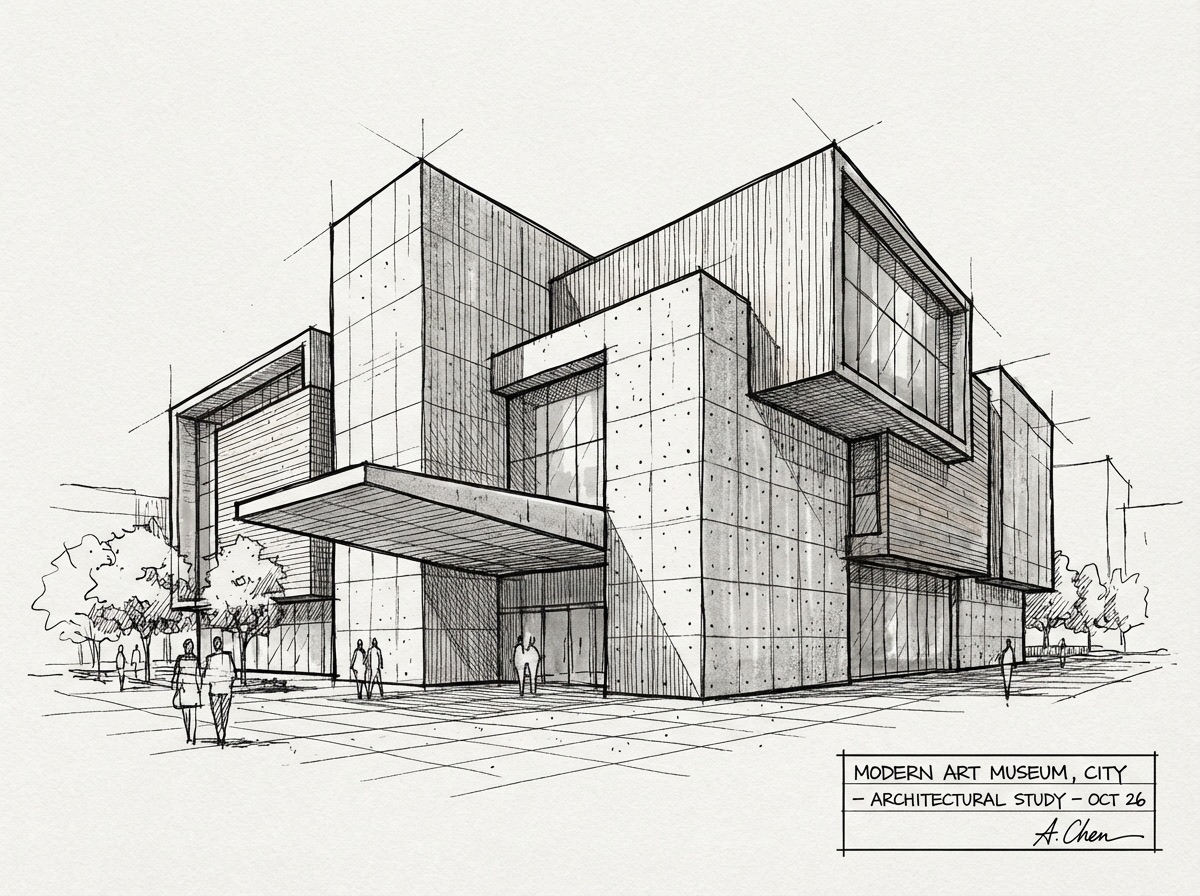
Generate stunning, high-resolution images from simple text descriptions. Access cutting-edge models like Nano Banana, Seedream, and Flux to create anything from photorealistic portraits to artistic illustrations. Edit existing photos with AI-powered tools for cropping, style transfer, background removal, and intelligent retouching.
AI Music Maker
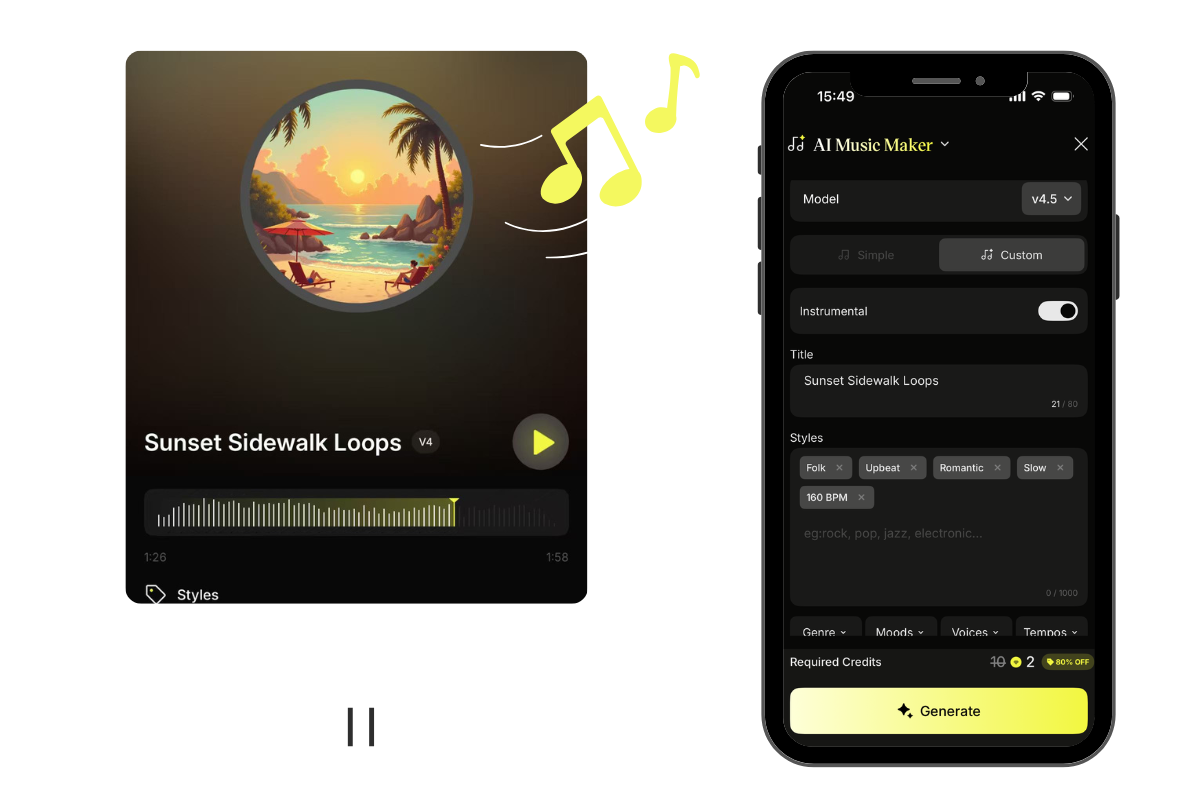
Compose original, royalty-free music tracks tailored to your creative vision. Input lyrics, melodies, or simple descriptions to produce fully-arranged songs across any genre or language. Perfect for video backgrounds, podcasts, ads, and personal projects — no musical expertise required.
AI Voice Maker
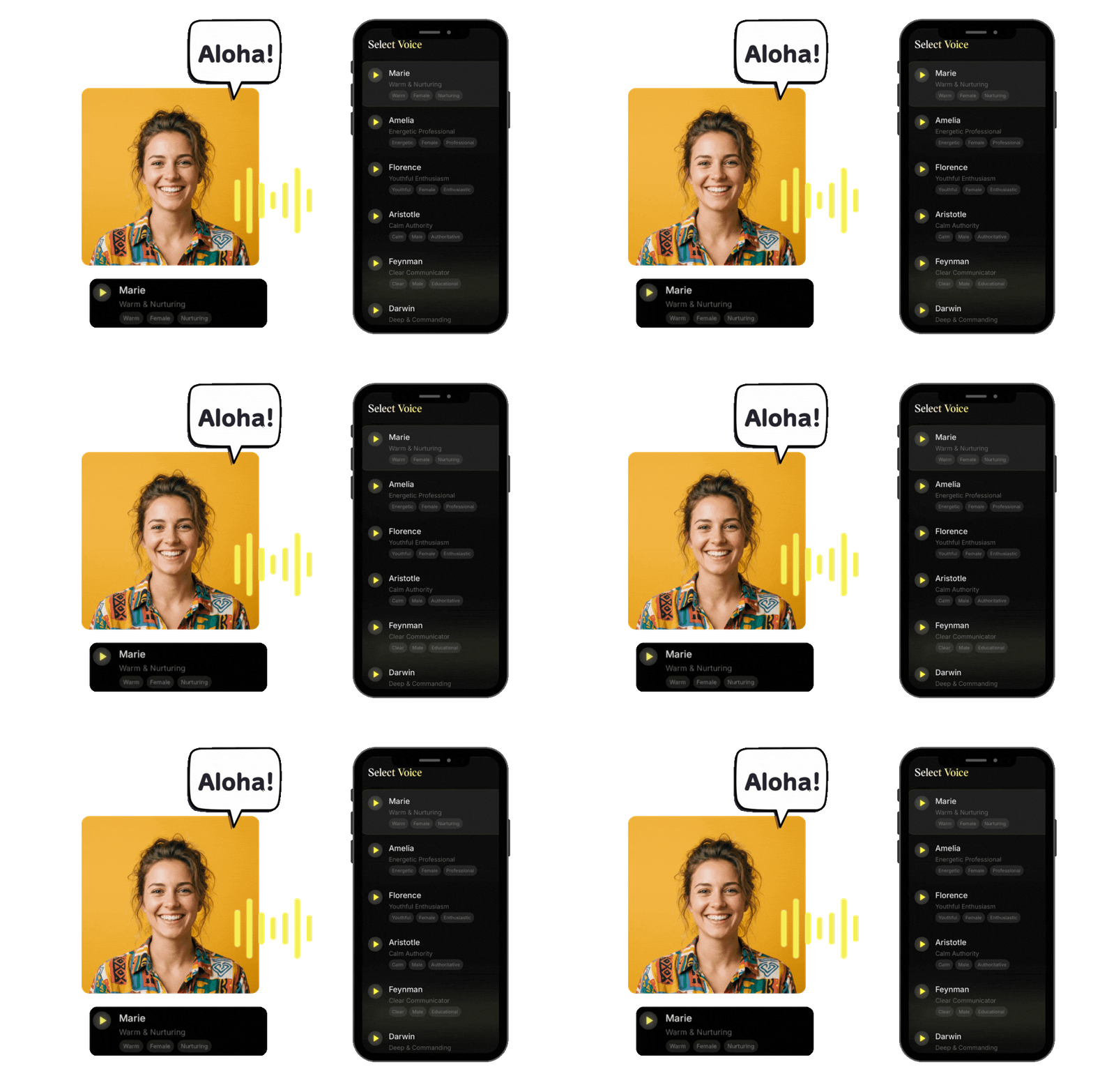
Convert any text into natural, expressive speech with human-like intonation and emotion. Choose from multiple voices, accents, and speaking styles to match your project's tone. Ideal for voiceovers, narration, podcasts, audiobooks, and accessibility content.
Creative AI Tools
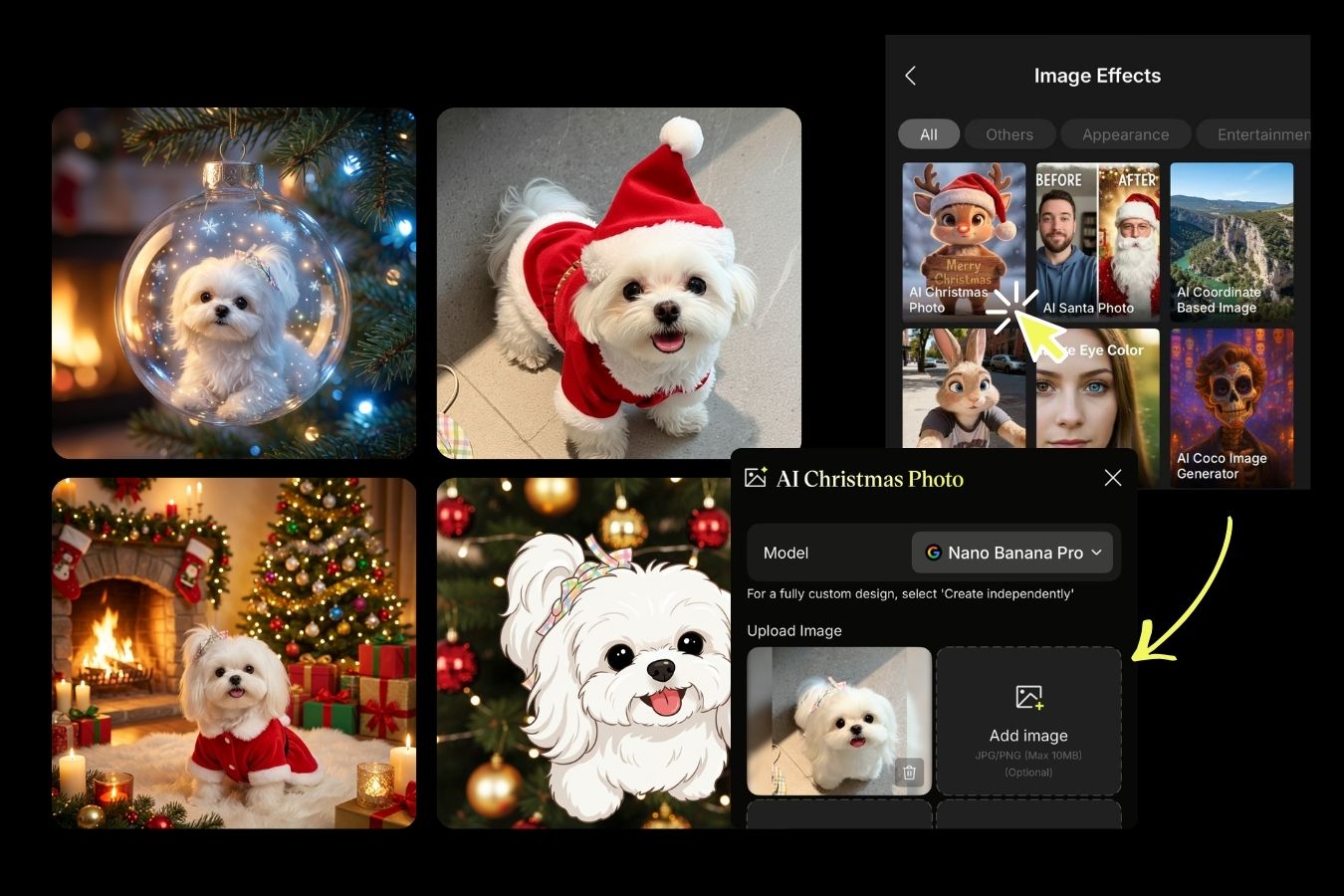
Explore a rich library of specialized AI effects and transformation tools. Try virtual hairstyles and hair colors, experiment with outfit changes, create custom avatars, generate professional logos, apply artistic style transfers, and much more — all designed to spark your creativity.
Why Choose SuperMaker AI App
Discover what makes SuperMaker AI App the ultimate creative companion for mobile creators worldwide.
Cutting-Edge AI Technology
SuperMaker AI App harnesses the most advanced AI models available today, including Sora, Veo 3, Kling, and more. Our technology delivers studio-quality results that rival professional productions — all processed in the cloud for lightning-fast generation on any device.

Comprehensive Model Library
Access 10+ specialized AI models for every creative need. From cinematic video generation to photorealistic images, custom music composition to natural voice synthesis — SuperMaker AI App covers the entire creative spectrum in one unified platform.
Intuitive User Experience
Designed with simplicity in mind, SuperMaker AI App makes professional AI creation accessible to everyone. No technical skills or complex settings required — just describe your vision and watch it come to life with a simple tap.

Seamless Cross-Platform Sync
Your creative journey never stops with SuperMaker AI App. All your projects, credits, and creations sync instantly between web and mobile. Start on your desktop, continue on your phone, and finish on your tablet — your work follows you everywhere.
How to Create with SuperMaker AI App
SuperMaker AI App makes creation effortless. From idea to masterpiece in three simple steps — no technical skills required, just your imagination and a few taps.
Define Your Creative Needs
First, clarify what you want to create. Need a brand promo video? Choose AI Video Maker. Want stunning visuals for social media? Pick AI Image Maker. Need background music? Use AI Music Maker. Want professional voiceovers? Select AI Voice Maker.
Describe Your Vision
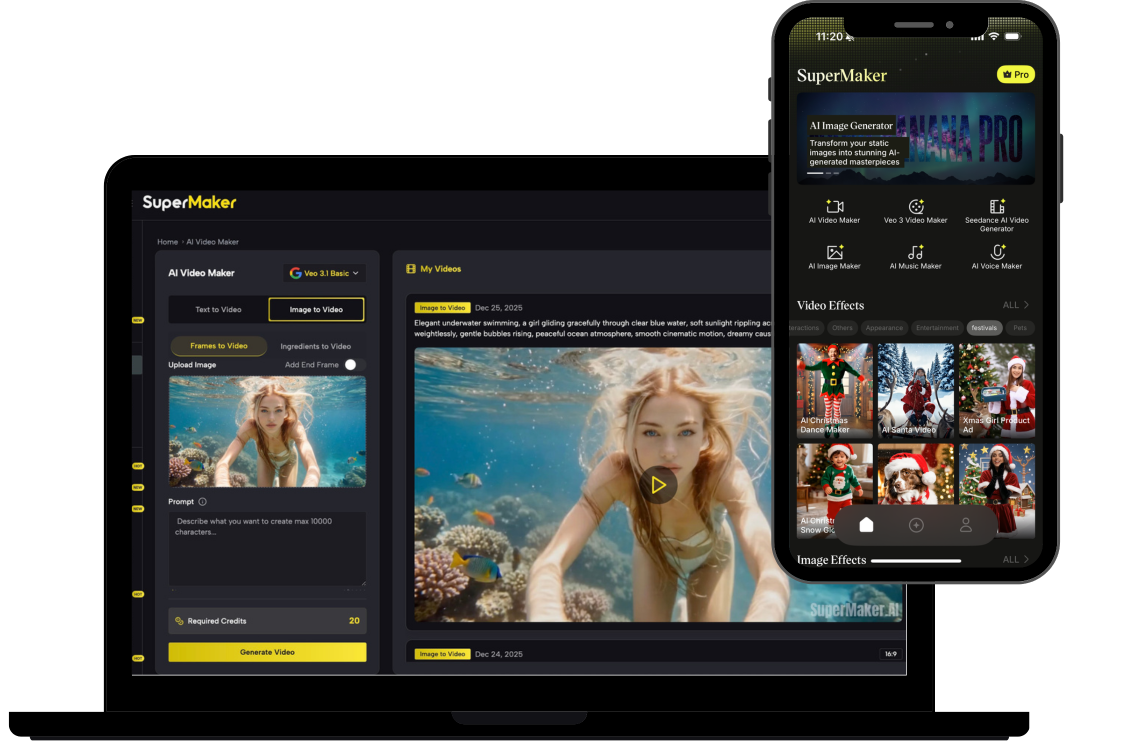
Enter your creative prompt or upload reference images. For videos, describe scenes, characters, and motion. For images, specify style, composition, and details. For music, set the genre, mood, and tempo. For voice, paste your script and select a voice style.
Generate & Export
Tap generate and let AI bring your vision to life in seconds. Preview your creation, refine with adjustments if needed, and export in high quality. Save to your device, share directly to social media, or continue editing with more AI tools.
Trusted by Creators Worldwide
Join the growing community of creators using SuperMaker AI App to power their creative workflow.
Videos Generated
Images Created
Music Tracks Produced
Who Uses SuperMaker AI App
From solo creators to enterprise teams, millions trust SuperMaker AI App to bring their boldest ideas to life. See how creators like you are making an impact.
Content Creators & YouTubers
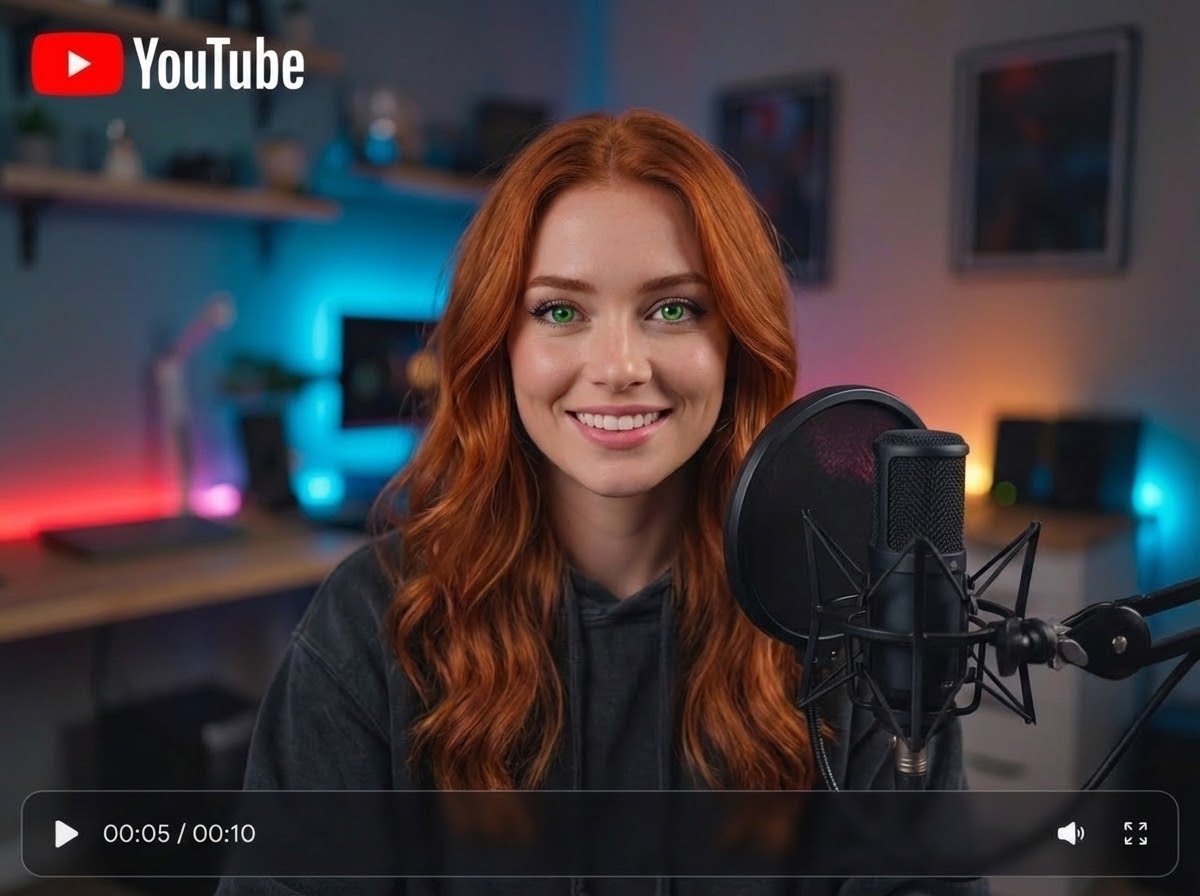
Produce engaging vlogs, tutorials, and narrative content that captivates your audience. Transform ideas into dynamic videos, create unique B-roll, and tell compelling stories.
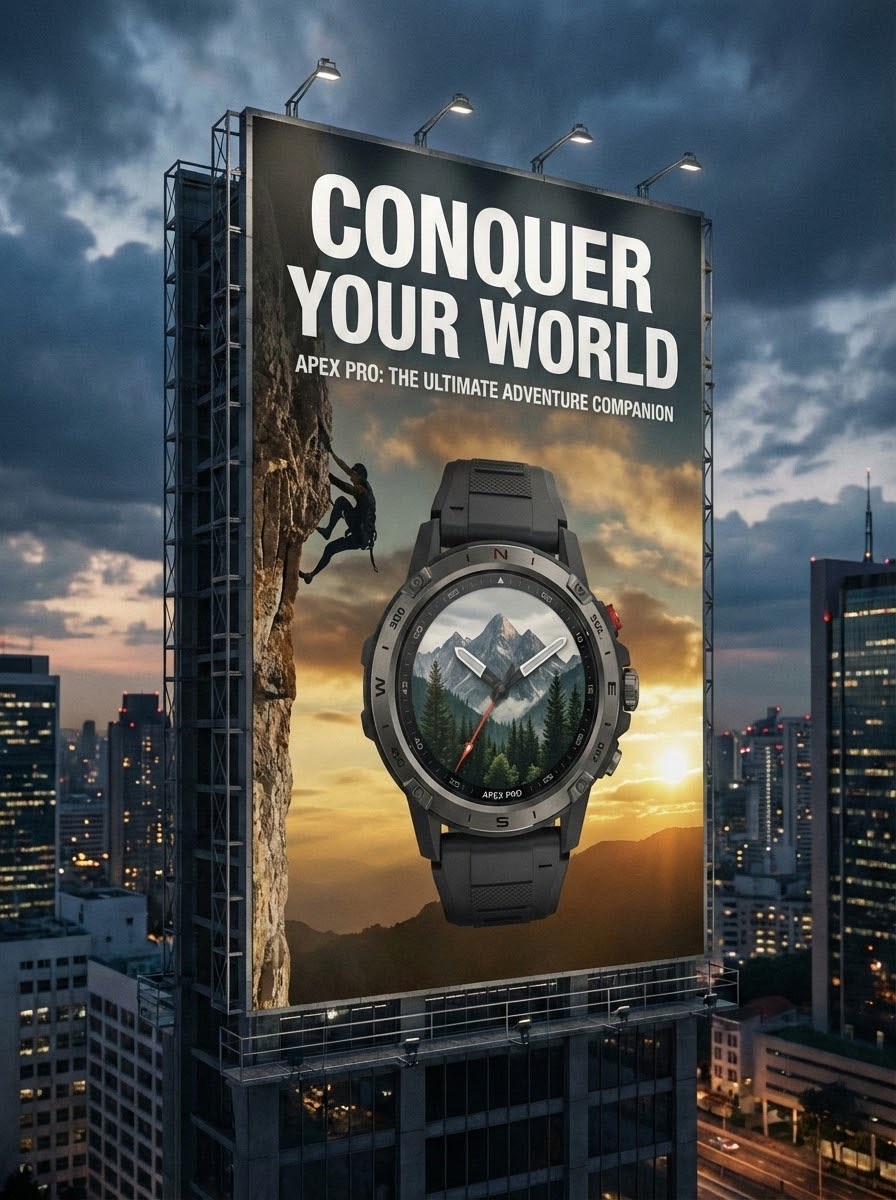
Marketers & Businesses
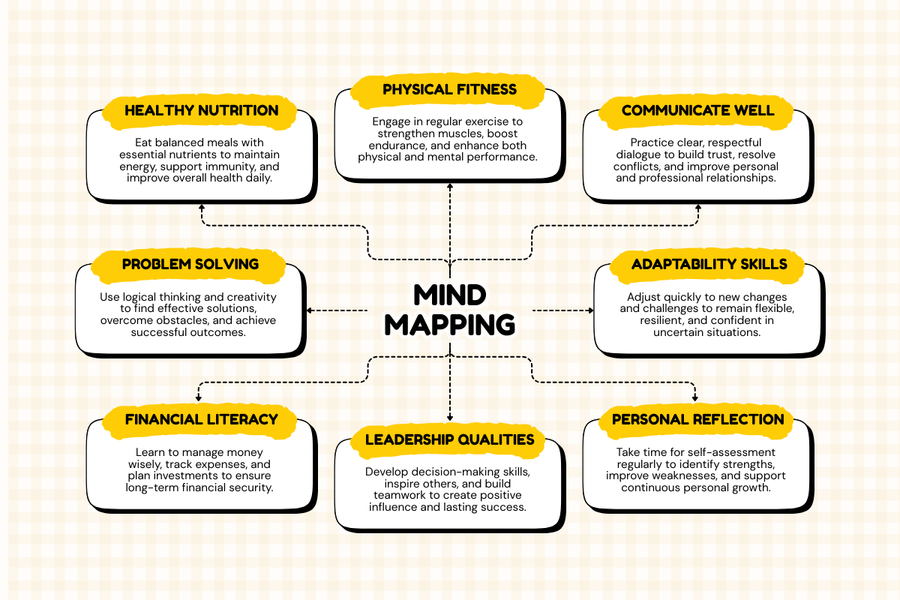
Educators & Trainers

Social Media Managers

Aspiring Filmmakers
Frequently Asked Questions
Yes! Your SuperMaker AI App account, credits, and all your creations sync seamlessly with the web version in real-time. Start a project on your desktop and finish it on your phone, or vice versa. Important: You must log in with the same Google account on both platforms to enable sync. Using different accounts will result in separate data and credits.
SuperMaker AI App includes all our premium AI models: Sora 2, Veo 3, Kling, Seedance, Wan, Nano Banana, Seedream, Flux, and more. Each model has unique strengths — Sora and Veo excel at cinematic video generation, Kling offers versatile image-to-video capabilities, while Nano Banana delivers stunning artistic images. New models are added regularly as cutting-edge AI technology evolves.
You can explore SuperMaker AI App with free credits and experience all core features without any commitment. For power users who need unlimited access, priority processing, and premium features like higher resolution exports and commercial licensing, we offer flexible subscription plans. All subscriptions work seamlessly across both web and app.
SuperMaker AI App is available for iPhone and iPad. For optimal performance, we recommend iOS 16 or newer, as it enables smoother animations and faster rendering. The app is optimized for all screen sizes, from iPhone SE to iPad Pro. An Android version is currently in development and coming soon.
Absolutely! Log in to SuperMaker AI App with your existing Google account to instantly access all your credits, saved creations, project history, and active subscription benefits. Your entire creative library travels with you. Just make sure to use the same Google account you originally registered with on the web to ensure everything syncs correctly.
Yes, with SuperMaker AI App paid subscription plans, you receive full commercial rights for all content you create. This means you can use your AI-generated videos, images, music, and voiceovers in advertisements, products, client projects, and monetized content without any restrictions. Free tier users retain personal use rights. Please refer to our terms of service for specific licensing details.
Ready to Create on the Go?
Join millions of creators who've already discovered the power of SuperMaker AI App. Generate stunning videos, images, music, and voiceovers — anytime, anywhere, right from your pocket. Download now and get free credits to start creating. Your next masterpiece is just a tap away.
