
Mastering Nano Banana Pro:Best AI Replace Prompts to Transform Your Photos Instantly
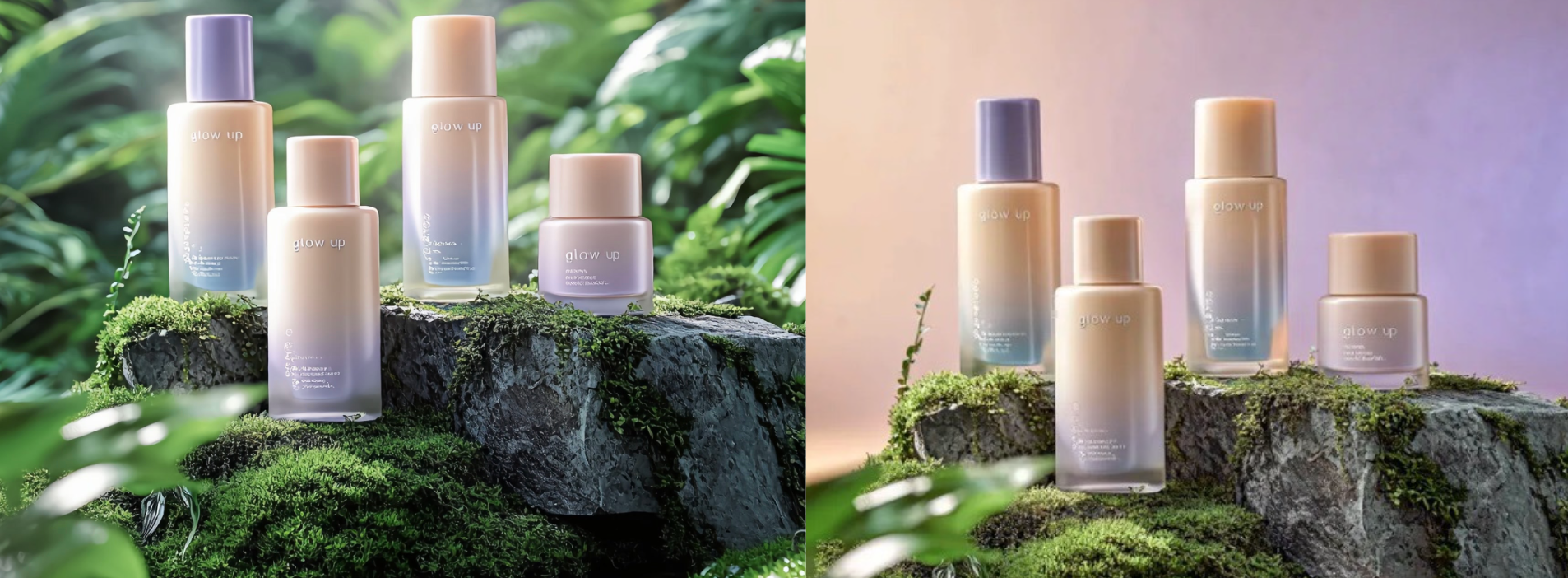
Unlock the full power of AI Replacer with our curated list of copy-paste prompts. From e-commerce product swaps to creative fashion changes, these text commands ensure professional image replace results in seconds.
Introduction
Unlock the full potential of AI image editing with our curated prompt library. Don't just read this guide—start creating immediately.
You can copy any of the advanced prompts below and paste them directly into our SuperMaker AI Replace Tool to transform your photos in seconds. whether you are doing fashion design, commercial photography, or creative editing, these workflows will help you achieve professional results instantly.
1. Advanced Fashion: Precision Wardrobe Replacement
Based on the latest trends from AI fashion creators (like the "Nano Banana Pro" workflow), general prompts often fail to keep the character consistent. The secret is using a strict structure that tells the AI exactly what not to change.
The "Lock-In" Formula
Don't just say "change clothes." Use this structure to protect the face and pose.
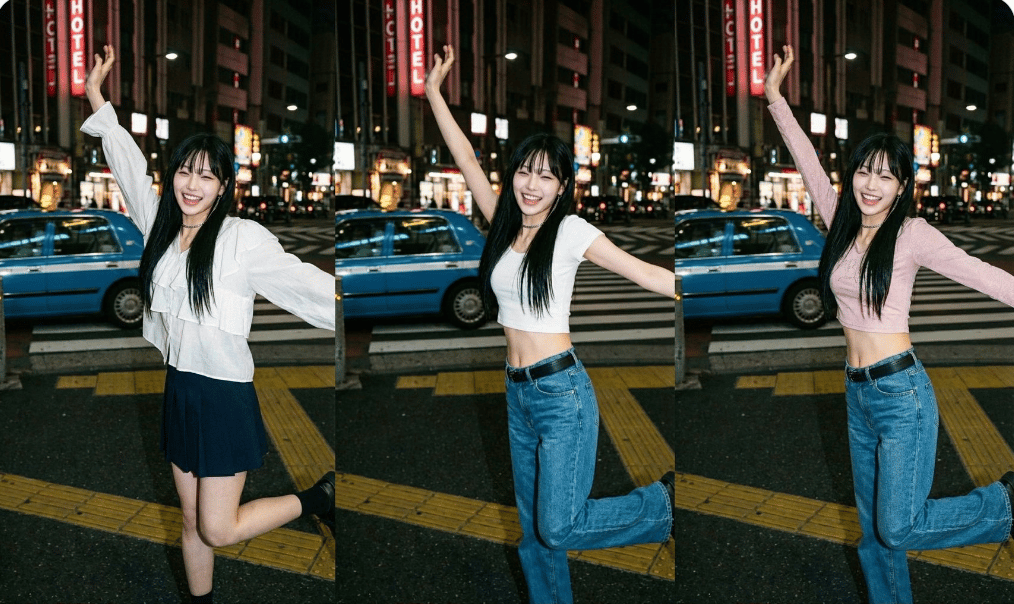
Prompt Template: "Replace only her clothing with: [Insert Description]. Do NOT describe the person, face, body, hair, pose, or background. Focus only on the outfit."
Prompt Menu: Pick & Mix Your Style
A. Style & Vibe
- Old Money:
Classic aesthetic, quiet luxury, neutral palette (beige, cream, navy), minimalist silhouette.
- Y2K / Streetwear:
Oversized fit, cargo pants, cropped baby tee, butterfly clips, retro 2000s vibe.
B. Fabric & Texture
- Fabric Detail:
washed-out blue texture, vintage denim feel.
- Luxury Materials:
100% cashmere, silk satin, crushed velvet, mulberry silk.
- Modern Tech:
Matte waterproof fabric, semi-transparent mesh, metallic sheen.
C. Accessories Addition *
Add a pair of gold hoop earrings.
Place a luxury wristwatch on the left wrist.
Add a red knitted scarf around the neck.
Specific Examples (Ready to Copy)
Here are full, pre-written prompts for specific popular styles that you can copy and paste immediately:
- Academy Style:
"Replace only her clothing with: a white long-sleeve blouse with layered ruffles on the chest and cuffs, slightly loose fit, paired with a dark navy pleated skirt of mid-thigh length."
- Casual Chic:
"Replace only her clothing with: a beige oversized knitted sweater tucked into light wash straight-leg denim jeans."
- Streetwear Upgrade:
"Replace only her clothing with: an oversized black tech-wear windbreaker with multiple pockets and silver zippers."
2. Commercial Ad Reproduction (High Value)
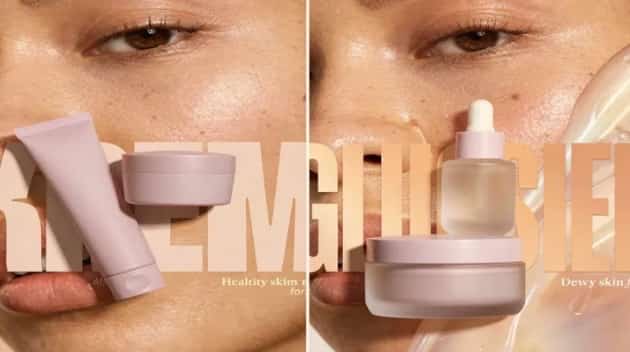
This is a game-changer for marketers. Instead of shooting a new ad, you can take an existing high-quality concept and swap the product while keeping the professional lighting and composition.
The "Competitor Swap" Prompt
Use this when you have a reference image and your own product image (Face Swap/Product Swap logic).
Prompt:
"Recreate this ad concept using my product instead of theirs. Keep the same mood, lighting, composition, and overall vibe. Remove all competitor branding. Replace the product with the one from my uploaded image and adapt all background elements and props."
Scene Enhancers Menu
Refine the environment after swapping the product to ensure a perfect blend.
A. Lighting & Atmosphere
- Lighting Enhancement:
morning sunlight and soft shadows, golden hour glow.
- Soft Focus:
Place a vase of dried flowers in the blurred background to add depth.
- Studio Minimal:
Softbox lighting, even illumination, clean white background, high-key photography.
B. Textures & Surfaces
- Luxury Texture:
Change background to a clean marble countertop with fresh water droplets.
- Rustic Vibe:
On a weathered wooden table, surrounded by dried wheat and linen cloth.
- Neon/Cyber:
Blue and pink neon rim lighting, dark background, futuristic glow.
C. Freshness Cues
- Freshness Cues:
Add fresh mint leaves and ice cubes around the drink, high-definition macro shot.
- Steam:
Add soft white steam rising from the product, indicating warmth.
3. Pair Shot & Partial Edits
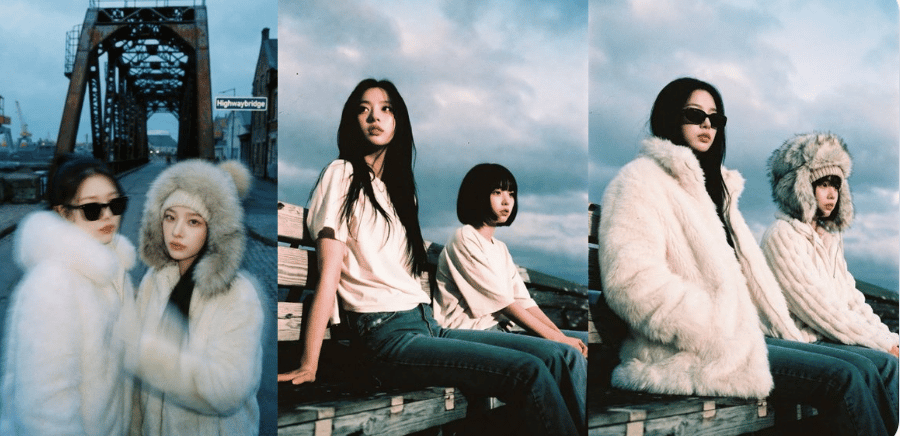
Editing one person in a group photo is tricky. The "Extraction Prompt" technique ensures you target the right subject without glitching the other person.
Specific Examples:
- Two People Strategy:
Person 1: Replace clothing with a black tuxedo suit. Person 2: Keep existing outfit.
- Upper Body Only: If the legs aren't visible or relevant, focus the AI's attention.
Replace only her clothing with: a floral chiffon blouse with a V-neckline. Describe only the upper-body outfit. Do NOT describe skirt or legs.
Retouching Menu
Subtle changes to perfect the portrait.
- Hair Change:
Change hair color to platinum blonde, silky texture.
- Style Update:
Add a pair of stylish sunglasses, aviator style.
- Expression:
Change the expression to a warm, approachable smile.
- Fixing Hands:
Replace hand with: a manicured hand holding a pen with a natural grip. Detailed fingers, 4k resolution.
4. Interior Design & Home Decor
Visualize furniture and decor changes instantly. These prompts are essential for interior designers and furniture retailers.
Furniture & Vibe Menu
- Furniture Swap:
Replace the old sofa with a modern L-shaped grey sectional, fabric texture.
- Rug Update:
Change the rug to a Persian carpet with red and blue intricate patterns.
- Lighting:
Swap the lamp for a minimal industrial floor lamp, warm light on.
- Greenery:
Add a large potted monstera plant in the corner to enliven the space.
- Wall Color:
Change wall color to "Sage Green" with a matte finish.
5. Creative & Surreal Edits
Stop the scroll on social media with viral-worthy visuals that defy reality.
Viral Concepts Menu
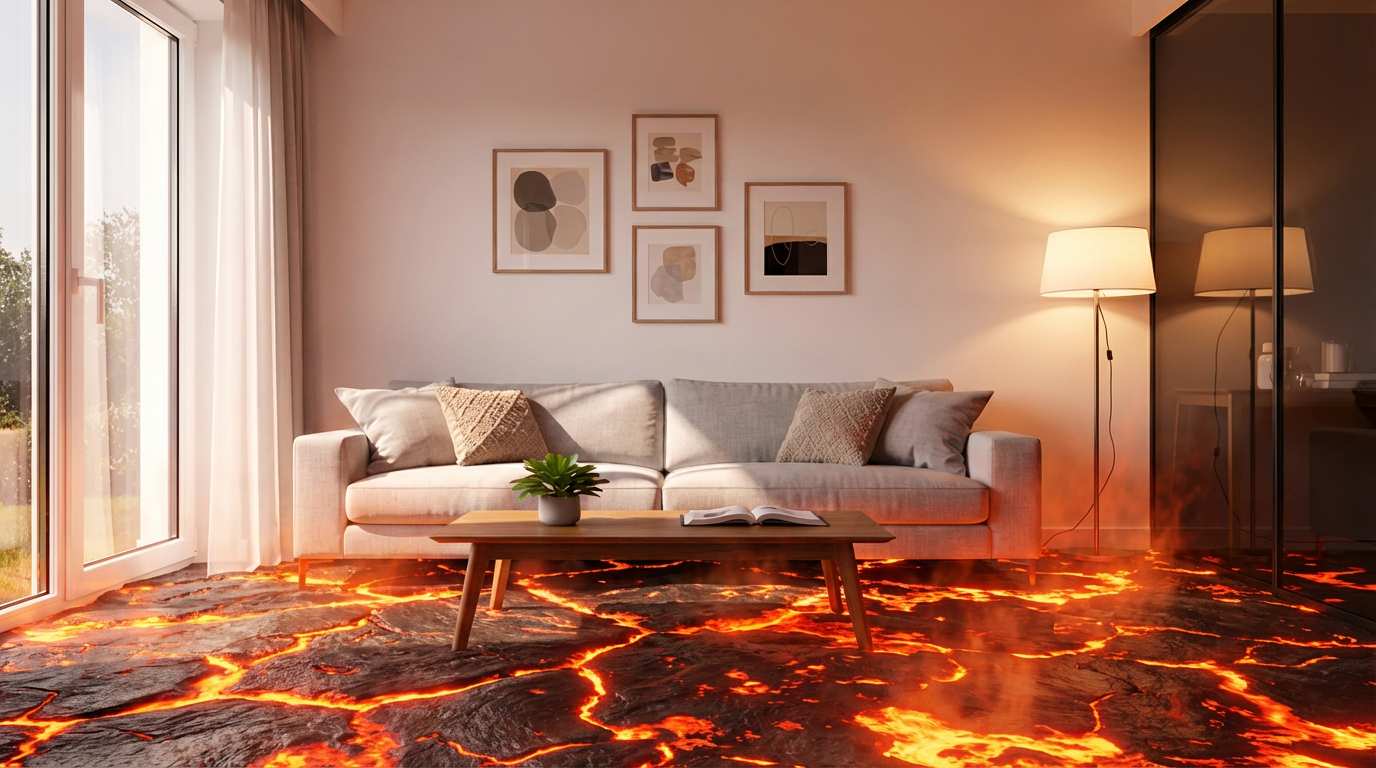
- Fantasy Floor:
Replace the floor with glowing lava, realistic texture.
- Pet Transformation:
Change the dog to a small baby dragon with scales.
- Sci-Fi Sky:
Replace the sky with a galaxy full of stars and a nebula.
- Material Swap:
Make the car look like it is made of solid ice, translucent and melting.
Pro Tip: The "Clothing Extraction" Workflow
Found an outfit you love on Pinterest? Don't guess the description. Use this prompt to get the perfect text description from an AI Vision tool (like GPT-4o or Claude) before using it in your image generator.
Extraction Prompt: "Analyze this image and return a short, clean clothing description suitable for AI generation. Focus ONLY on: fabric type, cut, layers, and color. Format it to fit after: 'Replace only her clothing with...'"
Conclusion: Turn These Prompts into Reality Instantly
You now have the ultimate library of "Nano Banana Pro" style prompts—from precision fashion swaps to commercial ad recreation. But reading about them is one thing; seeing the magic happen is another.
You don't need complex software to execute these advanced workflows. We have optimized our AI Replace tool to understand these specific "Lock-In" and "Competitor Swap" formulas perfectly.
Ready to create?
- Copy any prompt from the menus above.
- Click here to open SuperMaker AI Replace.
- Paste the prompt and watch your image transform in seconds.
Start creating professional-grade AI edits today!!


