
How to Convert Photo to Anime Style Online Free (Step-by-Step Tutorial)
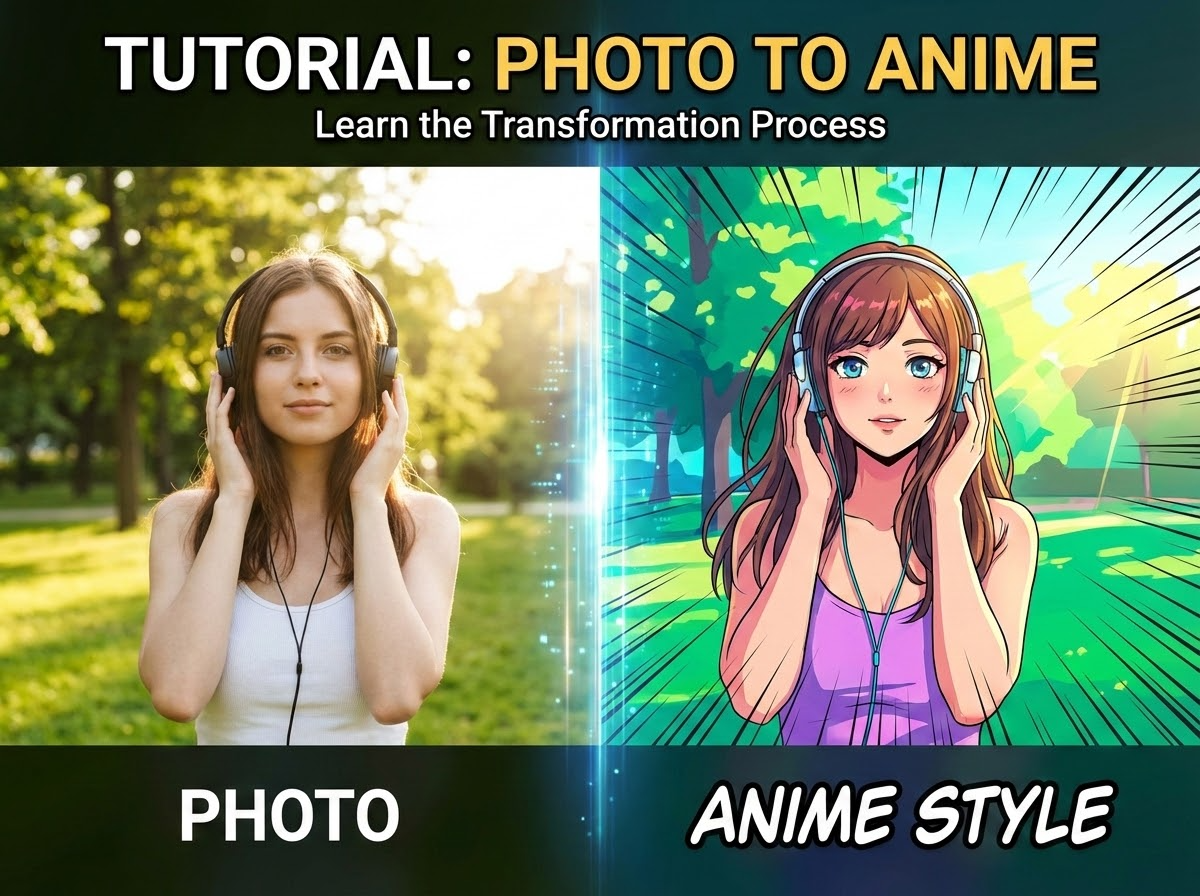
Have you ever wondered what you'd look like as an anime character? Or wanted to transform your favorite photos into stunning anime-style artwork? In this comprehensive guide, I'll show you exactly how to convert photo to anime style using SuperMaker AI free AI anime filter.
With AI-powered tool like SuperMaker AI anime filter, you can convert photo to anime style online free in just a few clicks. In this blog, you not only can get quick guide about how to convert photo yo anime, but also I will share professional prompts that let you create specific anime styles from Studio Ghibli's dreamy aesthetic to modern manga vibes.
What Is Photo to Anime Conversion?
Photo to anime conversion uses AI to transform regular photographs into Japanese animation-style artwork. The AI analyzes your photo's features, such as facial structure, lighting, colors, and composition, then re-imagines them with anime characteristics like:
The Free Photo to Anime Tool
For this photo to anime tutorial, we'll use SuperMaker AI, a powerful AI image generation platform that offers a dedicated anime filter powered by the OpenAI GPT Image model. Here's why it's perfect for converting photo to anime:
Key Features:
- 100% free to start – No credit card required
- One-click conversion – Perfect for beginners
- Earn daily free credits – Check in daily to unlock more conversions
- Quick Google sign-up – Get started in 10 seconds
- No size restrictions – Upload photos of any dimension
- Multiple AI models – Access to Nano Banana Pro, GPT-4o, Grok Imagine, and more
How to Use SuperMaker AI Photo to Anime Tool (3 Simple Steps)
Step 1: Create Your Free Account
Visit SuperMaker AI or AI anime filter and create your free account:
- Click "Log in" or "Generate"
- Choose "Login with Google" for instant access (or use email if you prefer)
Pro tip: Make sure to check in daily on SuperMaker to earn free credits. These credits let you create unlimited anime conversions and explore other AI features on the platform.
Step 2: Navigate to the Anime Filter
Once you're logged in:
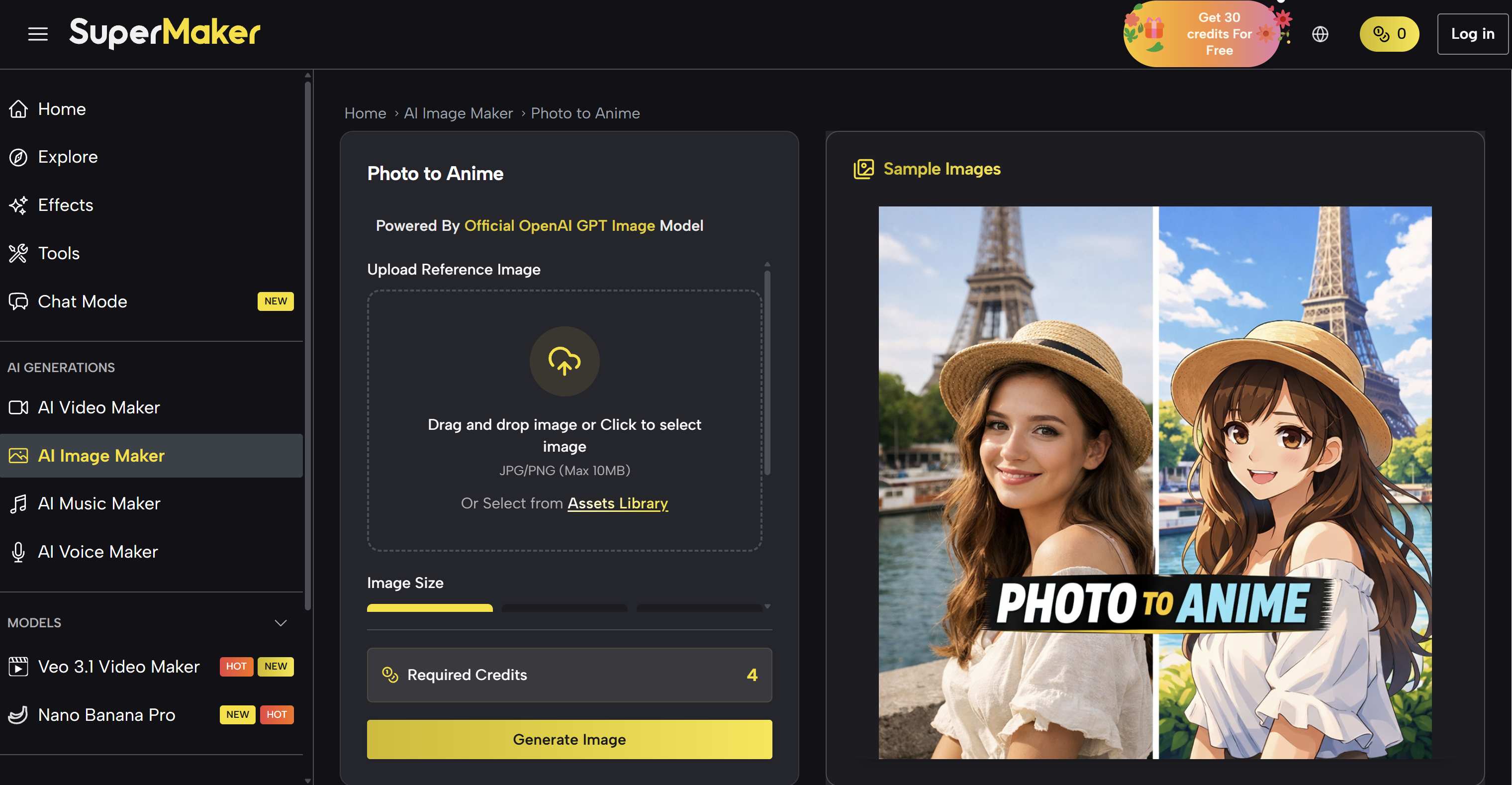
- Go to the photo to anime page
- You'll see the the filter is powered by GTP-4o which is powerful for anime style
- The tool is ready to use immediately, no prompts or complicated settings required
Step 3: Upload and Convert Photo to Anime
Upload Photo or drag and drop your image. The photo to anime tool supports formats JPG, PNG, WEBP and provides image sizes 1:1, 9:16, 4:3 etc..
Once you are done the basic settings, click Generate Image button to wait for your photo to anime result.
Tips for Best Results
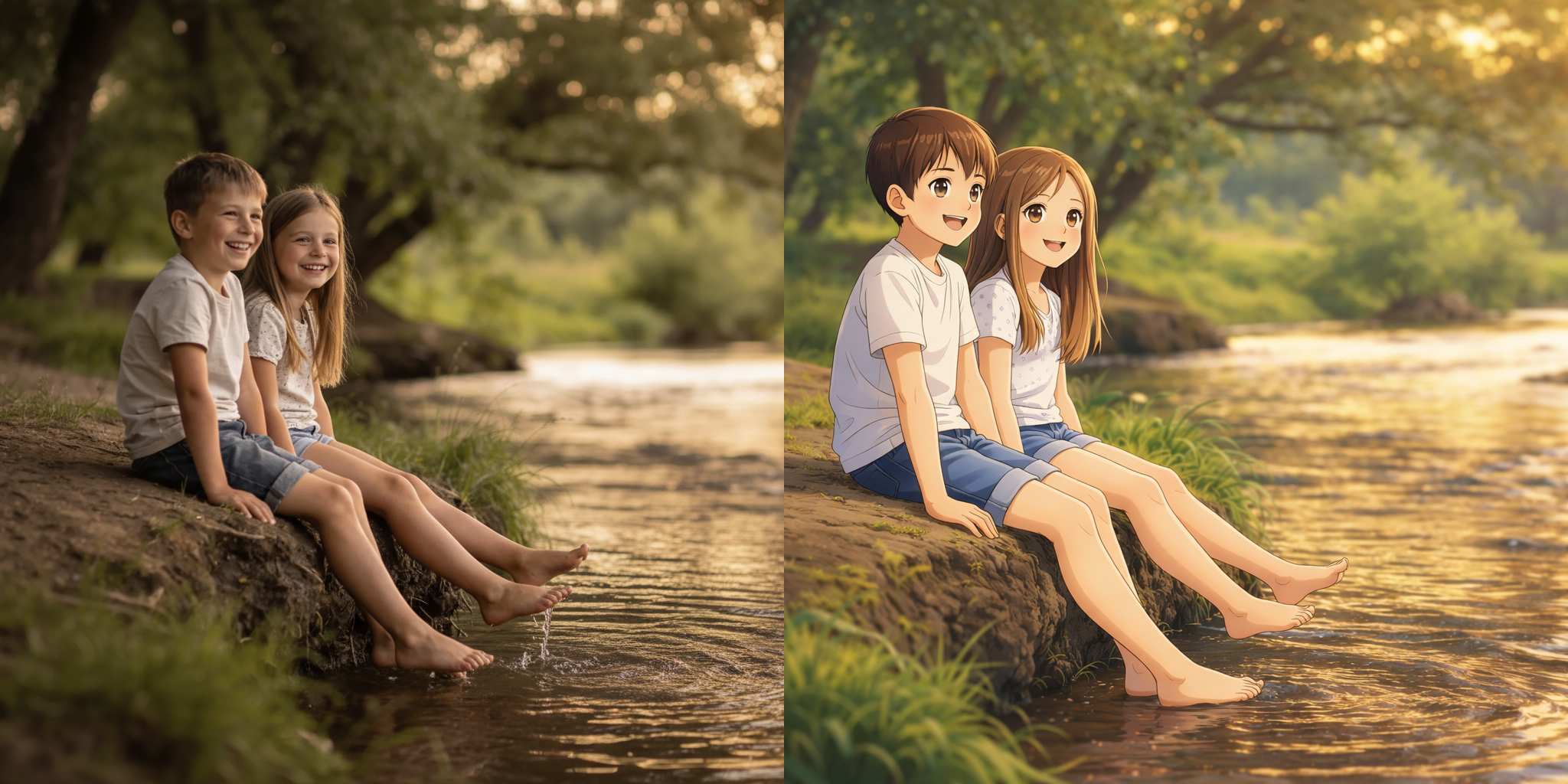
For optimal photo to anime conversions:
- Use well-lit photos with clear facial features
- Face the camera directly or at a slight angle
- Simple backgrounds work better than cluttered ones
- Close-up portraits give the most dramatic results
Explore Different Anime Styles with AI Prompts
While the photo to anime tool gives you instant, amazing results, SuperMaker AI Image Generator lets you go deeper. You can create specific anime styles by using AI prompts and uploading your photo as a reference.
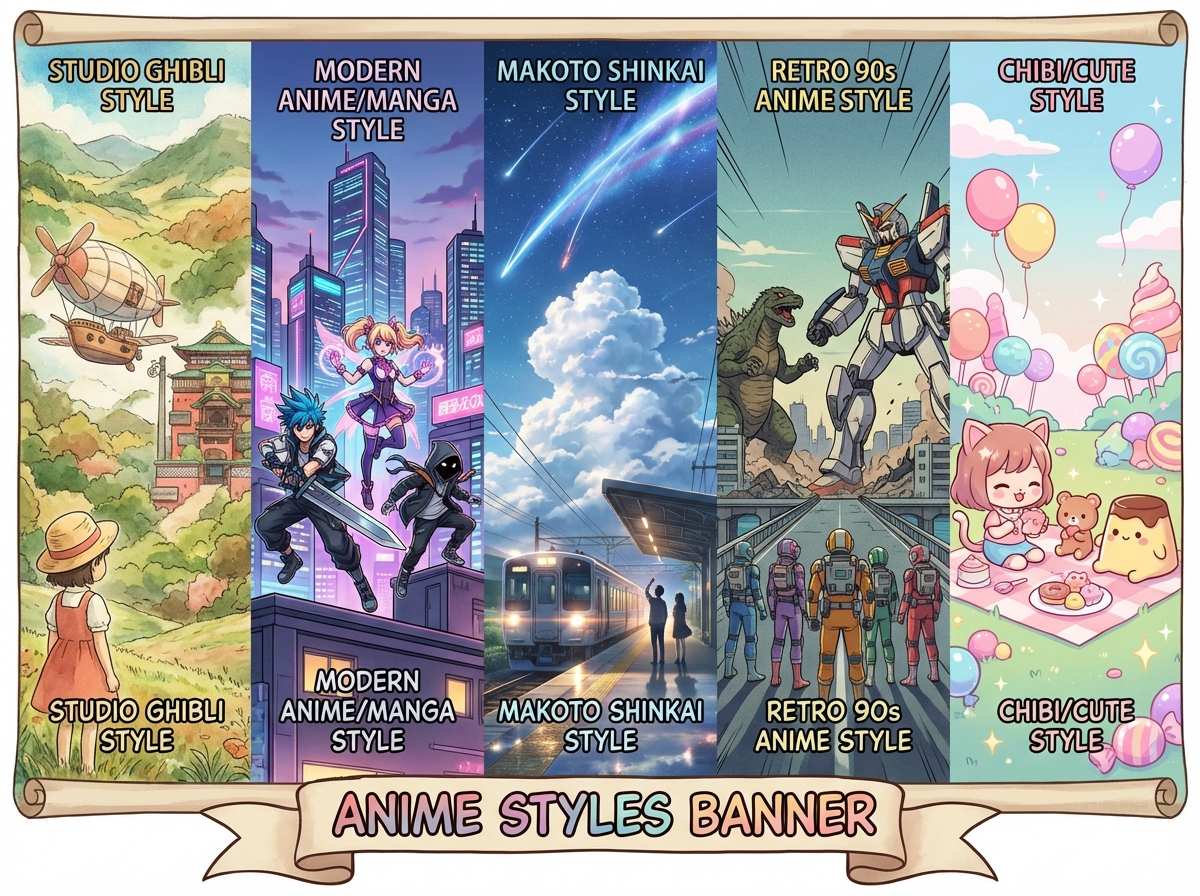
Here are the most popular anime styles you can recreate, complete with ready-to-use prompts.
[Insert image: Grid showing 4-5 different anime style examples]
How to use:
- Go to SuperMaker AI Image Generator
- Upload your photo as a reference image
- Paste the prompt
- Select your preferred model (GPT-4o will work great)
- Generate!
Style 1: Studio Ghibli Style
Think Spirited Away, My Neighbor Totoro, and Howl's Moving Castle. Soft watercolor textures, dreamy atmospheres, warm pastoral vibes, and hand-drawn charm.
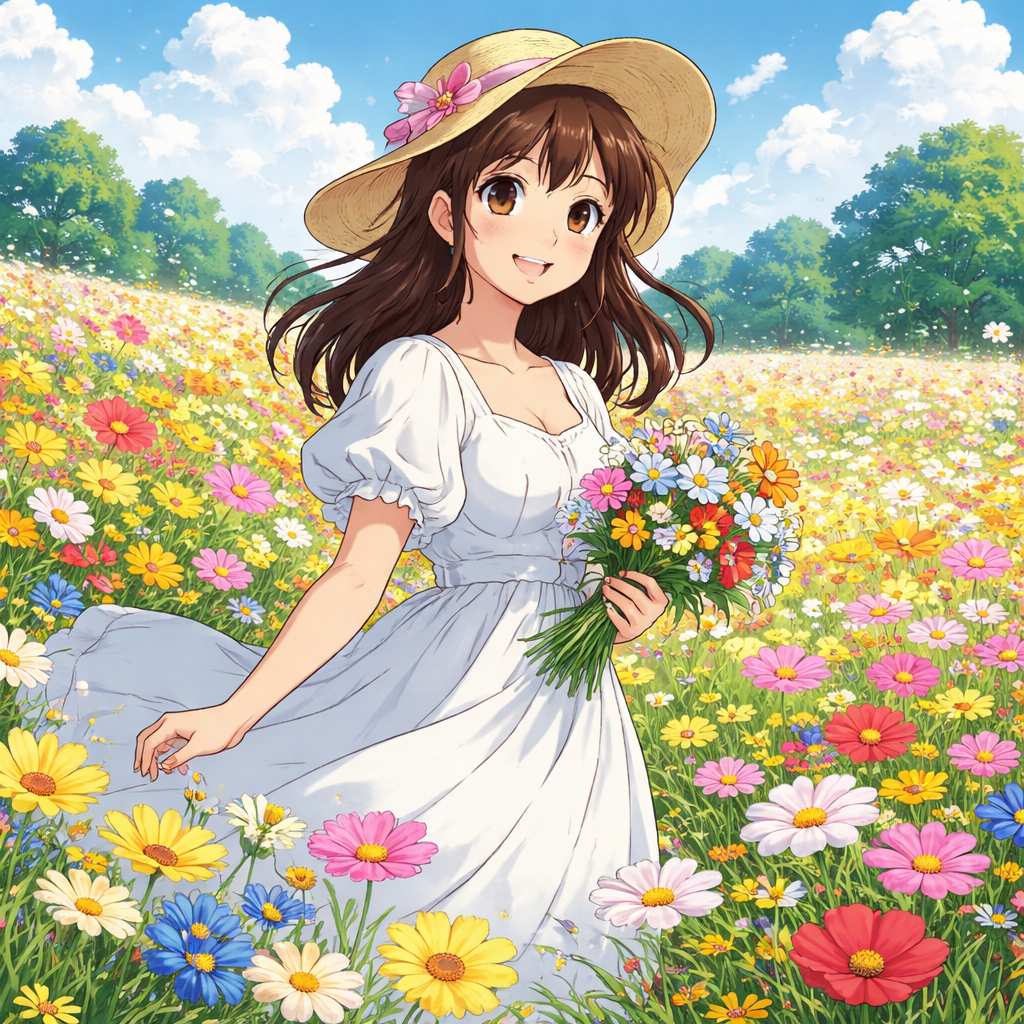
Studio Ghibli style, soft watercolor painting, dreamy atmosphere, hand-drawn animation aesthetic, warm golden lighting, pastoral scenery, nostalgic feel, Hayao Miyazaki inspired
Style 2: Modern Anime/Manga Style
This anime style is the contemporary anime look you see in recent shows and manga. Vibrant colors, large expressive eyes, clean line art, digital polish.
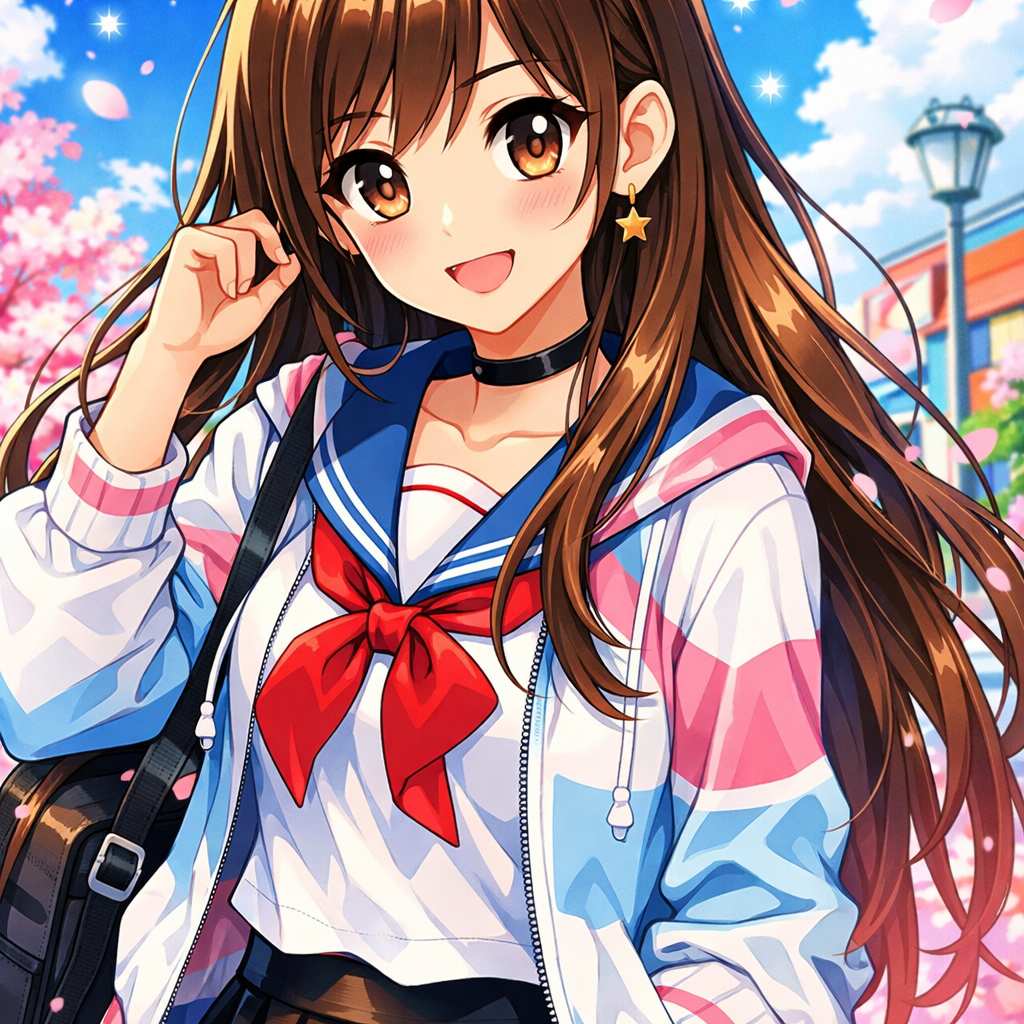
Modern anime style, vibrant saturated colors, large detailed eyes, clean sharp line art, digital painting, shoujo manga aesthetic, glossy finish, cel shading
Style 3: Makoto Shinkai Style
Photorealistic backgrounds, dramatic lighting, cinematic atmosphere, stunning skies with incredible detail. Perfect for that Your Name or Weathering With You aesthetic.
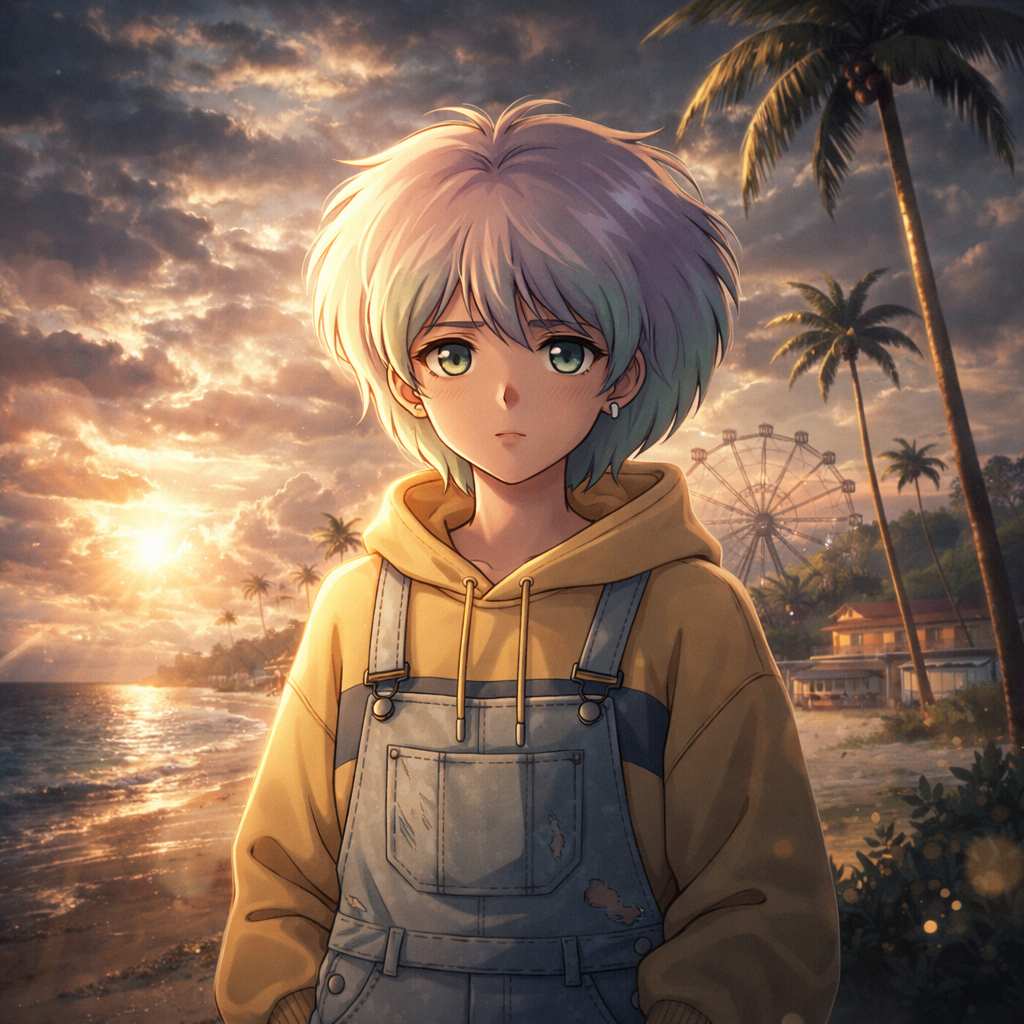
Anime-style cinematic portrait inspired by Makoto Shinkai aesthetics. Soft yet dramatic cinematic lighting with strong light–shadow contrast. Photorealistic anime character with natural facial proportions and clear identity. Highly detailed background with depth and atmospheric perspective. Epic dramatic sky filled with layered clouds, subtle sunlight breaking through. Gentle lens flare and realistic volumetric lighting interacting with the environment. Cinematic color grading, soft highlights, rich midtones, deep shadows. Ultra-high detail, clean linework, sharp focus, 4K-quality anime illustration.
Style 4: Retro 90s Anime Style
Classic cel animation, softer colors, nostalgic grain, that vintage anime aesthetic from Sailor Moon, Cowboy Bebop, and Neon Genesis Evangelion era.
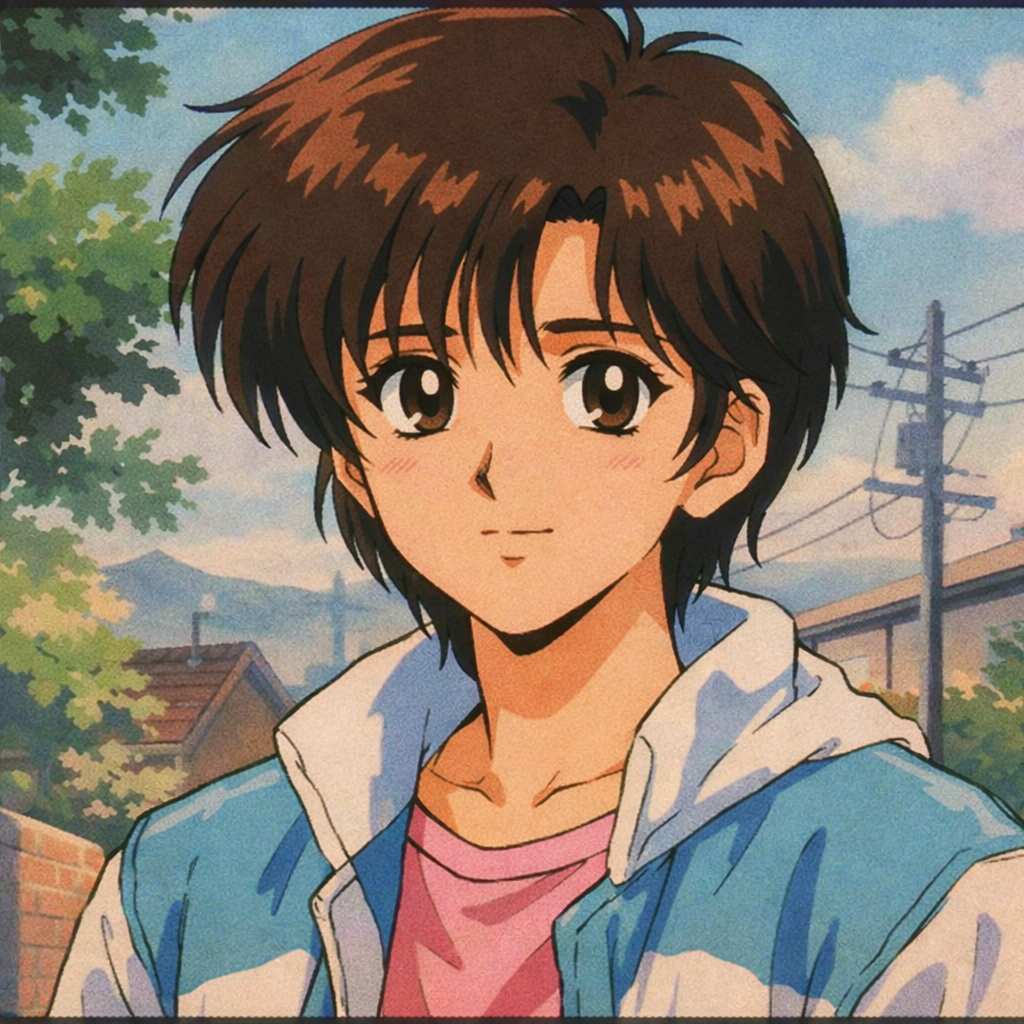
1990s anime style, cel shading, retro animation, soft pastel colors, nostalgic aesthetic, VHS quality, hand-painted background, classic anime look
Style 5: Chibi/Cute Style
Super deformed characters, big heads with small bodies, adorable and exaggerated features, kawaii aesthetic.
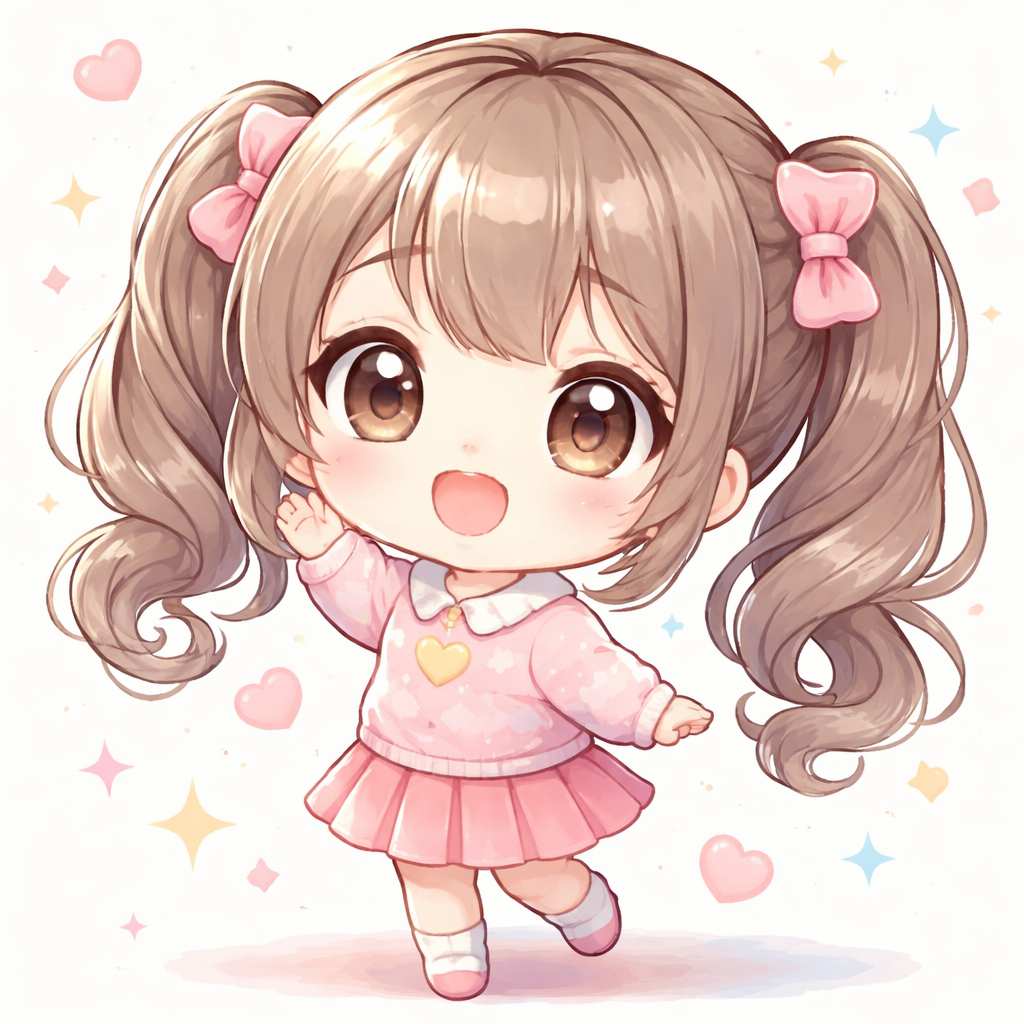
Chibi style, super deformed, cute and kawaii, big head small body proportion, pastel colors, simple clean background, adorable expression, round features
Common Questions About Photo to Anime Conversion
Q: Do I need to download software?
It depends on your needs. SuperMaker app is provided on app store. But if you prefer to use the photo to anime tool online. Just visit the website and start creating.
Q: Can I convert multiple photos?
Yes! Use your daily check-in credits to convert multiple images. Regular users can upgrade for unlimited conversions.
Q: What about privacy?
SuperMaker AI processes images securely. Check their privacy policy for details, but personal photos are not used for training without consent.
Q: Will my photo to anime result look exactly like me?
Anime conversion stylizes your features, so results are recognizable but artistically interpreted. It's not meant to be photorealistic—that's the charm!
Q: Can I use these images commercially?
Check SuperMaker's terms of service for commercial usage rights. Many platforms allow personal use freely, with premium plans offering commercial licenses.
Conclusion: Start Your Photo to Anime Journey Today
Converting photo to anime style has never been easier or more accessible. Whether you want a quick one-click transformation with SuperMaker AI's anime filter, or you're ready to explore specific styles like Studio Ghibli or Makoto Shinkai using custom prompts, the photo to anime style tool is at your fingertips.
Ready to see yourself in anime style? Try SuperMaker AI's Free Anime Filter Now.


