How to Use Kling 2.6 Motion Control AI Free ? (Full Tutorial + AI Baby Dance Guide)
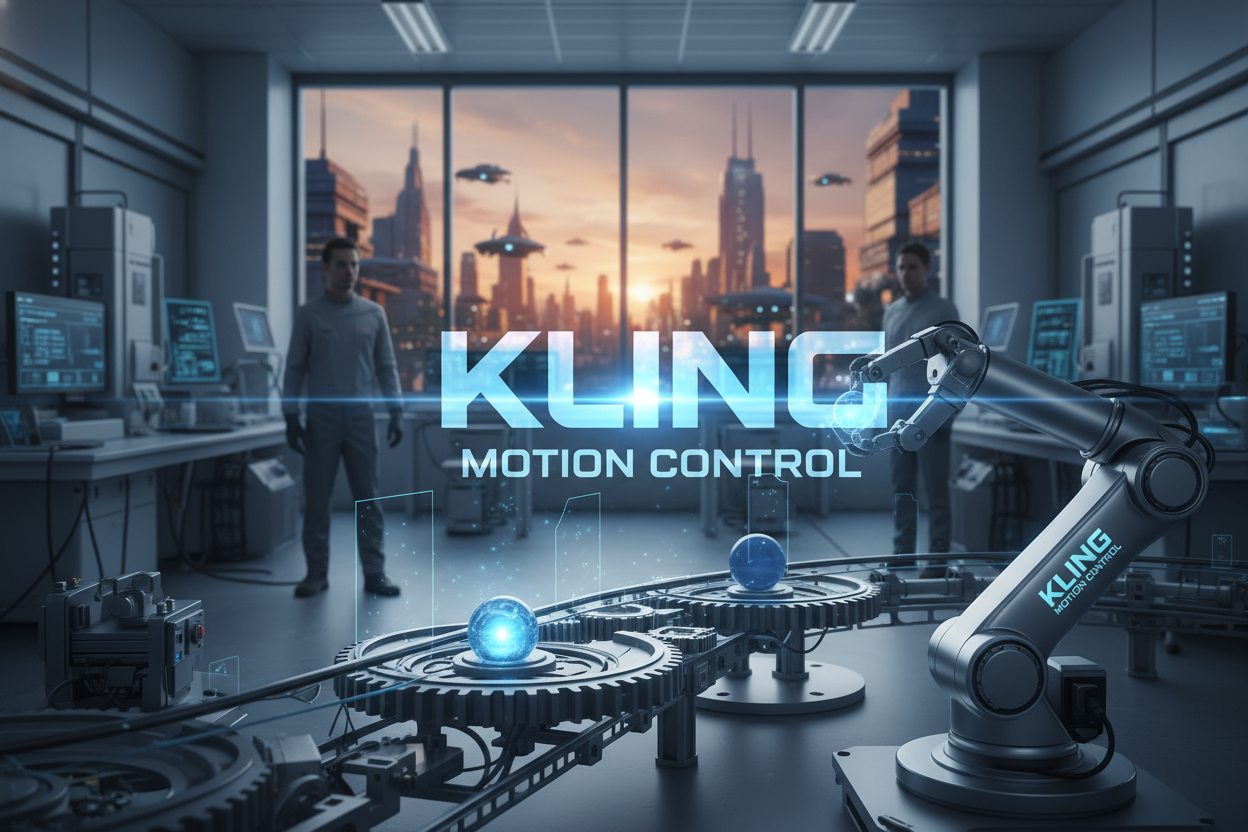
This guide shows you how to use Kling Motion Control free on SuperMaker to turn a motion reference video and an image into a realistic animated clip. It covers why the tool is trending, how to create viral dance content—including the AI baby dance video generator workflow—and the key tips to get cleaner, more stable results with Kling Motion Control AI free.
What Is Kling Motion Control?
If you ever viewed a baby, a dog, a cat or other celebrities are dancing exaggerated like AI. This kind of videos are come from Motion Control AI.
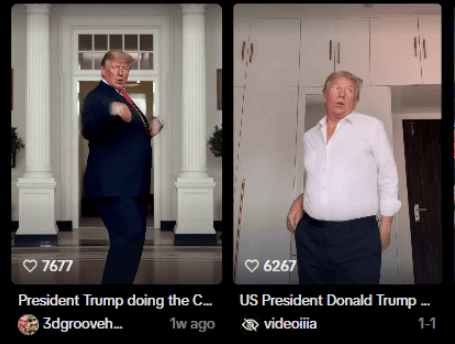 Kling Motion Control free is an advanced AI-powered video generation tool that allows users to transfer real human or animal motion onto static characters using only two inputs: an action reference video and a still image.
Unlike ordinary image-to-video models, Kling Motion Control AI free provides precise frame-by-frame alignment between body movement, rhythm, and visual identity.
In simple terms, it means you can upload a short dance video and a portrait photo, and the motion control AI free tool will merge them to create a hyper-realistic dancing clip—without any manual animation.
The motion control AI feature has gone viral across TikTok, Instagram, X, and YouTube, where users use it to produce celebrity dance videos, AI animal dance memes, and especially the latest trend—AI baby dance video that dominates the “For You” pages worldwide.
Why Kling Motion Control AI Went Viral
The internet’s obsession with Kling Motion Control free started with how easy and fun it is to remix popular dance moves. Instead of editing or animating manually, creators can make a baby, a dog, or a cartoon character dance like a professional dancer in just minutes.
The virality formula looks like this:
- Strong Rhythm: The reference dance clip has a sharp, catchy beat.
- Clear Subject: The uploaded image has a defined body or face.
- Surprising Contrast: Combine unexpected subjects (like a baby, a cat, or a politician).
- Short Duration: 5–8 seconds loops perform best on social platforms.
- Trendy Soundtrack: Match the motion to trending music for instant engagement.
That’s why the AI baby dance video trend exploded—cute babies dancing to viral sounds are both shareable and emotional, fulfilling the internet’s love for contrast and humor.
How Kling Motion Control AI Free Works
To understand Kling Motion Control feature magic, here’s the core mechanism behind Motion Control AI free:
- Motion Capture: The tool extracts body keypoints and temporal rhythm from your chosen dance or movement clip.
- Identity Fusion: It overlays these movements onto the uploaded portrait or full-body image, aligning limbs, expressions, and posture.
- Rendering Engine: Kling’s proprietary video synthesis model reconstructs textures, lighting, and camera motion to make it look natural.
- Consistency Filter: Frame-by-frame adjustments maintain identity and reduce flicker or distortion.
This process runs entirely in the cloud, meaning you don’t need special software—just open your browser and visit SuperMaker Kling Motion Control.
What You Need Before You Start
Before jumping into the Kling Motion Control free tutorial, prepare the following:
- A Clean Motion Reference Video (5–15 seconds long, stable camera, full-body visible).
- A Portrait or Character Image (frontal face preferred, no blur, clean background).
- Stable Internet Connection (uploading large videos can take time).
Free Account: Sign in with your Google account on SuperMaker to access Kling Motion Control AI free and earn starter credits.
New users automatically get bonus points that can be used to experience advanced AI video models like Nano Banana Pro, Veo 3.1, and Motion Control itself.
Step-by-Step Tutorial: How to Use Kling Motion Control Free
Step 1: Visit the Official Tool Page
Go to SuperMaker Kling Motion Control. You’ll see an upload interface for both a video and an image.
Step 2: Upload Your Motion Reference Video
Choose a clip with a single person dancing, walking, or performing simple gestures. Avoid clips where the subject is partially blocked, turning too fast, or filmed with shaky camera movement.
Step 3: Upload Your Character Image
Upload the image of the person, pet, or baby you want to animate. For best results, use a front-facing, clear, evenly lit photo.
Step 4: Generate Your Motion Video
Click Generate, and the Kling Motion Control AI free system will combine the two inputs. The process may take 30–90 seconds depending on your file size.
Step 5: Preview and Download
Once ready, preview your video in the player. You can download or share directly to platforms like TikTok or Instagram.
Pro Tip: For viral content, crop to 9:16 aspect ratio, keep it under 10 seconds, and use a catchy title.
AI Baby Dance Video Trend
The AI baby dance video generator has become one of the most talked-about trends online. Here’s why and how you can recreate it using Kling Motion Control free.
Why It Works
- Cuteness factor: Babies dancing like adults evoke humor and empathy.
- High replay value: Short, funny loops make viewers rewatch.
- Endless remixing: You can change dance styles, music, or outfits easily.
How to Create an AI Baby Dance Video
- Prepare a baby photo with a clear face and neutral background.
- Find a short dance clip (like shuffle, twerk, or hip-hop) with smooth body motion.
- Upload both into AI baby dance video generator.
- Generate and preview; if proportions look odd, try a smaller motion amplitude video.
- Export, add trending sound, and upload to TikTok or YouTube Shorts.
Visual Tip
When creating a baby dance, choose close-up angles with simple backgrounds to make the character’s head and limbs appear naturally scaled. Avoid adult dance videos with extreme body twists or fast jumps.
Troubleshooting: Common Issues and Fixes
Although the generated AI baby dance video are not in line with your thought, it may go viral for AI video has some flaws.
| Problem | Possible Cause | Solution |
|---|---|---|
| Body not following motion | Action video has occlusions or too dark lighting | Use a cleaner clip with visible movement |
| Face distorted | Uploaded image angle too side-facing | Replace with a frontal or ¾ angle photo |
| Flickering frames | Mismatch in lighting or camera movement | Choose uniform lighting and stable video |
| Over-exaggerated motion | Reference dance too intense for subject type | Choose smaller, rhythmic movements |
| AI baby proportions strange | Adult dance video reference | Use a toddler-like shuffle dance for realism |
These troubleshooting steps will help you achieve smoother and more convincing Kling Motion Control free results.
Creative Use Cases and Ideas fo Motion Control AI
- Celebrity Parody: Animate a famous actor’s portrait with trending dance moves.
- Animal Dance Meme: Turn your cat or dog into a breakdancer.
- AI Baby Dance Compilation: Use the AI baby dance video generator to create a series with different outfits or dances.
- Brand Promotion: Add humor to product marketing by using characters in funny dance loops.
- Fan Edits: Recreate movie characters or singers in new choreography styles.
Ethical and Safe Use Guidelines
When creating videos with Kling Motion Control AI free, follow these simple but important rules:
- Avoid impersonating real people without consent.
- Do not use it for misleading or harmful content.
- If using a celebrity or public figure, clearly mark it as parody or fan art.
- For AI baby dance video generator creations, always use AI-generated images or have permission to use.
- Respect platform policies about deepfake labeling and disclosure.
These guidelines ensure your creative freedom remains safe and compliant.
FAQ: Everything About Kling Motion Control AI Free
1. Is Kling Motion Control really free?
Yes. You can access Kling Motion Control free through SuperMaker. New users get bonus credits to try it without cost.
2. How long does it take to generate a video?
Usually 30–90 seconds depending on file size and motion complexity.
3. What type of motion works best?
Clear, single-person videos with minimal background distractions.
4. Can I use this for multiple characters?
Yes, if you generate each separately and edit them together using any free video editor.
5. Can I create AI baby dance videos with it?
Absolutely. The AI baby dance video generator workflow uses the same Motion Control engine.
6.. Can I monetize the generated videos?
Yes, for non-commercial or entertainment purposes. Always ensure proper rights for used images and audio.
7. Where can I try Kling Motion Control now?
Visit SuperMaker Kling Motion Control and start creating instantly.
Final Thoughts
Kling Motion Control AI free represents a milestone in AI-powered motion synthesis—bridging human creativity and machine precision. Whether you’re producing a viral AI baby dance video generator clip or an experimental short film, Kling Motion Control AI free lets anyone animate characters effortlessly.
It’s not just a tool; it’s a new medium for storytelling. Try it today, experiment with ideas, and share your first motion masterpiece on SuperMaker.