
Niji V7 Image Generator: Try Niji 7 Free Online on SuperMaker
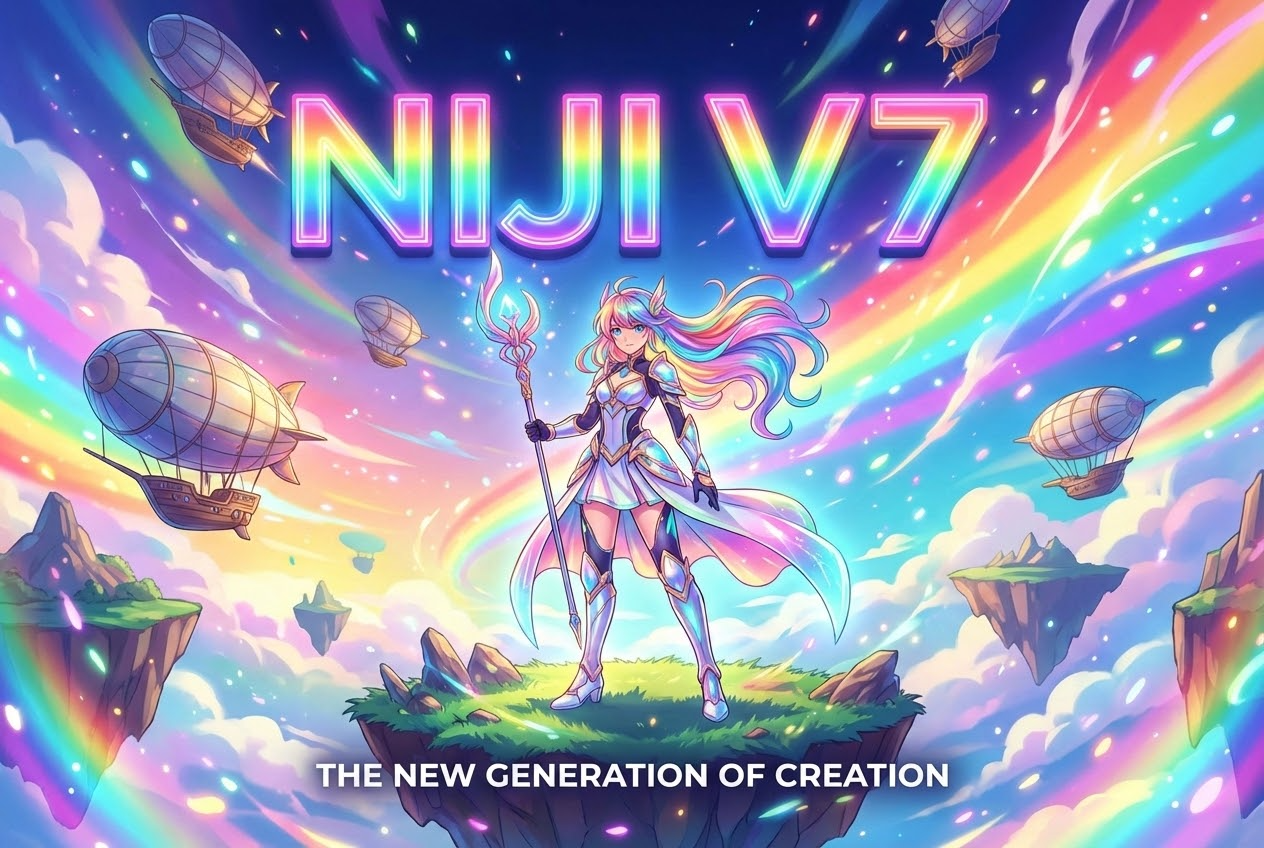
Midjourney just released its new image model. It's been one year and a half since the last Niji version. In this article, I will walk you through what the Niji V7 is,what's new in Niji V7, how to use it, and Niji V7's common questions. Let's learn the model and try it in SuperMaker free online.
If you create anime-style illustrations, character concepts, or clean linework designs, Niji V7 (Niji 7) must be the best choice you can try right now. According to Midjourney’s official documentation, Niji V7 launched on January 9, 2026 and brings a major boost in coherency, clearer fine details, and more literal prompt following.
SuperMaker has integrated Niji V7, which means you can use the Niji V7 image generator in a streamlined workflow. Log in with your Google email and you can use Niji V7 free online to start generating anime visuals in minutes.
What Is Niji V7 (Niji 7)?
Niji V7 image model are officially described as a special series within Midjourney, developed with Spellbrush, focusing on Eastern and anime aesthetics and illustrative styles.
In practice, Niji V7 is where you go when you care about:
- expressive anime faces and eyes
- clean linework that reads well in illustration formats
- stylized character and outfit design
- “anime screencap” composition and lighting cues
Niji V7 is the newest major version of that pipeline, tuned to be clearer and more consistent when you ask for specific design details.
What is Midjourney?
Midjourney is one of the best-known AI image generators for creators. It helps you create high-quality images from simple text prompts, making it useful for character design, key visuals, and fast iteration when you need multiple variations. Niji is Midjourney’s anime-focused model series (built with Spellbrush), designed to deliver cleaner linework, expressive faces, and illustration-first results.
What’s New in Niji V7
Midjourney just released a official blog to introduce Niji V7 and tell public what's new in the latest model.
1) Stronger Coherency & Clearer Fine Details
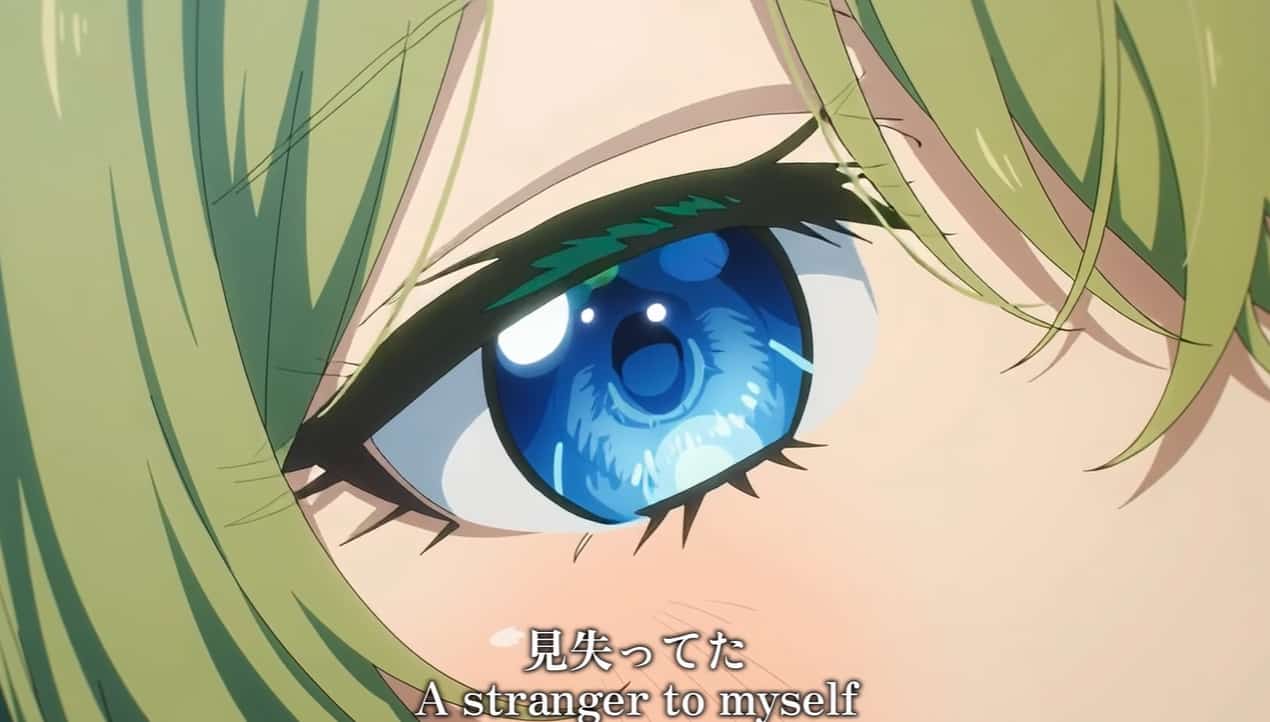
Midjourney’s documentation highlights that Niji V7 brings a major boost in coherency, with fine details (eyes, reflections, small background elements) appearing much clearer. What's more, Midjourney frames Niji V7 as an HD-style upgrade for detail fidelity.
2) Superior Prompt Rendering
Niji V7 official announcement explicitly calls out Superior Prompt Following, but also warns that the image model is more literal, so broad “vibes-y prompts may not work as well” as older versions.
This is important: you’ll get better anime illustrations by writing prompts like a designer—clear constraints, explicit attributes, and concrete visual instructions.
3) Cleaner & Flatter Look with Crispy Linework
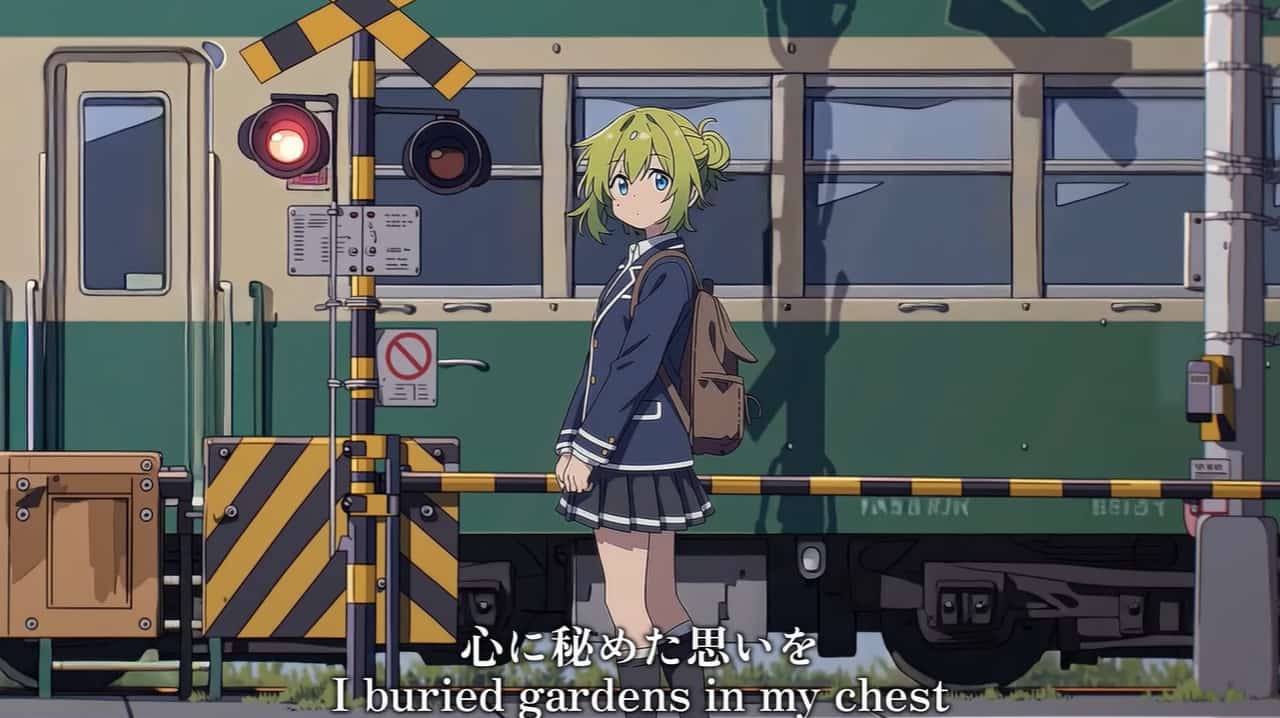
Niji V7 has been upgraded with a cleaner, flatter visual style, specifically intended to emphasize superior linework. By championing "the beauty of line," it firmly establishes line quality as the primary focus of this release.
4) Style Reference (sref)
The style reference is one of the key parts of this upgrade. The Niji team encourages using sref (Style Reference) and notes they added backwards compatibility for most features, including the --sv 4 flag.
If you like collecting stable style “looks” you can reuse, this is one of the easiest ways to build consistency across a series of images.
How to Use Niji V7 Free Online on SuperMaker
SuperMaker makes the try it now part simple:
1. Head Over to Niji V7 Page
Open the Niji V7 image generator page on SuperMaker. You can login with your Google email, then your using data on the web version will stay perfectly in sync with the SuperMaker app.
2. Select the Mode
Choose from text to image or image to image mode based to your needs. The Niji V7 is the best model for anime illustration generations right now. Get your perfect anime photo through the powerful tool.
3. Enter Prompt
Generate, review, and iterate (small prompt changes can produce large improvements). Because Niji V7 is more literal, your best anime style images will come from structured prompts that specify the character, outfit, camera, mood, and background—not just a vibe.
Tips to Craft the Niji V7 Prompt
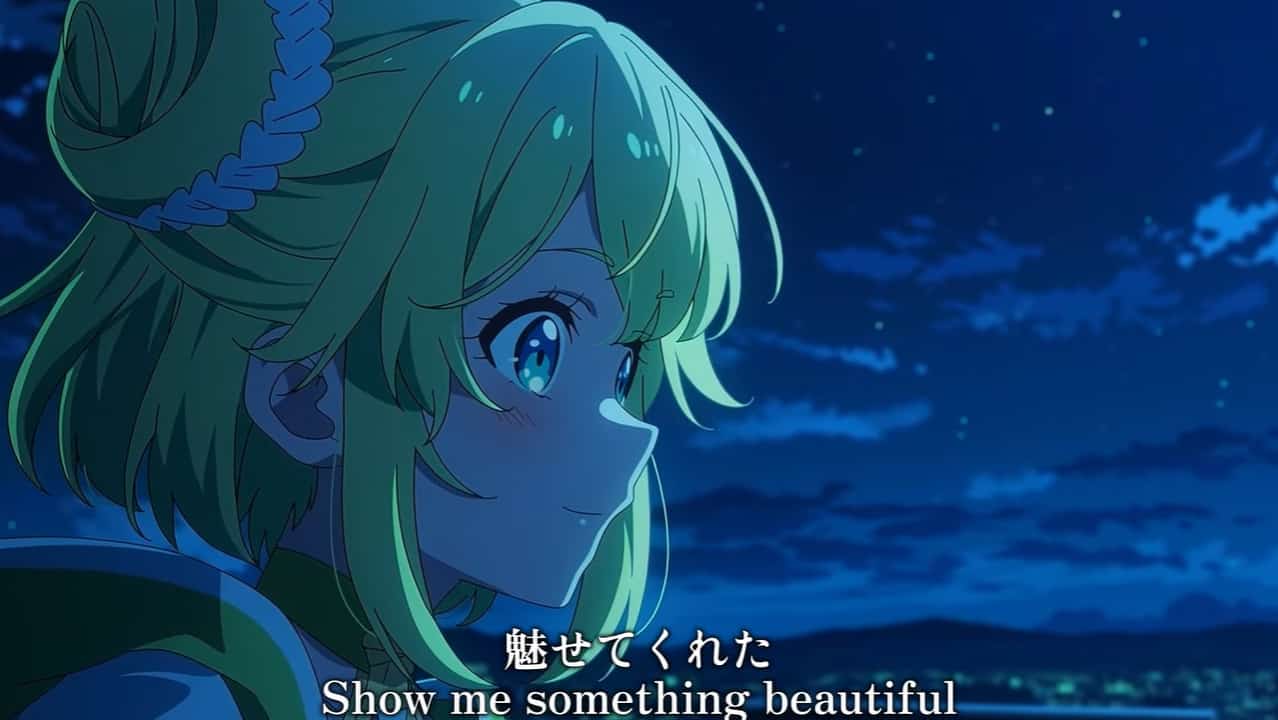
Niji V7 will only give you what you want, so you have to treat your prompt seriously.
- Subject: who/what is in the image
- Design details: hair, eyes, accessories, outfit materials
- Composition: close-up / waist-up / full-body, angle, lens feel
- Lighting: soft studio, rim light, neon, golden hour
- Background: simple gradient, city night, classroom, shrine, etc.
- Details: clean linework, cel shading, painterly, etc.
10 Copy & Paste Prompt Templates
Here are 10 anime style illustrations generation prompt template. You can copy and paste what you need and add more details to define what you want exactly. And adjust the content in the [bracket].
1. Clean Character Sheet (OC design)
character design sheet, 1 character, front view and 3/4 view, clean linework, flat colors, minimal shading, white background, outfit details visible, anime illustration, crisp edges
2. Anime Portrait with Eye Eetail
close-up anime portrait, highly detailed eyes with reflections, soft rim light, clean linework, smooth cel shading, subtle skin texture, simple background gradient
3. Street Fashion Anime
anime [girl/boy], [short bob haircut, oversized jacket, layered streetwear, sneakers, night city bokeh, neon reflections], cinematic framing, clean linework, sharp silhouette
4. “Anime Screencap” Scene
anime screencap, [two characters talking, sunset window light, cozy room], natural poses, consistent proportions, clean linework, film still composition
5. Sticker Pack
[chibi] sticker pack, same character, 8 expressions, thick clean outline, flat colors, white border, transparent background look, cute and readable
6. Fantasy Mage Illustration
anime mage character, [ornate staff, flowing cloak, glowing runes], dramatic lighting, clean linework, controlled highlights, simple magical background particles
7. Dynamic Action Pose
anime action pose, mid-air jump, motion lines, strong silhouette, sharp linework, cel shading, dramatic perspective, simple background
8. Soft Romance Illustration
two characters, gentle eye contact, soft pastel lighting, clean linework, minimal background, warm atmosphere, subtle blush
9. Mecha Concept
anime mecha design, clean panel lines, readable shape language, neutral pose, studio lighting, white background, technical illustration feel
10. Minimal Poster-style Key Visual
anime key visual, centered composition, clean linework, limited color palette, bold negative space, graphic design poster layout
Common Niji V7 Anime Generation Mistakes
- Mistake: “cinematic anime vibe” with no specifics
How to Fix
add camera framing + lighting + 3–5 character attributes (hair/eyes/outfit/accessory)
- Mistake: ambiguous words (e.g., “remote spring”)
How to Fix:
replace with concrete nouns (“secluded mountain hot spring”)—Niji 7 is literal.
- Mistake: trying to rely on character reference behavior
How to Fix:
lock identity via repeated descriptors (same hair color/style, eye color, signature accessory, consistent outfit) because Niji 7 does not support cref.
Niji V7 Use Cases
Niji V7 has tremendously improved coherency and made prompts more closely, it’s especially strong for repeatable design work such as:
- Original character (OC) development: iterate hairstyles, outfits, accessories
- Profile avatars & banners: clean portraits with readable eye detail
- Sticker packs & emoji sets: consistent linework and expressions
- Webtoon / manga planning: screencap-style framing and scenes
- Game concept art: character classes, costumes, props, mecha silhouettes
- Merch-ready illustrations: flatter, cleaner look that prints well
FAQ of Niji V7
1. Is Niji V7 free online on SuperMaker?
Yes. You can log in with your Google email and use Niji V7 free online on SuperMaker (as provided in your product flow).
2. What is the difference between Niji V7 and older Niji versions?
Officially, Niji V7 brings improved coherency, clearer fine details, and closer prompt following—but it’s also more literal and introduces a cleaner, flatter look to highlight linework.
3. How to get started with Niji V7 on SuperMaker?
Select your mode from text to image and image to image. Then enter prompt or upload existing image as the reference.
Try the Niji V7 Image Generator Now
If you want anime visuals with cleaner linework, better coherency, and stronger prompt following, Niji V7 is a meaningful step forward.
Try Niji V7 free online on SuperMaker.


