
What Is Z Image Base? Exploring an Open-Source Image Model You Can Use Instantly
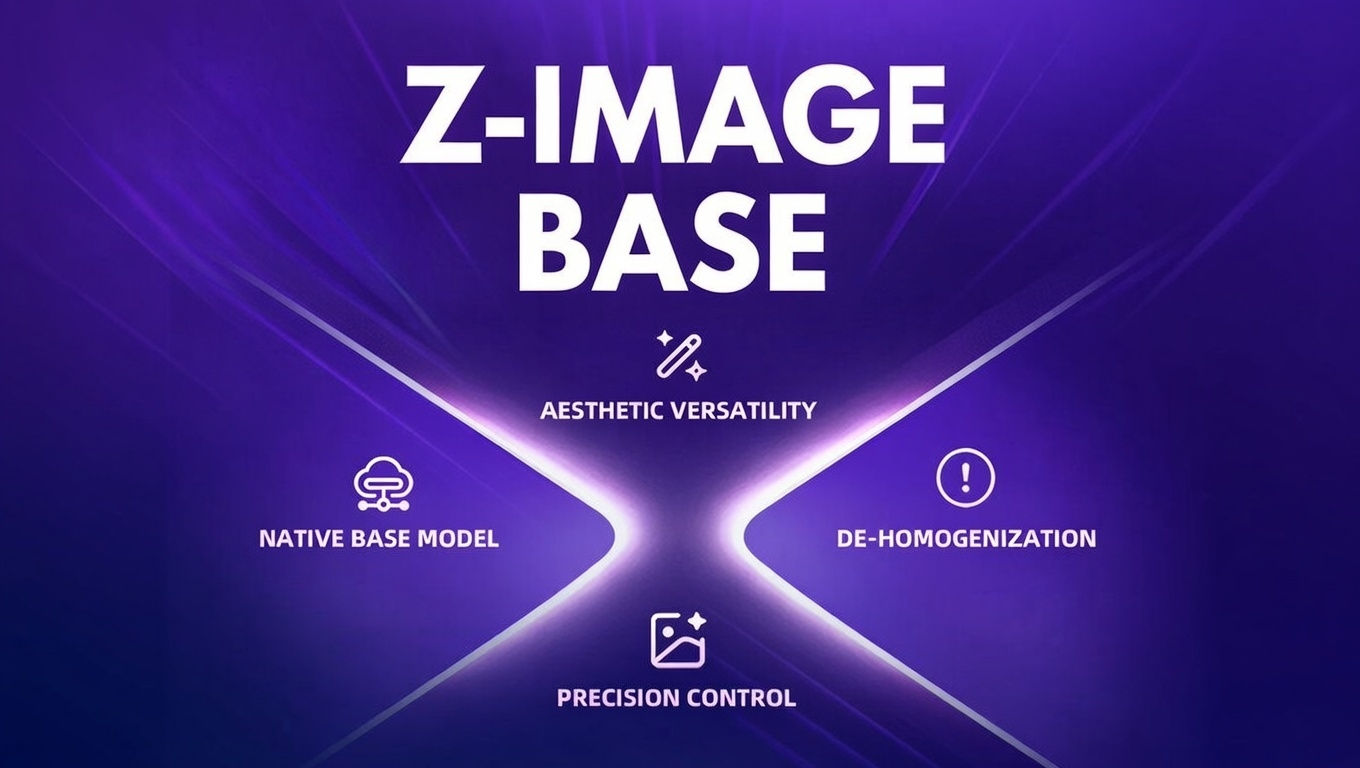
This article explains what Z Image Base is, what makes it different from other open-source image models, and how creators can experience its real capabilities without local deployment, node-based workflows, or engineering overhead, directly through SuperMaker.
Open-source image generation models are advancing rapidly, but using them is often far more difficult than understanding them. Z Image Base is a strong example of this contradiction: a capable, research-backed image model that offers multi-style generation and negative prompt control—yet traditionally requires technical setup to experience fully.
What Is Z Image Base?
Z Image Base is an open-source text-to-image generation model released by Alibaba Tongyi Lab. It is designed as a general-purpose image foundation model, capable of generating images across a wide range of visual styles while maintaining controllability through prompts.
Unlike models that specialize in a single aesthetic direction, Z Image Base focuses on:
- Broad style adaptability
- Prompt-based semantic control
- Native support for negative prompts
- Stable, clean outputs suitable for practical use
It is important to clarify early: Z Image Base is a text-to-image model. It does not operate in image-to-image mode. All visual control is achieved through natural language prompting, including negative constraints.
Open-Source by Design
Z Image Base is fully open-source, with public model weights, documentation, and code available through developer platforms. This transparency supports research, experimentation, and community-driven improvement.
However, being open-source does not automatically mean being easy to use—and this is where most users encounter friction.
What Makes Z Image Base Different?
Z Image Base does not aim to be flashy or trend-driven. Instead, its design philosophy emphasizes control, flexibility, and reliability, which becomes clear in three key areas.
Multi-Style Image Generation Within One Model
Z Image Base supports multiple visual styles without requiring users to switch checkpoints or models. This allows creators to explore different looks—photographic, illustrative, stylized, or cinematic—while working within a consistent generation system.
The benefit is subtle but important: style variation without instability. Outputs remain coherent even when prompts change stylistic direction, making experimentation more predictable.
The Problem with Traditional Open-Source Model Usage
In theory, open-source models democratize AI creation. In practice, many creators face a steep learning curve before generating a single usable image.
Common obstacles include:
- Installing dependencies and managing environments
- Setting up local GPUs or cloud instances
- Learning node-based workflows in tools like ComfyUI
- Testing prompt behavior through trial and error
- Interpreting documentation written for researchers, not creators
For non-technical users, these steps often become a stopping point.
The Z Image Base model is open—but the experience is effectively locked behind setup complexity.
Experience Z Image Base Instantly on SuperMaker
This is where SuperMaker changes the equation.
Instead of treating Z Image Base as a research artifact, SuperMaker makes it accessible as a browser-based creative tool, removing all infrastructure requirements.
With SuperMaker, users can:
- Use Z Image Base without HuggingFace demos
- Avoid ComfyUI or node-based workflows
- Skip local deployment entirely
- Focus purely on prompts and results
In short, SuperMaker turns Z Image Base from a model you study into one you can use.
Native Support for Negative Prompts
One of Z Image Base’s most practical features is explicit negative prompt support.
A negative prompt allows you to specify what you do not want in an image—unwanted styles, visual artifacts, text overlays, anatomical errors, or low-quality traits. Instead of correcting mistakes after generation, Z Image Base integrates these constraints during image synthesis.
In practical use, negative prompts are entered directly after the main prompt in the same input field, using a simple structure:
A cinematic portrait photo, soft lighting, shallow depth of field, realistic skin texture, 35mm photography negative prompt: anime style, cartoon, illustration, text, watermark, blurry, low resolution, distorted face, extra fingers
This approach lowers the barrier for non-technical users while still offering meaningful control over output quality and style consistency.
Who Is Z Image Base on SuperMaker For?
Z Image Base on SuperMaker is particularly useful for:
- Content creators who want clean, controllable visuals
- Designers experimenting with styles without setup overhead
- Marketers producing images for landing pages or campaigns
- AI beginners who want results without technical prerequisites
- Anyone who values predictability and quality over configuration
You do not need to understand diffusion pipelines to benefit from the model’s capabilities.
Try Z Image Base Online
If you want to explore Z Image Base without installing anything, managing environments, or learning complex workflows, you can use it directly through SuperMaker.
The experience focuses on what matters most: clear prompts, negative constraints, and usable results—all delivered through a simple browser interface.


