
More AI Image Generators
Explore our collection of specialized AI image generators designed for different creative needs and styles























![FLUX.1 Krea [dev]](https://static.supermaker.ai/cdn-cgi/image/q=55/https://static.supermaker.ai/files/vtp5vmm87f65.png)
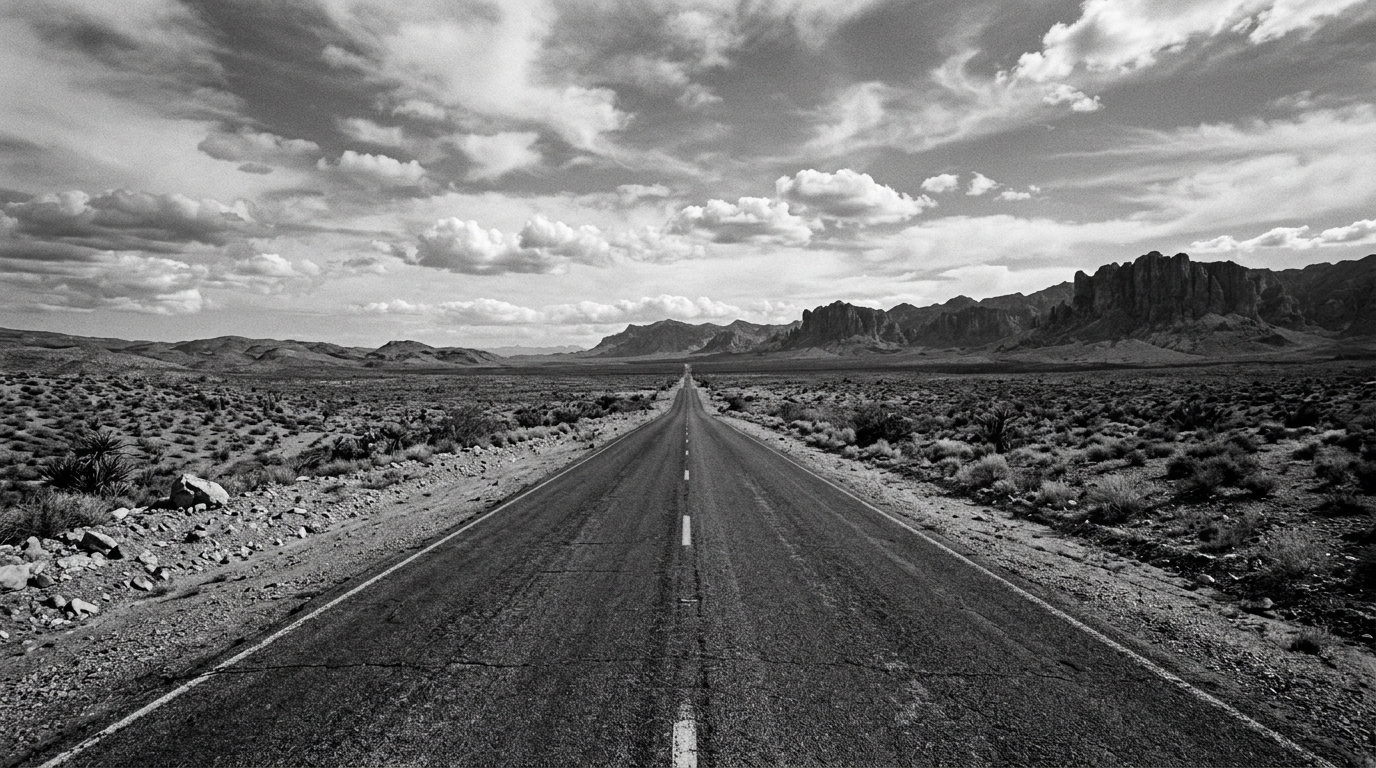
Apply a Stunning Black and White Filter to Any Photo Online
Turn color images into clean, timeless monochrome photos in a few clicks.
Black and White Filter helps you convert everyday photos into refined monochrome images without a complicated workflow. Upload your image, pick the image size, and generate a polished photo with consistent contrast, preserved detail, and a timeless visual mood.
How to Use Black and White Filter
Using our Black and White Filter is simple even if you have never edited a photo before. The tool is built for a quick workflow, so you can move from upload to final monochrome image in seconds.

Upload Your Photo
Start by uploading any portrait, travel shot, street scene, pet image, or product photo. Our Black and White Filter works with common image formats, making it easy to begin whether you are editing a quick phone picture or a more carefully composed photo.

Choose Image Size and Generate
Select the image size that fits your needs, then run the Black and White Filter. The tool processes the uploaded image and applies the monochrome effect automatically, creating a clean result that feels intentional rather than flat or muddy.

Preview and Download
Review your finished image, compare the tonal shift, and download the final black and white version. With our Black and White Filter, the whole workflow stays simple, so you can create a dramatic monochrome photo in moments.
Best AI Image Tools for Creative Projects
Explore creative tools for image, learn tips and tricks, and see how AI can be your assistant in turning concepts into finished projects.



















Features of Black and White Filter
Black and White Filter is designed for practical image editing, not just novelty effects. It helps users create stronger monochrome photos across portraits, travel shots, product images, and personal memories while keeping the workflow quick and approachable.

Portraits with Timeless Mood
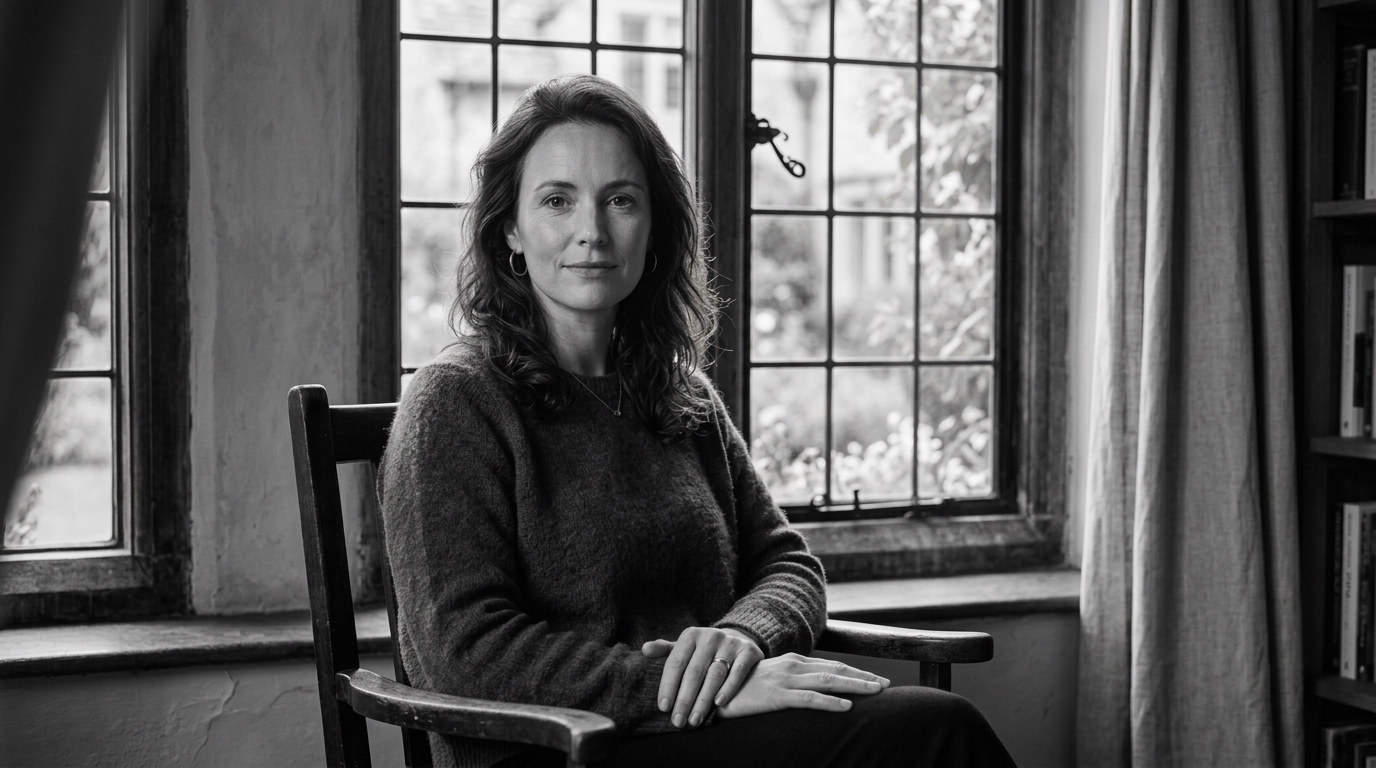
A good Black and White Filter can make a portrait feel more focused by removing color distractions and drawing attention to expression, light, and texture. Use our Black and White Filter to create elegant headshots, emotional close-ups, and classic profile photos. It works well when skin tone, shadows, fabric texture, and facial detail need to carry the image.
Street and Travel Photography
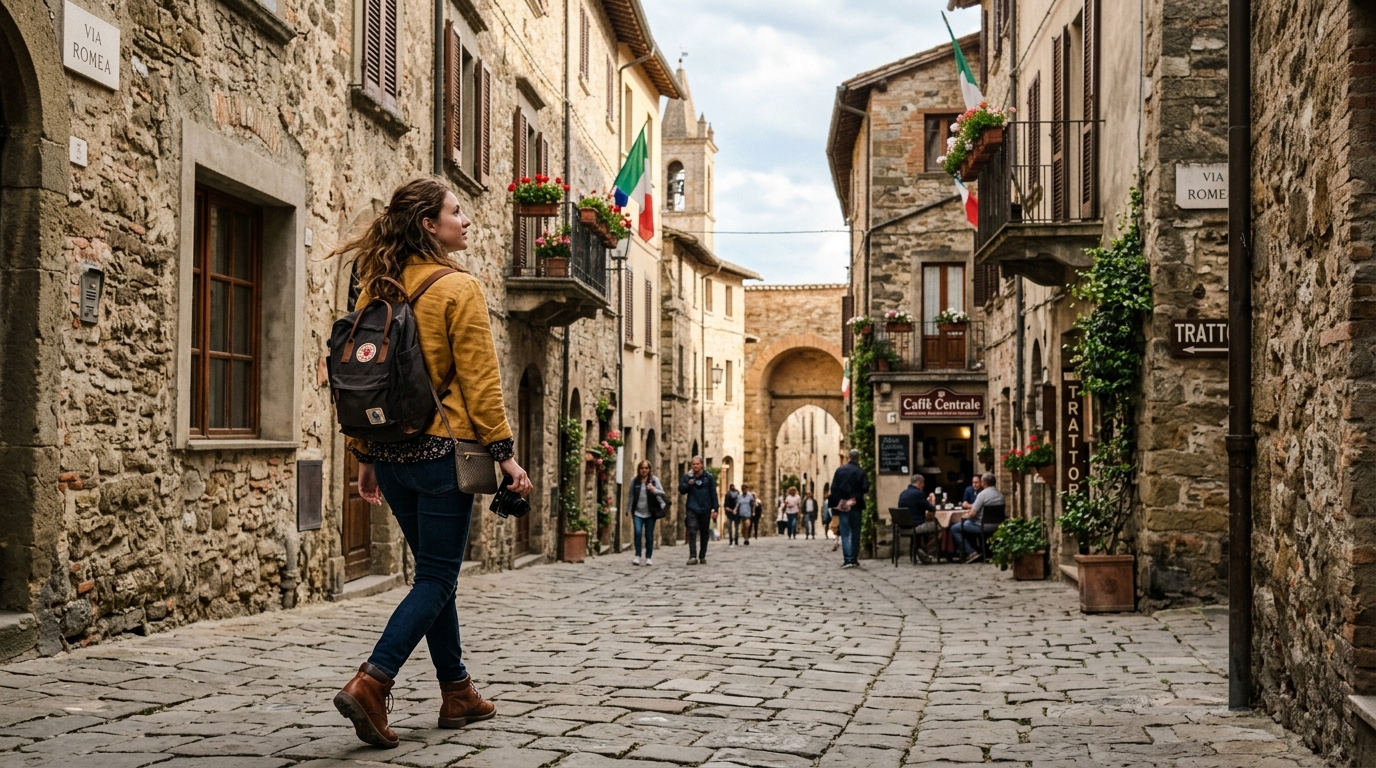
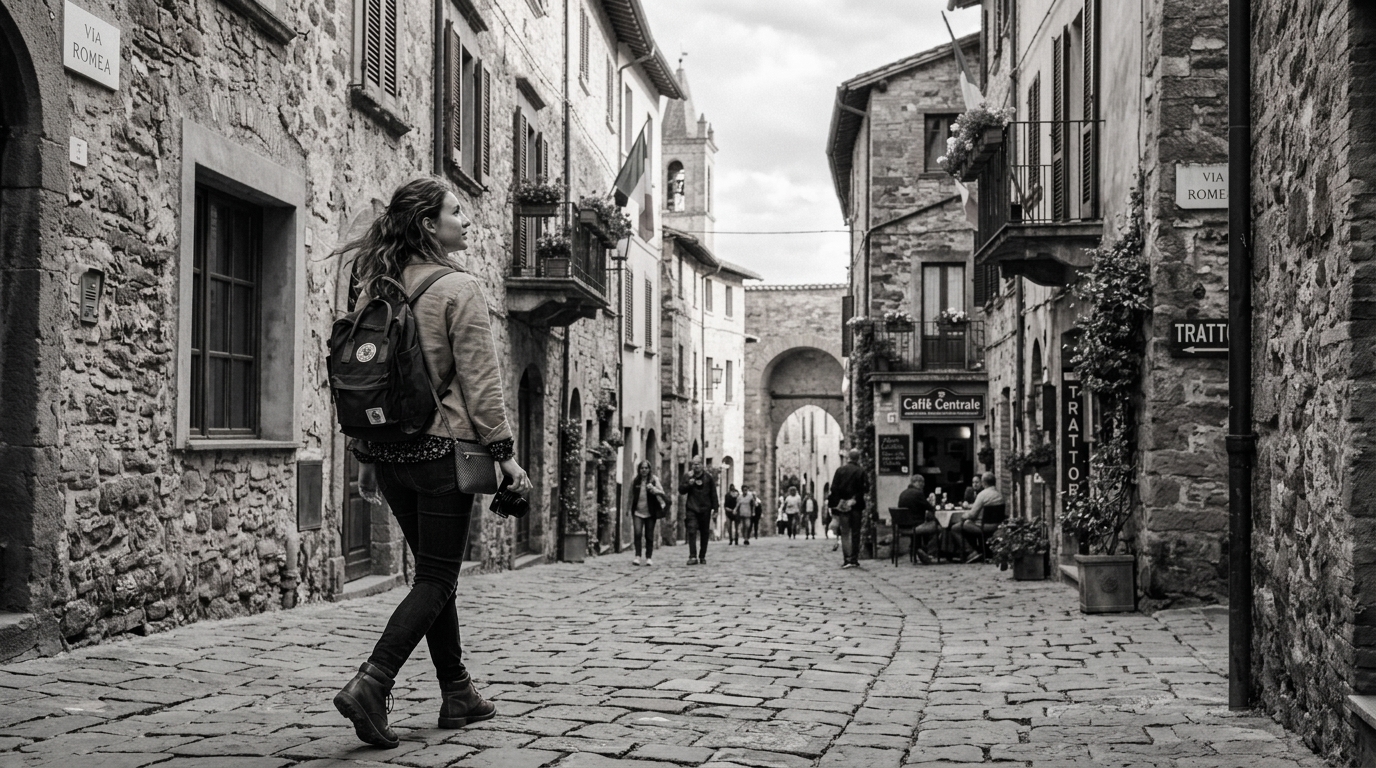
Street scenes often gain clarity when converted with a Black and White Filter because shapes, contrast, and movement become easier to read. Our Black and White Filter helps transform busy travel snapshots into stronger visual stories. Crowds, architecture, reflections, rain, and shadows can all look more cohesive in black and white.
Product and Fashion Images
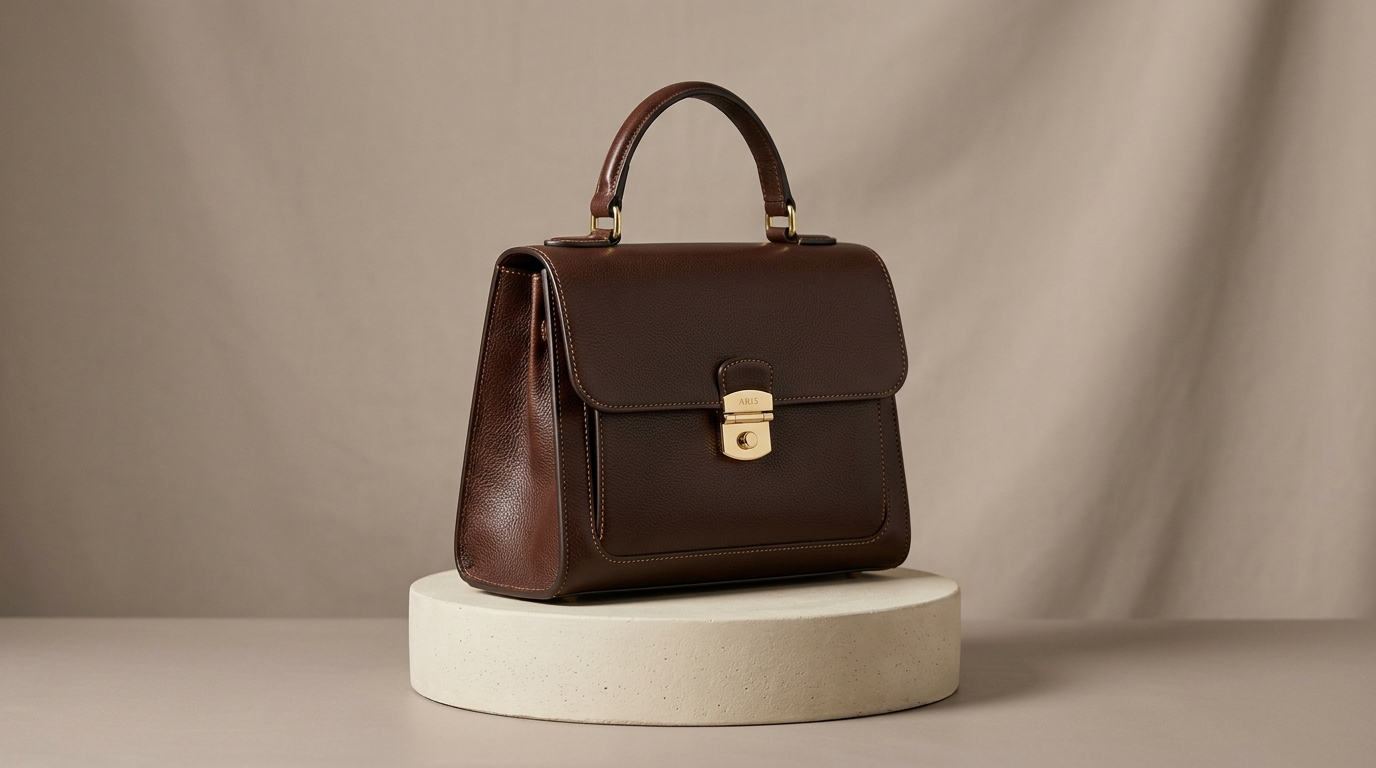
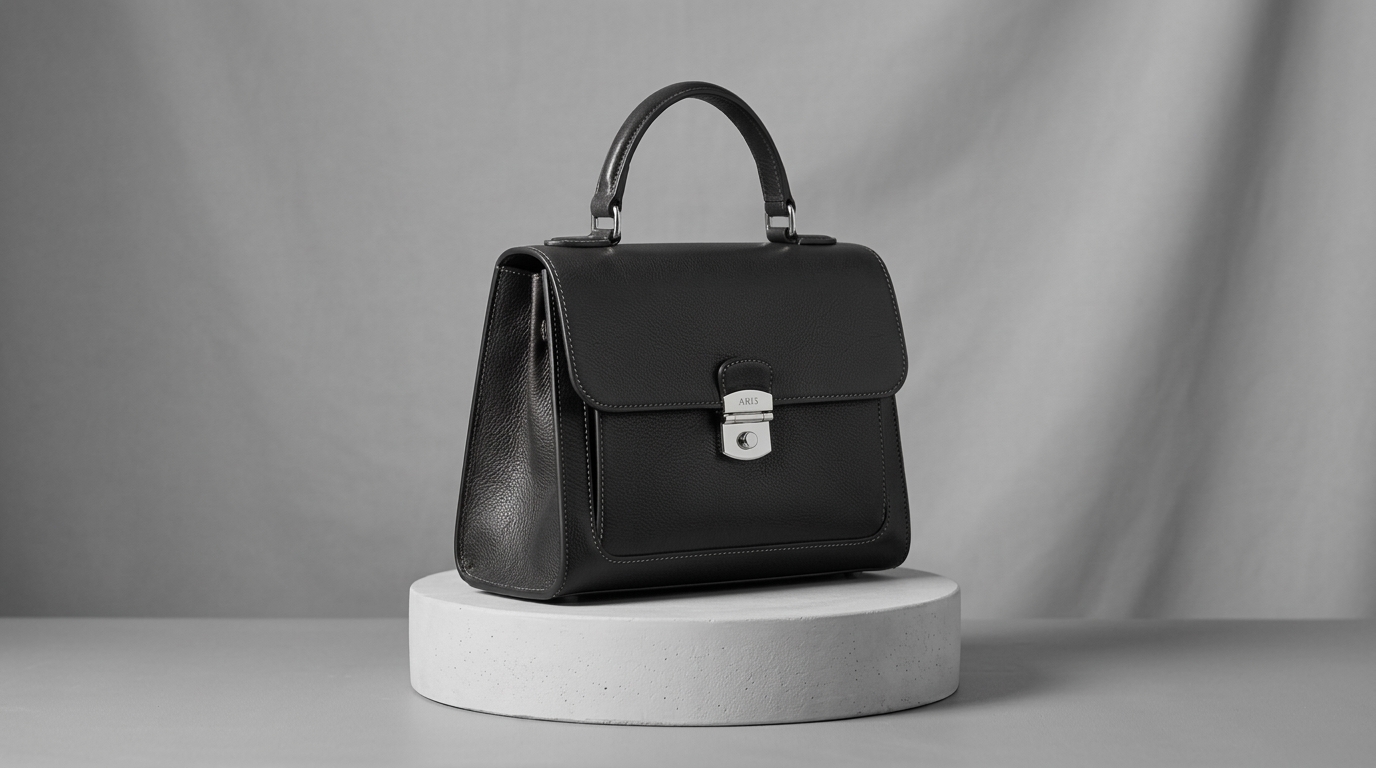
A Black and White Filter can support a more premium presentation for fashion, accessories, interiors, and product photography. By simplifying the palette, our Black and White Filter lets material, contour, stitching, silhouette, and surface finish stand out. This is useful for lookbooks, campaign concepts, mood boards, and social posts that need a restrained tone.


Old Photos and Everyday Moments
Sometimes you just want to give a family image, café snapshot, or casual weekend photo a quieter visual feeling. Our Black and White Filter is useful for these everyday edits because it can turn ordinary color photos into more cohesive keepsakes. The result often feels calmer, cleaner, and easier to revisit.
Why Choose Black and White Filter
There are many ways to remove color from a photo, but not every method creates a satisfying monochrome image. Our Black and White Filter is built to make the process faster, cleaner, and easier across different visual styles and editing needs.

Classic Monochrome Style in Seconds
Our Black and White Filter gives you a fast way to create a classic monochrome aesthetic without opening a heavy editing program. It is useful when you want an image to feel cinematic, editorial, nostalgic, or understated. It also works well as a B&W Filter for quick creative direction.

Removes Color Distractions
A strong Black and White Filter helps viewers pay attention to line, lighting, shape, and expression. Instead of competing colors, the image relies on tonal relationships, which often makes the composition feel clearer and more deliberate.

Useful for Social, Portfolio, and Print
Whether you are posting on social media, updating a design portfolio, or preparing a print-ready visual, our Black and White Filter creates a polished monochrome version that fits many different presentation contexts.

Beginner Friendly Workflow
You do not need to understand curves, channels, or manual desaturation methods to get started. The Black and White Filter handles the conversion process for you, which makes it convenient for quick edits and repeatable results. For many users, it functions as a dependable B&W Filter.

Works Across Many Photo Types
From portraits and architecture to pets, food, landscapes, and product shots, the Black and White Filter adapts well to a wide range of subjects. That flexibility makes it a practical tool for both casual users and content creators.

Clean Results Without Extra Steps
A fast tool matters when you are editing multiple images. Our Black and White Filter keeps the workflow compact: upload, choose image size, generate, and download. That saves time while still producing a considered black and white look.
What Users Say About Black and White Filter
People use our Black and White Filter for stronger portraits, more cohesive travel photos, cleaner concept work, and timeless personal images. These testimonials show how the tool fits into real editing routines rather than serving as a one-time effect.
I needed a quick way to turn a portrait session into a more classic set of images for a client mood board. This Black and White Filter gave the photos a calm, editorial feel without making skin texture look harsh. I uploaded, chose the size, and downloaded in minutes.
I shoot street photos while traveling, and some frames feel stronger in monochrome than in color. This Black and White Filter helped me quickly test that direction. The final images looked more focused, especially in scenes with busy signage and mixed lighting. It is now part of how I review travel photos.
For fashion references and concept decks, I often need images that feel restrained and sophisticated. This Black and White Filter helped unify a mixed set of source photos into one visual language. The black and white effect looked clean, and it saved me from repetitive conversions in desktop software.
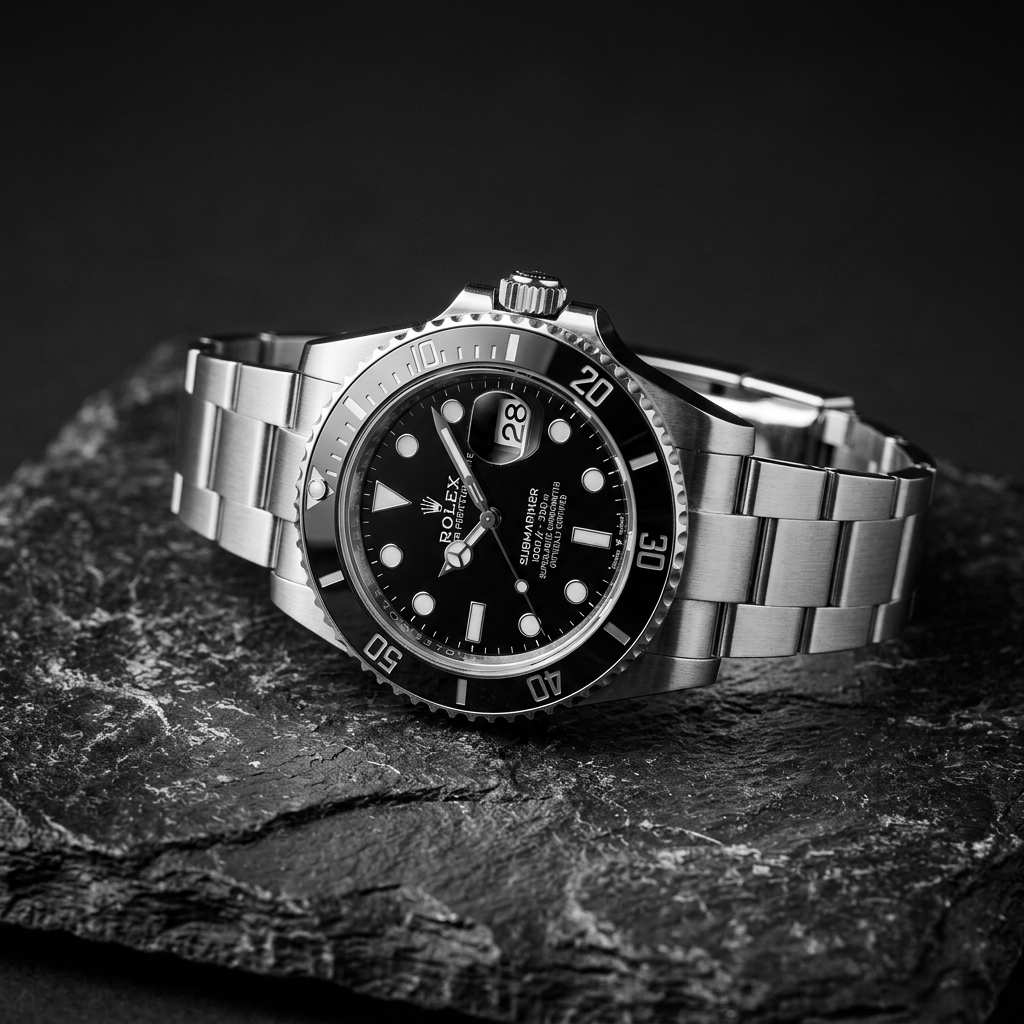
I used the Black and White Filter on product photos for a minimalist campaign mockup. Removing color made the materials and edges easier to read, especially on watches and leather goods. The result felt professional rather than gimmicky, which was exactly right for presentation slides.
I like printing family photos, and black and white often gives them a more lasting feel. This B&W Filter made that easy. It turned casual phone pictures into something I actually wanted to frame. It was especially good for older images where the original color already looked inconsistent.
As someone who is not a professional editor, I appreciated how straightforward this was. I wanted a B&W Filter for profile photos and portfolio images, and this tool delivered exactly that. The monochrome look felt balanced, and I did not have to learn advanced settings to get a usable result.





FAQs About Black and White Filter
These FAQs explain how a Black and White Filter fits into real editing decisions, from portraits and travel images to product photography and casual snapshots.
A Black and White Filter converts a color photo into a monochrome image by removing color information and emphasizing light, shadow, texture, and contrast instead. People often use a Black and White Filter when they want a photo to feel more timeless, dramatic, minimal, or documentary in style. It can work especially well for portraits, street photography, architecture, fashion references, and older personal images where color is distracting or inconsistent. The goal is usually not just to remove color, but to make the composition and mood feel stronger.
Basic desaturation removes color, but it does not always create a satisfying monochrome image. A stronger Black and White Filter aims for better tonal separation, so highlights, midtones, shadows, and textures remain readable after the conversion. That matters because once color disappears, the entire image depends on contrast and structure to stay interesting. In practice, this means a purpose-built Black and White Filter often produces a cleaner, more intentional look than a quick saturation reduction inside a generic editor or phone app.
Yes. Portraits are one of the most common uses for a Black and White Filter because monochrome images can draw more attention to facial expression, skin texture, hair shape, clothing detail, and lighting direction. Many photographers use a Black and White Filter when they want to reduce distracting background color or create a more classic portrait mood. It can work for formal headshots, personal branding photos, close-up beauty images, and candid portraits. The best results usually come from photos that already have clear light and readable contrast.
It does. Street and travel scenes often include mixed lighting, bright signage, and many competing colors, which can make a frame feel visually busy. A Black and White Filter helps simplify those scenes by shifting attention toward shape, motion, shadow, architecture, and gesture. That is why monochrome is still widely used in documentary and editorial photography. If you want a travel image to feel more cohesive or a street frame to emphasize timing and composition, a Black and White Filter can be a very practical editing choice.
A Black and White Filter can be very useful for product and fashion work when the goal is mood, material focus, or a premium visual tone. By removing color, the image can highlight stitching, silhouette, finish, texture, folds, and light reflection more clearly. Designers often use a Black and White Filter in presentations, lookbooks, concept boards, and campaign experiments when they want consistency across a set of images. It is not always the right choice for catalog work, but it is effective when visual restraint matters.
Yes. You do not need advanced editing knowledge to use this Black and White Filter effectively. The workflow is simple: upload a photo, choose image size, generate the result, and download the monochrome version. That makes it practical for people who want fast edits without learning masks, layers, or manual tonal controls. Beginners often use a Black and White Filter for profile pictures, personal projects, school presentations, or social posts. Many first-time users think of it as a reliable B&W Filter for fast, repeatable edits.
Absolutely. A Black and White Filter is not only for professional photography. It can also work well for scanned family images, casual weekend snapshots, phone pictures, café photos, pet portraits, and everyday memories. In many cases, monochrome helps unify images that have uneven color, harsh artificial lighting, or distracting backgrounds. That is one reason people return to a Black and White Filter even for ordinary photos: the black and white conversion can make the image feel calmer, more cohesive, and more worth saving or printing. For many people, a B&W Filter is the easiest way to improve an ordinary image.
Images with strong lighting, visible texture, recognizable shapes, or clear emotional focus often respond best to a Black and White Filter. Portraits with directional light, city scenes with reflections or shadows, architectural photos, still life images, and product shots with defined surfaces can all benefit. A Black and White Filter is especially effective when the original color does not add much value or actively competes with the subject. That said, experimentation matters. Sometimes an ordinary photo becomes much stronger once the color is removed and the composition has room to stand out. In that sense, a Black and White Filter is both simple and surprisingly flexible.
Yes. Many users apply a Black and White Filter to create a more consistent style across social posts, mood boards, portfolio updates, marketing drafts, blog images, and creative references. Monochrome photos can make a feed feel more curated, especially when you want a quieter and more cohesive aesthetic. A Black and White Filter can also help when mixing images from different devices or lighting conditions because the conversion reduces color inconsistency. That makes it useful for both personal branding and broader visual storytelling projects. It also works well as a B&W Filter when you want visual consistency.
Black and white photography remains relevant because it changes how people read an image. Without color, viewers tend to notice form, contrast, expression, timing, and atmosphere more directly. A Black and White Filter can give a modern photo a more reflective or intentional tone, which is why it still appears in portrait work, editorial photography, design presentations, and personal keepsakes. It is not about making every image look old. Instead, a Black and White Filter offers another visual language for emphasizing what matters most in a frame. That is why many creators still keep a B&W Filter in their workflow.
Create a Stronger Monochrome Photo Now
Upload a photo, choose image size, and let our Black and White Filter turn color into a clean monochrome image. Whether you need a classic portrait, a sharper street photo, or a refined creative asset, this Black and White Filter gives you a quick and professional way to generate a timeless result.
