How to Turn Your Image to Minecraft Skin?
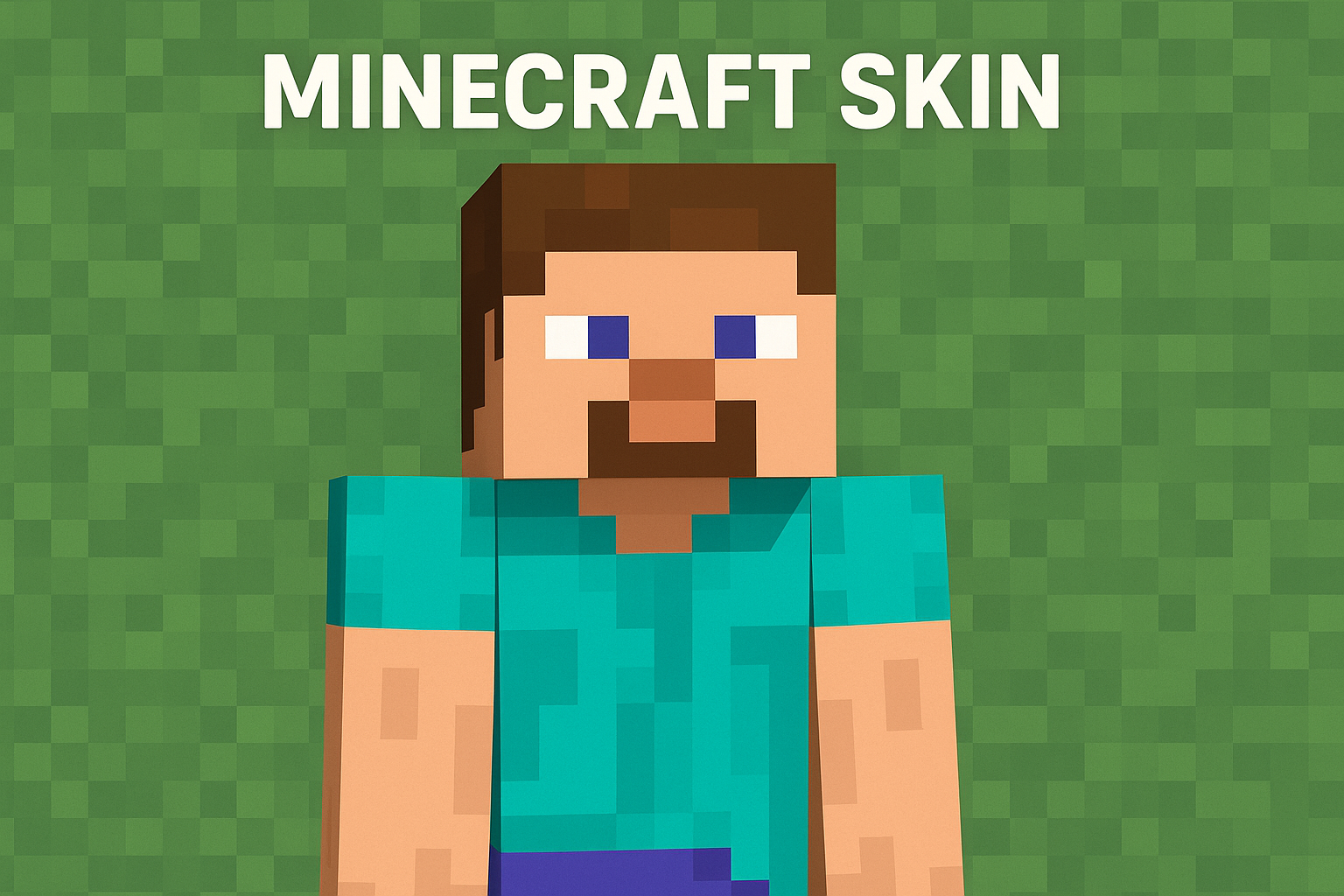
Ever wondered what you’d look like inside the blocky world of Minecraft? Turning your own photo to Minecraft skin is a fun way to add personality and fun to your life.
In this guide, I’ll walk you through how to turn image to Minecraft skin, from choosing the right photo to generating your final Minecraft skin.
Turn Your image to Minecraft skin with one click using AI Minecraft skin generator free.
Why Turn Your Image to Minecraft Skin?
Minecraft Skin Generator is one of the most popular effects of SuperMaker AI. The Minecraft skin generator creates AI Minecraft skin from your photo make your photo feel more personal and immersive.
The Minecraft skin image is not just about looking different—it’s about expressing yourself, surprising your friends, or even creating themed skins for a group.
If you want to ask what the best part is of the Minecraft skin generator AI, I would love to say the process isn’t just possible—it’s incredibly simple. What used to take hours of manual pixel work can now be done in seconds.
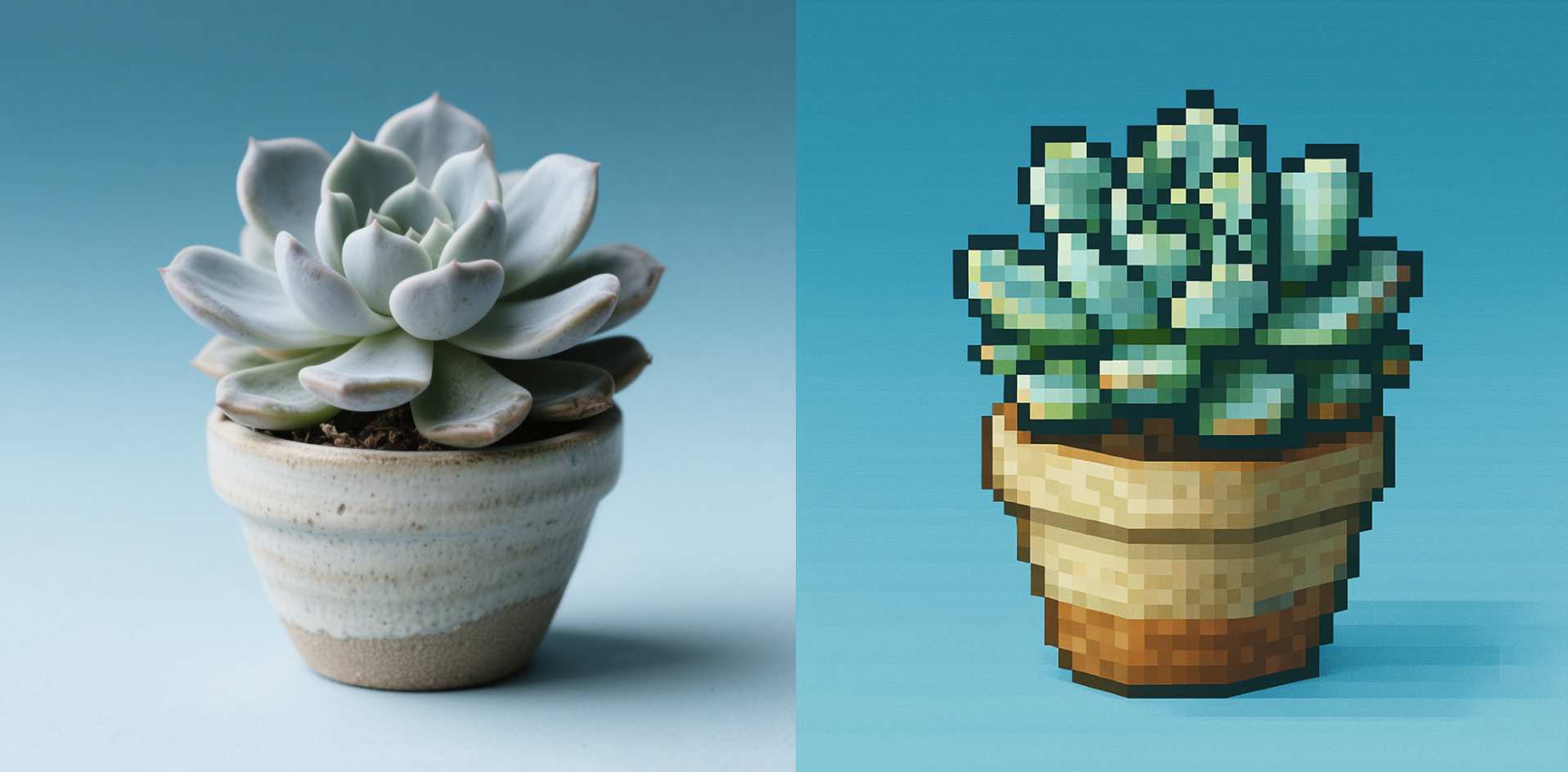
What You’ll Need to Use AI Minecraft Skin Generator
Before you start turning your image to Minecraft skin with Minecraft image generator AI, here’s what you’ll need:
-
A clear photo (front-facing works best). Or you want something extra creative, you can even generate an image using SuperMaker AI Image Generator.
-
Access to SuperMaker AI Minecraft Skin Generator, the online tool that transforms image to Minecraft skin instantly.
That’s it—nothing technical or complicated.
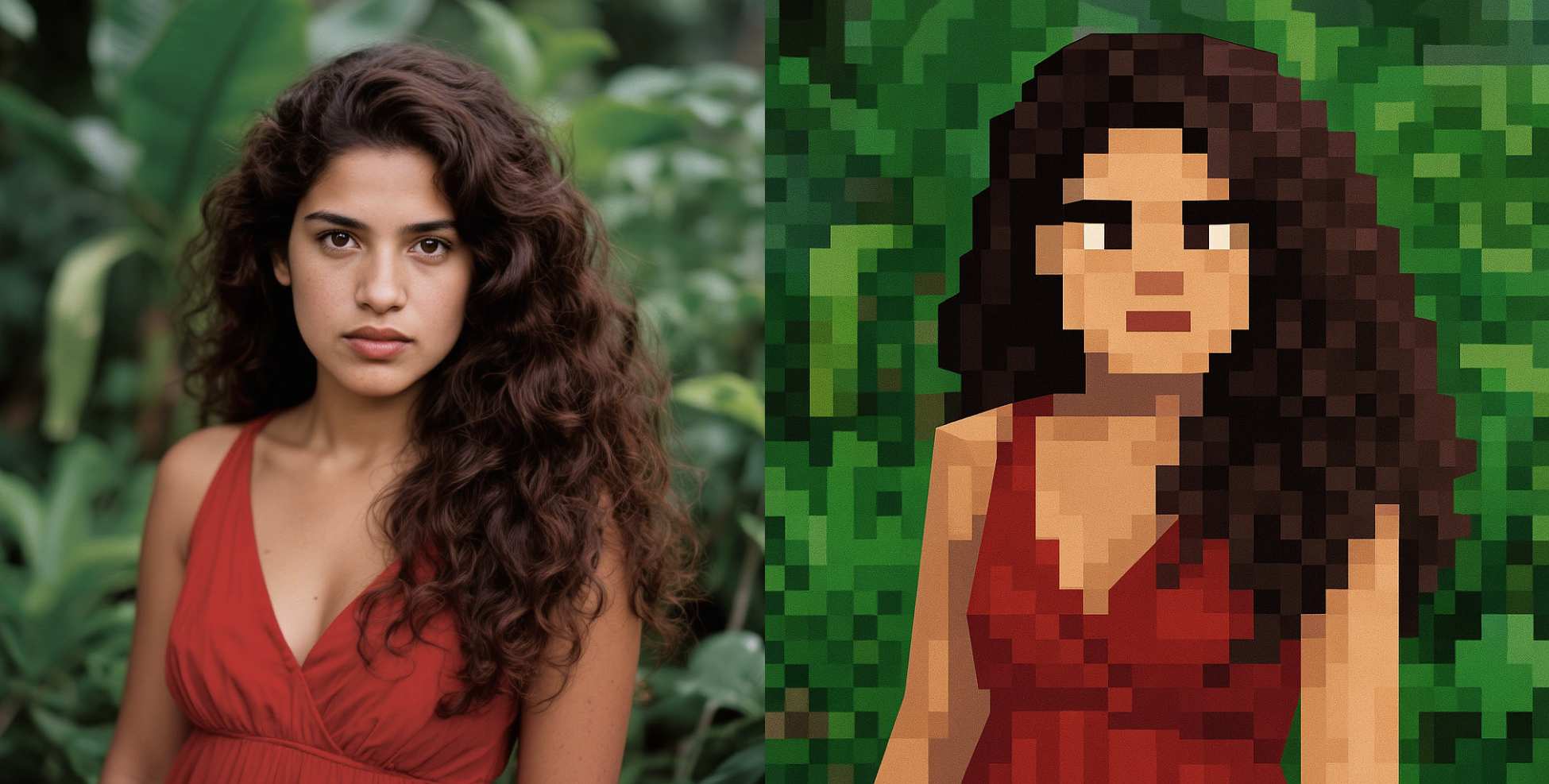
How to Turn Your Image to Minecraft skin? (Step-by-Step Tutorial)
1. Upload Your Images
Click this AI Minecraft Skin Generator and upload one image you want to transform to Minecraft skin.
2. Generator & Preview
After finishing upload, click Generate image to see the change and wait seconds to preview your perfect Minecraft skin image.
If you’re not completely happy with the first result, try generating again or using the SuperMaker AI Pixel Image Generator to explore a different pixel-art style.
The flexibility makes Minecraft skin generator easy to create something that truly reflects your personality and creativity.
Pro Tips for Using AI Minecraft Skin Generator
If you want to generate perfect Minecraft skin image not only for your picture, but also for your pets, bedroom and so on. Here are a few tips:
Upload Crispy Image
The image you upload must be clear with brilliant background or light. Bright, well-lit images produce sharper, more accurate skins. Then the Minecraft Skin Generator AI will give you better results in this case.
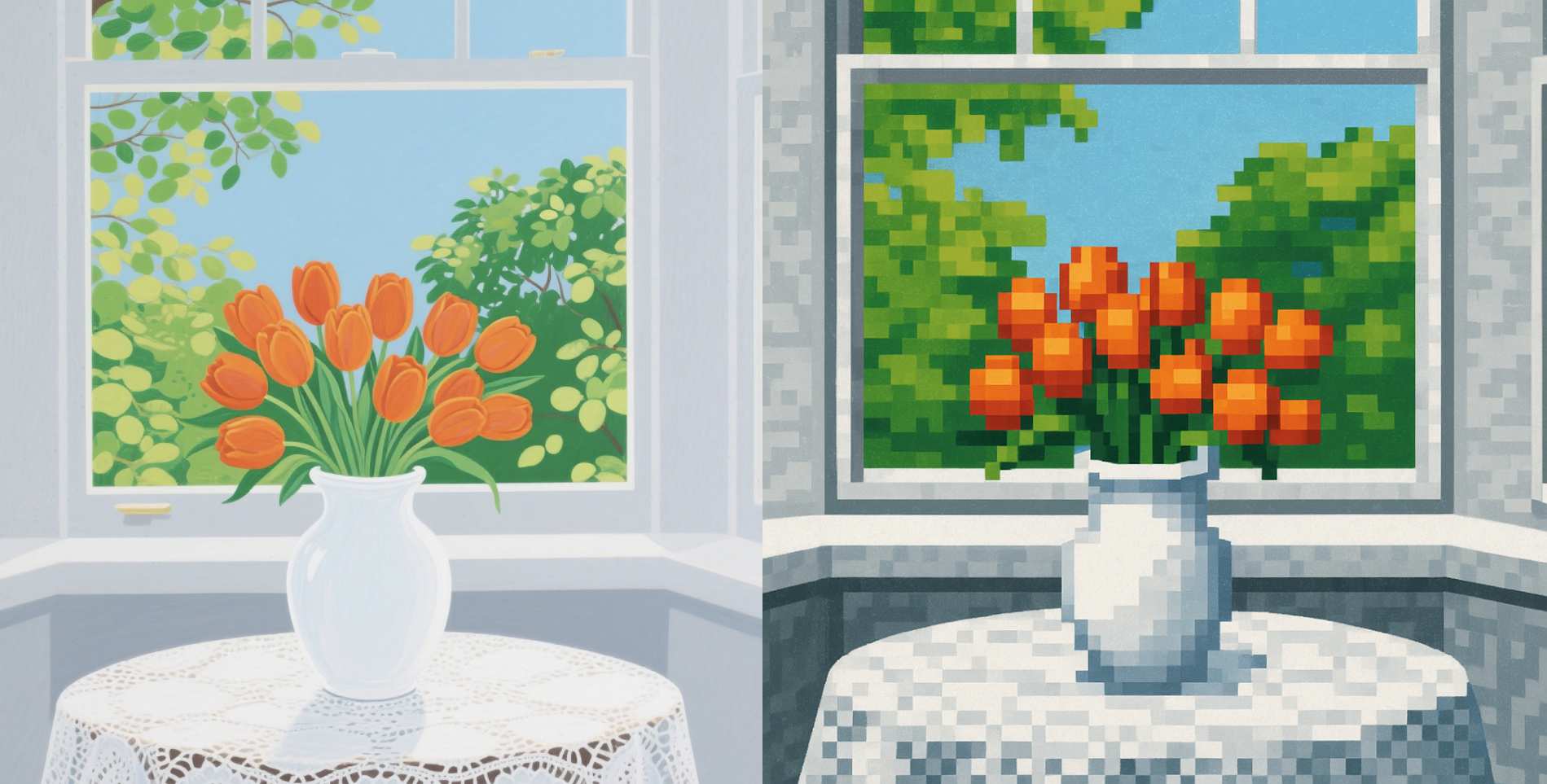
Experiment Beyond Pictures
Try creating Minecraft skin from pictures of your pets, your favorite outfit, or even your bedroom decor. It’s a fun way to bring creativity into Minecraft skin.
Tweak until It’s Perfect
Use SuperMaker AI other image tools, such as SuperMaker AI Image Maker free to adjust colors, outfits, or accessories so that your Minecraft skin feels uniquely yours.
Final Words
Turning your image to Minecraft skin has never been this simple. With Minecraft Skin Generator AI, you can go from photo to pixel-perfect skin in seconds. Whether it’s your selfie, your pet, or just a creative idea, SuperMaker makes it easy to bring your image to Minecraft skin.