
How to Try Different Hairstyle and Hair Color with SuperMaker AI Hairstyle Changer
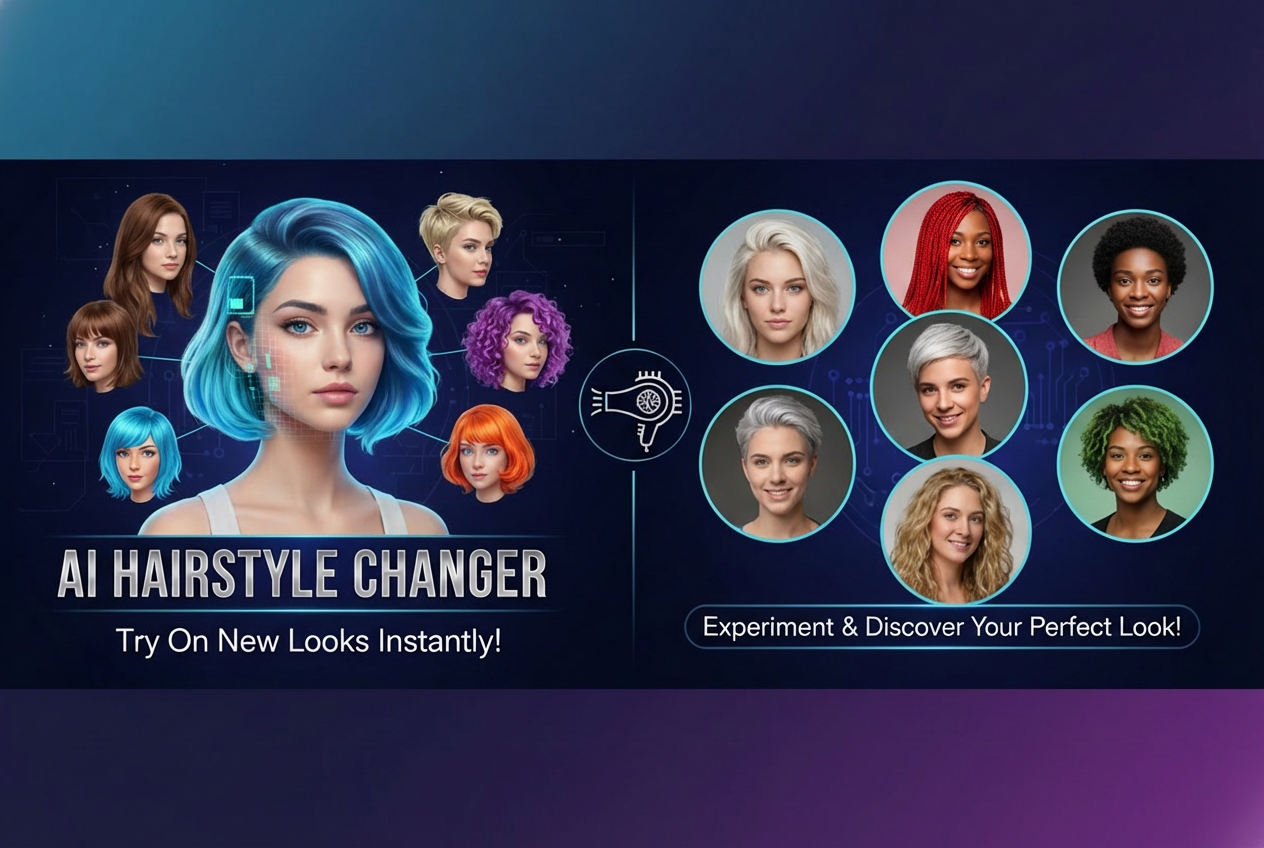
The AI change hairstyle trend is everywhere on TikTok — creators post multiple hairstyle edits and let the comments decide which one looks the best. Now you can join the trend too. With SuperMaker AI Hairstyle Changer, you can test hairstyles, switch hair colors, and discover your perfect transformation in seconds.
Why AI Change Hairstyle Is Going Viral on TikTok
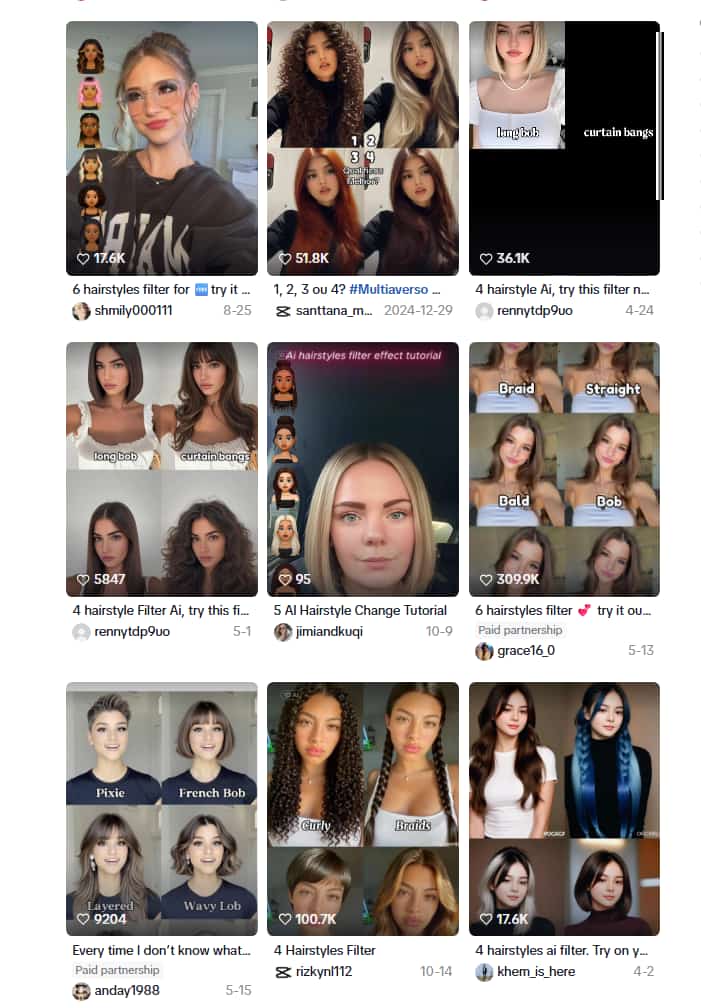 The trend is simple: people upload a selfie, generate multiple hairstyle variations using an AI change hairstyle tool, and post a collage or video online. Then viewers comment which look fits best — sometimes sparking hundreds or even thousands of replies.
It’s a fun, affordable, and highly engaging topic — and now hair color is joining the trend. With AI hairstyle changer, people are testing different hairstyles and hair colors before committing. The mix of creativity, curiosity, and personalization is exactly why this trend continues growing.
What is SuperMaker AI Hairstyle Changer
SuperMaker AI hairstyle changer feature is powered by Google Nano Banana Pro — the most advanced AI image model currently available.
Unlike a basic AI hairstyle filter, this model recognizes facial structure, hairline positioning, and real lighting, ensuring the hairstyle looks like a natural part of the character rather than an overlay.
One standout capability of Nano Banana Pro is identity consistency. Even after multiple edits — including different styles and shades — your appearance remains recognizable.
The AI hairstyle changer includes both:
- Hairstyle options: from short pixie cuts, straight bob, layered waves, afro curls, wolfcut to curtain bangs
- Hair-color variations: from natural brown gloss to platinum blonde
Anyone — male, female, or neutral style preference — can try multiple versions.
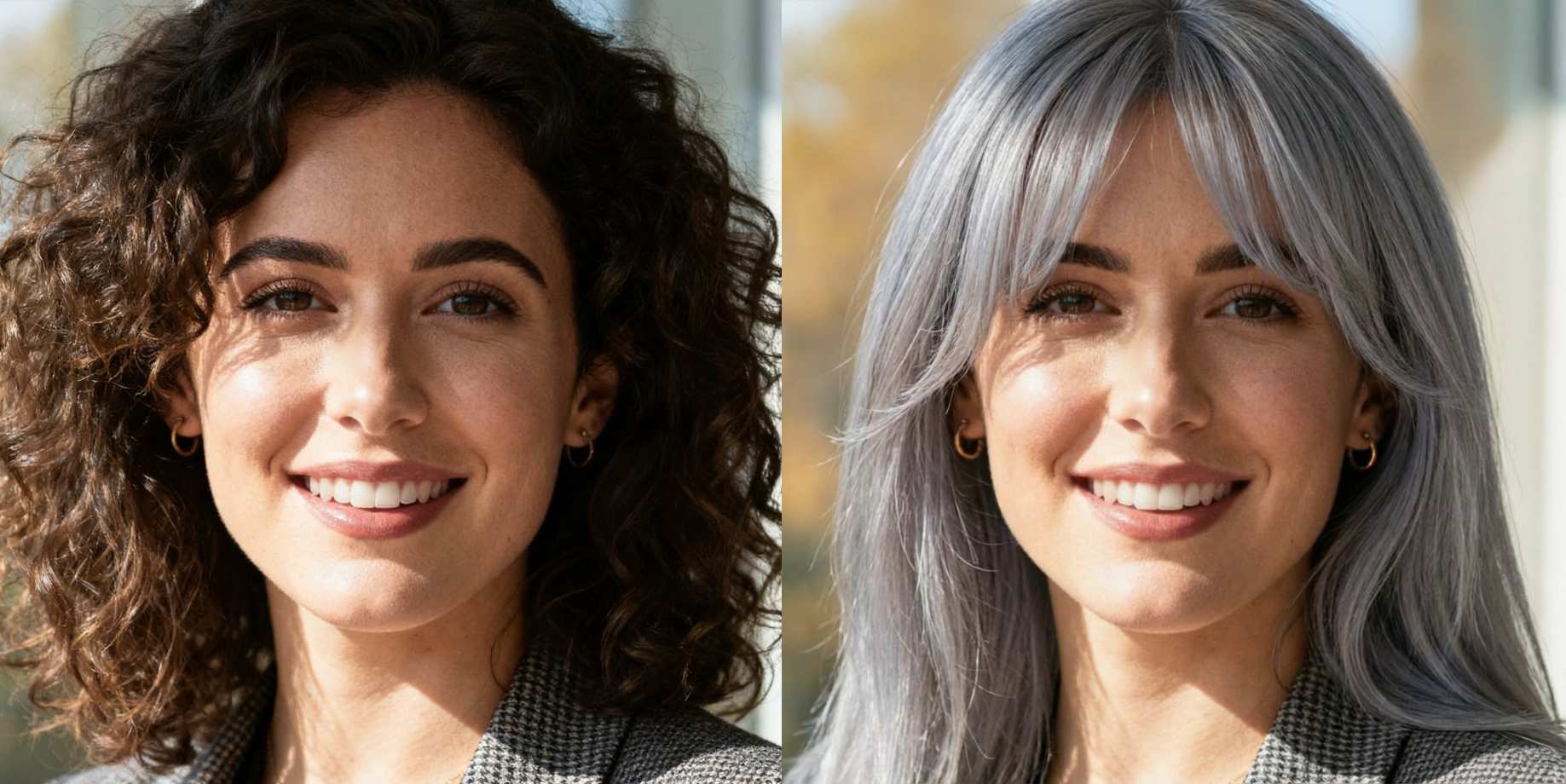 And later in this article, we’ll share ready-to-copy AI prompts so you can generate more detailed and personalized haircut inside SuperMaker AI Image Maker.
How to Use AI Hairstyle Changer
Trying new AI haircut takes less than a minute. Follow these steps:
Step 1: Head to the AI Hairstyle Filter
Go to the AI hairstyle changer.
This is where you’ll find the transformation tools including the AI hairstyle effect and AI hair color preview options.
Step 2: Upload Your Photo
Upload your portrait to get your new looks.
Step 3: Try Different Hairstyle
Choose your preferred hairstyle and generate multiple looks with the AI hairstyle changer. You can explore classic haircut ideas or trending TikTok styles.
Available styles include bob, wavy bob, long waves, straight long hair, braids, pixie, curtain bangs, layered hair, curls, dreadlocks, texture crop, quiff, undercut, man bun, and more.
You can also try fun transformations like bald look, or swap male and female hairstyle styles for a viral before-after effect.
Step 4: Try AI Change Hair Color
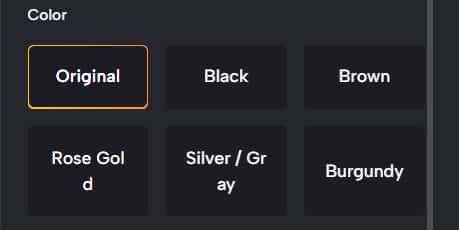 Next, test different shades using the AI change hair color mode. Keep your natural tone or switch to trending shades like blonde, black, brown, or gray.
We’ve listed popular hair-color examples below. If you want something more creative or customized, simply copy the prompt template and regenerate — the AI hair color changer will automatically blend tone, shading, and highlights for a realistic finish.
Step 5: Basic Settings & Generate
Before generating, choose image quality among 1K, 2K, and 4K and image size.
Once ready, click 'Generate image' — the AI hairstyle changer will process and apply the hairstyle with accurate texture and natural blending.
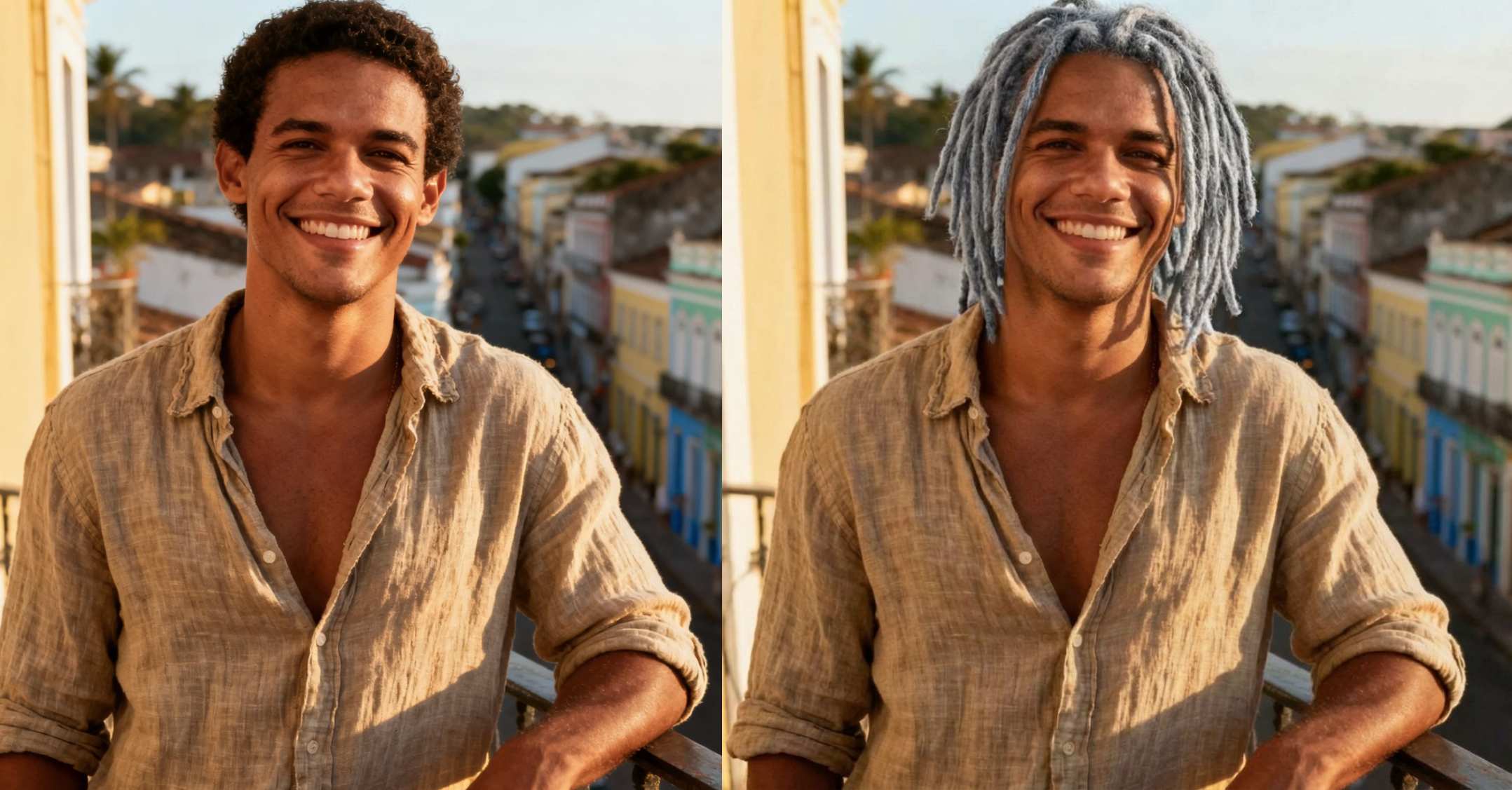
Copy-Ready Prompt For Different Hairstyle Idea
You can paste the prompt below directly into SuperMaker AI image maker:
Change my hairstyle into [ Curtain Bangs — Long parted bangs that frame the face softly on both sides. ] and [don't change my hair color ]. Keep face, proportions, and outfit the same. Make the hair blend naturally with lighting and skin tone.
 You can also swap the variables to create multiple looks for a TikTok comparison video.
Tips for Better Results
To maximize the realism of your AI hairstyle effect:
- Upload a front-facing photo
- Avoid hats, scarves, sunglasses, or heavy filters
- Make sure only one person is in the photo
- Ensure your face and hairline are clearly visible
If needed, crop the image so the face is centered — this helps both the AI hairstyle changer and AI hair color changer produce cleaner results.
Try AI Hairstyle Changer Now
Ready to discover which look truly fits you? Click the AI hairstyle changer to start testing hairstyles and hair colors — then share your transformation on TikTok and let others vote on your next real-life haircut.


