
What is Kling Motion Control? How to Use Motion Control AI Free Online?
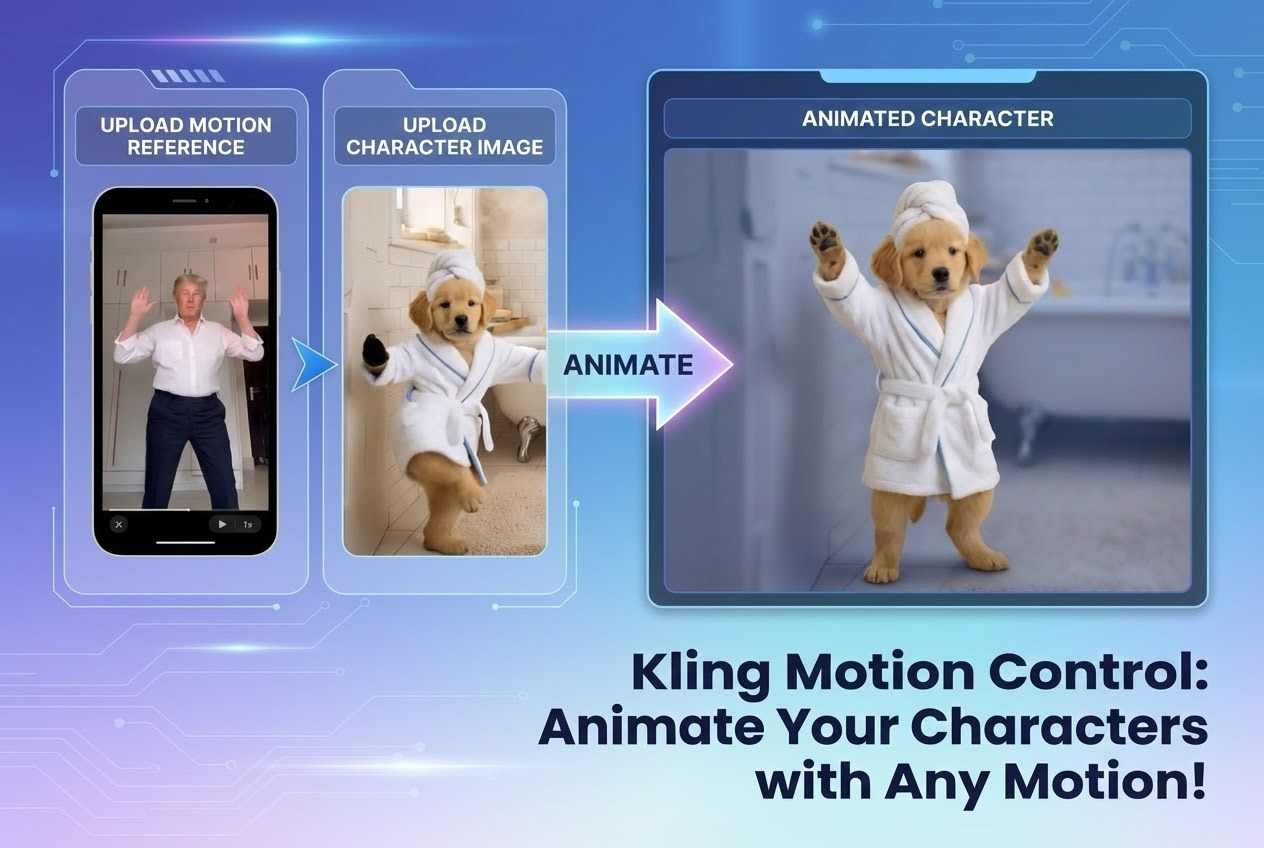
With the launch of Kling VIDEO 2.6, creators are amazed by it new feature Kling Motion Control. People are generating viral videos where characters move with purpose, clarity, and consistency. This article explains what Kling Motion Control is, how Kling Motion Control works on SuperMaker, and why it has become a powerful new workflow for everyday content creators.
Scroll through TikTok, X, or any short-video platform, and you will likely view the videos like animals dancing, celebrities performing exaggerated moves, or the same action repeated across different characters and visual styles. These clips spread fast because the movement feels intentional, rhythmic, and instantly recognizable.
Behind many of these viral videos is one common element: controlled motion. The action is not random. It follows a clear rhythm, a specific gesture, or a recognizable movement pattern that makes the video satisfying to watch and easy to share.
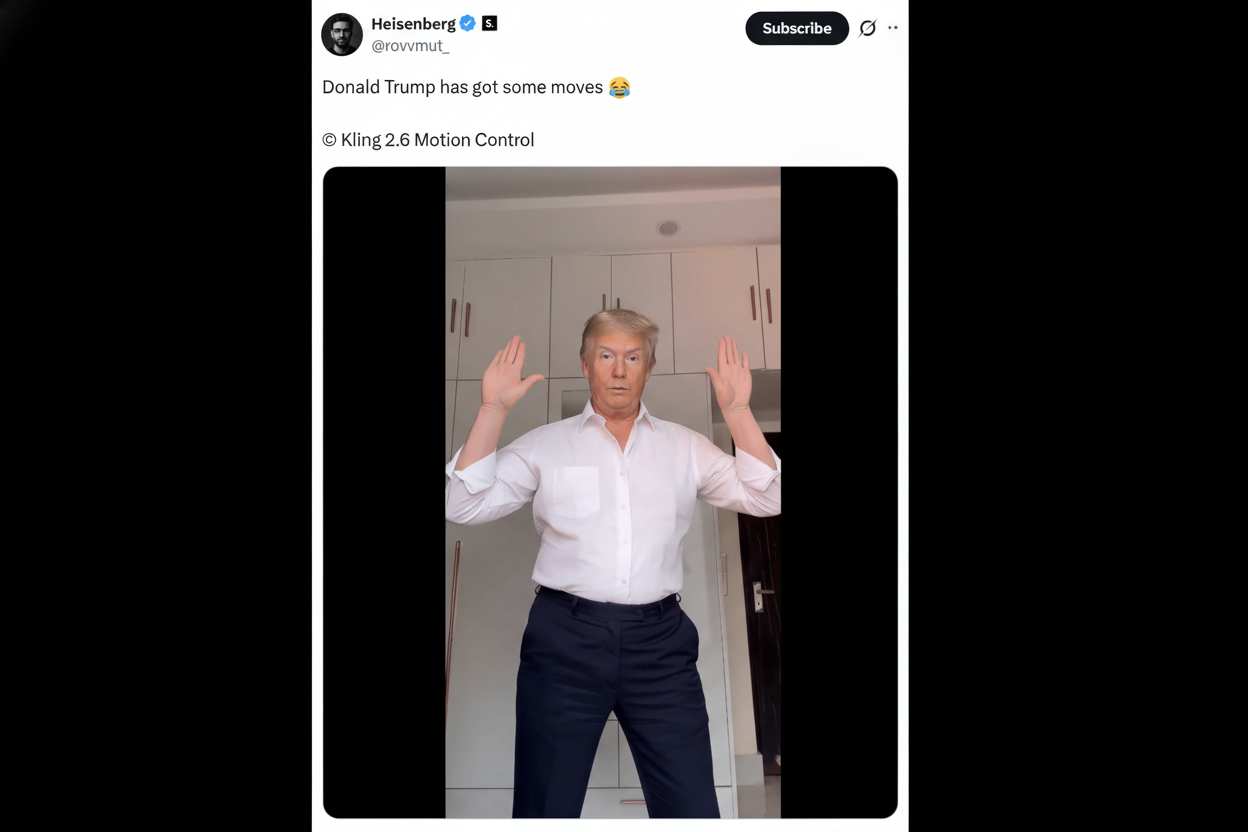
Kling just dropped its lateste video model Kling VIDEO 2.6, and the amazing feature Kling AI Motion Control can help you to make this kind of viral clips in one click.
Instead of guessing how an AI character might move, Kling Motion Control AI allows creators to transfer real, human motion directly into AI-generated videos. By using actual action as the foundation, Kling AI Motion gives creators a practical way to recreate the same type of motion-driven videos they see trending across social platforms—and produce them at scale.
What Is Kling Motion Control AI?
Kling Motion Control is latest feature powered by Kling VIDEO 2.6 model. You can see Motion Control AI as a AI video generation tool that focuses on movement accuracy rather than randomness. Instead of relying on text prompts to “describe” motion, this Motion Control AI uses real action as the source of truth.
With Kling Motion ControI:
- A real video provides the motion reference
- A static image defines the character’s appearance
- AI combines both to generate a new video where the character performs the same action
Kling Motion Control AI is designed specifically around this concept. It does not ask creators to write prompts or fine-tune technical parameters. Instead, it lets creators work with what they already understand best: real movement captured on video.
How Kling Motion Control AI Works on SuperMaker
Using Kling Motion Control on SuperMaker is intentionally simple, even for first-time users.
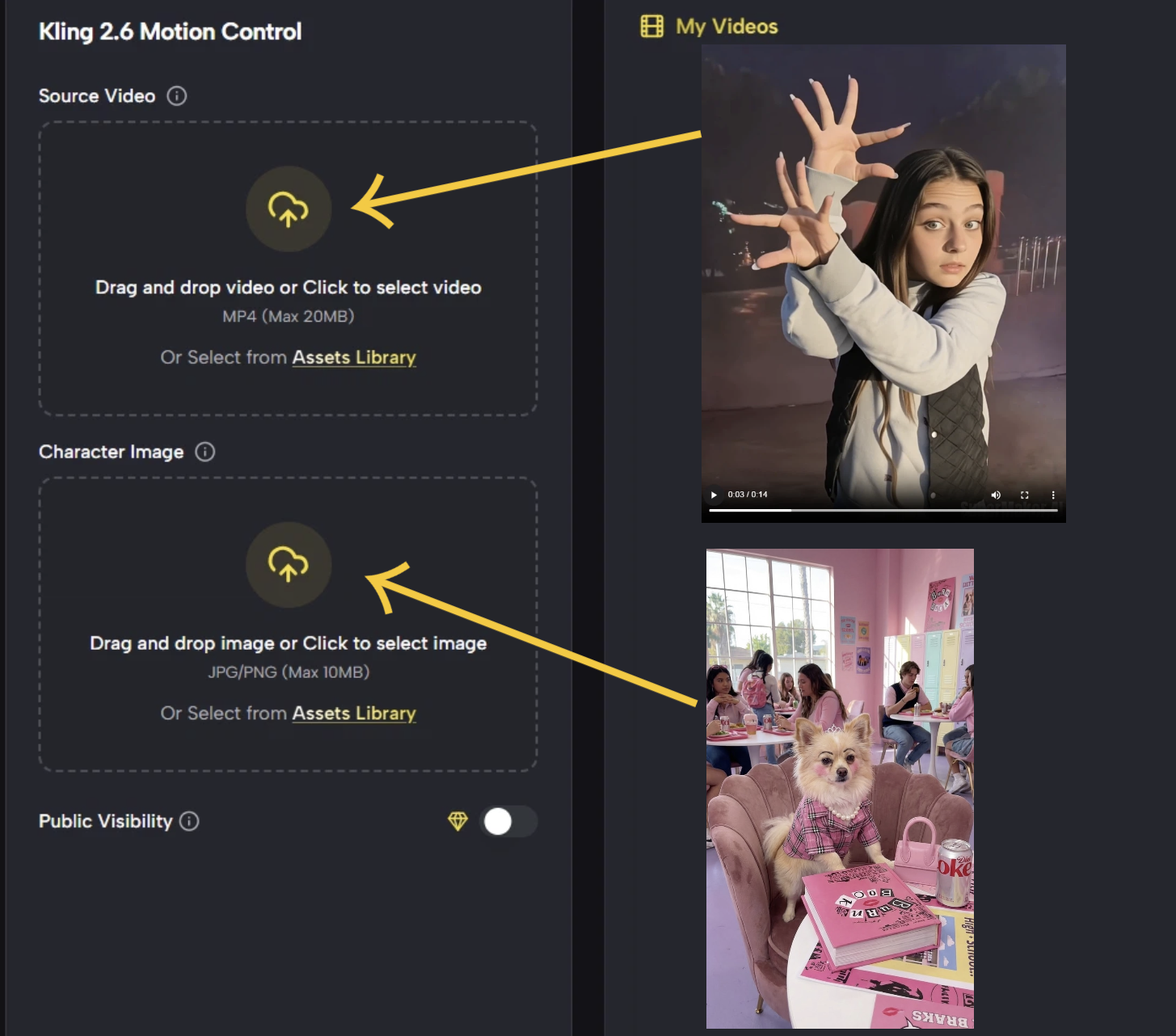 The basic workflow includes three steps:
1. Upload Motion Video
This can be a dance clip, a walking motion, a turn, a pose change, or any other natural movement.
2. Upload Image with Character
SuperMaker supports multiple characters, allowing the same motion to be applied across different people or styles.
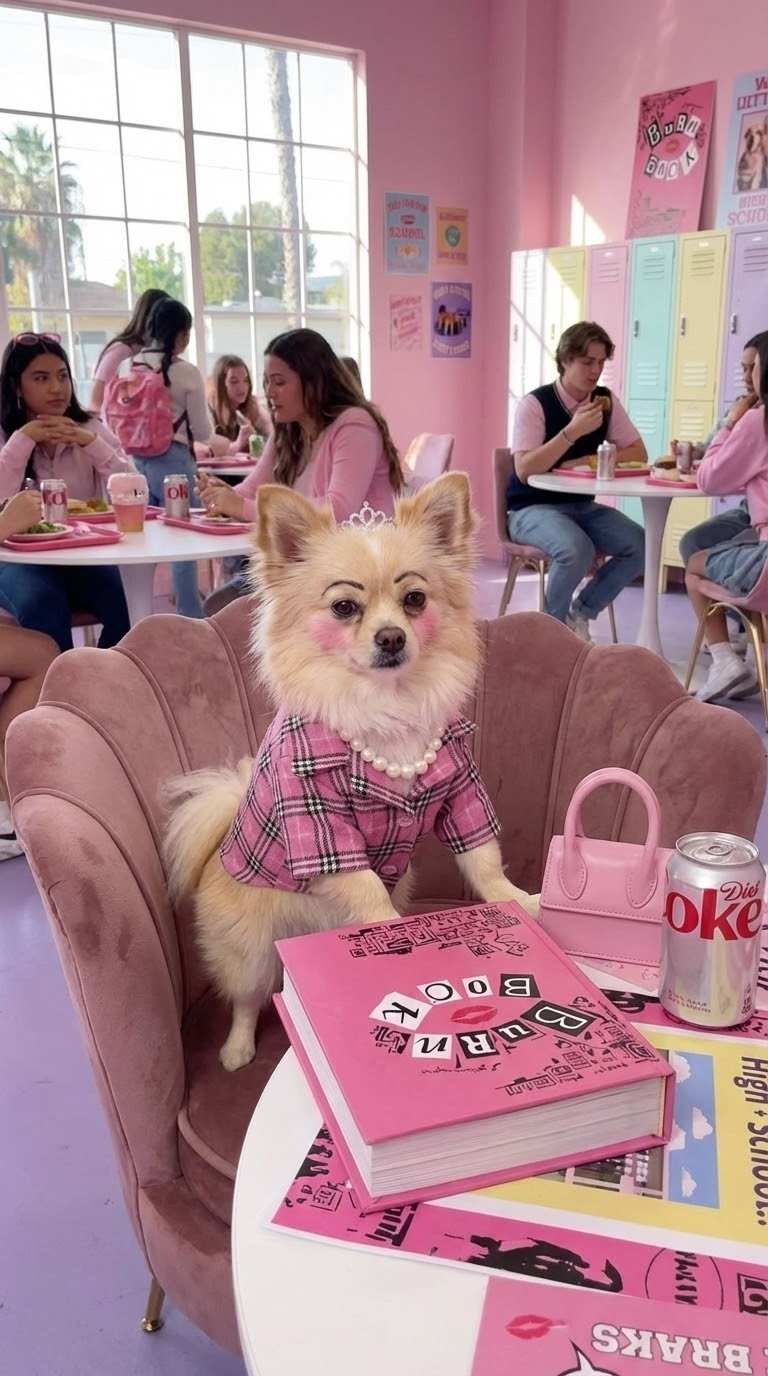
3. Generate the AI Motion Control Video
The Motion Control AI transfers the action from the reference video to the uploaded character image, producing a smooth, coherent result.
There are no text prompts, no motion descriptions, and no learning curve. The Kling Motion Control AI tool focuses entirely on motion replication, not interpretation.
Why Kling Motion Control AI Matters for Content Creators
For creators, speed and reliability matter more than complexity. Traditional AI video workflows often involve repeated attempts to get a usable result. Motion Control AI changes that dynamic.
Kling Motion Control AI offers creators:
- Predictable motion outcomes
- Consistent character behavior across videos
- Reusable motion templates for scalable content creation
Instead of generating multiple versions hoping one looks “right,” creators can control motion at the source. This makes it easier to plan content, maintain stylistic consistency, and produce videos that match creative intent.
Real-World Use Cases for Kling Motion Control AI
Because Kling AI Motion Control is video-driven rather than prompt-driven, it supports a wide range of practical creator workflows.
1. Fashion and Outfit Presentation
Creators can use one reference walk or pose video and apply it to multiple characters wearing the same outfit. This makes it easy to show how the same clothing appears across different models or body types.
2. Dance and Performance Content
A single dance clip can be transferred to different characters, avatars, or stylized visuals using Kling AI Motion free on SuperMaker. This is ideal for short-form platforms where motion energy drives engagement.
3. Multi-Character Comparison Videos
With multi-character support, the same movement can be applied to several people at once. This enables side-by-side comparisons, group motion videos, or synchronized performances.
4. Brand or IP Character Consistency
Creators building a recurring character or visual identity can reuse the same motion patterns across multiple videos, keeping behavior consistent while changing appearance or setting.
5. Low-Barrier Creative Experimentation
Because no prompts are required, creators can experiment Kling AI Motion Control freely. Uploading different reference videos instantly changes the result, making exploration fast and intuitive.
Motion Control AI on SuperMaker: Designed for Everyday Creators
The Kling Motion Control AI tool is available directly on SuperMaker, a platform built for creators who want access to advanced AI models without technical friction. Key points creators should know:
- Kling AI Motion Control is available directly on the SuperMaker platform
- The Motion Control AI tool is suitable for every user, not just professionals
- No prompt writing or AI expertise background is required
This makes Kling AI Motion Control especially appealing for creators focused on speed, experimentation, and visual storytelling.
Free Access and Credits: How Creators Can Start with Kling AI Motion
SuperMaker offers a free entry path for new users. New users receive 10 credits upon registration, which can be used to explore popular AI models such as Sora, Veo, and Nano Banana Pro free and online.
And users can earn additional extra free credits through daily check-ins, gradually unlocking access to more advanced creative tools.
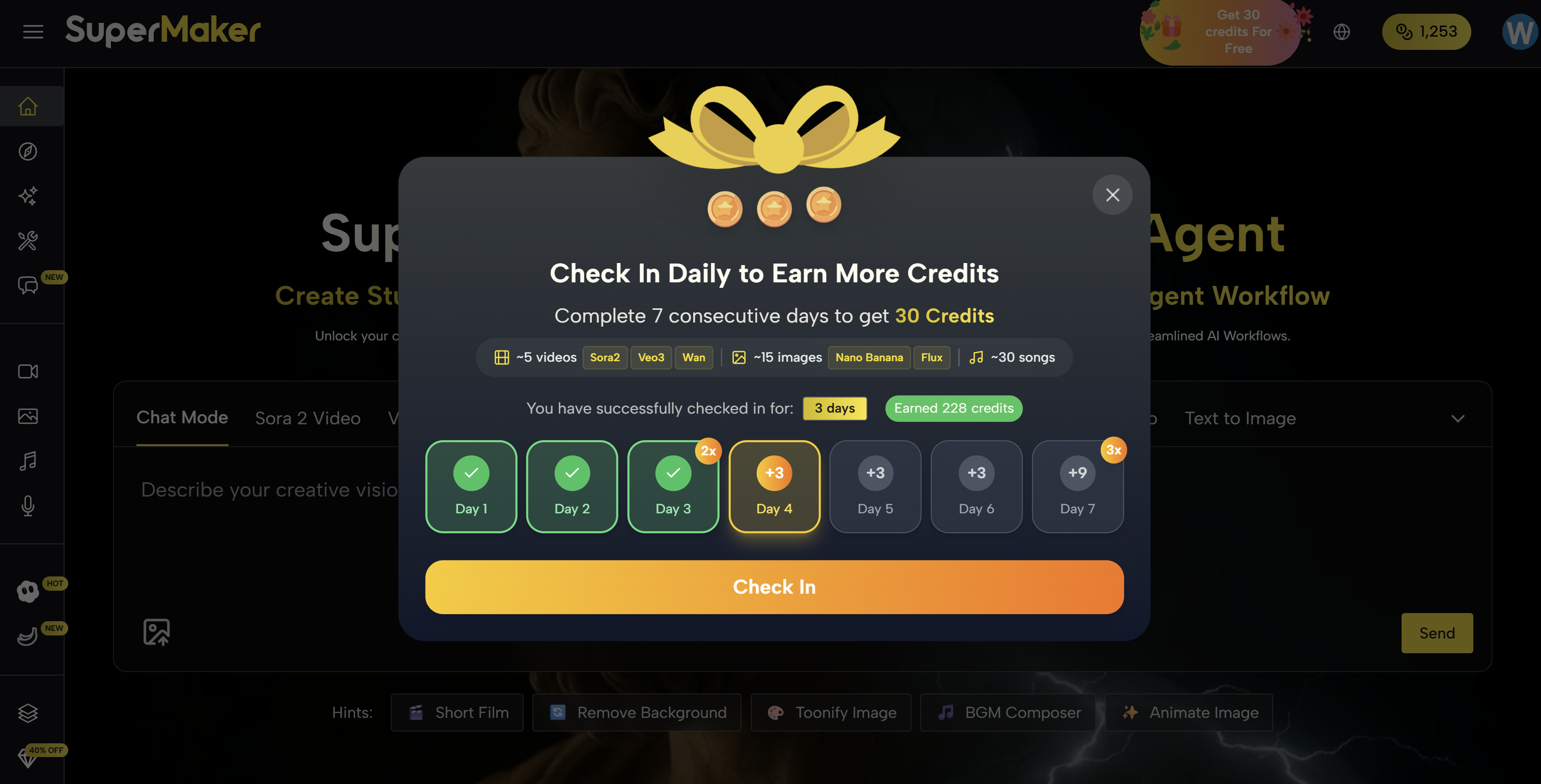
Kling Motion Control AI is positioned as part of this progression, encouraging creators to return, experiment, and expand their capabilities over time.
Rather than restricting access behind complexity, SuperMaker uses a credit system that rewards ongoing engagement and experimentation.
Who Should Use Kling Motion Control AI?
Kling AI Motion Control is ideal for:
- Short-form video creators
- Social media storytellers
- Fashion, dance, and lifestyle content creators
- Mocap Actors
- Game characters designers Anyone who wants controlled movement without technical setup
Kling Motion Control AI is especially useful for creators who value visual clarity and motion consistency but do not want to rely on prompt engineering or repeated trial-and-error generation.
Start Creating with Kling Motion Control AI
Kling Motion Control AI represents a shift in how AI videos are made. Instead of asking AI to imagine movement, creators can now show it what to do.
With Kling AI Motion ControI on SuperMaker, motion becomes intentional, reusable, and accessible. For creators who want AI videos that move the way they expect, Kling Motion Control AI tool opens a new creative direction.


