
Powered By Official Nano Banana Pro Model
More AI Image Generators
Explore our collection of specialized AI image generators designed for different creative needs and styles











![FLUX.1 Krea [dev]](https://static.supermaker.ai/cdn-cgi/image/q=55/https://static.supermaker.ai/files/vtp5vmm87f65.png)
Best AI Color Changer Free Online – Transform and AI Recolor Image Instantly
Upload Your Photos and Watch Our Advanced AI Color Changer Transform Hues, Tints, and Shades with Professional Precision
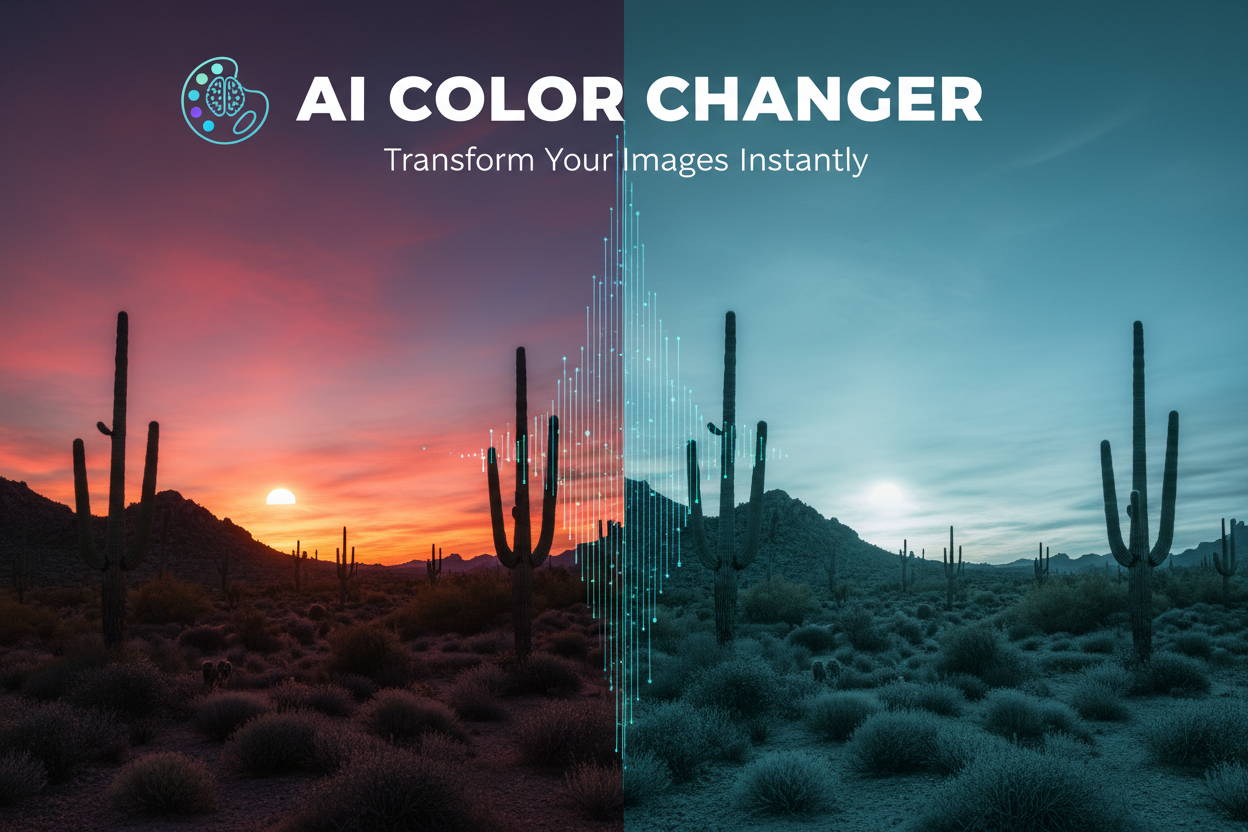
Unlock the power of professional color grading with our revolutionary AI color changer. Designed for efficiency and accuracy, this AI color changer allows you to AI change image color in seconds, eliminating the need for complex manual editing. Whether you are an e-commerce manager needing to display product variants or a designer looking to AI recolor image assets for a new campaign, our intelligent engine preserves texture, lighting, and shadows perfectly.
How to Use AI Color Changer Free Online?
Follow our simple four-step guide to master the AI color changer, allowing you to AI change image color through intelligent automation or precise custom text prompts.
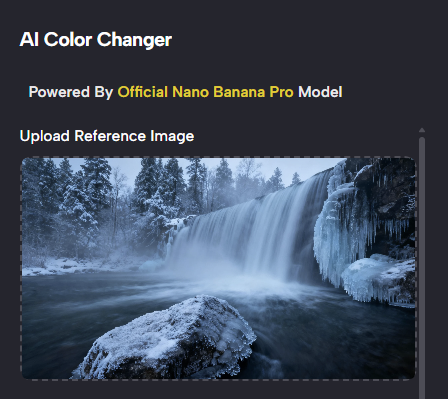
Upload Your Image to AI Color Changer
High-Quality Input for Best Results
Begin your transformation by uploading a high-resolution photo to our AI color changer platform. Whether it is a product shot, a fashion portrait, or an interior design concept, our system supports various file formats for your convenience. To AI change image color with the highest precision, we recommend using clear images with distinct subjects.
Once uploaded, our advanced machine learning algorithms perform an instant analysis to identify objects, textures, and lighting environments. This preparation phase ensures that when you later AI recolor image elements, the final result looks completely natural and professionally polished.
Best AI Image Tools for Creative Projects
Explore creative tools for image, learn tips and tricks, and see how AI can be your assistant in turning concepts into finished projects.






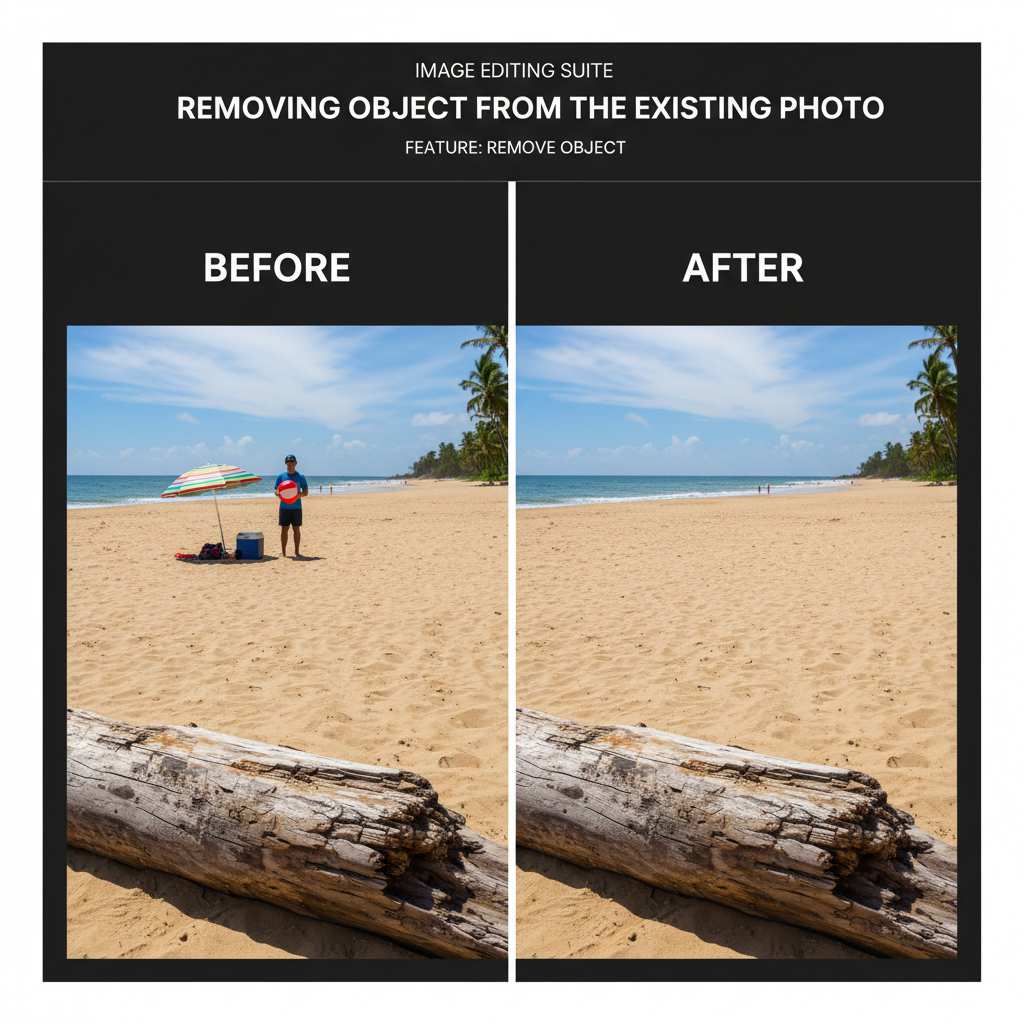
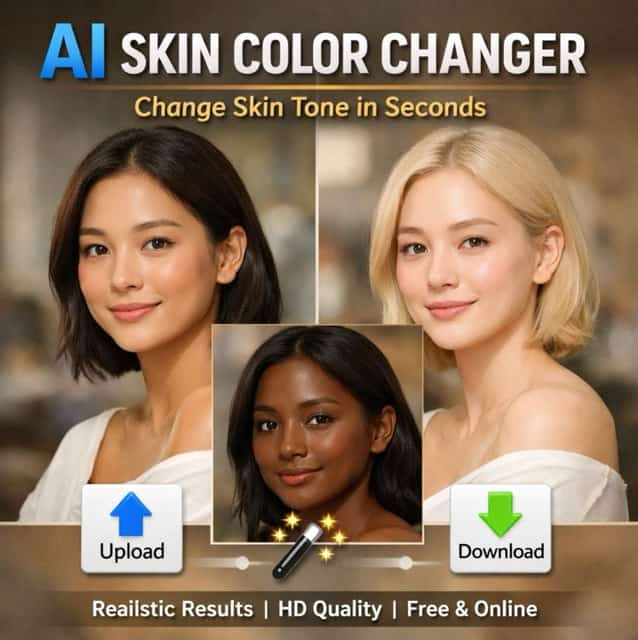
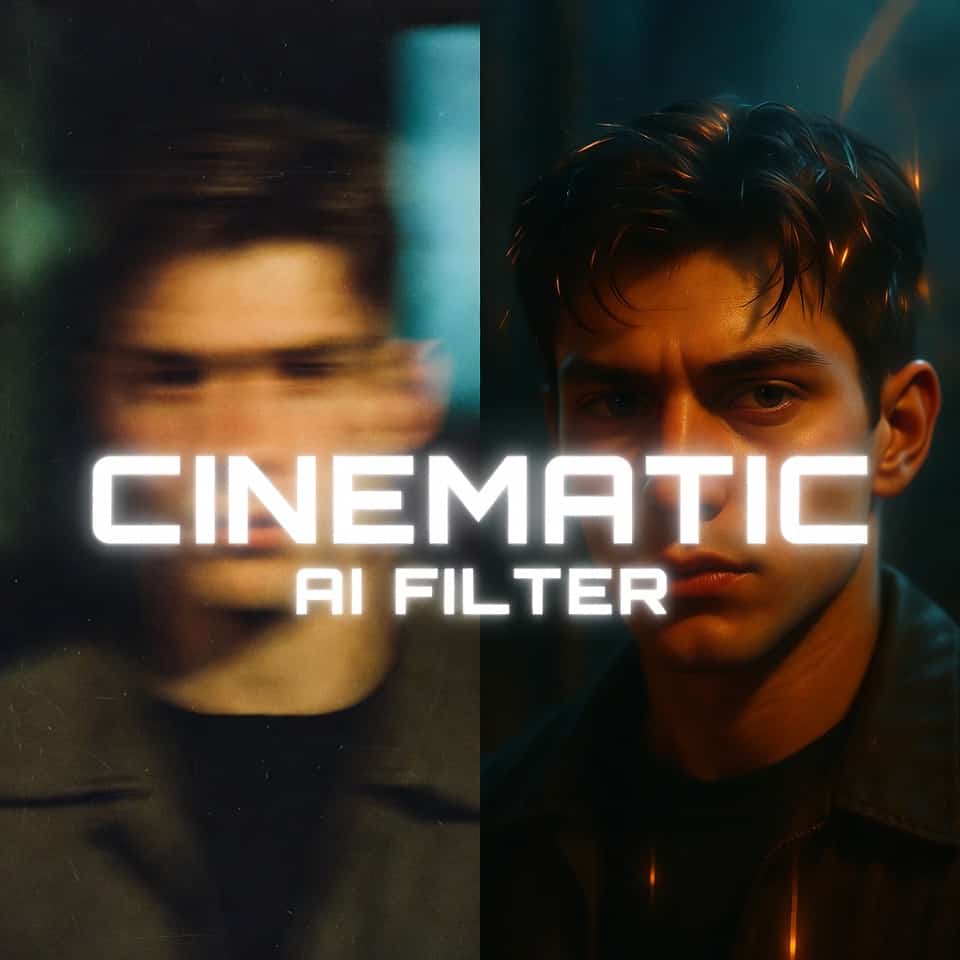

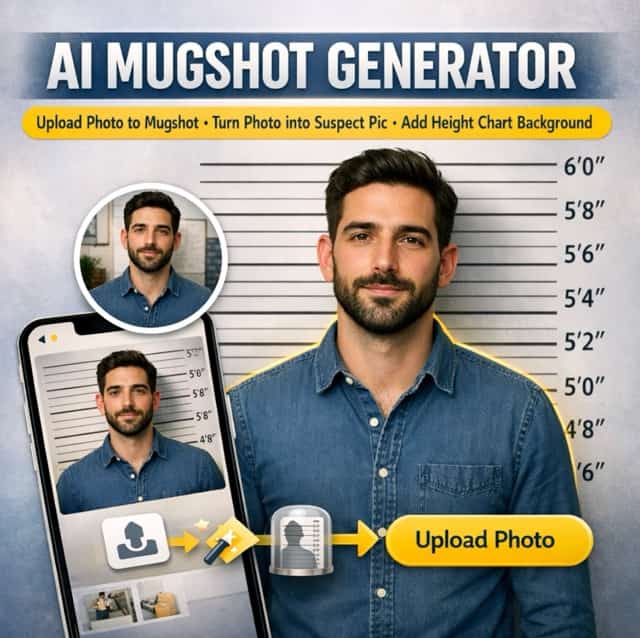
SuperMaker AI Color Changer: Precision Editing for Every Industry
Explore the diverse applications of our AI color changer, a versatile AI color changer that combines the power of machine learning with user-friendly design to help you AI change image color with professional fidelity.
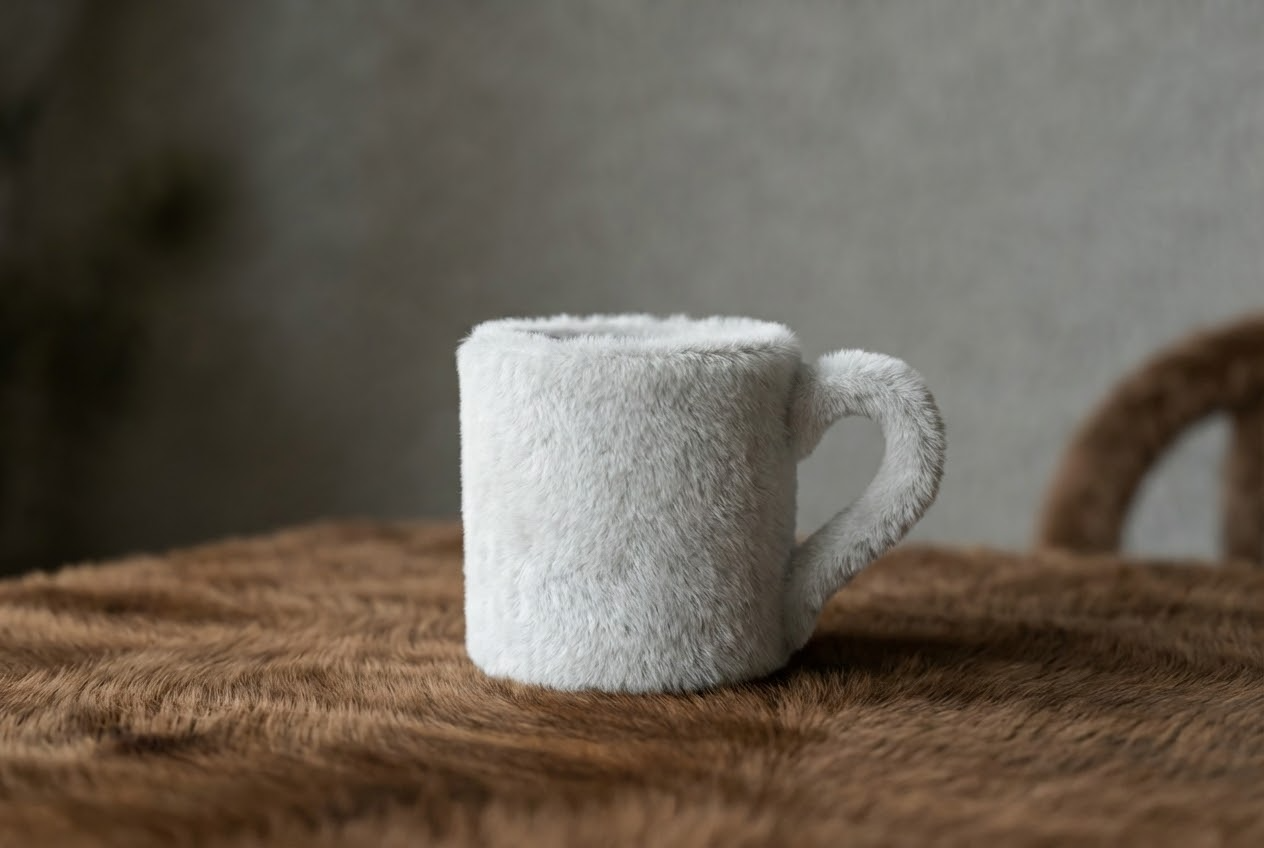
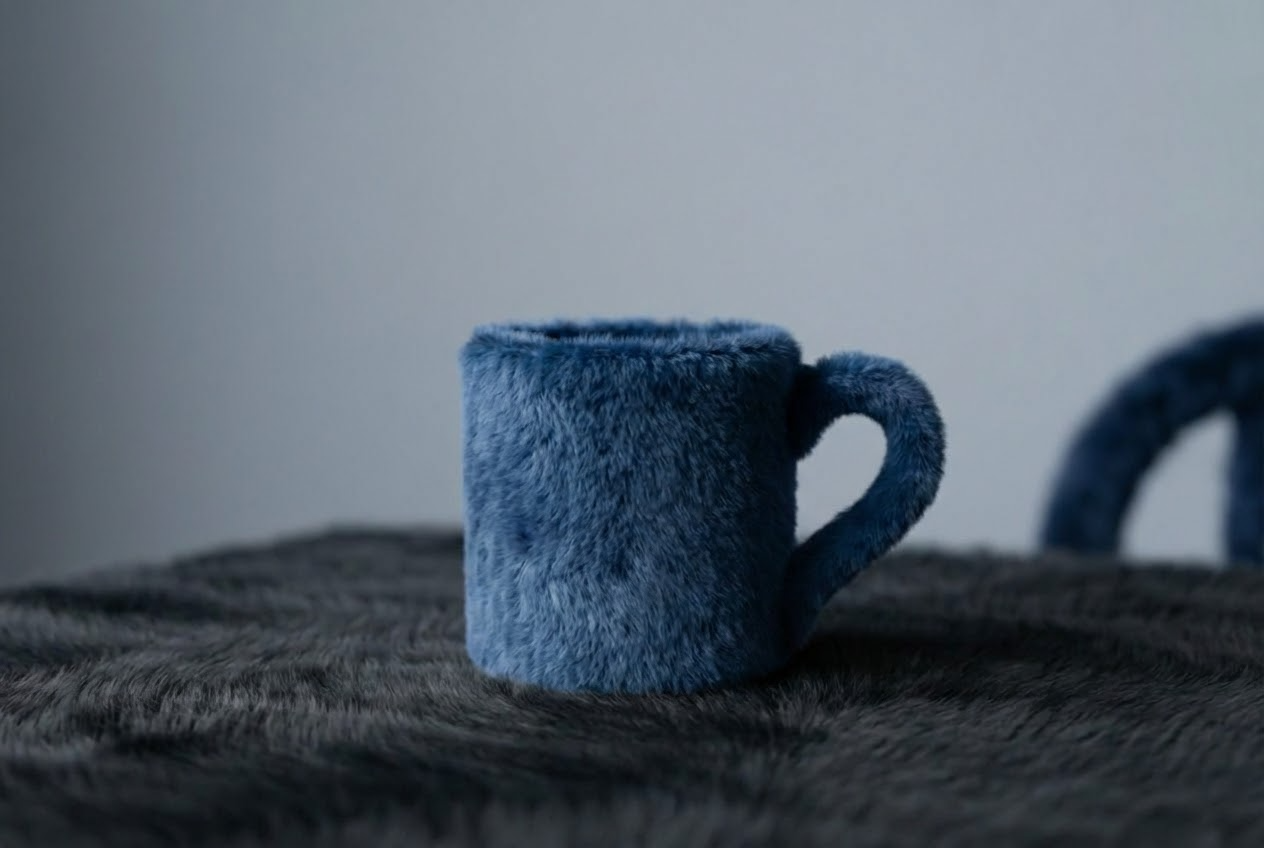
Revolutionize E-Commerce with AI Color Changer
- In the competitive world of online retail, speed to market is everything. Our AI color changer empowers merchants to create comprehensive product catalogs from a single reference photo.
- When you use the tool to AI change image color, you ensure consistency across your entire store. Every product variant maintains the exact same angle, lighting, and fold patterns, which creates a cleaner, more professional browsing experience for your customers.
- Furthermore, the ability to AI recolor image files on the fly allows for rapid A/B testing. The AI color changer acts as your virtual photography studio, drastically reducing overhead costs while multiplying your visual assets instantly.
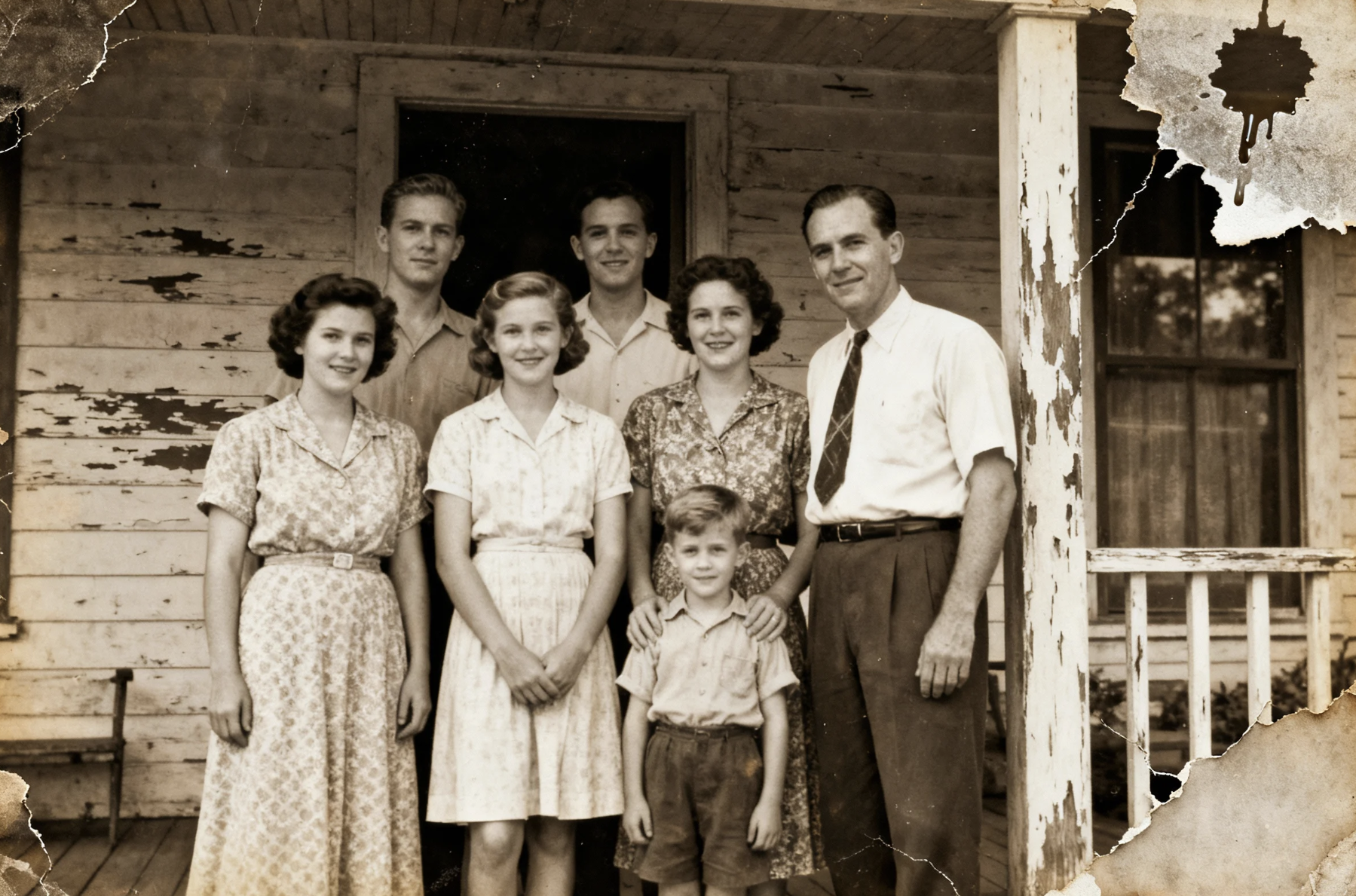
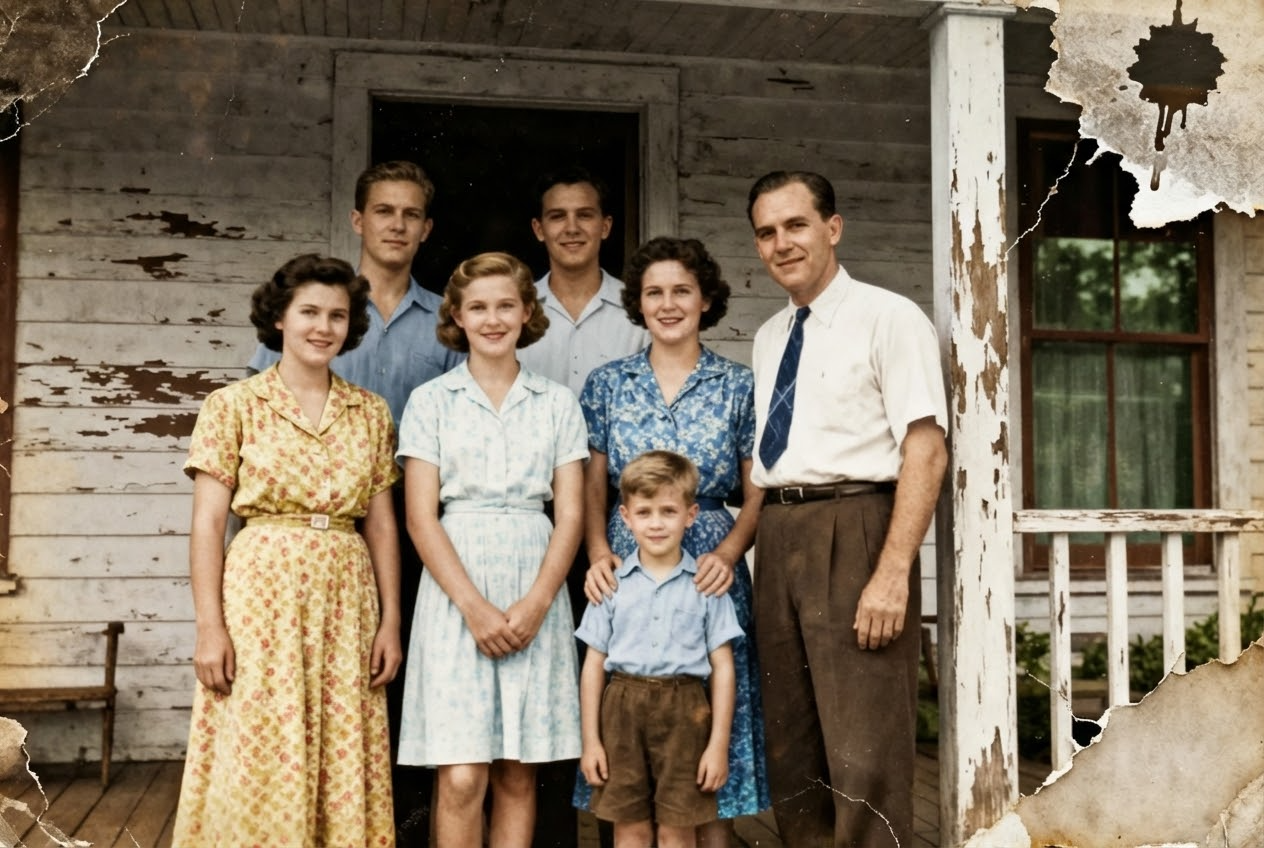
Unleash Creativity in Digital Design and Marketing
- Creative professionals and marketers often face the challenge of adapting visuals for different seasonal campaigns or brand guidelines. With our advanced AI color changer, this adaptation becomes effortless. You can take an existing high-performing ad creative and refresh it for a holiday sale by altering the palette to festive tones instantly.
- The capability to AI change image color allows designers to experiment with mood and atmosphere without starting from scratch.
- Our AI color changer excels where simple filters fail because it allows you to selectively AI recolor image components. This level of granular control is what makes our AI color changer an indispensable tool for modern digital artists.


Visualize Interior Design and Fashion Concepts
- For interior designers and fashion stylists, visualization is the key to selling an idea. Our AI color changer bridges the gap between imagination and reality.
- This technology allows you to AI change image color on walls, fabrics, and accessories in real-time presentations. It helps in making faster decisions and reducing the friction in the approval process.
- By using AI color changer to AI recolor image drafts, you save resources and minimize waste. The AI color changer is not just an editing tool; it is a sustainable solution for prototyping and design visualization.
Why Choose Our AI Color Changer for Your Business
From e-commerce to automotive industries, see how our AI color changer helps professionals AI change image color efficiently to save time and boost conversions.

E-Commerce Product Variants
For online store owners, the AI color changer is a game-changer for inventory management and display. Instead of photographing every single color option of a t-shirt, water bottle, or handbag, you can take one high-quality photo and use AI color changer to AI change image color for all other SKUs.

Interior Design Visualization
Interior decorators and real estate agents use the AI color changer to help clients visualize potential. You can AI change image color of the walls from beige to navy blue, or the cabinets from oak to white, in seconds. This capability to AI recolor image spaces helps clients overcome their hesitation by letting them see the finished result before any work begins, accelerating sales and project approvals.

Fashion & Apparel Design
Fashion designers leverage the AI color changer during the prototyping phase to test colorways without manufacturing samples. You can take a sketch or a photo of a prototype and AI change image color to see how the garment looks in pastels versus neon tones. The ability to accurately AI recolor image fabrics while keeping the texture of silk, denim, or cotton visible is crucial for accurate design assessment.

Automotive Customization
Car dealerships and auto body shops use the AI color changer to show customers how a vehicle would look with a custom paint job or wrap. You can AI change image color to match factory paint codes or custom metallic finishes. The AI color changer ability to AI recolor image surfaces while maintaining reflections and metallic sheen makes the preview incredibly realistic.

Digital Marketing Campaigns
Marketing agencies use the AI color changer to localize global campaigns or refresh evergreen content. This versatility allows marketers to extend the lifespan of their visual assets. By being able to AI change image color to match brand guidelines or psychological color triggers for different demographics, marketers optimize their ad spend. It is a cost-effective way to AI recolor image elements to test which visuals drive higher click-through rates.

Professional Photography Grading
Photographers utilize the AI color changer for creative color grading and correction. With AI color changer, a photographer can AI change image color of the distracting element to blend it harmoniously with the composition. The precision of AI color changer ensures that when they AI recolor image details, the edges remain sharp and the photo maintains its professional quality.
What Users Love About SuperMaker AI Color Changer
Read how professionals across various industries use our AI color changer to streamline their workflows and achieve stunning visual results.
As an E-commerce Manager, managing photography for hundreds of SKUs was a nightmare. We used to spend weeks on photoshoots. Since adopting this AI color changer, we simply shoot one master image and generate the other 15 color variants digitally. It is impossible to tell the difference. The way it allows us to AI change image color while keeping the fabric texture is phenomenal. It has saved us thousands in budget.
I am a Graphic Designer constantly dealing with indecisive clients. They always want to see 'just one more option.' This AI color changer has been a lifesaver. I can now AI recolor image assets live during a Zoom meeting. If they want the logo background blue instead of green, I do it instantly. The precision of the selection AI color changer means I don't have to manually mask anything in Photoshop anymore.
In Interior Architecture, clients struggle to visualize the final outcome. I use the AI color changer to show them exactly how their living room will look with different wall paints and furniture fabrics. Being able to AI change image color on specific furniture pieces without affecting the lighting of the room helps me sell my design concepts much faster. It is an essential tool in my presentation kit.
Running a custom auto shop means selling a vision. Customers want to know how a matte black wrap will look on their specific truck before paying for it. The AI color changer allows my sales team to take a photo of the customer's car in the lot and AI recolor image panels instantly on an iPad. It closes deals. The reflections look real, which is the hardest part to get right.
Brand consistency is everything on social media. I use the AI color changer to ensure that user-generated content we repost matches our brand's aesthetic palette. I can take a fan's photo and AI change image color of the background or props to align with our feed's theme. It allows us to use more community content while keeping our grid looking professional and cohesive.
Product photography requires perfection. Sometimes the sample product arrives in the wrong shade, but we have a deadline. This AI color changer lets me fix those issues in post-production effortlessly. I can AI recolor image elements to match the exact Pantone code requested by the client. It is significantly faster than traditional retouching methods and the edge detection is surprisingly accurate.




AI Color Changer FAQ - Common Questions
Find answers to common questions about how to use AI color changer to AI change image color, supported formats, and commercial usage rights.
An AI color changer is an advanced image processing tool that uses artificial intelligence to identify objects within a photo and modify their hues. It allows you to AI change image color selectively without manual selection or masking, preserving the original texture and lighting.
AI color changer analyzes the pixels of your uploaded image to distinguish between the subject and the background. When you select a new color, the algorithm calculates how light interacts with the surface and applies the new tone, allowing you to AI recolor image files realistically.
We support all major image formats including JPG, PNG, and WebP. Whether you are uploading a high-resolution camera shot or a mobile phone picture, the AI color changer is optimized to process these files efficiently.
Yes, you can use the images generated by AI color changer for commercial purposes. It is perfect for e-commerce listings, digital advertisements, and marketing materials where you need to AI change image color to represent product variations.
Absolutely. The algorithm is specifically trained to recognize texture patterns like fabric weaves, wood grain, and metallic shine. When you AI recolor image areas, these details remain visible, ensuring the result looks natural.
We offer a generous free tier that allows you to test the capabilities of the AI color changer. For high-volume users requiring batch processing to AI change image color for large catalogs, we offer premium subscription plans.
Start Transforming Your Images Today
Don't settle for static visuals. Use the SuperMaker AI color changer to unlock unlimited creative possibilities. Whether you need to fix a photo or generate product variants, AI color changer helps you AI change image color with unmatched speed and realism. Start now and see the difference.
