
More AI Image Generators
Explore our collection of specialized AI image generators designed for different creative needs and styles



![FLUX.1 Krea [dev]](https://static.supermaker.ai/cdn-cgi/image/q=55/https://static.supermaker.ai/files/vtp5vmm87f65.png)
AI Open Eyes for Natural Looking Photo Fixes
Fix closed-eye moments in portraits, family pictures, travel shots, and event photos with AI Open Eyes.
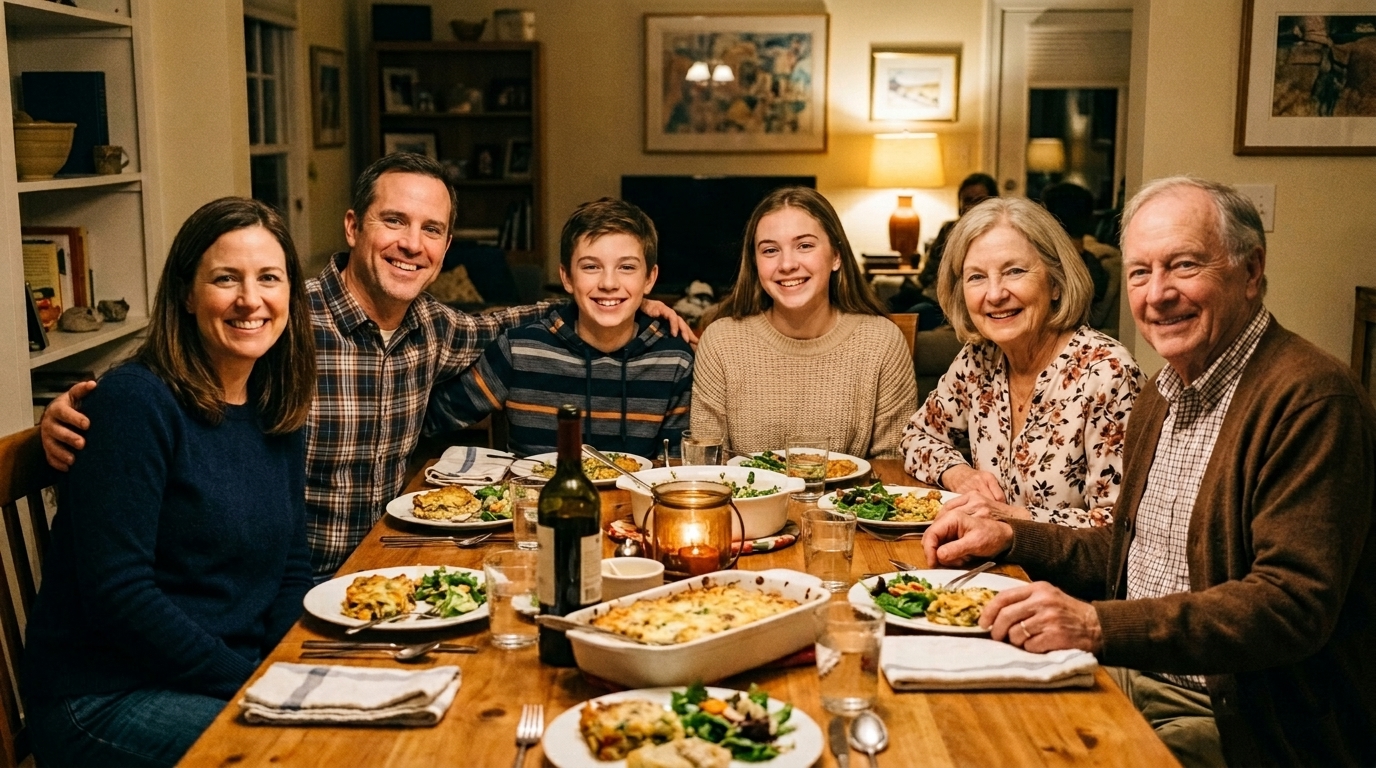
AI Open Eyes helps you rescue photos that would otherwise be unusable because someone blinked at the wrong moment. It is practical for portraits, group photos, travel images, and casual phone pictures when timing matters and the original scene cannot be recreated.
How to Use AI Open Eyes
Using AI Open Eyes takes only a few steps. Upload a photo, choose the image size, and let the model repair the blink.
Upload Your Photo
Start by uploading the image you want to repair. AI Open Eyes works best on portraits, selfies, couple photos, family pictures, and social content where one or more people blinked. The process is simple, so you can move from problem photo to corrected result without learning professional retouching tools or rebuilding the image from scratch.
Choose Image Size and Generate
Select the image size that fits your intended use, then run AI Open Eyes. The model focuses on opening the eyes while preserving facial identity, skin texture, lighting direction, and scene consistency. This makes AI Open Eyes useful for quick personal edits as well as content teams that need a cleaner portrait without spending time on manual detail work.

Preview and Download
Check the repaired result and download the version that looks right for your project. AI Open Eyes is designed to keep the correction subtle rather than exaggerated, so the edited photo still feels like the original moment. That balance is especially important for profile photos, client deliverables, and personal memories you want to keep authentic.
Best AI Image Tools for Creative Projects
Explore creative tools for image, learn tips and tricks, and see how AI can be your assistant in turning concepts into finished projects.
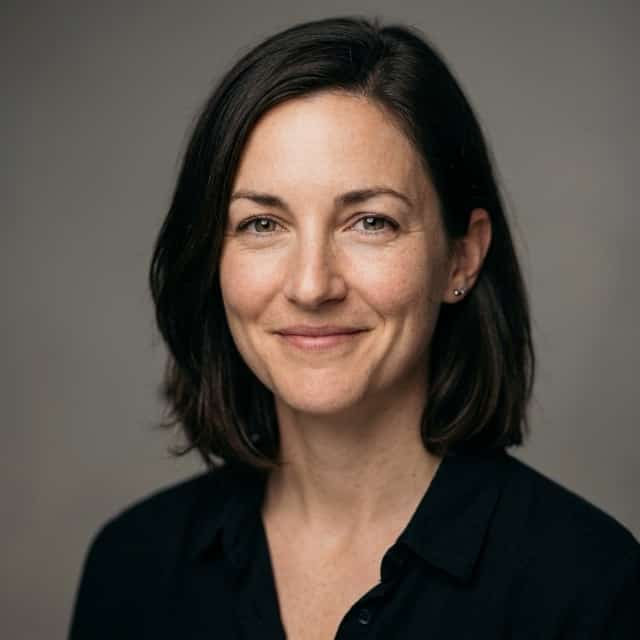

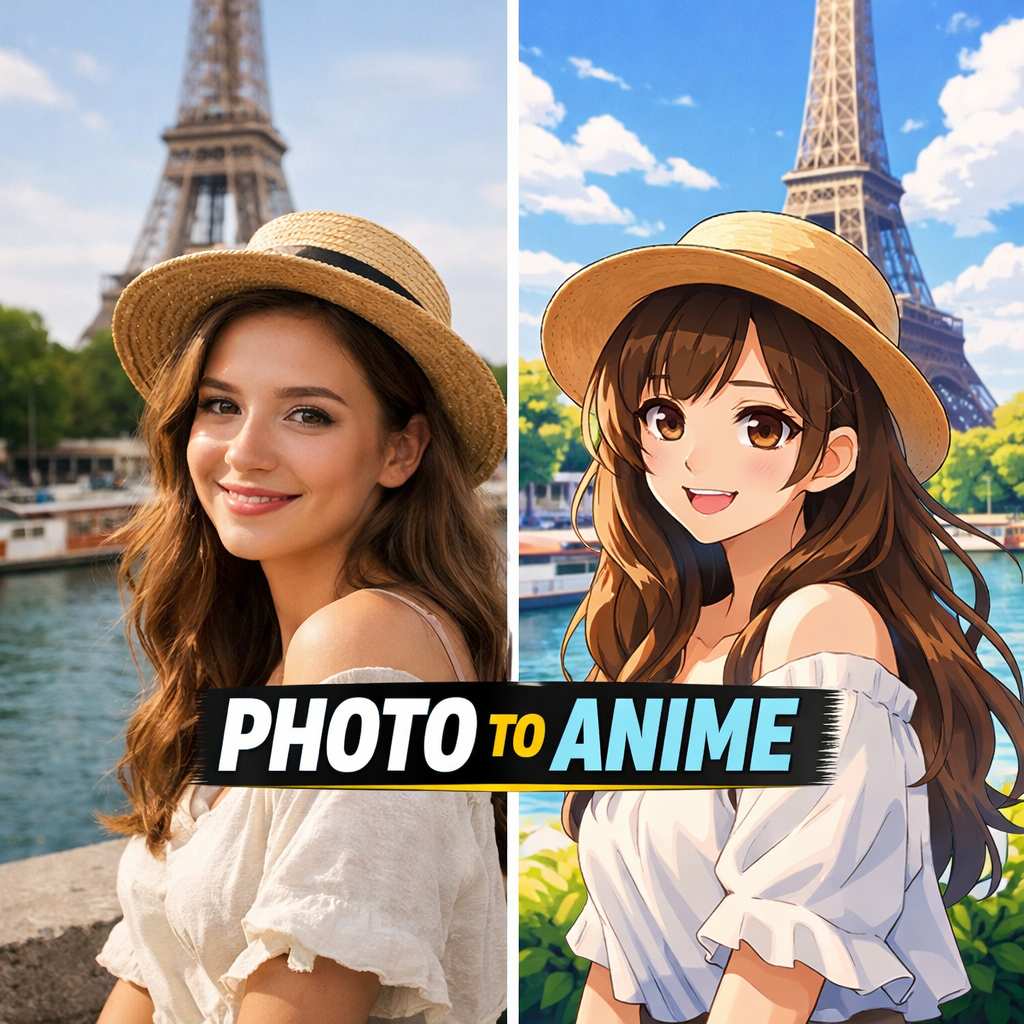
Features of AI Open Eyes
AI Open Eyes is designed for practical photo repair rather than heavy stylization. It focuses on one clear task: correcting closed-eye portraits in a way that feels believable.
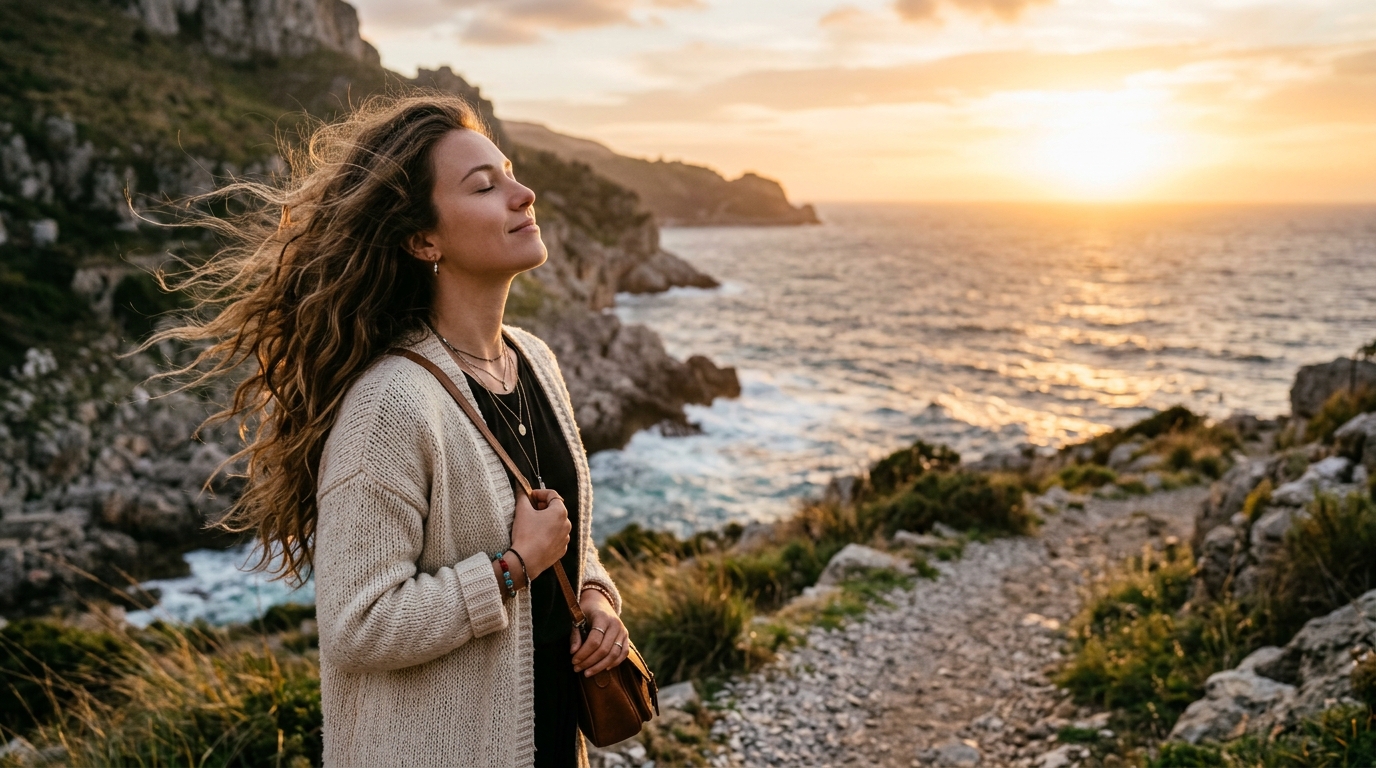
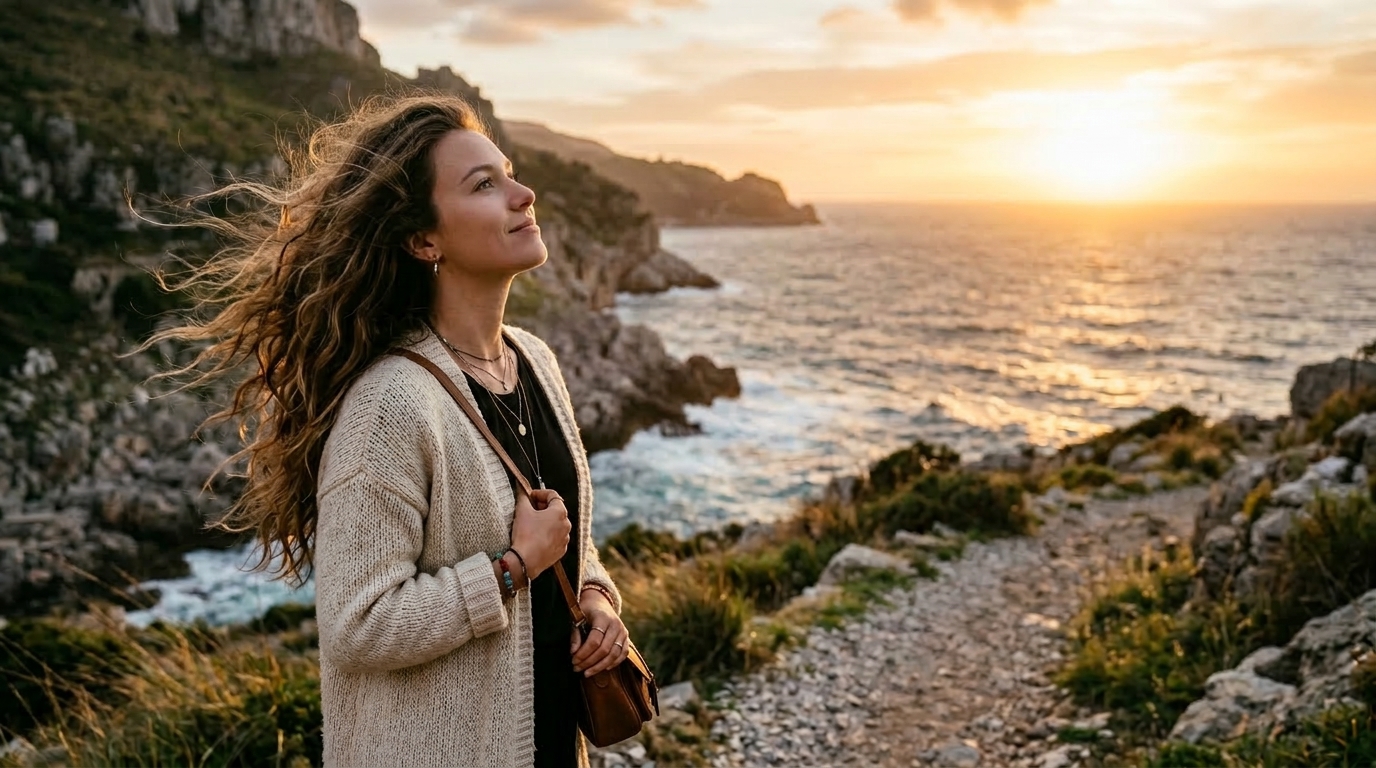
Repair Portraits Without Changing Identity
AI Open Eyes is built for portrait correction where realism matters more than dramatic editing. It opens the eyes while keeping the original face shape, eyebrow position, skin detail, and lighting relationship intact. That makes AI Open Eyes useful for profile pictures, graduation portraits, dating photos, and professional headshots that need a more alert expression without looking artificially edited.
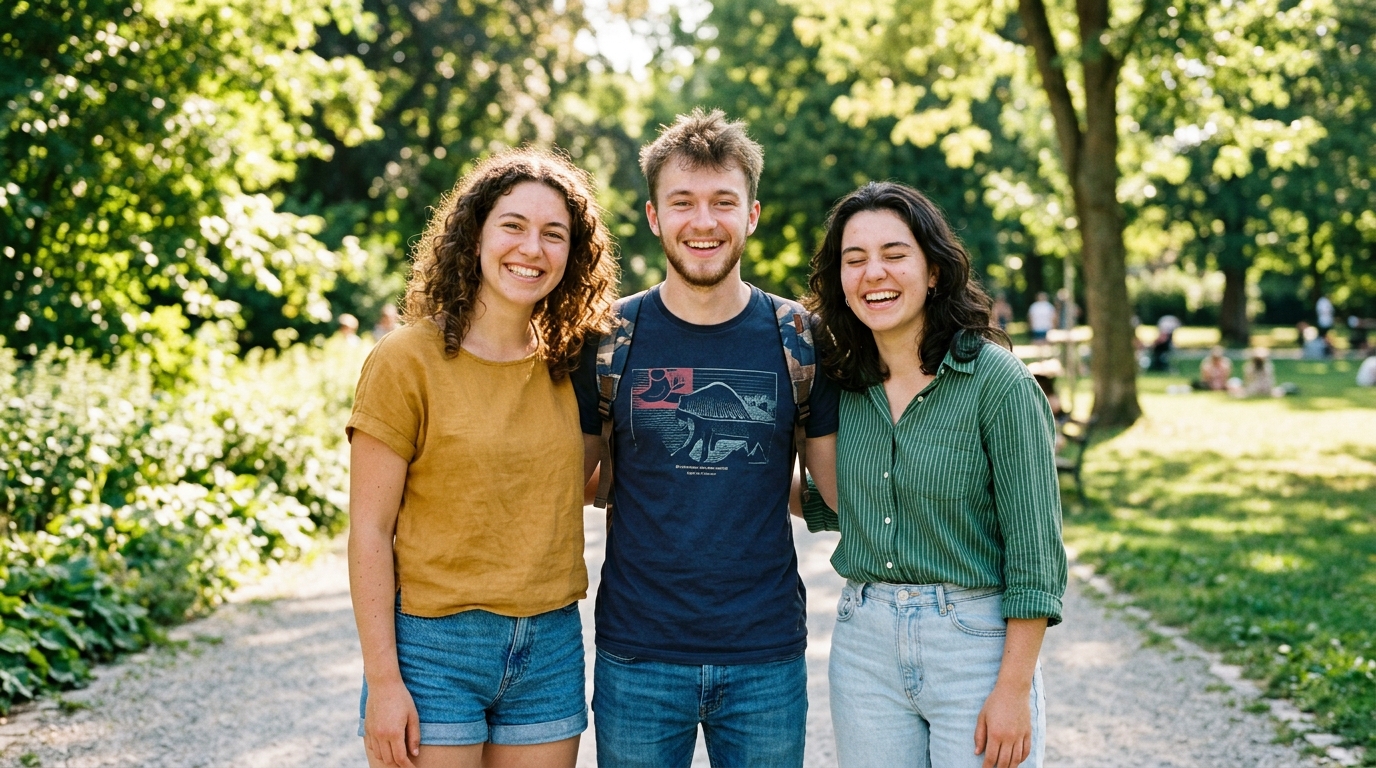
Save Group Photos When One Person Blinks
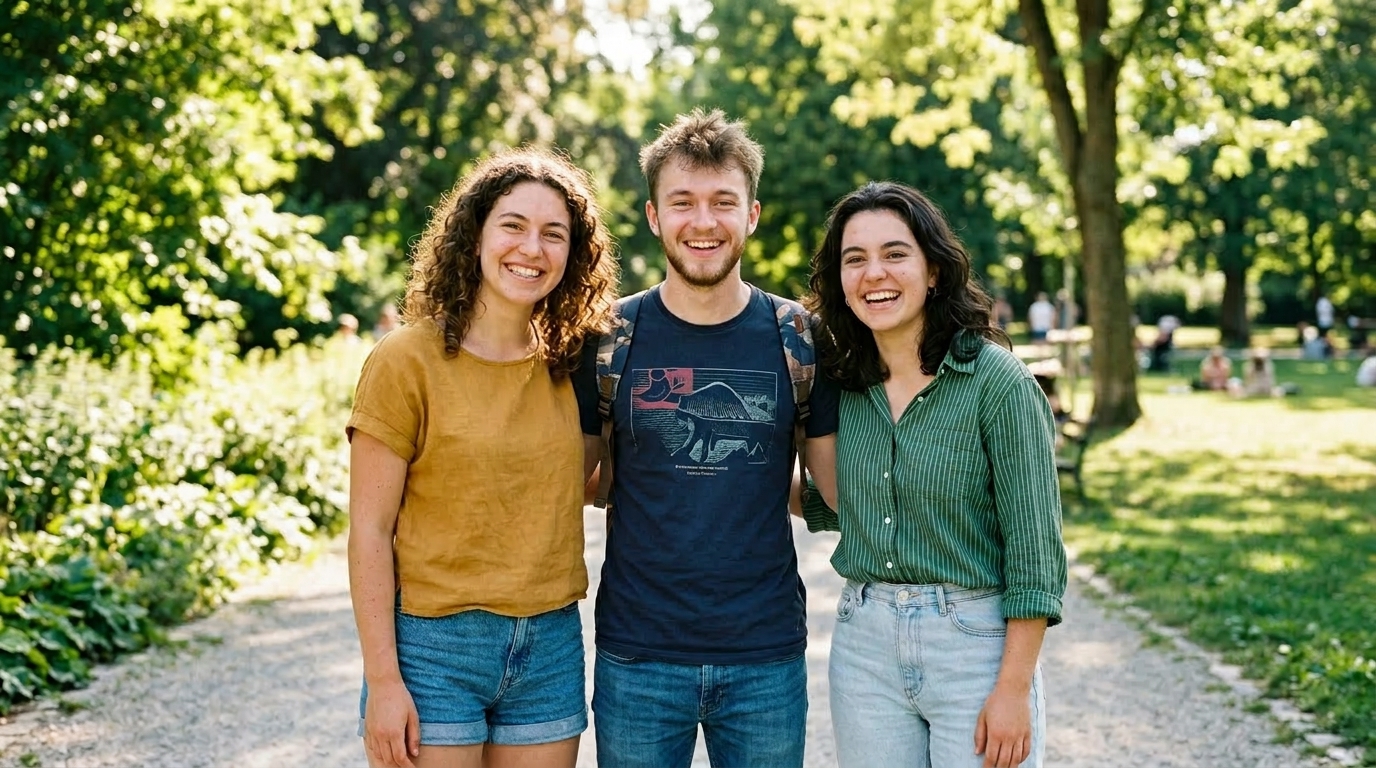
Group photos are often ruined by one badly timed blink, even when everyone else looks great. AI Open Eyes helps recover those shots without forcing a reshoot or complicated layer editing. With AI Open Eyes, families, friends, and event organizers can keep a strong group image, especially when the original moment happened only once and cannot be repeated.
Improve Social and Creator Photos Fast
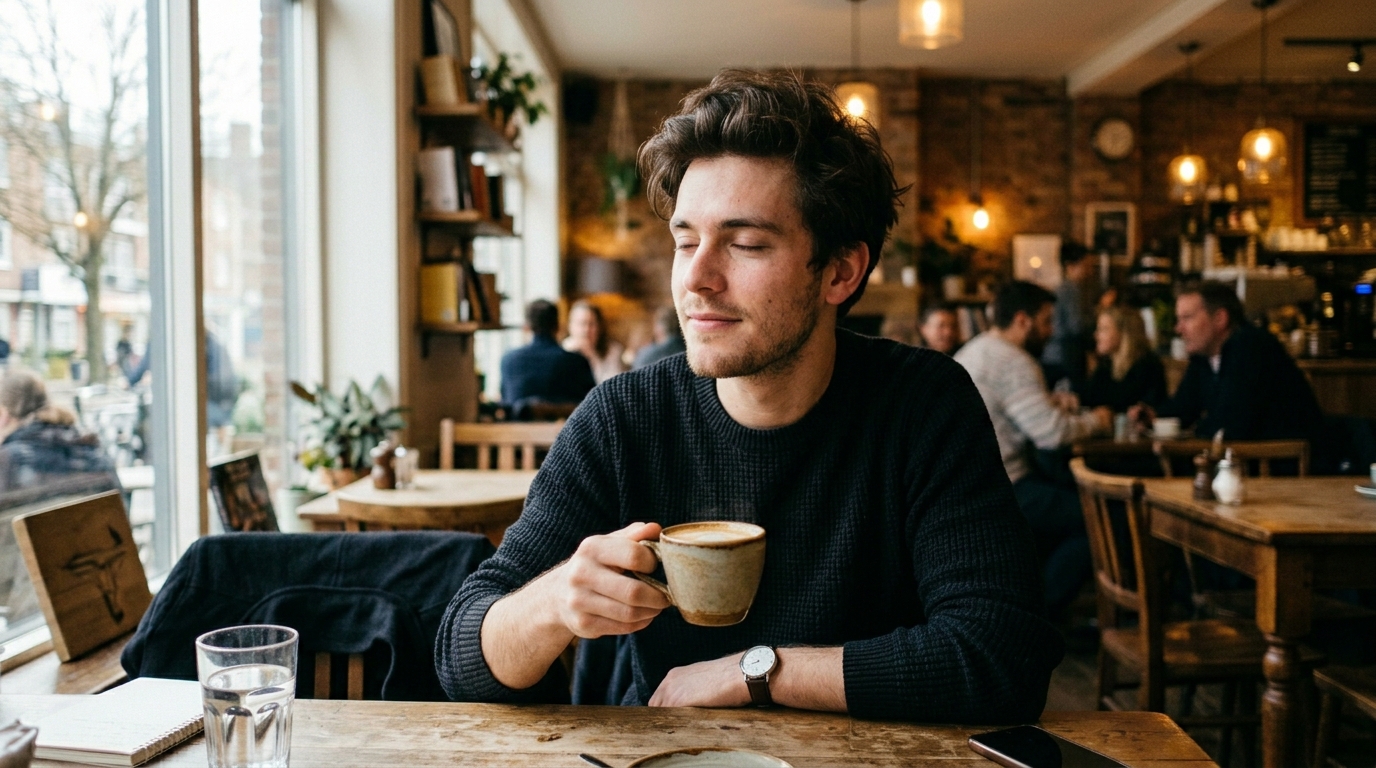
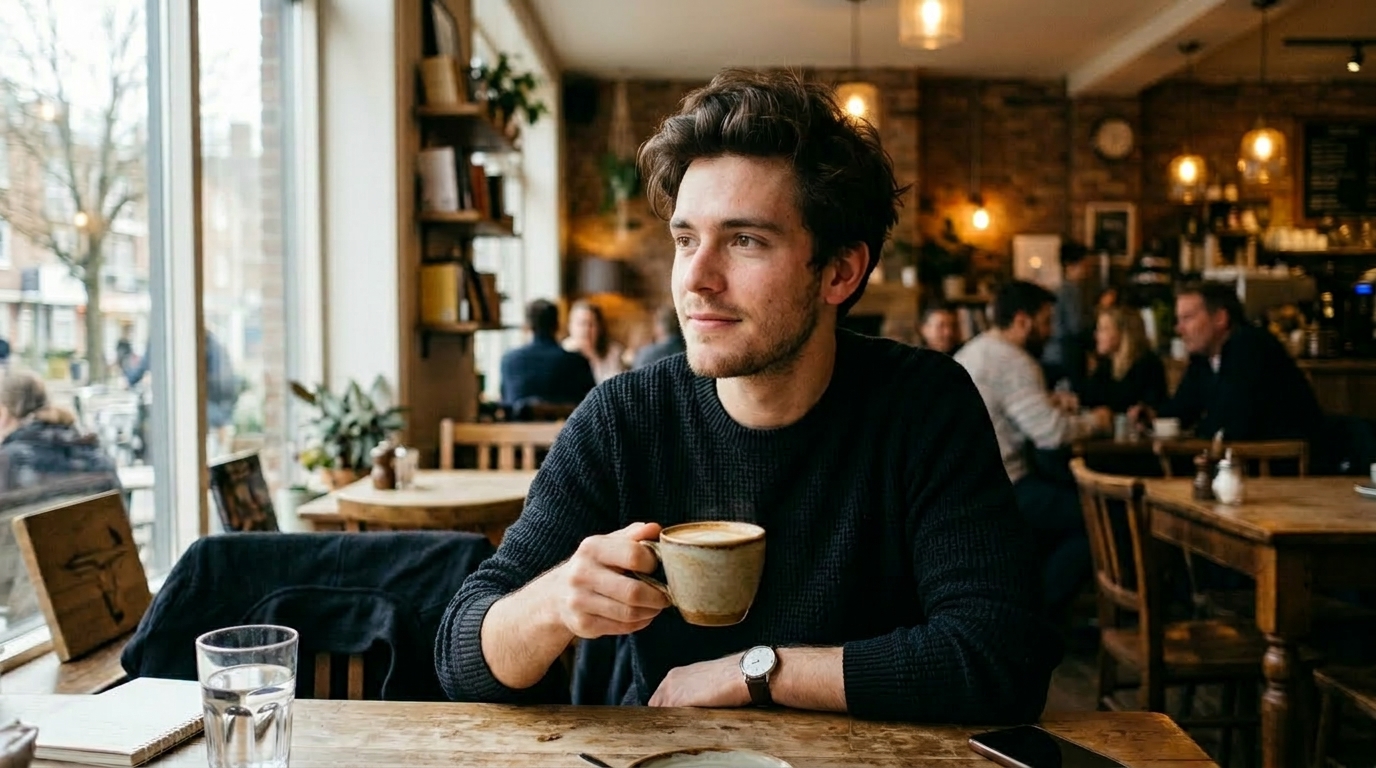
Creators often work with large batches of images and do not want to discard an otherwise strong shot because the eyes are closed. AI Open Eyes gives you a faster correction path for thumbnails, posts, stories, and personal brand images. AI Open Eyes is especially useful when timing, pose, framing, and background are already right and only the expression needs repair.
Useful for Weddings, Travel, and Candid Moments
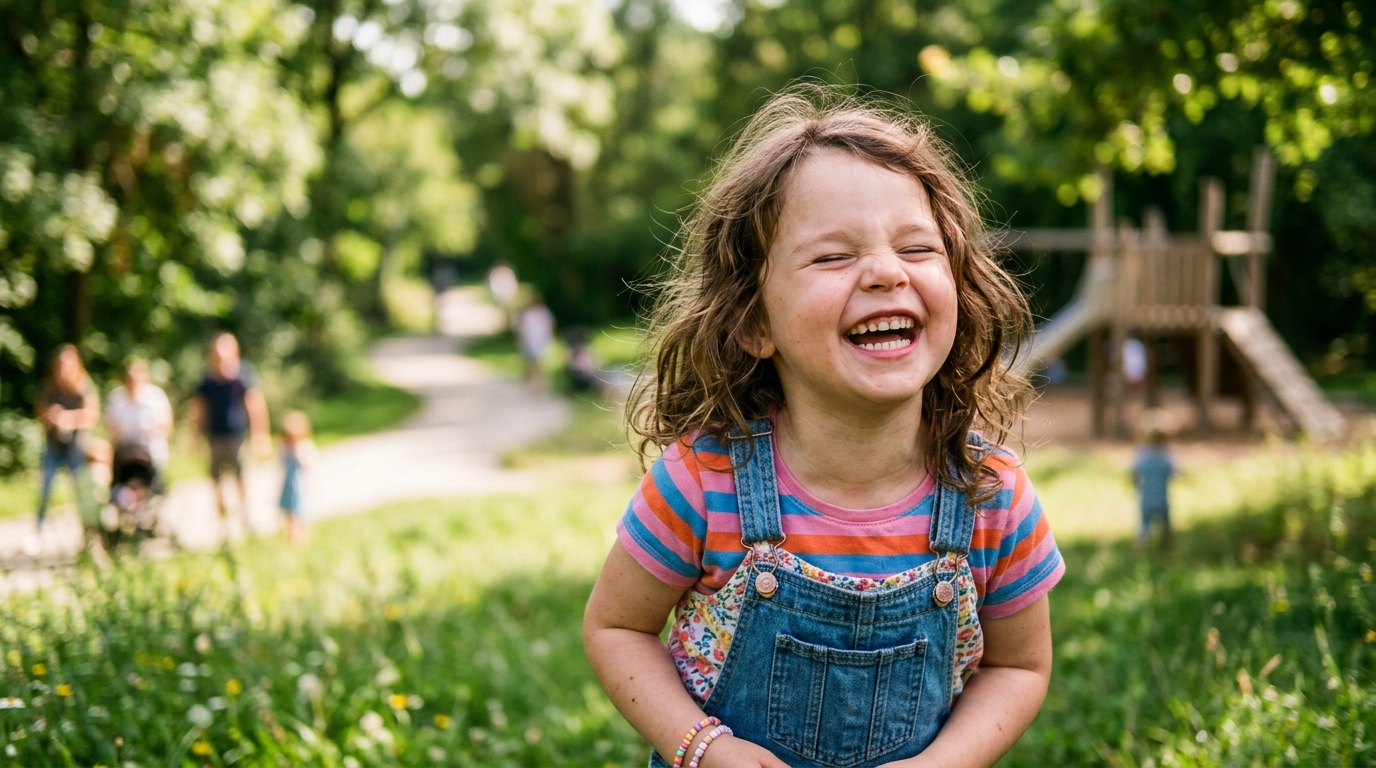
Some photos matter because of the memory, not because the conditions were perfect. AI Open Eyes helps rescue travel snapshots, candid family moments, ceremony images, and once-in-a-lifetime pictures where a blink makes the frame less usable. By using AI Open Eyes, you can preserve the emotional value of the original scene while improving one small but important facial detail.
Why Choose AI Open Eyes
A single blink can ruin an otherwise excellent image, especially in portraits and group shots. With a focused workflow and believable results, AI Open Eyes gives users a straightforward way to recover photos they would rather keep than delete.
Natural Eye Opening Instead of Obvious Retouching
A strong edit should solve the problem without drawing attention to itself. AI Open Eyes focuses on believable corrections, keeping the face consistent with the rest of the shot. This matters when you want the image to remain personal, professional, and recognizable rather than looking like a synthetic remake of the original photo.
Great for Family Albums and Personal Memories
Family pictures are often emotionally valuable even when they are imperfect. AI Open Eyes helps you keep the best version of a meaningful moment by repairing a blink that would otherwise distract from the photo. It is a practical solution for holidays, birthdays, reunions, and casual snapshots taken quickly on phones.

Helpful for Profile and Headshot Selection
When choosing a profile image, small facial details can affect first impressions. AI Open Eyes helps improve portraits used on resumes, business profiles, creator pages, and messaging apps by fixing closed-eye shots that are otherwise well framed. This lets users keep a strong image instead of settling for a weaker backup option.

Faster Than Manual Layer Based Editing
Traditional correction often means switching between editing tools, duplicating layers, masking details, and manually adjusting features until the result looks acceptable. AI Open Eyes simplifies that process into a direct workflow. For many users, that speed is the difference between actually fixing the photo and abandoning it in the camera roll.

Useful for Creators Handling Many Photos
Content creators, social teams, and small studios often sort through many portraits from a single session. AI Open Eyes helps reduce waste by recovering images that would otherwise be discarded. That improves selection flexibility and saves time, especially when the best composition or pose is attached to a frame with a closed-eye expression.
Simple Workflow for Non Designers
Not every user wants a full editing suite just to fix one expression. AI Open Eyes is approachable for people who simply want a cleaner photo without learning advanced software. Uploading an image, choosing a size, and generating a result keeps the process accessible for casual users who value convenience and clear outcomes.
What Users Say About AI Open Eyes
AI Open Eyes is valued because it solves a familiar frustration with minimal effort. Users across personal, creative, and professional contexts rely on it to recover good photos that were almost lost to a single blink, especially when a reshoot is inconvenient.
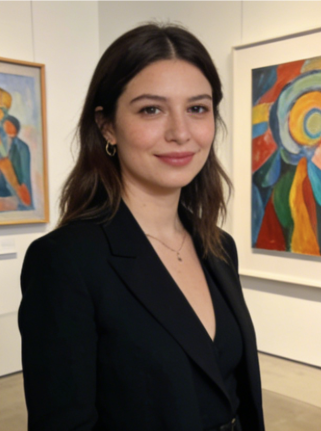
I used AI Open Eyes on a family photo where my daughter blinked during the only clean group shot we had. The result looked natural, and the expression still felt like her. It saved a picture we actually wanted to print.
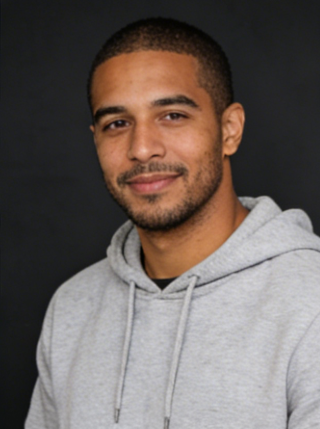
I manage profile photos for a small consulting team, and AI Open Eyes helped us recover several otherwise strong headshots. It was much faster than opening every file in editing software and trying to patch details manually.
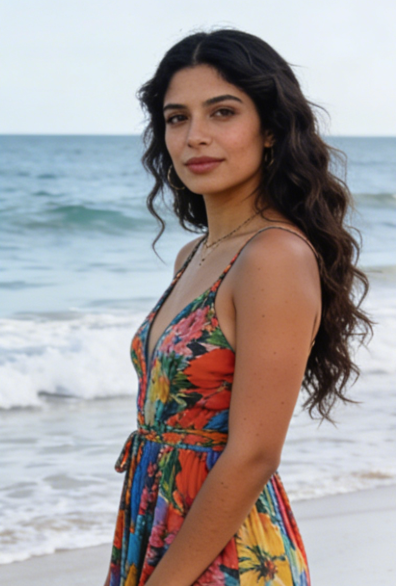
AI Open Eyes was useful for travel pictures where the pose and background were perfect but one blink spoiled the frame. I liked that the correction did not make the face look overprocessed or strangely polished.
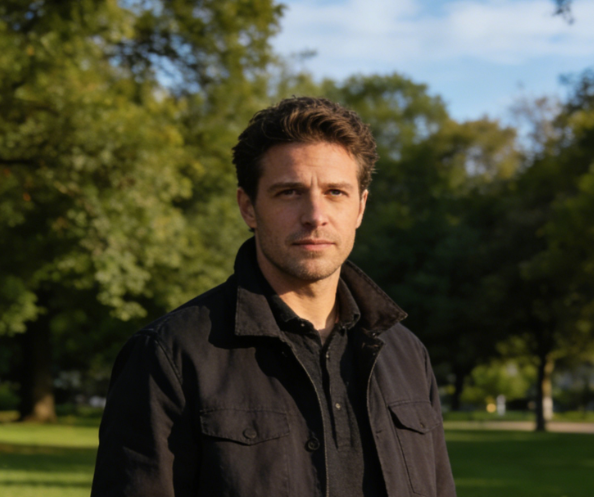
For event recaps, we often have limited chances to reshoot. AI Open Eyes helped rescue several candid photos that clients wanted to keep. The edits were subtle enough that the final gallery still felt consistent and documentary.
I tried AI Open Eyes on an old phone photo for my professional profile. The framing was great, but my eyes were closed. The repaired version gave me a usable image without changing the rest of my face or expression too much.
What I appreciated about AI Open Eyes was how specific the tool is. It does not try to turn the image into something else. It simply fixes a very common portrait problem and lets the original photo do the rest.
FAQs About AI Open Eyes
These answers cover how AI Open Eyes works, where it performs best, and why users choose it over manual editing.
AI Open Eyes is a photo repair tool designed to fix portraits where someone closed their eyes at the moment the image was taken. It is most useful when the composition, lighting, and pose are already strong, but a blink makes the photo less usable. Common situations include family photos, group shots, profile pictures, travel images, and event photography. Instead of discarding the image or retaking the shot, you can use AI Open Eyes to recover a more complete and natural looking result.
The goal of AI Open Eyes is not to create a new face, but to repair one missing expression detail while preserving the original photo. A good result depends on keeping identity, facial proportions, skin texture, lighting direction, and scene consistency aligned with the source image. That is why AI Open Eyes is best used on clear portraits where the face is visible. The correction should feel subtle enough that the image still looks like the same person in the same moment, not a heavily retouched replacement.
Yes, AI Open Eyes is well suited to selfies and casual phone images because blinks happen frequently in those situations. Many mobile shots are taken quickly, under mixed lighting, or with limited chances for a retake. If the framing and expression are otherwise strong, AI Open Eyes can help make the image more usable for sharing or saving. Results tend to be better when the face is reasonably clear, not heavily obstructed, and large enough in the frame for the eye area to be interpreted accurately.
Group images are one of the strongest use cases for AI Open Eyes. In many group shots, only one person blinks while everyone else looks good, which makes the whole photo harder to keep. Rather than asking everyone to pose again or combining multiple images manually, AI Open Eyes provides a faster way to rescue the frame. This is especially helpful for families, school pictures, trips, parties, and work events where timing is limited and the original group arrangement may be difficult to recreate.
AI Open Eyes is intended to focus on the eye area while maintaining the original visual character of the rest of the photo. In a practical workflow, users want to correct the blink without changing hairstyle, face shape, makeup, background, clothing, or lighting mood. The best outcome is a targeted fix that leaves everything else visually stable. As with most photo tools, clean source images usually produce the most convincing results, especially when the face angle is natural and the eye region is not blocked.
AI Open Eyes usually performs best on photos where the face is visible, reasonably sharp, and not hidden by sunglasses, hair, hands, or strong motion blur. Frontal or slightly angled portraits are often easier to repair than extreme side profiles. Good lighting also helps because it gives the model more reliable facial information to work from. If the original photo is very small, heavily compressed, or distant, the correction may be less precise. Clearer source material generally leads to more believable results.
Yes, many users Open Closed Eyes in Photos with AI when preparing professional headshots, team pages, speaker bios, and marketing portraits. The reason is simple: a blink can make an otherwise excellent image unusable, even when the composition and styling are right. A focused correction tool helps recover those photos more efficiently than a full manual editing workflow. For business use, the most important consideration is realism. The final image should still look like the original person, just more alert and camera ready.
AI Open Eyes is particularly valuable for weddings, ceremonies, parties, and live events because those photos often capture moments that cannot be repeated. A blink during a first look, toast, family portrait, or candid interaction may affect the strongest frame from the set. In those cases, AI Open Eyes offers a practical repair option without forcing a complicated post production process. It is not only about perfection. It is about preserving an image that carries emotional weight and still deserves to be kept.
No advanced editing background is required to use AI Open Eyes. The workflow is designed for people who want a direct fix rather than a full retouching environment. Upload the photo, choose the image size, generate the result, and review the output. That simplicity makes AI Open Eyes accessible to casual users, content creators, photographers, and small teams alike. It is especially convenient for people who know what problem they need to solve but do not want to spend time learning complex masking or compositing techniques.
Manual retouching can work, but it is often slower and more demanding than the problem justifies. Opening closed eyes by hand may involve sourcing another frame, matching angles, aligning features, blending layers, and adjusting fine details until the result feels convincing. AI Open Eyes simplifies that task into a focused workflow for one common portrait issue. For many users, the benefit is not only speed. It is also consistency. AI Open Eyes makes it easier to recover usable images without turning a small correction into a full editing project.
Fix Blinked Photos in Minutes
Use AI Open Eyes to recover portraits, group shots, and special moments that were almost lost to one blink. With a simple upload flow and focused correction, AI Open Eyes helps turn nearly good photos into images worth keeping, sharing, and publishing.
