
Professional AI Motion Effects for Everyone Motion Blur Effect
Infuse your photography with speed and energy using AI.
Unlock the full power of dynamic editing. Choose the access method that suits your workflow and start applying effects immediately.
More AI Image Generators
Explore our collection of specialized AI image generators designed for different creative needs and styles






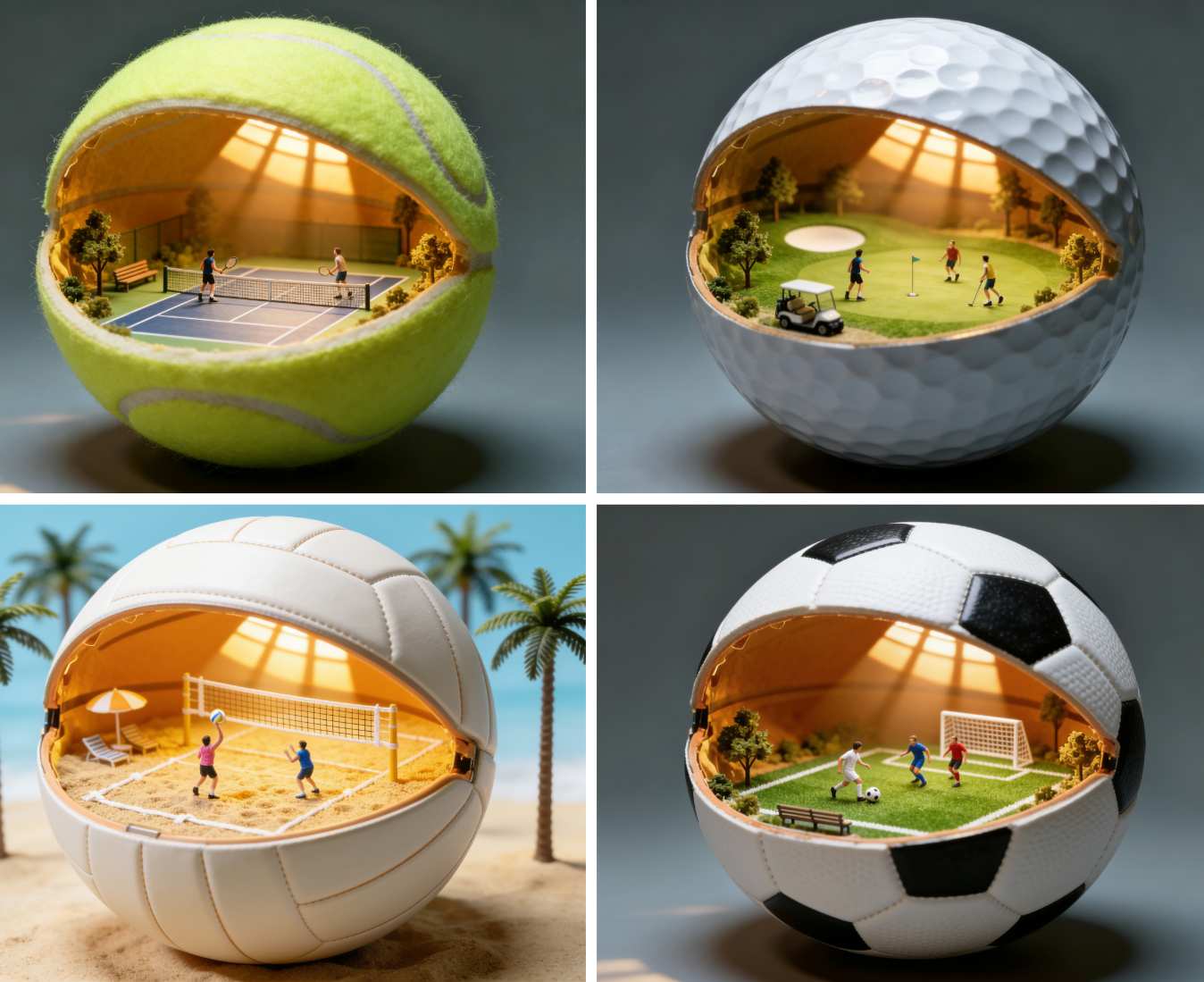
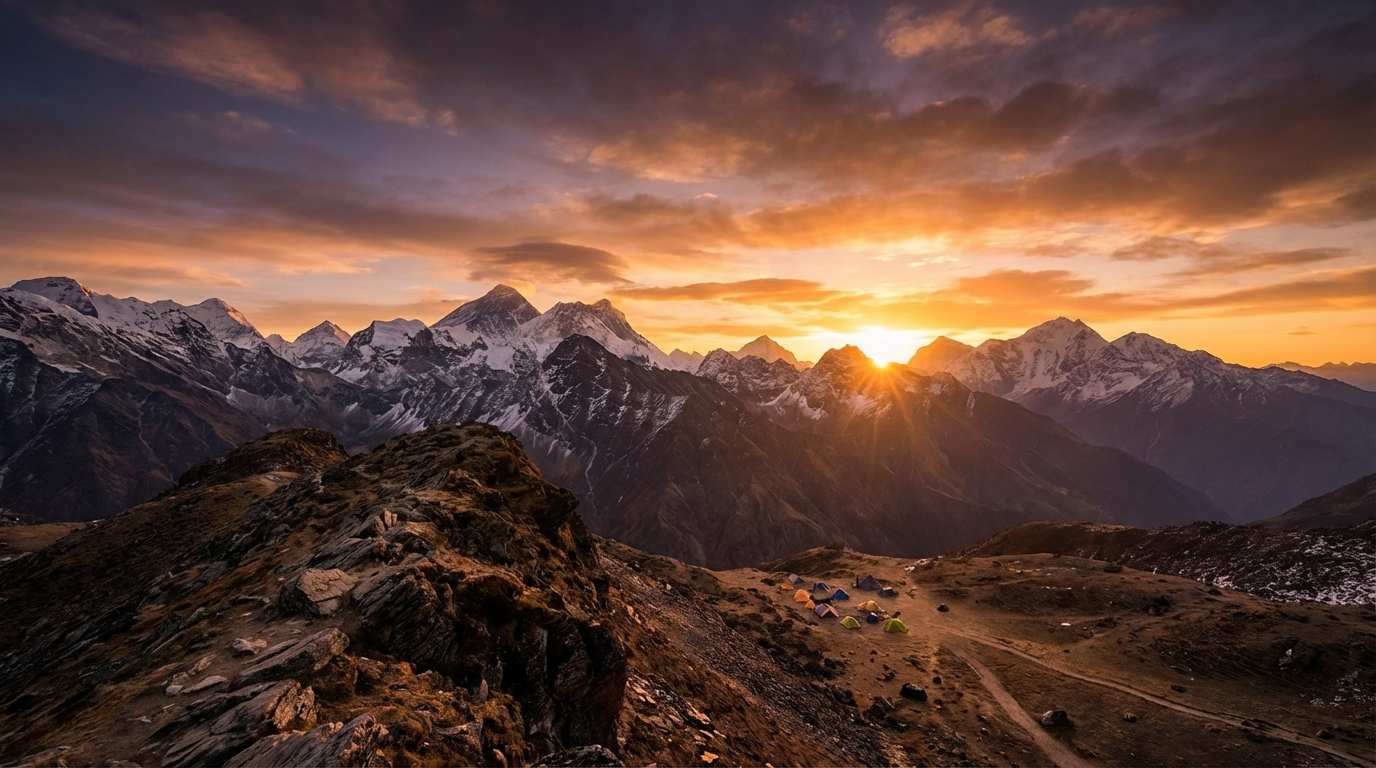



![FLUX.1 Krea [dev]](https://static.supermaker.ai/cdn-cgi/image/q=55/https://static.supermaker.ai/files/vtp5vmm87f65.png)
Motion Blur Effect: Create Dynamic Speed & Movement Instantly
Seamlessly apply a realistic Motion Blur Effect to your photos to convey speed, isolate subjects, or add artistic drama with professional-grade AI precision.
Experience the most advanced way to apply a Motion Blur Effect without the need for complex camera techniques or expensive editing software. In the world of digital photography, capturing the essence of speed and movement is often the difference between a flat, static image and a masterpiece that creates a visceral reaction. Our AI-driven tool allows you to generate a stunning Motion Blur Effect that transforms ordinary shots into dynamic visual stories.
How to Get Motion Blur Effect in 3 Simple Steps
Follow this streamlined workflow to apply a professional Motion Blur Effect. From uploading to customizing resolution, our tool puts the power of AI speed effects in your hands.

Upload Reference Image
Begin by uploading the photo you wish to transform. Our interface is designed to handle various file types efficiently. Simply select the 'Upload Reference Image' area to choose your file.

Configure Generation Settings
Tailor the output to your exact specifications using the intuitive control panel. Select your desired aspect ratio to fit your platform. Choose your resolution quality (1K, 2K, or 4K) for crystal clear results. Finally, decide on the Number of Images (1 to 4) you want to generate in one go to test different variations of the Motion Blur Effect.

Generate Image
Once your settings are dialed in, click the yellow 'Generate Image' button. The AI will instantly process the image, applying the Motion Blur Effect while keeping the subject sharp. In moments, you will see your high-quality results ready for preview and download.
Best AI Image Tools for Creative Projects
Explore creative tools for image, learn tips and tricks, and see how AI can be your assistant in turning concepts into finished projects.


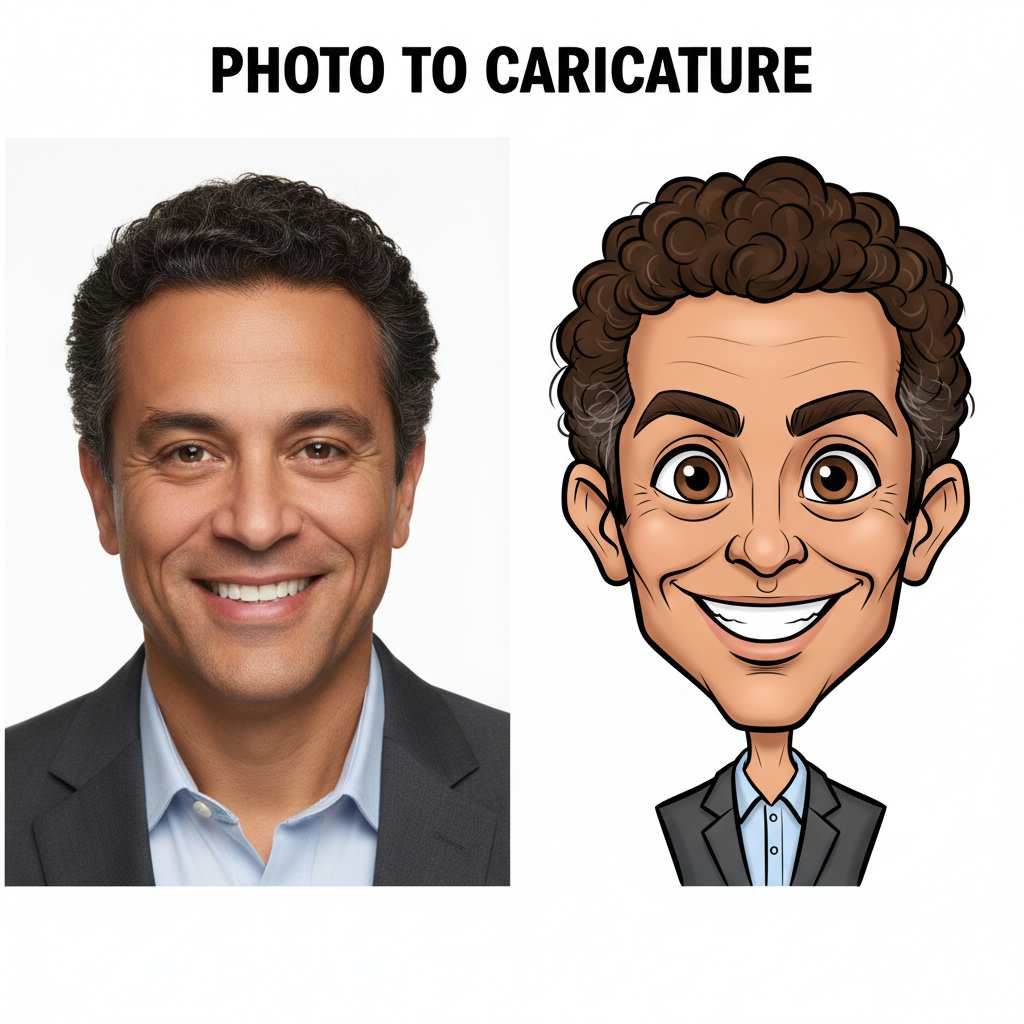
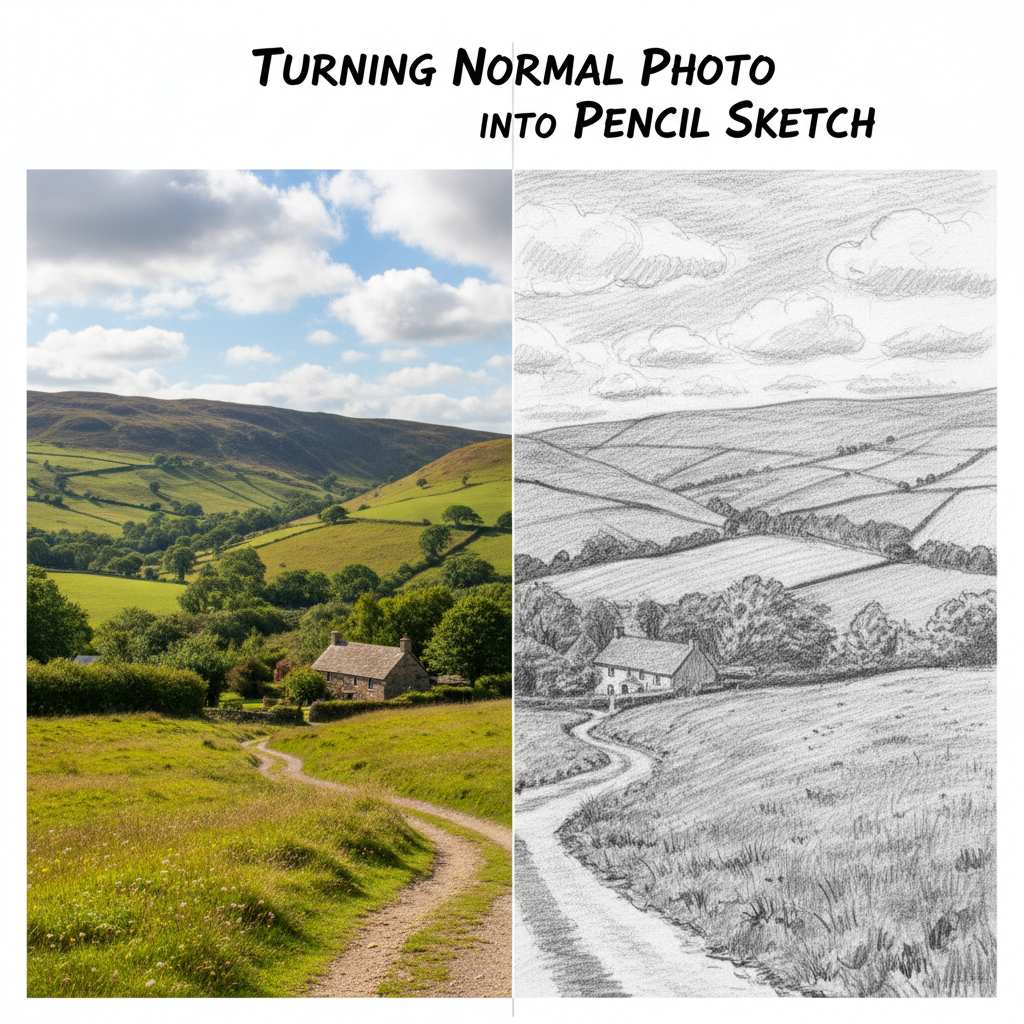
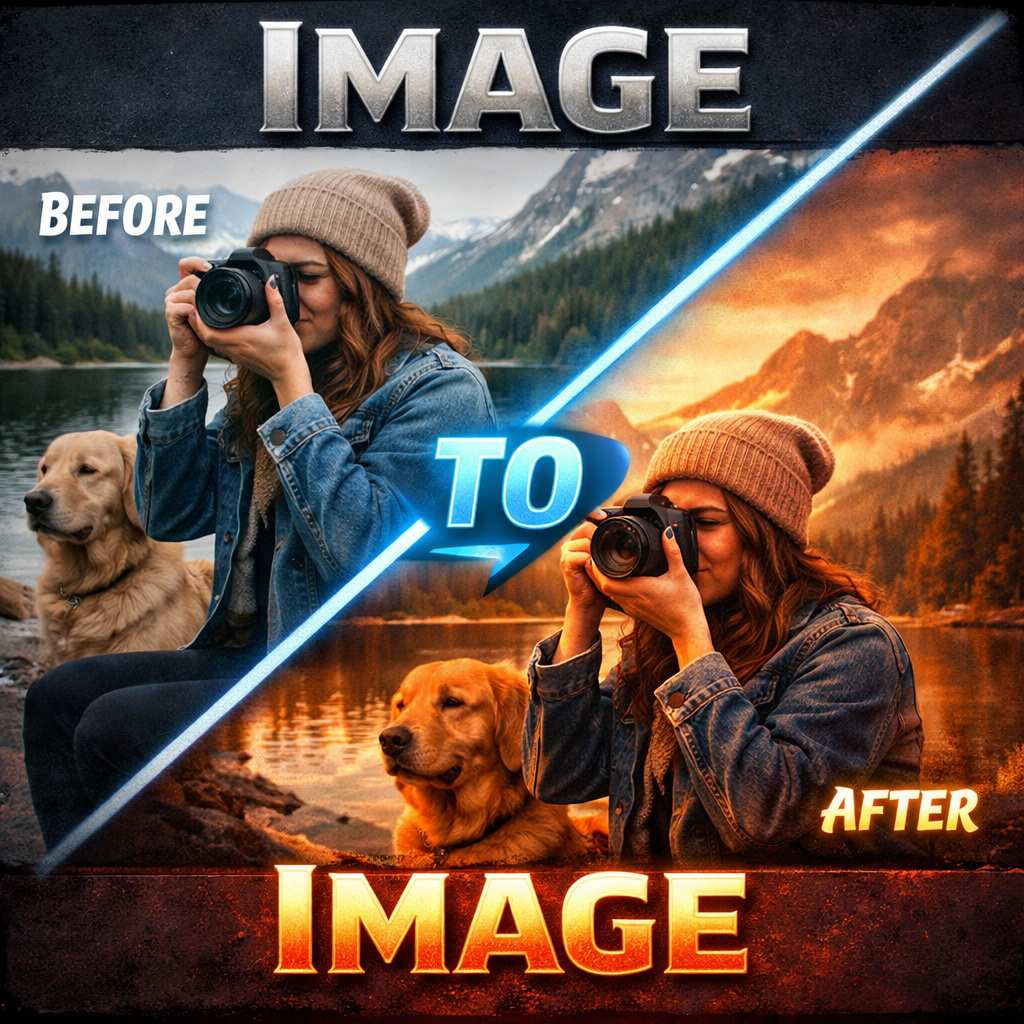
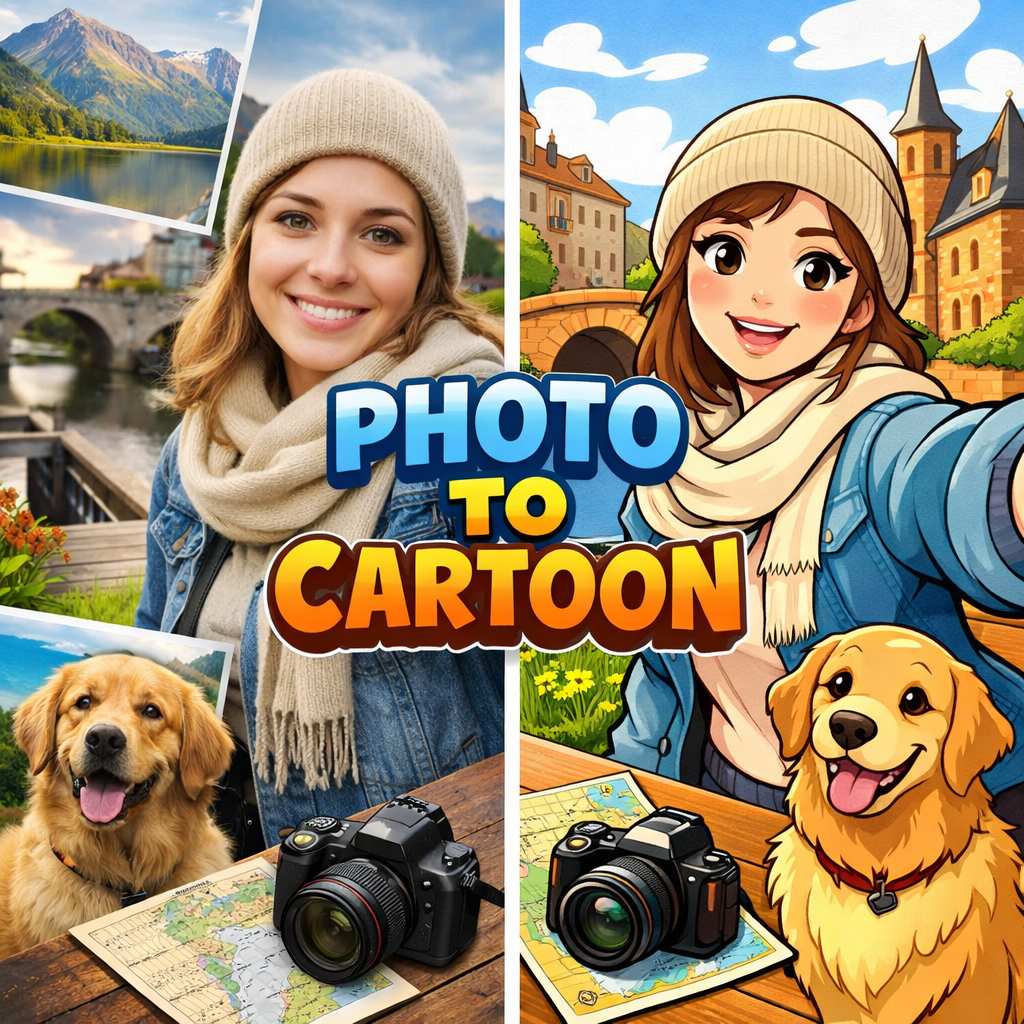
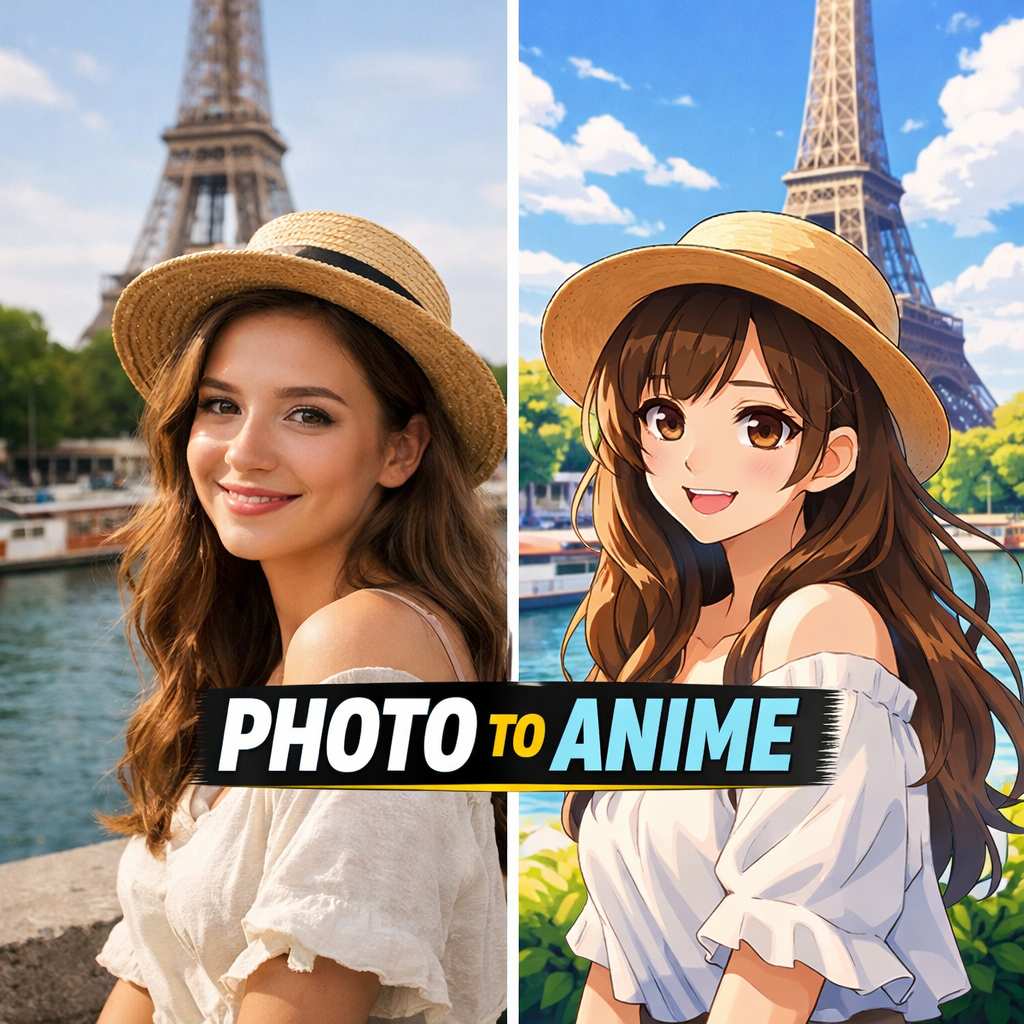
Unlimited Possibilities with Motion Blur Effect
From sharpening the focus on a face to simulating the breakneck speed of a race car, discover how the Motion Blur Effect transforms visual content creation across every genre.
Elevate Portraits with Face Motion Blur Effect
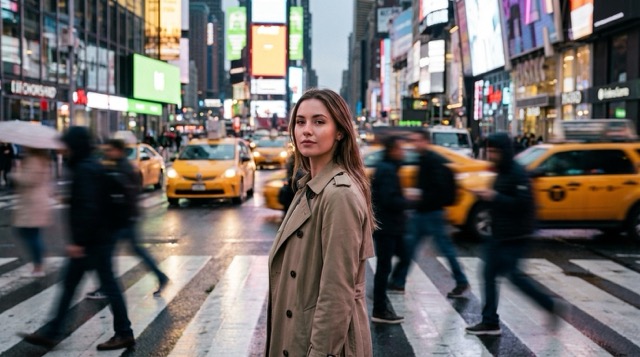
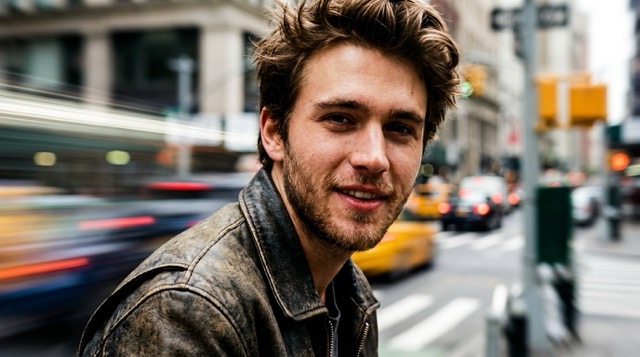
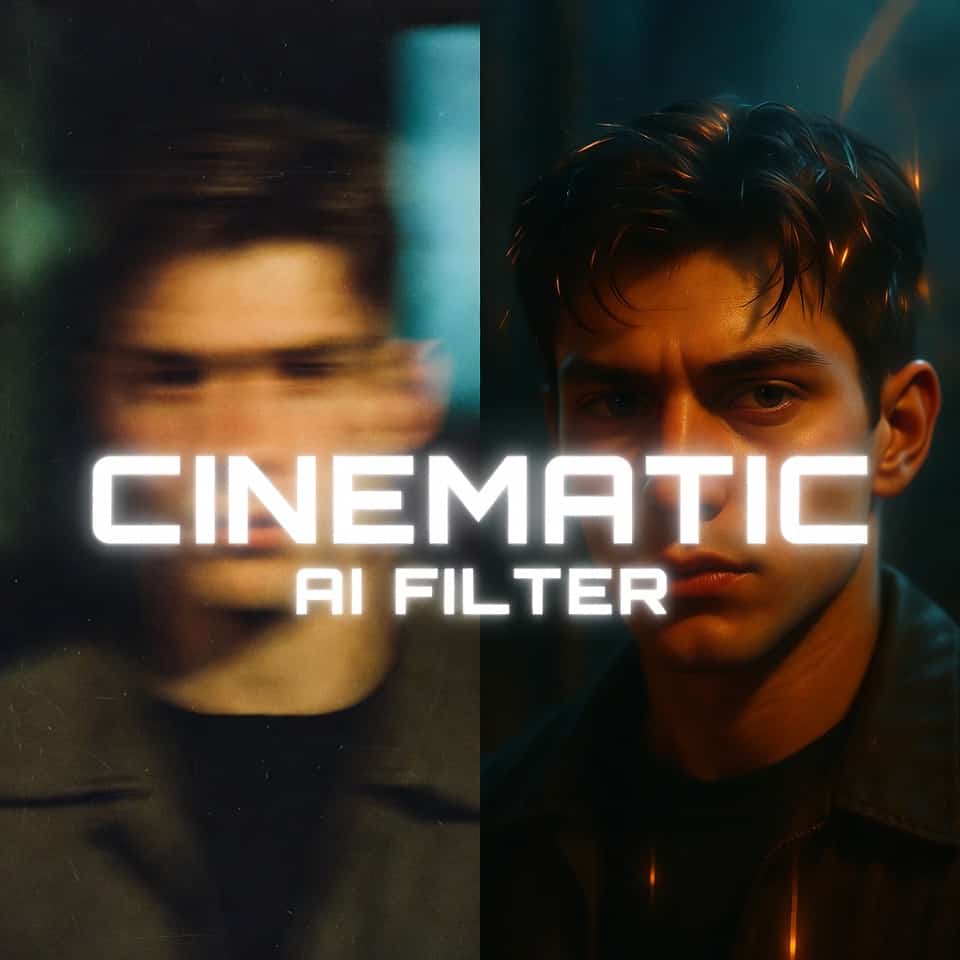
In portrait photography, the background can often distract from the subject. Using a targeted face motion blur effect allows you to isolate the person while adding a dynamic, cinematic quality to the surroundings. This technique is widely used in fashion and editorial photography to convey a sense of 'city chaos' while the subject remains calm and sharp. Our tool excels at this by intelligently recognizing facial features and ensuring the Motion Blur Effect is applied only to the background environment.
Simulate High-Speed Action for Sports and Automotive
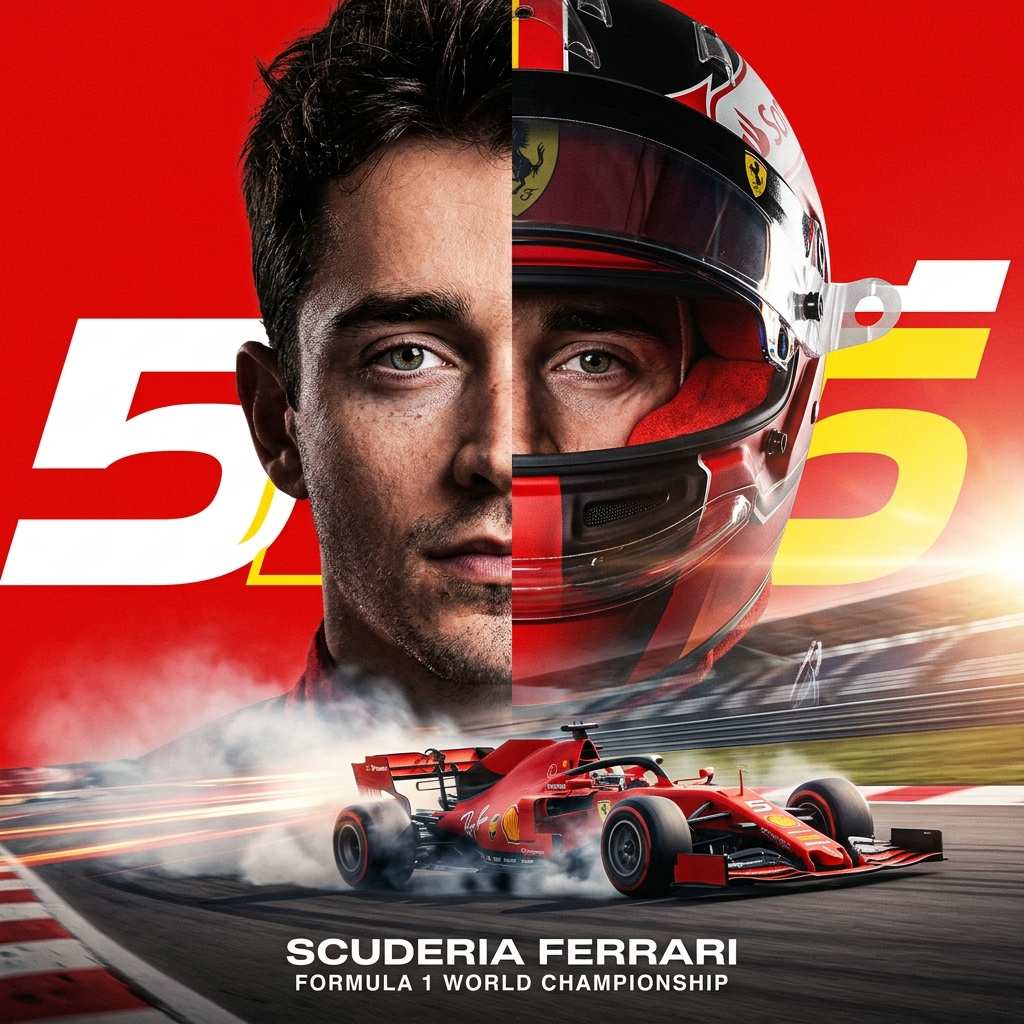
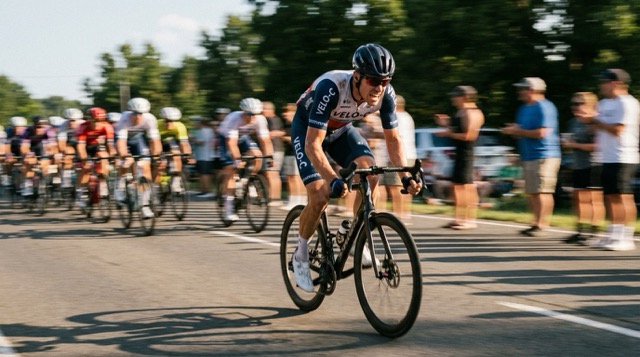
Nothing kills the vibe of a sports car or a runner like a completely static image. To truly convey power and velocity, you need a realistic Motion Blur Effect. Our AI analyzes the orientation of the object—be it a sprinting athlete, a racing cyclist, or a drifting car—and applies a directional blur that mimics the panning technique used by professional sports photographers. This motion blur effect online capability allows you to turn a parked car into a speeding beast or a jogging friend into an Olympic sprinter.
Artistic Abstraction and Creative Visuals
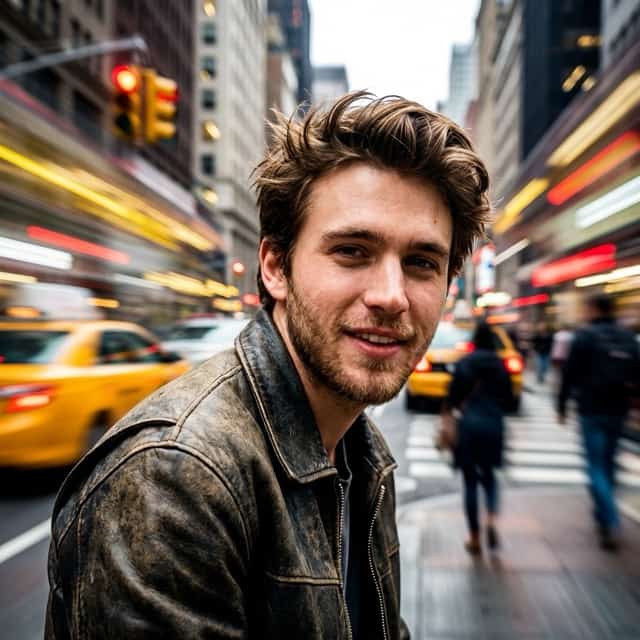
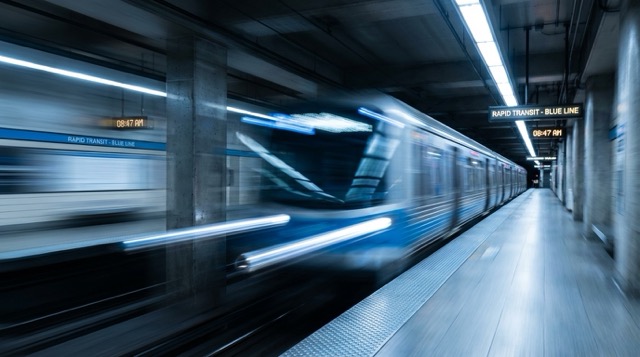
Beyond realism, the Motion Blur Effect is a gateway to abstract digital art. This feature is perfect for album covers, book designs, and conceptual advertising. You can take a mundane street scene and apply a heavy Motion Blur Effect to turn lights into streaks of neon color and pedestrians into ghostly figures of motion. The flexibility of our motion blur effect photo tool means you are not limited to reality; you can experiment with the intensity to create visual metaphors for time passing, memory fading, or the busy nature of modern life.
Who Benefits from the Motion Blur Effect?
Our technology serves a wide range of creators. Whether for personal branding or professional advertising, see who is using our tool to generate the perfect Motion Blur Effect.
Social Media Influencers
In the fast-scrolling world of Instagram and TikTok, static images often get ignored. Influencers use the Motion Blur Effect to add a 'caught in the moment' vibe to their content. Whether it is a busy street crossing outfit check or a travel photo from a moving train, adding a motion blur effect photo style increases engagement by making the image feel alive and candid. It suggests an active, exciting lifestyle that attracts followers.
Automotive Photographers
Capturing a car in motion requires dangerous rigs or perfect panning skills. Automotive photographers utilize our motion blur effect online to post-process static car shoots, giving them the look of high-speed chases. It allows for safe, stationary shooting environments while still delivering the adrenaline-pumping visuals of a track day. The Motion Blur Effect adds value to client deliverables by simulating speed effortlessly.

Graphic Designers & Advertisers
Designers often need to convey concepts like 'fast delivery,' 'rapid growth,' or 'busy urban life.' Instead of sourcing expensive stock footage, they use the free motion blur effect to customize existing assets. By applying a directional Motion Blur Effect to text backgrounds or product shots, they create visual urgency that drives conversions and clicks in marketing campaigns.
Street & Event Photographers
Street photographers aim to capture the hustle of the city. Sometimes, the camera settings aren't perfect in the moment. Our tool helps them add a Motion Blur Effect to background crowds or traffic, emphasizing the stillness of their main subject. This face motion blur effect technique turns a messy crowd shot into a poignant portrait of isolation within a chaotic city.
Success Stories: Transforming Images with Motion Blur Effect
Read how our users are elevating their photography. From professional campaigns to personal art, discover the impact of the Motion Blur Effect.
I shoot a lot of street style photography, but sometimes the background is just too cluttered. I started using this tool to apply a face motion blur effect to the crowds behind my models. It instantly made the photos look like they were taken by a high-end magazine photographer. The subject pops out so much more now. The Motion Blur Effect is incredibly realistic and saves me hours of masking in Photoshop.
I needed a way to show 'speed' for a courier service ad campaign, but we only had static photos of the delivery trucks. I found this motion blur effect online and it saved the project. We applied a directional blur to the background and wheels, and suddenly the truck looked like it was zooming down the highway. The client loved it. The 4K resolution support meant we could even use it for print billboards.
I love taking photos of my car, but I don't have a rig for rolling shots. This free motion blur effect tool allowed me to take a picture of my car parked in an empty lot and turn it into an action shot. The way it handles reflections and shadows while applying the Motion Blur Effect is indistinguishable from magic. It's now my go-to for all my Instagram car posts.
As a digital artist, I use the Motion Blur Effect to create abstract textures and moody backgrounds. I was surprised by how much control I have over the output. I usually generate 4 variations and pick the one with the best streak patterns. It is amazing for creating a sense of vertigo or rushing time in my art pieces. A definite recommendation for any creative looking for a motion blur effect photo tool.

FAQs: Everything About the Motion Blur Effect
Find answers to common questions about our tool. We are here to help you master the Motion Blur Effect for stunning results.
Motion blur is the apparent streaking of moving objects in a photograph or a sequence of frames, such as a film or animation. It results when the image being recorded changes during the recording of a single exposure, due to rapid movement or long shutter speed. In digital editing, the Motion Blur Effect simulates this optical phenomenon to convey speed, action, or the passage of time.
To get a Motion Blur Effect using our tool, simply upload your static reference image. Then, configure your desired settings such as aspect ratio and resolution. Finally, click 'Generate Image'. Our AI will automatically identify the subject and background, applying a realistic directional blur to create the effect instantly.
Yes, we offer a free motion blur effect option for users to test the capabilities of our AI. You can generate images and preview the motion blur effect photo results without an immediate subscription, making it accessible for everyone to try.
Absolutely. Our motion blur effect online tool is entirely web-based. You do not need to download heavy software or install plugins. It works directly in your browser, providing powerful processing capabilities on the cloud.
Yes, our AI is optimized for face motion blur effect tasks. It is trained to recognize human faces and bodies, ensuring that the person remains sharp and in focus while the background receives the dynamic blur treatment. This is ideal for portraiture and social media content.
We support high-definition downloads up to 4K resolution. This ensures that when you apply the Motion Blur Effect, the final image retains all its details and is suitable for professional printing, large displays, or high-quality digital portfolios.
Start Creating Today
Don't settle for static, boring images. Use our professional AI tool to apply a stunning Motion Blur Effect with 4K quality.
