
Powered By Official Nano Banana Pro AI Model
More AI Image Generators
Explore our collection of specialized AI image generators designed for different creative needs and styles




![FLUX.1 Krea [dev]](https://static.supermaker.ai/files/vtp5vmm87f65.png)
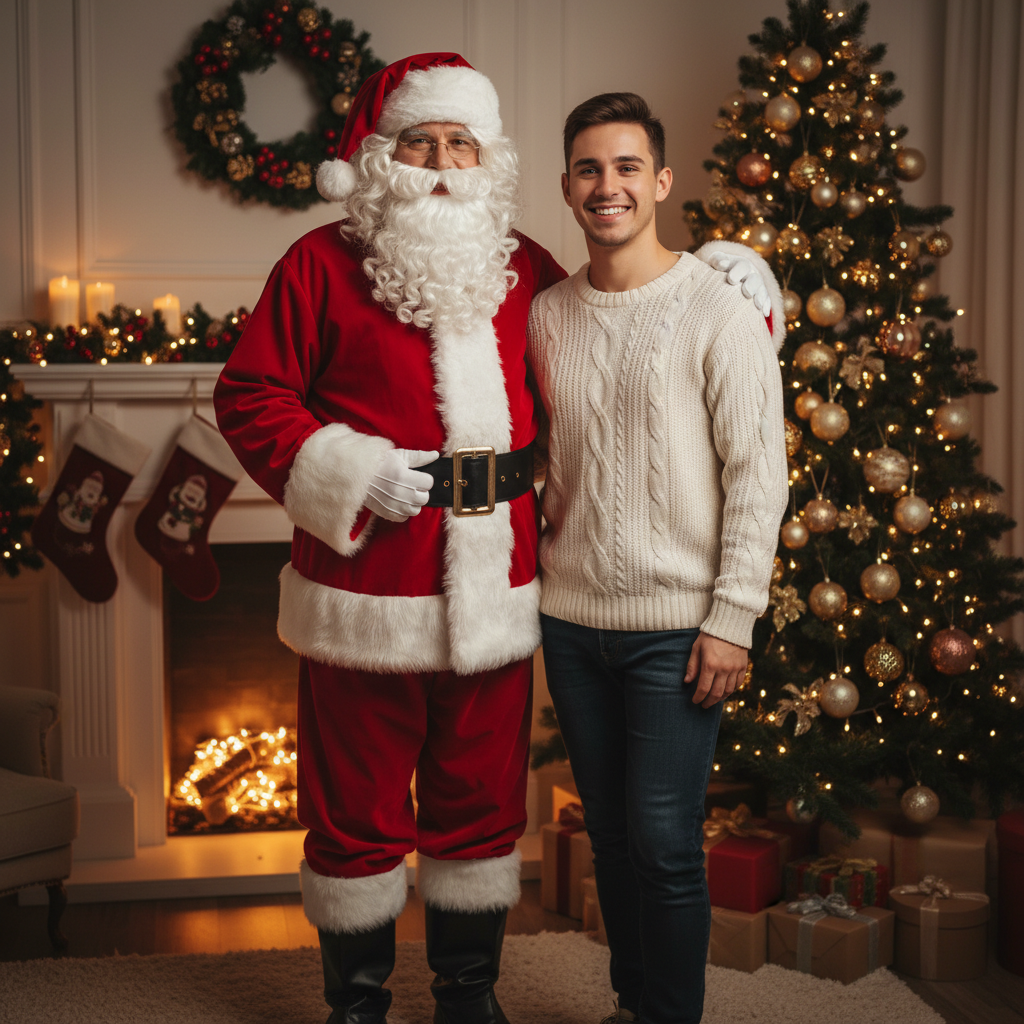
AI Add Santa to Photo Online Free – Instantly Add Santa Next to You
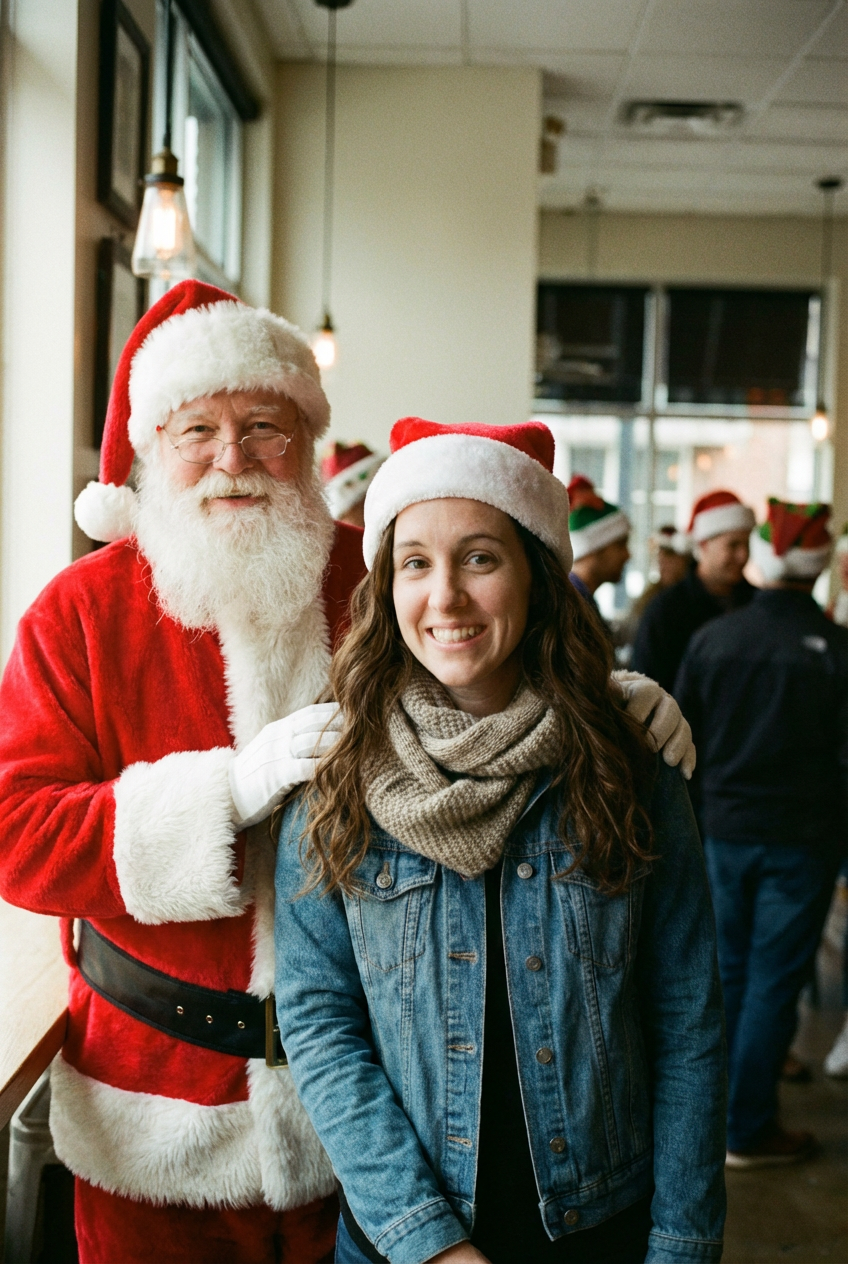
Upload any photo and let AI place Santa Claus naturally beside you in seconds
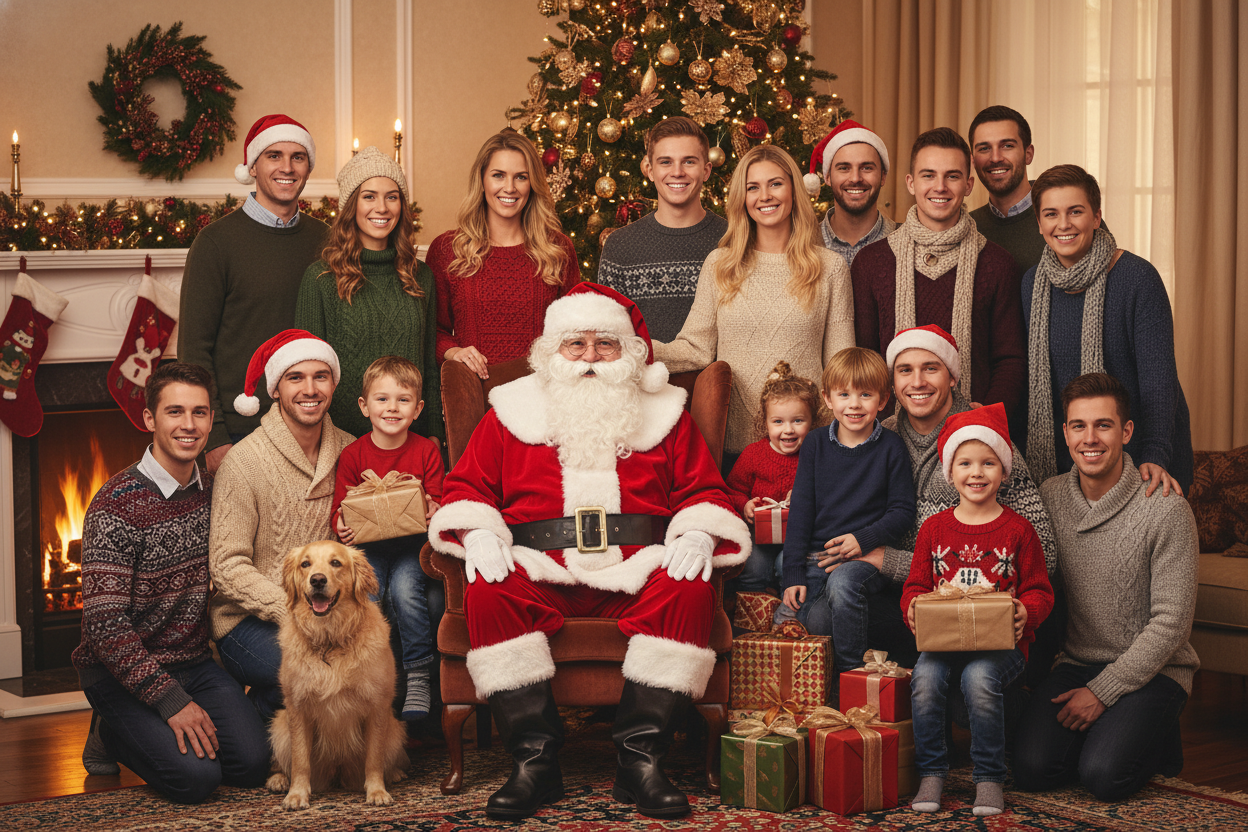
SuperMaker AI Add Santa to Photo lets you instantly add Santa Claus to any picture with realistic lighting, natural positioning, and perfect scene blending. Simply upload your photo, and our advanced image-to-image AI will place Santa right beside you — smiling, waving, or posing as if he was really there. Whether you want festive selfies, Christmas family photos, or viral holiday content, SuperMaker makes it easy to add Santa to photo online free with one click.
How to Add Santa to Photo with AI
Turn ordinary photos into festive Christmas memories using SuperMaker’s image to image AI workflow.
Upload Your Photo
Start with Any Clear Photo
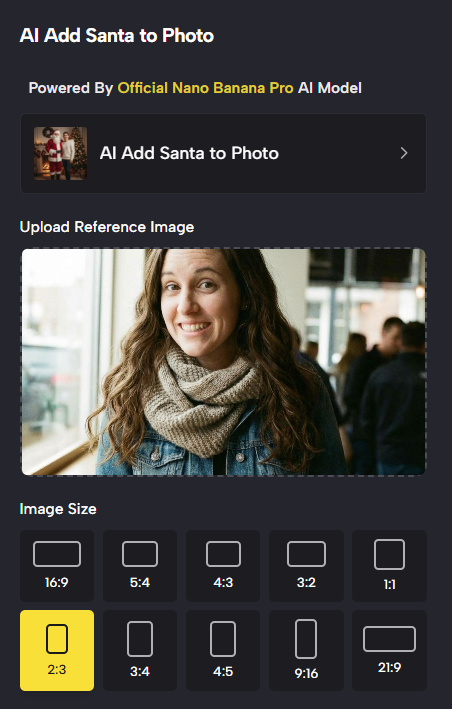
- Upload any portrait, couple photo, or family picture where people are clearly visible.
- SuperMaker supports selfies, indoor photos, outdoor shots, and group pictures.
- The clearer the original image, the more natural the add Santa to photo result will be.
- No manual masking or editing skills required — just upload and go.
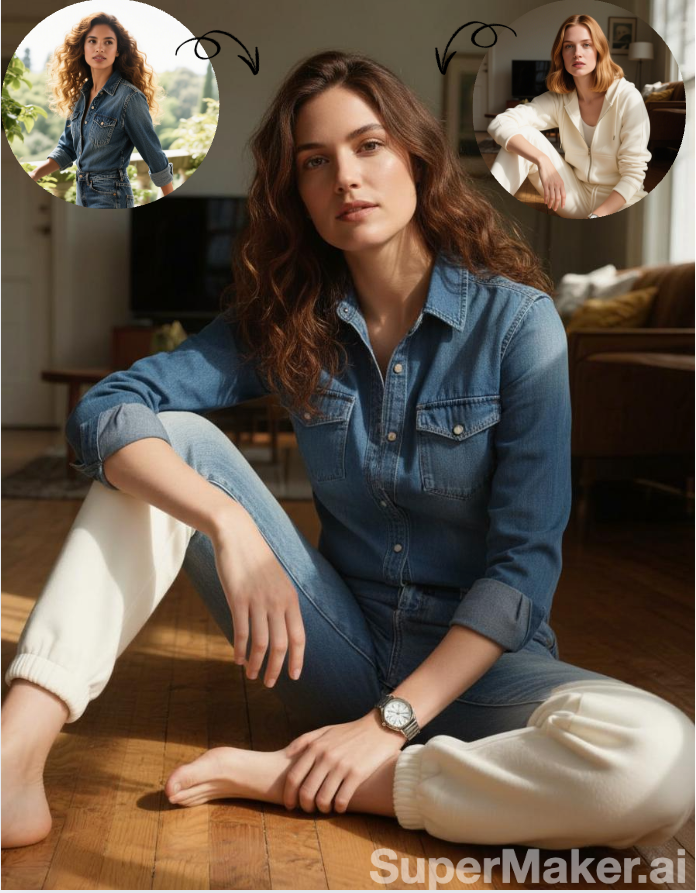
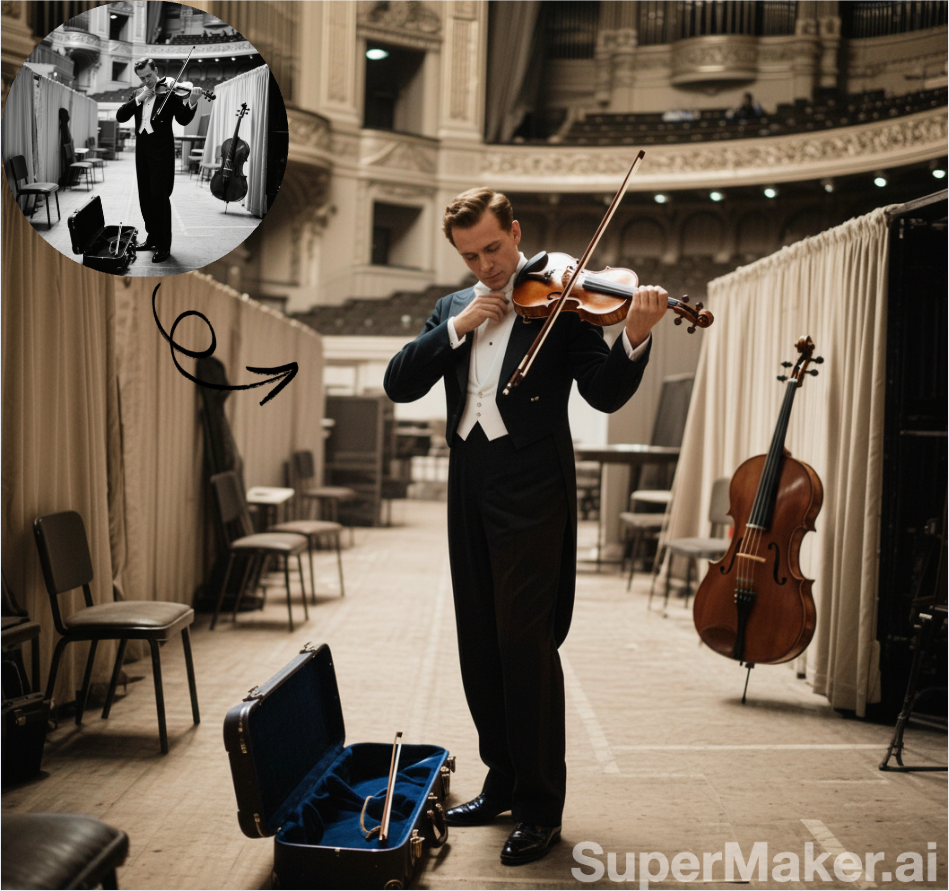
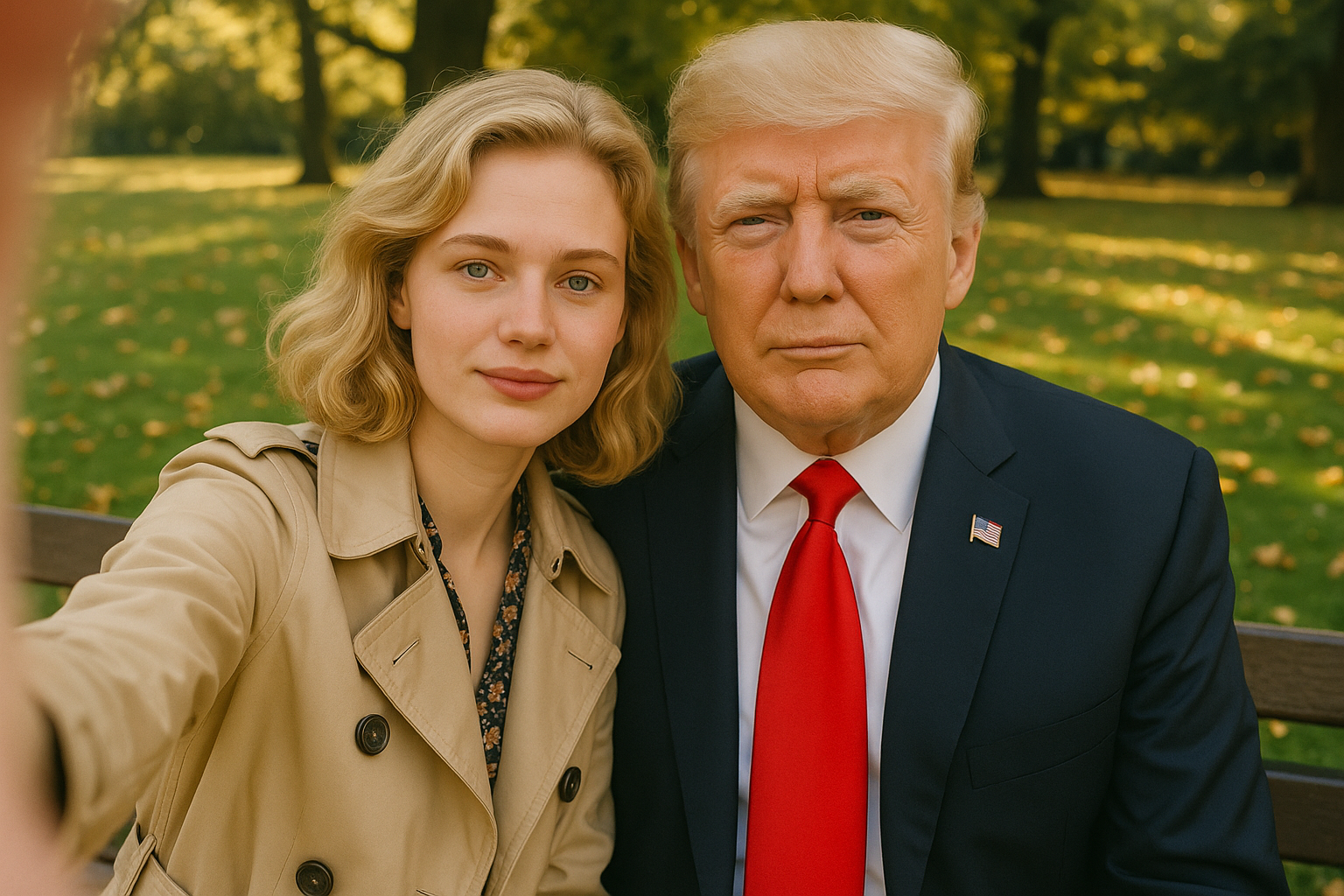
Best AI Image Tools for Creative Projects
Explore creative tools for image, learn tips and tricks, and see how AI can be your assistant in turning concepts into finished projects.

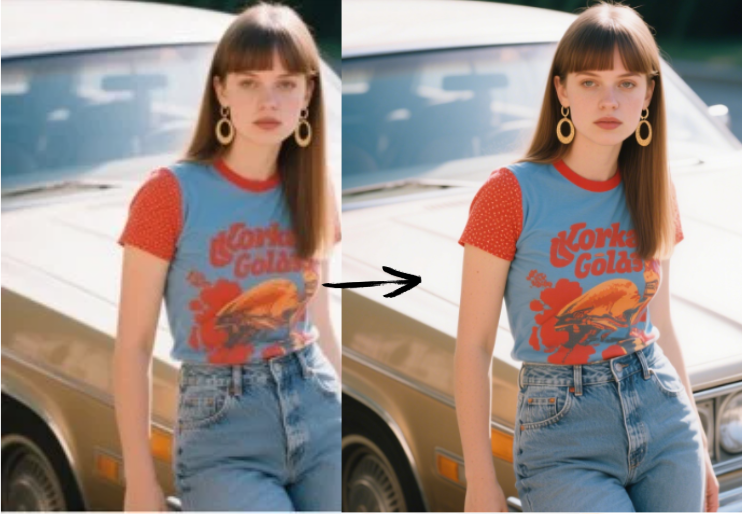
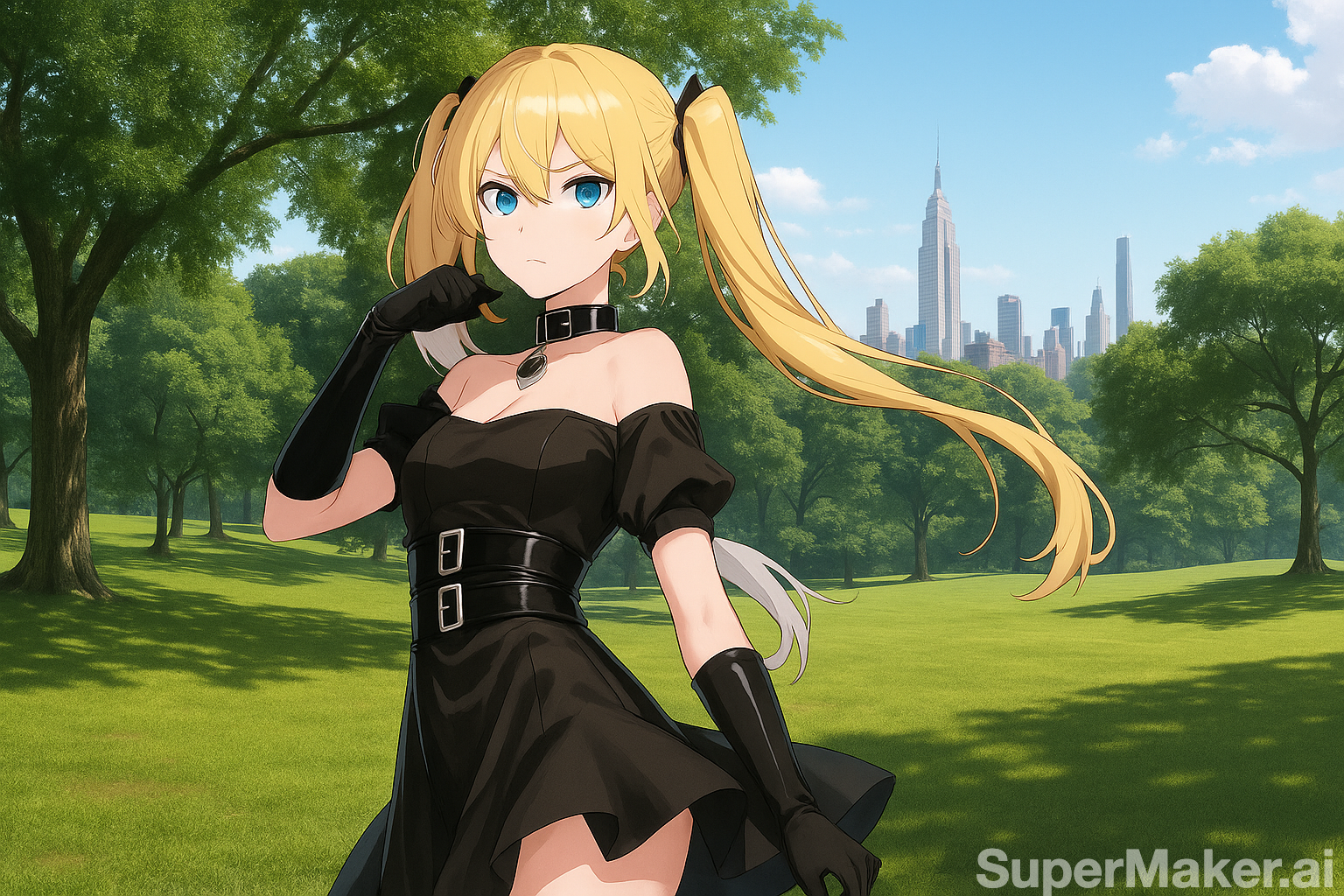
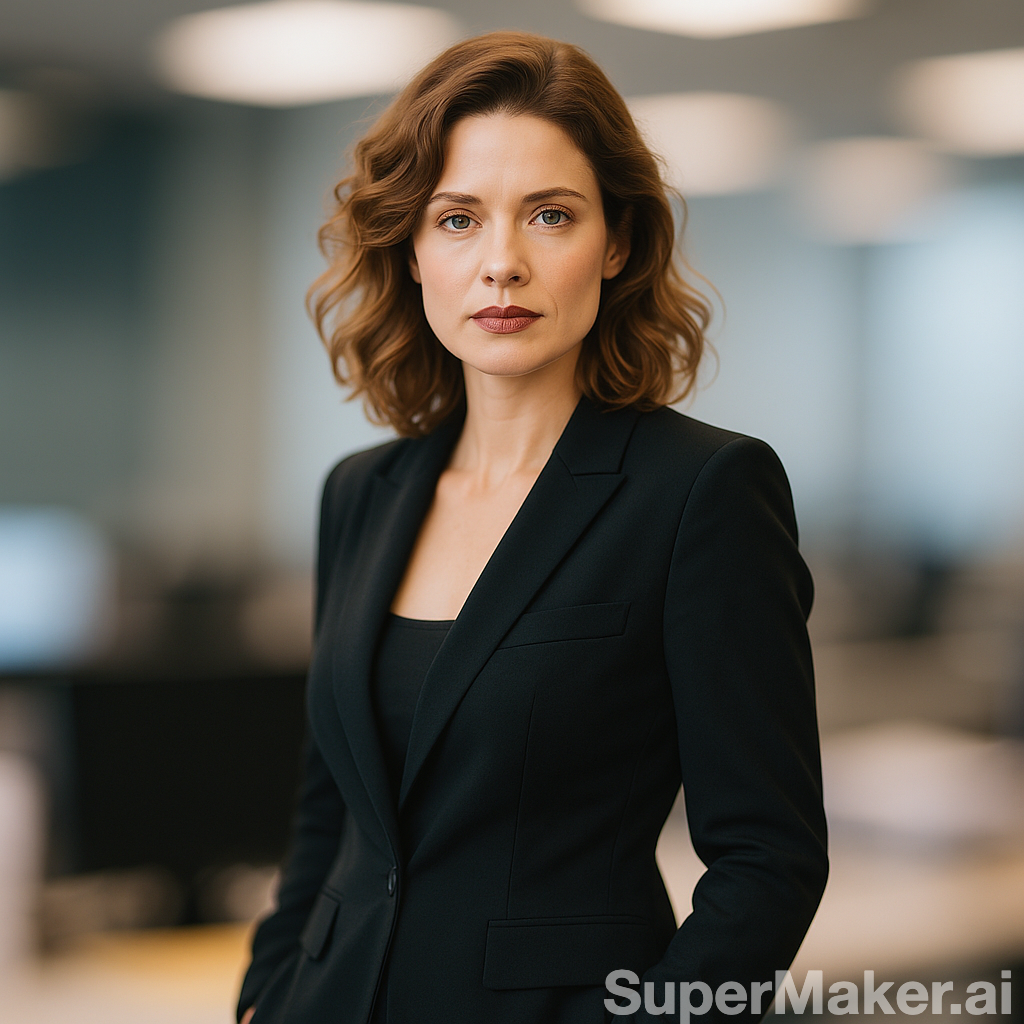
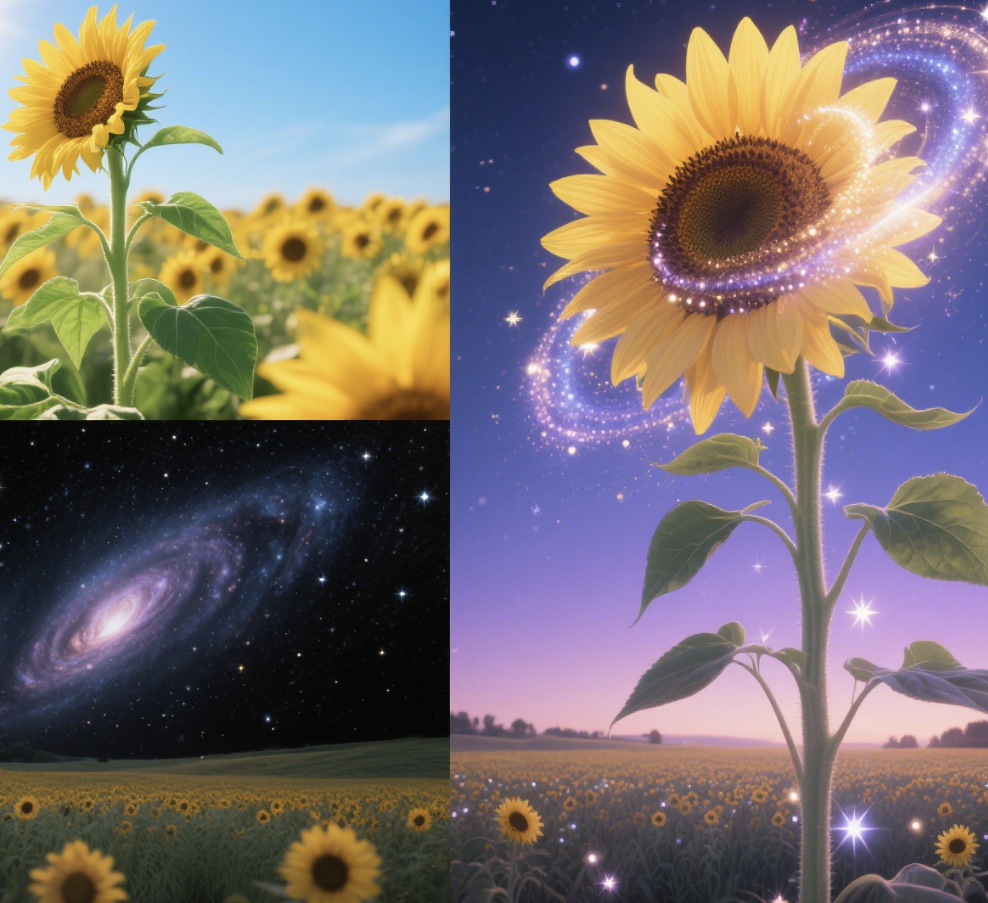
Why SuperMaker AI Add Santa to Photo Feels Real
Unlike basic stickers or overlays, SuperMaker uses advanced image to image AI to make Santa look truly present in your photo.
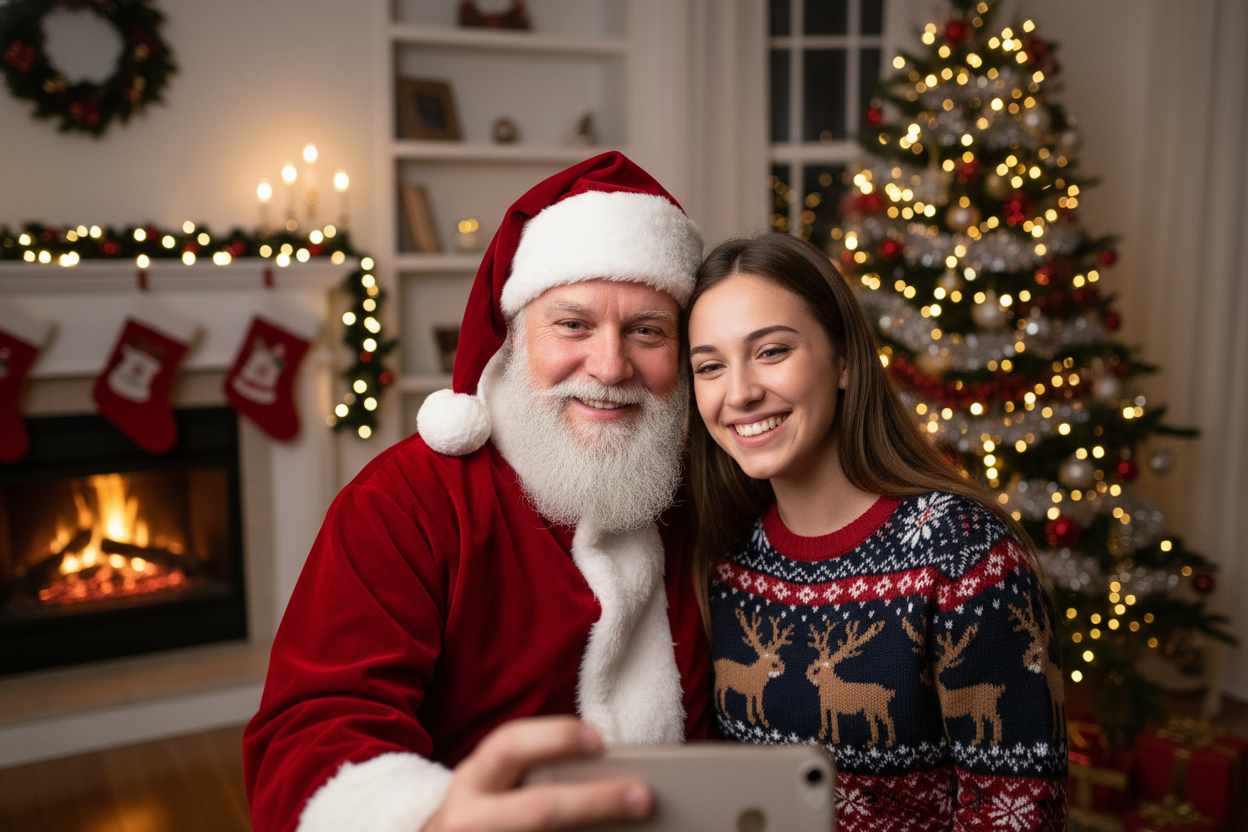
Realistic Santa Placement with Image to Image AI
- SuperMaker analyzes your photo’s environment before adding Santa.
- Santa’s pose, height, and position are automatically adjusted to match your body placement.
- This avoids unnatural overlaps or scale issues common in basic photo editors.
- The result is a believable add Santa to photo effect that looks professionally edited.
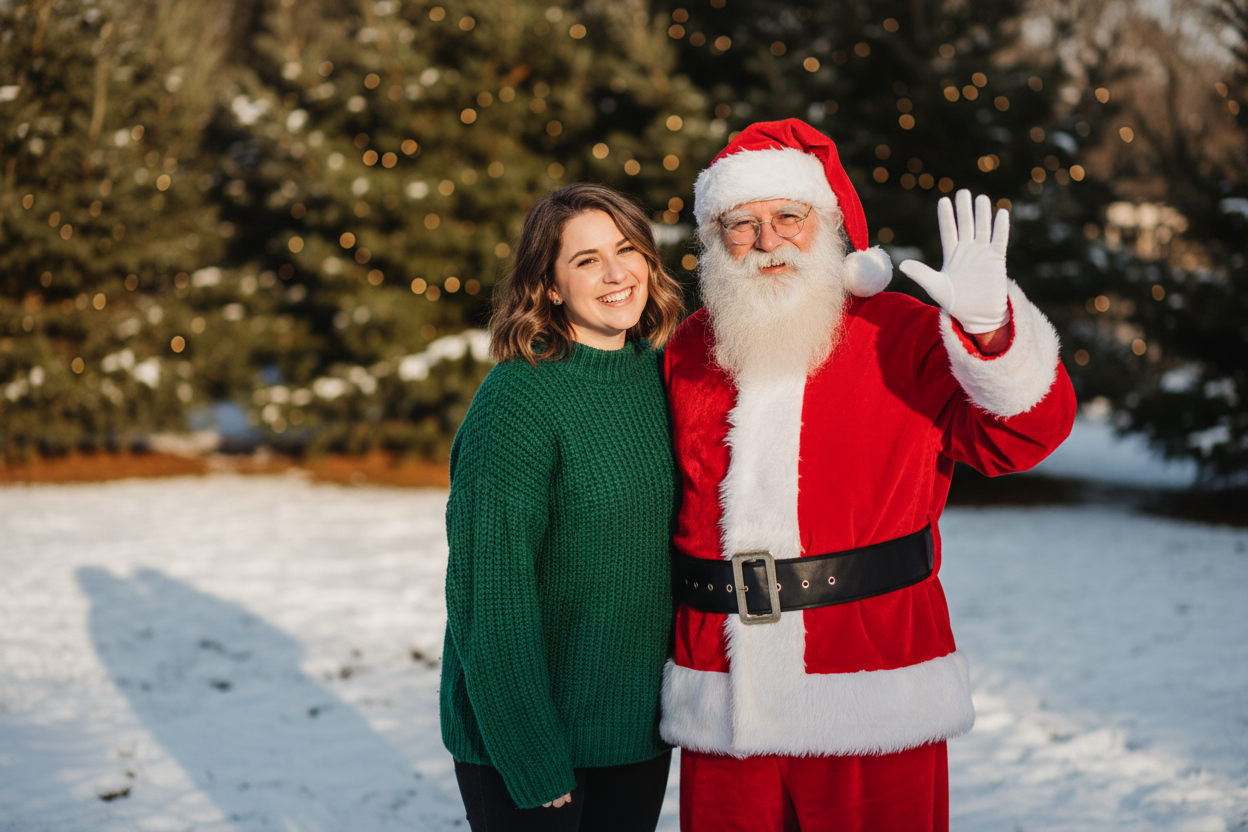
Perfect Lighting, Shadows, and Color Matching
- Lighting consistency is critical for realism.
- Our AI matches Santa’s shadows and highlights to your original photo.
- Indoor warm lights, outdoor daylight, or evening scenes are all handled automatically.
- This is why SuperMaker stands out when users want to add Santa to photo online free without quality loss.
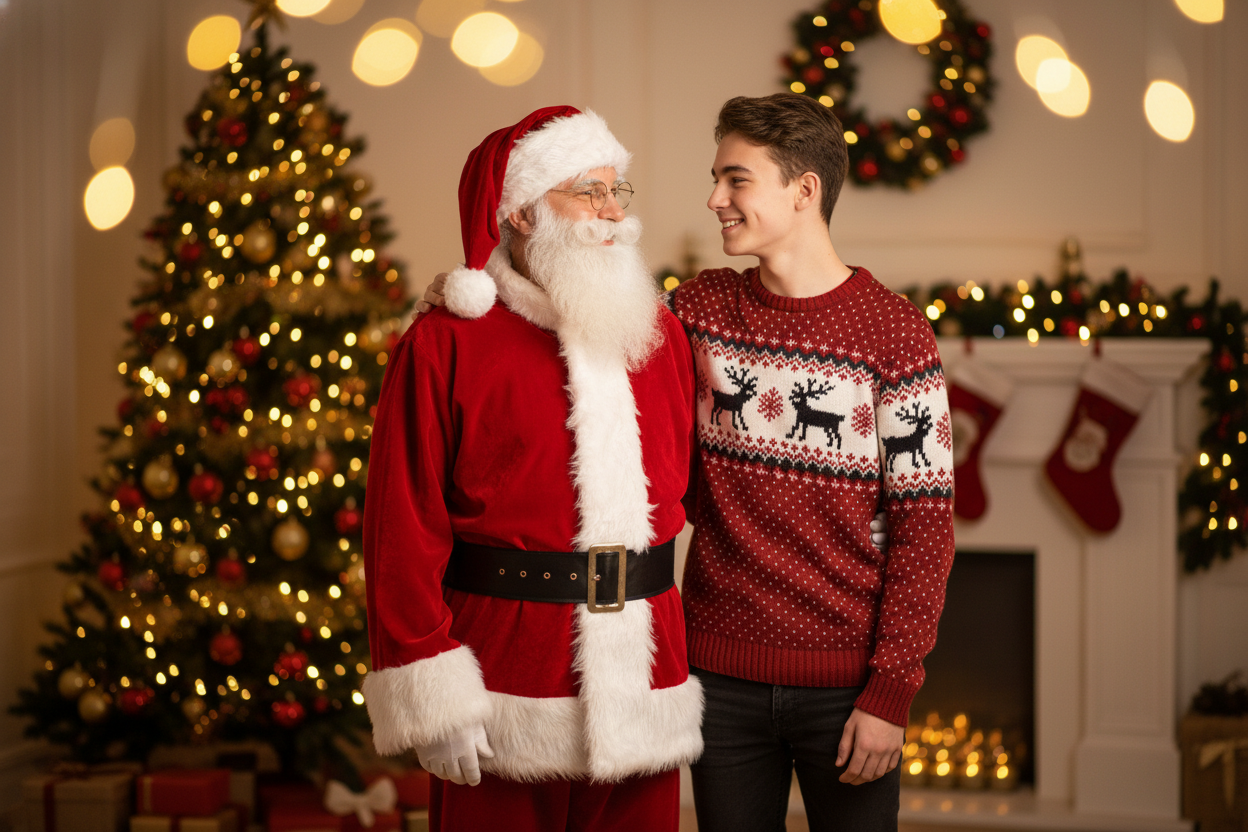
One-Click Christmas Magic
- No Photoshop skills needed.
- No manual cutouts or layers.
- Just upload, generate, and download.
- SuperMaker makes it fast and joyful to add Santa to picture for anyone, anywhere.
Popular Ways to Add Santa to Photo
People around the world use SuperMaker to create joyful Christmas images for many scenarios.

Christmas Social Media Posts
Create festive selfies and posts by letting AI add Santa to photo before sharing on Instagram, TikTok, or Facebook.

Family Christmas Memories
Add Santa to family photos and make children believe Santa really visited your home.

Holiday Marketing & Promotions
Businesses add Santa to photos for holiday ads, posters, and promotional graphics.

Viral & Fun Content
Creators use add Santa to photo online free tools to produce viral Christmas-themed content.
What Users Say About Add Santa to Photo
Real experiences from people who used SuperMaker to create Christmas memories.
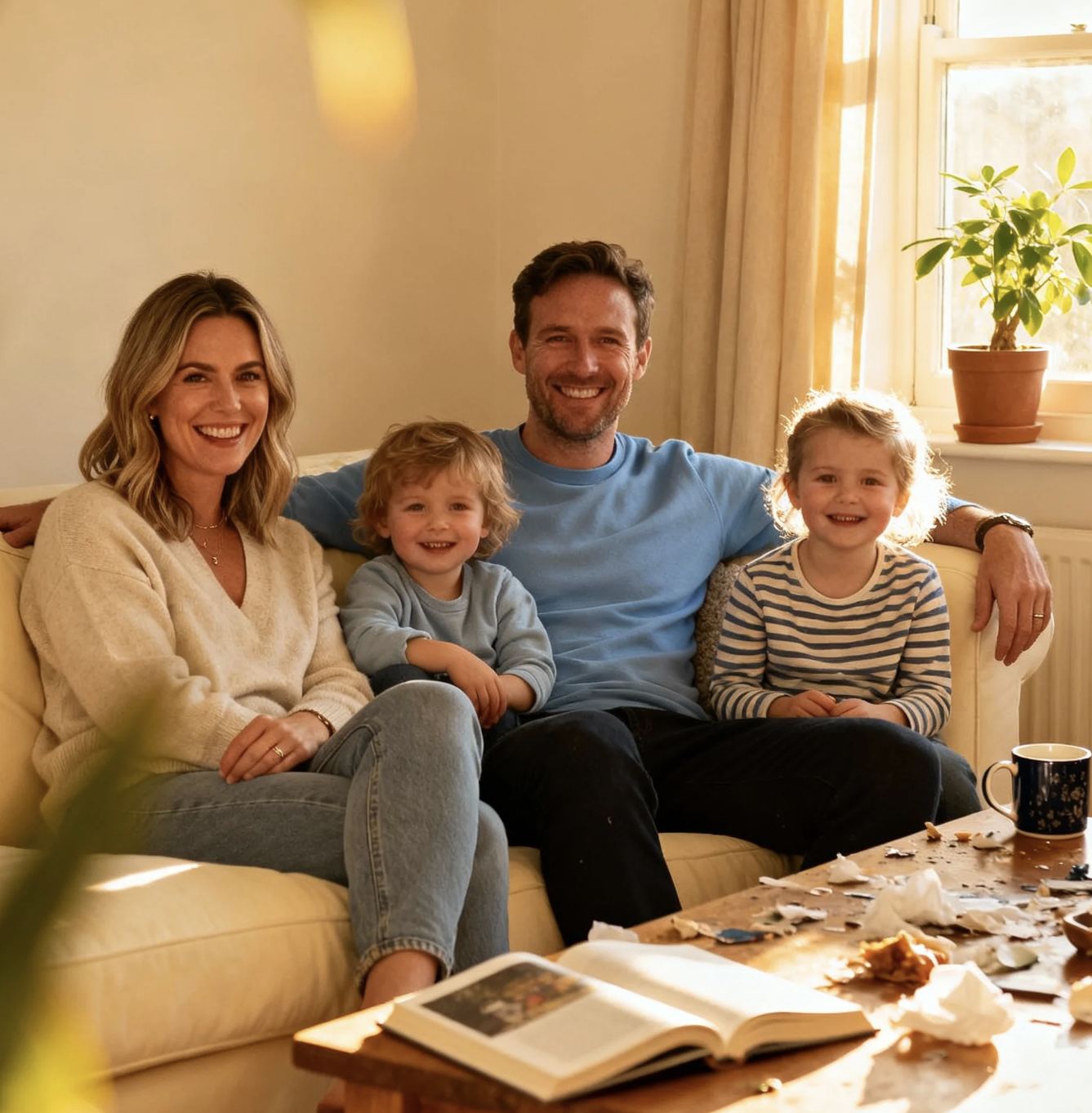
As a mom blogger, I tried this tool to add Santa to photo with my kids, and the result surprised me. Santa looked like he was truly standing next to us, with matching light and shadows. My children were genuinely excited. This is the easiest way I’ve found to add Santa to picture online free without editing skills.
I create seasonal content for Instagram and TikTok, and this feature saved me a lot of time. I uploaded a selfie and AI instantly placed Santa beside me with realistic proportions. It doesn’t feel like a sticker at all. If you want to add Santa to picture quickly, this workflow feels professional and reliable.n.
I used this page to add Santa to photo for my classroom Christmas activities. The images looked believable enough that my students thought Santa actually visited. I appreciated how natural the lighting felt. Being able to add Santa to picture online free made it accessible for teachers without budgets or design tools.
For our holiday promotions, I needed festive visuals fast. I used this tool to add Santa to picture. The AI placed Santa naturally into the scene, which helped our posts feel warmer and more human. It’s a practical solution for anyone needing add Santa to photo effects without Photoshop.
What impressed me most was realism. When I add Santa to photo using SuperMaker, the shadow direction and color temperature stay consistent with the original image. That’s something many tools fail at. It works well for social campaigns, especially when you need add Santa to picture online free but still care about quality.
I tested this page out of curiosity, expecting a basic overlay. Instead, Santa blended into my photo naturally, almost like a real shoot. For quick holiday visuals or client previews, it’s surprisingly useful. This is one of the few AI tools where add Santa to picture doesn’t look artificial or cheap.




Add Santa to Photo – FAQ
Everything you need to know before using SuperMaker AI Add Santa to Photo.
AI Add Santa to Photo is an image to image feature that lets you upload a photo and automatically place Santa Claus next to you with realistic lighting, position, and shadows.
Yes. You can add Santa to photo online free using SuperMaker without complex editing or subscriptions.
Clear photos where people are visible work best. Indoor and outdoor photos both produce excellent add Santa to picture results.
No. SuperMaker is designed for beginners. The AI handles everything automatically.
Yes. Your generated Add Santa to Photo can be shared online or used in holiday promotions.
Add Santa to Photo Now and Celebrate Christmas
Upload your photo and let SuperMaker instantly add Santa beside you with AI-powered realism. Create joyful holiday memories in seconds.
