
More AI Video Generators
Explore our collection of specialized AI video generators designed for different creative needs and styles

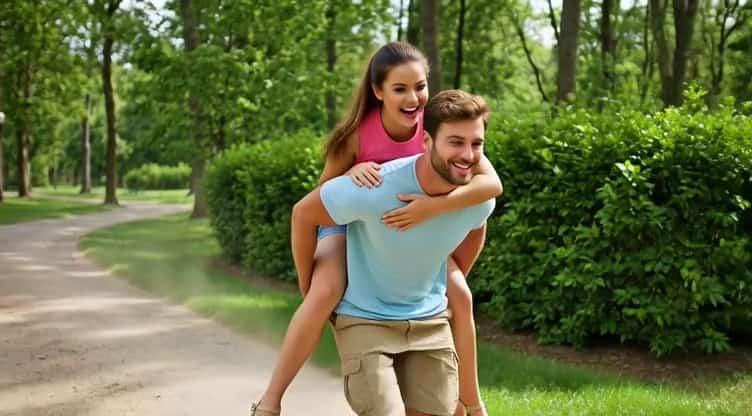
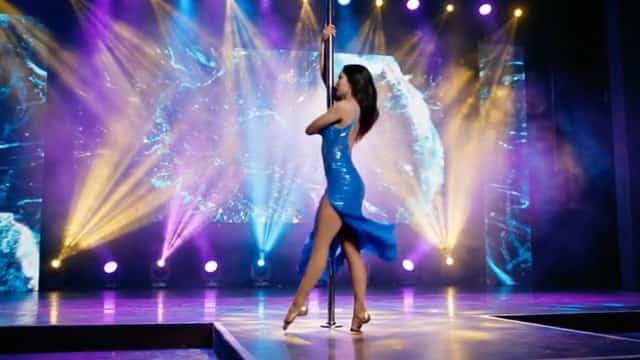
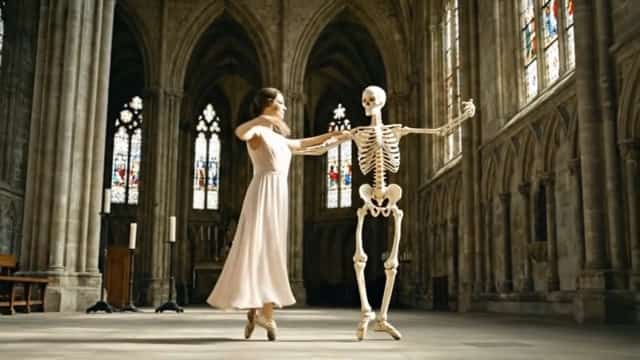

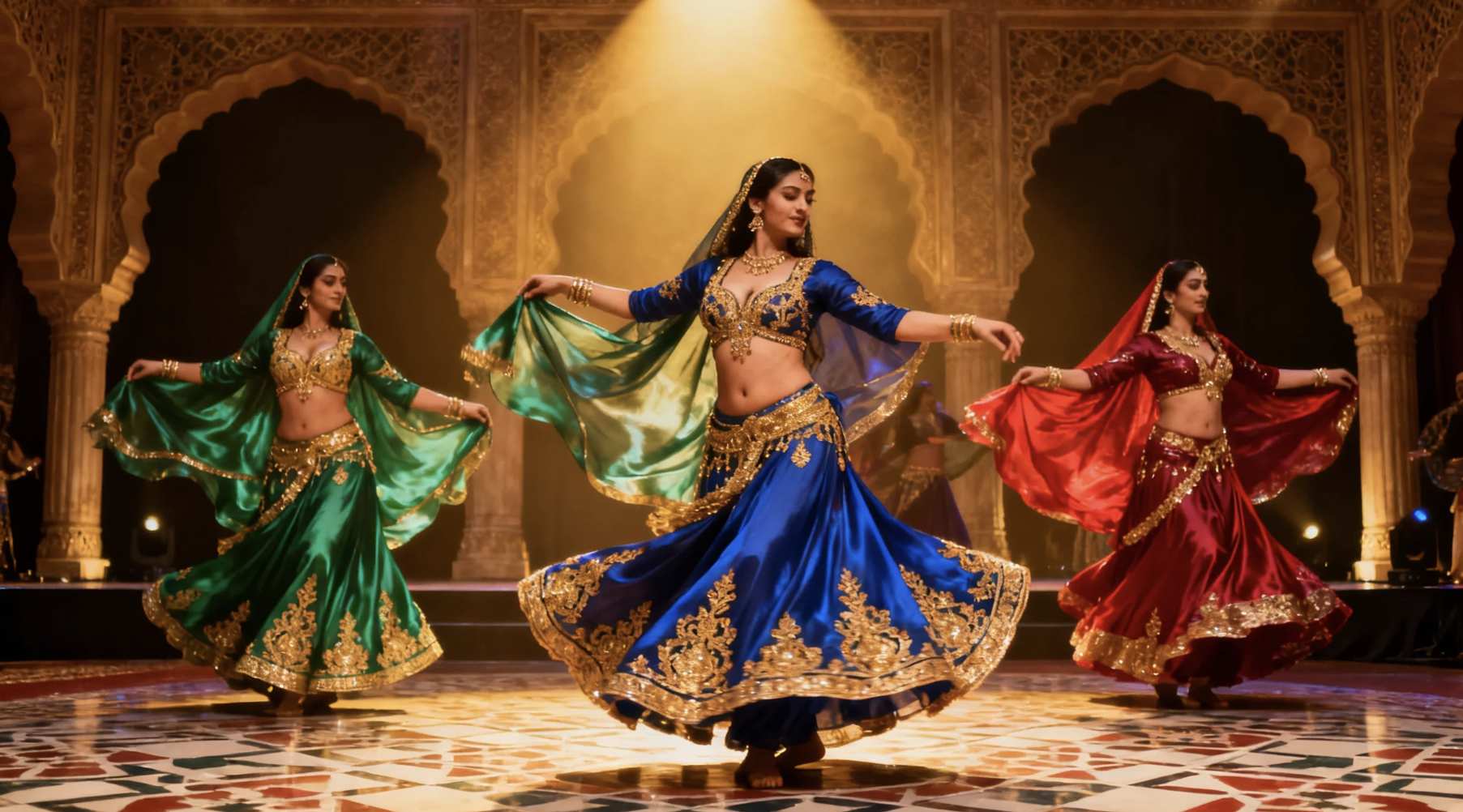





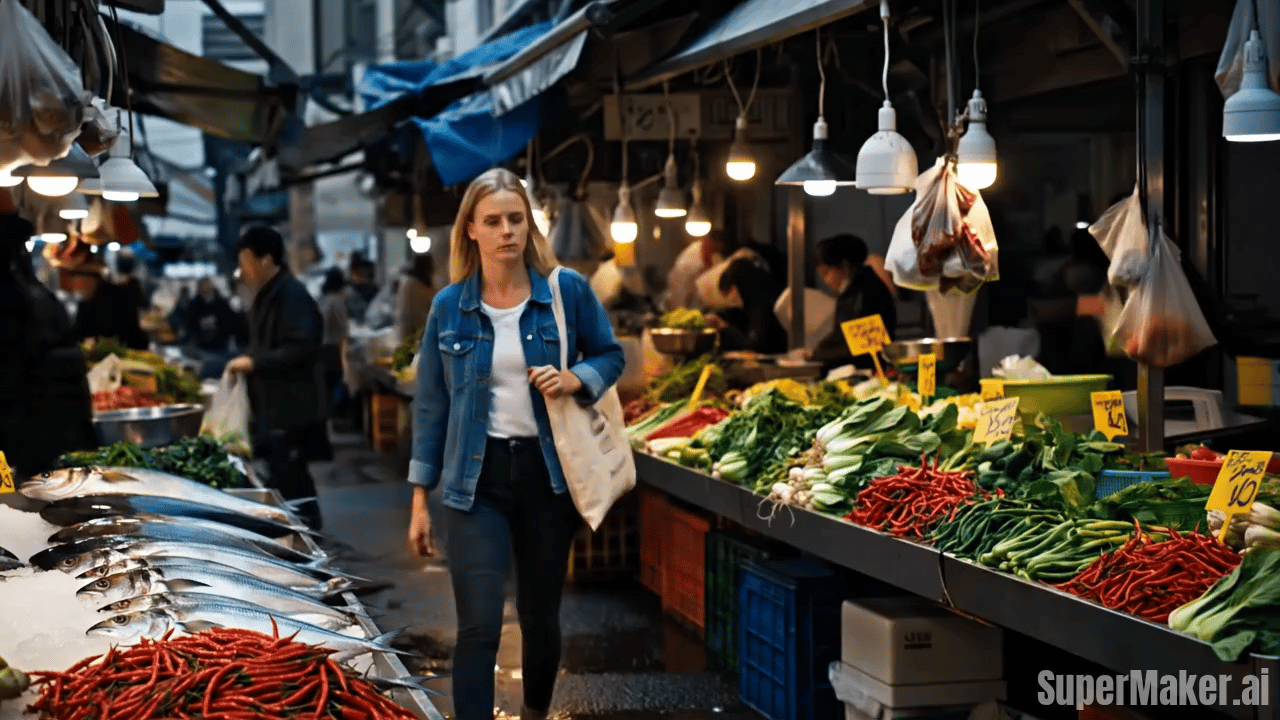
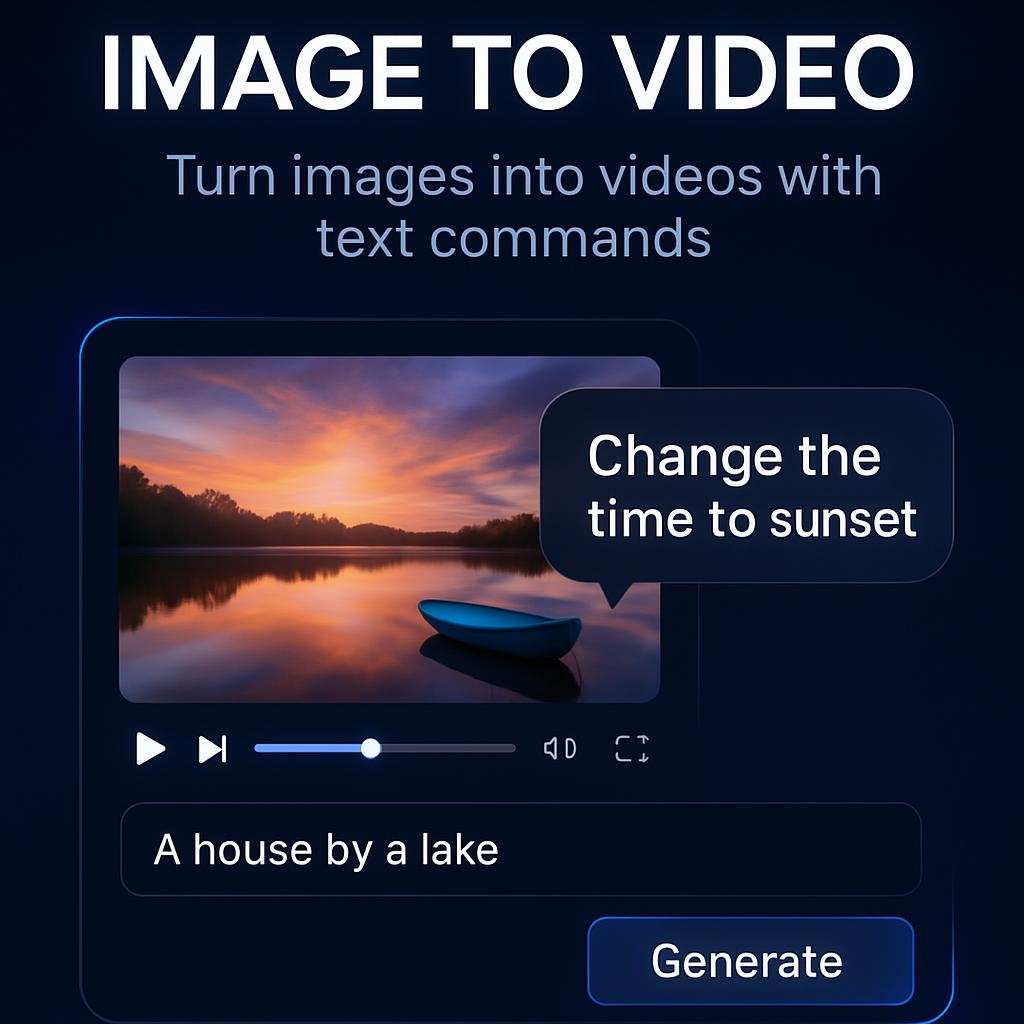
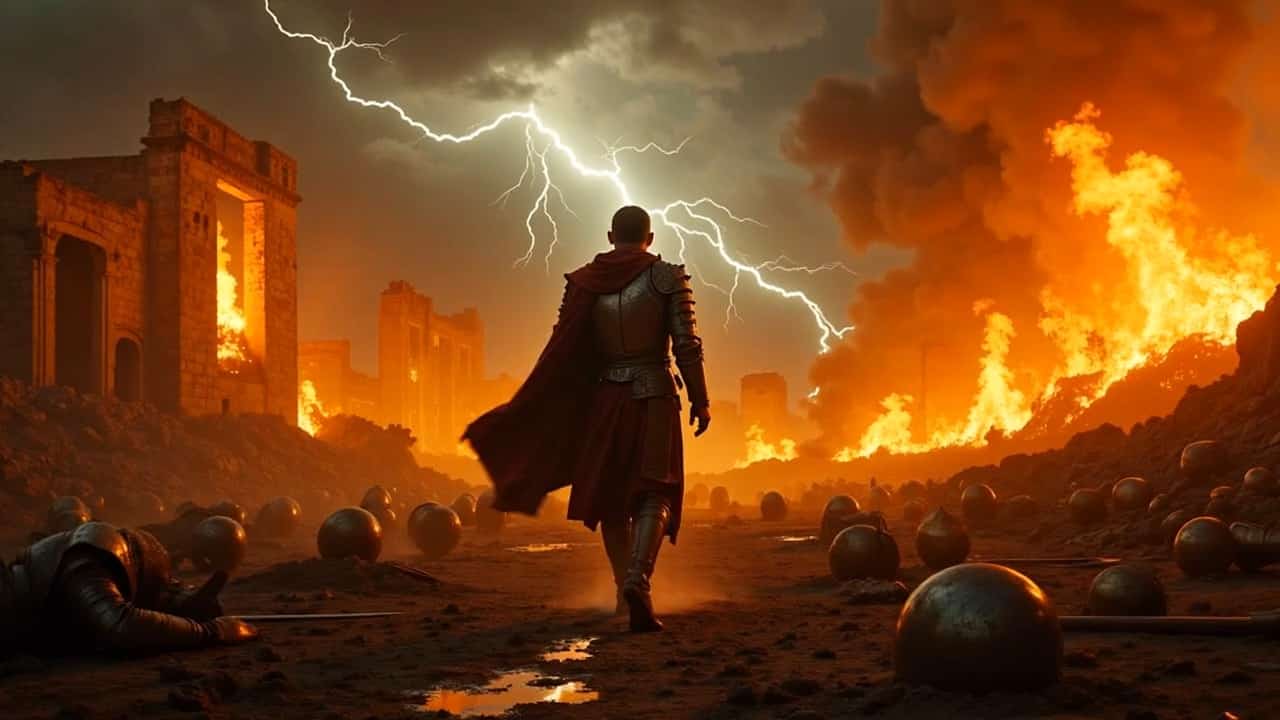
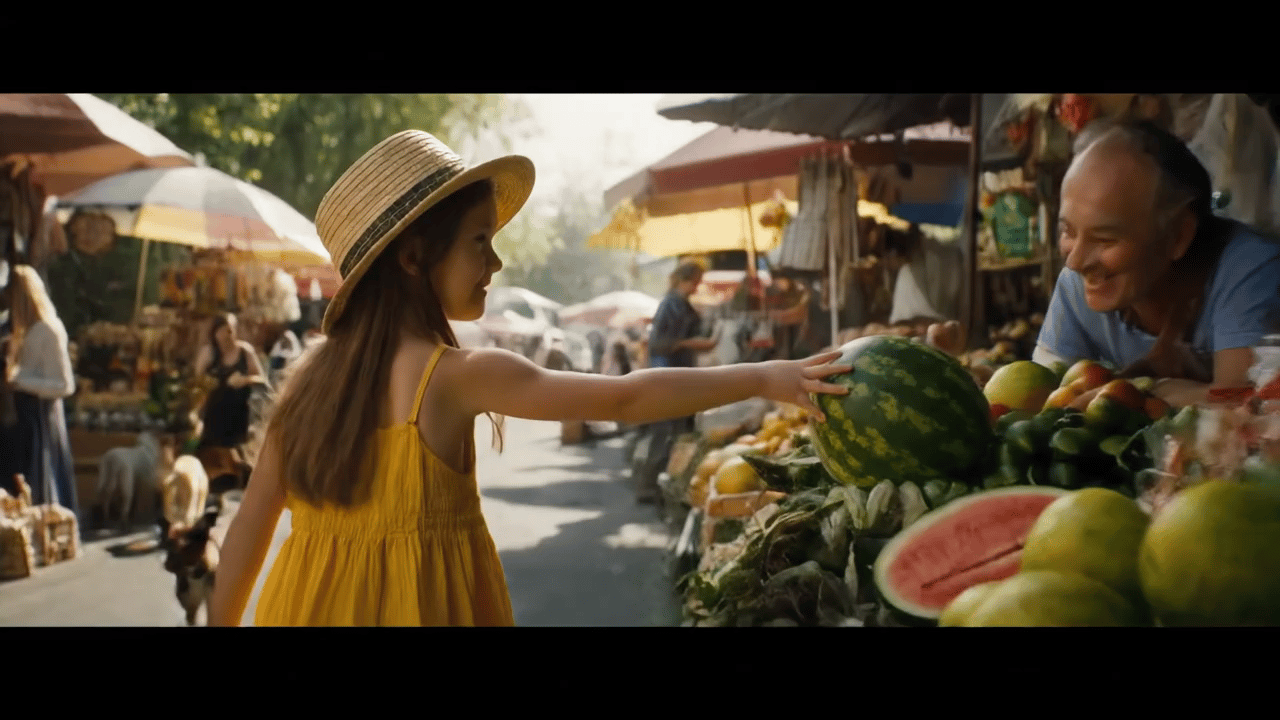
AI Animate Photo Tool: Turn a Still Image into a Dynamic Video in Seconds
Upload one image, type your “animate it” idea, and generate a natural motion clip instantly—no editing timeline, no complicated settings.
SuperMaker AI animate photo tool helps anyone convert a static photo into a short, shareable video. AI animate photo is designed for speed, realism, and repeatable results, making AI photo to video creation accessible for creators, marketers, and everyday users who want motion from a single image.
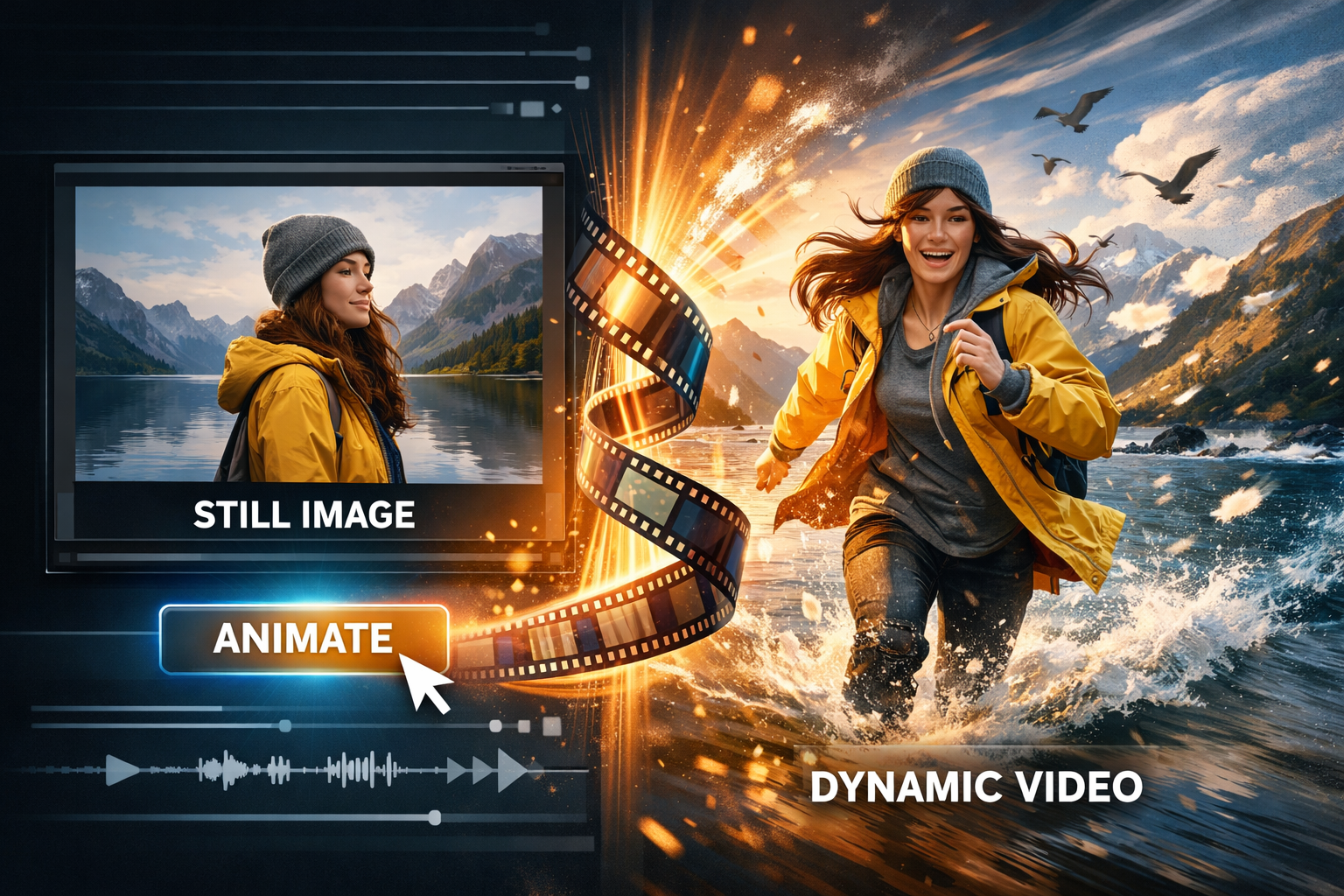
How to Use AI Animate Photo Tool
This AI animate photo tool is built for an image to video workflow: upload a still image, type your animate-it idea, and produce a dynamic video. The goal is to make AI animate photo feel as easy as writing a sentence, while keeping AI photo to video results stable and natural. If you want a simple answer to how to animate a picture, follow the three steps above and iterate with short, clear prompts.

Upload a Clear Image
Drag and drop a portrait, pet photo, travel scene, or product image. For the best AI animate photo result, choose a well-lit photo with clear facial features or clean edges. This gives the AI photo to video engine stable anchors for motion and reduces distortion when testing how to animate a picture with different ideas.

Type Your “Animate It” Idea
Describe the motion you want in plain language: “blink and soft smile,” “camera push-in,” “turn head slightly,” “add subtle breathing,” or “make the background move.” Your prompt guides AI animate photo behavior and makes AI photo to video outputs feel intentional. If you are learning how to animate a picture, start with gentle motion and increase intensity gradually.

Generate, Preview, Download
Click Generate to create your clip. Preview instantly, adjust the prompt if needed, and re-generate for a cleaner motion pass. SuperMaker AI animate photo workflow makes AI photo to video iteration fast, so you can quickly find the best look for how to animate a picture across different styles and use cases.
Best AI Video Tools for Creative Projects
Explore creative tools for video, learn tips and tricks, and see how AI can be your assistant in turning concepts into finished projects.
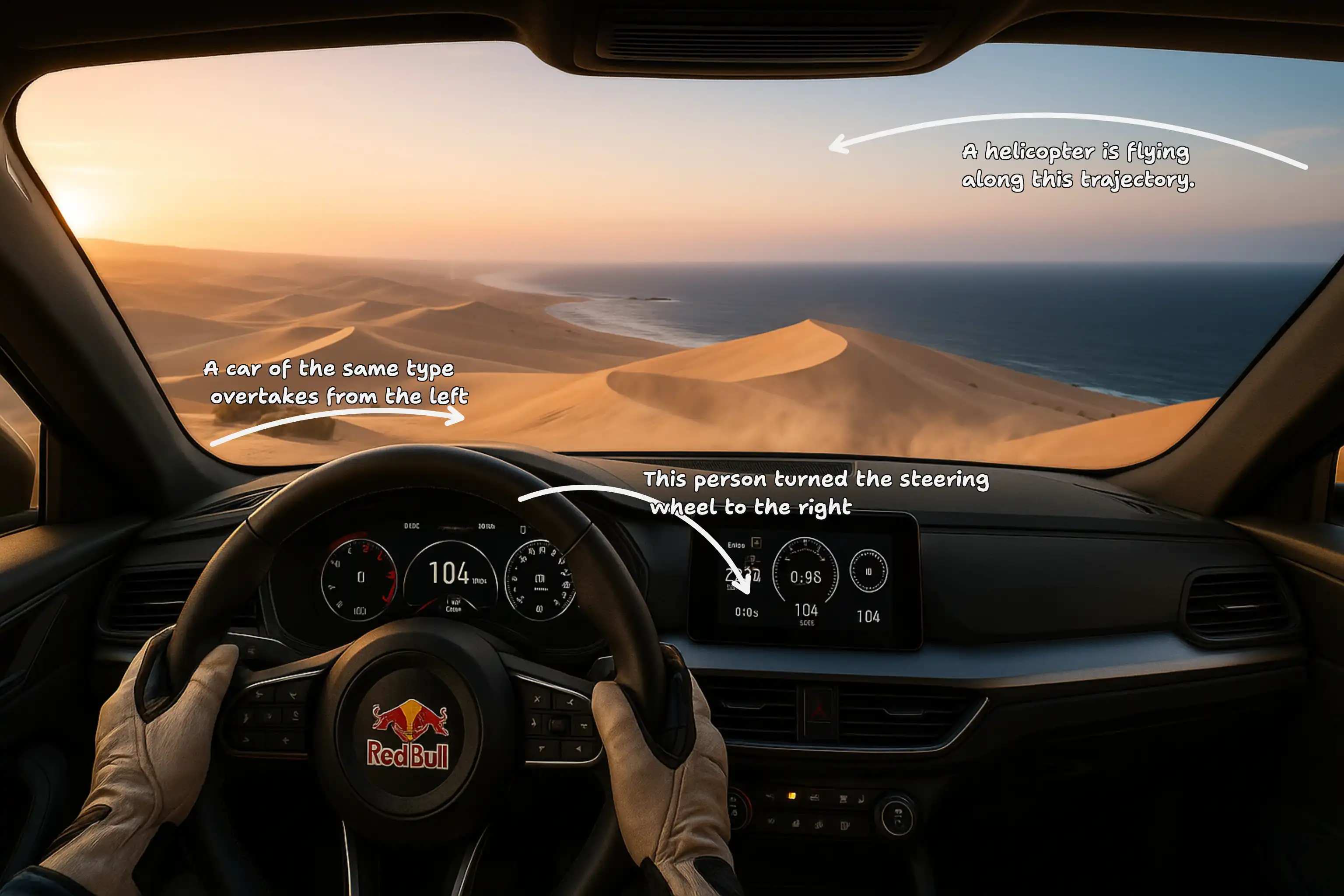
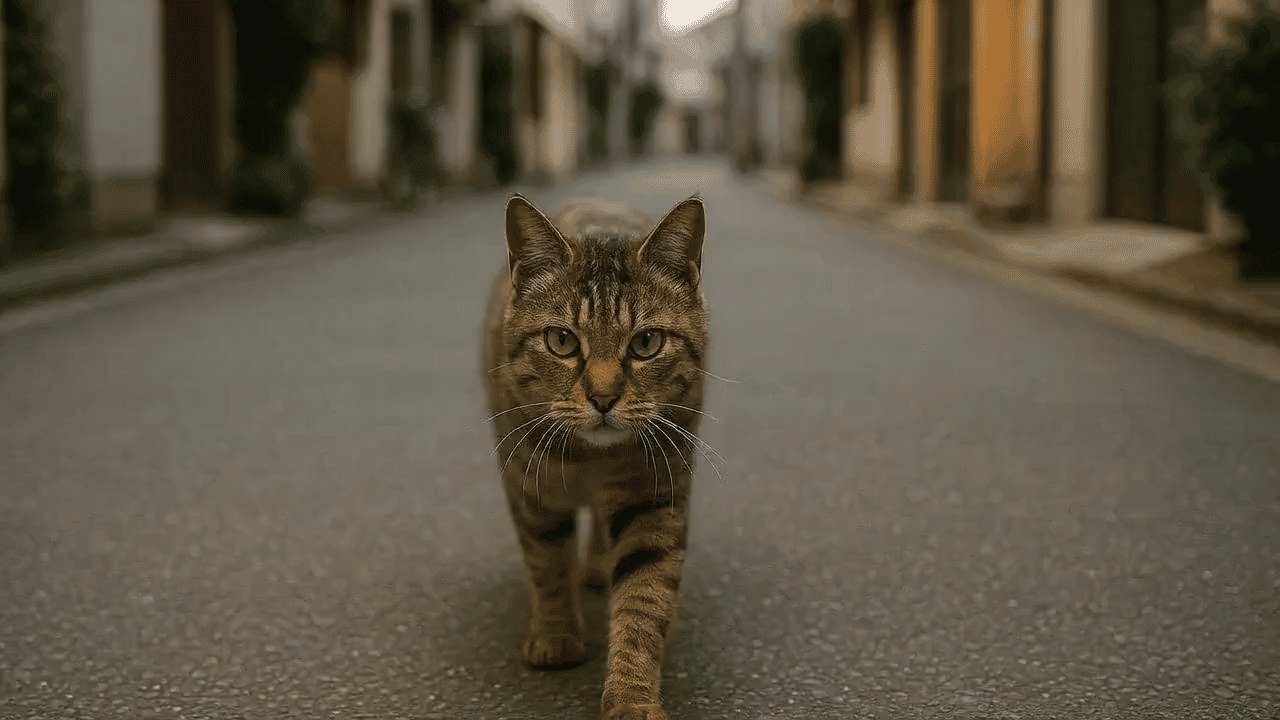
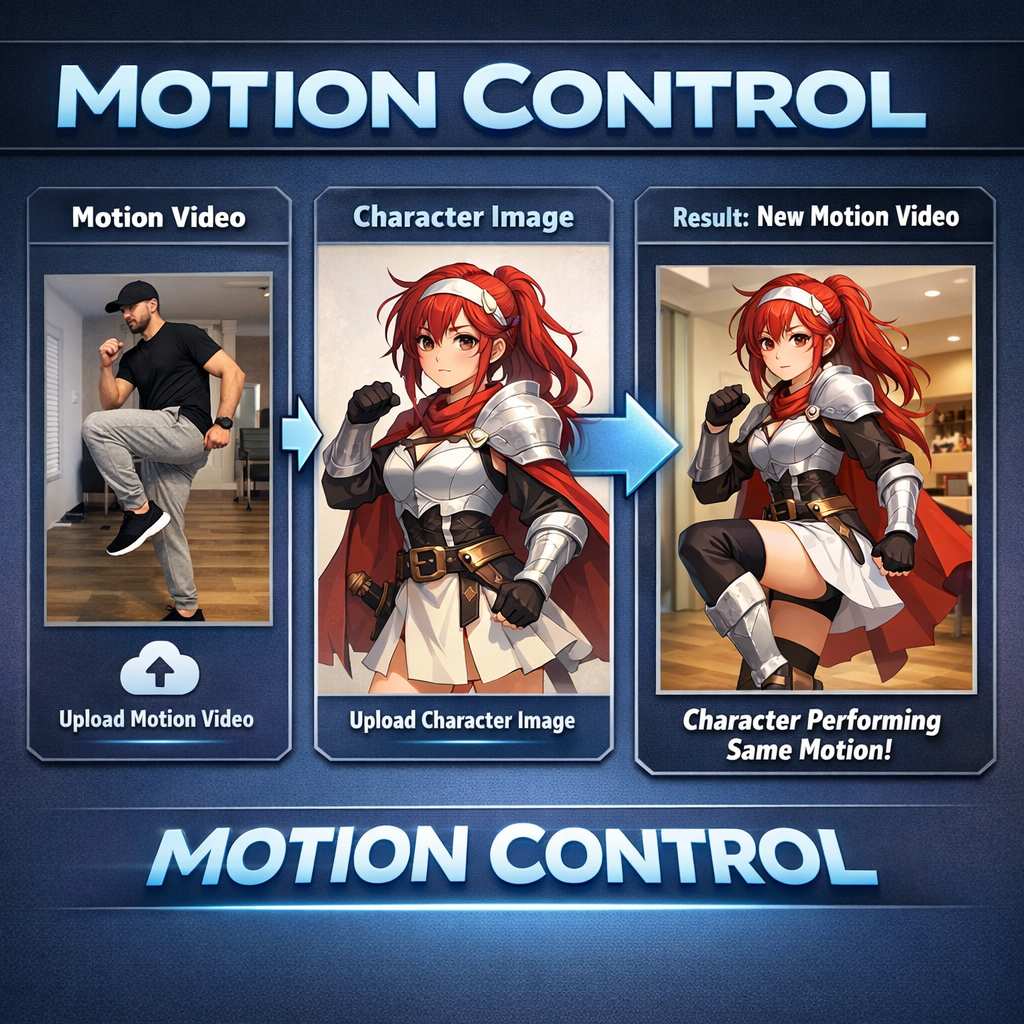
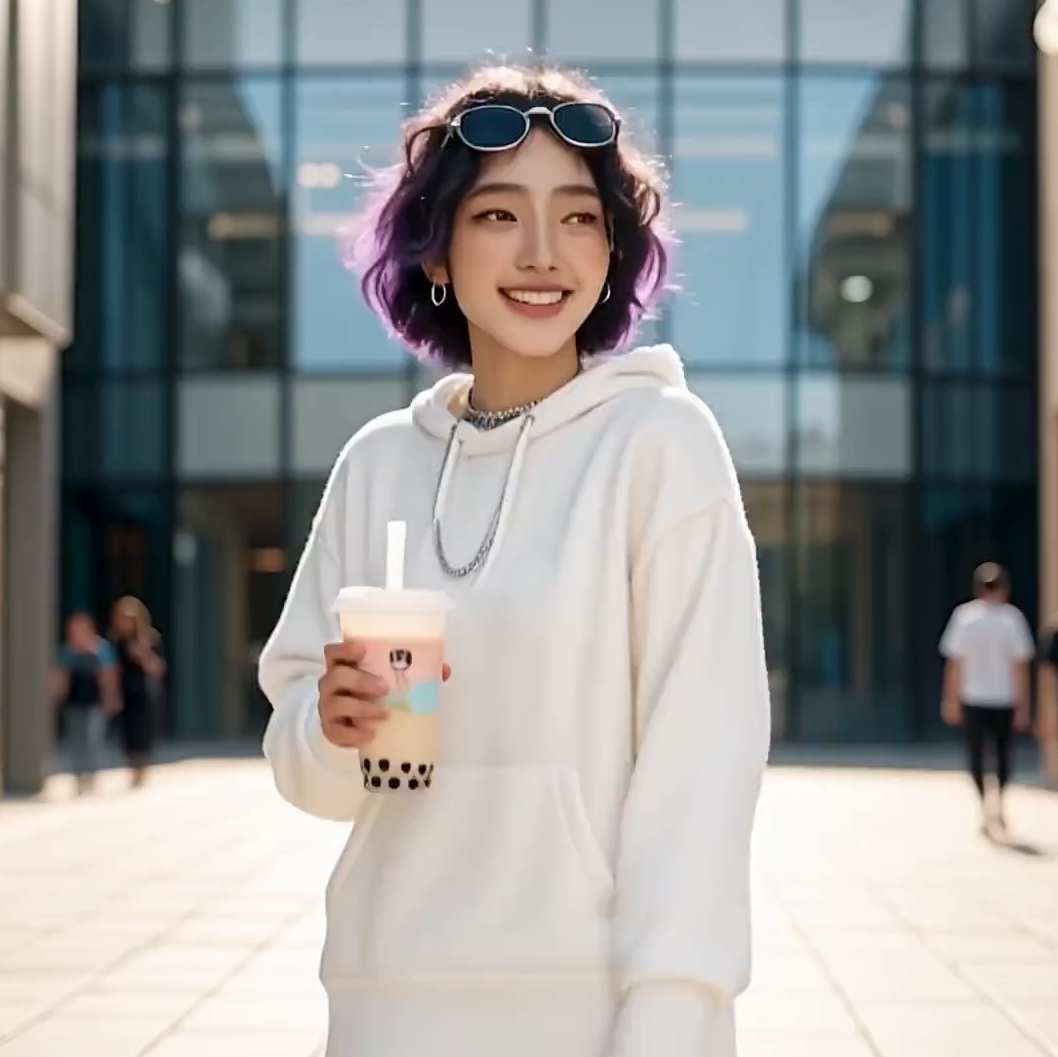
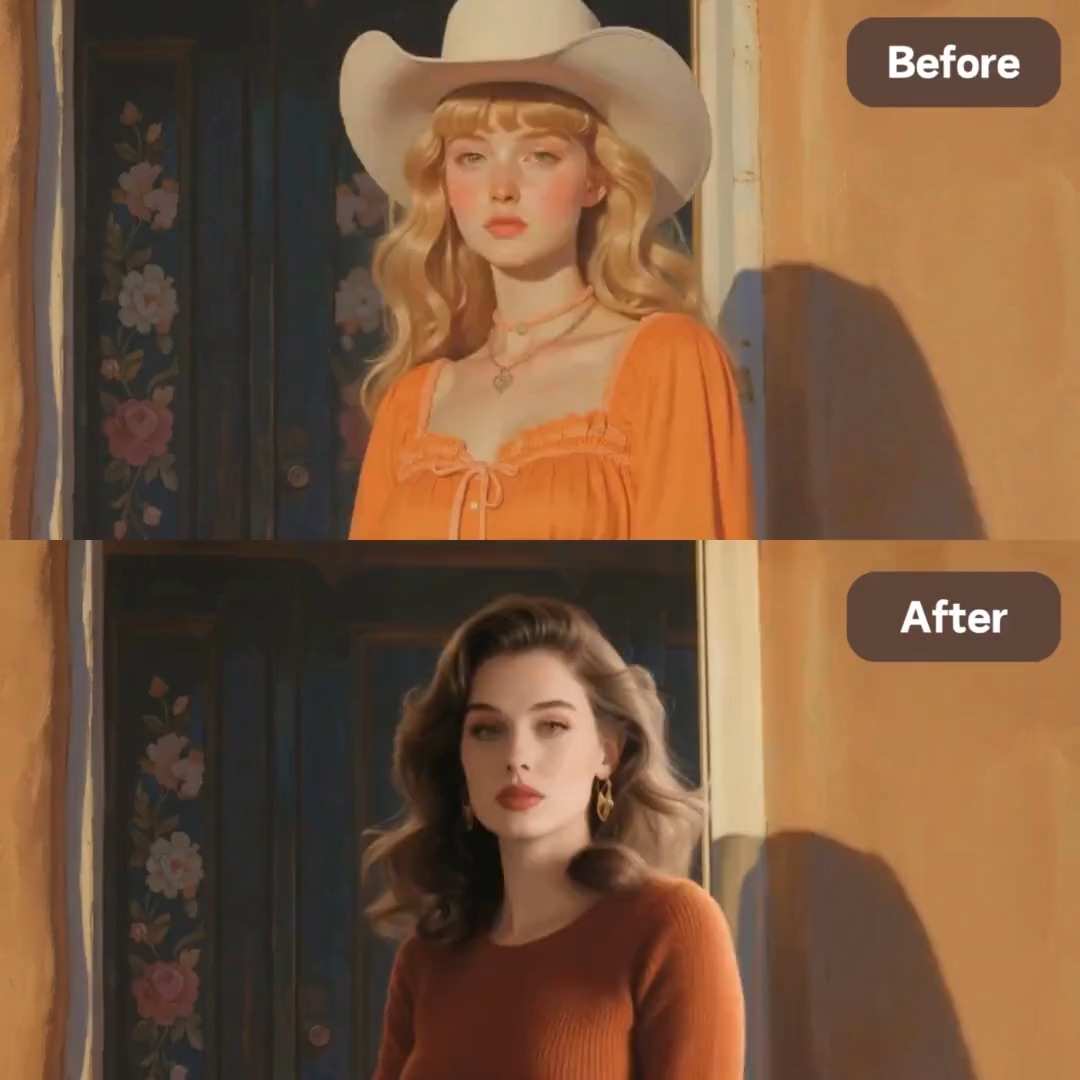


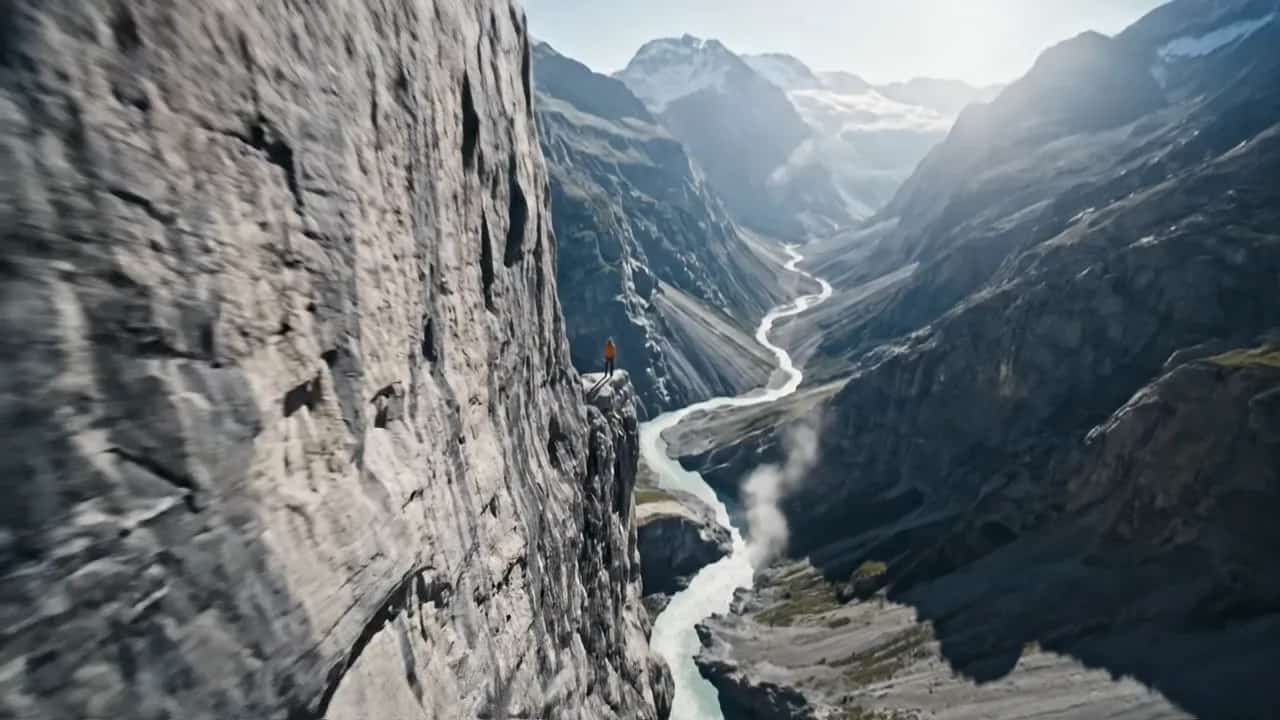
Features of AI Animate Photo in SuperMaker
SuperMaker AI animate photo tool is designed around a prompt-driven image to video workflow: upload an image, describe motion, and generate. These features help AI animate photo outputs look natural, while keeping AI photo to video results stable across portraits, scenes, pets, and products. If you want a repeatable method for how to animate a picture, use these features to control realism, motion intensity, and creative style.
Identity-Preserving Facial Motion
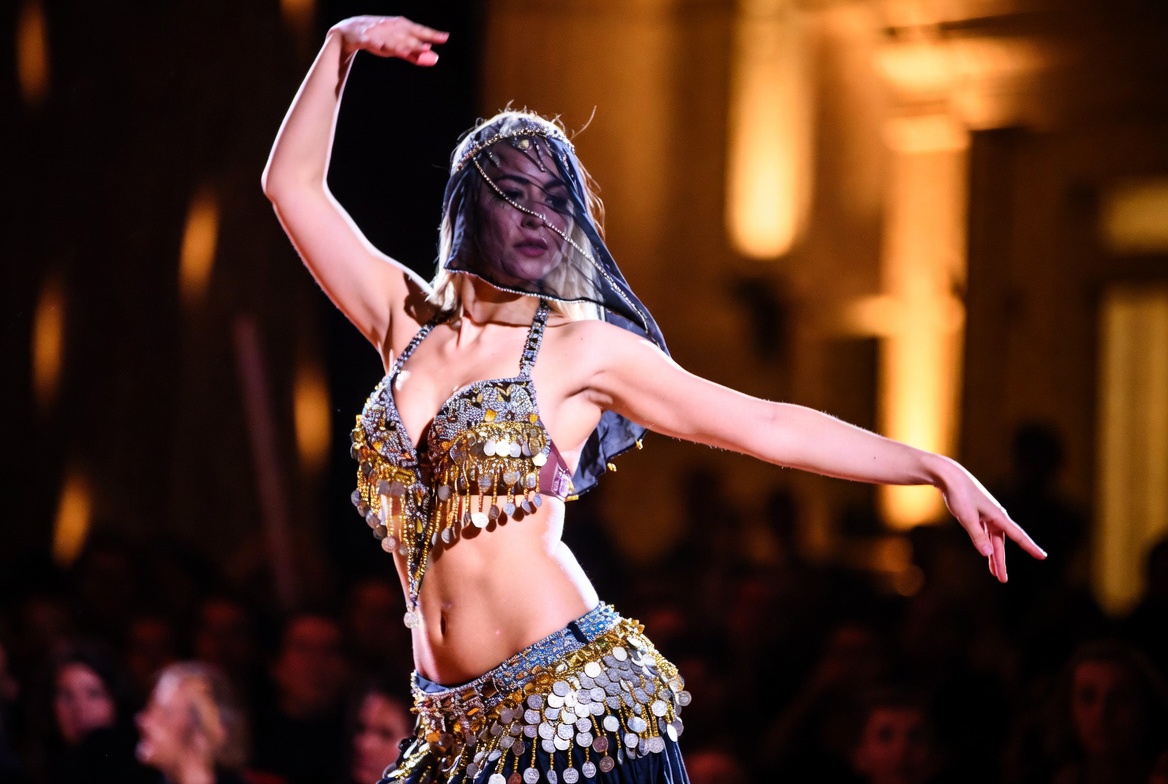
- AI animate photo focuses on recognizable identity: facial proportions, hairline, and key details remain consistent.
- Generate natural micro-motions like blink, subtle smile, and gentle head tilt for clean AI photo to video realism.
- Reduce uncanny results by using short prompts: “blink once,” “soft smile,” “tiny head turn.”
- If your goal is how to animate a picture for profile videos, this AI animate photo feature turns one selfie into a believable motion clip.
Cinematic Camera Moves from One Photo
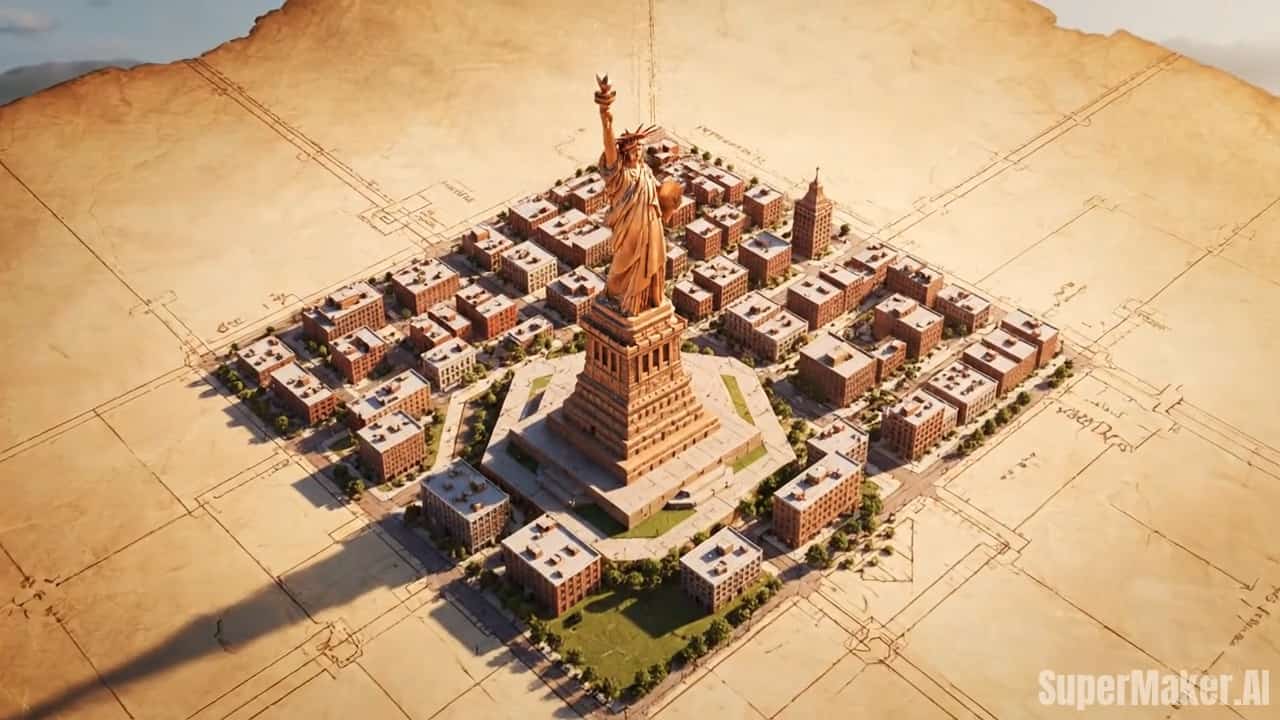
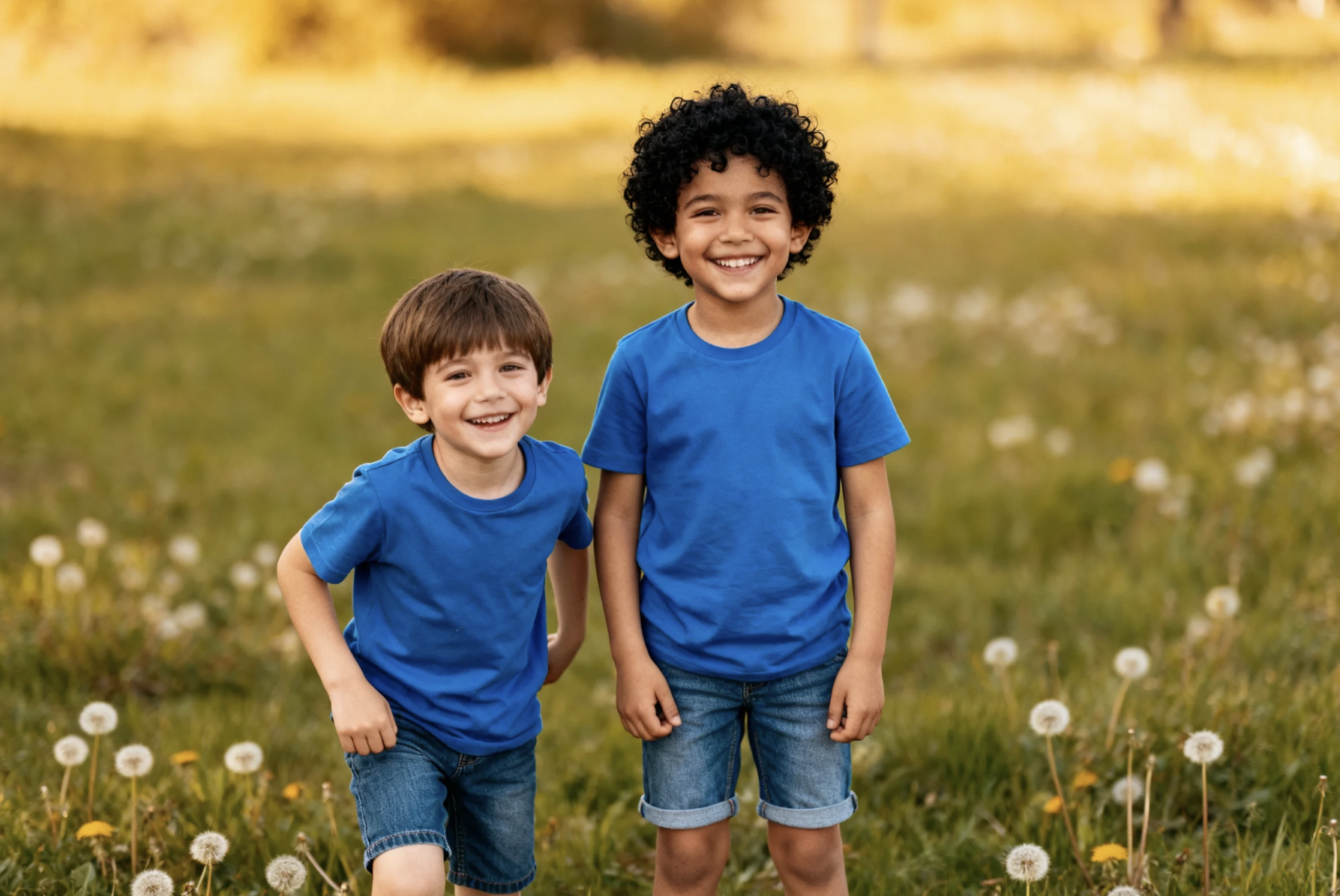
- Create camera push-in, pull-out, pan, and parallax-style depth using AI animate photo.
- Turn travel photos into story-ready AI photo to video clips with smooth, controlled motion using the AI animate photo tool.
- Keep edges sharp while motion stays stable for architecture, scenery, and lifestyle shots.
- For creators asking how to animate a picture like a film still, cinematic camera motion delivers a premium look fast.
Prompt-Driven Style and Motion Control
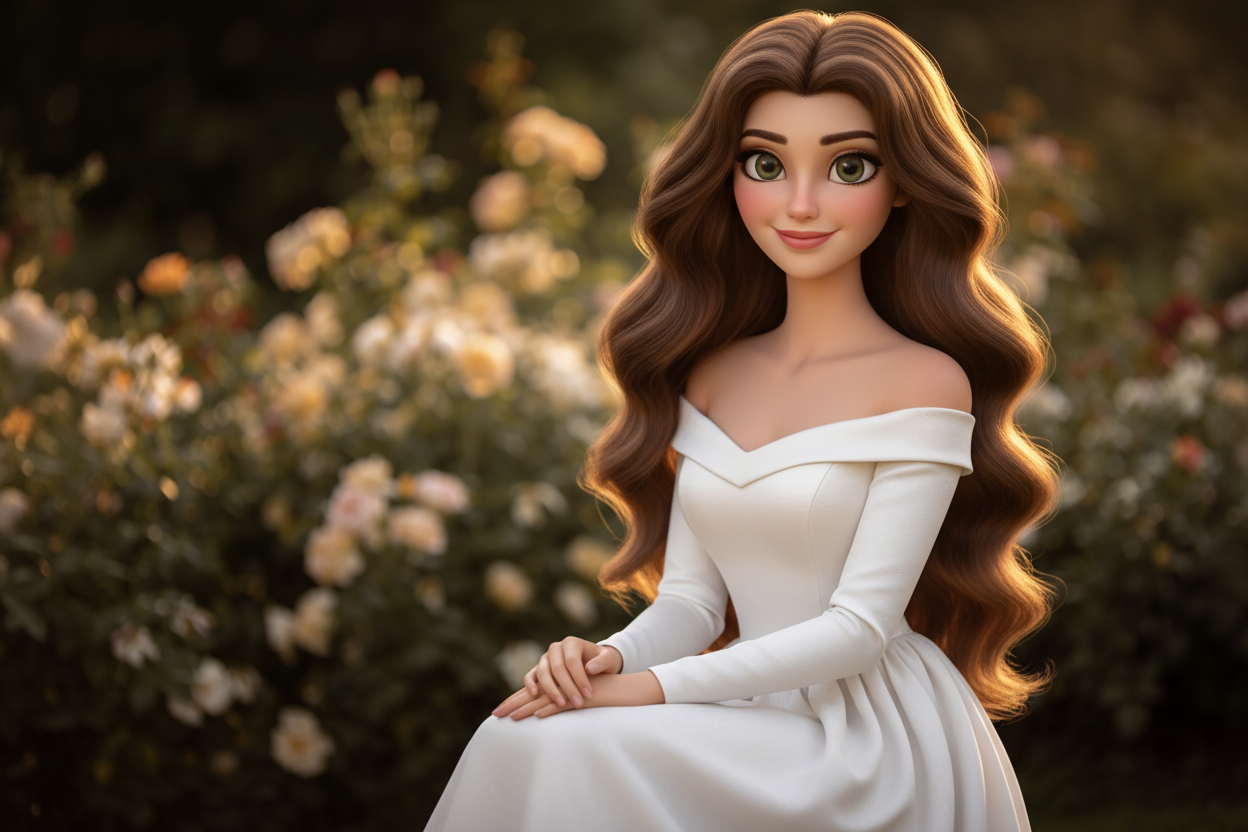
- Type what you want: “wind in hair,” “sparkling bokeh,” “soft sunset light,” or “gentle breathing.” AI animate photo follows your intent.
- Create multiple versions quickly to compare AI photo to video results.
- Use simple constraints: “no face change,” “keep background stable,” “subtle motion only.”
- If you are practicing how to animate a picture, prompt control is the easiest way to guide motion without manual editing.
Marketing-Ready Motion for Products and Ads
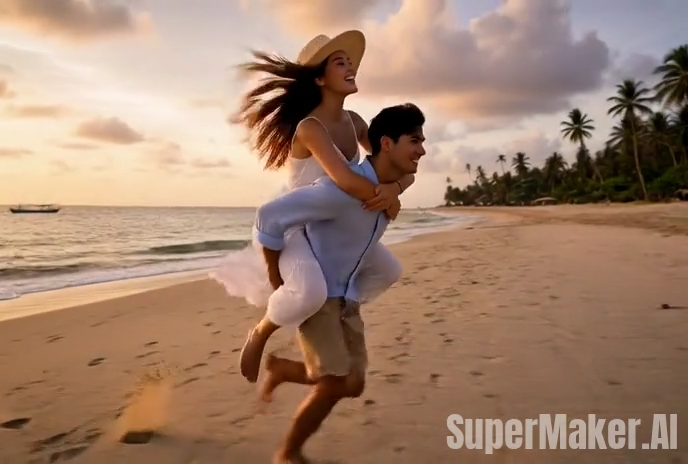
- Turn a still product image into motion: light sweeps, subtle rotation illusion, and background ambience with AI animate photo.
- Create short loopable AI photo to video clips for ads, landing pages, and storefronts.
- Keep packaging and logos clearer by using prompts like “subtle motion, keep text readable.”
- For teams learning how to animate a picture for marketing, this AI animate photo tool is a fast alternative to a full video shoot.
Popular Use Cases for AI Animate Photo
AI animate photo works for creators, couples, pet lovers, and marketing teams. These use cases show AI animate photo tool helps transform still images into dynamic assets. If you are searching how to animate a picture for real scenarios, these examples provide reliable starting points and prompt ideas.

Social Content that Feels Alive
Creators use AI animate photo to make profile clips, story intros, and reel loops from a single image. This AI photo to video workflow helps posts stand out in fast scroll feeds. If you keep asking how to animate a picture for social media, start with blink + cinematic zoom prompts.

Travel Memories as Mini Films
Turn one travel photo into a moving memory with AI animate photo camera motion and depth. The AI photo to video result feels like a cinematic scene, not a static slideshow. For anyone learning how to animate a picture to tell a travel story, cinematic push-in and parallax prompts work best.

E-commerce and Ad Creatives
Motion increases attention. AI animate photo turns still product shots into short promotional clips. This AI photo to video workflow is ideal for A/B testing, landing pages, and storefront banners. For brands researching how to animate a picture for higher CTR, start with light sweep + slow camera push-in prompts.

Creator Branding, Posters, and Thumbnails
Animate posters and thumbnails with AI animate photo to create subtle movement that feels premium. The AI photo to video output can be used as an intro bumper or looping background. If you need how to animate a picture for branding without editing software, prompt-driven motion is the fastest path.
What Users Say About AI Animate Photo
These testimonials reflect how real users create motion clips by uploading an image and describing an animate-it idea. The focus is natural motion, fast iteration, and stable results for AI photo to video. If you are exploring how to animate a picture for social content or marketing assets, the experiences here show what to expect.
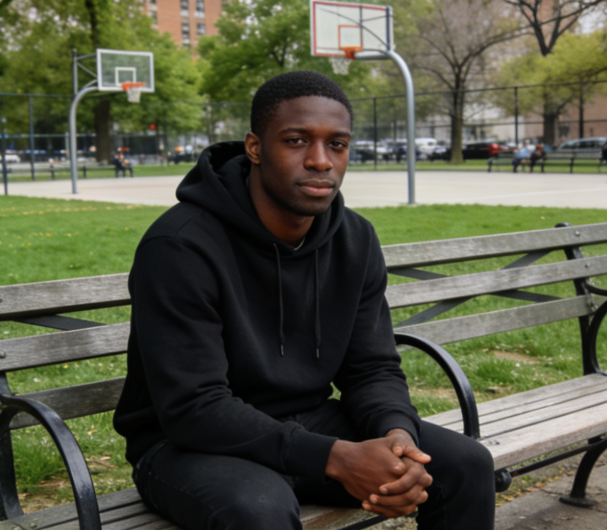
The AI animate photo tool made the whole process feel like writing a sentence, not learning software, and I could download a post-ready video instantly. I’d use the AI animate photo tool again for weekly updates.
The AI animate photo tool helped us create multiple variations for A/B tests without extra design resources. For quick creative production, the AI animate photo tool is now part of our standard workflow.
The AI animate photo tool is great when I want motion for stories but still want the photo to feel authentic. I’m keeping the AI animate photo tool in my content toolkit.
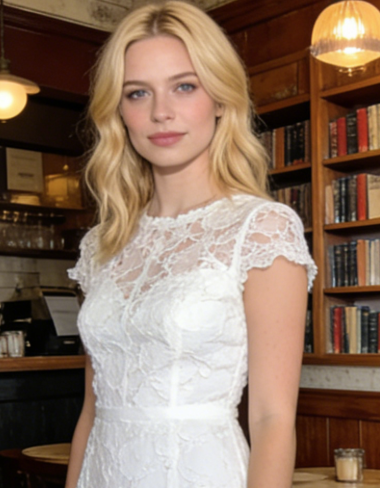
I tested the AI animate photo tool for travel photos with cinematic zoom prompts and the results looked like a mini film shot. It made a single photo feel like a real memory clip. The AI animate photo tool gave my still images the kind of movement I’d normally create in editing software, but in a fraction of the time. I’ll rely on the AI animate photo tool for fast travel reels.
The AI animate photo tool is especially useful when I need a clean motion asset for a presentation or social post without opening any heavy software. For creative iteration, the AI animate photo tool is incredibly efficient.
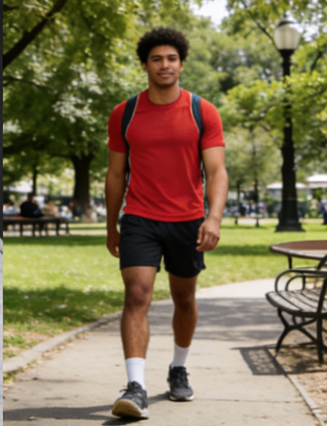
I animated a pet photo with tiny head movement and it came out adorable without weird artifacts. The preview speed is great because I can regenerate until the motion feels right for different pets. The AI animate photo tool makes it easy to turn everyday snapshots into shareable videos, and my friends always ask what I used. I happily point them to the AI animate photo tool.

Frequently Asked Questions About AI Animate Photo
These FAQs cover the core AI animate photo workflow: upload an image, type an animate-it idea, and generate an AI photo to video clip. They also provide practical guidance for how to animate a picture with stable identity and natural motion.
AI animate photo tool is an image to video approach where a model generates realistic motion from a still image. Instead of editing frames manually, you provide a photo and a motion idea, and the AI animate photo tool creates a short clip. This is why many people use AI photo to video tools as the fastest way to test how to animate a picture for social, marketing, or personal memories.
Enter the AI animate photo tool, then upload a photo, type a short animate-it prompt, click Generate, then download. Start with gentle prompts like “blink once,” “soft smile,” or “cinematic zoom in.” This workflow makes AI animate photo easy for beginners while keeping AI photo to video outputs stable. If you are learning how to animate a picture, iterate with short prompts and avoid stacking too many actions at once.
Clear, well-lit images work best. Portraits with front-facing angles help AI animate photo keep identity consistent. Scenes with clean edges help AI photo to video motion stay smooth. For users practicing how to animate a picture, starting with a high-quality input photo reduces flicker, warping, and edge artifacts.
Use prompts that protect consistency: “keep face unchanged,” “subtle motion,” “no distortions,” “keep background stable,” and “avoid strong head rotation.” These constraints help AI animate photo maintain realism in AI photo to video outputs. If your concern is how to animate a picture without changing the subject, keep motion minimal and regenerate if anything feels off.
Yes. Marketing teams use AI animate photo tool to convert still product images into motion ads, landing-page loops, and storefront visuals. Short AI photo to video clips often increase attention and engagement. If you are researching how to animate a picture for business content, start with light sweeps, slow push-in, and subtle ambience prompts for a premium look.
Start Animating Your Photo into Video Now
Upload a photo, type your animate-it idea, and create a motion clip instantly. SuperMaker is built for fast AI animate photo results and easy AI photo to video iteration, so you can learn how to animate a picture by testing simple prompts and exporting share-ready videos.
