
More AI Video Generators
Explore our collection of specialized AI video generators designed for different creative needs and styles
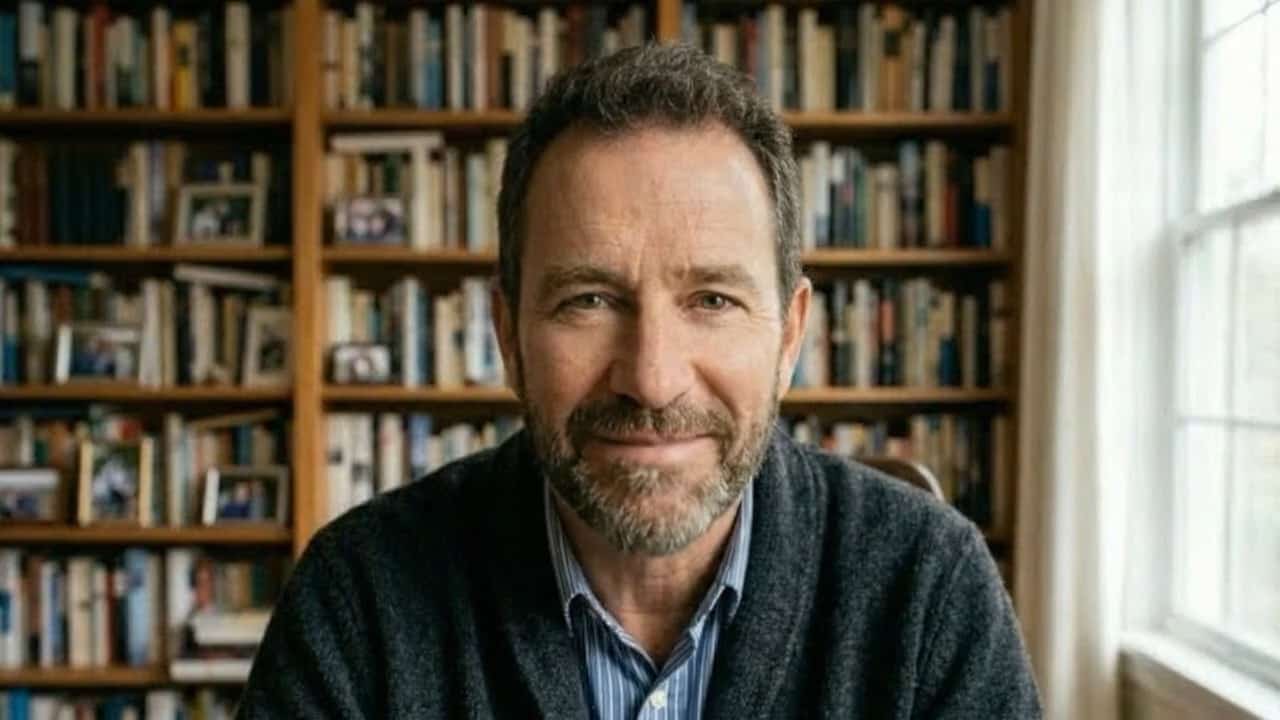
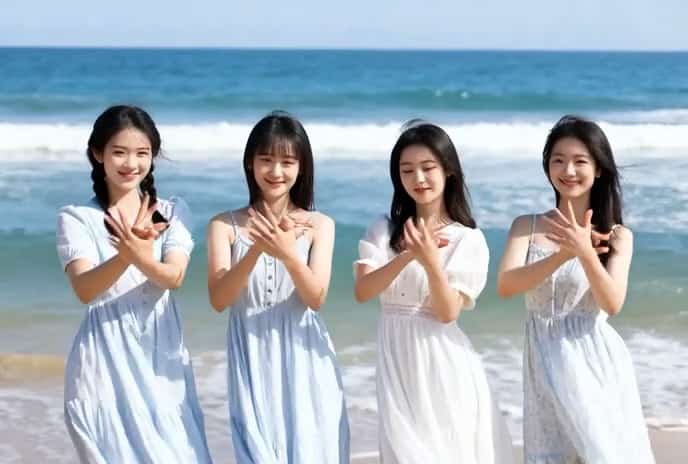
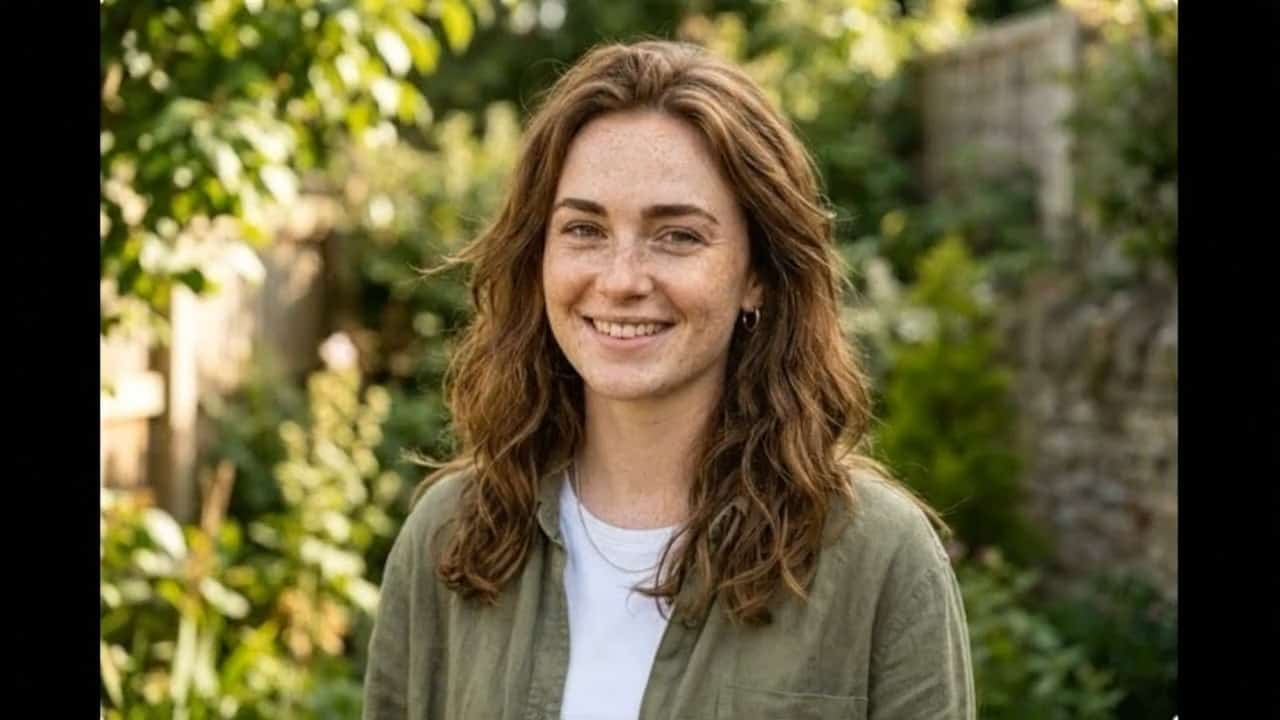
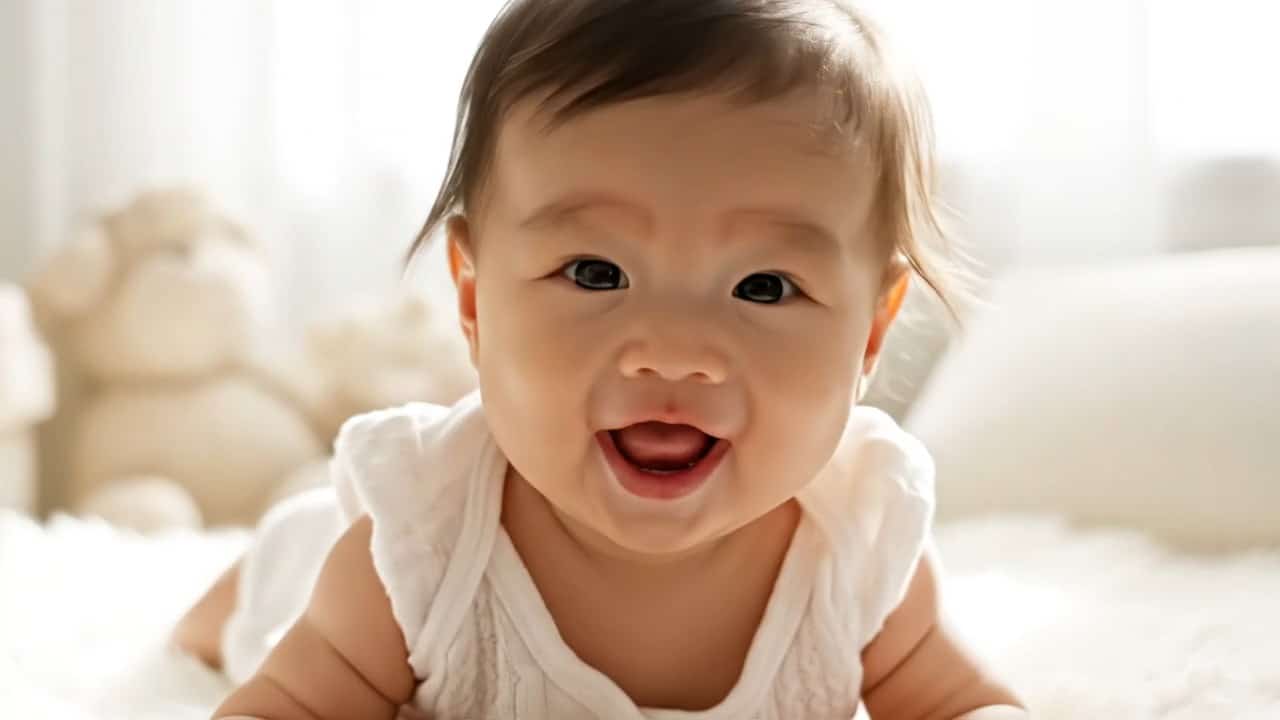
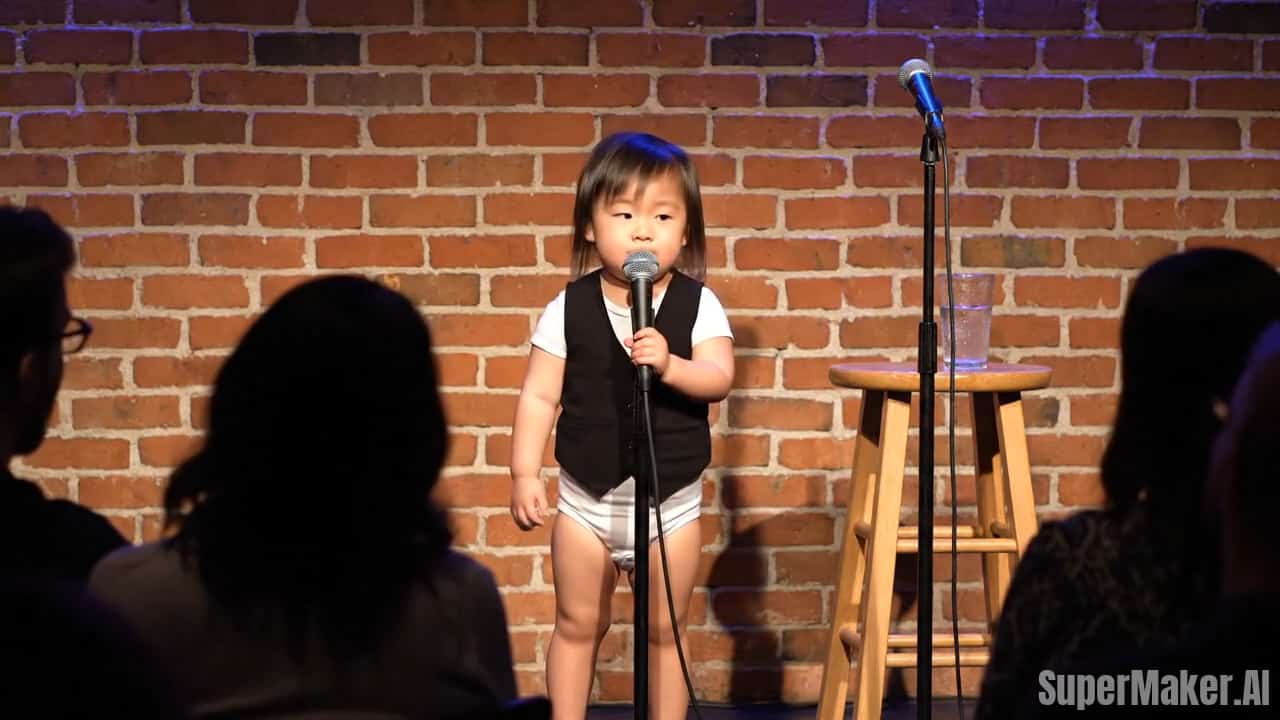




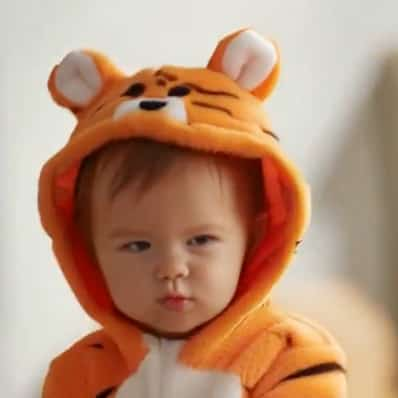
Best AI Baby Dance Video Maker Free Online – Turn Any Dance Video into a Baby Dance
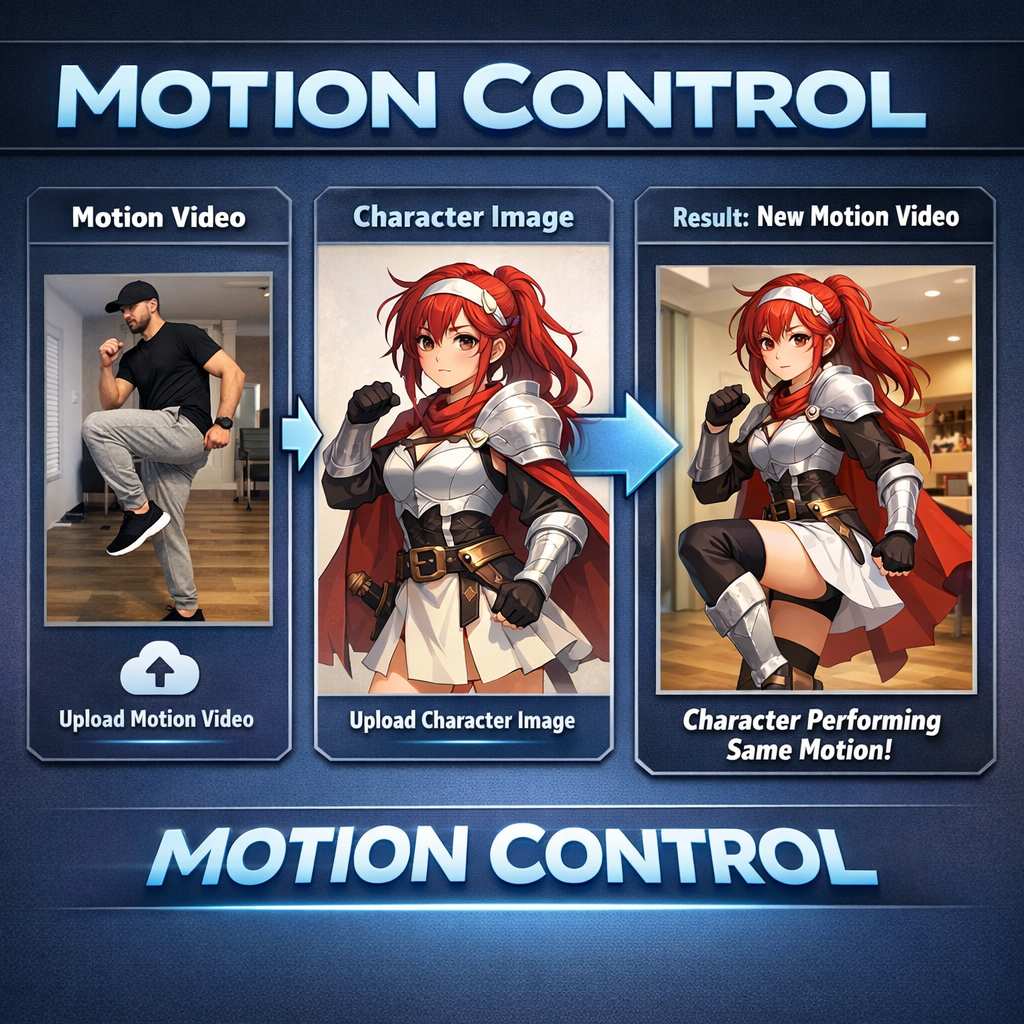
Upload a dance video + a baby photo, and our AI Baby Dance generator makes the baby in your photo dance like the video.
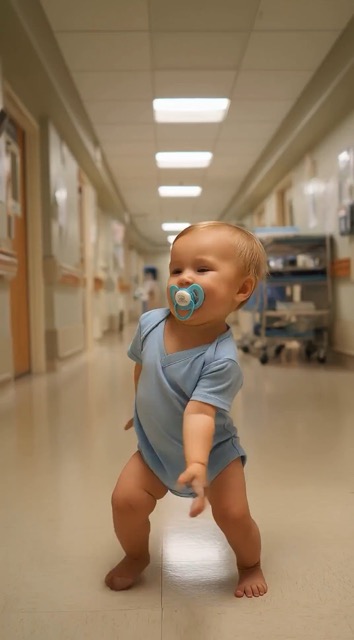
Create adorable, viral-ready AI Baby Dance videos in minutes—no editing skills needed. This AI Baby Dance Video Maker lets you upload a dance video (often an adult dancing clip) and a baby photo, then automatically transfers the motion so the baby in your image performs the same dance. What makes SuperMaker feel different is the blend of motion transfer + identity preservation. The system follows the rhythm, steps, and pose transitions from your reference dance while keeping the baby’s facial features recognizable across frames. Instead of a sticker-like overlay, you get a believable baby character that “performs” the choreography with smoother timing. Use it for TikTok/Instagram Reels/YouTube Shorts hooks, reaction posts, birthday surprises, family group chats, and quick creator experiments. The workflow stays simple: upload → preview → download.
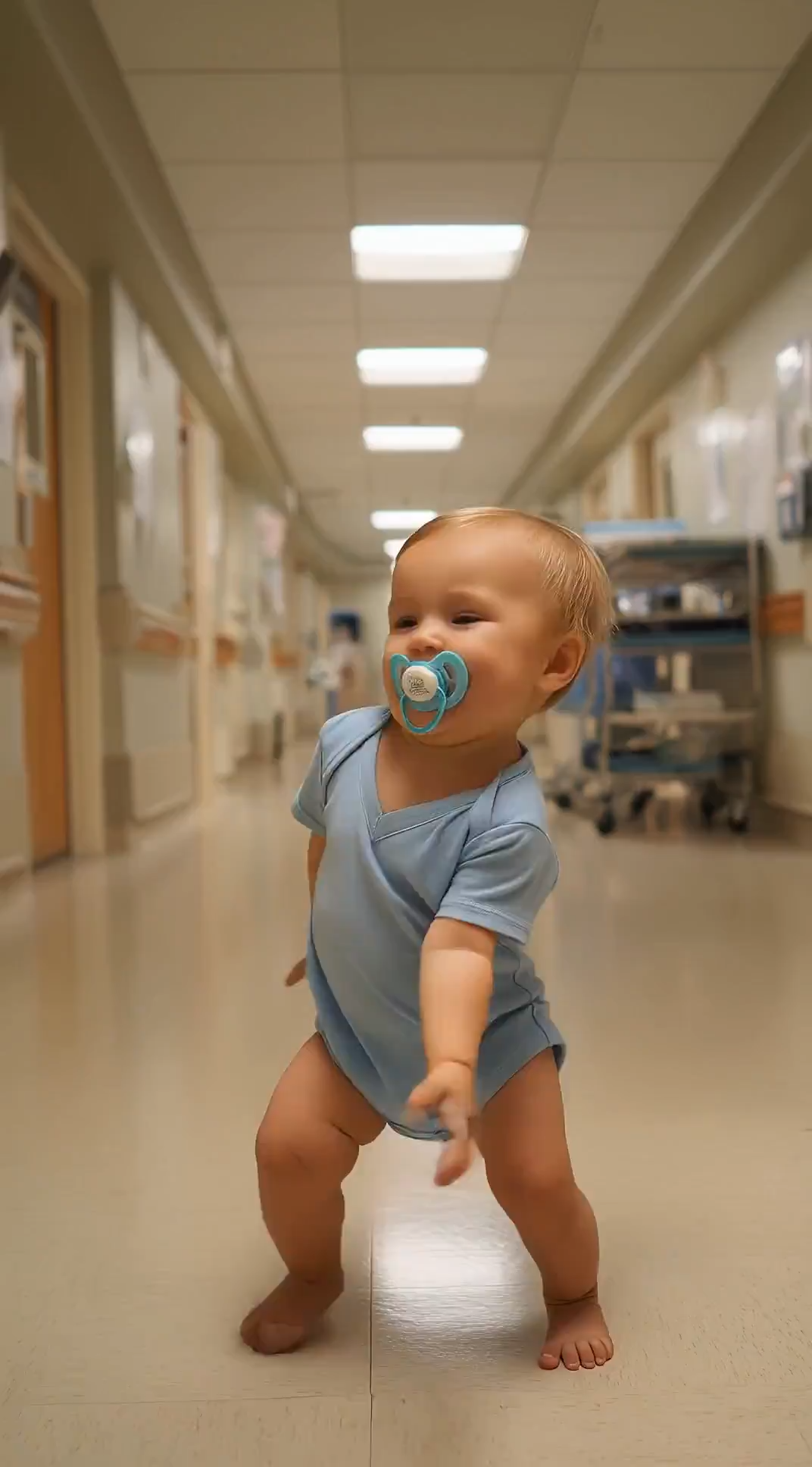
How to Make an AI Baby Dance Video Online?
Make a cute baby dance video in minutes with SuperMaker: upload a dance video, upload a baby photo, and generate a share-ready AI Baby Dance result with this AI Baby Dance Video Maker. The process is designed for beginners: you don’t need timelines, keyframes, green screens, or any editing software—just two files and a few clicks.
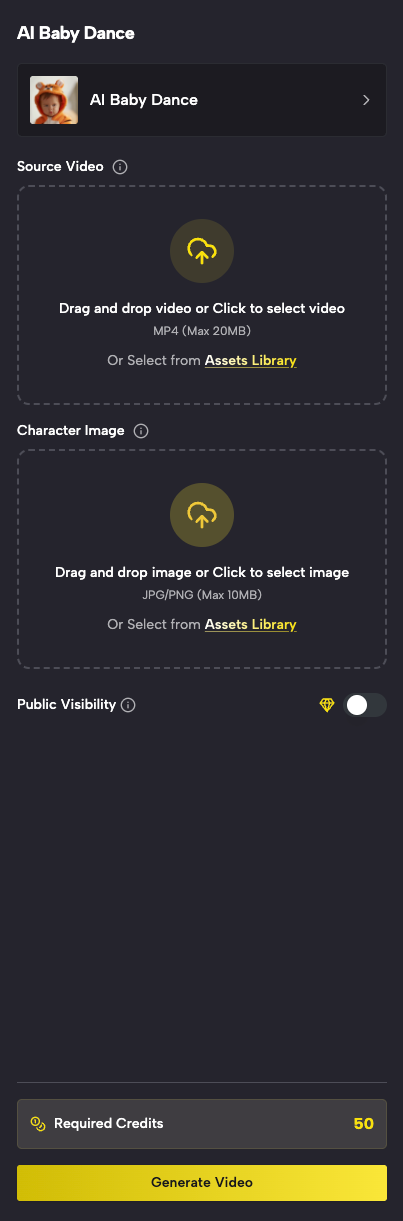
Upload Your Dance Video
Use Any Clear Dance Clip (Often an Adult Dancing Video)
- Open AI Baby Dance Video Maker on any device—fast, simple, and beginner-friendly.
- Upload a dance video where the dancer’s full body is visible (head-to-toe) for the best motion transfer.
- Aim for a clip with readable beats and clear poses: the AI learns timing, step changes, and body direction from your reference.
- Short, steady clips with good lighting help the AI track movement more accurately and reduce motion blur.
- Keep the dancer centered, avoid heavy zooms/cuts, and try to use a single continuous take.
- Your uploaded dance video becomes the motion reference for your AI Baby Dance result—better input usually means smoother output.
Best AI Video Tools for Creative Projects
Explore creative tools for video, learn tips and tricks, and see how AI can be your assistant in turning concepts into finished projects.



SuperMaker AI Baby Dance Video Maker: Make a Baby Dance from Your Video
Explore how AI Baby Dance works: combine a dance video and a baby photo to generate a smooth, share-ready baby dancing video—fast, fun, and easy for anyone. Whether you’re a casual user or a content creator, the goal is the same: produce a cute, recognizable baby dance clip with clean motion and strong shareability.
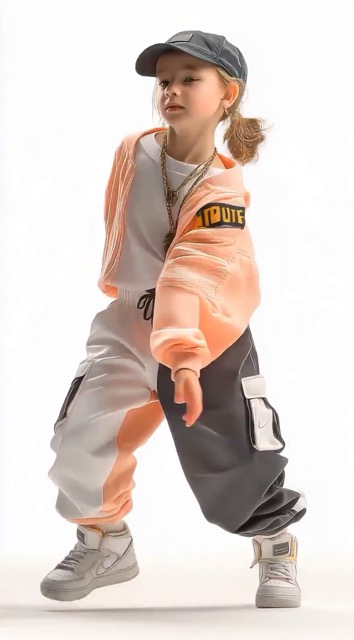
AI Baby Dance: Keep the Baby’s Look, Change the Motion
- SuperMaker AI Baby Dance goes beyond basic effects—it transfers real dance motion from a reference video while keeping the baby’s identity recognizable.
- The AI analyzes key facial features in the baby photo (eyes, nose, mouth shape) and maintains a consistent look across frames.
- Motion transfer focuses on timing and pose transitions, so the dance feels like a real performance rather than random movement.
- The result is a fun, believable AI Baby Dance video where the baby “does” the dance from your uploaded clip.
- Friends and family instantly recognize the baby—then laugh when the dance kicks in.
- Tip: for the strongest “wow” effect, choose a reference clip with clear beats and iconic moves (simple arm waves, steps, and turns).
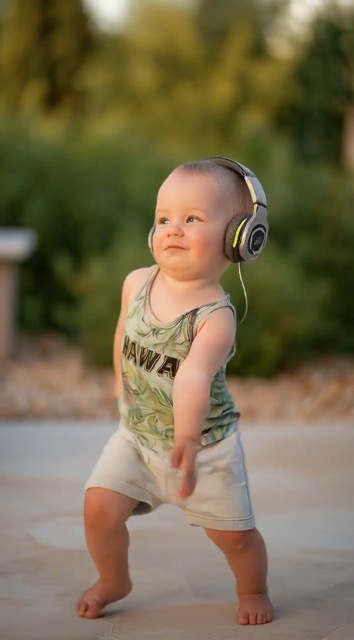
Smooth Motion Transfer for Natural-Looking Baby Dance Videos
- Unlike one-tap dance stickers, this AI Baby Dance Video Maker uses your uploaded dance video as the real motion source.
- The AI tracks timing and body movement, then retargets that motion onto the baby character derived from your photo.
- Expect smoother movement, better rhythm matching, and fewer “jittery” frames—especially with clear, stable input clips.
- In practice, steadier references reduce camera noise, and good lighting reduces tracking mistakes in fast steps.
- If your first result looks too intense, try a slower reference dance or a clip with fewer big jumps; subtle moves often look cutest on a baby character.
- You get an AI Baby Dance video that looks polished and ready to share—great for reactions, memes, and wholesome family posts.
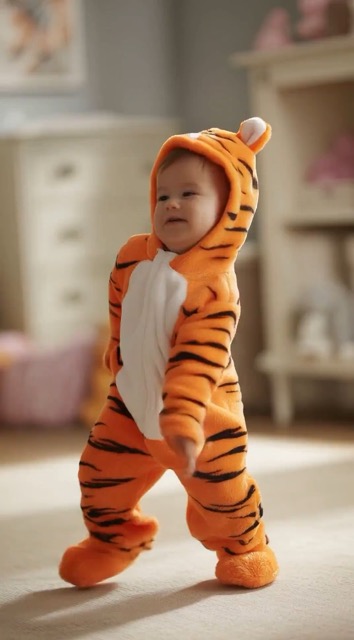
Instant Creation for Viral Shorts, Reels & Memes
- Create AI Baby Dance videos in minutes, perfect for TikTok, Instagram Reels, and YouTube Shorts.
- Make unlimited variations: try different dance videos, different baby photos, and different vibes (cute, funny, trending).
- Turn everyday clips into shareable content without complex editing tools.
- Creators can build a repeatable format: use one trending dance as the template and swap baby photos for an episode series.
- Families can make quick surprises: turn a baby photo into a dancing clip for birthdays, holidays, and group chat laughs.
- If you’re looking for a fast, simple AI Baby Dance Video Maker, this workflow is built for creators and families—upload, generate, and post.
Why Choose SuperMaker AI Baby Dance Video Maker
SuperMaker combines fast generation, smooth motion transfer, and identity-preserving results—so anyone can create a high-quality AI Baby Dance video online with just a dance clip and a baby photo. It’s simple for first-time users, but flexible enough for creators who want to iterate quickly and publish consistently.

TikTok, Reels & Shorts Content
Create AI Baby Dance clips designed for short-form platforms. Post baby dance videos that are cute, funny, and highly shareable—perfect for trends, reactions, and viral hooks. Pair a recognizable dance move with a baby face for an instant scroll-stopper, then add captions like “POV: baby learned this dance overnight” or “When the beat drops.”
Family Fun, Gifts & Memories
Turn a baby photo into a dancing baby video for birthdays, baby showers, group chats, or just for fun. Make a “baby dance invitation” for a party, a funny holiday greeting, or a playful milestone memory. This AI Baby Dance Video Maker makes delightful shareable moments in minutes—no editing, no apps to learn.

Creator Content & Engagement Growth
Creators use AI Baby Dance videos to boost watch time and comments. Remix dance clips, swap baby photos, and publish series content that keeps audiences coming back. A simple formula is “same dance, new baby each day,” which encourages viewers to follow, comment, and share. Use consistent thumbnails and titles to build a recognizable series.

Meme Clips, Skits & Reaction Videos
Make quick comedic edits by turning any dance video into an AI Baby Dance moment. Great for meme pages, community accounts, and funny reaction posts. Use exaggerated dances, unexpected songs, or challenge formats to maximize replay value—short, punchy clips often perform best.
What Users Love About SuperMaker AI Baby Dance Video Maker
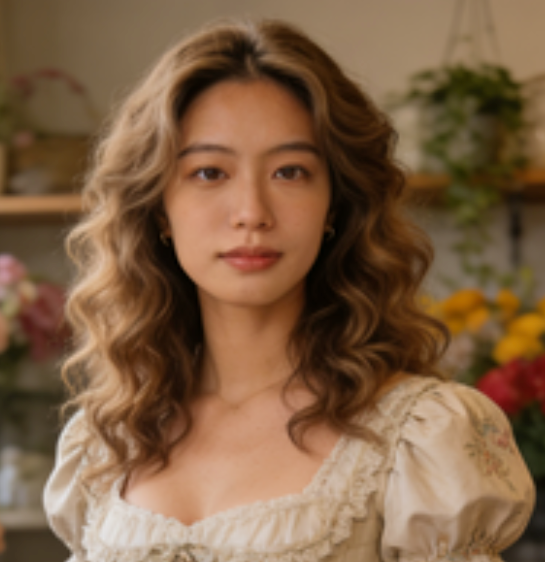
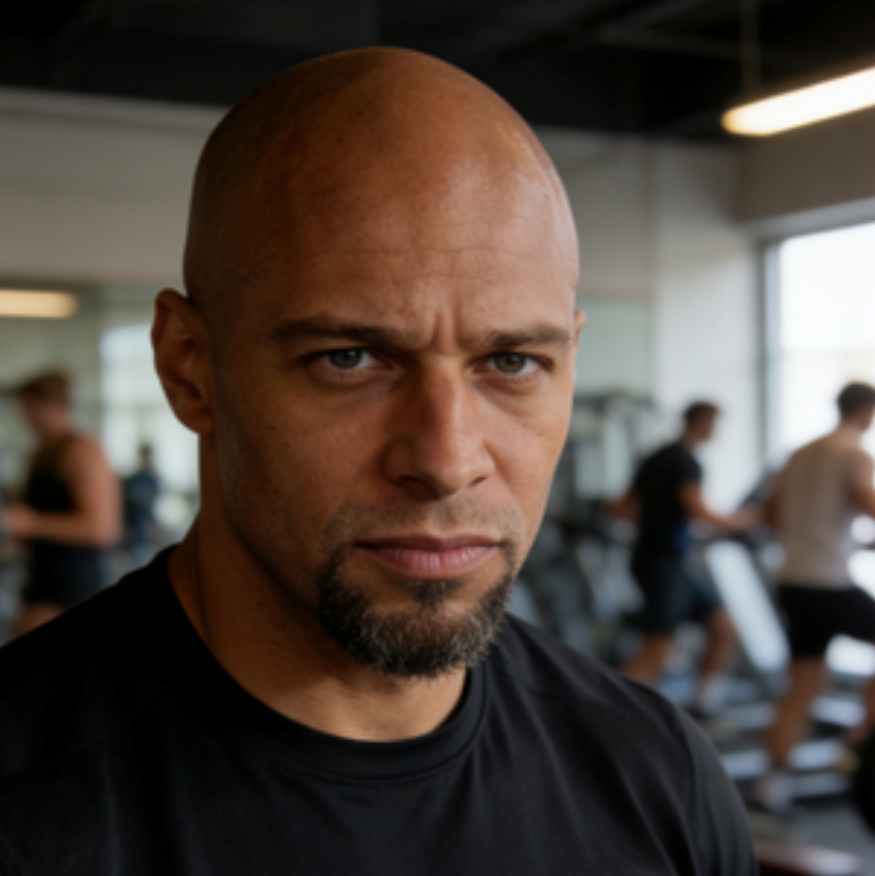
Creators and families love how easy it is to generate a smooth, shareable AI Baby Dance video from a dance clip and a baby photo—no editing skills required. The most common feedback is: it’s fast, the baby stays recognizable, and the movement feels surprisingly natural for such a simple workflow.
I tried the AI Baby Dance Video Maker with a simple adult dance clip and my baby’s photo— the result was hilarious and surprisingly smooth. We shared it in the family group chat and everyone asked how we made it. The baby’s face stayed recognizable the whole time, which made it even funnier.
I’m not a video editor, so I loved how easy AI Baby Dance is. Upload dance video, upload baby photo, click generate. The baby looks recognizable and the dance timing matches well. I tried two different dance clips and got totally different vibes—both came out cute.
AI Baby Dance helped me make a whole series for TikTok. I reuse trending dance videos and swap baby photos for different episodes—engagement jumped immediately. The workflow is fast enough that I can test ideas, keep the best ones, and post consistently.
I used AI Baby Dance just for fun and ended up making videos for every birthday in our family. It’s cute, fast, and always gets laughs. It became our go-to “digital card” because everyone recognizes the baby immediately.
We made an AI Baby Dance clip for a team celebration post—everyone loved it. The workflow is simple and the output looks clean enough to share publicly. It was a fun, light way to celebrate without spending hours editing.



AI Baby Dance Video Maker FAQ - Common Questions
Learn how AI Baby Dance works, what inputs produce the best results, and how to generate a smooth baby dancing video online with this AI Baby Dance Video Maker. If you’re new, start with a short, clear dance clip and a sharp baby photo, then iterate—small input improvements can noticeably upgrade output quality.
AI Baby Dance Video Maker is an AI tool that creates a baby dancing video from two inputs: a dance video (often an adult dancing clip) and a baby photo. It transfers the motion from the video and applies it to the baby in your photo to generate a fun AI Baby Dance result.
In simple terms: your dance clip provides the choreography (timing, steps, pose changes), and your baby photo provides the character identity (face and overall look). The output is a single baby dance video you can preview, download, and share.
The AI analyzes movement from your uploaded dance video (timing, poses, and rhythm) and preserves the baby’s identity from your photo. Then it retargets the dance motion onto the baby character to generate a smooth AI Baby Dance video you can preview and download.
To get the best quality, the model needs clean signals: clear body visibility in the dance clip and clear facial detail in the baby photo. When both inputs are strong, the system can keep motion coherent and reduce visual artifacts like jitter, drifting, or inconsistent facial features.
For best results, upload a clear dance video with a visible full body, steady camera, and good lighting. Avoid heavy motion blur, rapid zooms, or extreme camera shakes—clean movement helps the AI match the dance more accurately in your AI Baby Dance output.
Practical tips: keep the dancer centered, use a single continuous clip, and pick a tempo that matches the mood you want (cute and bouncy vs energetic and fast). If possible, use 5–12 seconds of dance with clear beats; very long or heavily edited montages can reduce tracking stability.
Yes. We prioritize privacy and process your uploads only to generate your AI Baby Dance video. Your dance video and baby photo aren’t used for anything else. (Always avoid uploading sensitive personal content.)
If you’re sharing publicly, consider using non-sensitive images and clips, and avoid including personal identifiers in the background. Your best practice is to upload content you’re comfortable turning into a shareable result.
Absolutely. You can create multiple AI Baby Dance videos by swapping dance clips, baby photos, or both. This makes it easy to produce a series of baby dance videos for trends, family fun, or creator content.
A helpful workflow is to keep one strong dance reference and try multiple baby photos (or vice versa). This makes iteration fast and helps you find the most charming combination before you download and post.
Create Your First AI Baby Dance Video Today
SuperMaker AI Baby Dance helps you generate adorable baby dancing videos from a dance clip and a baby photo—fast, simple, and share-ready. Use this AI Baby Dance Video Maker to create viral shorts, funny family moments, and cute content in minutes.
Upload your best dance clip, choose a clear baby photo, and let the AI handle the rest. Preview the result, download in high quality, and share anywhere. Want more laughs? Try a trending dance, then remake it with different baby photos to create an instant series.
