
More AI Video Generators
Explore our collection of specialized AI video generators designed for different creative needs and styles
















Edit Any Clip with the Best AI Video Editor Free
Use Seedance 2 inside SuperMaker AI to upload a clip, write a prompt, and transform scenes, style, motion, objects, and visual details in one fast workflow.
SuperMaker AI offers an AI video editor free experience for creators who want fast prompt based control. This AI video editor free workflow lets you upload video, describe changes, and generate polished results online. Whether you need a social clip refresh, product scene update, or creative remix, our AI video editing tool helps you edit faster. Try an AI video editor free workflow that combines Seedance 2 speed, flexible prompting, and an easy browser based AI video editing tool.
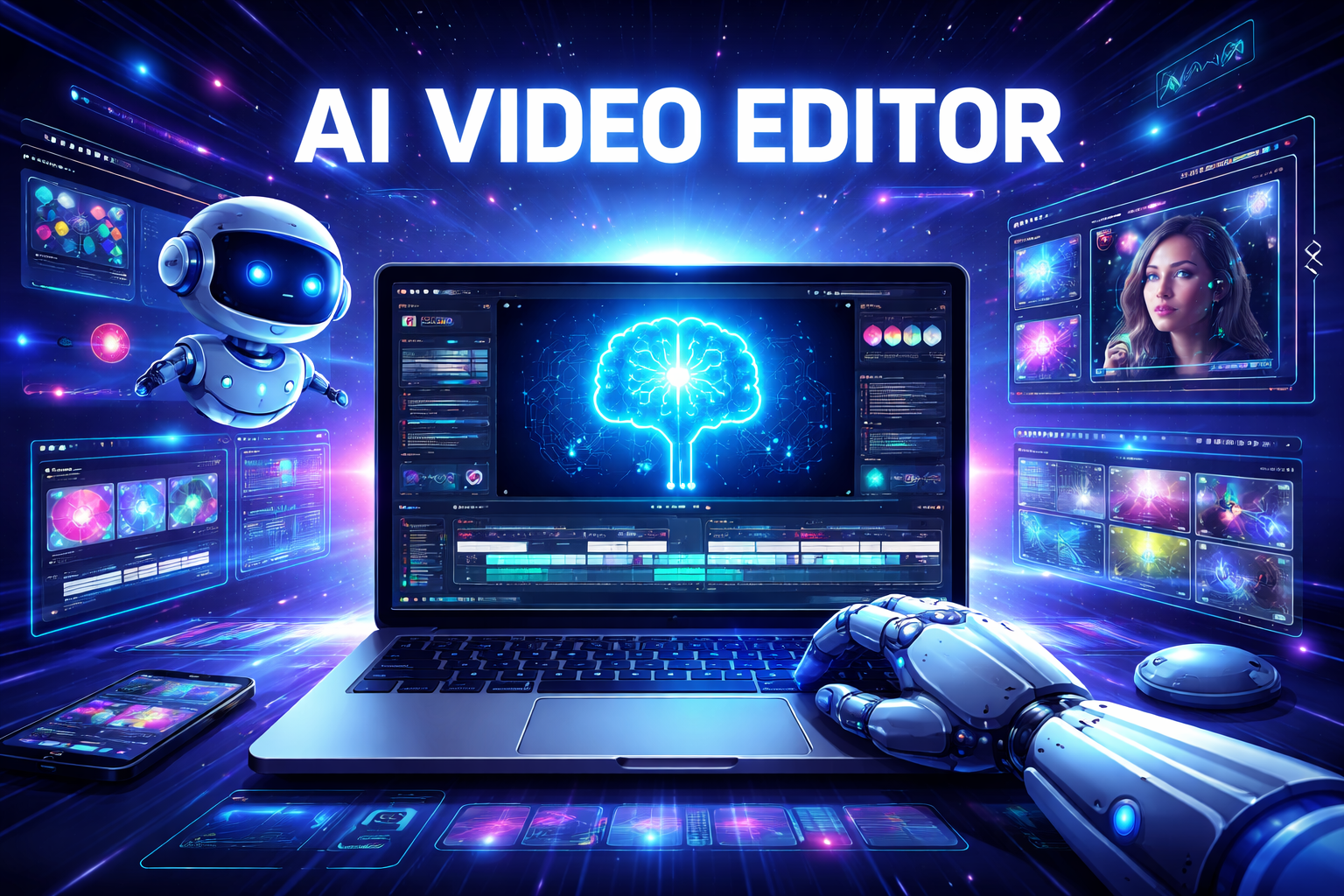
How to Use Our AI Video Editor Free
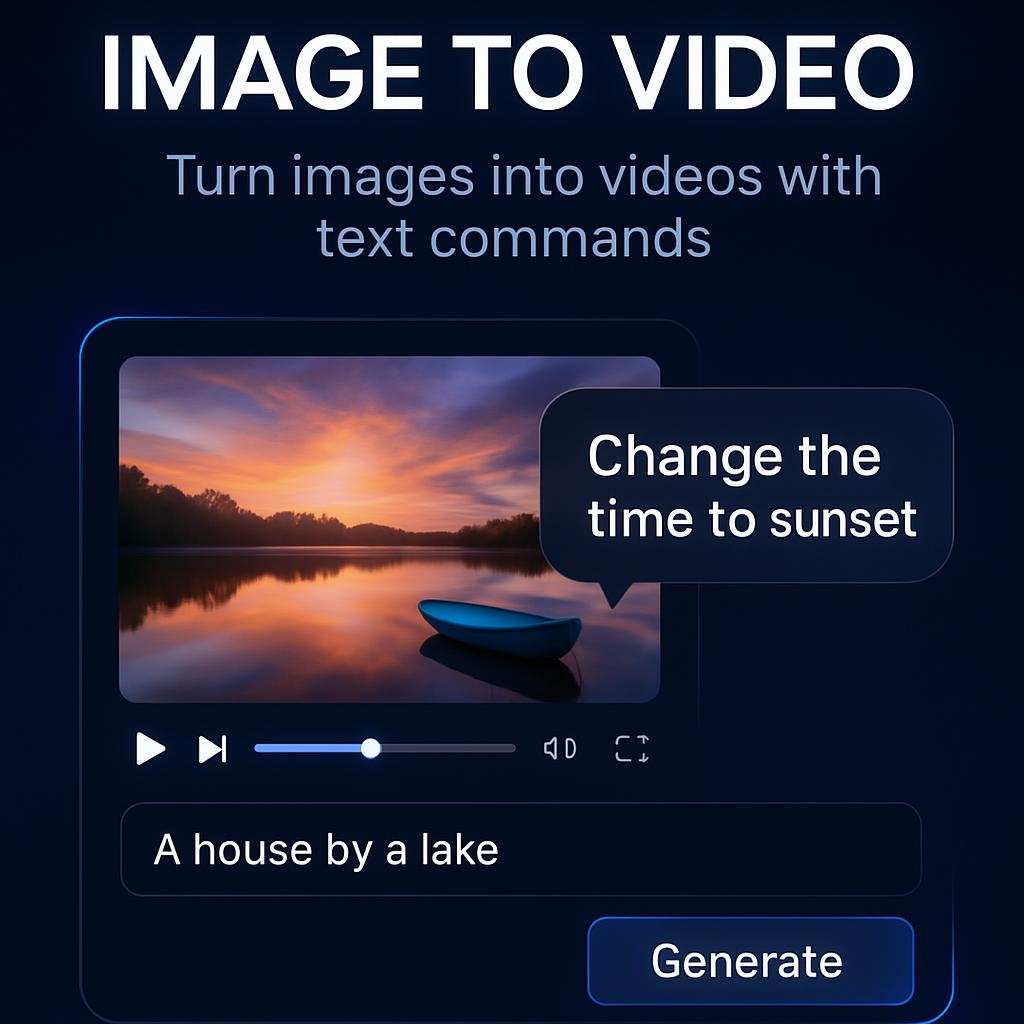
Our AI video editor workflow is built for speed and clarity. With SuperMaker AI, anyone can start with an AI video editor free experience, upload a source clip, write a prompt, and let the AI video editing tool generate an updated version in minutes.

Upload Your Video
Upload your source clip to start with our AI video editor free workflow. This AI video editing tool is designed for creators who want to edit existing footage instead of starting from zero.

Describe the Changes
Write a prompt to tell the AI video editor free system what to change. You can use this AI video editing tool to adjust style, lighting, objects, motion feel, scene mood, or character details.

Generate and Download
Click generate and let the AI video editor free engine process your request. Review the output from the AI video editing tool, refine the prompt if needed, and download the final edited video.
Best AI Video Tools for Creative Projects
Explore creative tools for video, learn tips and tricks, and see how AI can be your assistant in turning concepts into finished projects.
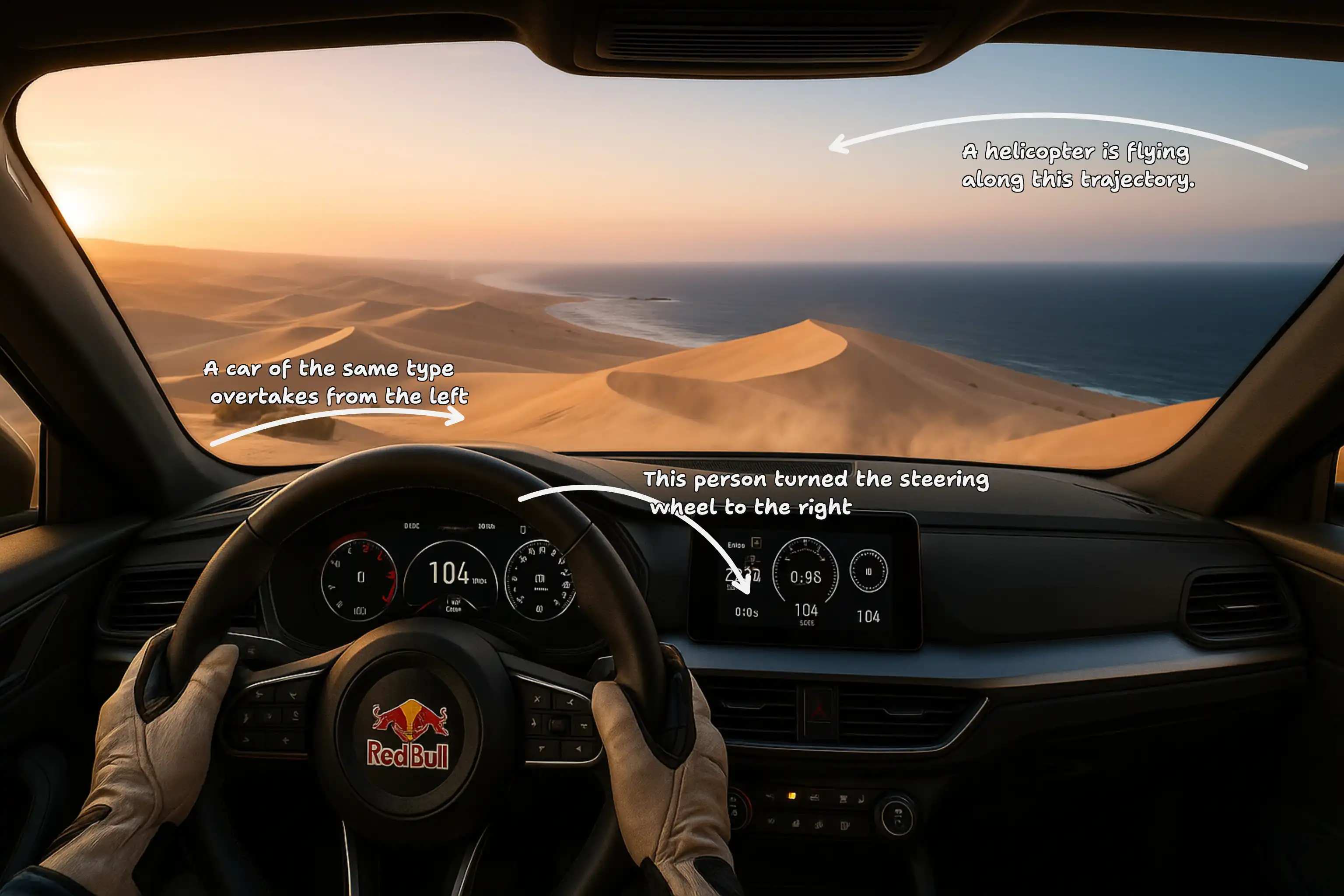



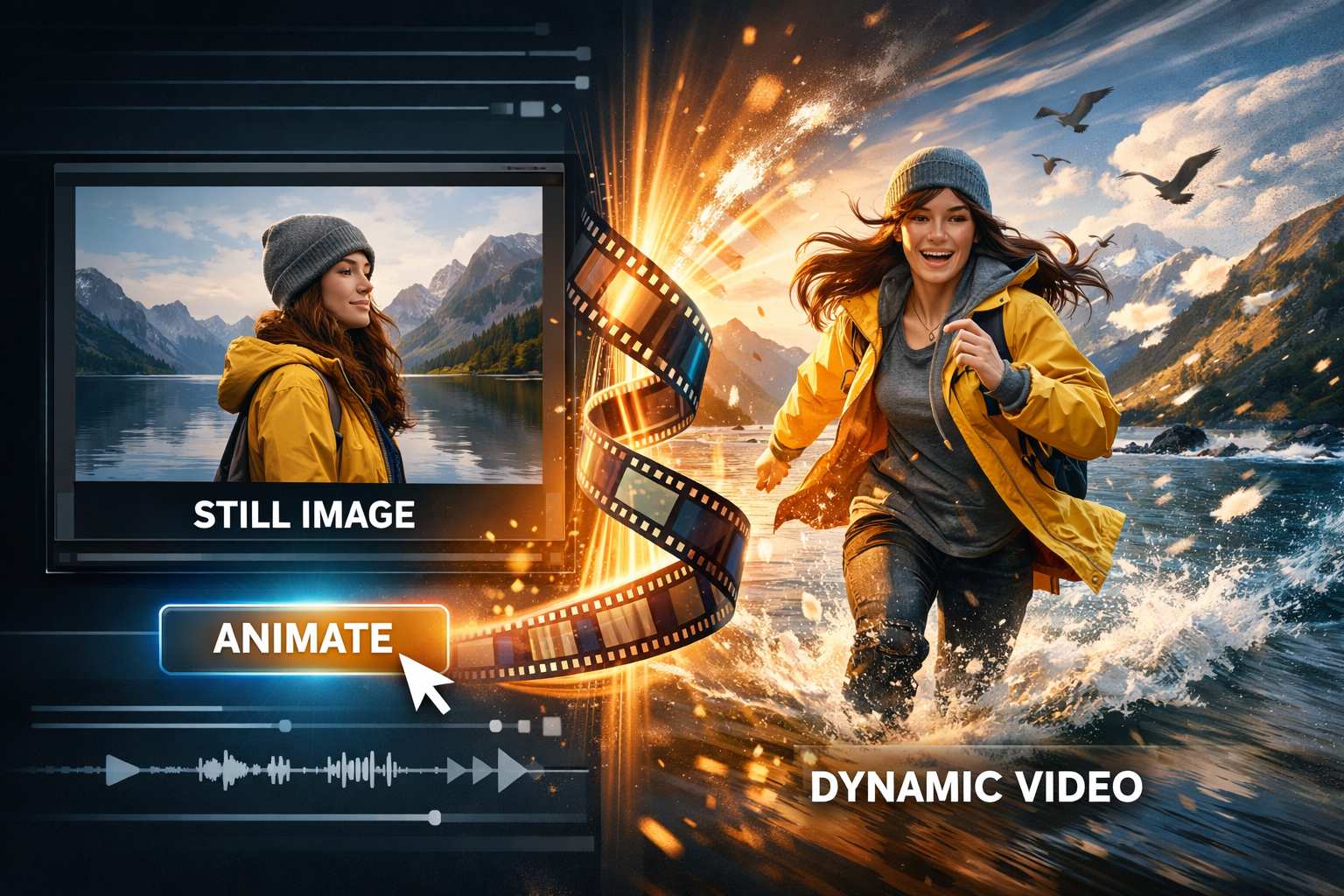

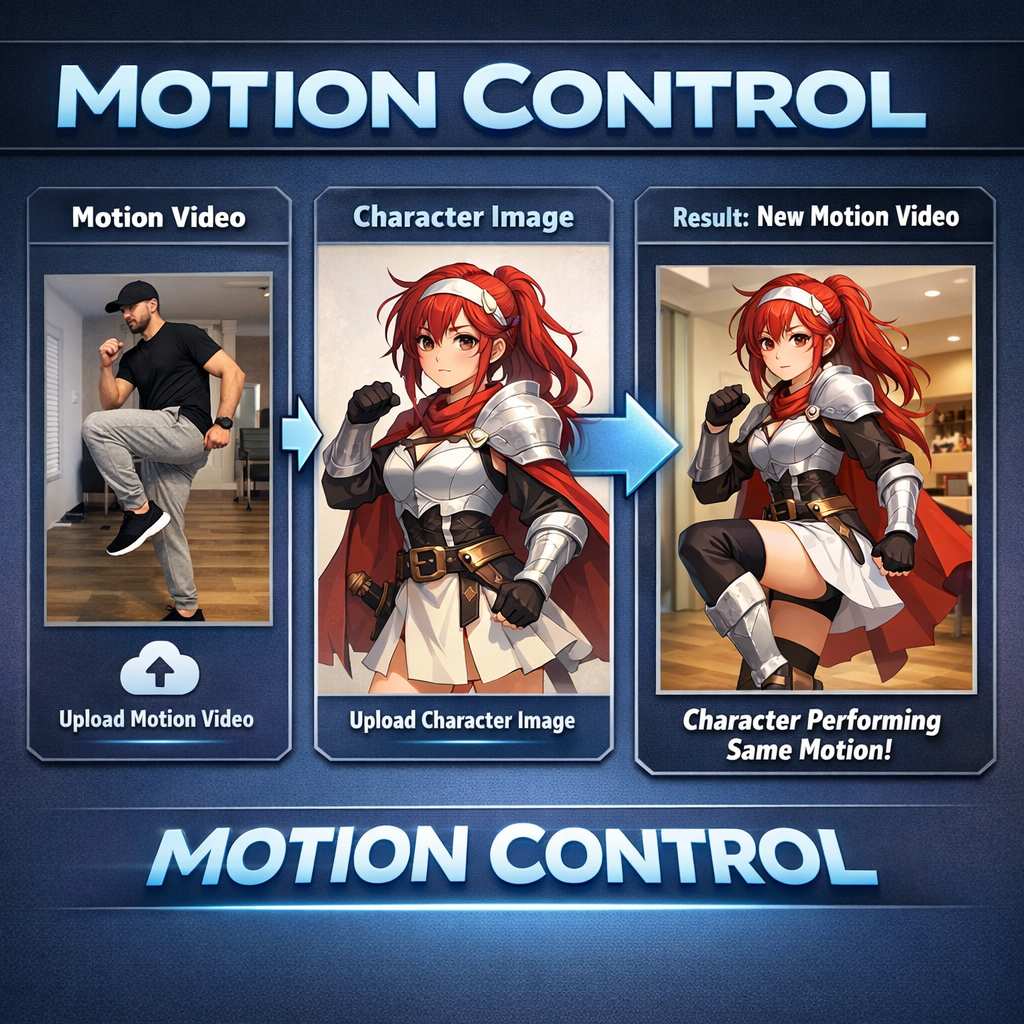






Features of Our AI Video Editor
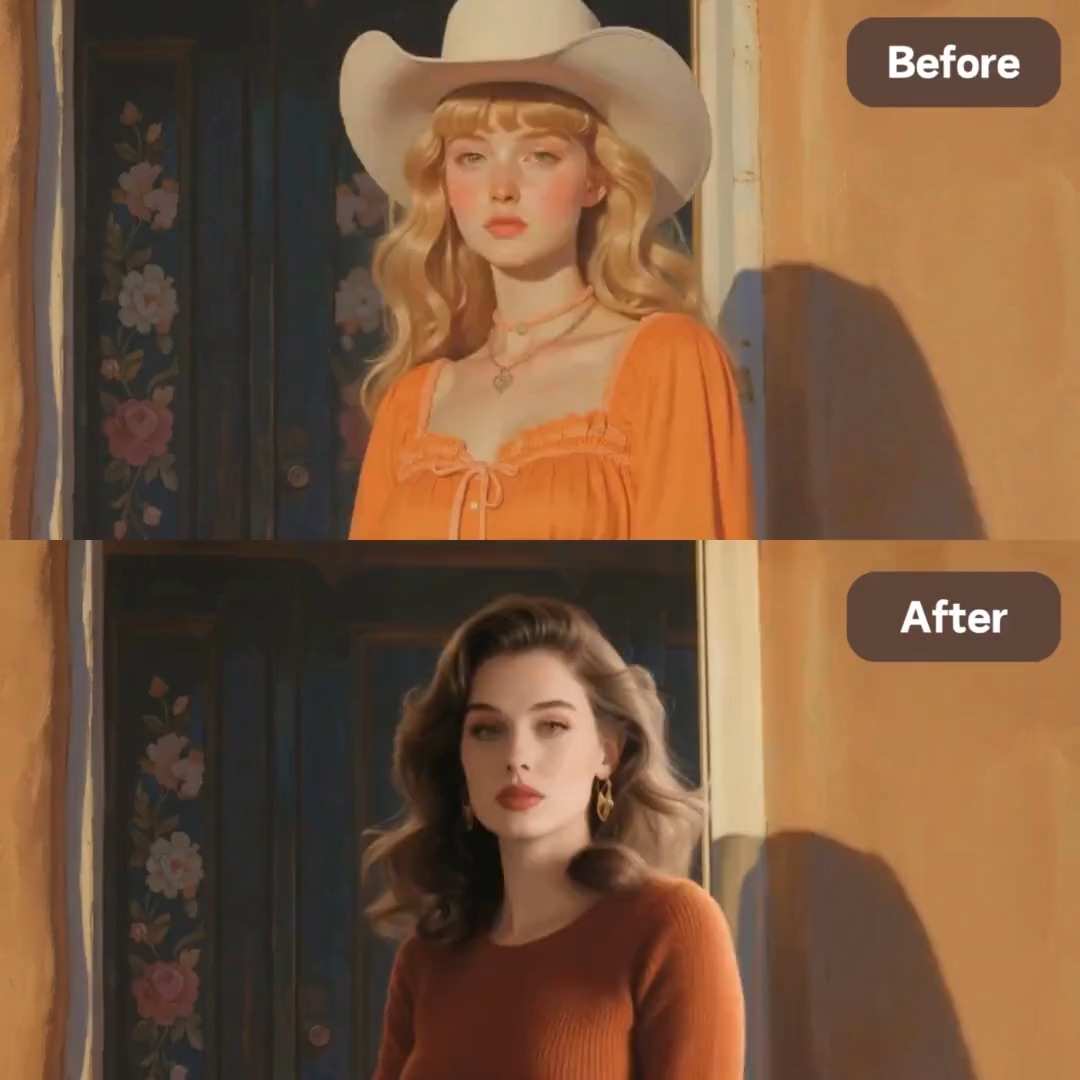
SuperMaker AI makes video editing more flexible for modern creators. From visual restyling to object level changes, this AI video editor free workflow helps users update clips with prompt driven control, while the AI video editing tool reduces manual editing time.

Prompt Based Scene Changes
Use our AI video editor free workflow to rewrite the visual direction of an existing clip. This AI video editing tool lets you describe scene upgrades, style swaps, mood changes, and creative variations with plain language. The AI video editor free experience is ideal for fast revisions, while the AI video editing tool helps reduce traditional timeline work.

Style and Visual Identity Editing
This AI video editor free tool helps transform the look of your footage without rebuilding the clip manually. Use the AI video editing tool to shift toward cinematic, ad style, dreamy, fashion, or clean product visuals. An AI video editor free workflow is useful for campaigns, and this AI video editing tool keeps the editing process simple.

Object and Detail Adjustments
Our AI video editor free workflow supports prompt based detail changes for many creative tasks. Use this AI video editing tool to update props, improve backgrounds, change surface materials, or refine visual emphasis inside the clip. The AI video editor free system is built for iteration, and the AI video editing tool helps creators reach polished results faster.
Fast Editing for Social and Marketing
If you need faster production, our AI video editor free workflow is built for speed. This AI video editing tool helps creators refresh product videos, promo clips, UGC style assets, and short form content with less manual effort. The AI video editor free experience works well for testing variations, and the AI video editing tool supports scalable creative output.
Why Choose Our AI Video Editor
SuperMaker AI is built for people who want prompt based editing instead of slow manual workflows. Each AI video editor free session gives users a fast way to experiment, while the AI video editing tool supports practical production needs across creative, marketing, and content teams.

Edit Existing Footage with Prompts
Our AI video editor free workflow starts from your uploaded clip, which makes it ideal for people who already have source footage. The AI video editing tool helps you adjust that footage through simple instructions instead of complex editing software.

Powered by Seedance 2
This AI video editor free experience uses Seedance 2 to support flexible prompt driven video transformation. The AI video editing tool is designed for creators who want faster editing cycles and more visual experimentation.

Faster Creative Iteration
An AI video editor free workflow makes it easier to test multiple ideas from one source clip. This AI video editing tool is useful when teams need alternate versions for ads, social posts, or product storytelling.

No Complex Timeline Skills Needed
You do not need advanced editing knowledge to use our AI video editor free system. The AI video editing tool lowers the barrier for creators, marketers, founders, and social teams who need quick visual results.

Useful for Product and Brand Content
This AI video editor free tool works well for product demos, ad variations, campaign refreshes, and branded creative updates. The AI video editing tool helps teams reuse footage instead of reshooting everything.

Browser Based Convenience
SuperMaker AI gives users an AI video editor free workflow that is simple to access online. The AI video editing tool fits modern production needs by making fast prompt based editing available in one place.
What Users Say About Our AI Video Editor
Creators, marketers, and editors use SuperMaker AI when they need a flexible AI video editor free workflow. These reviews show how the AI video editing tool helps different users move faster and produce more variations from existing clips.
I needed to refresh short product videos without reshooting everything. This AI video editor free workflow helped me upload old footage, prompt the changes, and get stronger outputs fast. The AI video editing tool saved my team real production time.
I use this AI video editor free tool for brand style testing. It is much faster than rebuilding scenes manually. The AI video editing tool lets me try new moods, cleaner lighting, and campaign variations from one original clip.
As a solo creator I wanted an AI video editor free solution that actually starts from my footage. This AI video editing tool makes prompt based video changes feel practical, and I can iterate quickly for reels and promo edits.
Our studio uses this AI video editor free workflow to explore alternate looks before final delivery. The AI video editing tool is especially useful when clients ask for new visual directions after the first cut is already done.
This AI video editor free experience is great for e-commerce videos. I can update backgrounds, polish the visual tone, and test more ad friendly versions. The AI video editing tool helps me create more variations with less effort.
I wanted a faster way to transform client footage with prompts instead of detailed manual edits. This AI video editor free workflow gave me exactly that. The AI video editing tool is now part of my regular concept testing process.


Frequently Asked Questions About AI Video Editor
Here are the most common questions users ask before starting an AI video editor free workflow in SuperMaker AI. These answers explain what the AI video editing tool does and why it is useful for prompt based video editing.
An AI video editor free tool is a system that helps users edit video through AI driven instructions instead of only manual timeline operations. In SuperMaker AI, the AI video editor free workflow lets users upload a clip and describe changes with prompts. The AI video editing tool then generates a new edited result based on those instructions.
This AI video editing tool works by combining uploaded footage with prompt based editing guidance. You provide the original clip, write what you want changed, and the AI video editor free system processes that request with Seedance 2. The AI video editing tool is designed to make visual revisions faster and simpler.
You can use our AI video editor free workflow to adjust scene style, atmosphere, object details, visual tone, and creative direction. The AI video editing tool is useful for marketing updates, product video refreshes, content experiments, and concept variations based on existing footage.
This AI video editor free workflow is helpful for creators, marketers, founders, designers, and video teams who want a faster editing process. The AI video editing tool is especially valuable when you need multiple variations from one source clip without handling every change manually.
SuperMaker AI combines a simple interface with a practical AI video editor free workflow built around Seedance 2. The AI video editing tool helps reduce editing friction, supports fast iteration, and gives users a more scalable way to transform existing video content online.
Start Editing with AI Now
Upload your footage, describe the changes, and let SuperMaker AI turn your idea into a polished result. Use our AI video editor free workflow today and explore a faster AI video editing tool for modern video creation.
