
Create Studio-Grade Stories with Kling 2.6 AI
Next-gen AI video with native sound, cinematic motion, and reliable realism.
Kling 2.6 AI is built for creators who need professional results without a complex production pipeline. Instead of stitching tools together, Kling 2.6 AI video generates visuals and synchronized sound in one unified workflow, helping you create a complete scene with timing, atmosphere, and continuity. With better identity consistency, smoother motion, and stronger camera logic, Kling 2.6 AI video turns a simple prompt into a production-ready clip you can publish, present, or edit further. Powered by the Kling 2.6 video model, it is optimized for believable movement, stable frames, and audio that matches what happens on screen.
More AI Video Generators
Explore our collection of specialized AI video generators designed for different creative needs and styles


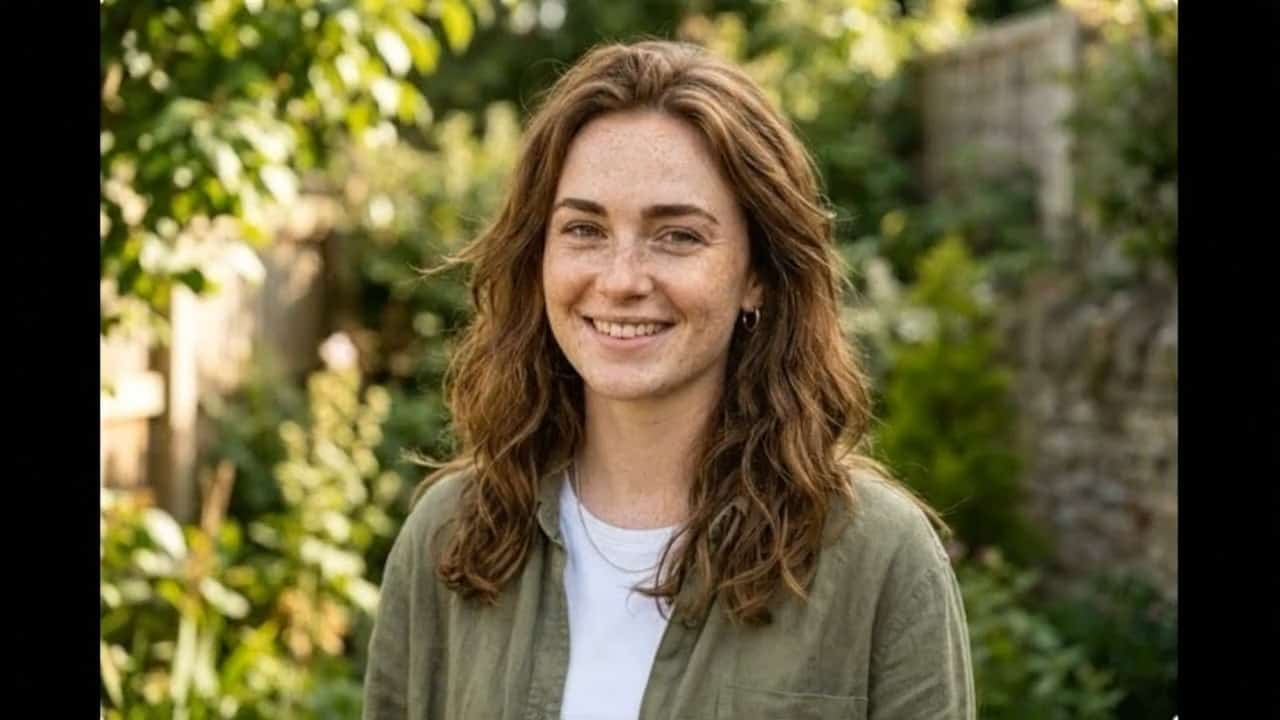


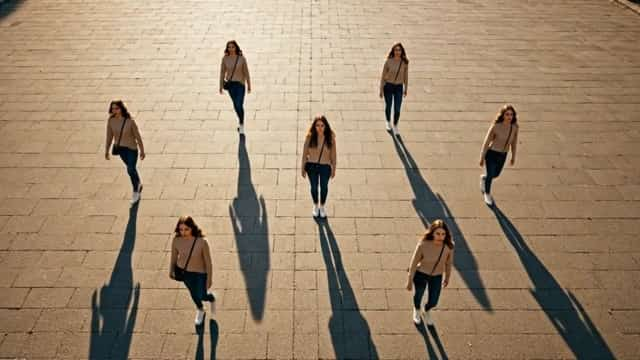

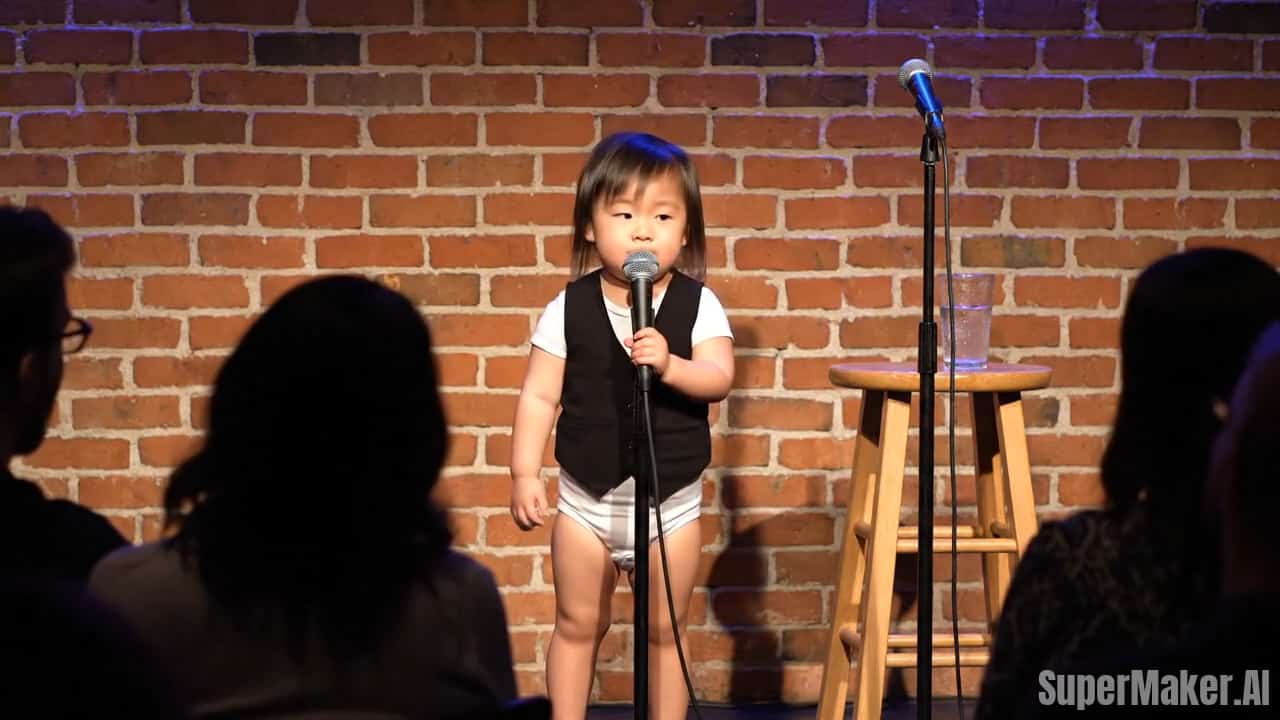


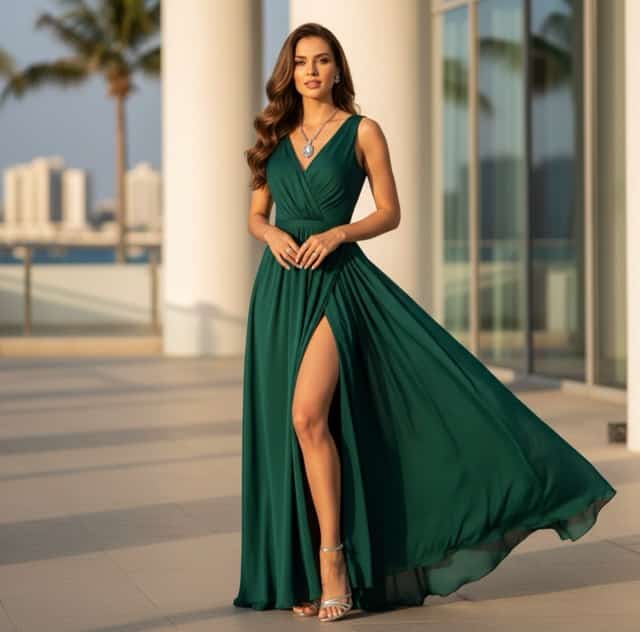



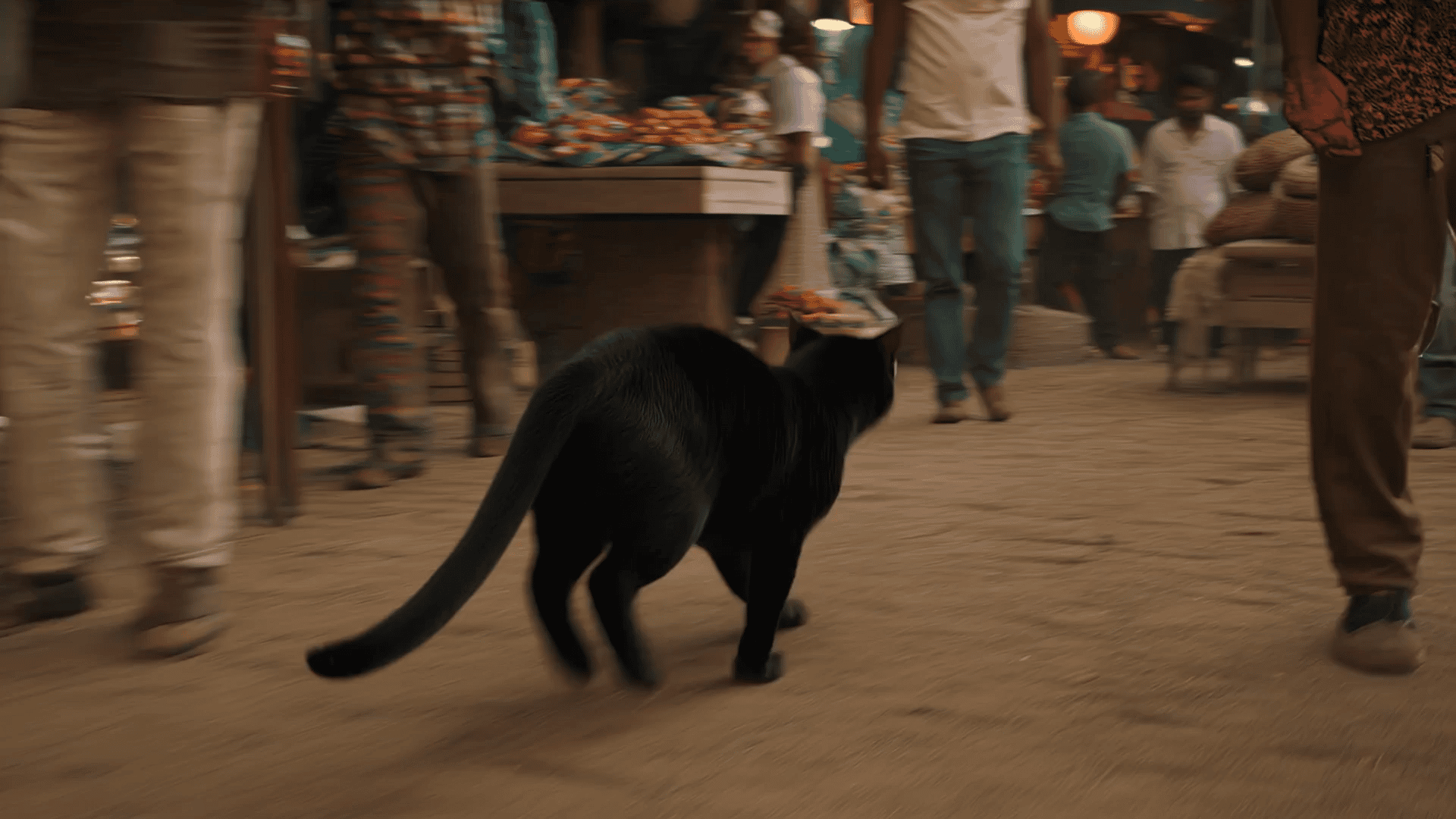





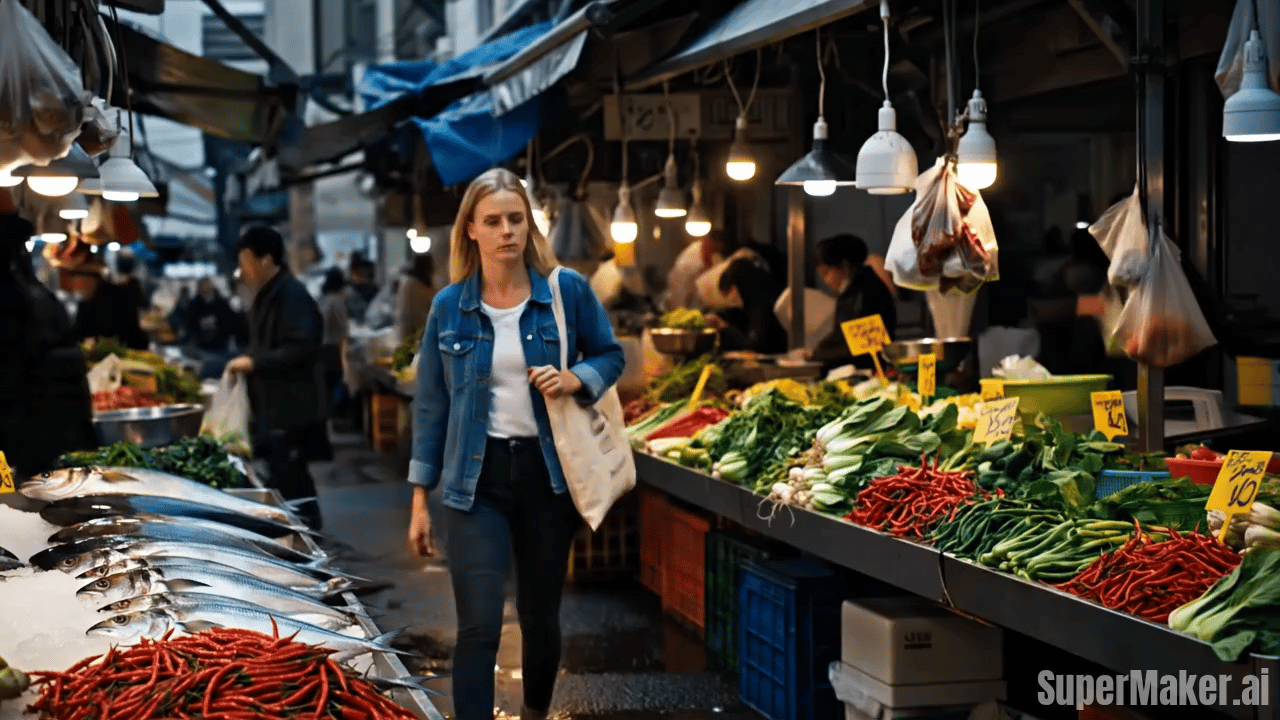

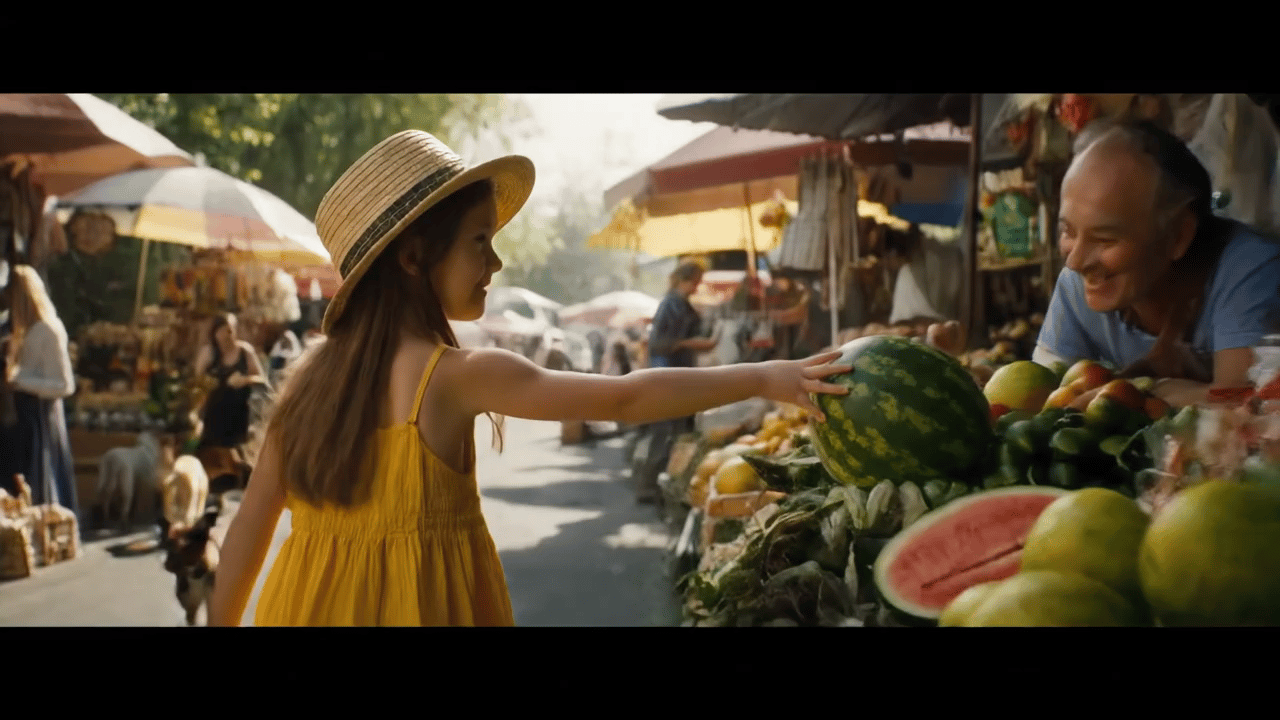
Kling 2.6 AI
Turn text and images into realistic AI video with synchronized sound.
Kling 2.6 AI is a modern generation workflow designed to make realistic, coherent video easier to produce. Traditional AI video often fails on timing, identity drift, and inconsistent motion. Kling 2.6 AI video addresses these pain points with a stronger temporal backbone, better camera behavior, and native audio that stays aligned with motion. The Kling 2.6 video model helps maintain character identity, lighting direction, and scene geometry from the first frame to the last. Whether you are building cinematic previews, short social clips, product stories, or educational visualizations, Kling 2.6 AI video provides the realism and control needed for professional outputs.
How Kling 2.6 AI Works
Kling 2.6 AI video keeps the workflow simple for beginners, while offering enough descriptive control for professional creators who need cinematic consistency and synchronized sound.

Describe Your Scene Clearly
Write a natural prompt describing the subject, action, environment, style, and mood. For Kling 2.6 AI video, include what the camera is doing (static, slow push-in, tracking), the lighting (soft daylight, neon night), and the emotional tone (calm, suspenseful, energetic). Kling 2.6 AI video understands cinematic language, so you can describe scenes the way you would brief a director.

Choose Text or Image Input
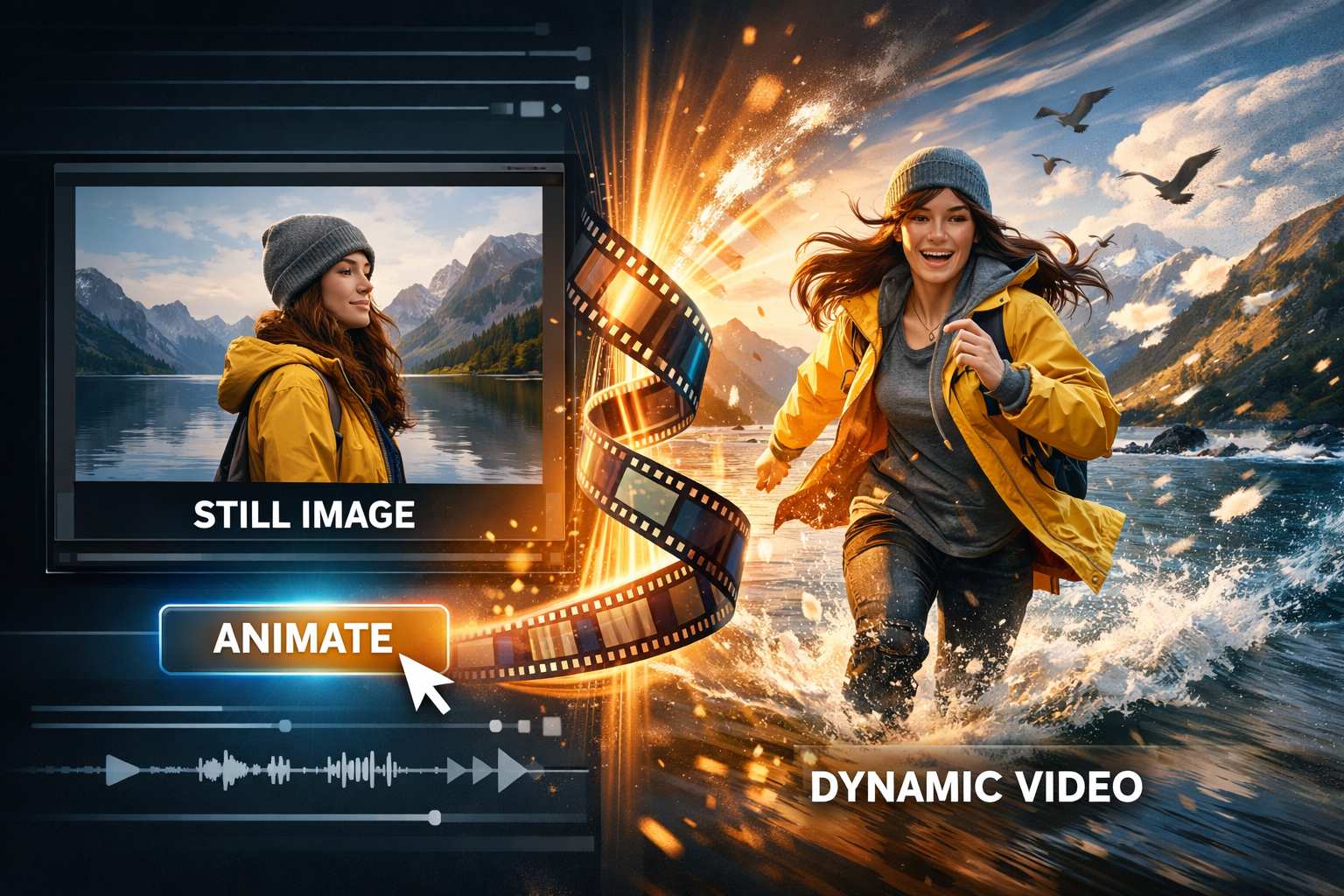
Pick text-to-video for fast ideation, or image-to-video for stronger identity lock. The Kling 2.6 video model supports both, helping Kling 2.6 AI preserve subject appearance, composition, and motion intent. If you need consistent characters across variations, start from an image and iterate with focused prompt adjustments.

Generate Kling 2.6 AI Video with Audio
Click generate and let Kling 2.6 AI create visuals and sound together. Ambient noise, environmental effects, and voice-like elements can be generated in the same pass, reducing manual editing. The Kling 2.6 video model aligns motion beats with audio timing so the final Kling 2.6 AI video feels coherent rather than assembled.

Preview, Iterate, and Export
Preview your Kling 2.6 AI video and refine with small prompt changes: adjust pacing, camera movement, or atmosphere. Because the Kling 2.6 video model improves temporal stability, iterations are more predictable. Export the final Kling 2.6 AI video for marketing, social publishing, education, or post-production finishing.
Best AI Video Tools for Creative Projects
Explore creative tools for video, learn tips and tricks, and see how AI can be your assistant in turning concepts into finished projects.



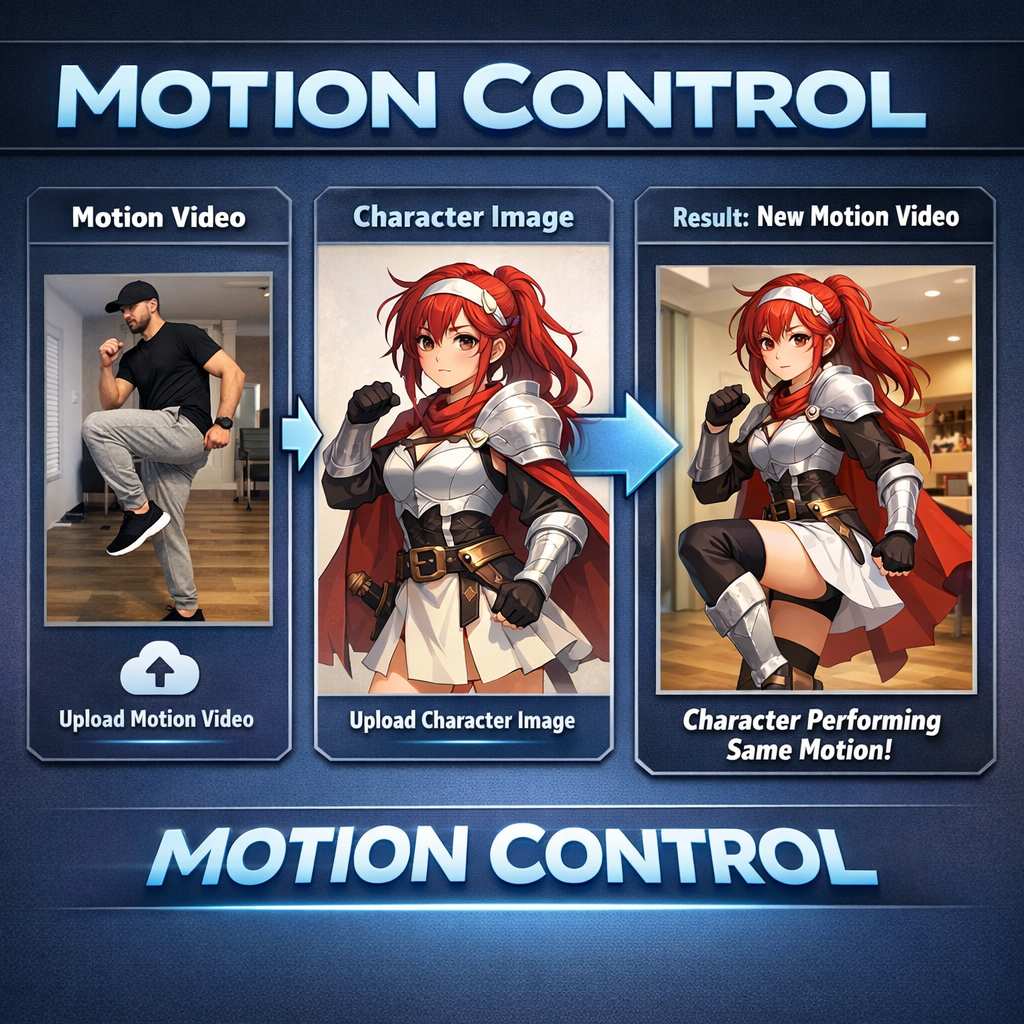
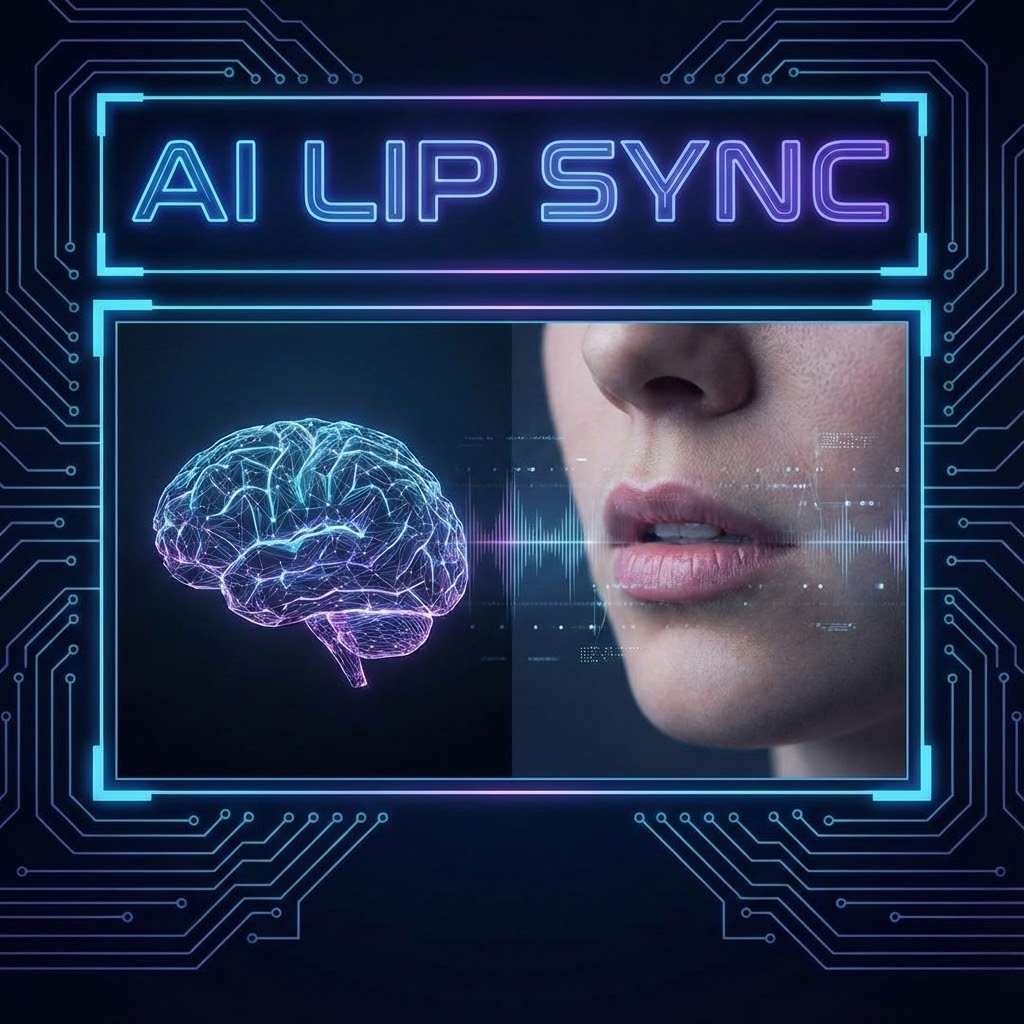

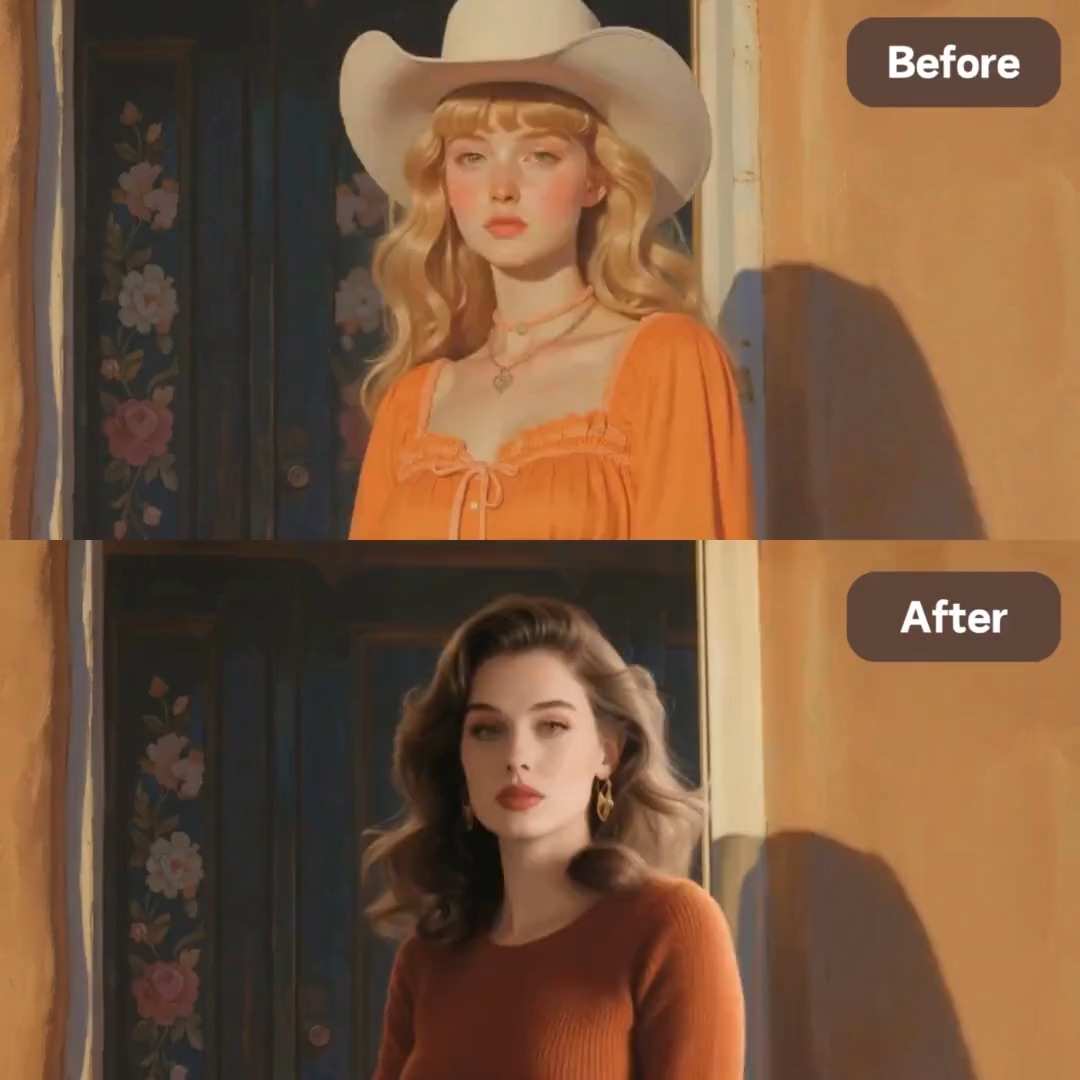





Key Features of Kling 2.6 AI Video
Kling 2.6 AI combines temporal modeling, cinematic motion understanding, and native audio generation to deliver stable, realistic clips powered by the Kling 2.6 video model.
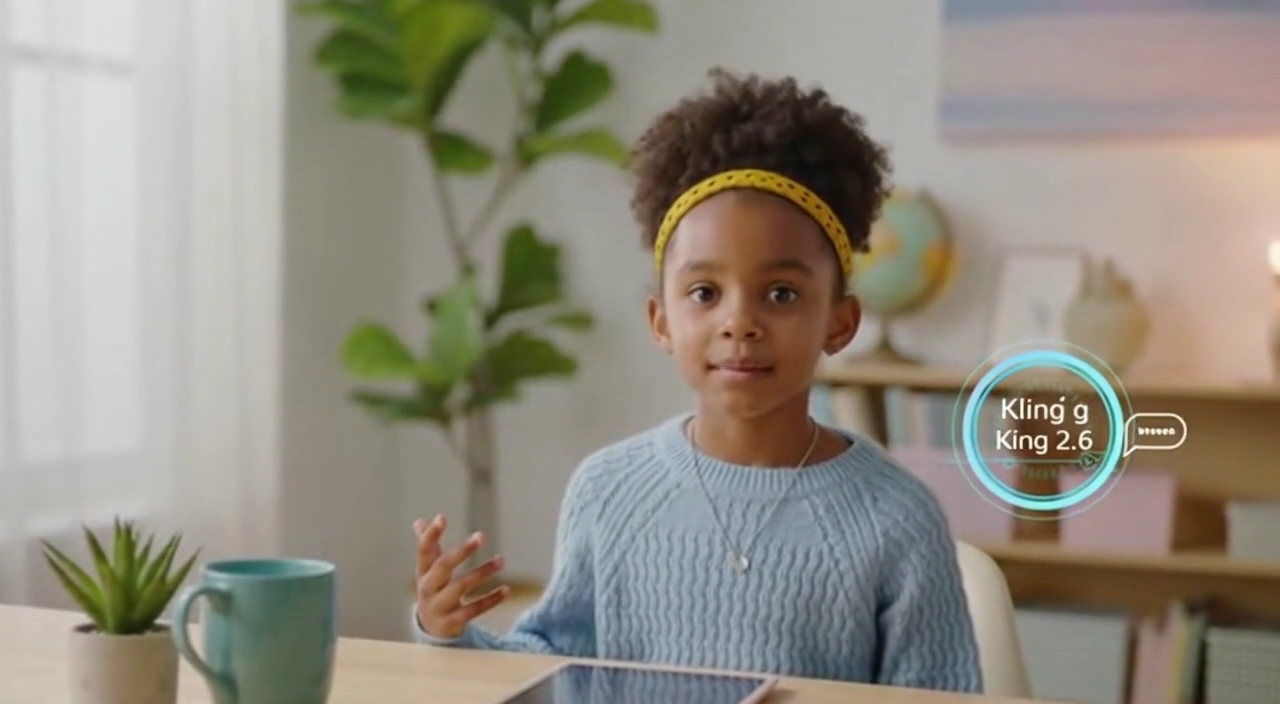
Native Audio-Visual Generation in One Pass
Kling 2.6 AI reduces the biggest bottleneck in modern content workflows: audio syncing. Instead of producing silent clips and relying on separate sound tools, Kling 2.6 AI video generates audio and visuals together. This unified pipeline is especially valuable for dialogue-like scenes, ambient environments, and beat-driven motion where timing matters. Powered by the Kling 2.6 video model, Kling 2.6 AI video can align sound cues with on-screen actions, helping footsteps, wind, crowd ambience, or voice-like timing feel synchronized. For creators, this means less post-production, fewer exports, and a faster path to publishable Kling 2.6 AI video.

Improved Temporal Stability for Reliable Clips
Temporal instability is where many AI video generations break: flicker, warped faces, inconsistent clothing, drifting shadows, or sudden style changes. Kling 2.6 AI video significantly reduces these issues by strengthening continuity across frames. The Kling 2.6 video model helps preserve identity and scene structure so a character remains recognizable, lighting stays plausible, and motion reads naturally. This makes Kling 2.6 AI video ideal for recurring characters, branded series, and narrative clips where viewers notice small inconsistencies. When you need dependable motion and consistent frames, Kling 2.6 AI video becomes a practical production tool rather than a novelty.

Cinematic Motion with Camera Logic
Great video is not just movement; it is motivated camera behavior. Kling 2.6 AI is designed to follow cinematic camera language such as steady tracking, slow push-ins, controlled pans, and purposeful reframing. The Kling 2.6 video model supports motion continuity so camera moves feel directed rather than random. This results in Kling 2.6 AI clips that look like they were planned: stronger composition, cleaner subject focus, and more storytelling clarity. For trailers, concept scenes, and brand storytelling, Kling 2.6 AI offers a more film-like visual grammar.
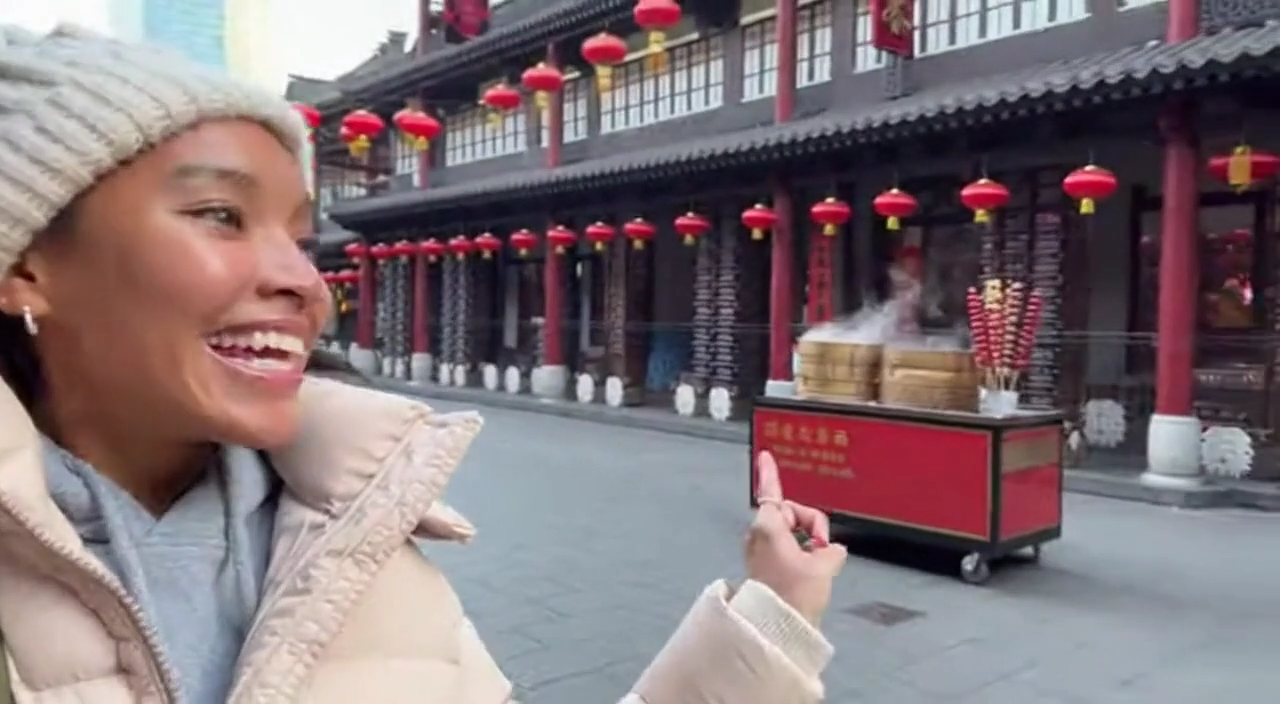
Richer Environmental Realism and Physics Cues
Environmental realism is what makes viewers believe a scene. Kling 2.6 AI video improves how light, materials, and motion interact—subtle changes in reflections, natural shadow movement, atmospheric depth, and physically plausible object motion. The Kling 2.6 video model helps Kling 2.6 AI video produce grounded scenes where wind, gravity, and surface textures behave more naturally. This is especially helpful for outdoor scenes, product environments, and realistic storytelling where the setting must feel authentic, not synthetic. With Kling 2.6 AI video, small details contribute to overall credibility.
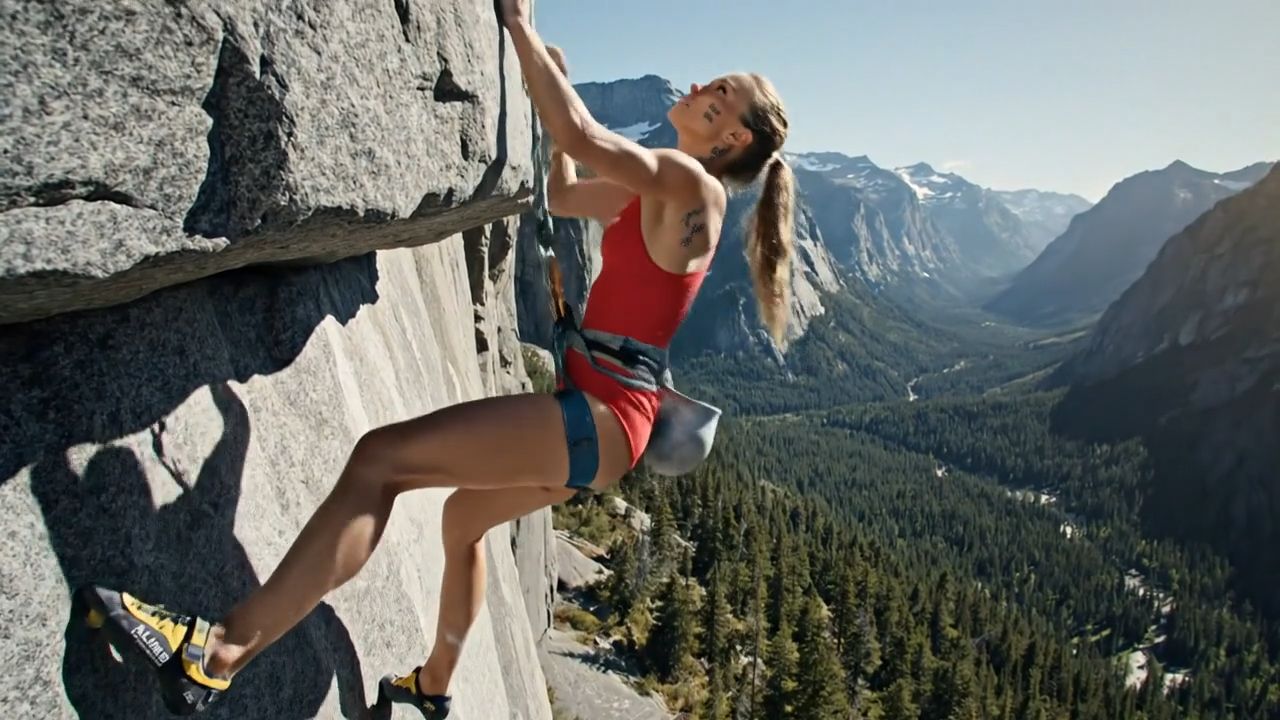
Creator-Friendly Prompt Control and Iteration
Kling 2.6 AI video is approachable for beginners and powerful for advanced creators. You can write a simple prompt and get strong results, then refine with targeted detail: camera speed, lens feel, pacing, mood, environment, and action beats. The Kling 2.6 video model makes Kling 2.6 AI video iteration more stable, so small prompt changes produce clearer, more controllable differences. This balance—easy entry with professional headroom—makes Kling 2.6 AI video suitable for rapid prototyping, creative exploration, and client-ready production workflows.
Who Uses Kling 2.6 AI Video?
Kling 2.6 AI video is designed for creators across film, marketing, education, and digital content who need stable motion, believable realism, and sound—powered by the Kling 2.6 video model.

Filmmakers
Filmmakers use Kling 2.6 AI video to pre-visualize shots, test blocking, and explore camera movement before production. With the Kling 2.6 video model supporting stable continuity, Kling 2.6 AI video helps directors and editors evaluate pacing, mood, and audio timing early—reducing uncertainty and speeding up creative decisions.

Content Creators
Creators producing TikTok, Reels, and Shorts need speed and consistency. Kling 2.6 AI video enables fast iteration while keeping frames stable and audio aligned. The Kling 2.6 video model helps Kling 2.6 AI video remain cohesive across quick variations, making it easier to test hooks, styles, and story beats.

Marketers
Marketing teams use Kling 2.6 AI video to produce product stories, campaign visuals, and short ads without a full shoot. Kling 2.6 AI video can generate scenes with atmosphere and sound quickly, while the Kling 2.6 video model improves consistency for branded visuals, recurring characters, and repeatable creative templates.

Educators
Educators and course designers turn abstract topics into engaging explanations with Kling 2.6 AI video. Motion plus synchronized audio makes lessons feel more immersive, and the Kling 2.6 video model supports clearer continuity so learners focus on content rather than visual artifacts. Kling 2.6 AI video helps transform scripts into visual teaching moments.

Game Designers
Game teams prototype cutscenes, world-building trailers, and narrative beats with Kling 2.6 AI video. The Kling 2.6 video model provides stronger temporal stability so character identity holds across frames, allowing Kling 2.6 AI video to serve as a practical tool for concept validation and pitch materials.

AI Artists
AI artists explore experimental storytelling by combining motion, sound, and atmosphere inside Kling 2.6 AI video. Because the Kling 2.6 video model supports more stable continuity, creators can focus on artistic direction, rhythm, and mood rather than fighting flicker and drift. Kling 2.6 AI video becomes a unified canvas for audio-visual expression.
What Creators Say About Kling 2.6 AI Video
Real feedback from professionals using Kling 2.6 AI video in production-like workflows powered by the Kling 2.6 video model.
Kling 2.6 AI video has become my go-to tool for early scene planning. The motion reads like intentional cinematography, and the audio layer keeps timing believable. With the Kling 2.6 video model, my characters stay consistent across frames, so the Kling 2.6 AI video outputs are actually usable for pitching and pre-vis decisions.
I make weekly social campaigns, and Kling 2.6 AI video finally feels cohesive end-to-end. Audio and visuals match naturally, which makes my posts feel more premium. The Kling 2.6 video model keeps motion stable so my Kling 2.6 AI video variations are predictable and faster to iterate.
The biggest difference is reliability. Kling 2.6 AI video reduces the identity drift I usually see in AI generations. The Kling 2.6 video model keeps faces, lighting, and camera behavior stable, so Kling 2.6 AI video is something I can confidently show to both creative and technical stakeholders.
We prototype ad concepts quickly, and Kling 2.6 AI video shortens our approval cycle. The audio makes ideas feel real, and the Kling 2.6 video model helps keep the visuals consistent across takes. Kling 2.6 AI video lets clients understand direction immediately, which is exactly what we need.
I transform static art into motion pieces, and Kling 2.6 AI video adds depth without complex animation software. Environmental movement feels more natural, and the Kling 2.6 video model helps my Kling 2.6 AI video maintain style continuity so the final clip looks intentional rather than accidental.
For instructional design, Kling 2.6 AI video is surprisingly effective. Motion plus synchronized sound improves learner attention, and the Kling 2.6 video model keeps frames stable so students focus on content. Kling 2.6 AI video has noticeably improved course feedback and engagement for my lessons.



Frequently Asked Questions
Learn what you should know about Kling 2.6 AI.
Kling 2.6 AI video is an advanced AI workflow for generating realistic video with synchronized audio from text or images. It is designed to produce stable motion, consistent identity, and cinematic camera behavior.
Yes. Kling 2.6 AI video supports native audio generation, meaning sound and visuals can be produced together to improve timing and coherence.
The Kling 2.6 video model focuses on temporal stability, camera logic, and realistic motion. This helps Kling 2.6 AI video reduce flicker, deformation, and identity drift across frames.
Yes. Beginners can create Kling 2.6 AI video using simple prompts, while advanced creators can guide pacing, camera movement, mood, and detail with more descriptive direction.
Use text-to-video for fast ideation and concept exploration. Choose image-to-video when you need stronger identity consistency and more predictable continuity in Kling 2.6 AI video outputs.
Kling 2.6 AI video is ideal for short-form content, cinematic previews, marketing ads, educational explainers, and creative experiments—especially when synchronized audio improves immersion.
For stronger results, describe the subject, action, environment, lighting, and camera behavior. The Kling 2.6 video model responds well to clear cinematic cues, helping Kling 2.6 AI video feel directed and coherent.
Kling 2.6 AI video reduces post-production by generating audio and visuals together, and the Kling 2.6 video model improves stability, making iterations more predictable and usable.
Start Creating Kling 2.6 AI Video Today
Generate Kling 2.6 AI video with synchronized sound, cinematic motion, and stable continuity—powered by the Kling 2.6 video model.
