
Video to Video AI: Transform Your Videos with Video to Video AI (AI-Powered Video Transformation)
Upload any video, describe your vision, and watch AI transform it into something new—fast, consistent, and creative.
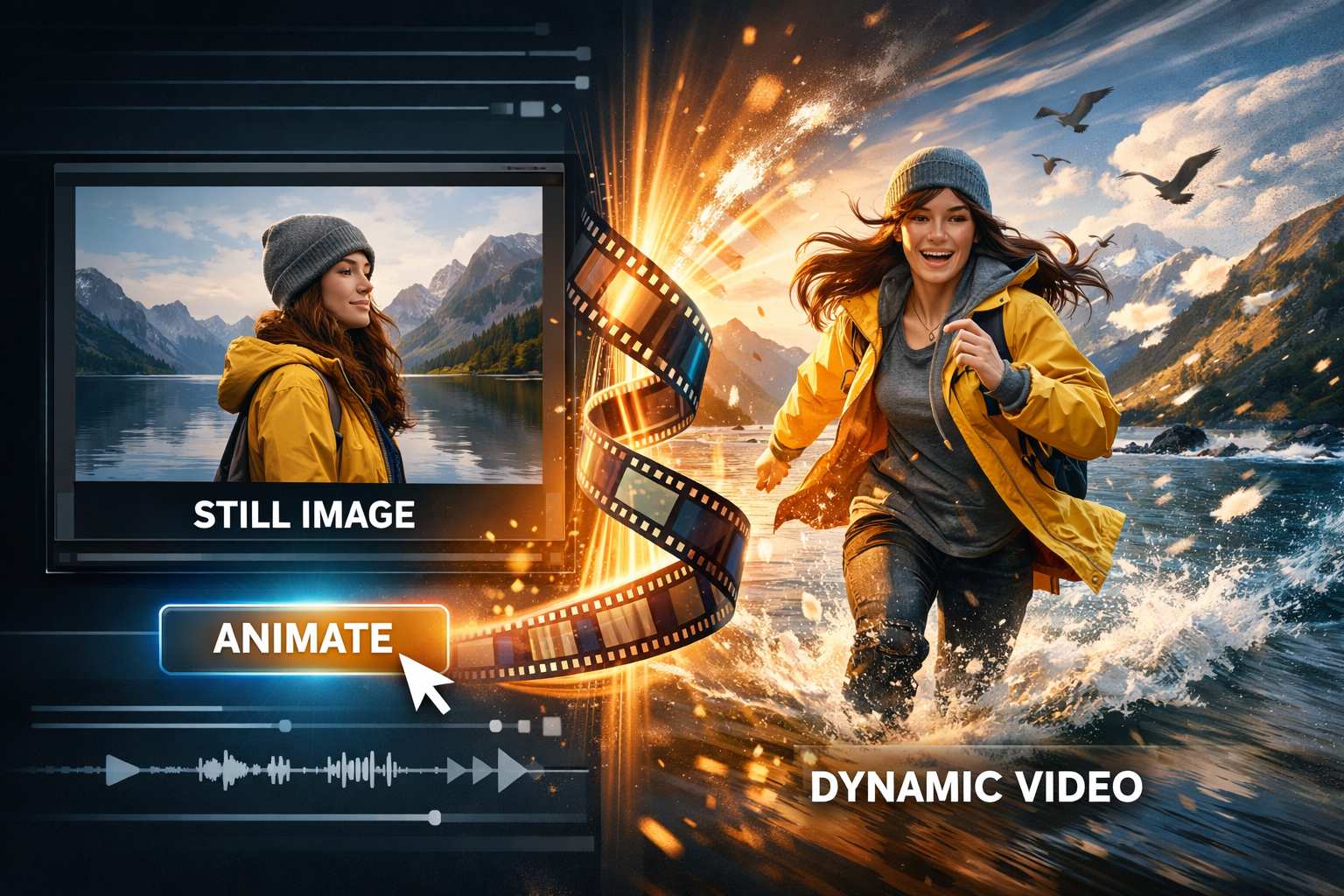
Experience the power of video to video AI transformation. Simply upload your original video and describe what you want to change: adjust the style, modify the scene, change lighting, add creative effects, or completely reimagine the content. Our advanced video to video AI engine analyzes your footage frame by frame, applies your prompt-based instructions, and generates a brand new video while maintaining motion coherence and visual quality. Perfect for creators, marketers, and anyone who wants to transform existing videos into fresh content without complex editing software.
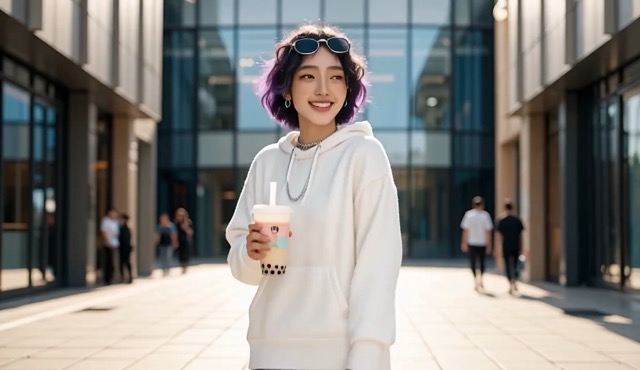
More AI Video Generators
Explore our collection of specialized AI video generators designed for different creative needs and styles
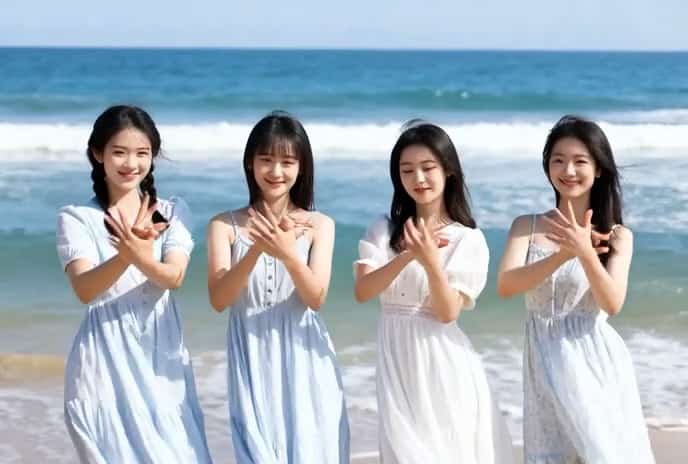
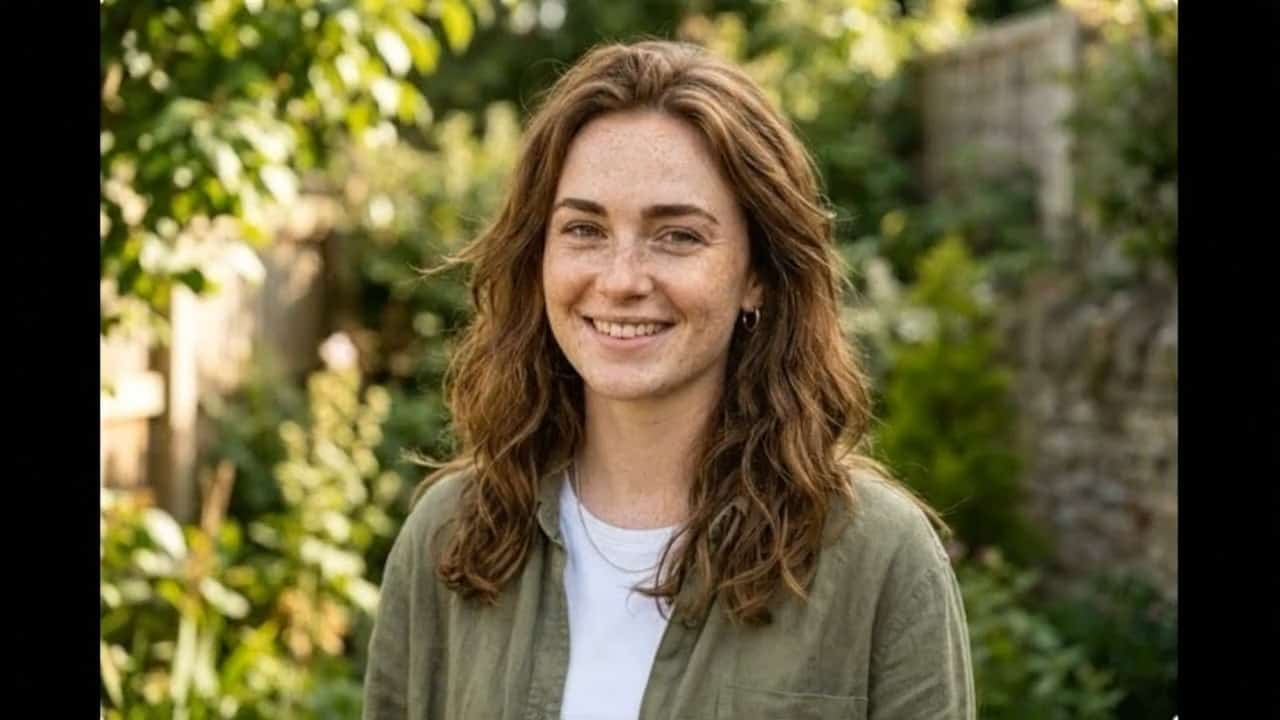

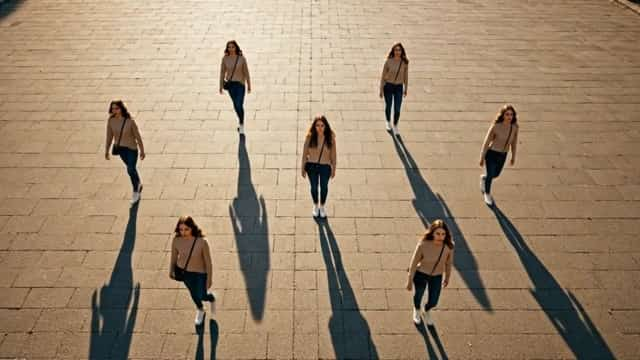

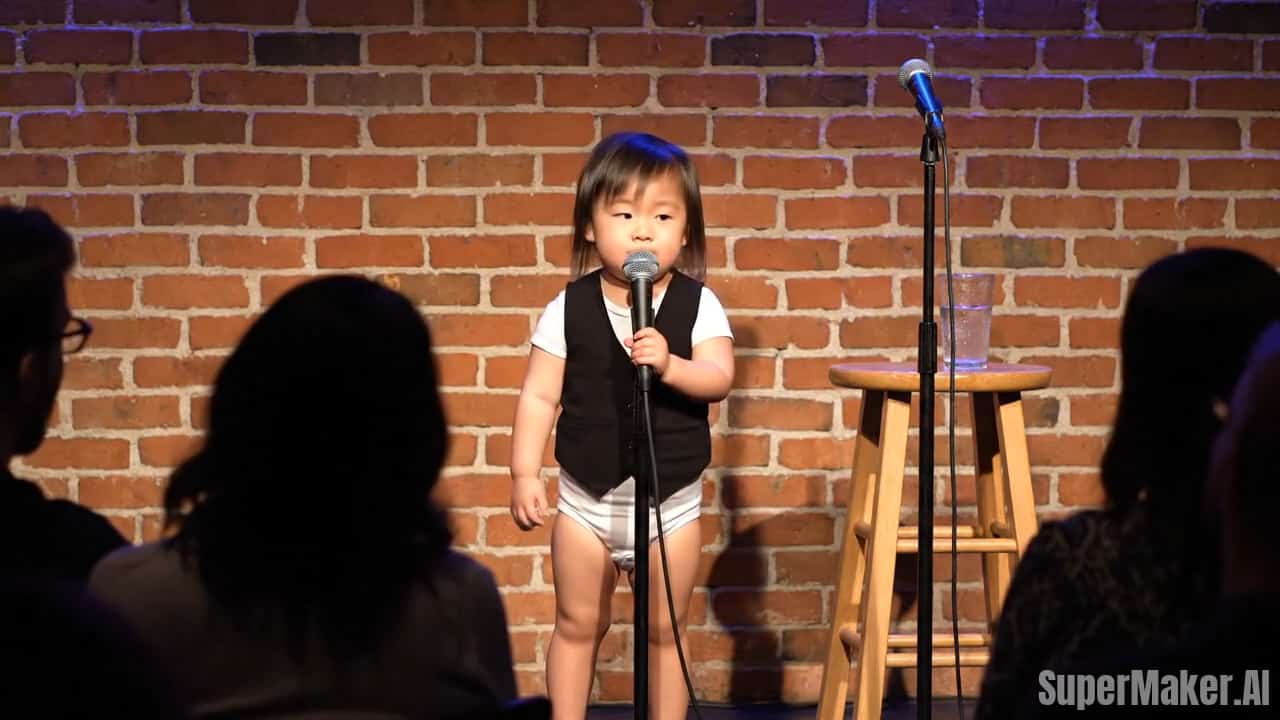
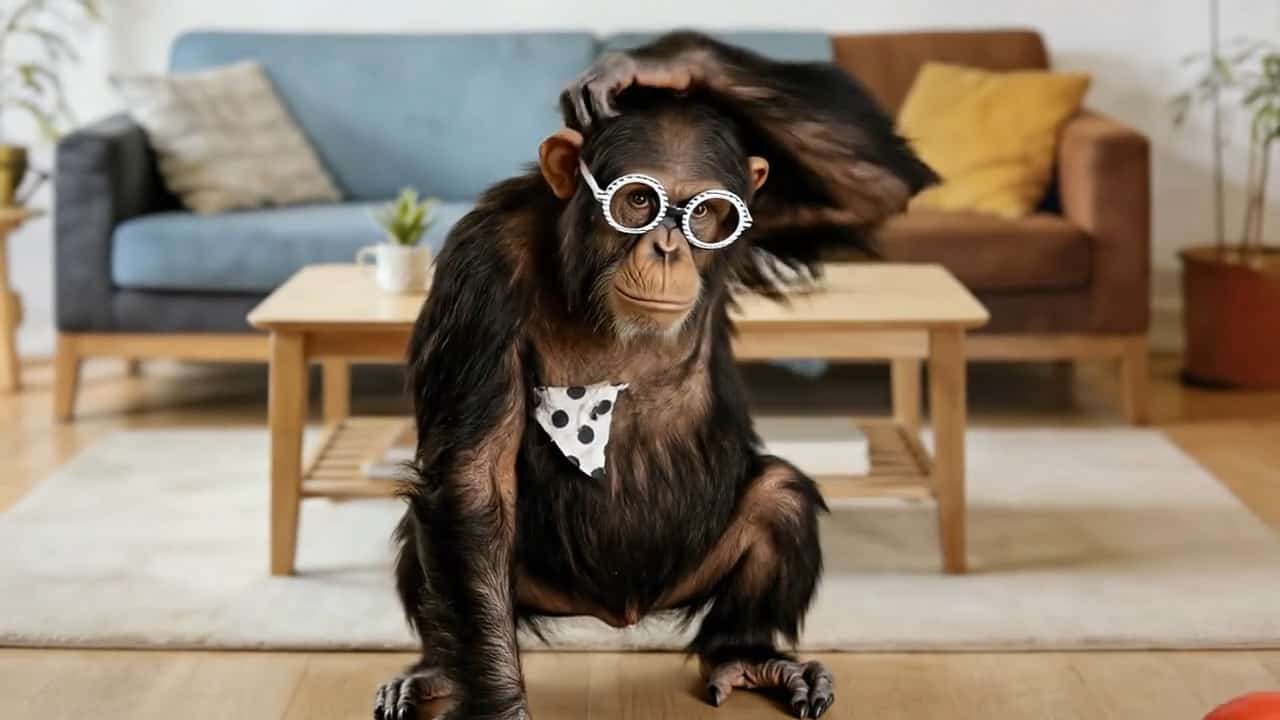
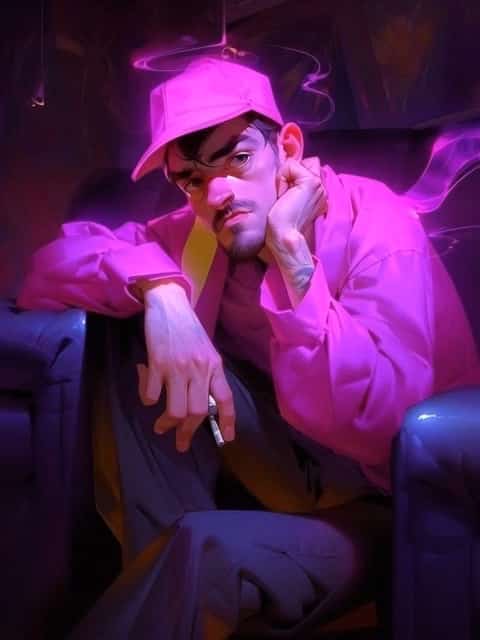
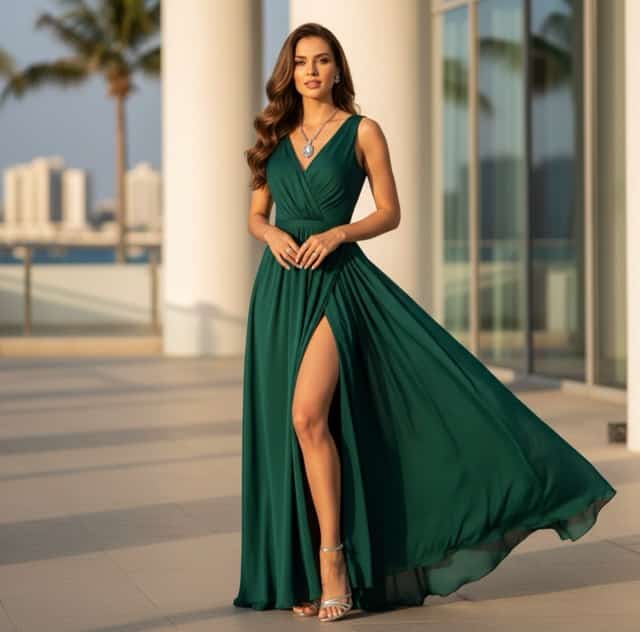
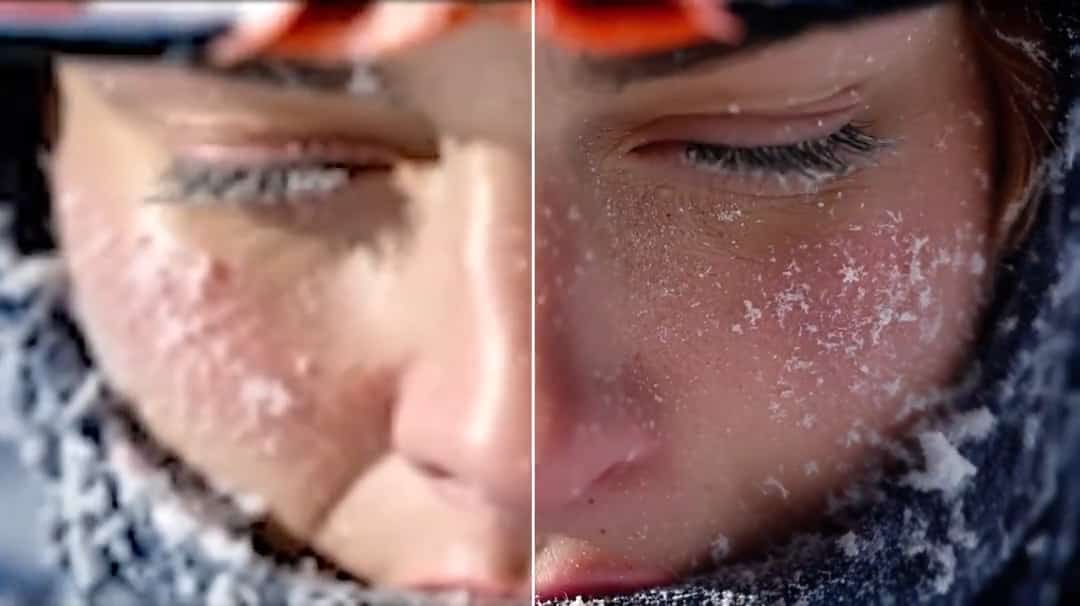

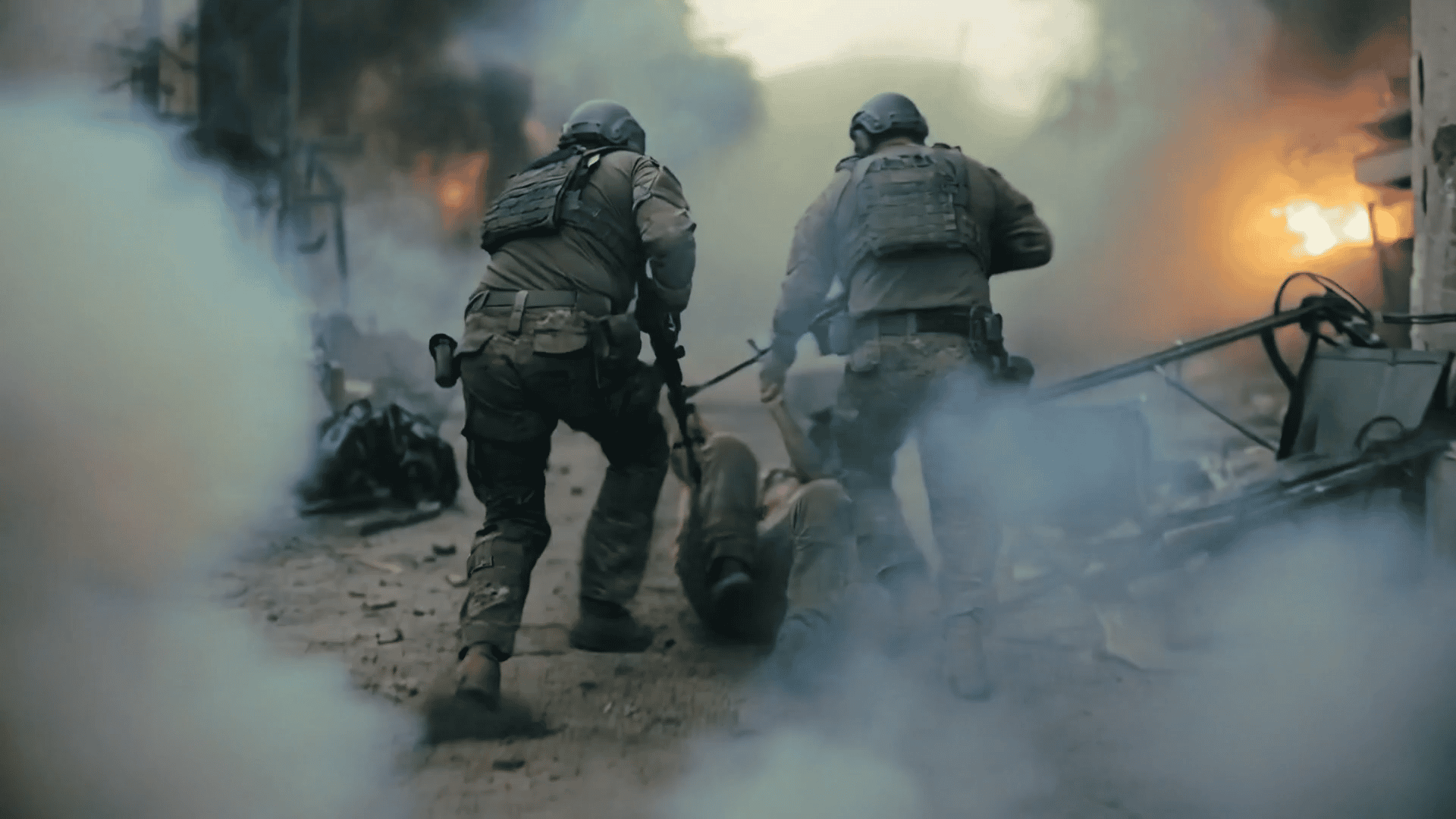


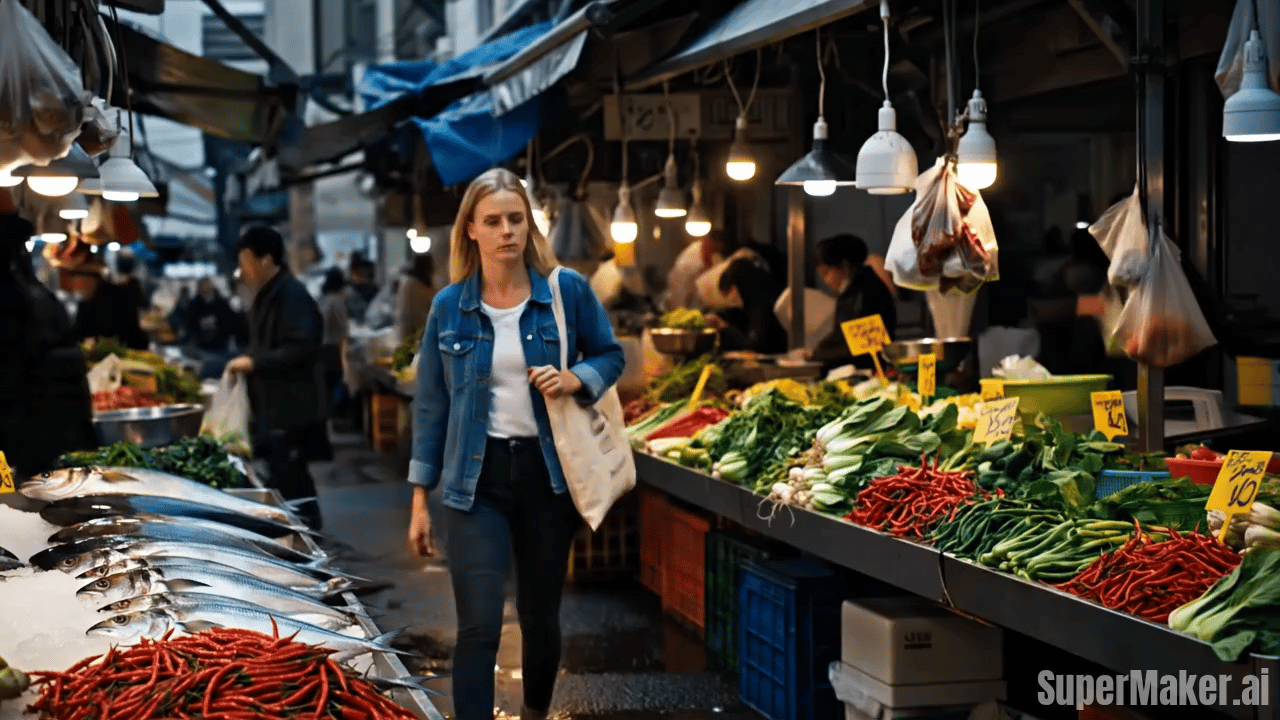
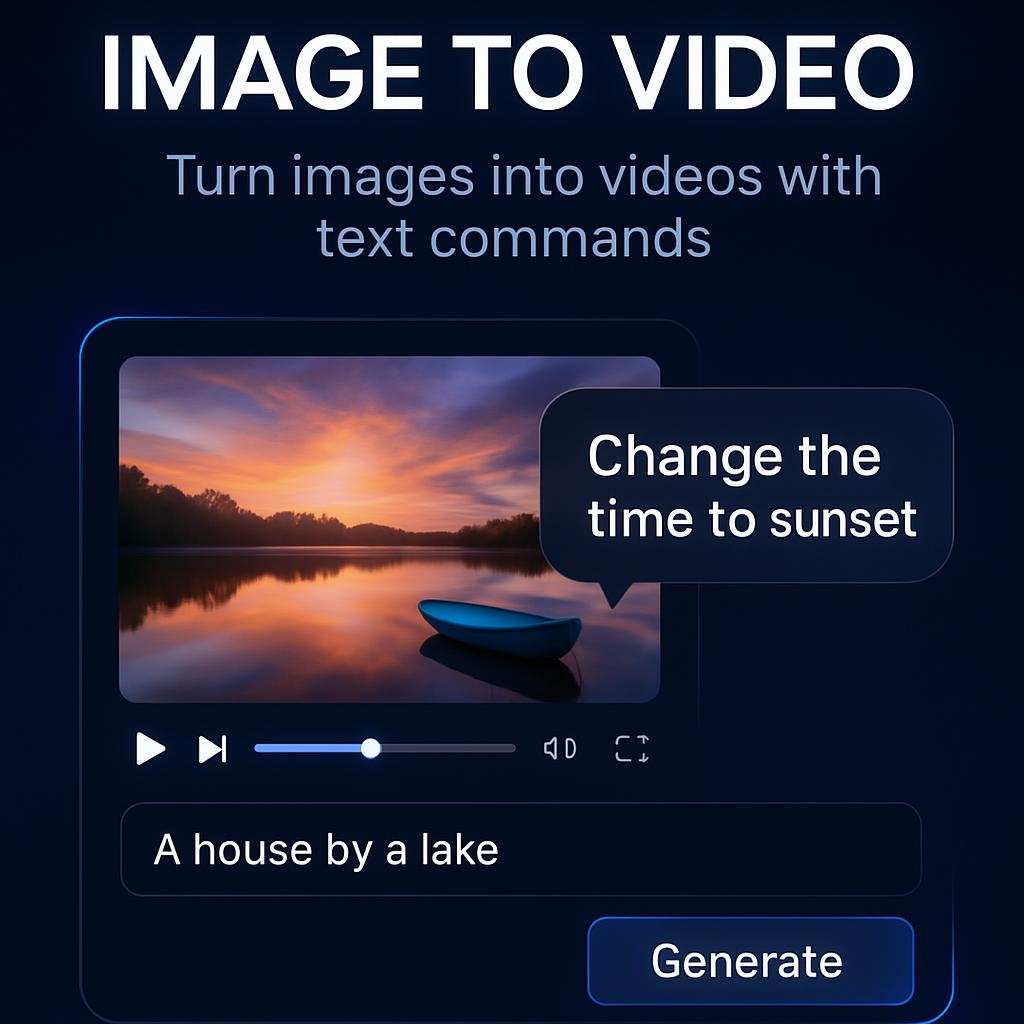
Video to Video AI: Reimagine Any Video Instantly
Transform your videos with AI magic. Upload, describe, generate—it's that simple with video to video technology.
Turn ordinary videos into extraordinary content with video to video AI. Whether you're a content creator looking to refresh old footage, a marketer needing multiple style variations, or a social media manager creating viral content, our video to video platform makes it effortless. Upload your video, type a creative prompt like 'transform into anime style, vibrant colors, dynamic motion' or 'change to cinematic noir look, dramatic lighting,' and watch the AI work its magic in minutes.
How Video to Video AI Works
Four simple steps to transform any video with AI—no technical skills or complex software required.

Upload Your Source Video
Drag and drop any video file (MP4, MOV, AVI supported). Our video to video AI accepts videos up to 5 minutes long. The clearer your source video, the better the transformation results.

Describe Your Vision
Write a detailed prompt describing how you want to transform the video. Be specific: mention style, mood, colors, effects, and what elements to preserve. Example: 'transform into watercolor painting style, keep the main subject, add dreamy atmosphere, soft pastel colors'.

AI Video to Video Magic
Click generate and let our video to video AI engine analyze your source video and apply your prompt. The AI processes each frame intelligently, ensuring smooth transitions and consistent style throughout the entire video.

Preview & Download Result
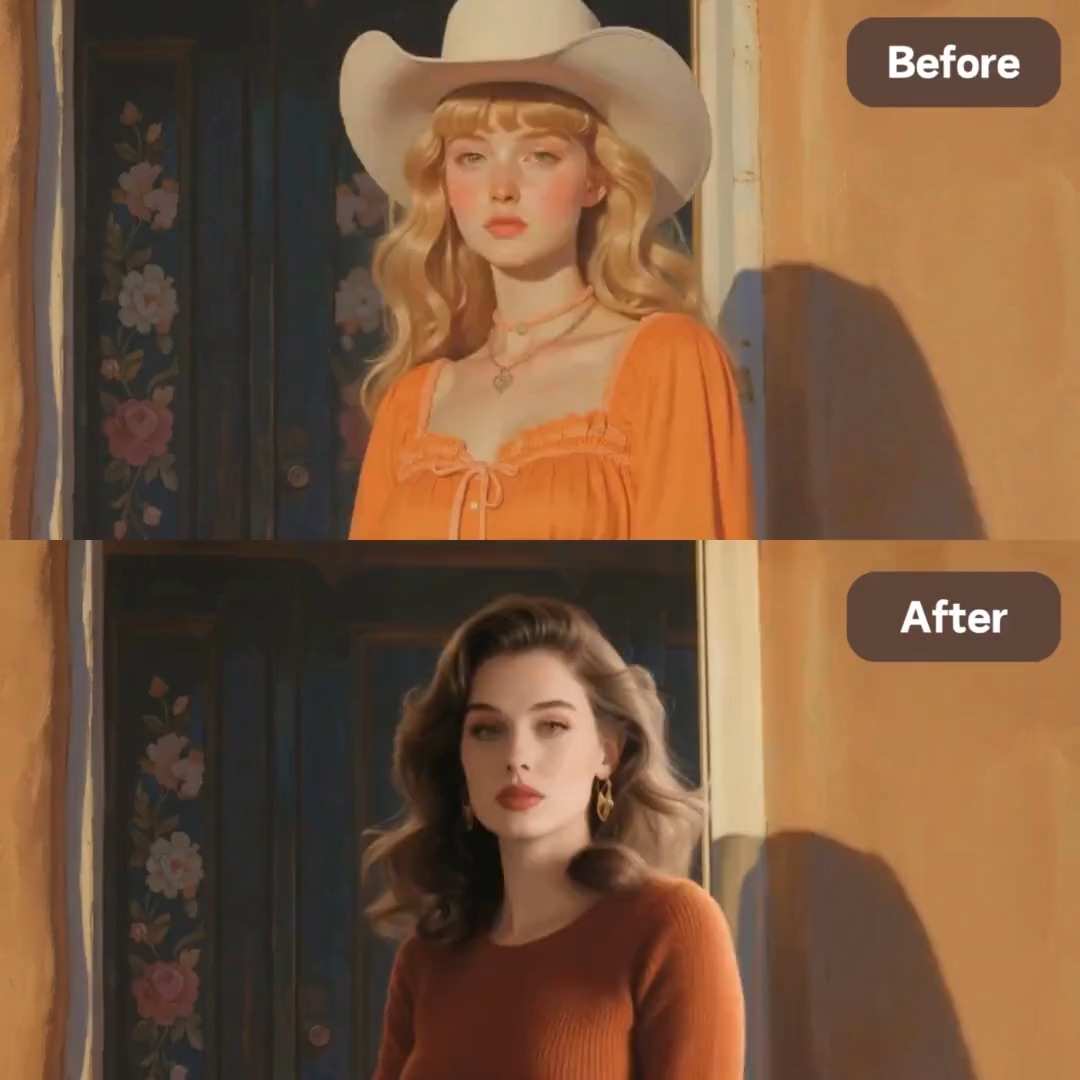
Compare the original with your transformed video side by side. Love it? Download the new MP4 instantly. Want to try something different? Adjust your prompt and regenerate with the same video to video workflow.
Best AI Video Tools for Creative Projects
Explore creative tools for video, learn tips and tricks, and see how AI can be your assistant in turning concepts into finished projects.





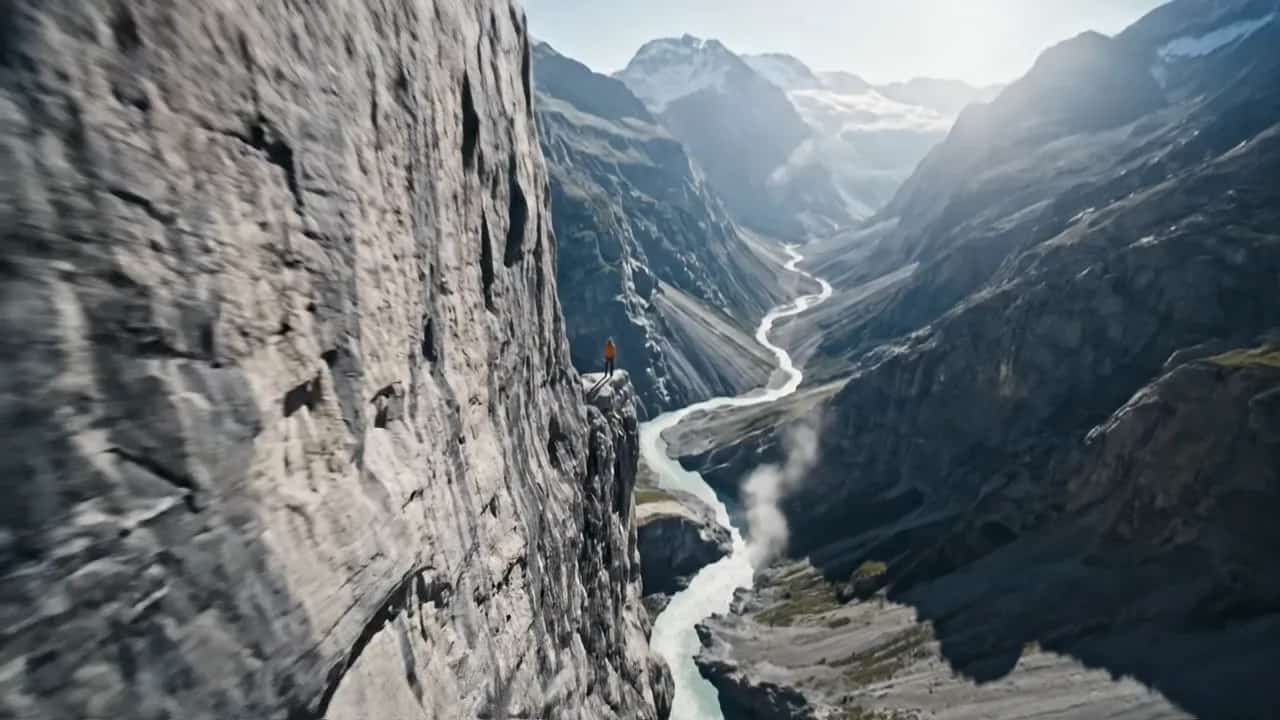
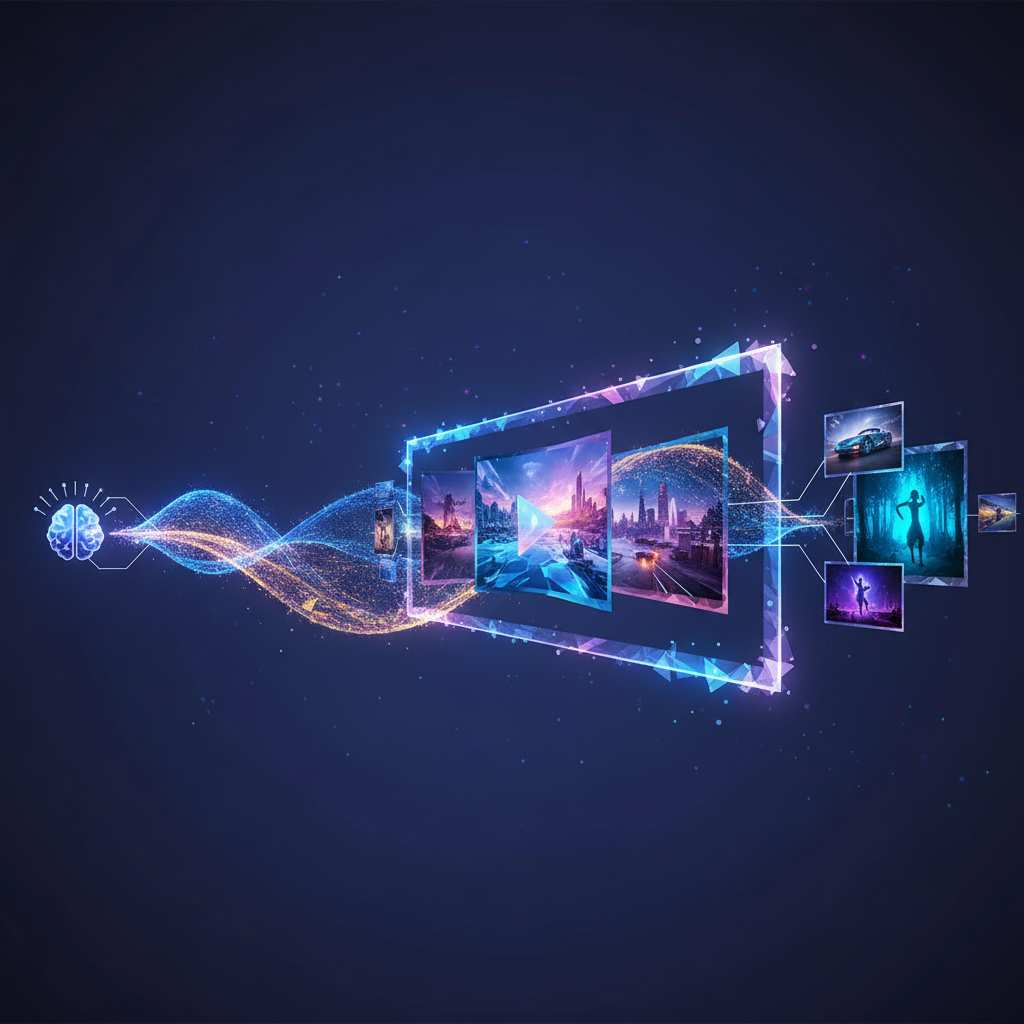
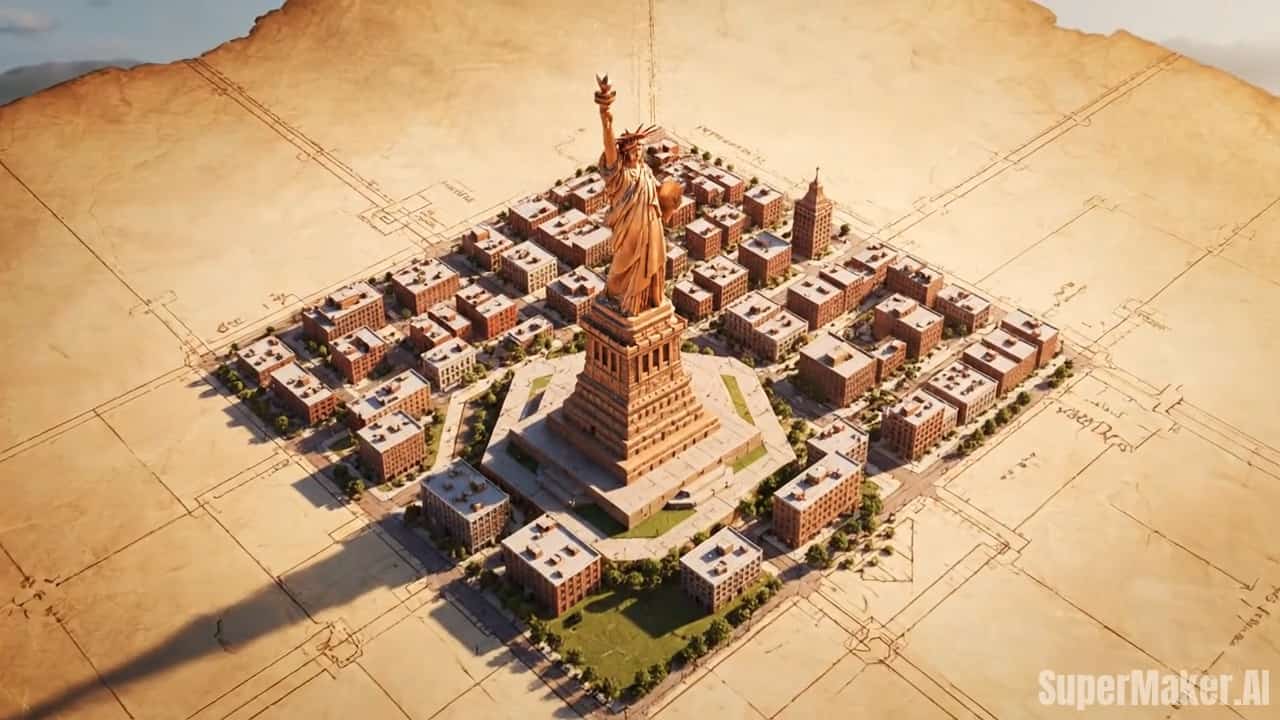
Key Features of Video to Video AI
Discover powerful video transformation capabilities—from style transfer to scene modification, all powered by advanced AI.
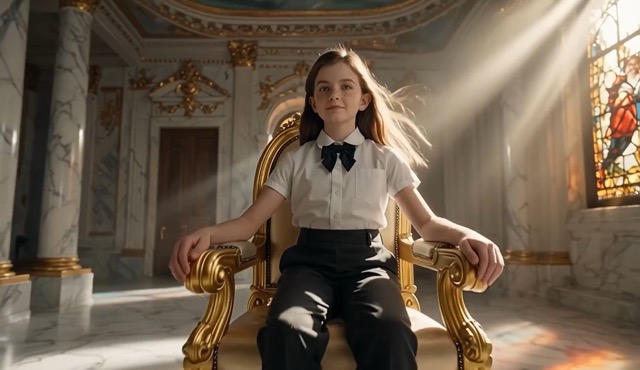
AI-Powered Style Transformation
- Apply artistic styles instantly: cartoon, anime, oil painting, sketch, or cinematic looks.
- Video to video AI understands complex style prompts and applies them consistently across all frames.
- Transform corporate videos into creative content, or give old footage a fresh modern aesthetic.
- Perfect for creating unique content that stands out on social media and captures attention.
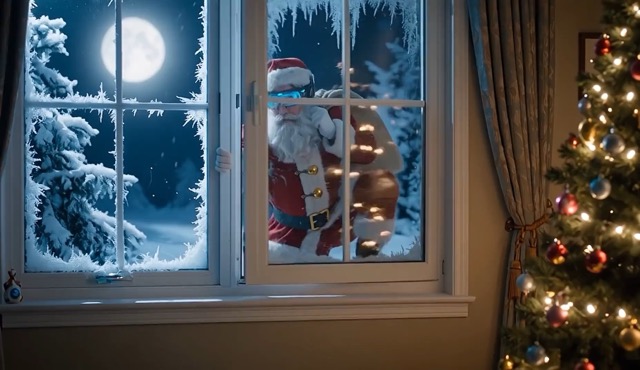
Scene & Environment Modification
- Change backgrounds, weather, time of day, or entire environments with simple prompts.
- Keep your subject stable while transforming everything around them using video to video technology.
- Add dramatic elements: rain, snow, fog, sunset lighting, or futuristic cityscapes.
- Great for creating seasonal variations of the same video content without reshooting.
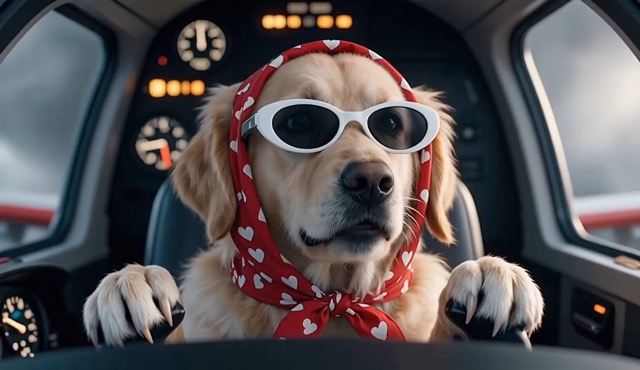
Motion-Consistent Transformation
- Advanced video to video AI ensures smooth, flicker-free results with frame-to-frame coherence.
- Maintain natural motion and movement while applying creative transformations.
- No jarring jumps or visual artifacts—your transformed video looks professionally edited.
- Trust the AI to handle complex camera movements and subject interactions intelligently.
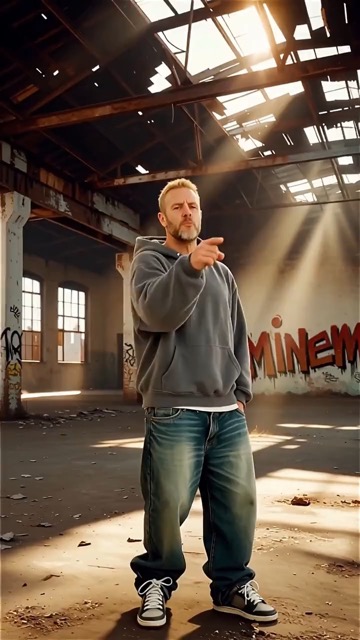
Creative Effects & Enhancement
- Apply cinematic color grading, add special effects, or enhance visual quality with AI.
- Use video to video prompts to adjust brightness, contrast, saturation, and mood instantly.
- Create multiple variations: dreamy soft focus, high contrast drama, vintage film grain, or ultra-modern HDR look.
- Export professional-looking videos that match your brand or creative vision perfectly.
Who Benefits from Video to Video AI?
Anyone who creates or works with video content can leverage video to video transformation for faster, more creative workflows.
Content Creators & Influencers
Transform your content library into fresh variations. Use video to video AI to create multiple styles from one shoot, keeping your feed diverse and engaging without constant filming.
Marketing & Advertising Teams
Generate A/B test variations quickly. Transform product videos for different campaigns, seasons, or audiences using video to video technology—maximize ROI from every video asset.
Social Media Managers
Create viral-ready content for TikTok, Instagram Reels, and YouTube Shorts. Video to video AI helps you ride trends by transforming existing videos into trending styles and formats.

Film & Animation Studios
Rapid prototyping and style exploration. Use video to video transformation to preview different visual styles before committing to expensive production decisions.
E-learning & Training
Make educational videos more engaging. Transform dry training footage into visually appealing content that holds attention using creative video to video styling.

Event & Wedding Videographers
Offer clients unique style packages. Transform the same event footage into romantic, cinematic, vintage, or modern looks using video to video AI—add value without extra shooting.
What Creators Say
Real feedback from video creators who've transformed their workflow with video to video AI.
video to video AI changed my content game completely. I can turn one video into five different styles in the time it used to take me to export one. My engagement is up 300%.
As a marketer, video to video transformation is a dream. We create seasonal campaigns from one product video—different moods, different looks, all matching our brand calendar perfectly.
The motion consistency is incredible. I've used other video to video tools that flicker and glitch. This one keeps everything smooth and professional-looking.
I transformed a corporate interview into an animated explainer style with video to video AI. Client loved it, saved us thousands on animation costs.
The prompt flexibility is amazing. I can be specific or experimental. video to video understands both 'subtle warm tones' and 'crazy cyberpunk explosion'—and nails the result.



Frequently Asked Questions
Everything you need to know about transforming videos with video to video AI technology.
Video to video AI is an advanced transformation technology that takes your existing video and recreates it based on your text prompts. Unlike traditional editing that cuts and adjusts, video to video AI analyzes each frame and intelligently regenerates the video with new styles, effects, scenes, or modifications while preserving the original motion and structure. You simply upload a video, describe your desired transformation, and the AI generates a completely new video that matches your creative vision.
Processing time for video to video transformation depends on video length and complexity. Short clips (10-30 seconds) typically process in 2-5 minutes. Longer videos (1-5 minutes) may take 10-20 minutes. We optimize for both speed and quality, ensuring frame consistency throughout. You'll receive a notification when your transformed video is ready.
Absolutely! Video to video AI is designed to be beginner-friendly. No video editing experience needed—if you can describe what you want in words, you can create amazing transformations. Start with simple prompts and experiment. The interface guides you through each step, and you can regenerate unlimited times until you're happy with the result.
Current video to video AI focuses on visual transformation—the audio from your original video is preserved unchanged. This ensures lip-sync and timing remain accurate. If you need audio modifications, we recommend using our output video with separate audio editing tools. Future updates may include prompt-based audio transformation as well.
Transform Your Videos with AI Today
Upload any video, describe your creative vision, and watch video to video AI bring it to life. Join thousands of creators who are transforming content faster than ever.
