
More AI Image Generators
Explore our collection of specialized AI image generators designed for different creative needs and styles



![FLUX.1 Krea [dev]](https://static.supermaker.ai/cdn-cgi/image/q=55/https://static.supermaker.ai/files/vtp5vmm87f65.png)
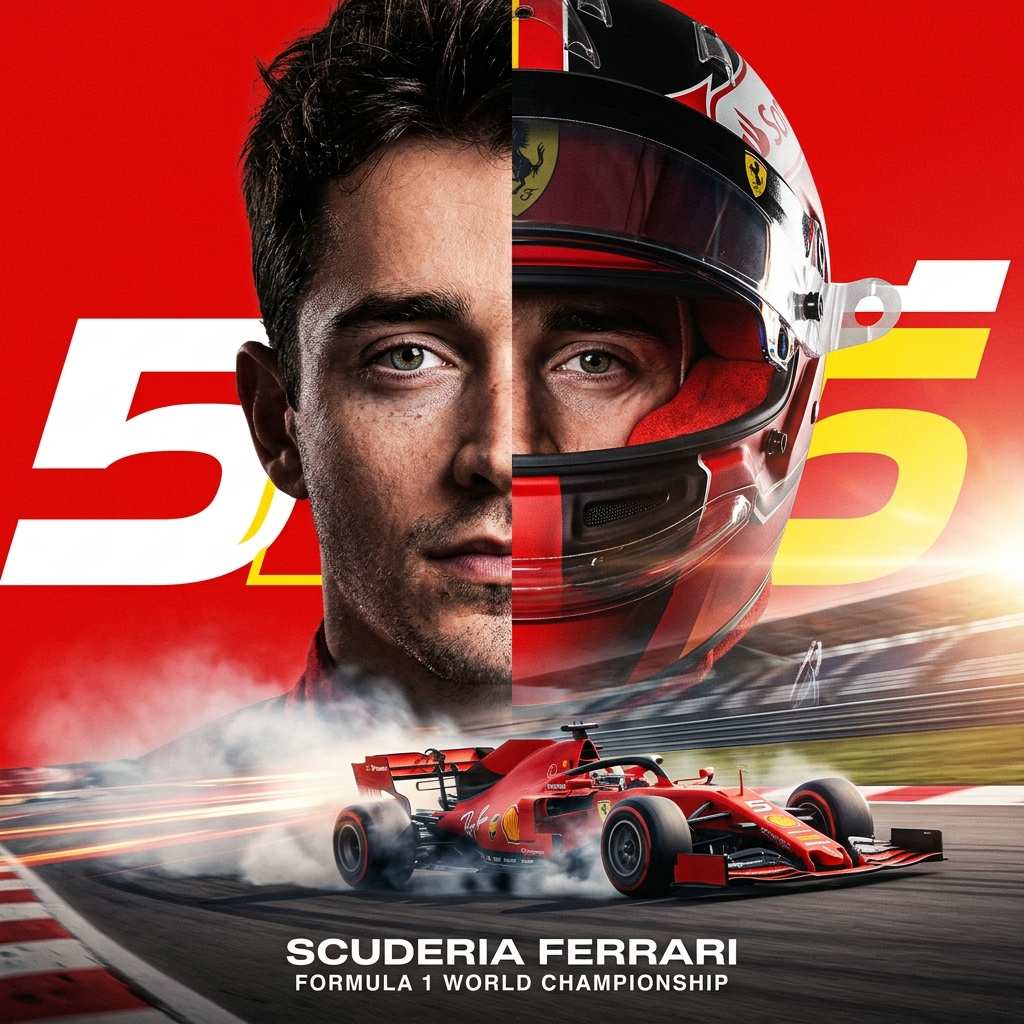
Create Race-Day Portraits with F1 AI Photo Generator
Turn an everyday photo into a polished motorsport-style portrait in seconds with our F1 AI Photo Generator.
Upload a clear photo, choose a racing template and image size, and let the F1 AI Photo Generator create dramatic motorsport-style visuals without a complicated editing workflow.
How to Use F1 AI Photo Generator
Using the F1 AI Photo Generator takes only a few simple steps, while still giving you control over the final result. From upload to template choice to image size selection, the workflow is built for speed, clarity, and repeatable results.
Upload Your Portrait
Start by uploading a front-facing photo. A clean portrait with visible facial details usually gives the F1 AI Photo Generator the best base to work from. The tool keeps the process simple, so you can move from casual selfie to racing-inspired image without dealing with manual masking.
Choose a Template and Image Size
Pick the template in F1 AI Photo Generator that best matches the racing look you want, then choose the image size that fits your final use case. Selecting image size before generation also helps you get better framing for social posts, covers, and shareable graphics.
Generate and Save Your Result
Click generate and let the F1 AI Photo Generator turn your source image into a refined racing-style scene. If you want a different result, try another template or image size and compare the outputs. It is a fast way to create content that feels styled, recognizable, and ready to share.
Best AI Image Tools for Creative Projects
Explore creative tools for image, learn tips and tricks, and see how AI can be your assistant in turning concepts into finished projects.

Features of F1 AI Photo Generator
The F1 AI Photo Generator is designed for users who want more than a one-click gimmick. With photo upload, template selection, and image size options, it helps create racing-themed images that feel polished, visually strong, and adaptable across different formats.
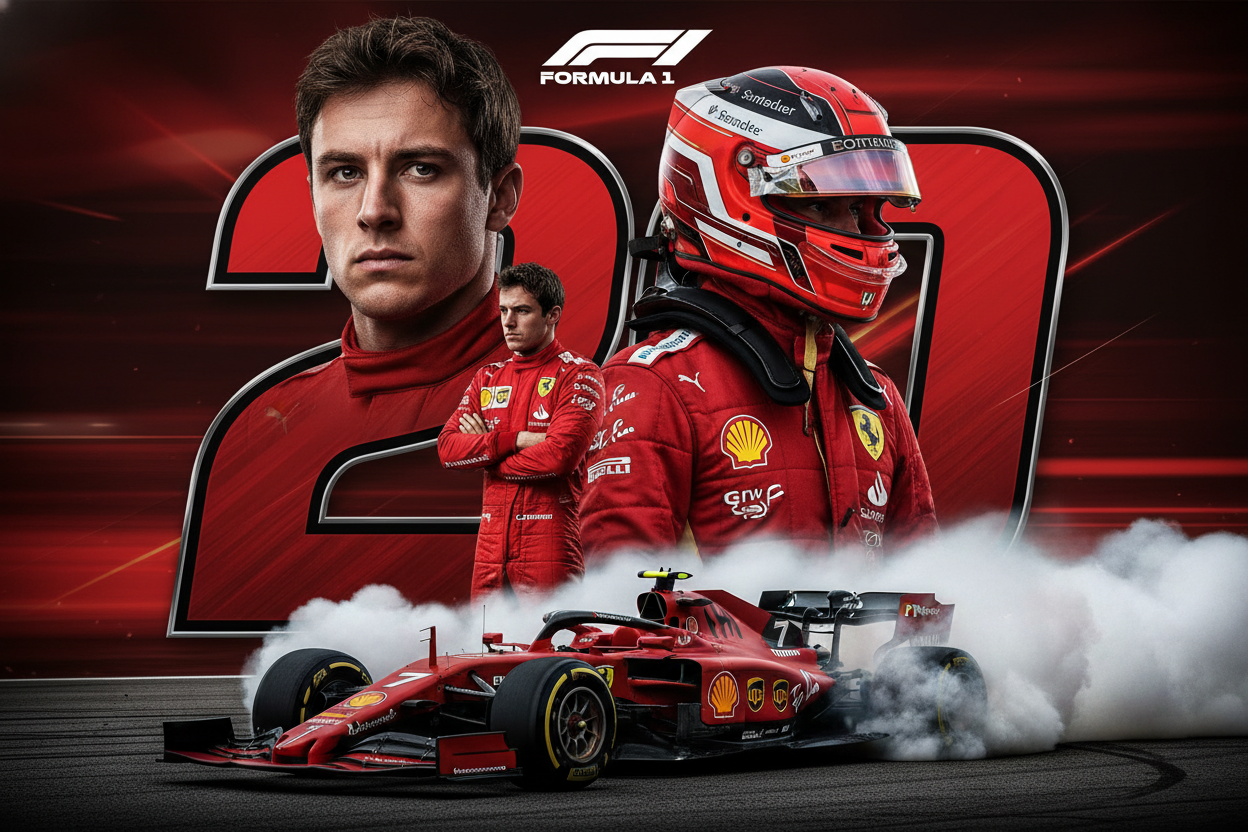
Driver Portraits with Strong Motorsport Identity
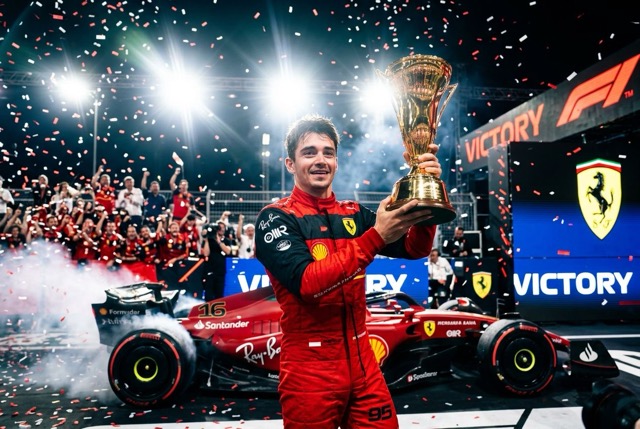
The F1 AI Photo Generator can turn a standard headshot into a dramatic driver-style portrait with racewear details, competitive posture, bold lighting, and a clean editorial finish. Whether you want a serious paddock image or a poster-ready composition, the F1 AI Photo Generator helps your portrait feel closer to premium sports photography than a novelty effect.
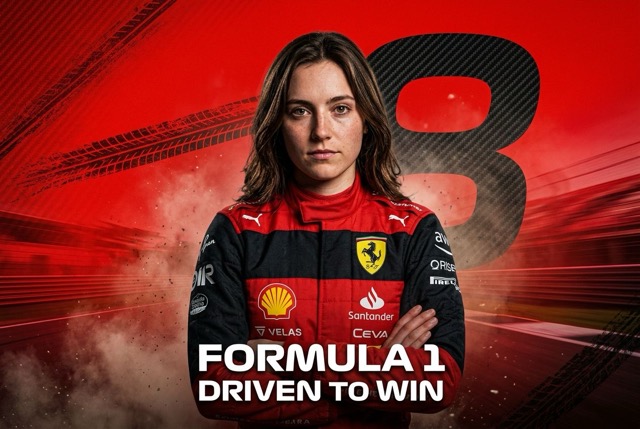
Template Selection for Different Racing Looks
Different users want different racing aesthetics, and the F1 AI Photo Generator makes that easier through template selection. You can choose from preset visual styles designed for popular F1-inspired looks, such as clean driver portraits, cinematic race posters, and dramatic track scenes. This makes the F1 AI Photo Generator easier to use while still giving each result a distinct visual direction.
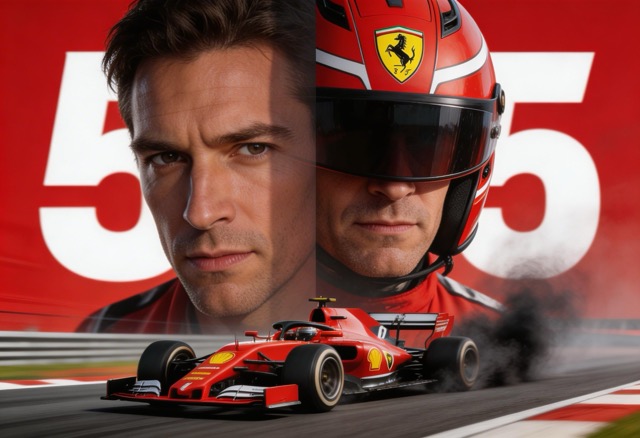
Ready-Made Templates for Faster Results
Not everyone wants to experiment from scratch. That is why the F1 AI Photo Generator includes ready-made templates designed for popular racing looks, including pit-lane portraits, night-race moods, podium-inspired shots, and cinematic close-ups. These templates help new users get strong results quickly while keeping the F1 AI Photo Generator simple, guided, and efficient.
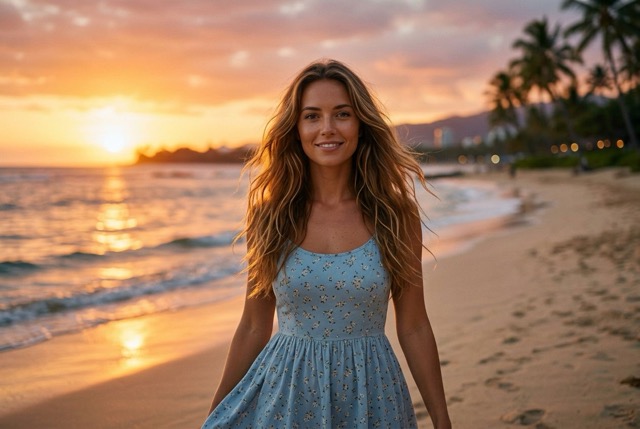
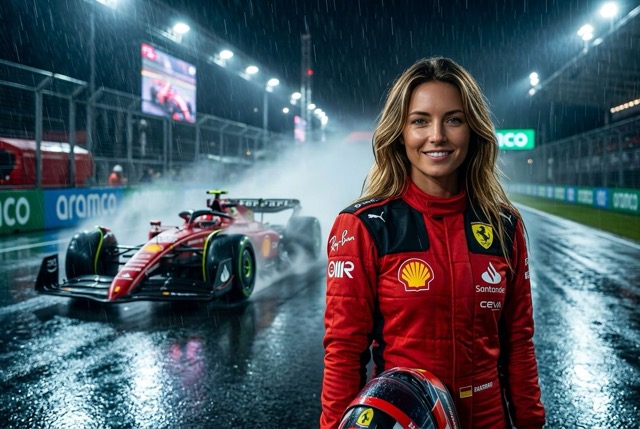
Multiple Sizes for Social, Covers, and Posters
A racing portrait should match the format you actually need. The F1 AI Photo Generator lets you choose different image sizes so your result works better for profile updates, story posts, covers, banners, and shareable posters. Selecting image size before generation helps you get cleaner framing and a more usable final composition using F1 AI Photo Generator without relying on heavy cropping afterward.
Why Choose F1 AI Photo Generator
There are many tools that promise dramatic image effects, but the F1 AI Photo Generator is built around a more useful balance of control and convenience. With simple template and image size selection, it helps users create motorsport-inspired images with clearer intent.

Profile Photos That Stand Out Immediately
The F1 AI Photo Generator is a practical way to create a profile image with more personality than a standard portrait. Instead of adding a light filter or background blur, users can produce a racing-inspired identity image that feels sharper, more intentional, and more memorable across social platforms, creator pages, gaming accounts, or private communities.

Poster-Style Content for Social Sharing
When you want an image that feels ready to post, the F1 AI Photo Generator can help create stronger visual storytelling. It works well for race-fan edits, birthday graphics, sports-themed celebrations, mood boards, and shareable portraits with cinematic energy. The result is often more structured and visually complete than what casual filters usually produce.

Fast Creative Concepts for Branding
The F1 AI Photo Generator helps generate styled portraits for thumbnails, author pages, campaign mockups, and content experiments. By switching templates and image sizes, users can explore multiple racing-inspired directions quickly, which makes the F1 AI Photo Generator useful for testing visual ideas before publishing.

Fun Gift Content for Friends and Fans
The F1 AI Photo Generator is also a strong option for playful, personalized content. Upload a friend’s photo, choose a dramatic racing setup, and create a motorsport-style portrait for a surprise share, digital card, fan collage, or event invitation. It adds a customized layer that feels more thoughtful than downloading a generic racing background template.
Consistent Looks with Ready-Made Templates
Many users want strong results without having to decide every visual detail themselves. The F1 AI Photo Generator solves that with ready-made templates that keep the image style on track. This is especially useful for beginners who want reliable outputs, and for repeat users who want the F1 AI Photo Generator to produce multiple images with a similar racing mood and visual structure.
Quick Iteration Without a Heavy Design Workflow
A traditional racing poster edit can take a long time when you need costume styling, dramatic lighting, and scene design. The F1 AI Photo Generator shortens that process into a simple template-based workflow. Upload once, try several template directions or image sizes, and keep the strongest output. That makes the F1 AI Photo Generator attractive for users who want speed without sacrificing style.
What Users Say About Our F1 AI Photo Generator
People use the F1 AI Photo Generator for very different reasons, from social sharing to creative mockups. What they tend to value most is the mix of speed, template variety, and stronger visual polish, which helps the final image feel more deliberate.
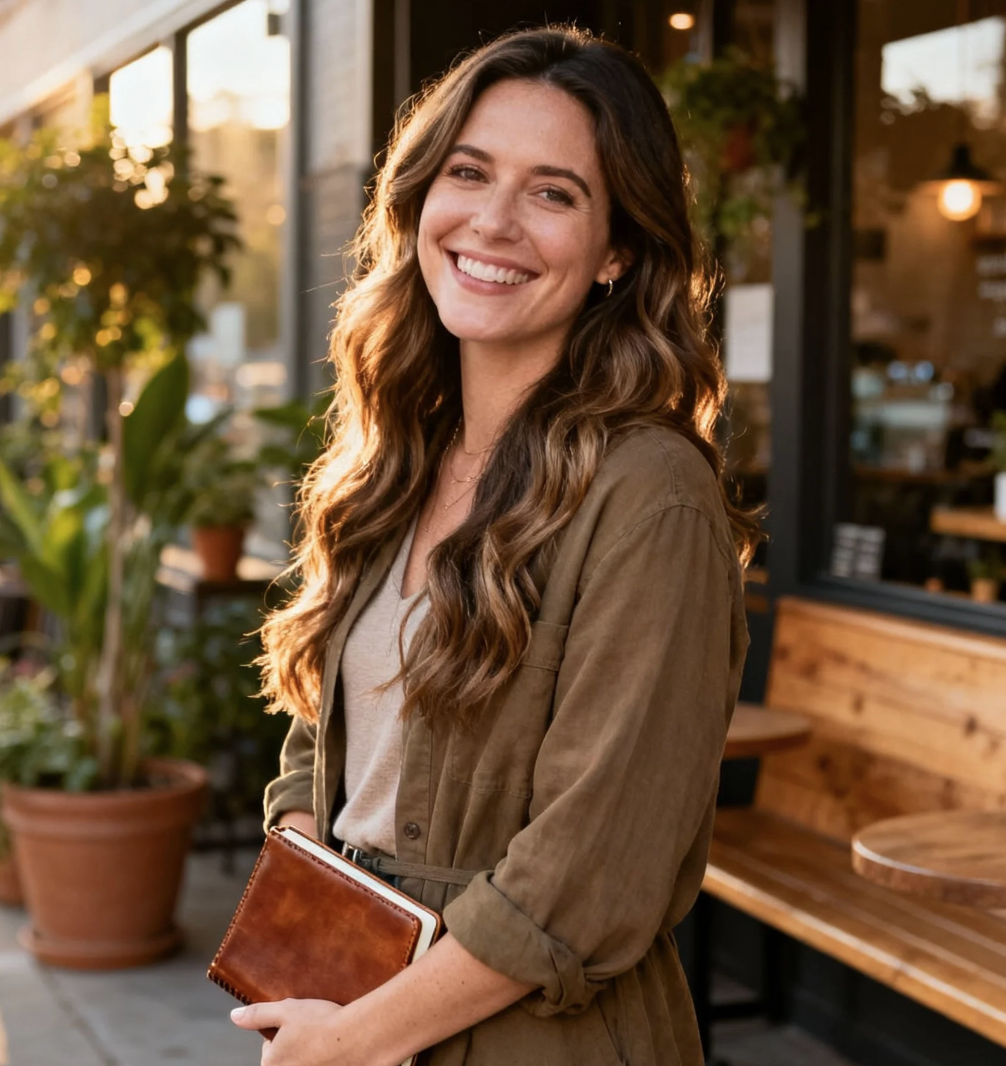
I used the F1 AI Photo Generator for a birthday post and expected something playful, but the final image looked much more polished than I thought. The driver portrait had strong lighting, clear detail, and a poster feel that made it instantly shareable. I liked that I could try different templates to compare the overall mood and quickly find a version that felt right for my post.
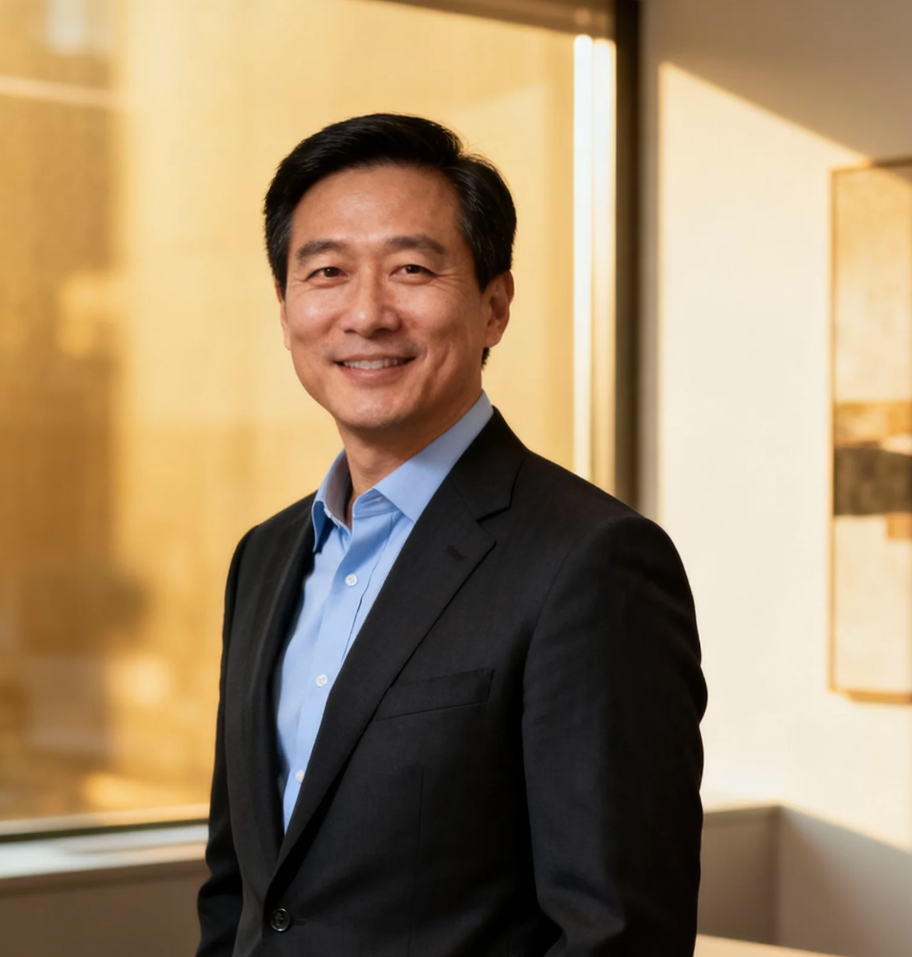
What stood out to me was how easy the F1 AI Photo Generator made the whole process. I uploaded one selfie, picked a vertical ratio, and got a result that looked suitable for a story cover and profile refresh. This F1 AI Photo Generator saved me from piecing together racing edits manually, and the mood felt much stronger than a basic sports filter.
I work on social assets for fan communities, and the F1 AI Photo Generator is useful when we want themed portraits quickly. The template options give a reliable starting point and make it easy to create multiple racing-style visuals without every output feeling identical. That combination makes it easy to create multiple racing-style visuals without every output feeling identical.
I usually avoid image tools that feel too open-ended, so I liked how easy the template-based workflow was. The F1 AI Photo Generator felt much easier to use because the preset direction already understood the visual language I wanted. My final portrait looked sharp, dramatic, and clean enough to use as part of a digital event invite.
The best part of the F1 AI Photo Generator for me is that it does not lock you into one look. I tried one template with a cinematic night-race mood and another with a brighter pit-lane scene, and both felt consistent with the same source photo. That flexibility makes the F1 AI Photo Generator genuinely useful, not just a one-time novelty.
I needed a motorsport-themed portrait for a campaign mockup, and the F1 AI Photo Generator helped me get there much faster than expected. The ratio options were especially helpful because I could frame the image for different placements right away. It gave me a result that looked composed and intentional rather than randomly stylized.

Frequently Asked Questions About F1 AI Photo Generator
These answers explain how the F1 AI Photo Generator works, what kind of photos it handles best, and how to get stronger outputs through template selection and image size planning.
An F1 AI Photo Generator is a tool that transforms an uploaded portrait into a racing-inspired image using AI image generation. Instead of manually editing clothes, lighting, and background elements one by one, the F1 AI Photo Generator uses your photo together with a selected template to create a new visual around that concept. It is useful for fans, creators, and casual users who want a driver-style portrait, poster-like composition, or dramatic motorsport mood without using complex design software.
The F1 AI Photo Generator starts with the image you upload, then applies the template and image size you choose to produce a racing-style output. In practice, that means your facial features and general portrait structure become the base for a redesigned image with motorsport-inspired styling. You can usually improve results by uploading a clear photo with visible lighting and a clean angle. This makes the process much faster than building a racing portrait from scratch.
Yes, the F1 AI Photo Generator includes ready-made templates for users who want a faster and easier workflow. These templates are designed around popular racing looks, so you can choose a style that already matches the visual direction you want. This helps reduce guesswork and makes it easier to generate polished outputs quickly. It is especially helpful for beginners who want a smooth experience and for repeat users who want more consistency from one generation to the next.
A clear portrait usually works best with the F1 AI Photo Generator. Photos with visible facial details, balanced lighting, and a straightforward angle generally produce stronger outputs because the tool has a better visual base to interpret. A busy background is not always a problem, but a simple source image can make the final transformation cleaner. If you want the F1 AI Photo Generator to create a more polished racing portrait, try using a selfie or portrait where your face is unobstructed and your expression is easy to read.
The best image size depends on where you plan to use the result. A vertical size often works well for stories, mobile covers, and portrait-style posts, while a square size may fit profile images or feed posts more naturally. Wider sizes can be useful for banners or header graphics. The F1 AI Photo Generator lets you choose image size before generation so the framing feels intentional from the beginning, which is often better than cropping afterward.
Yes, and that is one reason many users find the F1 AI Photo Generator practical beyond a single experiment. You can upload one photo and generate several distinct looks by switching templates or image sizes. A single portrait might become a cinematic poster, a dramatic garage scene, or a cleaner driver headshot depending on the option you choose. Because the F1 AI Photo Generator supports iteration so easily, it works well for users who want multiple options from one source image.
Not at all. Social sharing is a common use, but the F1 AI Photo Generator can also be helpful for creator branding, fan community assets, campaign mockups, event graphics, and personalized digital gifts. The outputs often feel more composed than simple filters, so they can work in more intentional visual contexts. If you want a themed portrait that looks styled rather than random, the F1 AI Photo Generator gives you a faster path to that result without requiring full manual design skills.
No. The F1 AI Photo Generator is designed to be approachable for beginners while still giving enough control to shape the final result. You do not need design experience to get started. Upload a clear image, choose a template, select an image size, and generate. That simple workflow makes the tool accessible for casual users while still producing outputs that feel polished, visually strong, and useful across different content scenarios.
Build Your Racing Portrait Today
Upload a portrait, choose a racing template and image size, and let the F1 AI Photo Generator create a clean motorsport-inspired image that is ready for sharing, branding, or creative experimentation.
