
More AI Image Generators
Explore our collection of specialized AI image generators designed for different creative needs and styles




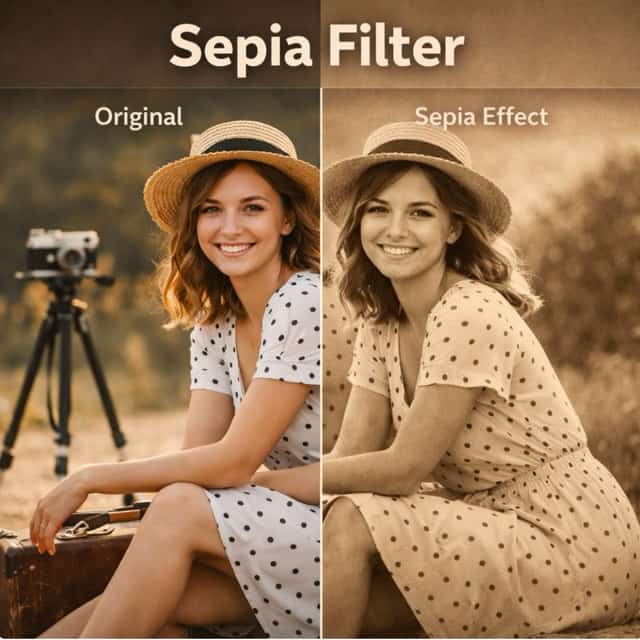









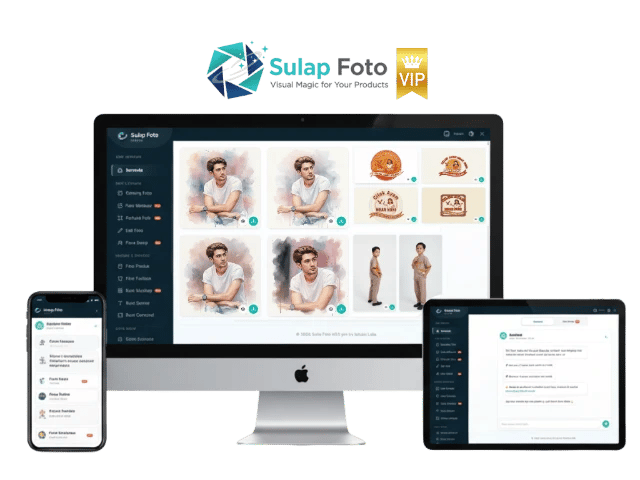













![FLUX.1 Krea [dev]](https://static.supermaker.ai/cdn-cgi/image/q=55/https://static.supermaker.ai/files/vtp5vmm87f65.png)

Remove Gemini Logos with Gemini Logo Remover
Let Gemini Logo Remover clean away Gemini marks in seconds for a smoother, more professional result.
Gemini Logo Remover helps you remove visible Gemini branding from images with a simple upload based workflow. Select an image size, run Gemini Logo Remover, and get a cleaner result without complicated editing steps. Whether you need polished visuals for sharing, drafts, product mockups, or design review, Gemini Logo Remover offers a practical way to refine images online.
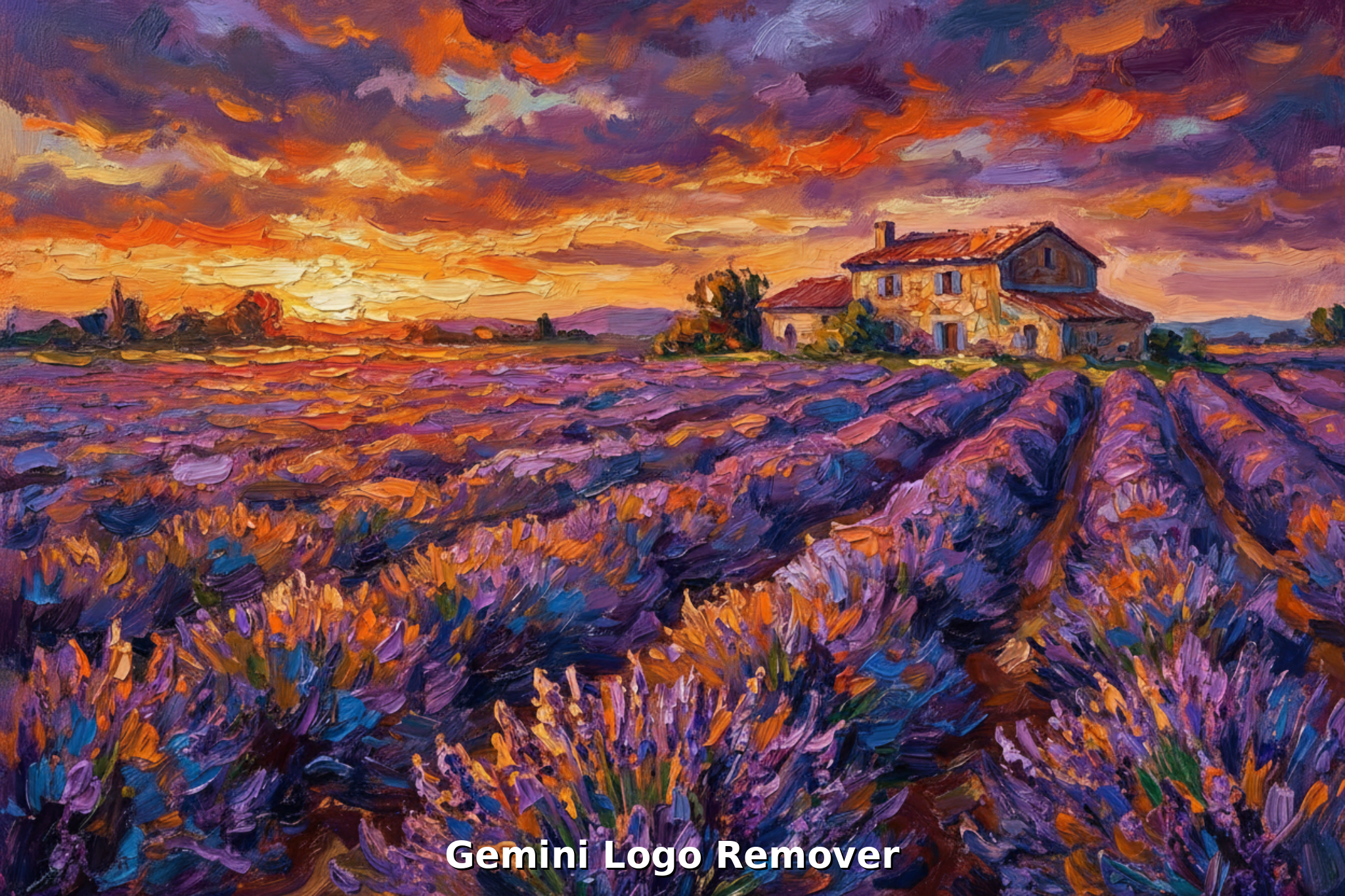
How to Use Gemini Logo Remover
Using Gemini Logo Remover takes only a few straightforward steps. The workflow is built for speed and clarity, so you can upload an image, pick the size you want, and generate a cleaner visual without dealing with layers, masks, or time consuming manual edits.

Upload the Image You Want to Clean
Start by uploading the image that contains a Gemini logo or visible Gemini mark. Gemini Logo Remover is designed for a simple first step, so you can drag, drop, or select a file in seconds.

Choose Image Size and Run Cleanup
After upload, choose the image size that fits your needs, then let Gemini Logo Remover process the file. The tool focuses on removing the Gemini logo while preserving the overall composition.

Preview and Download the Result
Once Gemini Logo Remover finishes, preview the cleaned image and download the version that best matches your use case. A fast preview helps you confirm whether the Gemini logo is gone.
Best AI Image Tools for Creative Projects
Explore creative tools for image, learn tips and tricks, and see how AI can be your assistant in turning concepts into finished projects.












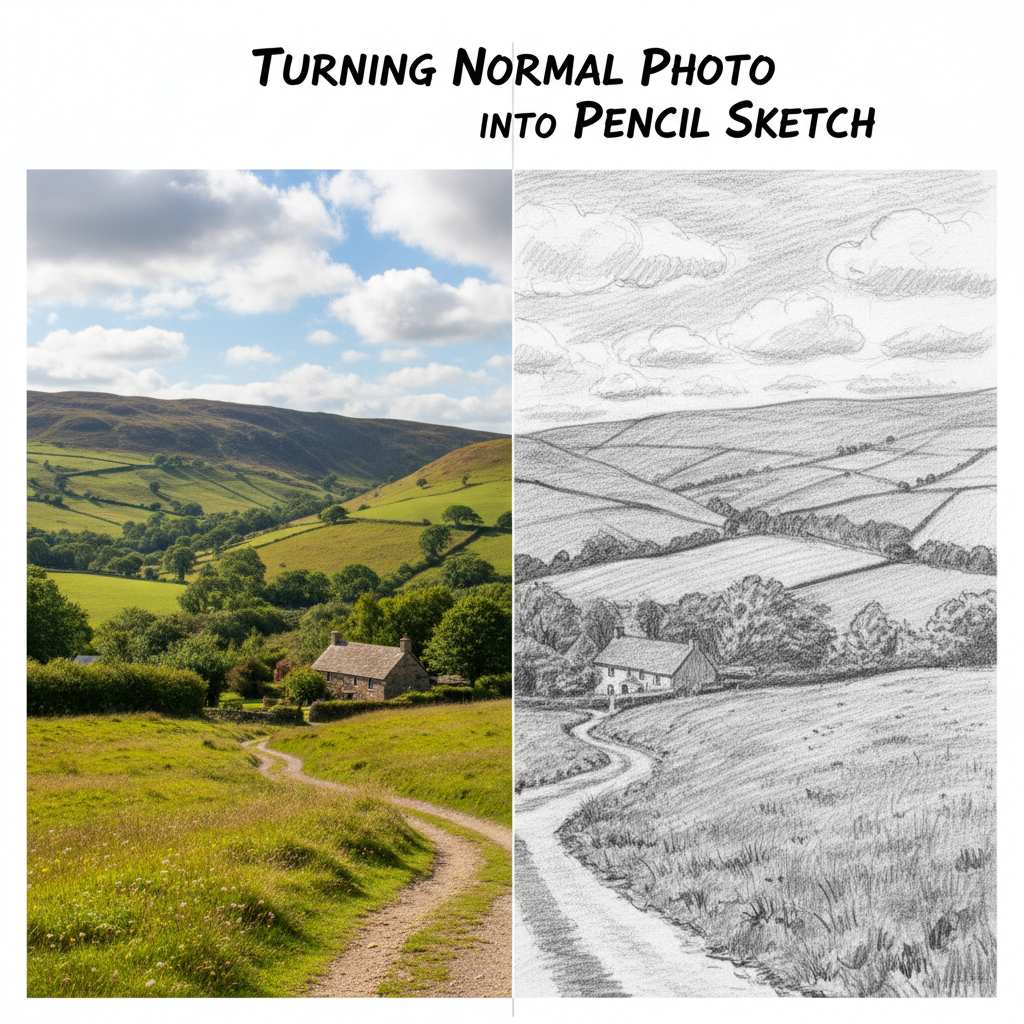





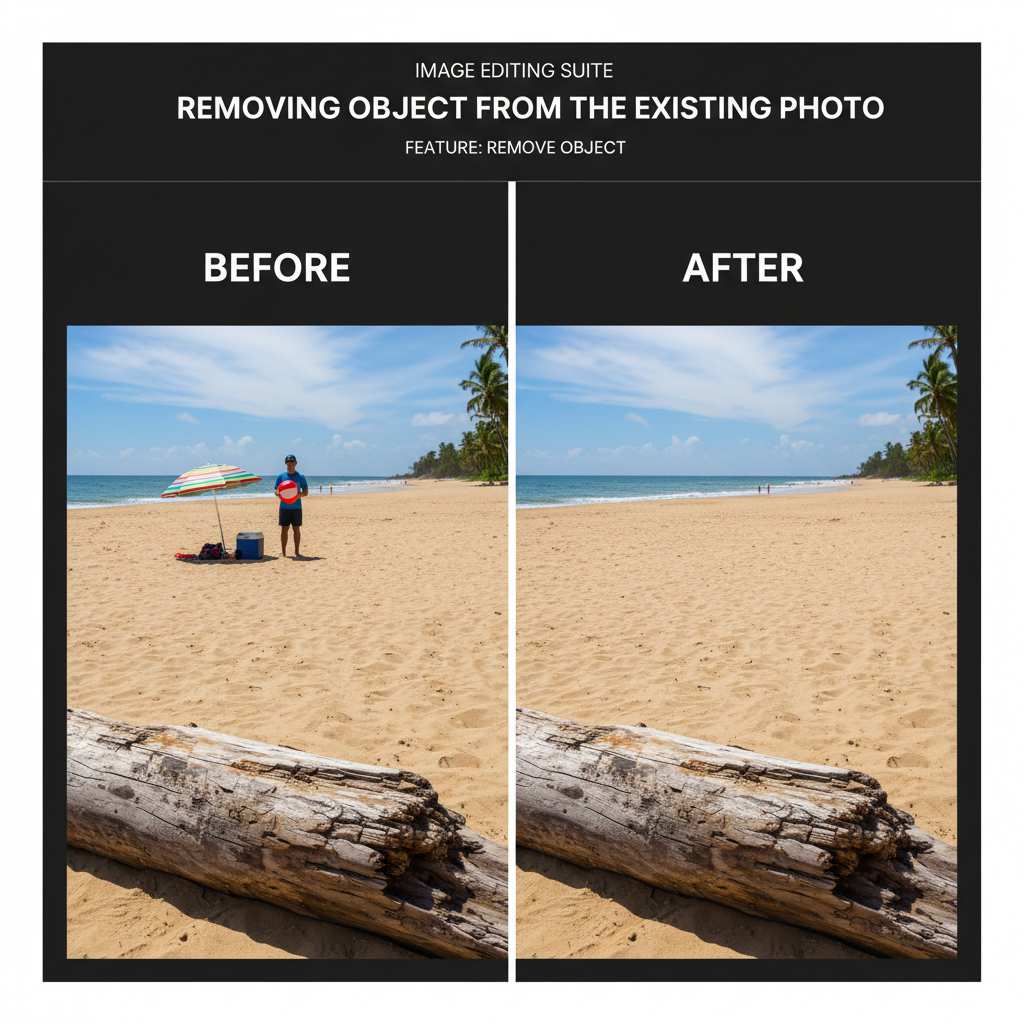

Features of Gemini Logo Remover
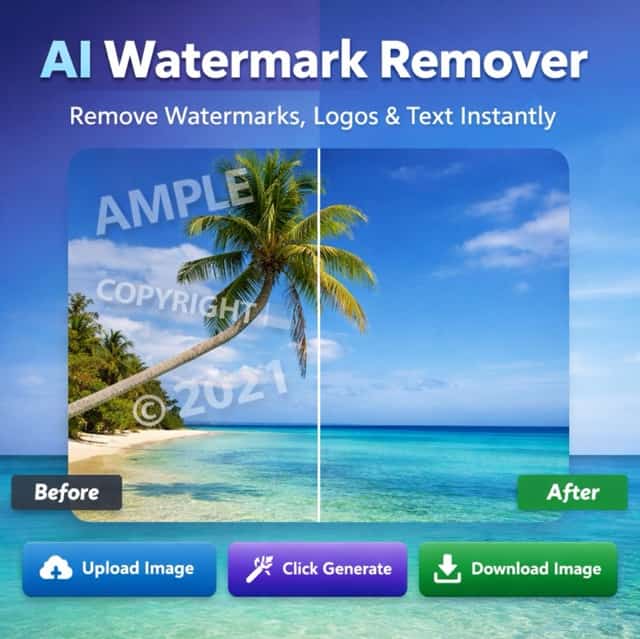
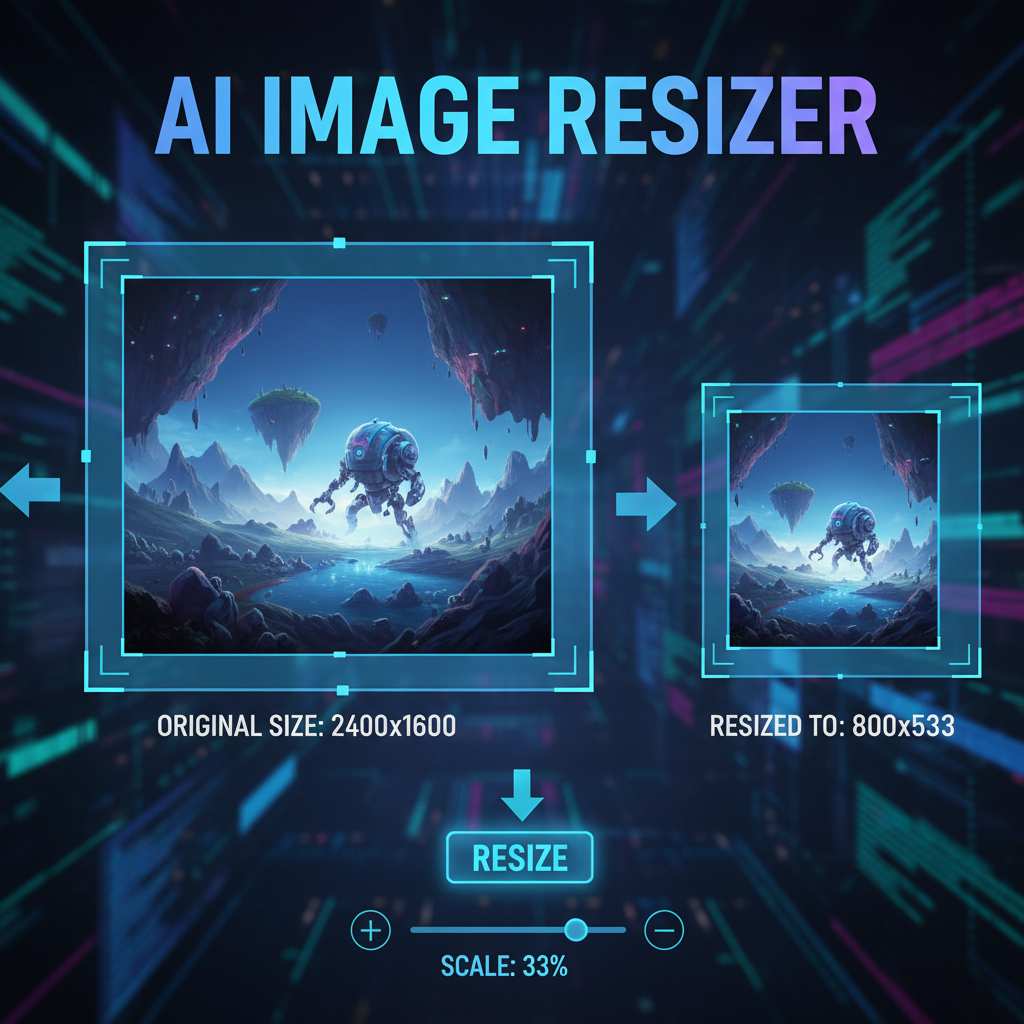
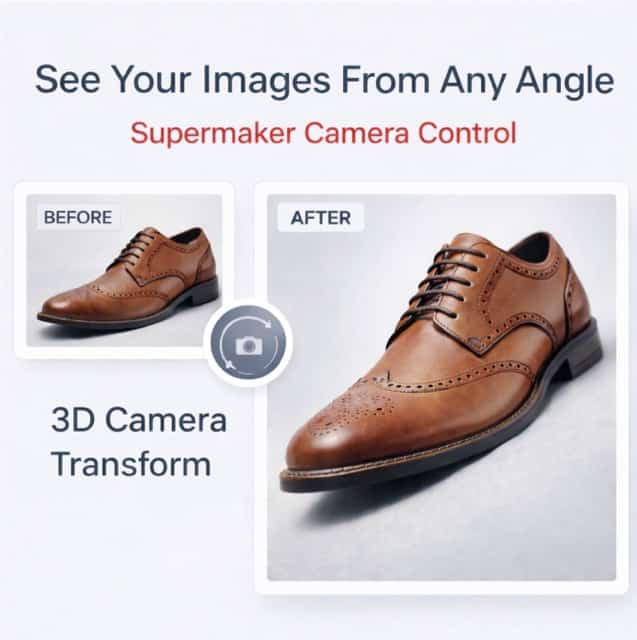
Gemini Logo Remover is designed for practical cleanup, not unnecessary complexity. It helps users work faster, keep images visually consistent, and reduce distraction from visible Gemini marks. From content planning to product visuals, Gemini Watermark Cleaner fits a wide range of image cleanup needs.

Clean Social Media and Content Drafts
- Gemini Logo Remover helps tidy up image drafts before posting them to social platforms or sharing them with a team.
- When a Gemini mark distracts from the subject, Gemini Logo Remover offers a direct cleanup route.
- For quick cleanup needs, Gemini Watermark Cleaner style output makes everyday content preparation more efficient.

Refine Product and Marketing Visuals
- If you need cleaner product presentations, Gemini Logo Remover can help remove Gemini branding that interrupts visual consistency.
- Gemini Logo Remover is useful when preparing internal mockups, concept layouts, or simple marketing assets.
- As a focused Gemini Watermark Remover, it supports faster review cycles and more polished presentations.
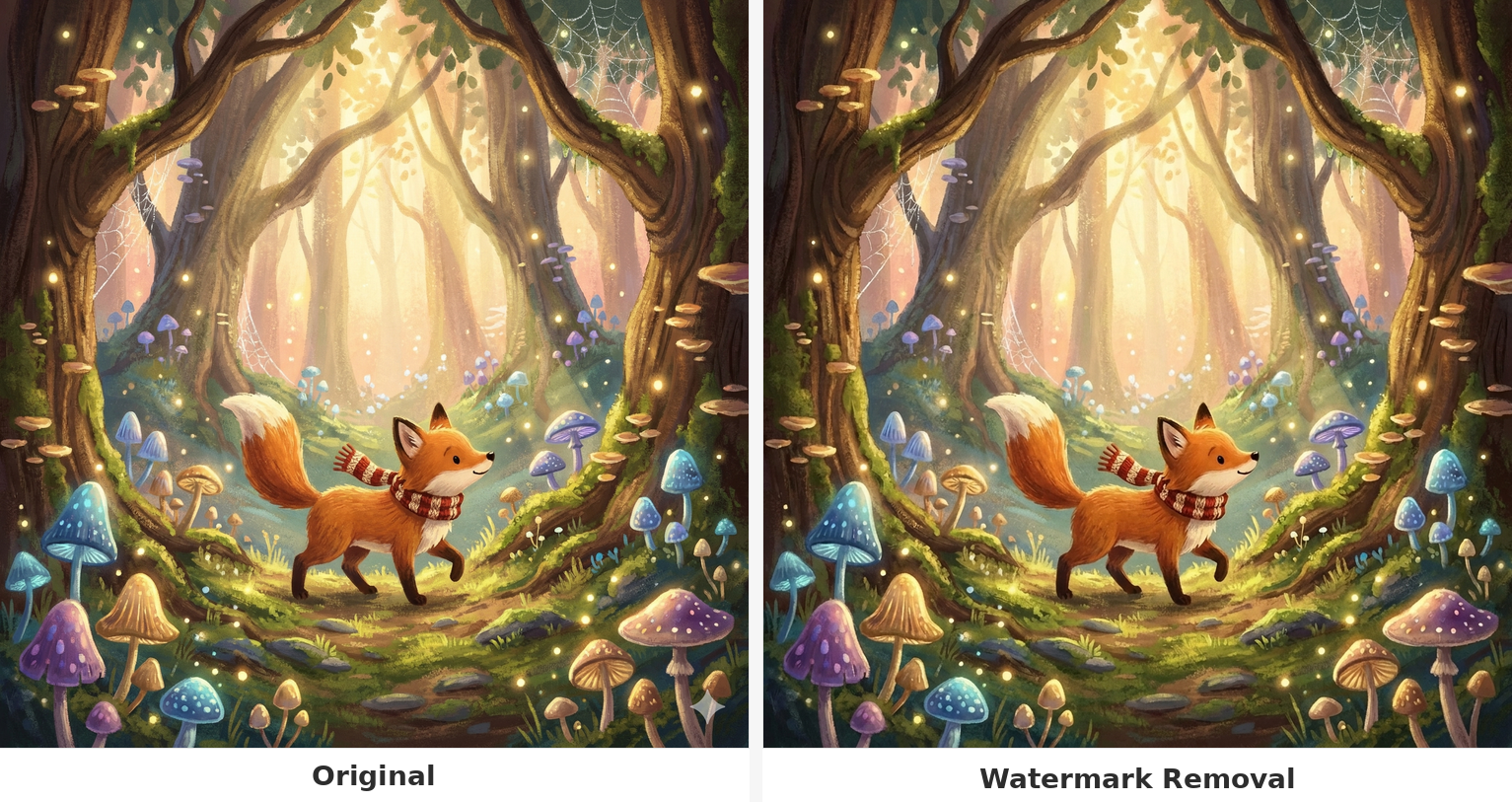
Improve Design References and Moodboards
- Gemini Logo Remover helps keep those boards visually consistent by removing Gemini logos that pull attention away from the image itself.
- Gemini Logo Remover is especially practical when many files need quick cleanup.
- With Gemini Watermark Cleaner functionality, reference libraries look neater and easier to review.
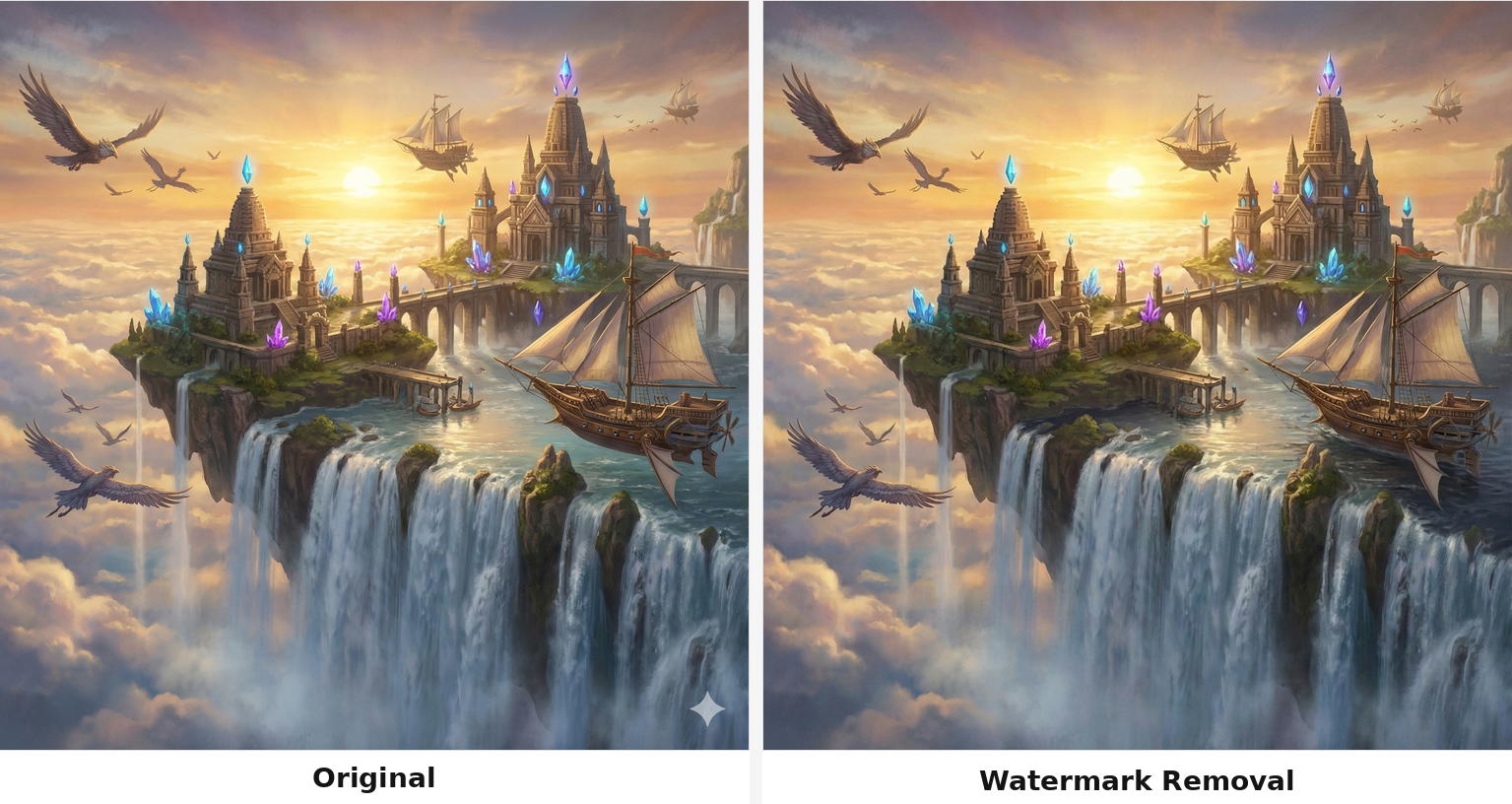
Save Time Compared with Manual Retouching
- Gemini Logo Remover streamlines that process with an upload and generate workflow.
- Instead of opening heavy software, you can use Gemini Logo Remover to get a faster result.
- For users seeking a simple Gemini Watermark Remover, this saves time across repeated image cleanup tasks.
Why Choose Gemini Logo Remover
Gemini Logo Remover combines a simple upload experience with efficient cleanup results. It is designed for users who want speed, clarity, and fewer manual editing steps.

Fast Workflow for Everyday Cleanup
Gemini Logo Remover is useful when you need a quick cleanup flow without extra steps. Upload the image, select the size, and let Gemini Watermark Cleaner handle the visible Gemini mark. This streamlined process makes it suitable for routine content preparation, design review, and general image refinement.

Cleaner Images for Sharing and Reviews
When an image is being passed between teammates, clients, or collaborators, presentation matters. Gemini Logo Remover helps remove distracting Gemini elements so the focus stays on the image itself. As a simple Gemini Watermark Cleaner workflow, it supports better communication and more polished review materials.

No Complex Editing Skills Required
Not everyone wants to work with brushes, clone tools, or selection masks. Gemini Logo Remover keeps the process approachable, making cleanup easier for non designers as well as professionals. If you need a straightforward Gemini Watermark Remover, the tool lowers the barrier and shortens the path to a usable result.

Helpful for Repeated Batch Style Tasks
Many users face the same cleanup issue again and again across drafts, test images, and reference visuals. Gemini Logo Remover makes those repeated tasks less tedious by standardizing the workflow. Using Gemini Logo Remover regularly can reduce editing friction and make image cleanup more consistent over time.

Preserves a More Natural Looking Frame
A good cleanup result should feel unobtrusive. Gemini Logo Remover aims to remove Gemini branding while keeping the image balanced and visually coherent. That makes Gemini Watermark Cleaner useful for users who care about cleaner outputs without turning the process into a long manual retouching session.

Useful Across Creative and Business Needs
From creators preparing posts to teams cleaning concept visuals, Gemini Logo Remover adapts to many workflows. It serves users who need a focused Gemini Watermark Cleaner for practical image polishing. Whether the goal is internal review or cleaner presentation, Gemini Watermark Cleaner fits neatly into fast moving tasks.
What Users Say About Gemini Logo Remover
Users choose Gemini Logo Remover when they need a faster way to clean images without a drawn out editing process. From marketers to designers, people rely on Gemini Watermark Cleaner for clearer presentation, smoother review cycles, and more efficient cleanup.
I manage social content for a small brand, and Gemini Watermark Cleaner has made draft cleanup much easier. Instead of opening a full editor every time, I can run Gemini Logo Remover and get a cleaner image in a much shorter time. It has become part of my routine whenever a Gemini mark distracts from the main visual.
I needed cleaner screenshots and concept visuals for internal presentations. Gemini Logo Remover handled that nicely, especially when I only wanted the Gemini logo gone without reworking the whole image. For my workflow, Gemini Watermark Remover functionality matters more than fancy controls, and this tool keeps things simple.
As a freelance marketer, I often prepare rough campaign mockups for clients. Gemini Watermark Cleaner helps me present cleaner visuals faster, and that makes feedback sessions smoother. I like that Gemini Logo Remover feels direct and practical instead of overbuilt. It is one of the few tools I can use immediately without extra friction.
I collect visual references for packaging and layout work, and random Gemini marks used to interrupt the look of my boards. Gemini Logo Remover solved that problem surprisingly well. It works like a focused Gemini Watermark Cleaner, which is exactly what I wanted. Now my boards look more consistent and easier to review.
Gemini Logo Remover saved me time during a fast turnaround content sprint. I had several visuals with Gemini branding that I did not want in the final review deck. Running Gemini Logo Remover on each image was quicker than fixing them manually, and the results looked much more polished than I expected.
I am not an advanced editor, so I prefer tools that do one job clearly. Gemini Logo Remover fits that need well. Uploading an image, choosing a size, and generating a cleaner version is much easier for me than using layer based software. Gemini Watermark Remover style cleanup is exactly what I needed for quick image prep.






FAQs About Gemini Logo Remover
These answers cover the most common questions about Gemini Logo Remover, including how it works, who it is for, and where it fits into real workflows.
Gemini Logo Remover is an online image cleanup tool designed to remove visible Gemini branding from photos or graphics after you upload a file and choose an image size. Instead of editing manually with clone tools or masks, Gemini Logo Remover gives you a more direct workflow. It is useful for creators, marketers, designers, and business users who want cleaner visuals for drafts, reviews, or presentations. If you are looking for a focused Gemini Watermark Remover or Gemini Watermark Cleaner experience, this tool is built around that exact use case.
Using Gemini Logo Remover is straightforward. First, upload the image that contains the Gemini mark you want to clean. Next, choose the image size that best matches your intended output. Then run Gemini Watermark Cleaner and wait for the processed image preview. Once you confirm the result looks right, you can download the cleaned version. This workflow is designed for speed and simplicity, so Gemini Logo Remover can fit into everyday creative tasks without requiring advanced editing knowledge or a long setup process.
Gemini Logo Remover is helpful for anyone who works with visuals and wants a simpler cleanup process. Social media managers can use Gemini Logo Remover to prepare cleaner content drafts, designers can use it for reference boards, and marketers can use it for mockups or review materials. Even casual users may find Gemini Watermark Cleaner useful when a Gemini mark distracts from the image. Because it behaves like a focused Gemini Watermark Remover, it works well for both professional and personal workflows that need quick, practical image cleanup.
For many users, Gemini Logo Remover is a more efficient option than manual editing because it reduces the number of steps needed to clean a single visible Gemini element. Manual retouching often requires software, skill, and patience, especially if you are working across many images. Gemini Watermark Cleaner simplifies that routine by turning it into an upload, size selection, and generate process. While detailed editors still have their place, Gemini Logo Remover is often the better choice when speed, convenience, and repeatable cleanup matter most.
Yes, Gemini Logo Remover is especially useful for marketing drafts, pitch visuals, internal review decks, and concept presentations. A visible Gemini mark can distract from the main product, layout, or message, which is why many users turn to Gemini Watermark Remover before sharing images with clients or teams. By cleaning that distraction away, Gemini Watermark Cleaner supports clearer communication and a more polished presentation. As a practical Gemini Watermark Cleaner, it fits naturally into workflows where presentation quality and visual focus matter.
Gemini Logo Remover is beginner friendly because it removes much of the technical overhead associated with traditional cleanup methods. There is no need to learn masking, patching, layer management, or brush settings just to remove one Gemini element. With Gemini Watermark Remover, the user uploads an image, chooses an image size, and lets the process run. That simplicity makes Gemini Watermark Cleaner accessible for non designers and busy professionals alike. If you want a clean Gemini Watermark Remover workflow without steep learning curves, this tool is built for that.
Yes, Gemini Logo Remover is well suited to repeated cleanup work. Many users face the same issue across multiple drafts, references, or visual assets, and doing that manually every time can become inefficient. Gemini Watermark Cleaner standardizes the process so each cleanup follows the same simple steps. This makes Gemini Logo Remover valuable for people who handle frequent image prep and want more consistency across files. In that sense, it functions as a repeatable Gemini Watermark Cleaner solution for ongoing creative and business workflows.
Gemini Logo Remover is useful for moodboards, design references, and visual collections where consistency matters. When one image contains a visible Gemini mark, it can disrupt the overall look of a board and pull attention away from the design direction. Gemini Watermark Remover helps make those collections cleaner and easier to review. Designers, creative strategists, and brand teams often prefer a focused Gemini Watermark Remover approach for this type of task because the goal is simple cleanup, not extensive retouching or visual reconstruction.
Users often choose Gemini Logo Remover because it focuses on one practical problem and removes unnecessary complexity. General image editors are powerful, but they can slow down simple tasks with more tools than the user actually needs. Gemini Watermark Remover offers a targeted workflow for removing visible Gemini branding after upload and size selection. That makes Gemini Logo Remover a better fit for people who value speed and clarity. If the goal is a direct Gemini Watermark Remover experience, a specialized tool is often the more efficient choice.
Most users choose Gemini Logo Remover because they want a cleaner, less distracting image without spending extra time on manual edits. The goal of Gemini Watermark Cleaner is to help the image look more presentation ready by removing the visible Gemini element while keeping the rest of the frame usable and visually coherent. Results will vary depending on the source image, but Gemini Watermark Remover is designed for practical cleanup rather than a complicated editing workflow. That makes it a dependable Gemini Watermark Cleaner for routine visual preparation.
Clean Your Image with Gemini Logo Remover
Upload your image, choose the right size, and let Gemini Logo Remover remove distracting Gemini marks in a faster, simpler way. Whether you need a reliable Gemini Watermark Remover or a practical Gemini Watermark Cleaner, this tool helps you create cleaner visuals with less effort.
