
More AI Image Generators
Explore our collection of specialized AI image generators designed for different creative needs and styles






![FLUX.1 Krea [dev]](https://static.supermaker.ai/cdn-cgi/image/q=55/https://static.supermaker.ai/files/vtp5vmm87f65.png)
Create a Mini Me Selfie with Cute AI Sticker Magic
Upload one portrait and instantly generate a dreamy mini me selfie filled with tiny doll versions of yourself, playful doodles, sunny glow, and heartwarming kawaii charm.
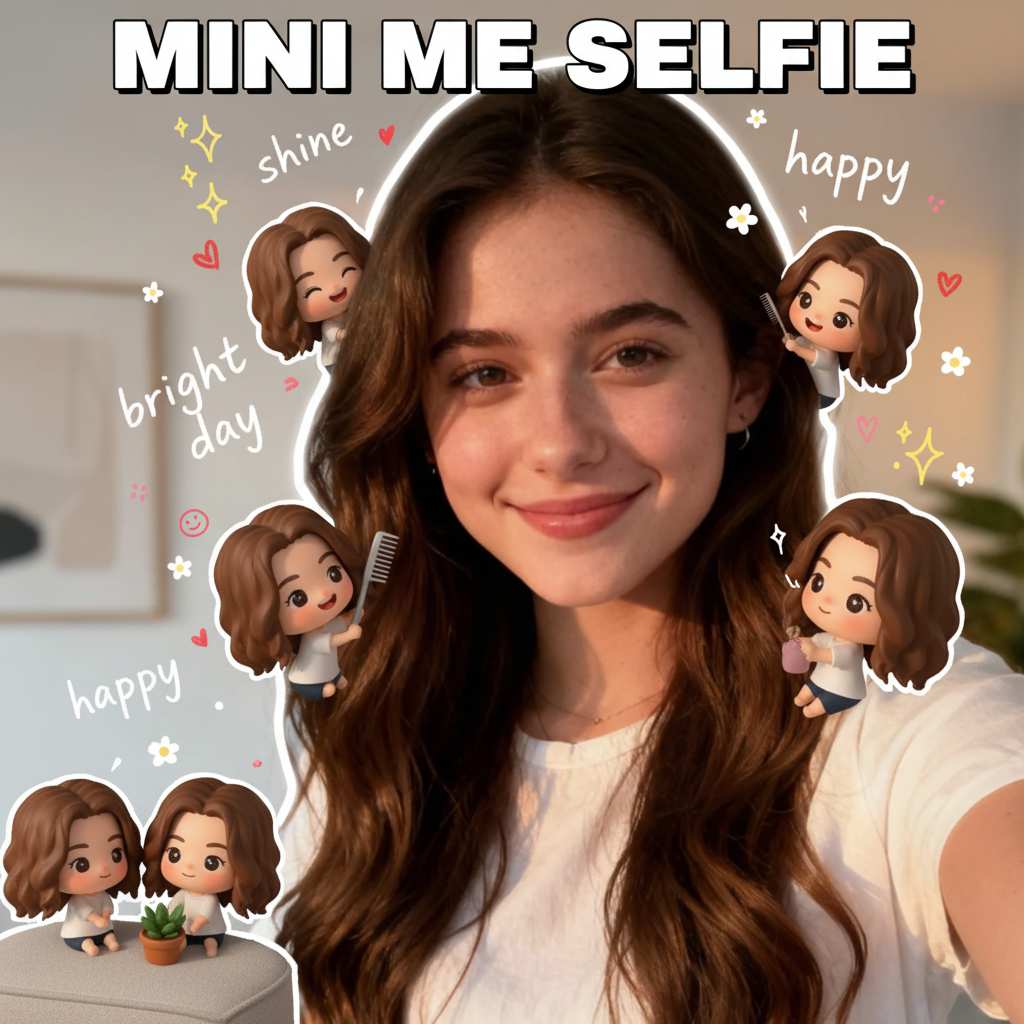
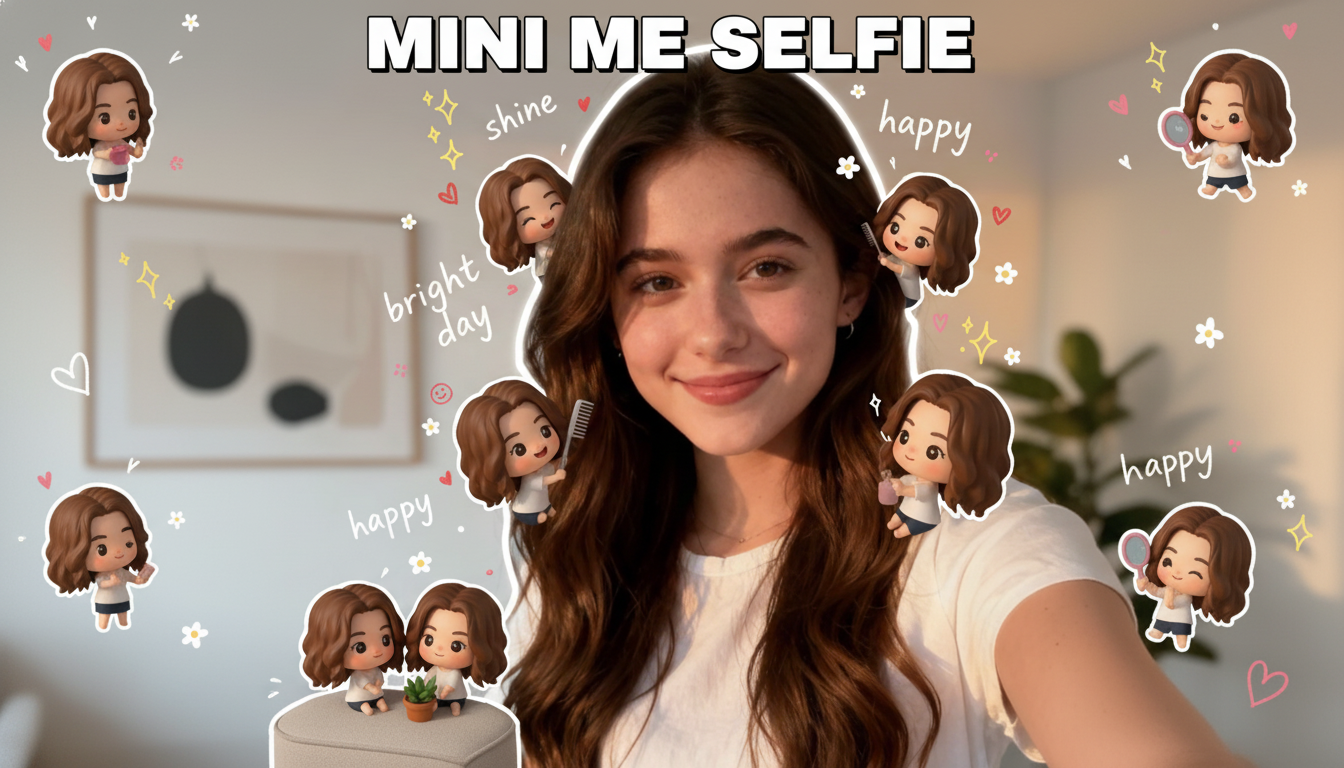
SuperMaker mini me selfie tool lets you turn one ordinary portrait into an unforgettable mini me selfie in seconds. Our image to image tool transforms your photo into a mini me selfie decorated with adorable tiny clones, soft illustrated stickers, flowers, hearts, and cheerful hand drawn details. If you love a kawaii mini me aesthetic, this is the easiest way to turn selfie into mini me art without editing skills. Every mini me selfie keeps your face recognizable while adding a dreamy, playful, social ready look that feels personal, cute, and instantly shareable.
How to Make a Mini Me Selfie
Creating a mini me selfie with SuperMaker is simple, fast, and fun. Our workflow is built for image to image users who want a polished kawaii mini me effect without manual layering, drawing, or sticker placement.

Upload Your Portrait
Start by uploading a clear selfie, portrait, or casual photo. Our mini me selfie tool reads your face, hair, pose, and mood to build a clean base for a mini me selfie. A front facing or slightly angled image works best when you want to turn selfie into mini me art with stable identity and balanced composition.

Generate the Cute Clone Style
Click generate and let SuperMaker kawaii mini me tool create your mini me selfie automatically. The system places tiny doll versions of you around the main subject, adds sticker style doodles, and blends a kawaii mini me feeling into the entire image. This step is designed for anyone who wants a kawaii mini me result fast.
Download and Share
Preview your finished mini me selfie and save it in high quality. You can post your mini me selfie to TikTok, Instagram, X, or use it as a profile image, story visual, wallpaper, or gift style portrait. It is the fastest way to turn selfie into mini me content that looks custom made.
Best AI Image Tools for Creative Projects
Explore creative tools for image, learn tips and tricks, and see how AI can be your assistant in turning concepts into finished projects.



Features of Our Mini Me Selfie Generator
SuperMaker kawaii mini me tool turns a simple upload into a complete mini me selfie experience. From tiny character clones to cheerful stickers and soft golden mood, every feature is tuned to deliver a charming kawaii mini me result that feels instantly viral.
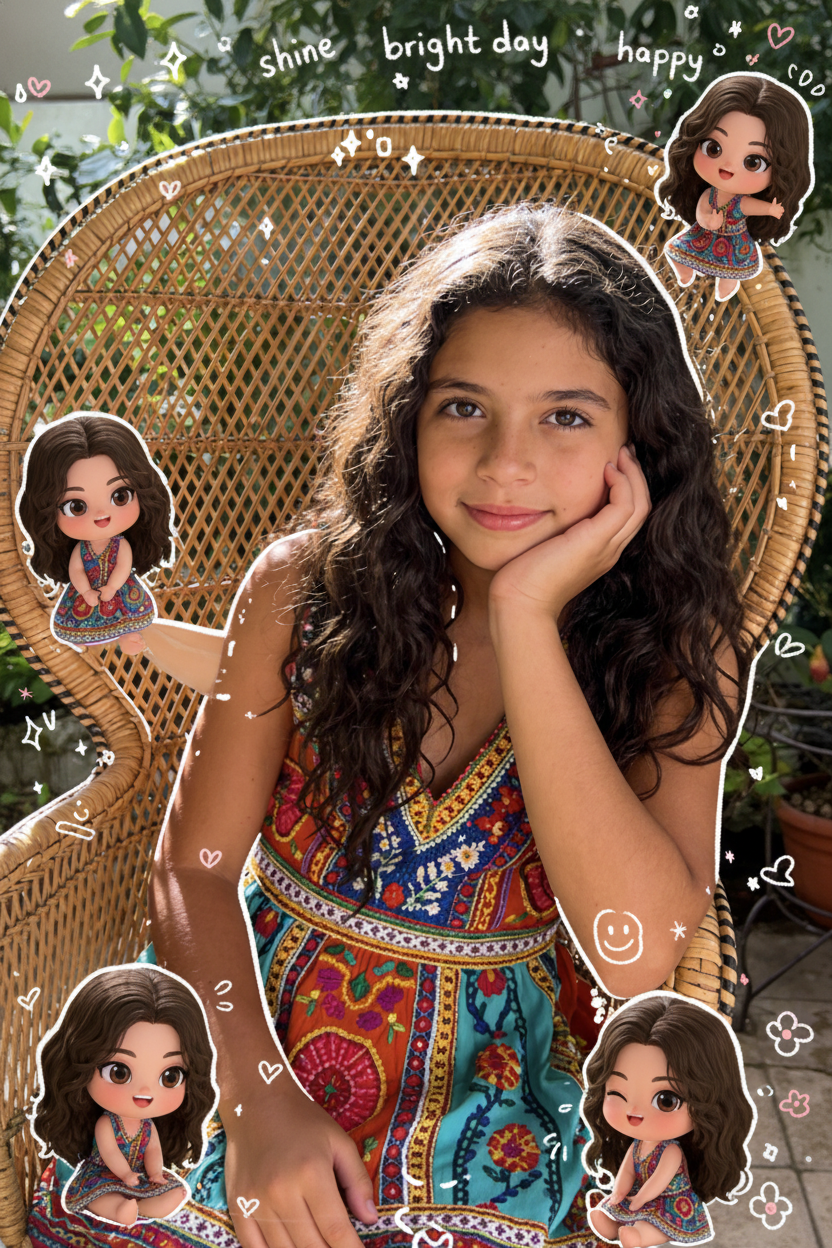
Tiny Doll Clones Around Your Portrait
- Our tool builds a true mini me selfie by placing several tiny versions of you around the main portrait.
- Each mini me selfie feels playful and unique because the clones are arranged like cute companions, sticker dolls, or small animated friends.
- This is the core visual difference between a normal portrait edit and a kawaii mini me effect.
- If your goal is to turn selfie into mini me art that looks instantly adorable, this feature creates the signature result users love most.
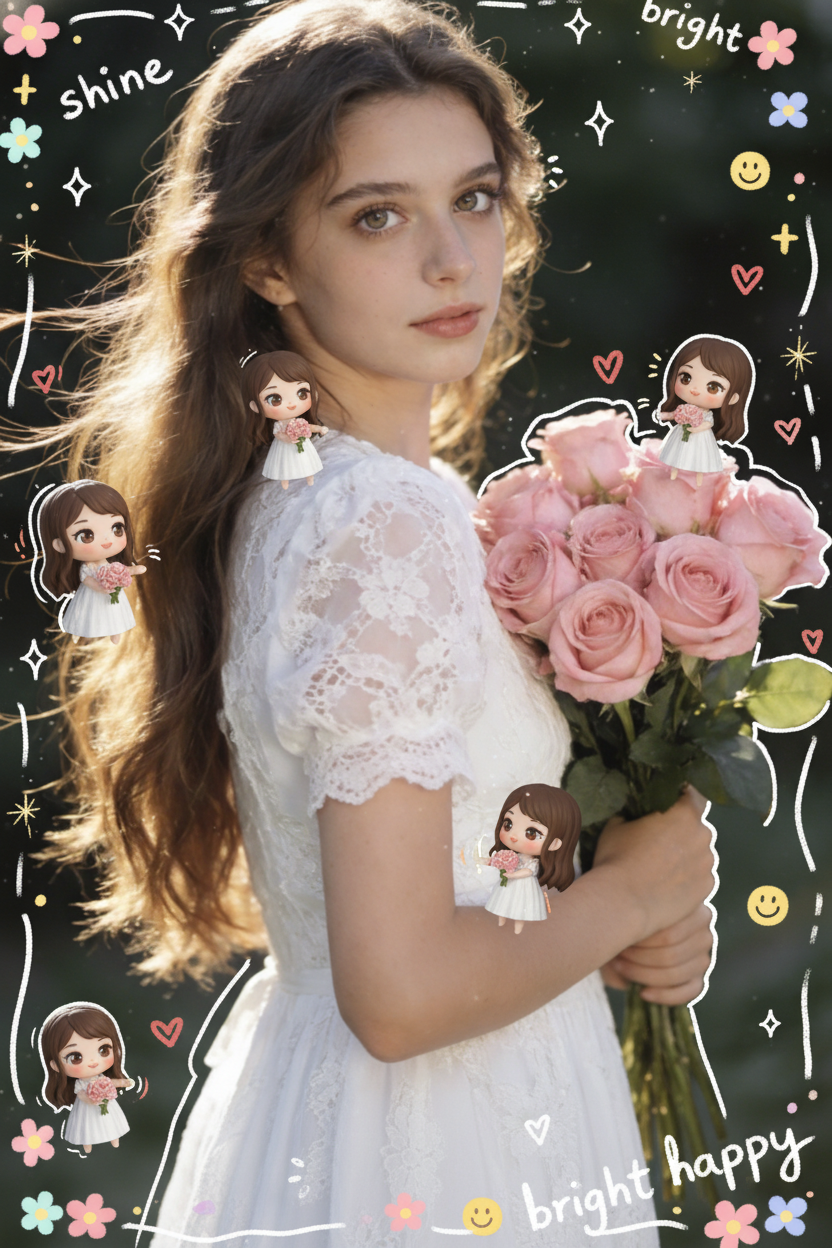
Hand Drawn Doodles and Sticker Details
- A mini me selfie should feel bright, happy, and personal, not flat or generic.
- SuperMaker adds flowers, stars, hearts, smile icons, and handwritten style words that support the mini me selfie layout.
- These decorative touches strengthen the kawaii mini me style and make each image feel like a digital scrapbook page.
- The result is perfect for users who want to turn selfie into mini me visuals with a soft sticker diary aesthetic.
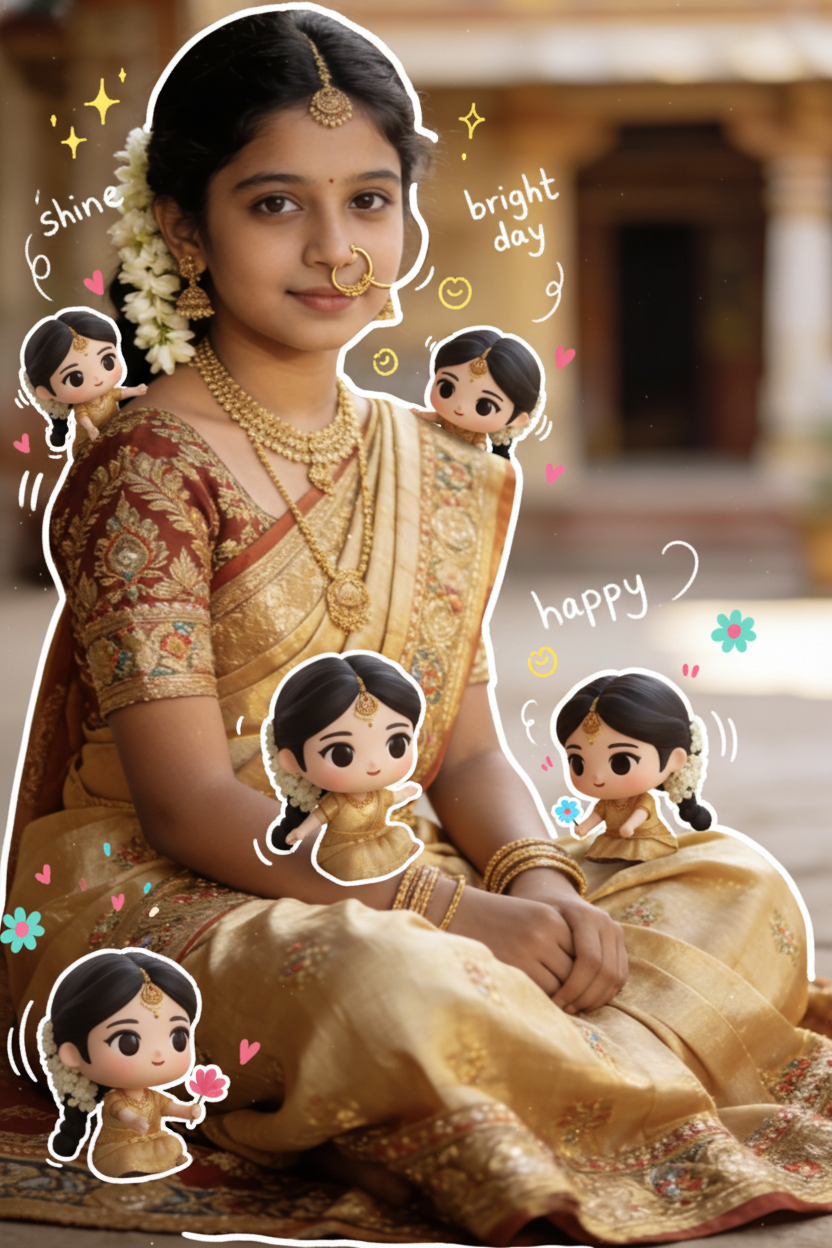
Keep Facial Identity While Enhancing the Mood
- The best mini me selfie effect should still look like you.
- Our model preserves key facial traits, hair direction, and overall expression so your mini me selfie remains recognizable.
- At the same time, it introduces a kawaii mini me atmosphere with softer lighting, warmer color mood, and a youthful visual rhythm.
- This balance helps you turn selfie into mini me content without losing the emotional realism of your original portrait.
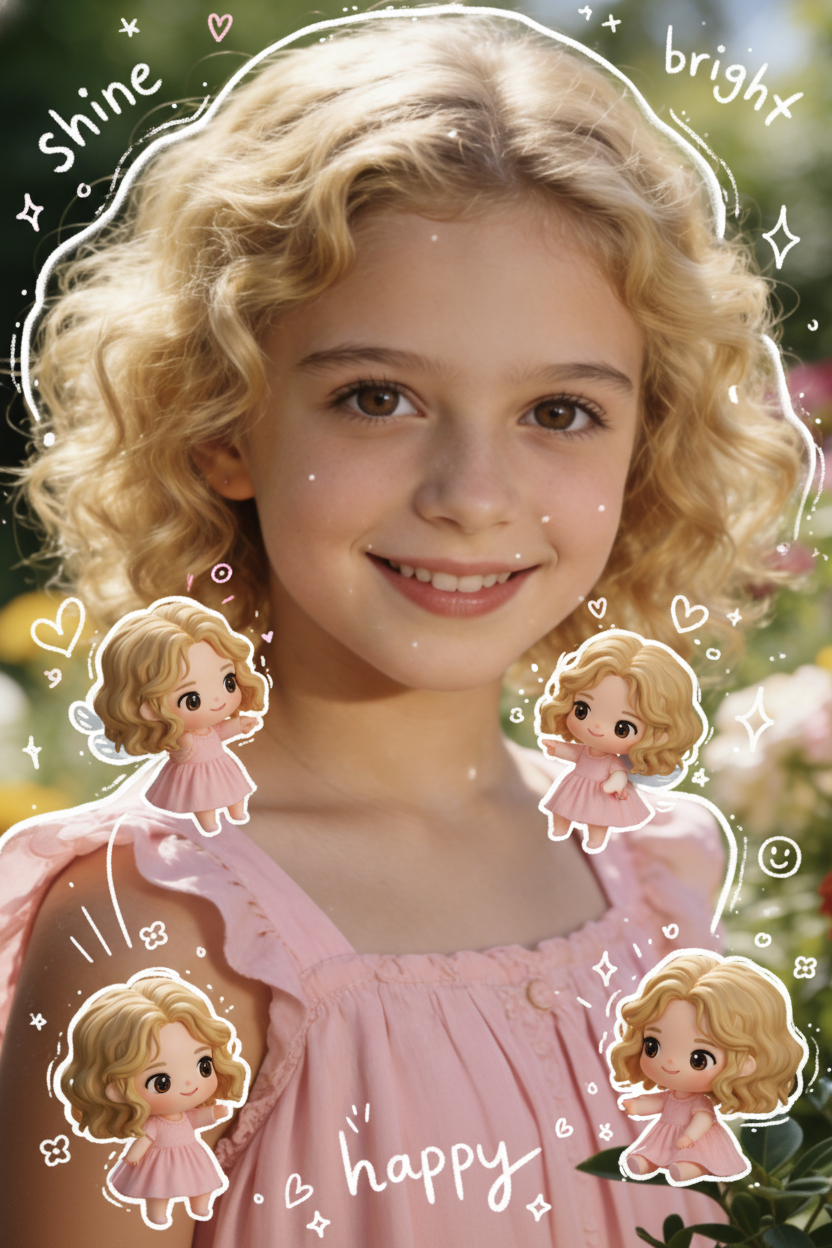
Perfect for Social Posts and Profile Visuals
- A mini me selfie is built for modern sharing habits.
- Users create a mini me selfie for stories, reels covers, profile photos, wallpapers, and birthday posts because the visual style stands out immediately.
- The kawaii mini me look is cute enough for personal use and polished enough for creator branding.
- If you want to turn selfie into mini me graphics that perform well on visual platforms, this feature makes the result clean, catchy, and memorable.
Why Choose SuperMaker for Mini Me Selfie Effects
We designed this tool for users who want a fast, lovable, and highly shareable portrait effect. Whether your goal is fun, gifting, profile styling, or trend driven content, SuperMaker gives you a mini me selfie workflow that is simple to use and visually strong.
Create Viral Cute Portrait Posts
A mini me selfie is ideal for users who want their portrait content to stand out on social media. Instead of posting another regular face photo, you can upload once and get a mini me selfie that feels more creative, more emotional, and more likely to attract clicks, saves, and shares.

Make a Kawaii Mini Me for Profile Pictures
Many users want a profile image that still looks like them but feels softer and more expressive. A kawaii mini me result gives you that balance. The final mini me selfie works well for avatars, community profiles, private chat photos, and creator accounts.

Turn Everyday Selfies into Gift Style Art
If you want a thoughtful digital gift, a mini me selfie is a strong option. Users often turn selfie into mini me images for friends, sisters, partners, or children because the style feels personal, warm, and handmade even though the process is instant.

Upgrade Family or Childhood Photos
A mini me selfie effect also works beautifully on older portraits and soft family photos. The tiny versions, doodles, and warm tone can make a nostalgic image feel new again. This is a fun way to turn selfie into mini me artwork with emotional storytelling value.

Build Aesthetic Moodboard Content
Creators, editors, and trend focused users love using a mini me selfie for diary pages, moodboards, collage covers, and fan account graphics. Because the kawaii mini me style already includes decorative visual language, it blends naturally into aesthetic content formats.
No Design Skills Needed
Before tools like this, users had to manually crop faces, add stickers, arrange mini characters, and balance the layout. SuperMaker automates the entire mini me selfie process. You can turn selfie into mini me art in one workflow without Photoshop, drawing ability, or mobile editing apps.
What Users Say About Our Mini Me Selfie Tool
Users choose SuperMaker when they want a mini me selfie that feels cute, recognizable, and instantly post ready. From creators to casual users, people love how easy it is to make a kawaii mini me image that looks warm and memorable.
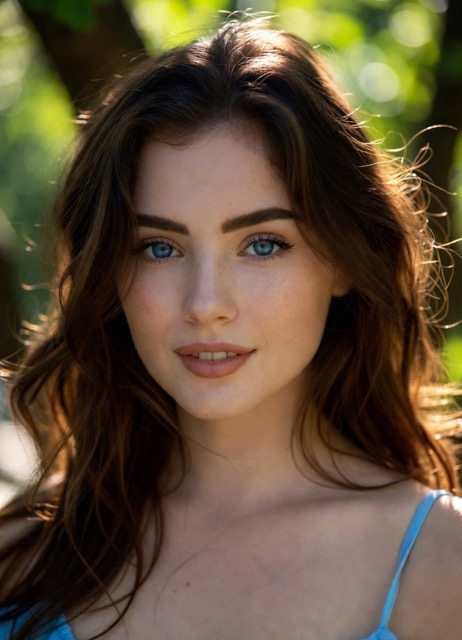
I uploaded a plain outdoor portrait and got the sweetest mini me selfie in less than a minute. The tiny versions of me were adorable, and the whole image had a bright scrapbook feeling. I wanted a kawaii mini me style, and this delivered exactly that.
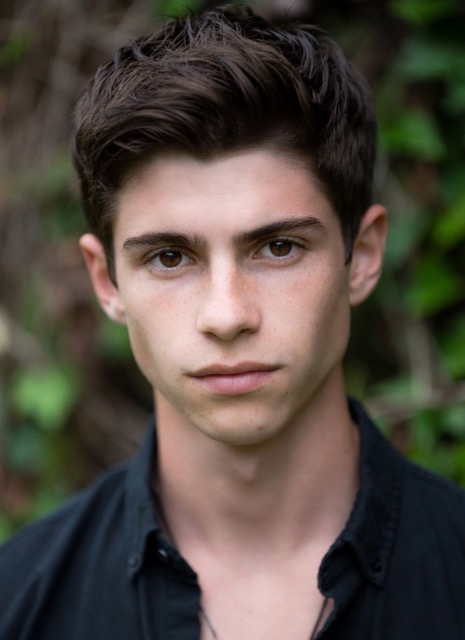
What impressed me most was identity retention. My mini me selfie still looked like me, but the stickers and tiny clones made it much more engaging than a standard filter. I now use a mini me selfie as a profile visual across several platforms.
I tested several apps that promised a kawaii mini me result, but most of them looked generic. SuperMaker created a kawaii mini me image with so much personality. It felt warm, playful, and surprisingly polished for a one click tool.
This tool is perfect for trend content. I can turn selfie into mini me artwork for story posts, themed edits, and cover images without spending time in design software. Every mini me selfie gets more reactions than my normal portrait posts.
I made a mini me selfie for my younger sister and she loved it instantly. The tiny doll versions, flowers, and doodles made the image feel like a custom gift. It is such a cute way to turn selfie into mini me art for someone special.
The best part is that the kawaii mini me look feels trendy without hiding the subject. My final mini me selfie still kept my original smile and hair, but the added visual storytelling made it feel unique. I have already generated several more.


Frequently Asked Questions About Mini Me Selfie
Below are the most common questions from users who want to create a mini me selfie with SuperMaker. These answers explain how the effect works, what photos perform best, and why the kawaii mini me style has become such a popular image to image trend.
A mini me selfie is an edited portrait where your original photo is transformed into a playful composition featuring small doll like versions of yourself, decorative doodles, and a soft cute mood. Instead of applying only color filters, SuperMaker creates a full mini me selfie scene that feels creative and story driven. The result is popular because a mini me selfie is more personal than a sticker pack and more expressive than a normal portrait retouch.
Yes. The Kawaii mini me tool is designed to preserve facial identity, hair shape, and overall pose while adding the mini me selfie effect. That means your finished mini me selfie should still look like you, just enhanced with a kawaii mini me atmosphere. This balance is important for users who want a cute trend look without losing realism.
Use a clear portrait with one main subject, natural lighting, and a visible face. Outdoor portraits, casual selfies, and soft lifestyle images usually work very well. If you want to turn selfie into mini me content with the cleanest details, avoid heavy face coverings, cluttered framing, or very dark images. A simple starting image helps the system generate a stronger mini me selfie composition.
Yes. The kawaii mini me effect is perfect for social posting, profile photos, reels covers, moodboards, wallpapers, and digital gifts. Many users create a mini me selfie to stand out on Instagram, TikTok, and private chat apps. The style is bright and friendly, which makes it ideal for personal branding and everyday sharing.
Because the output is built around your uploaded portrait and generated layout, every result has some variation. That is part of the appeal of a mini me selfie. You receive a fresh arrangement of cute clones, stickers, and decorative mood elements each time. If you want to turn selfie into mini me art more than once, trying different portraits can create even more variety.
SuperMaker mini me selfie tool streamlines the full process into one accessible workflow. Instead of manually cutting out your face, drawing cartoon companions, placing icons, and balancing a composition, you can turn selfie into mini me content automatically. Our advantage is speed, consistency, and the ability to produce a polished mini me selfie with a strong kawaii mini me style in just a few clicks.
Turn Your Portrait into a Mini Me Selfie Now
Upload your photo and create a mini me selfie with SuperMaker kawaii mini me tool today. Get a kawaii mini me look filled with tiny clones, cute doodles, and warm visual charm in one instant image to image workflow.
