
More AI Video Generators
Explore our collection of specialized AI video generators designed for different creative needs and styles



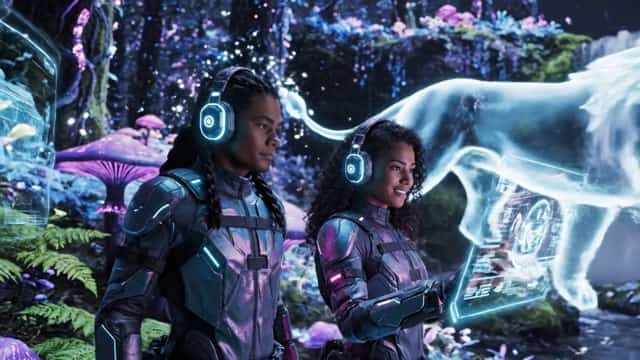

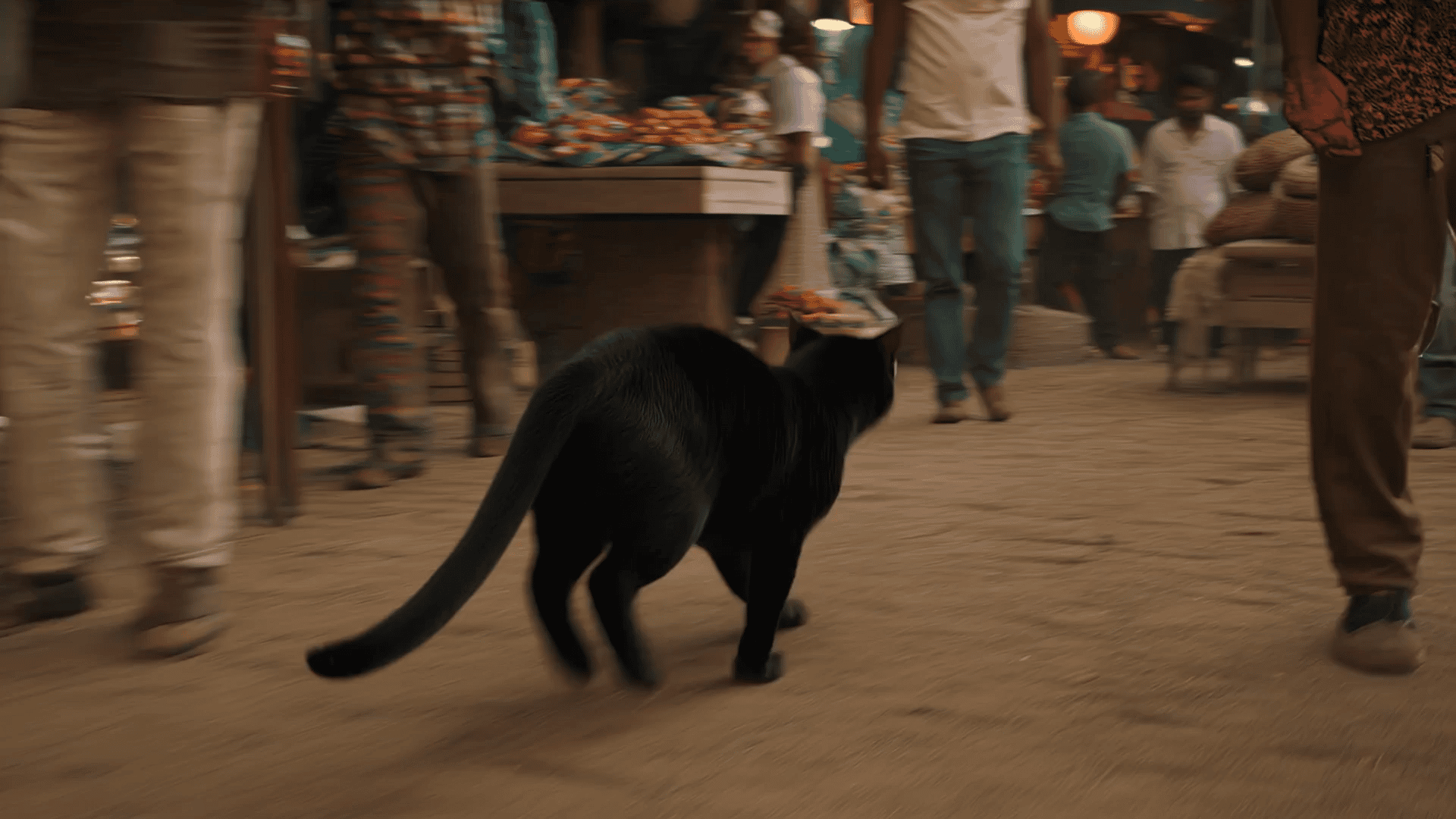




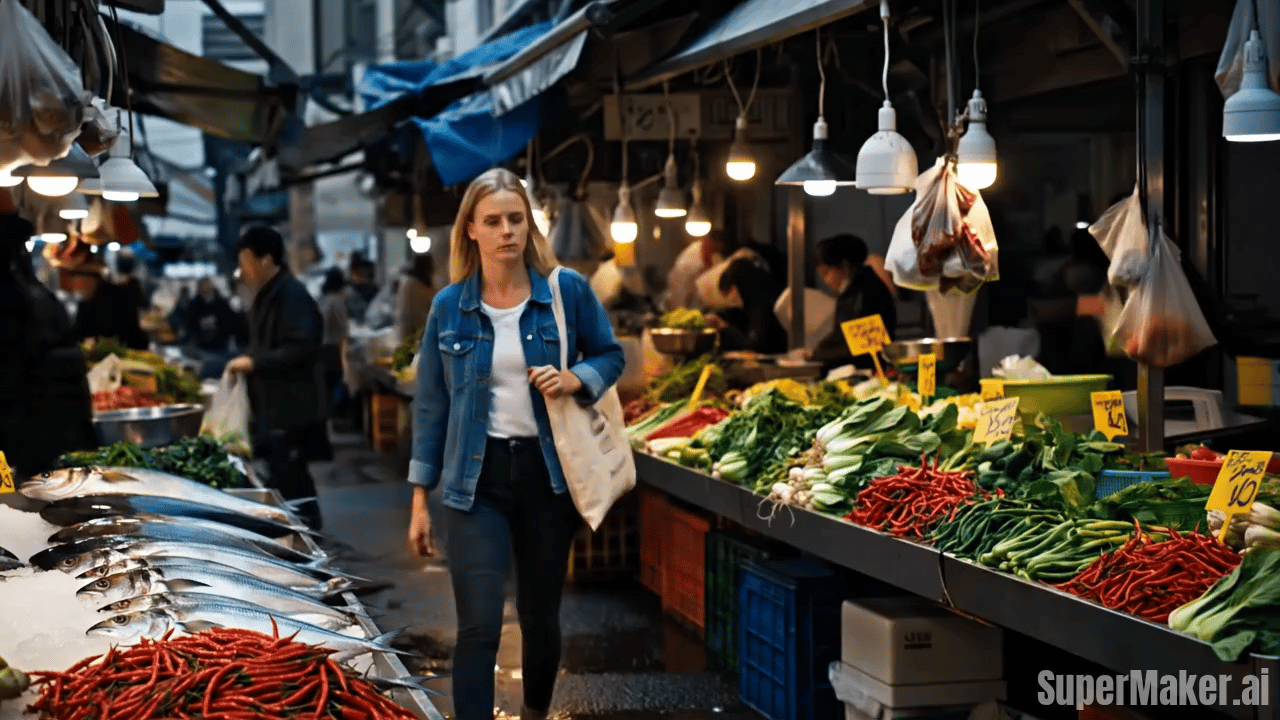

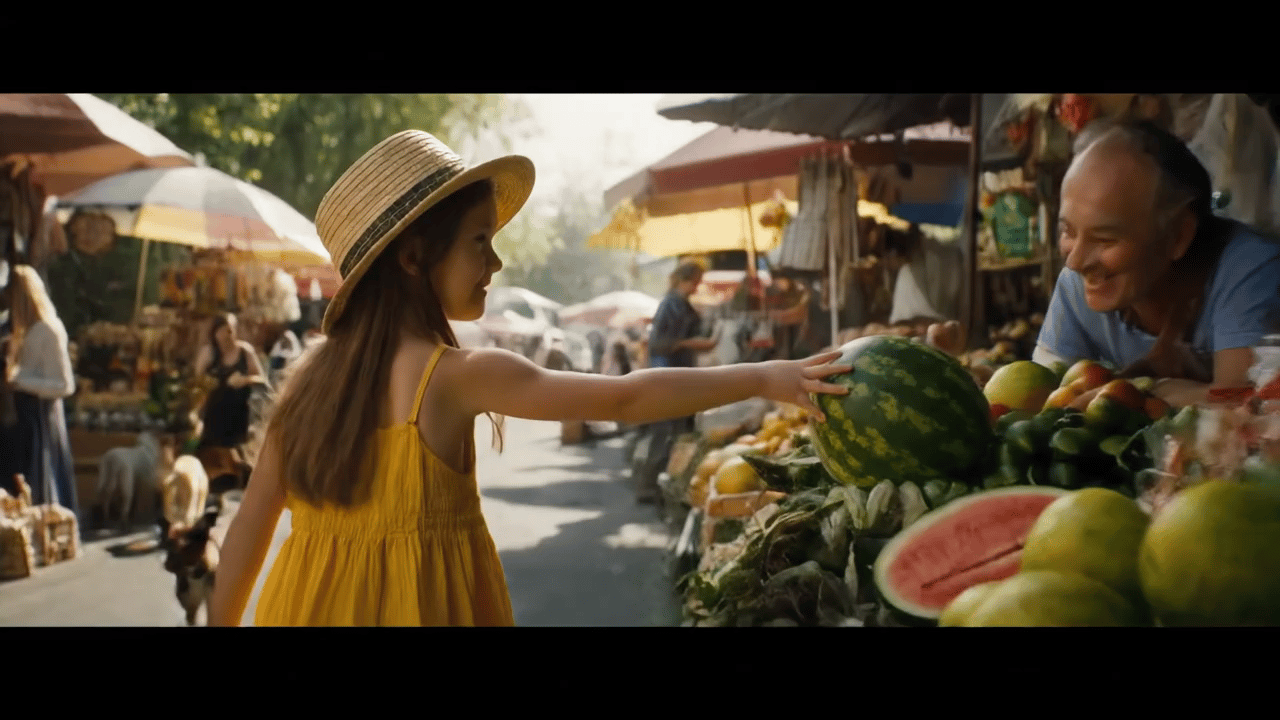
Create Heartwarming Moments with AI Baby Video Generator
Turn a text idea or a photo into a charming baby style clip in a few steps.
Use the AI Baby Video Generator to transform simple prompts or uploaded photos into delightful short videos with baby inspired charm. AI Baby Video Generator makes it easy to choose an aspect ratio, start generation, and get a polished result for reels, ads, greetings, and shareable social posts without a complicated editing workflow.
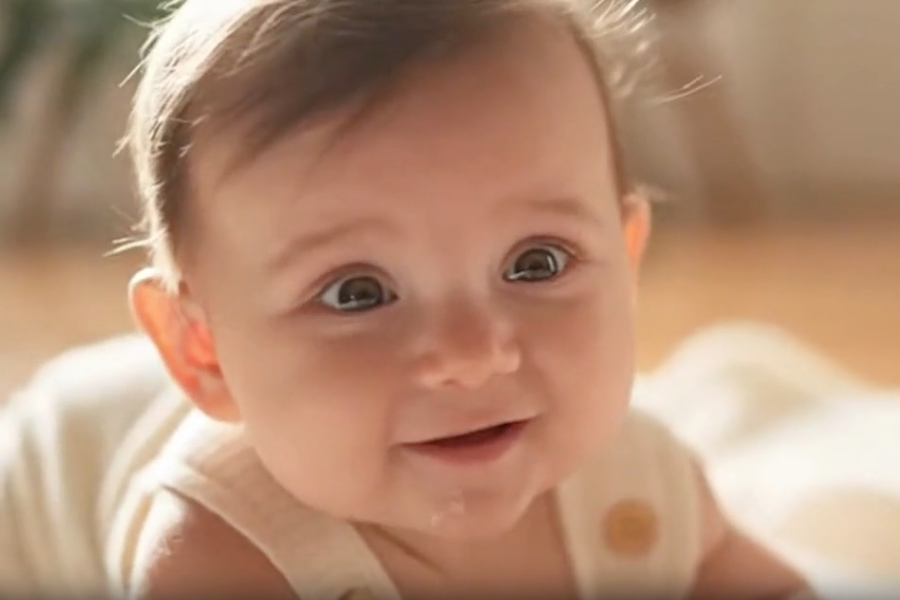
How to Use AI Baby Video Generator
The workflow stays simple from start to finish. Add an image or prompt, select an aspect ratio, generate the clip, and export a baby video that feels polished, engaging, and ready for social sharing, or personal use.

Upload a Photo or Enter a Prompt
Start with a clear image or a simple idea. The AI Baby Video Generator lets you upload a portrait, couple photo, family image, or pet picture, or type a text prompt that describes the baby look, mood, clothing, and scene. This flexible first step helps the AI Baby Video Generator fit both quick experiments and more intentional creative work.

Choose Aspect Ratio and Generate
Pick the frame that suits your channel before rendering. The AI Baby Video Generator supports popular aspect ratios for TikTok, Instagram, YouTube, and landing page content. Once selected, the AI Baby Video Generator processes your input and builds a baby themed clip with coherent motion, expressive detail, and a clean overall composition.

Preview and Download Your Video
Review the result and save the version that fits your use case. The AI Baby Video Generator is designed for fast previews, so you can compare different ideas without slowing down your workflow. When the motion, framing, and style feel right, download your baby video and publish it for personal sharing or commercial content.
Best AI Video Tools for Creative Projects
Explore creative tools for video, learn tips and tricks, and see how AI can be your assistant in turning concepts into finished projects.




Features of Our AI Baby Video Generator
Explore the core capabilities behind this tool. The AI Baby Video Generator supports prompt based creation and photo based generation, adapts to common social formats, and helps you create baby themed clips with less friction and fewer manual editing steps.
Turn Portraits into Playful Baby Videos
The AI Baby Video Generator can reinterpret a single portrait into a baby themed clip with soft facial features, age adjusted styling, and gentle movement that feels natural on screen. For creators who want cute transformation content without heavy editing, the AI Baby Video Generator offers a straightforward way to turn an ordinary still image into a memorable short video.
Create Baby Videos from Text Ideas
When you do not have a source image, the AI Baby Video Generator still gives you plenty of control. Describe the baby outfit, facial expression, background, lighting, and camera feel, and the AI Baby Video Generator will build a short video around that concept. This is useful for marketing tests, storytelling, moodboards, and quick content production.
Designed for Social Media Formats
Different channels need different framing, and the AI Baby Video Generator is built with that in mind. You can choose a layout that fits short form vertical posts, square feeds, or wider video placements. With the AI Baby Video Generator, creators can produce baby themed content that looks properly framed for publishing instead of awkwardly cropped after export.
Useful for Personal and Commercial Content
The AI Baby Video Generator works well for more than novelty posts. Teams use the AI Baby Video Generator for campaign concepts, audience engagement creatives, product storytelling, and festive promotions, while everyday users make birthday surprises, family jokes, and shareable keepsakes. That range makes the tool practical for both casual entertainment and lightweight marketing production.
Why Choose Our AI Baby Video Generator
A useful tool should save time without making the process rigid. The AI Baby Video Generator gives users a practical balance of control and simplicity: start with a photo or prompt, choose an aspect ratio, generate a baby themed clip, and use it for social sharing, concept testing, or personal content.

Fast Idea Testing for Content Teams
The AI Baby Video Generator helps teams validate creative directions before investing in full production. Marketers can try different baby looks, emotional tones, and framing choices, then compare which style feels strongest. Because the AI Baby Video Generator starts from a prompt or image, it is easy to generate concept variants for campaigns, product pages, and paid social experiments.

Simple Creation for Non Editors
Not every user wants to learn timeline editing, keyframes, or compositing. The AI Baby Video Generator reduces the process to a few clear actions so beginners can still get polished results. By letting the AI Baby Video Generator handle motion generation and scene interpretation, users can focus on the idea itself instead of spending time on technical video software.

Shareable Family and Friendship Content
The AI Baby Video Generator is a fun way to turn personal photos into lighthearted clips for birthdays, anniversaries, reunions, and private group chats. Friends and families often use the AI Baby Video Generator to create cute surprise videos that feel more personal than a static image, yet require far less effort than filming and editing a custom sequence.

Consistent Output for Brand Assets
For brands that publish across multiple channels, consistency matters. The AI Baby Video Generator makes it easier to keep the visual direction aligned while testing new concepts. By choosing the right prompt details and aspect ratio, teams can use the AI Baby Video Generator to create baby style assets that feel suitable for landing pages, social posts, and ad variations.

Prompt Driven Creative Exploration
Sometimes the best results come from trying several concepts quickly. The AI Baby Video Generator supports that exploration by turning simple written ideas into motion based outputs you can review right away. With the AI Baby Video Generator, creators can move from concept to visible result faster, which is especially useful when brainstorming content hooks or campaign themes.

Ready for Short Form Publishing
Short videos need strong framing and immediate visual appeal. The AI Baby Video Generator is suited to this format because it can produce compact baby themed clips that are easy to post on modern social platforms. Whether the goal is organic reach or paid promotion, the AI Baby Video Generator helps users create attention grabbing assets without building each edit manually.
What Users Say About Our AI Baby Video Generator
People use this tool for different reasons, from personal surprises to fast campaign concepts. Across those use cases, the AI Baby Video Generator stands out for its clear workflow, flexible inputs, and ability to turn a simple image or prompt into a baby themed clip ready to share.
I used the AI Baby Video Generator for a birthday post, and the result looked far more polished than I expected. I uploaded one photo, chose a vertical ratio, and got a baby style clip that felt playful without looking messy. It was easy to share and it immediately got attention from friends.
Our team tested the AI Baby Video Generator for paid social concepts, and it helped us mock up three directions in one afternoon. That speed matters when you need fresh creative angles. The outputs were strong enough to present internally and useful for deciding which campaign idea to develop further.
The AI Baby Video Generator gave me a simple way to turn a couple photo into a cute keepsake clip. I am not an editor, so I appreciated that the process stayed focused and did not overwhelm me with settings. This AI Baby Video Generator felt approachable from the first upload to the final download.
I like tools that let me test ideas quickly, and the AI Baby Video Generator does exactly that. Prompt based generation is especially helpful when I want to explore concepts before gathering source material. It is now part of my routine for social content brainstorming and visual concept drafts.
The AI Baby Video Generator made a family group chat moment much more fun than sending a regular photo. The clip felt lively, the baby style was clear, and the export was easy to use. It is one of those tools that works for casual fun but still feels thoughtfully designed.
We tried the AI Baby Video Generator for a seasonal landing page concept and it gave us exactly what we needed: fast output, clear framing choices, and content that felt fresh enough for testing. This AI Baby Video Generator helped us move from an abstract idea to an actual asset without a long production cycle.




Frequently Asked Questions About AI Baby Video Generator
These answers cover the most common questions before creating a first clip. From prompt writing and photo quality to aspect ratio choices and marketing use, this section explains how the AI Baby Video Generator works so you can create a baby themed video with clearer expectations and stronger results.
An AI Baby Video Generator is a tool that turns a text prompt or uploaded photo into a short baby themed video. In practice, it can create clips that make a subject appear as a baby styled character, or generate an original baby video scene based on your written description. The AI Baby Video Generator is often used for social posts, surprise gifts, creative campaigns, and concept testing because it removes much of the manual editing work while still giving users control over the starting idea and final framing.
For the strongest output, start with a clear image that shows the face or subject well, uses balanced lighting, and avoids heavy blur or large obstructions. A centered portrait usually gives the AI Baby Video Generator more visual information to work with. If you want a specific mood or styling direction, pair the upload with a short prompt describing outfit, expression, or setting. This helps the AI Baby Video Generator produce a baby video that feels more intentional instead of relying only on the default interpretation of the source image.
Yes. The AI Baby Video Generator can work from text prompts alone, which is useful when you want to explore ideas quickly or do not have a source photo ready. You can describe the baby appearance, clothing, scene, camera feeling, and emotional tone, then let the model generate a matching clip. Many users rely on prompt only workflows for brainstorming, ad concept development, and social media testing. This approach also makes the AI Baby Video Generator helpful for early stage creative work where flexibility matters more than exact likeness.
Aspect ratio affects how the subject is framed and where the video will look best once published. A vertical ratio usually fits short form apps better, while square and landscape formats can work for feeds, websites, and wider placements. Choosing the ratio before rendering gives the AI Baby Video Generator a better chance to compose the baby video correctly from the start. That usually leads to cleaner framing, more natural subject placement, and less need to crop or re edit the exported clip later.
Yes, many teams use the AI Baby Video Generator for lightweight commercial content, especially during concept testing and early campaign development. It can help produce baby themed hooks for landing pages, ad variants, social teasers, and seasonal promotions without scheduling a full video shoot. The tool is particularly useful when speed matters and you want to compare several creative directions quickly. While final brand guidelines still matter, the AI Baby Video Generator offers a practical way to move from idea to testable asset in much less time.
Absolutely. The AI Baby Video Generator is well suited to personal use because it can turn ordinary photos into playful, shareable clips that feel more special than a static image. Users often create baby videos for birthdays, anniversaries, baby showers, holiday greetings, or just for fun in private chats. Since the workflow is simple, you do not need advanced editing skills to make something charming. That ease is part of why the AI Baby Video Generator works well for keepsakes, casual surprises, and lighthearted group sharing.
The best prompts are specific enough to guide the look but not so overloaded that the video feels confused. A strong prompt for the AI Baby Video Generator usually mentions the subject, baby age impression, clothing style, mood, background, and camera feel in one concise sentence or two. For example, you might describe a smiling baby in a cozy knit outfit waving in soft morning light. Clear prompts help the AI Baby Video Generator produce a baby video with a stronger visual direction and fewer random details.
Generation speed depends on the underlying model, system load, and the complexity of the request, but the overall workflow is designed to stay efficient. In most cases, the AI Baby Video Generator reduces production time dramatically compared with filming, animating, and editing a concept by hand. That is why creators and marketers use it for rapid iteration. When you need multiple baby video options for testing, the AI Baby Video Generator makes it easier to generate, review, refine, and export ideas in a much shorter cycle.
No. The AI Baby Video Generator is made for people who want results without learning complex editing software. You provide a prompt or upload a photo, choose the aspect ratio, start generation, and review the output. That straightforward flow is especially helpful for beginners, solo creators, and busy teams who need content quickly. Even without a background in motion design, users can still create polished baby video assets. The AI Baby Video Generator handles the technical heavy lifting so the process feels approachable from the beginning.
The AI Baby Video Generator is useful for a wide range of users, including creators, marketers, designers, families, and small business teams. If you want cute, scroll stopping short form content, it can help you produce it faster. If you need a playful concept for a campaign or a personal surprise to share with friends, it can help there too. Because the AI Baby Video Generator accepts both prompts and photos, it fits structured professional workflows as well as casual everyday experimentation with visual ideas.
Start Creating with Our AI Baby Video Generator
Try the AI Baby Video Generator with a prompt or photo today. Choose your aspect ratio, generate a charming baby themed clip, and create content for social posts, campaign ideas, or personal sharing in a faster and more flexible workflow.
