
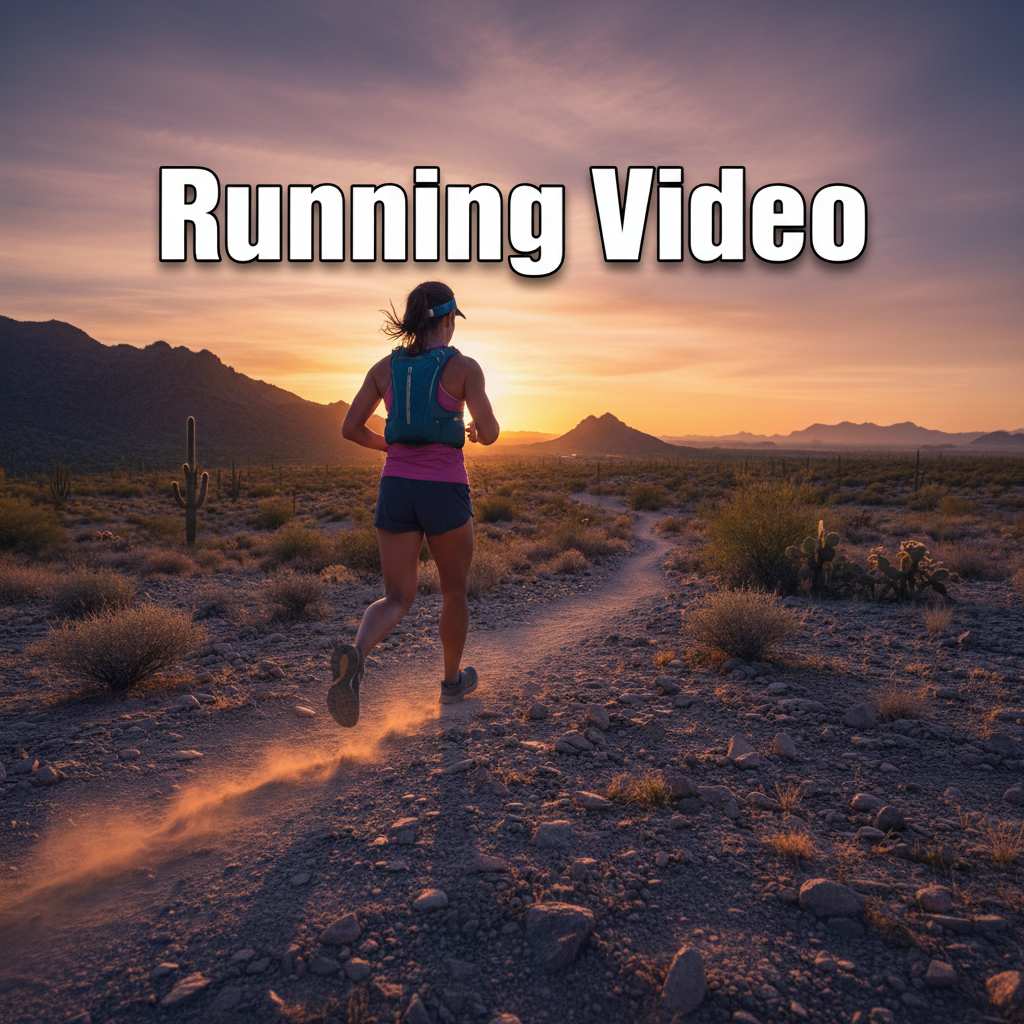
More AI Video Generators
Explore our collection of specialized AI video generators designed for different creative needs and styles
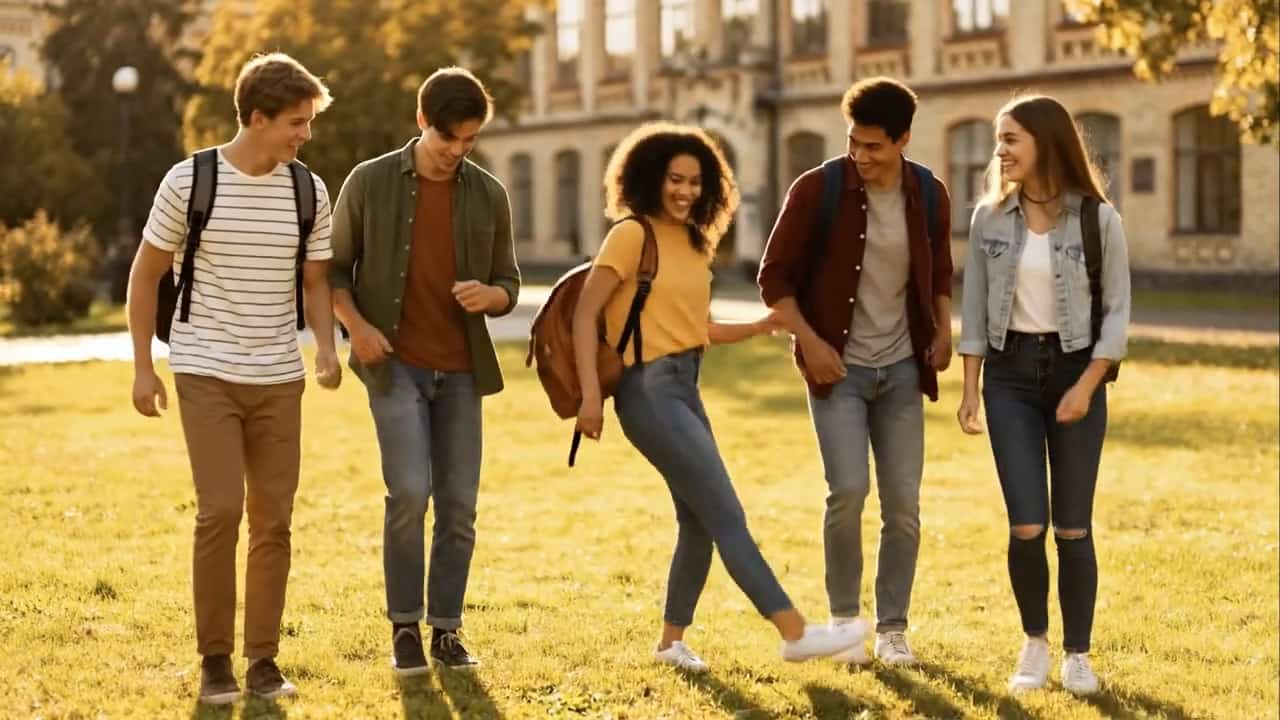
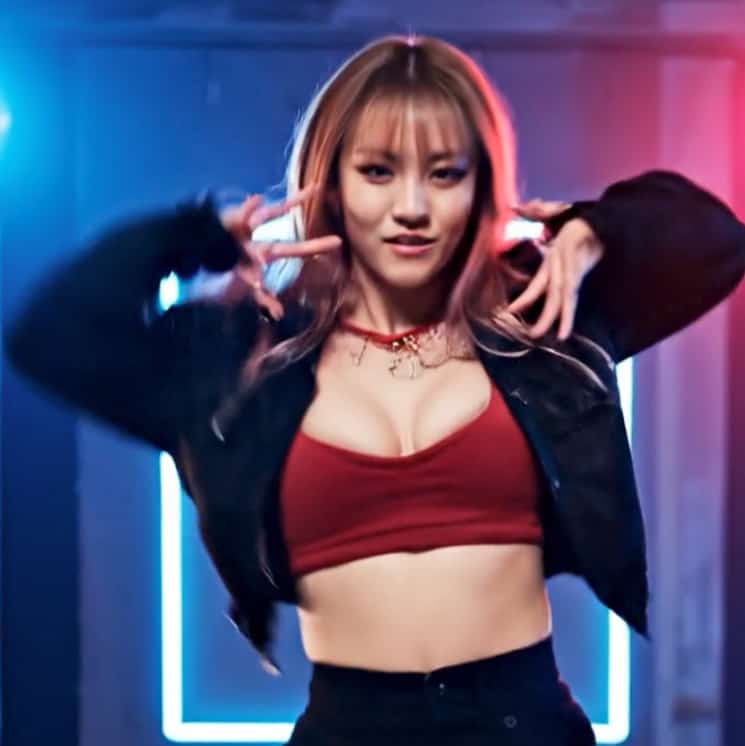
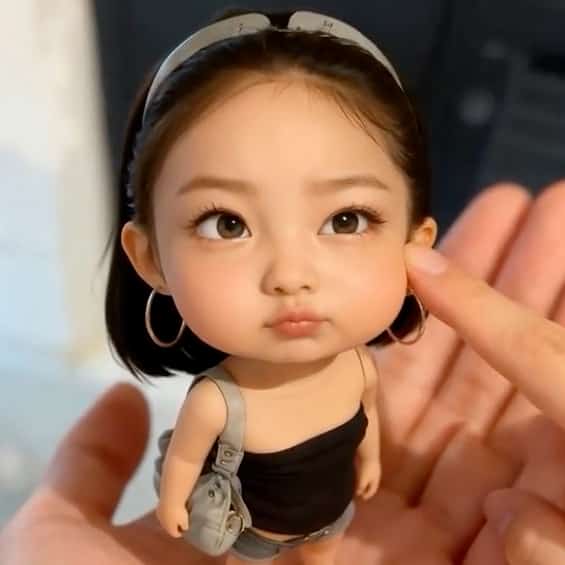
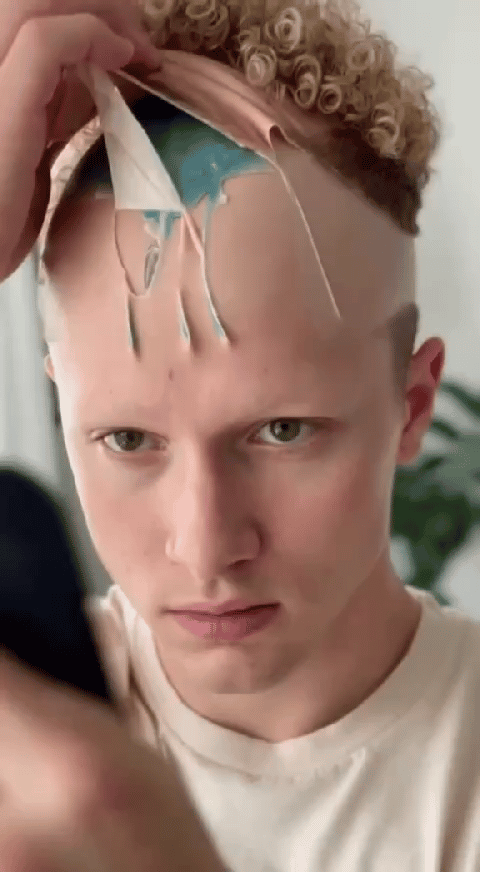

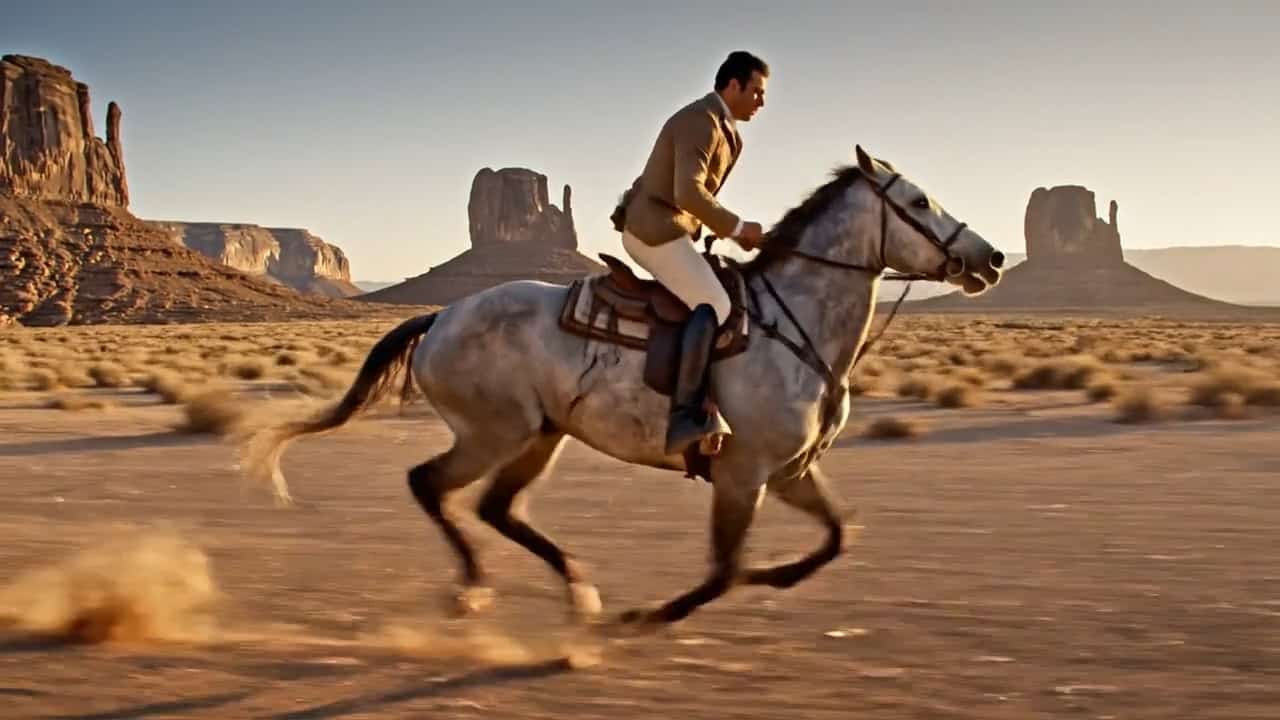
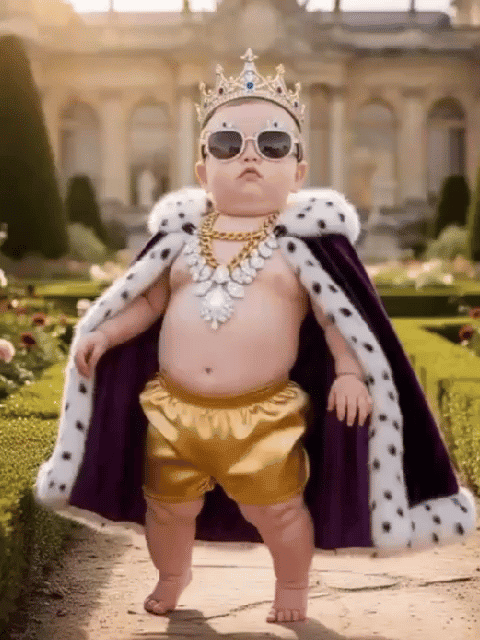
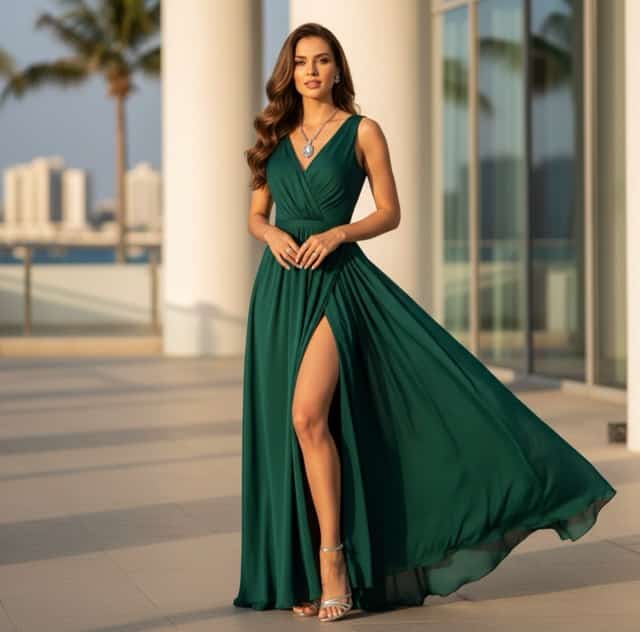
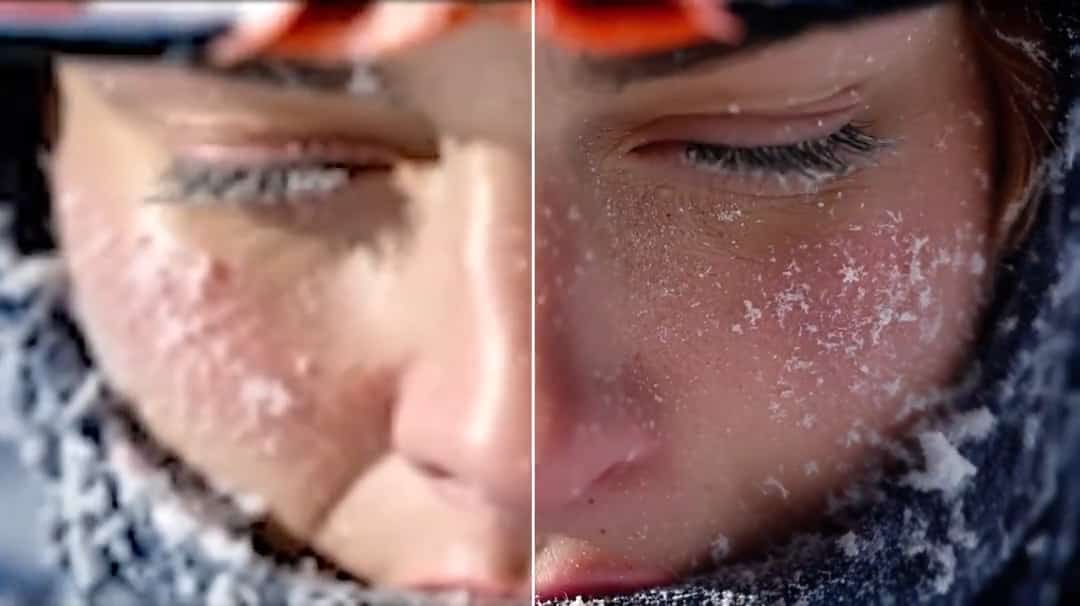
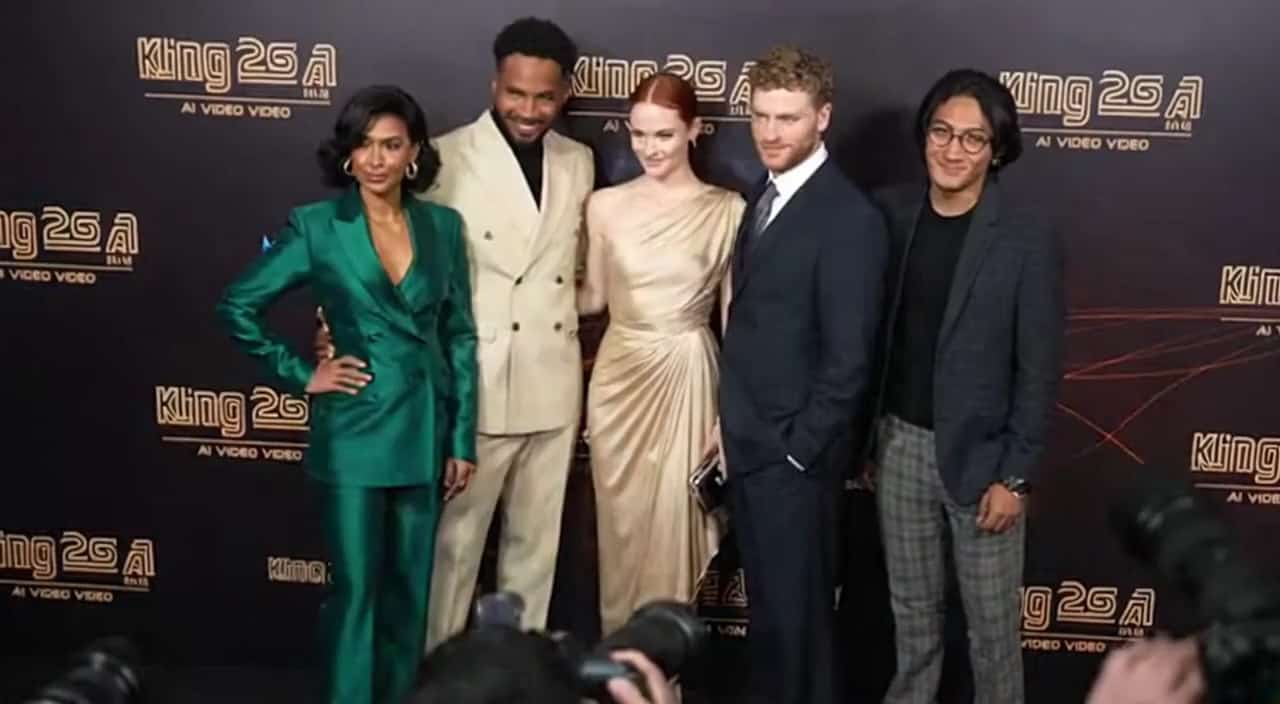
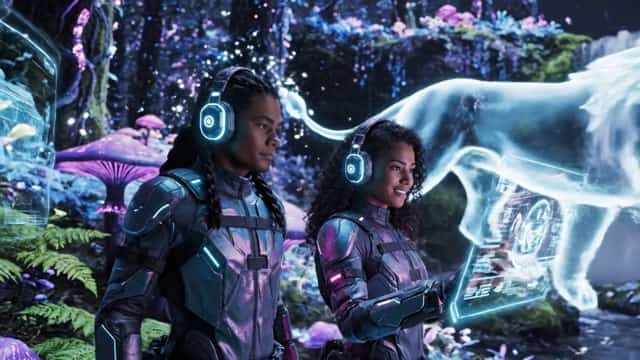

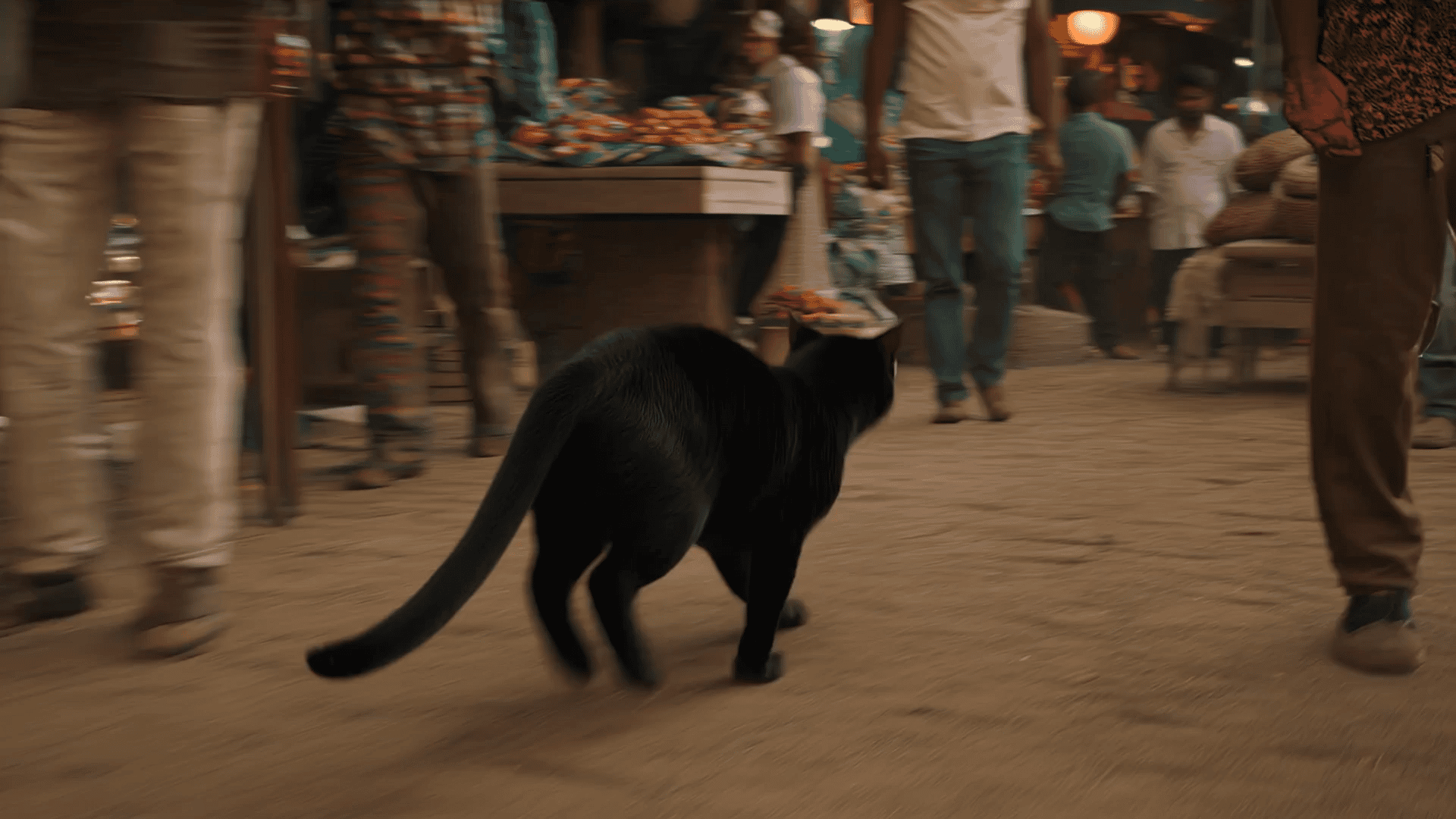
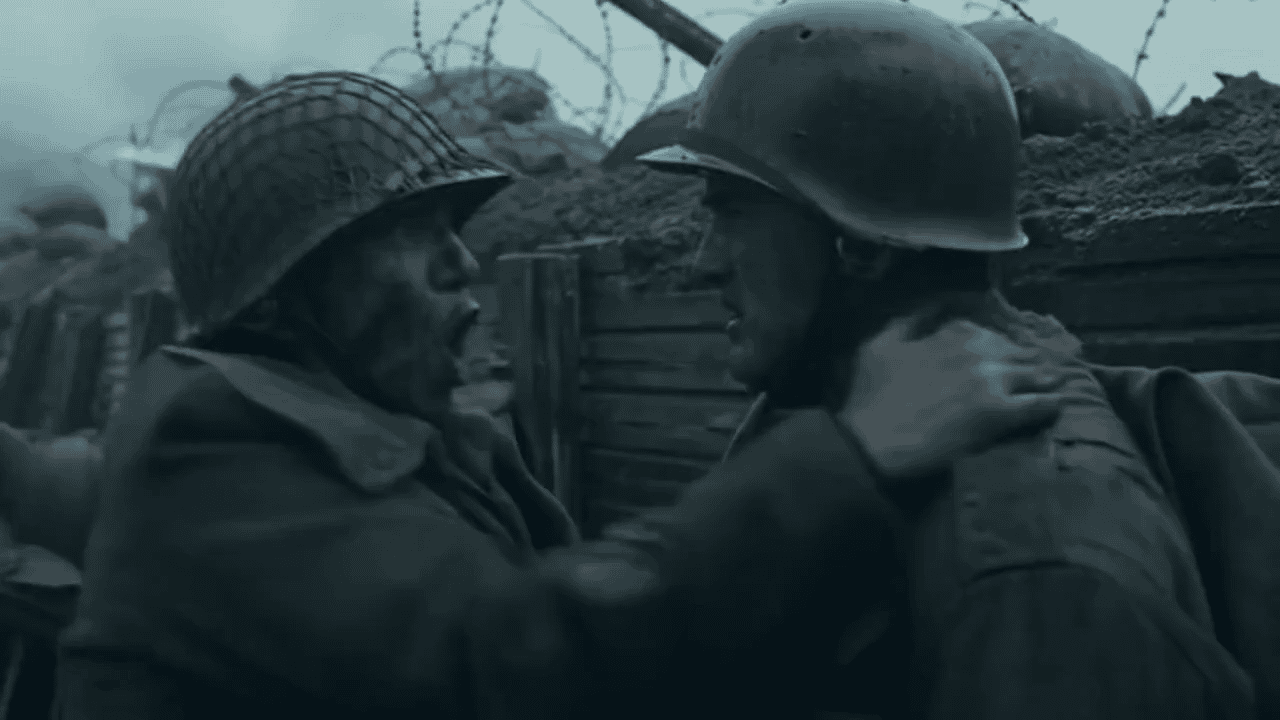
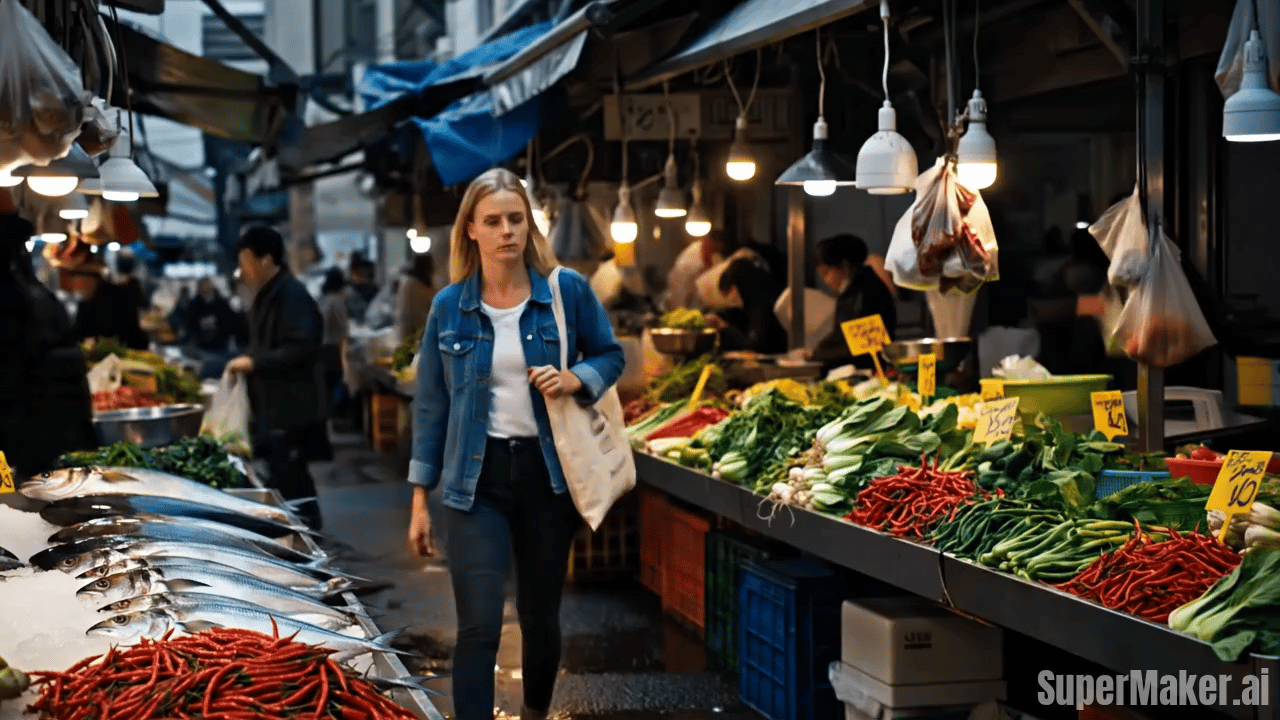
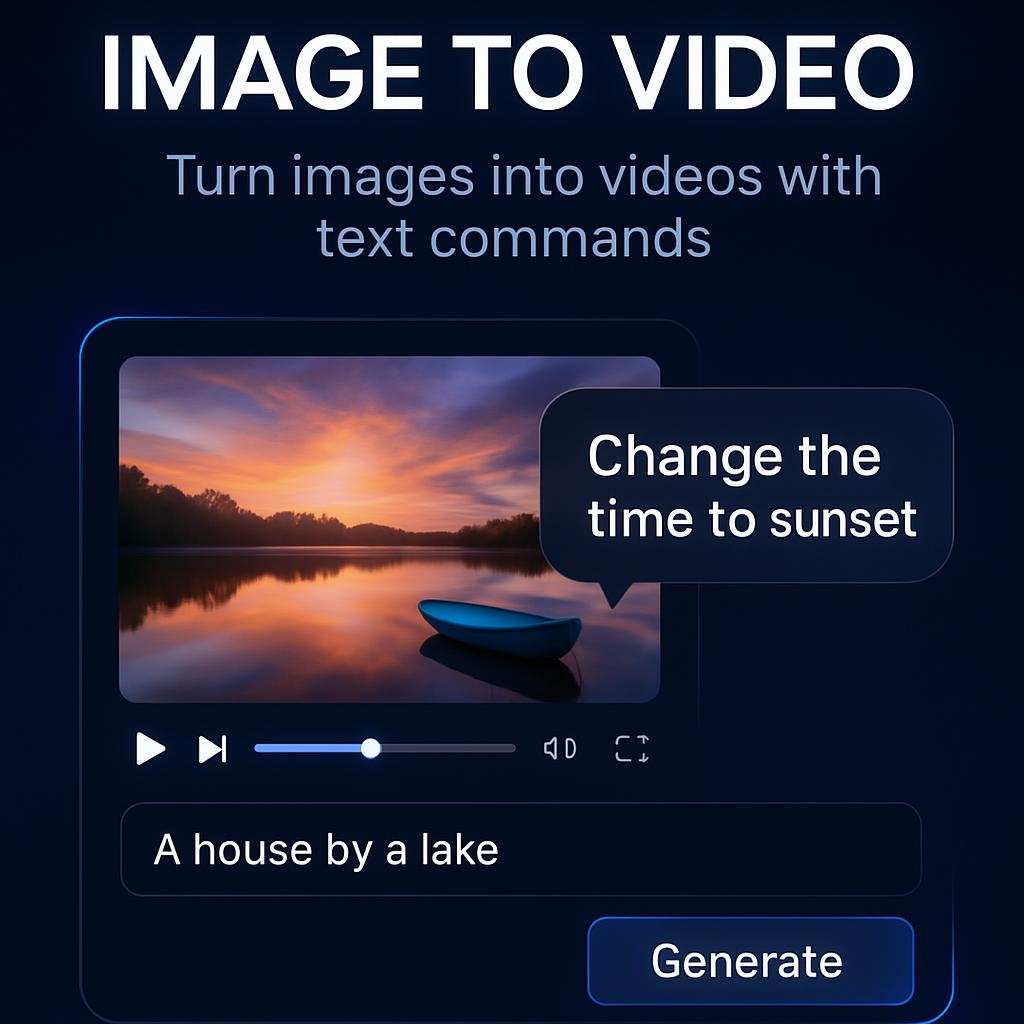
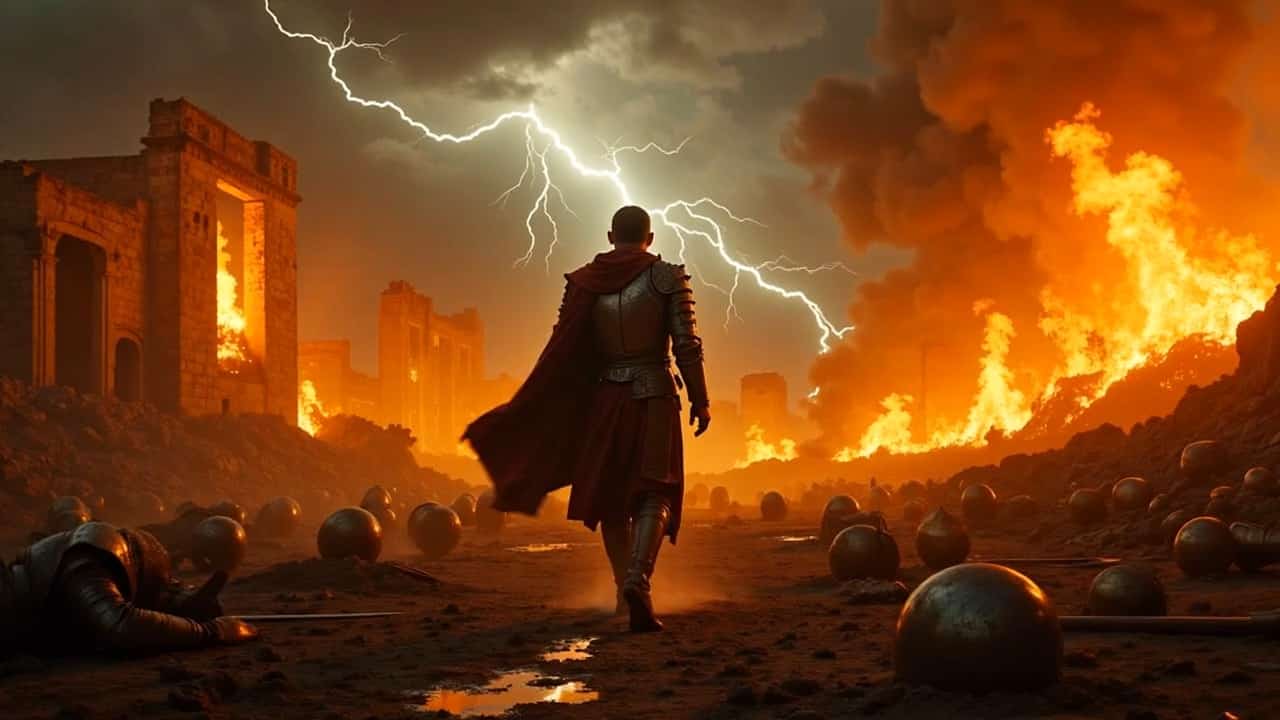
AI Running Video Generator – Turn Any Photo into a Dynamic Run Video
Upload one image and create a realistic AI run video in seconds. No filming. No motion capture.
SuperMaker AI Running Video Generator allows anyone to transform a single static photo into a smooth, lifelike running animation. Powered by advanced image to video AI, this tool analyzes posture, body structure, and visual context to produce natural motion, realistic pacing, and believable running dynamics. Whether you are creating content for social media, storytelling, fitness visualization, or creative experiments, AI run video technology gives you instant motion from still images. Simply upload a photo, click generate, and watch AI running video results come to life.
How to Create an AI Running Video from a Photo
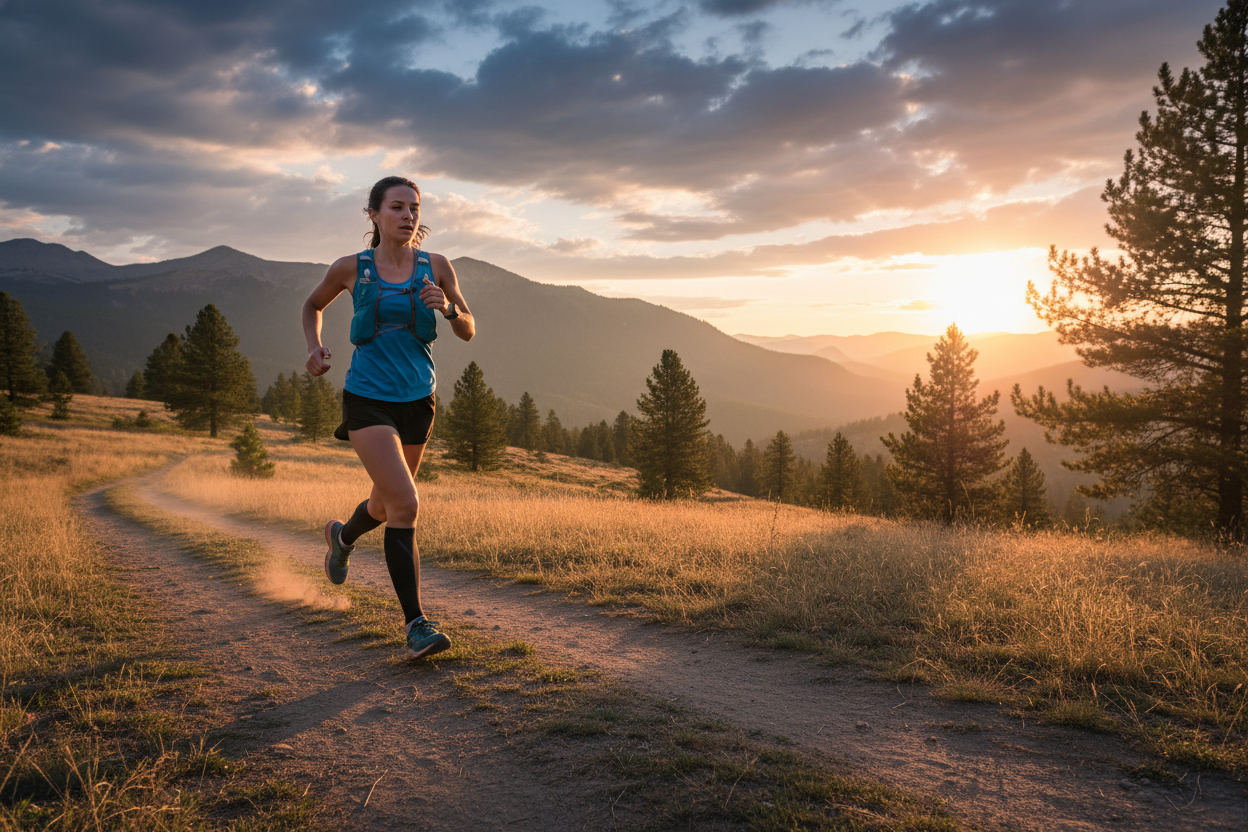
Creating an AI run video with SuperMaker is simple, fast, and requires no technical skills.
Upload Any Clear Photo
One Image Is All You Need
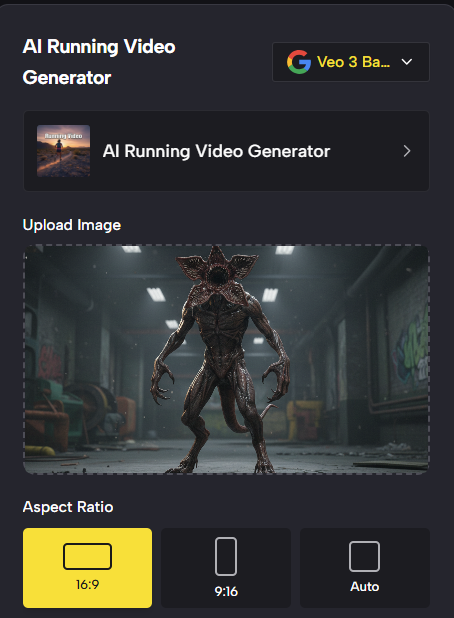
Start your AI running video by uploading a clear photo of a person or character. The image to video system works best with full-body or half-body images where posture and limb structure are visible. SuperMaker AI run video technology supports photos taken indoors or outdoors, casual snapshots, portraits, or even stylized illustrations. The AI automatically detects body position, proportions, and orientation to prepare motion mapping.

Best AI Video Tools for Creative Projects
Explore creative tools for video, learn tips and tricks, and see how AI can be your assistant in turning concepts into finished projects.
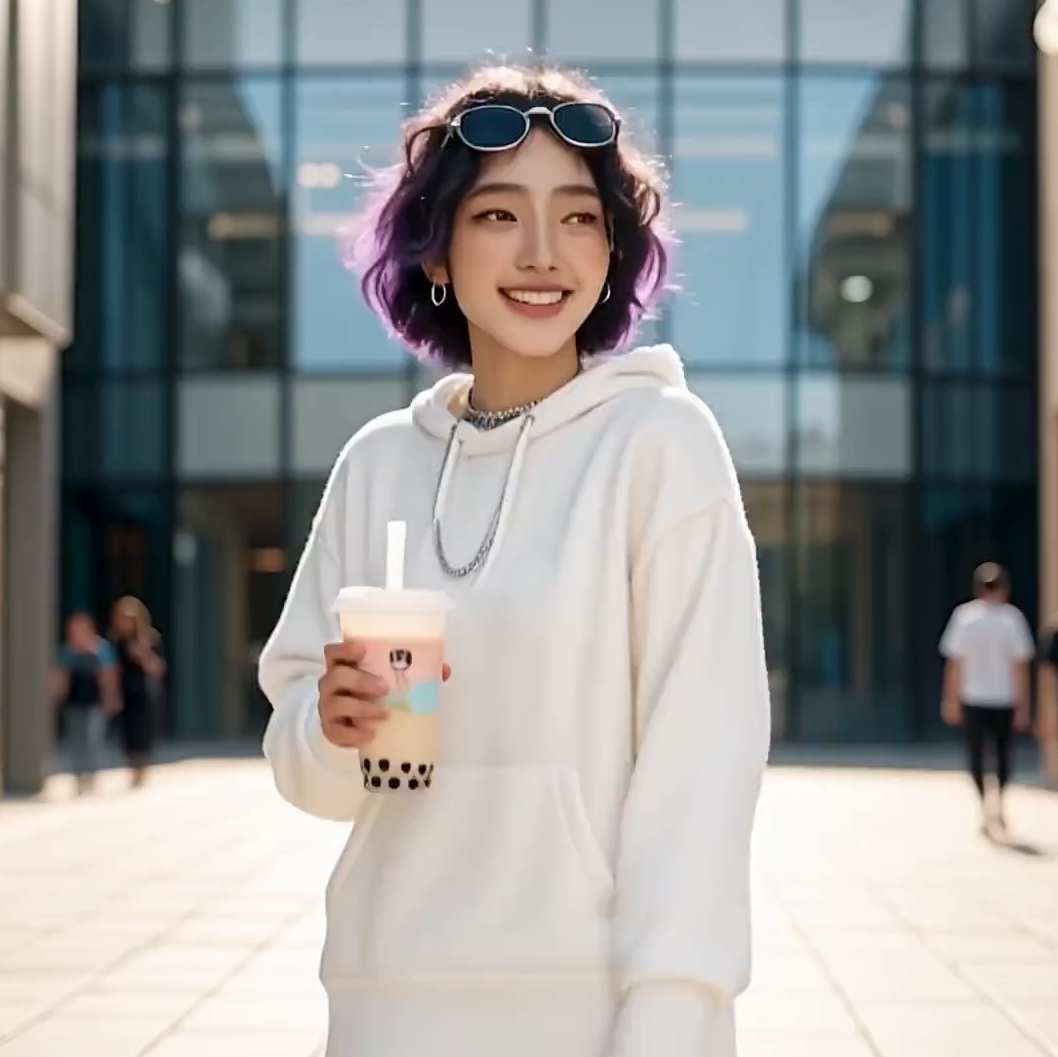
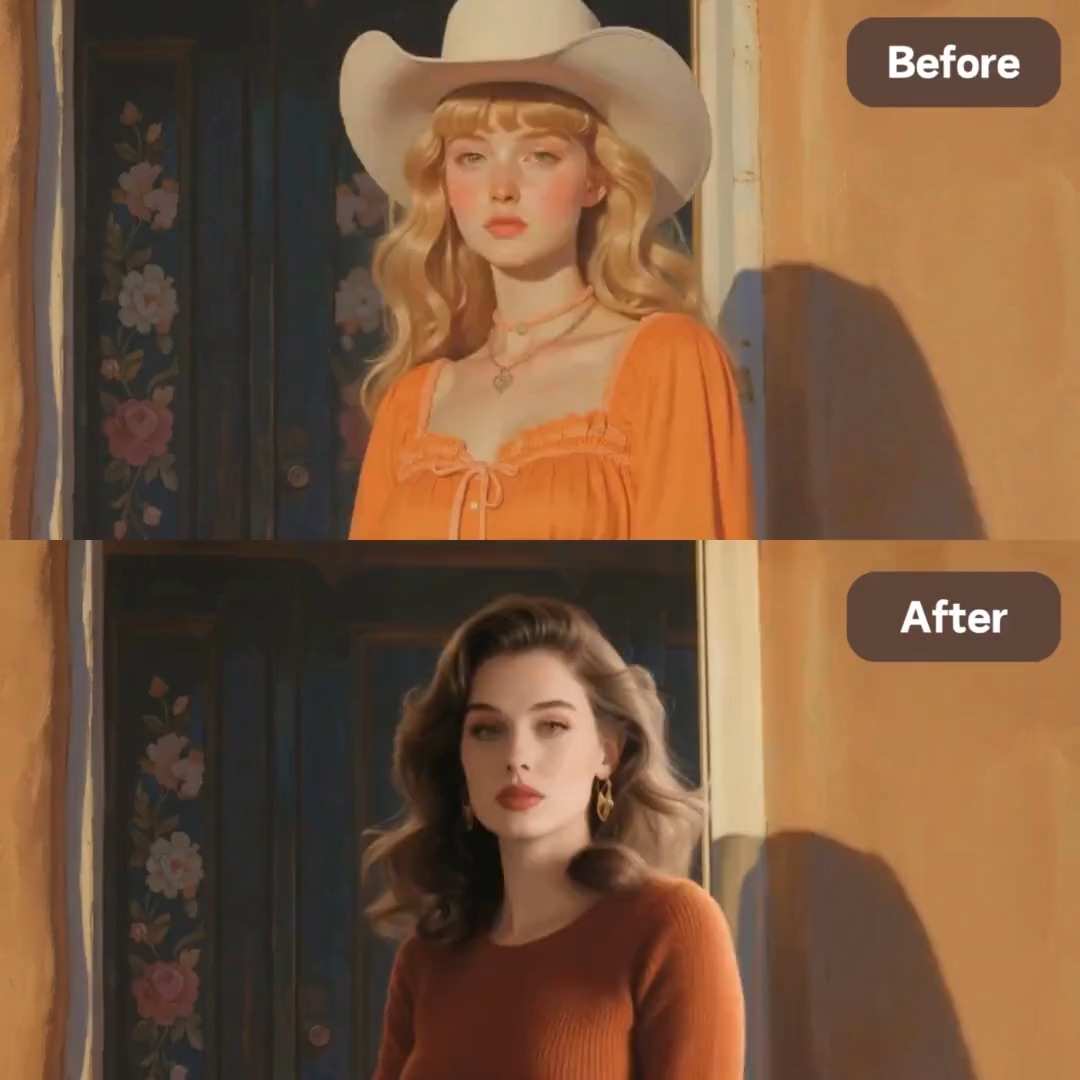

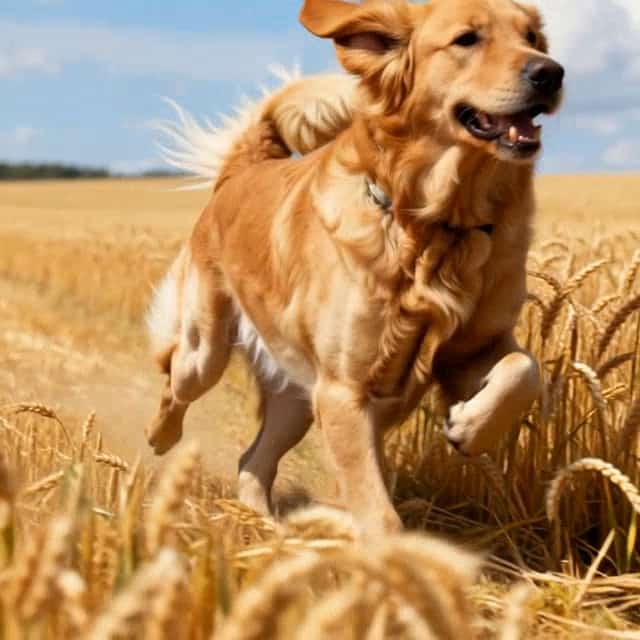
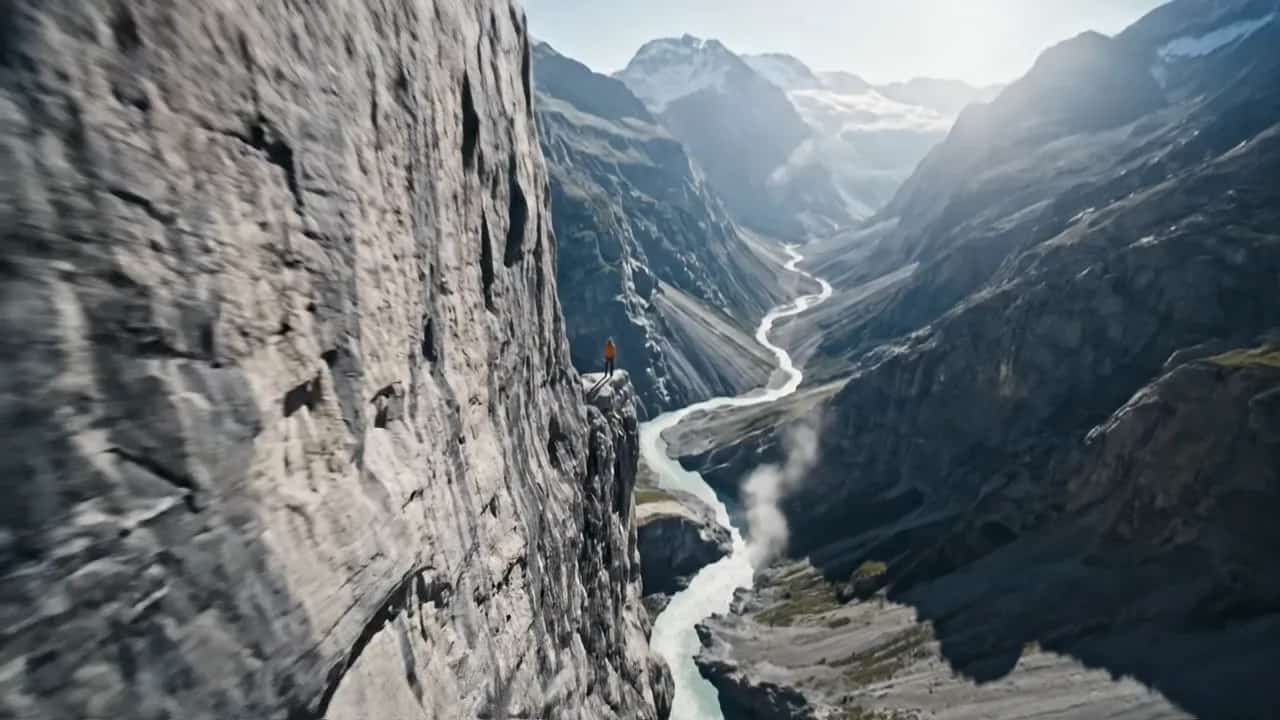
Why SuperMaker AI Running Video Generator Feels Real
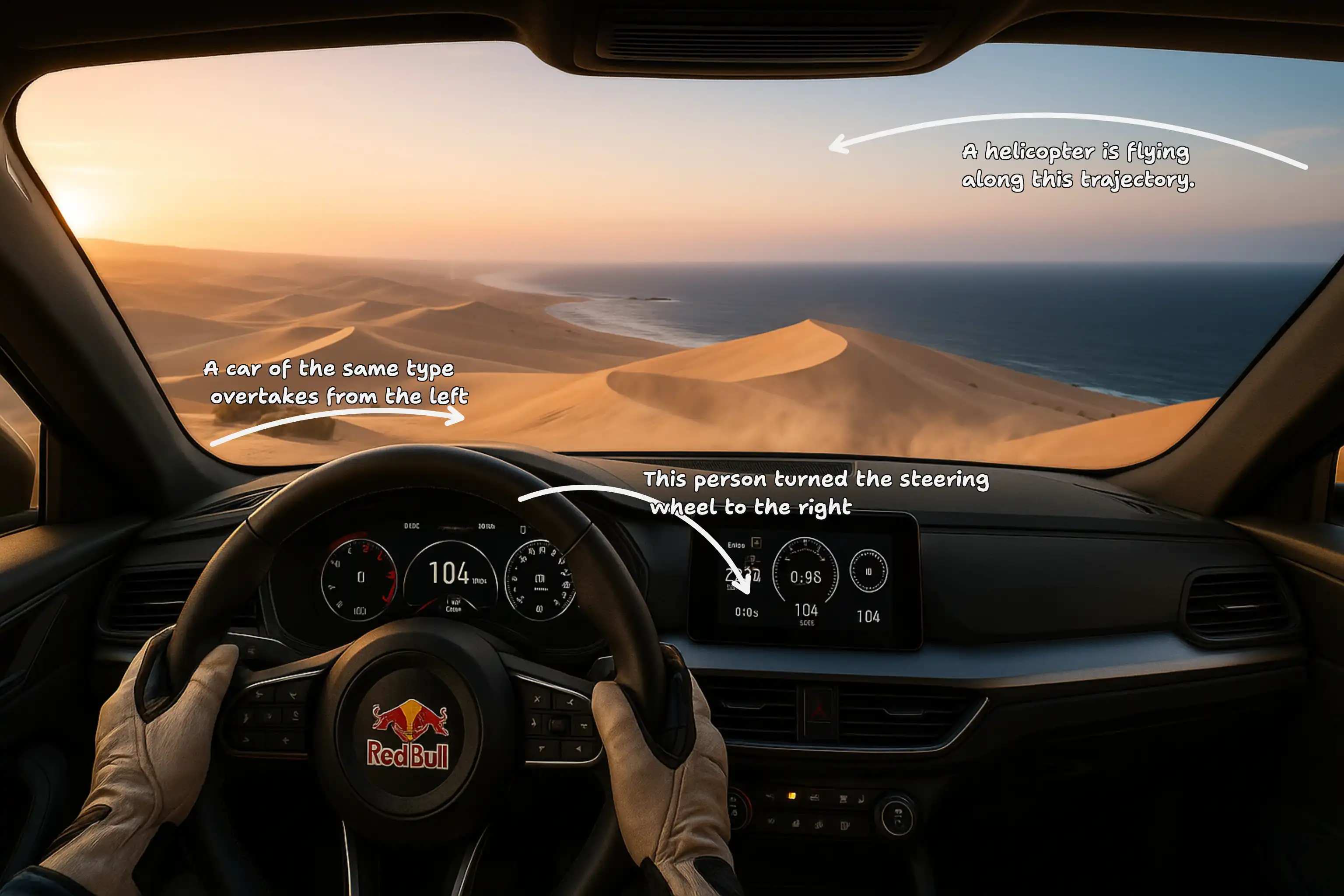
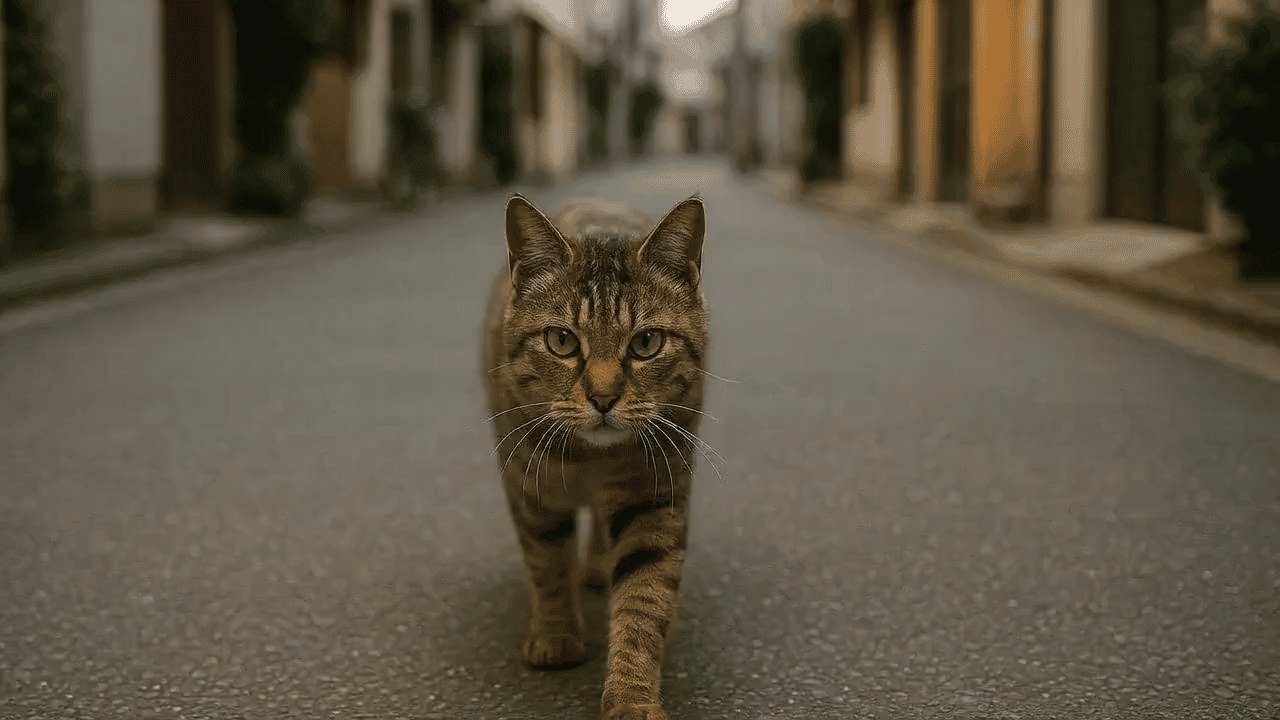
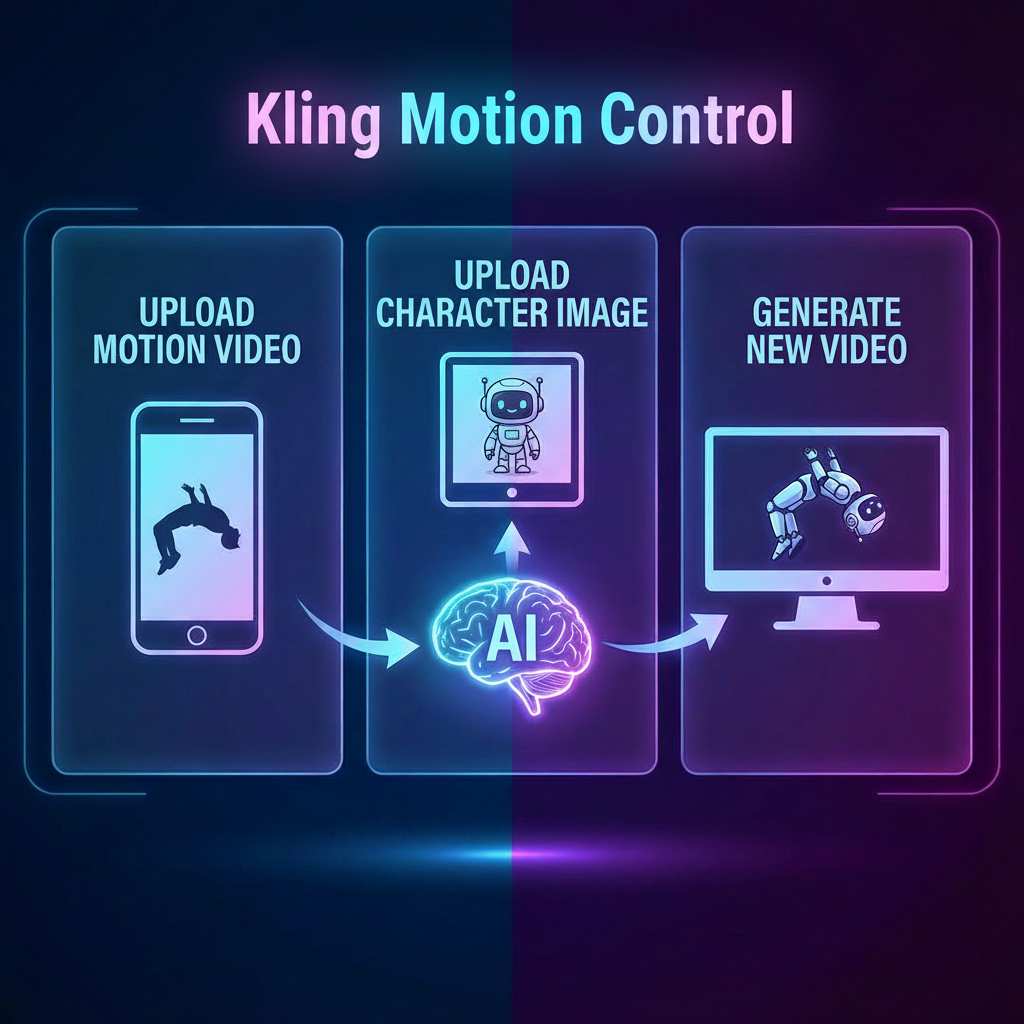
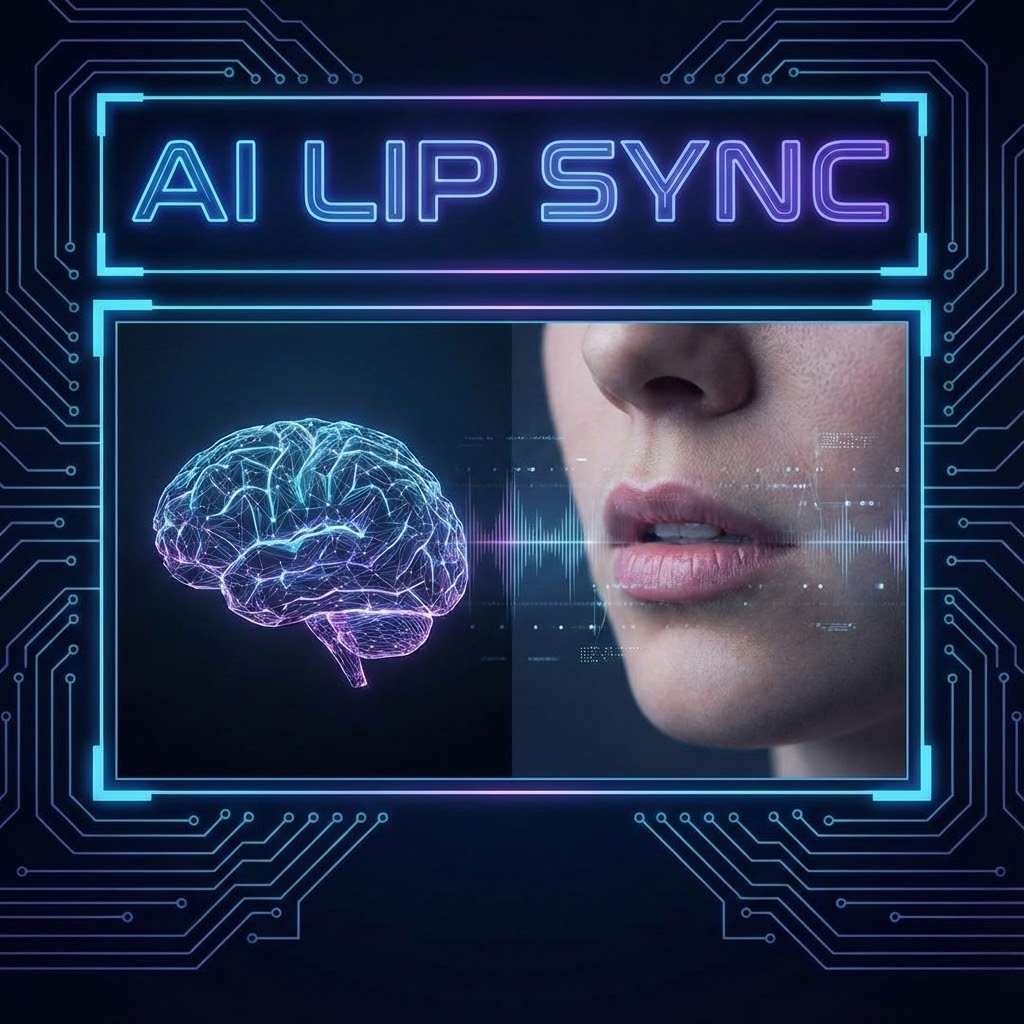
SuperMaker AI Run Video Generator focuses on realistic motion behavior, identity stability, and creative adaptability. This section explains how advanced AI run video and image to video technology produces AI running video results that feel smooth, natural, and visually convincing instead of robotic.
Natural Body Mechanics in AI Run Video
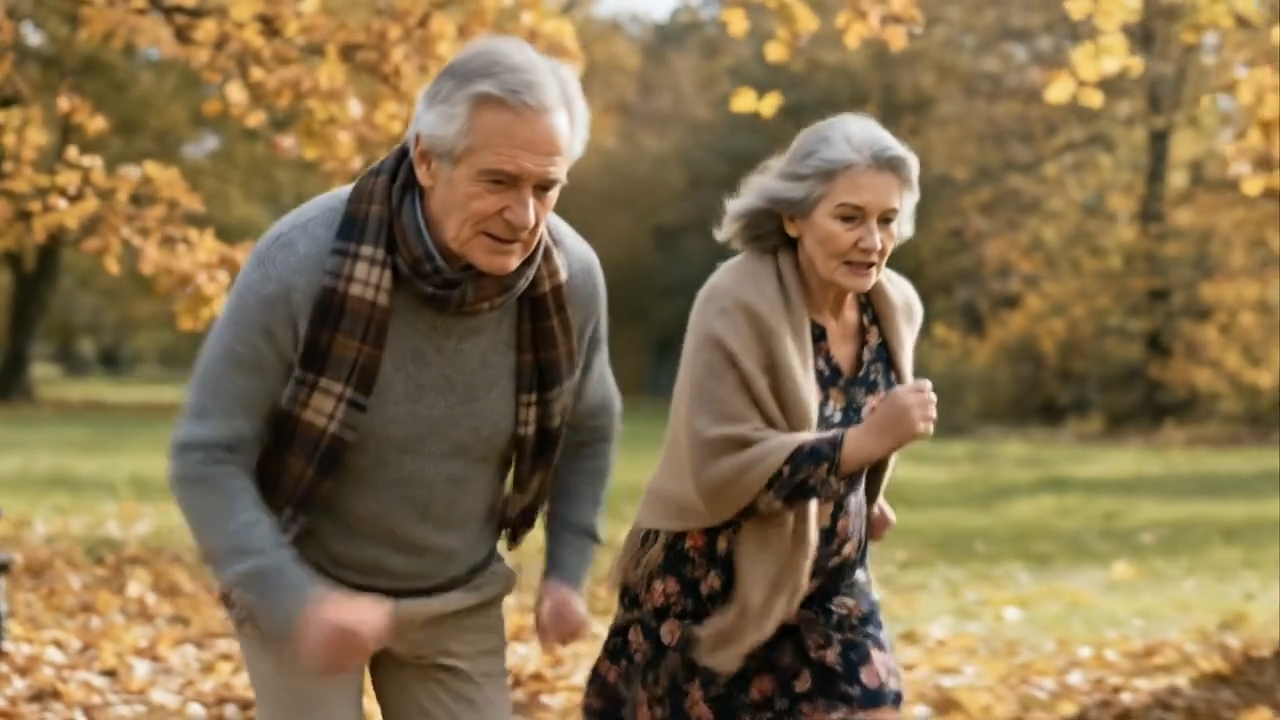
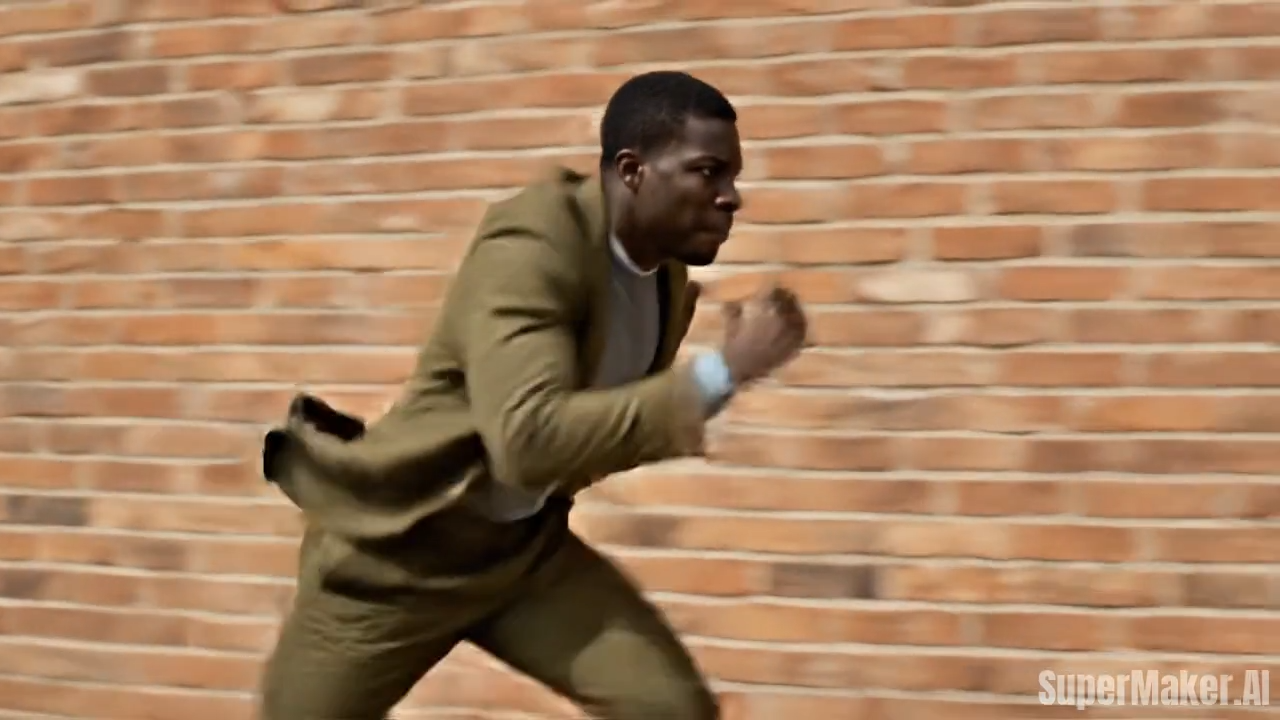
SuperMaker AI run video technology is built to simulate natural human running mechanics instead of relying on repetitive or generic animation loops. The AI analyzes body posture, center-of-gravity shifts, stride rhythm, arm swing coordination, and torso alignment to generate realistic forward motion. Each AI running video reflects how a real person accelerates, maintains speed, and balances momentum while running. This advanced image to video approach significantly reduces stiffness, jitter, and uncanny motion that often appear in basic AI running video generators, resulting in smoother, more believable AI run video outputs suitable for professional and creative use.
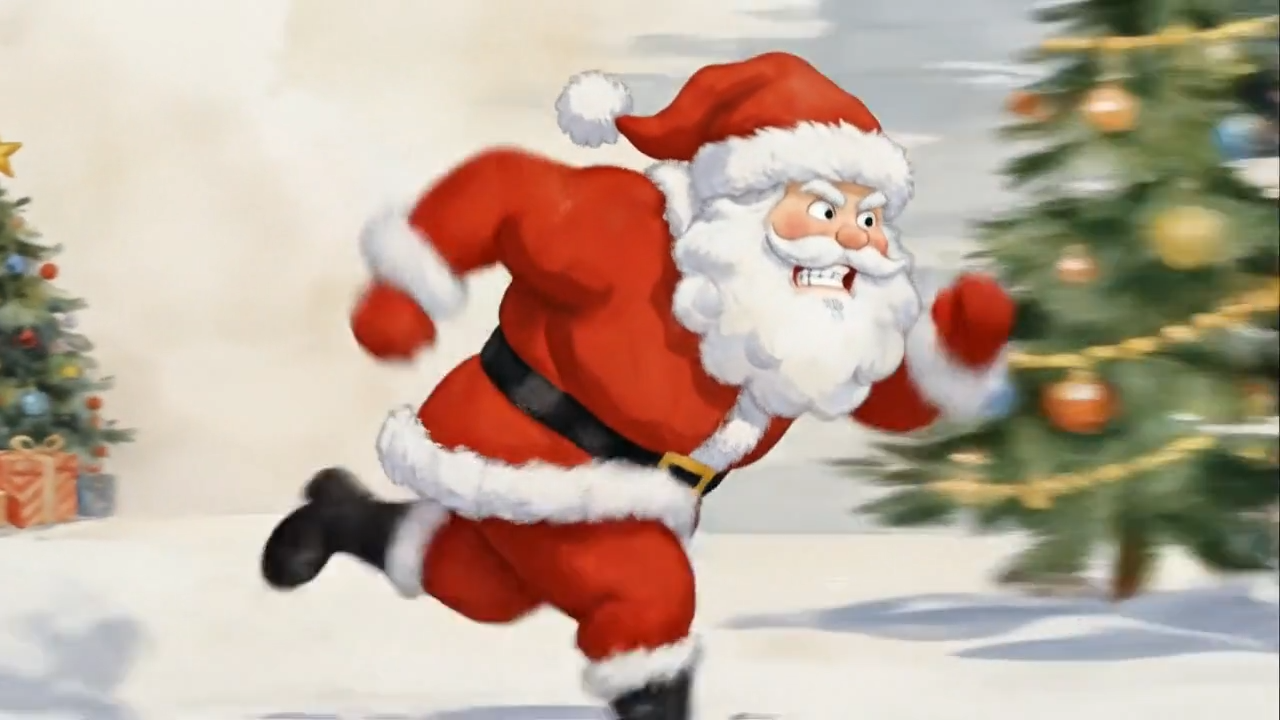
Image-to-Video Consistency Across Frames
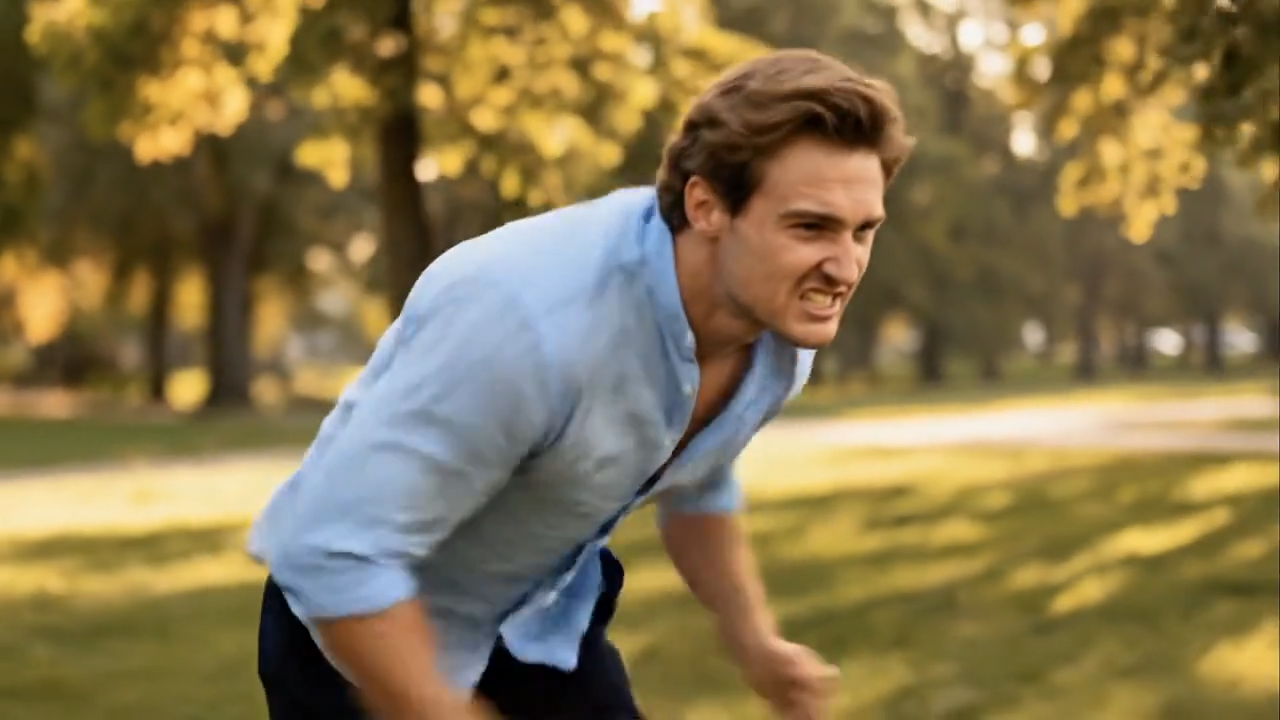
Maintaining visual identity across frames is one of the most difficult challenges in image to video generation. SuperMaker AI running video generator ensures strong frame-to-frame consistency by preserving facial features, clothing details, body proportions, and overall subject appearance throughout the entire AI run video. Instead of flickering or shape distortion, the AI running video plays like a continuous shot with stable motion and coherent structure. This makes SuperMaker AI run video especially effective for storytelling, branded content, cinematic sequences, and any scenario where visual continuity is critical.
Works with Real Photos and Stylized Images
SuperMaker AI run video generator supports a wide range of visual styles, making it flexible for different creative goals. Whether you upload a real-life photo, digital avatar, anime character, illustrated figure, or stylized artwork, the AI adapts the AI running video output to match the original image aesthetic. This style-aware image to video workflow allows creators to produce cinematic AI run video scenes, playful animated clips, or experimental visual concepts without losing the identity or artistic intent of the source image.
Fast Generation with Minimal Input
Unlike traditional animation pipelines or motion capture workflows, creating an AI run video with SuperMaker requires only a single image and one click. There is no need for timelines, keyframes, skeleton rigs, or motion data. The AI running video generator automatically synthesizes realistic running motion, enabling creators to move from idea to execution almost instantly. This speed and simplicity make AI run video generation ideal for rapid experimentation, social content testing, concept validation, and high-volume creative production.
Who Uses AI Running Video Generator
AI run video technology unlocks creative motion for a wide range of users and industries.

Short-Form Content Creators
Creators on TikTok, Instagram Reels, and YouTube Shorts use AI running video to add motion to static images. A single photo can become a dynamic running clip that captures attention instantly. AI run video content performs well in feeds where movement drives engagement.

Storytellers and Visual Writers
Writers and visual storytellers use AI run video to illustrate scenes such as chasing, escaping, training, or racing. Image to video motion adds narrative energy without requiring animation skills.

Fitness and Motivation Content
AI running video is ideal for motivational content, training visuals, and fitness storytelling. Creators can transform still images into symbolic motion representing effort, progress, or determination using AI run video.

Game Concept and Character Prototyping
Game designers generate AI running video clips to visualize character movement concepts quickly. Image to video previews help validate ideas before investing in full animation pipelines.

Digital Artists and Illustrators
Artists experiment with AI run video to bring illustrations to life. Running motion adds rhythm and flow, helping static artwork feel alive without altering the original visual style.

Experimental AI Creators
AI enthusiasts explore creative boundaries by turning portraits, avatars, or surreal images into AI running video outputs. This use case highlights the playful and experimental side of image to video generation.
What Users Say About AI Running Video Generator
Real experiences from creators using AI run video generatorin their workflows.
I started using the AI running video generator to test short-form content ideas without filming. Turning a still image into an AI run video takes seconds, and the motion feels surprisingly natural. The running pace, arm swing, and forward movement look realistic enough that viewers assume it was filmed. AI run video has become a regular part of my content workflow.
As someone who writes visual stories, I often struggle to convey action using static images. AI running video completely changed that. I can illustrate movement, urgency, and emotion with a single image. The image to video process is simple, yet the AI running video output adds depth to my narratives.
I use AI run video for motivational fitness visuals. Instead of generic stock footage, I can turn custom images into running clips that feel personal and symbolic. The AI running video generator helps me produce consistent visual themes without complex editing.
For early-stage game ideas, AI running video helps me preview how a character might move. Image to video previews save time before committing to animation resources. AI run video gives me just enough motion to evaluate character energy and posture.
I enjoy experimenting with AI running video to bring my illustrations to life. The motion respects the original art style instead of overpowering it. AI run video feels like an extension of my creative process rather than a replacement.
What impressed me most about AI running video is stability. Many image to video tools struggle with flicker or distortion, but SuperMaker keeps things consistent. AI run video generation feels reliable, which is critical for professional experimentation.
AI Running Video Generator FAQ
Answers to common questions about AI run video and image to video technology.
An AI running video generator converts a single image into a video where the subject appears to be running. AI run video technology uses motion synthesis to simulate realistic running movement from still photos.
Full-body images work best, but half-body images can also generate AI running video results. The clearer the posture and body structure, the more natural the AI run video output will be.
Yes. AI run video clips are ideal for short-form platforms where motion attracts attention. Many creators use image to video running effects to increase engagement.
Yes. You can reuse the same image to generate multiple AI running video variations, making it easy to test creative ideas.
Absolutely. The entire image to video process is automated, requiring no animation or editing experience.
SuperMaker AI running video generator offers free credits for users to explore AI run video generation and other creative tools through daily check-ins.
Start Creating AI Running Video Today
Turn any image into motion with SuperMaker AI Running Video Generator. Experience how AI run video transforms static photos into dynamic, engaging running animations. No filming, no animation skills—just upload, generate, and create.
