
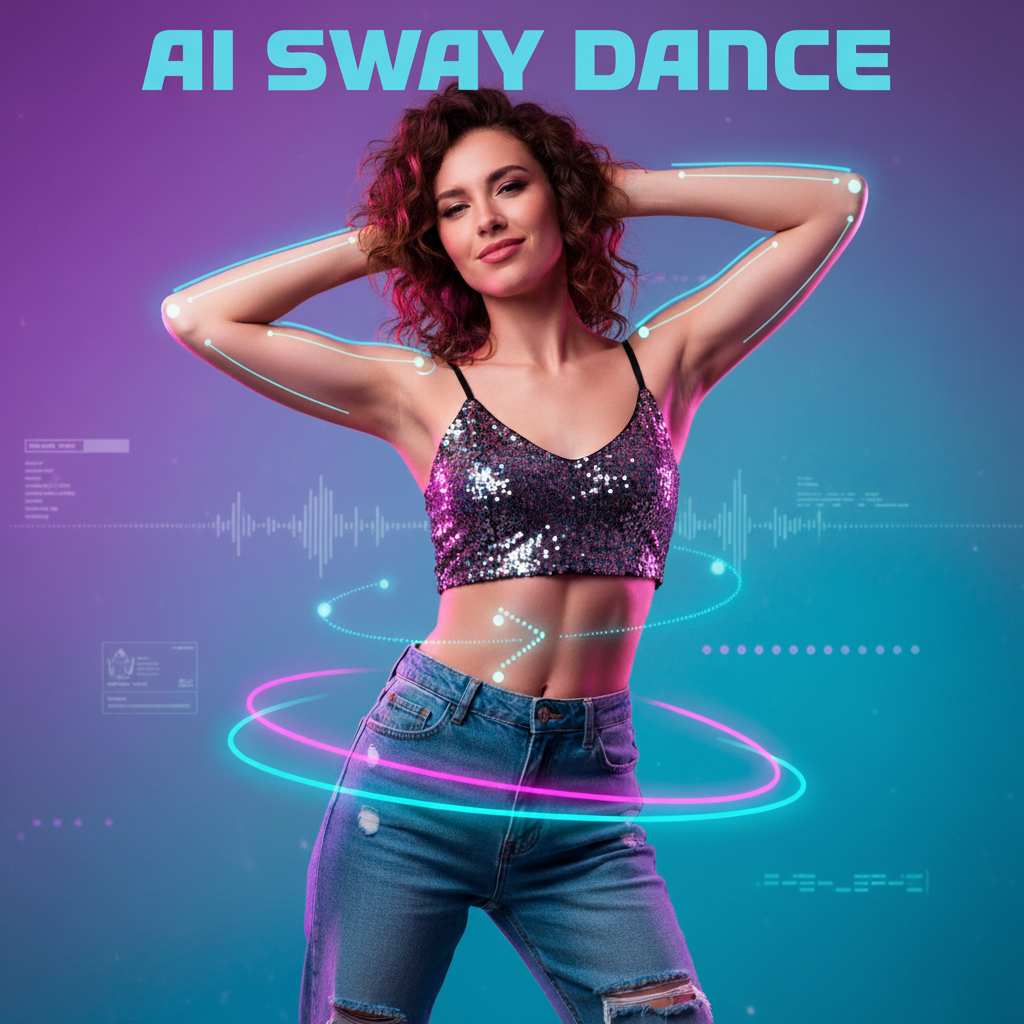
More AI Video Generators
Explore our collection of specialized AI video generators designed for different creative needs and styles
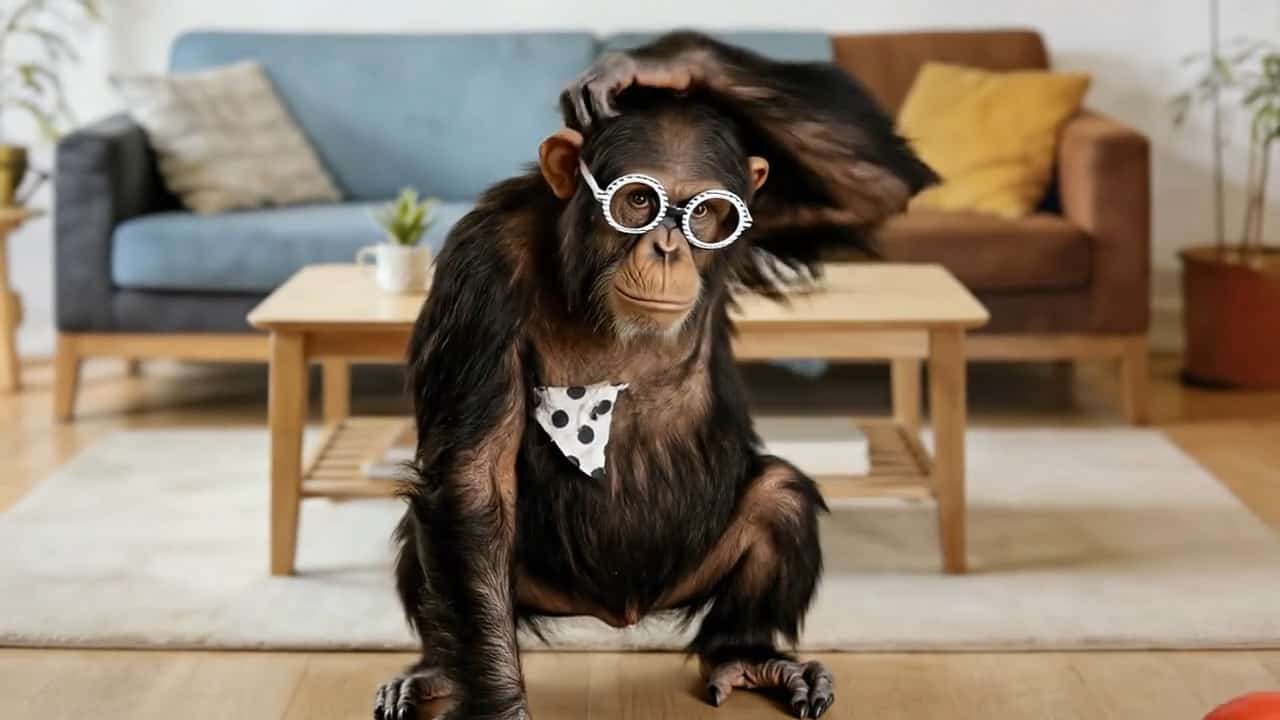

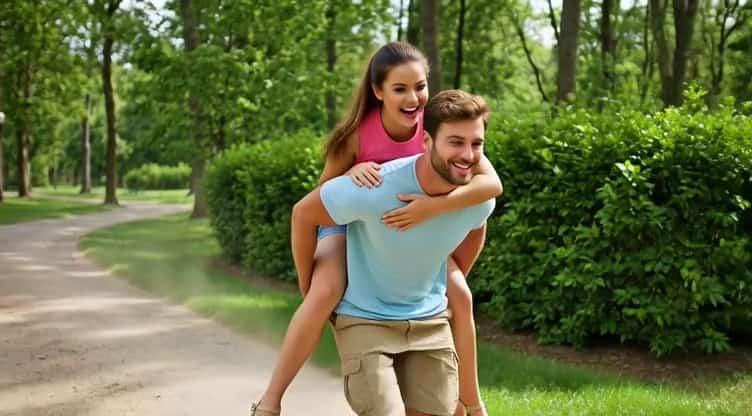
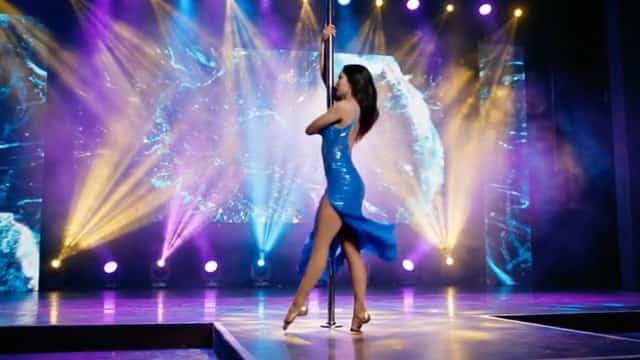
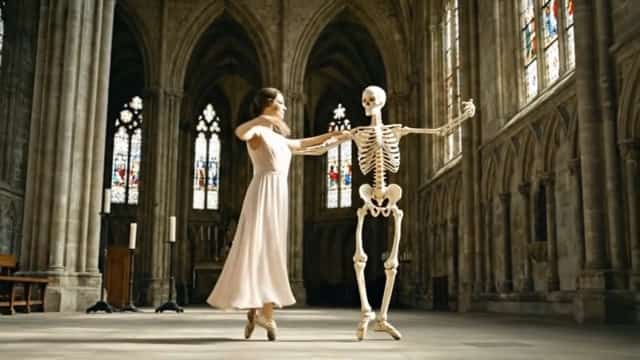
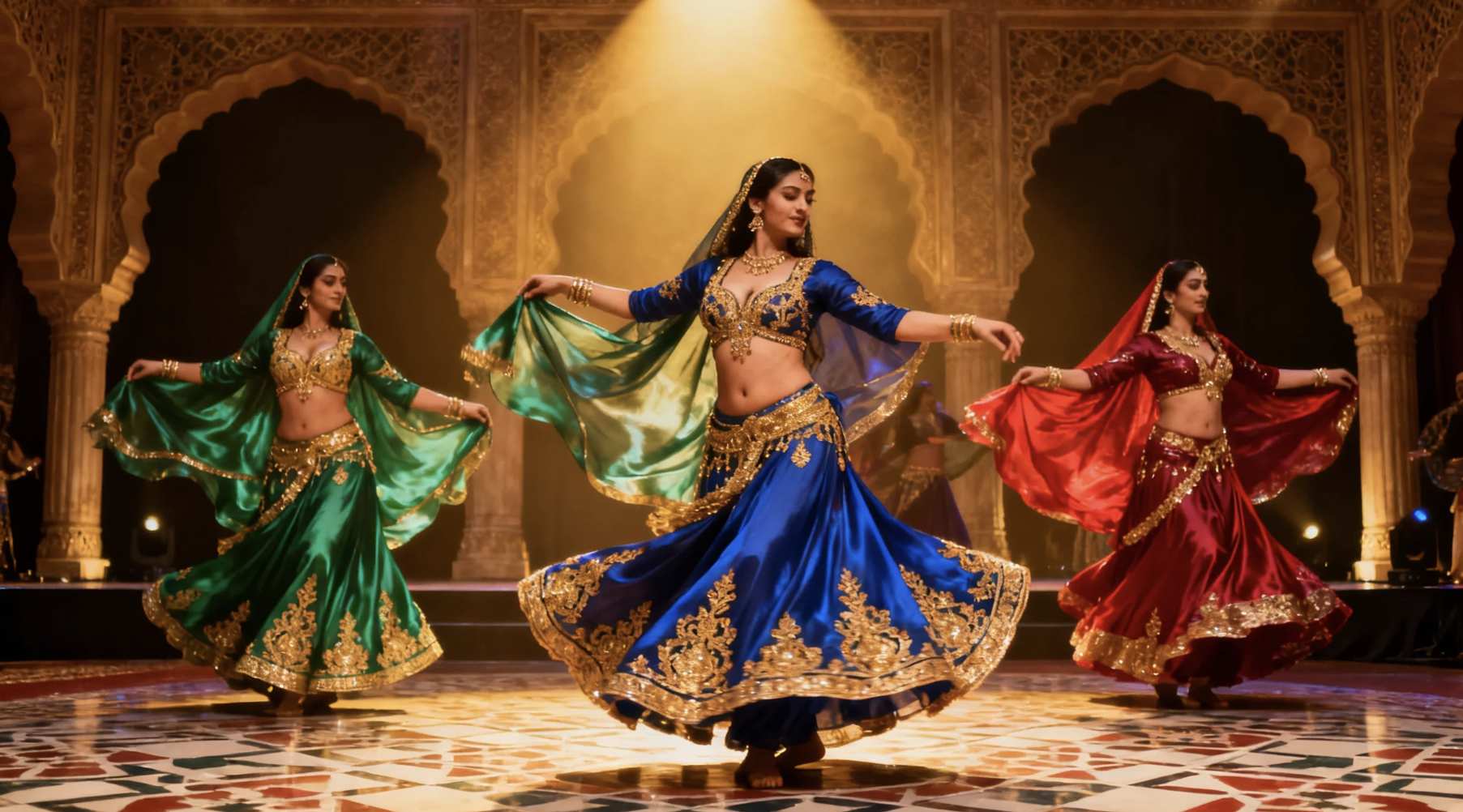

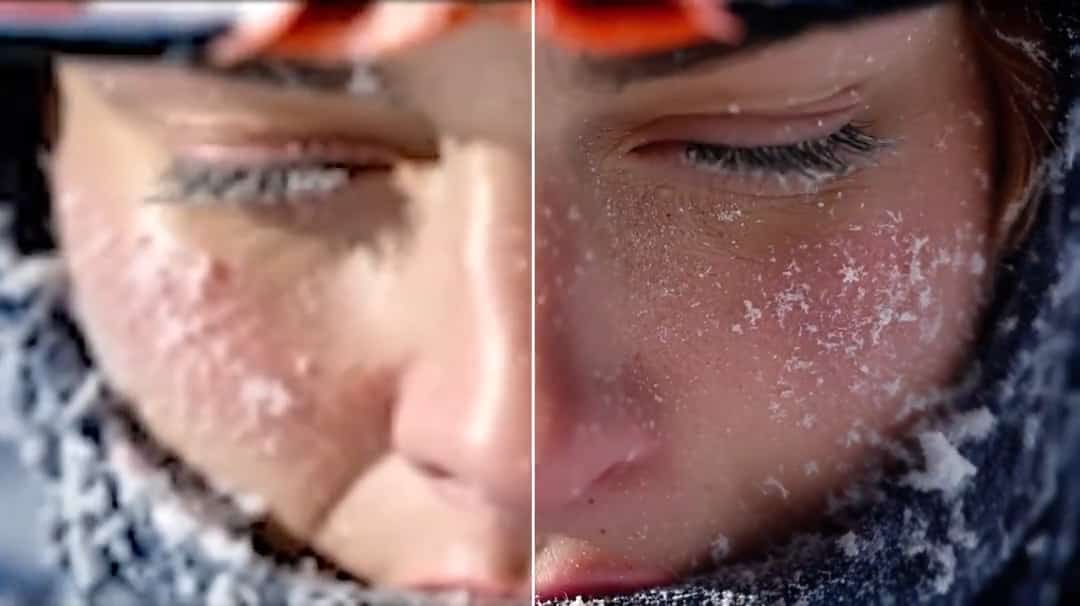
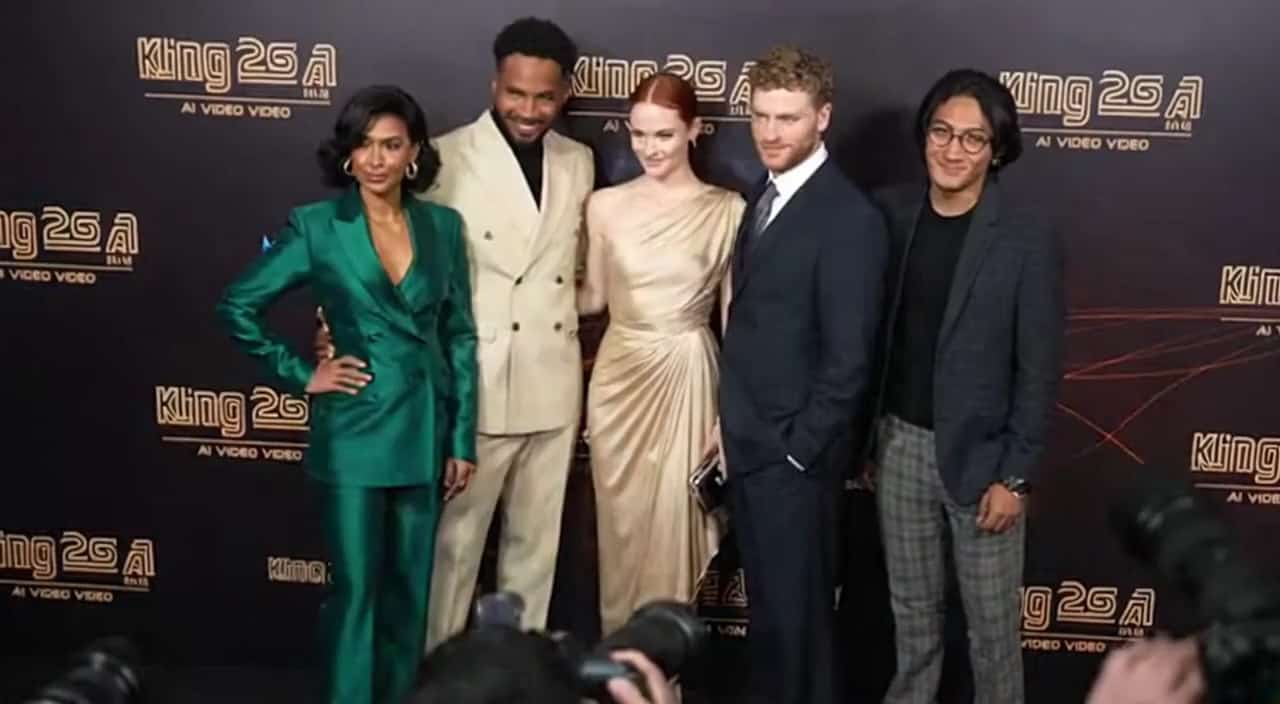
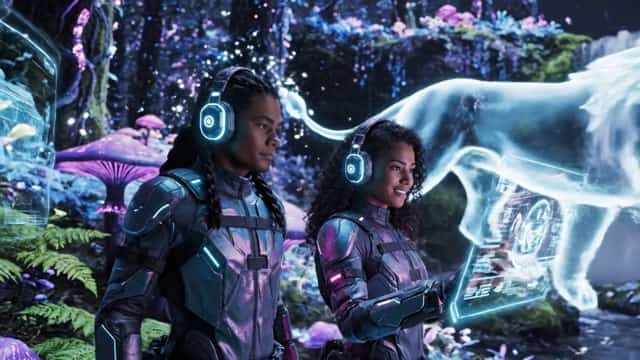

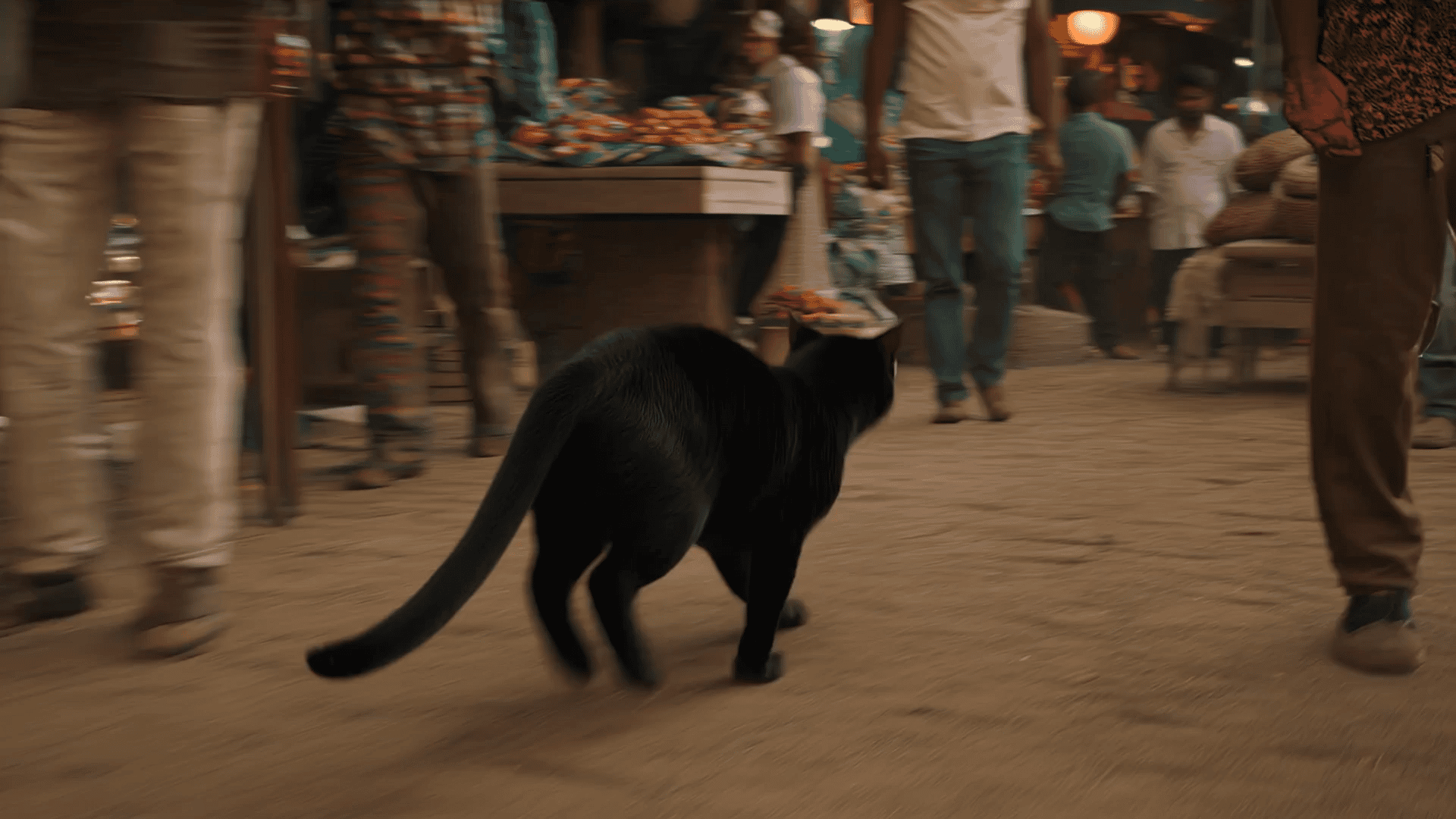


AI Sway Dance Filter: Turn Any Photo Into a Viral Sway Dance Video
Upload a photo and transform it into a smooth sway dance animation with AI movement, realistic body rhythm, and personality-driven expression.
AI Sway Dance Filter lets you generate a realistic sway motion from a static photo in seconds. Just upload any portrait and watch it transform into a dynamic sway dance animation with rhythmic hip movement, subtle body wave motion, and expressive facial reactions. Powered by an advanced AI Sway Dance Video Generator, this automated process requires zero editing experience. Whether you're creating TikTok Reels, Instagram loops, or playful animated selfies, AI Sway Dance Filter helps bring static images to life with smooth motion and personality.
How to Use AI Sway Dance Filter Online
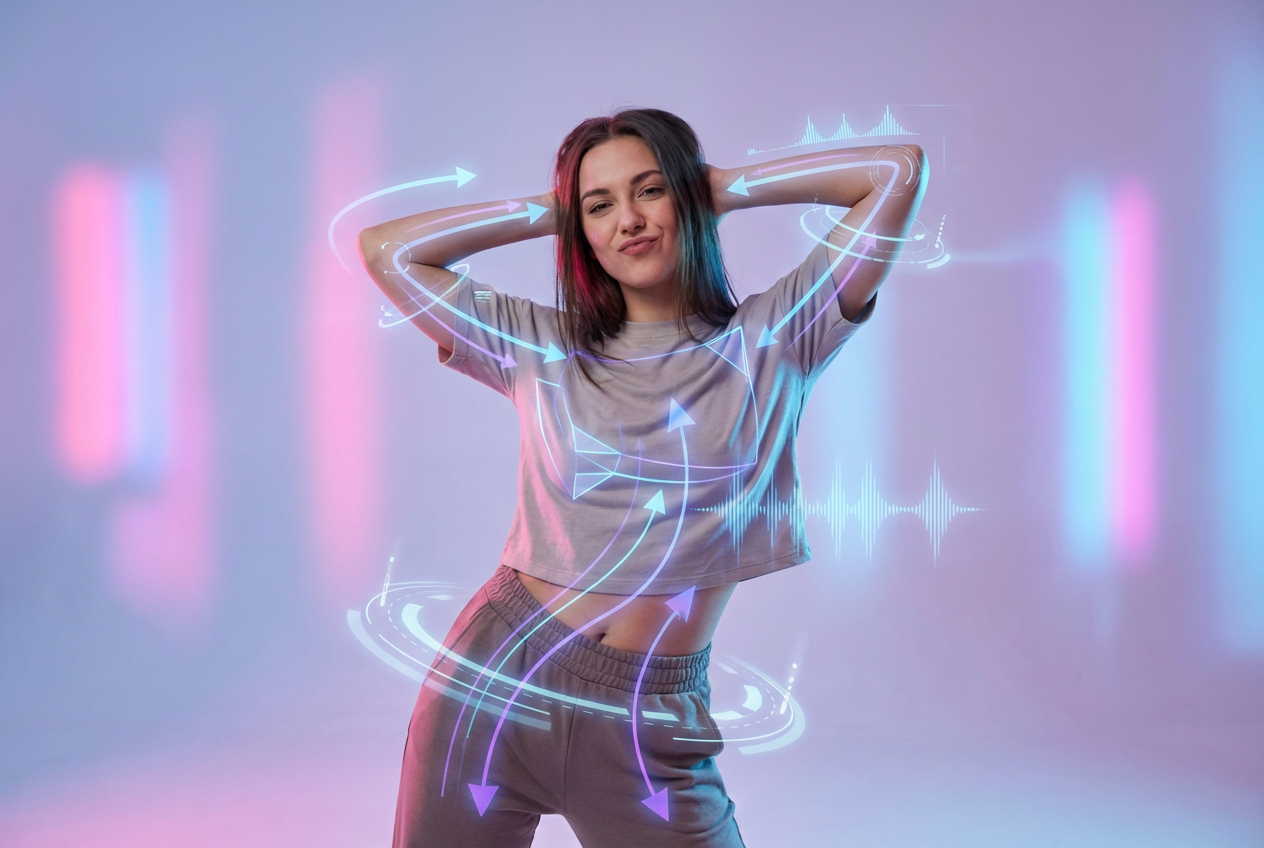
Create your sway dance animation in just three simple steps using AI Sway Dance Filter and our AI Sway Dance Video Generator. No experience required.
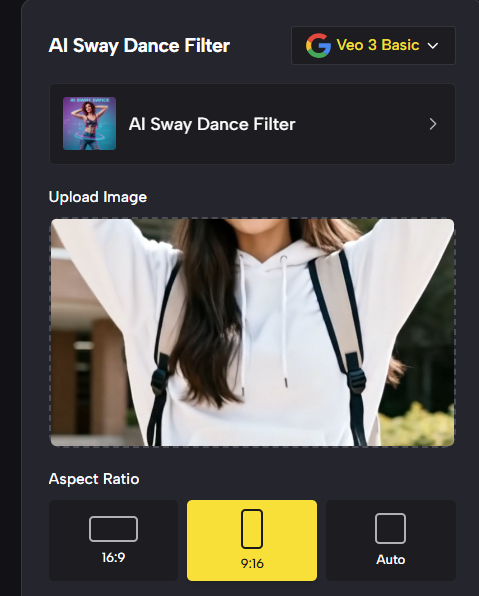
Upload Your Photo
One Image, One-Click Magic
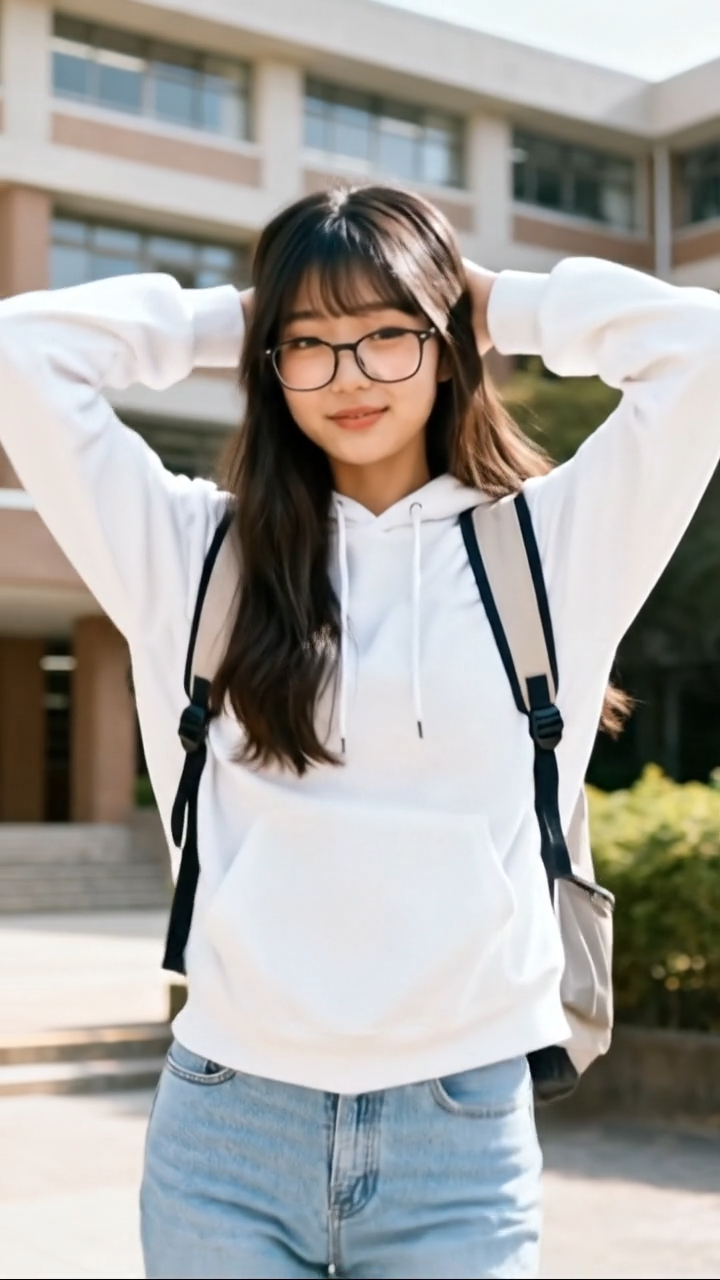
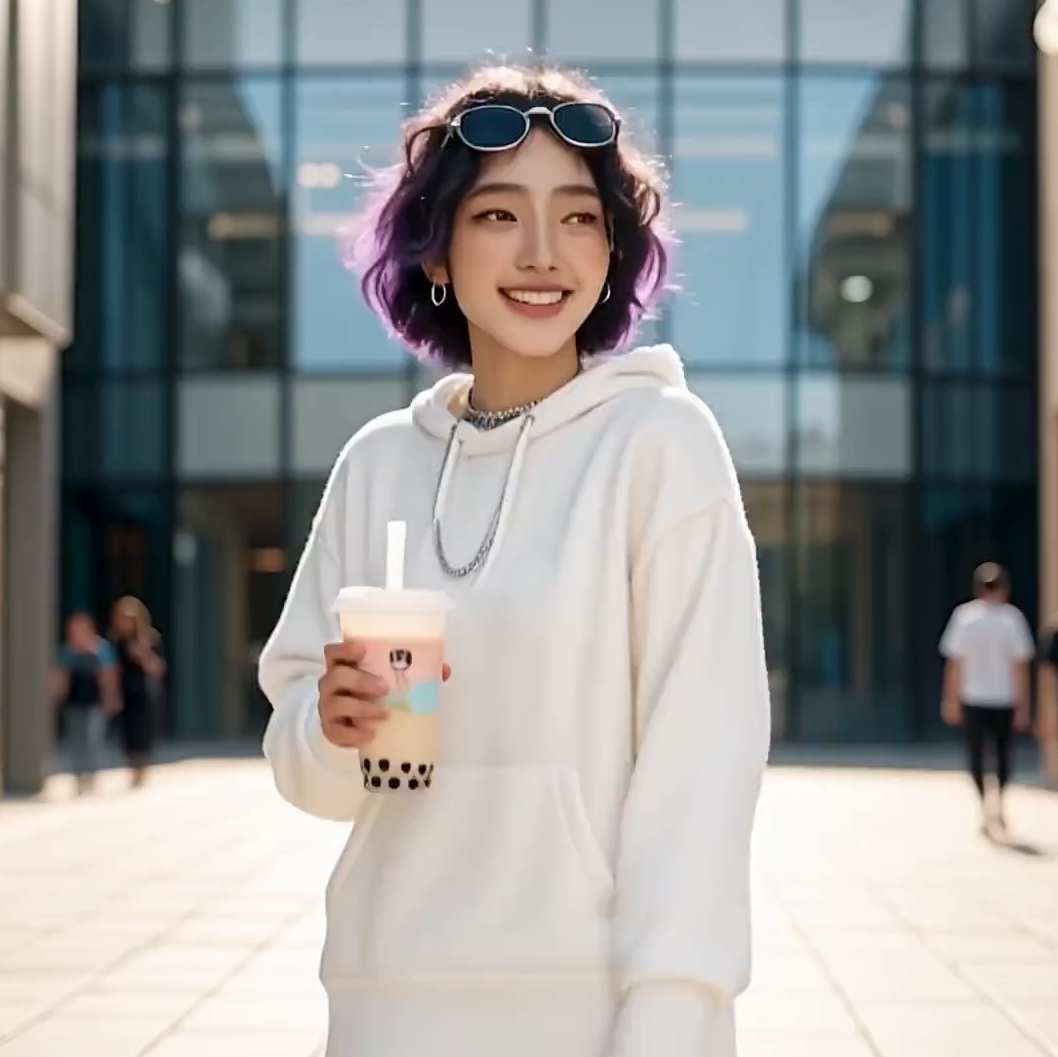
Begin by uploading a clear photo. For the best AI Sway Dance Filter result, choose an image where the face is visible and the person is standing or upper-body centered. The AI analyzes posture, style, and details before mapping motion possibilities.

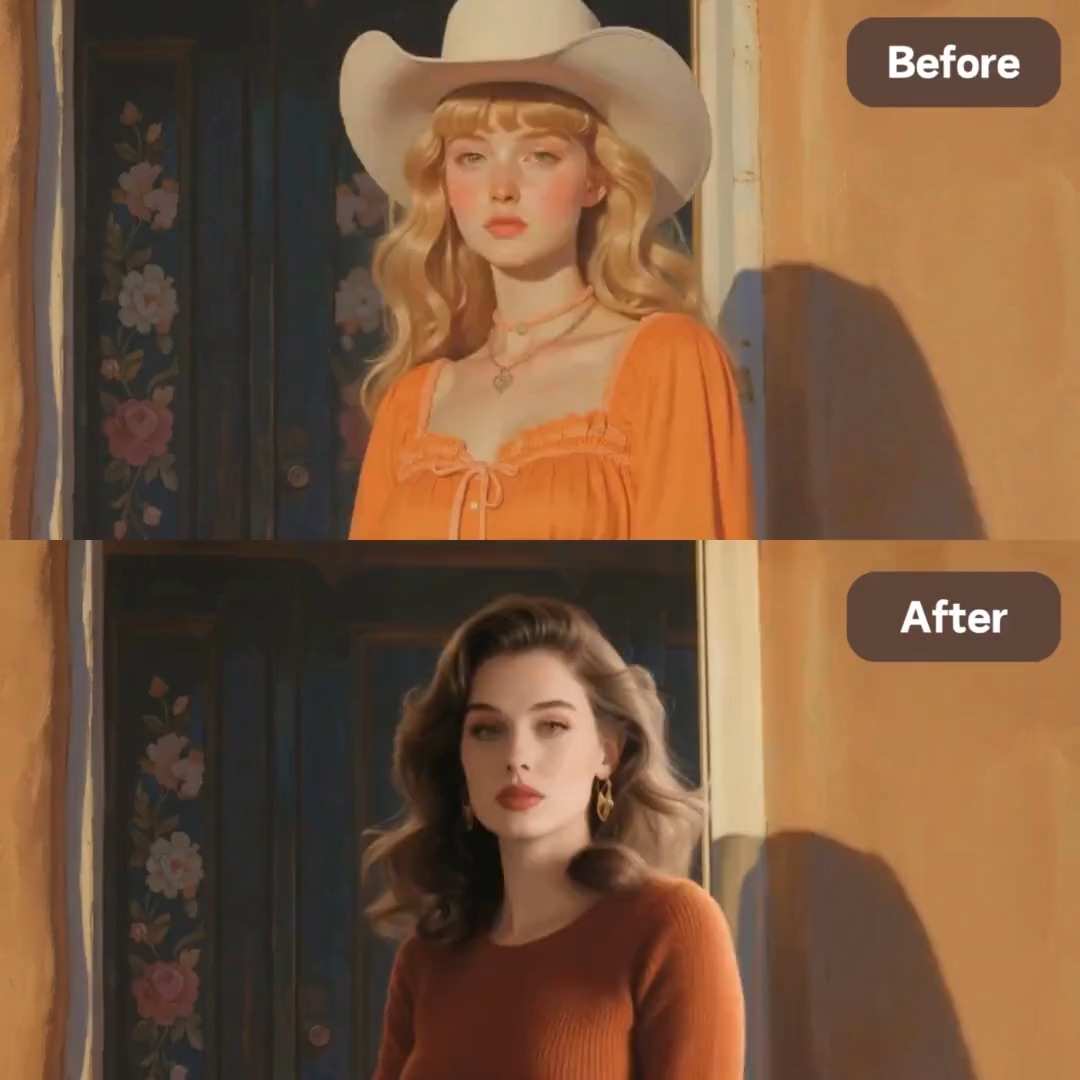
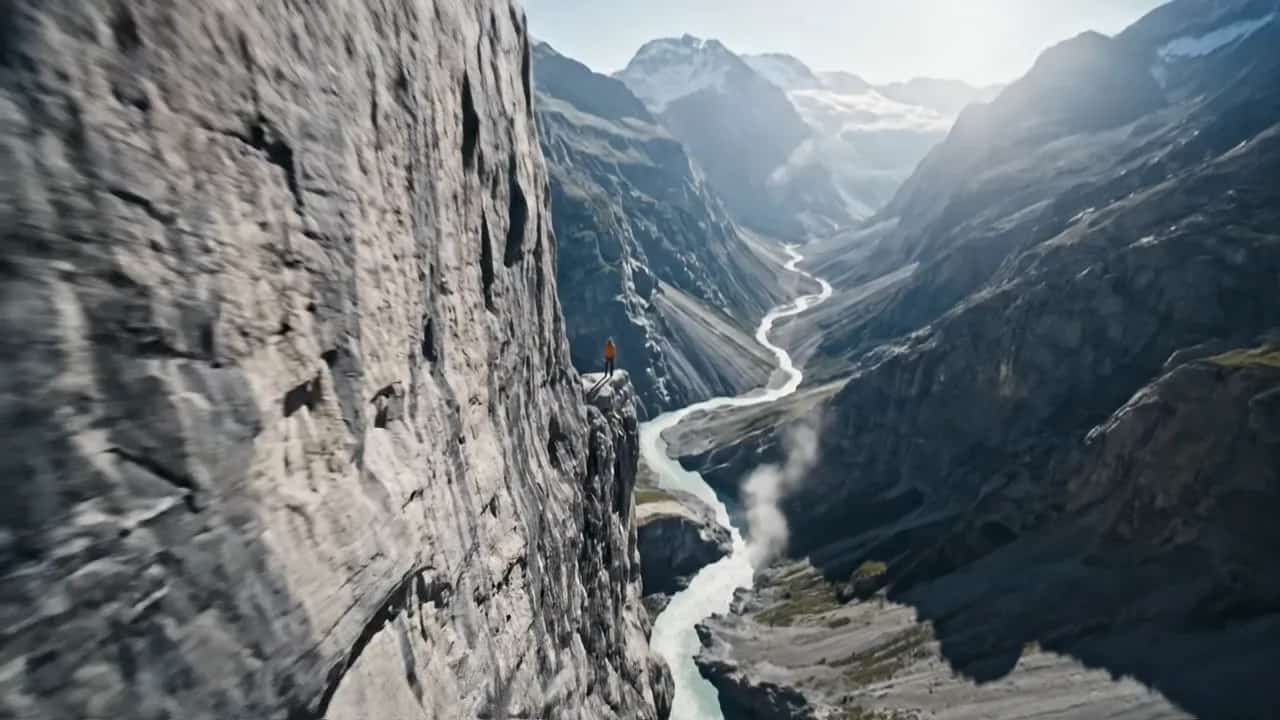
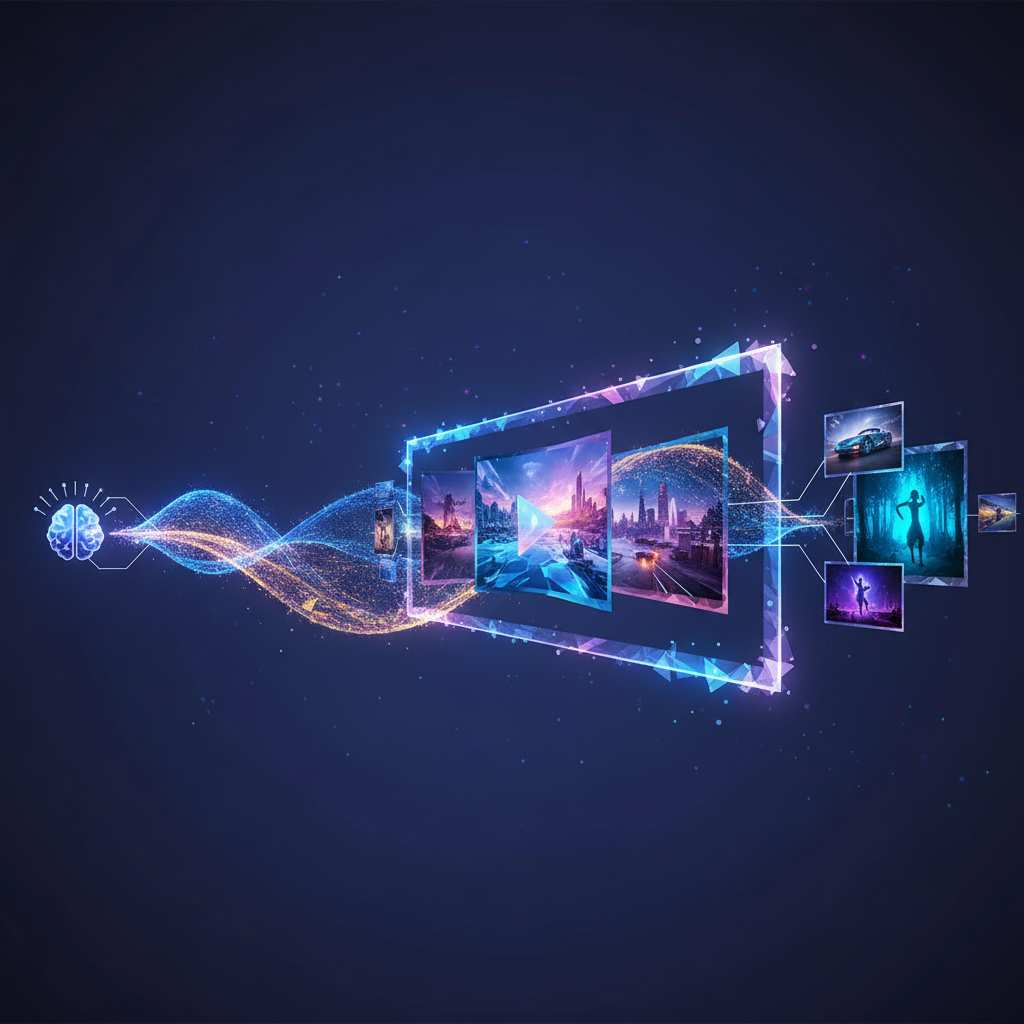
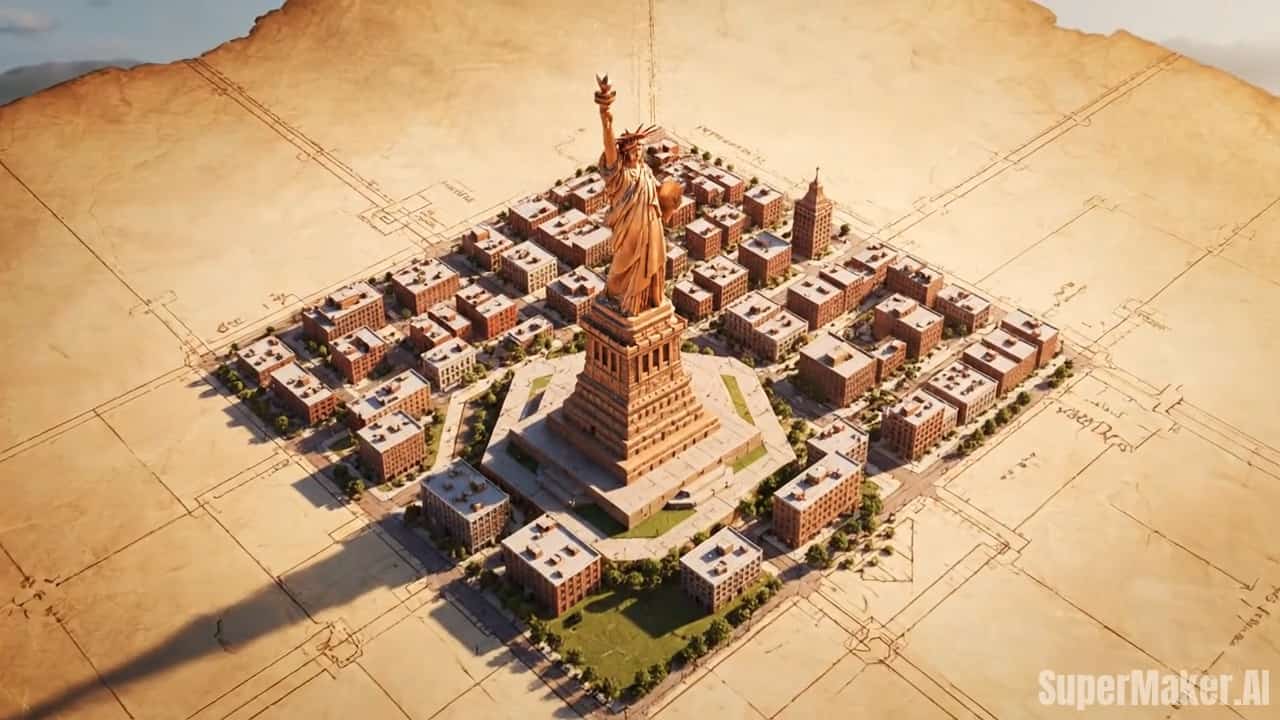
Best AI Video Tools for Creative Projects
Explore creative tools for video, learn tips and tricks, and see how AI can be your assistant in turning concepts into finished projects.


Why AI Sway Dance Filter Is Going Viral
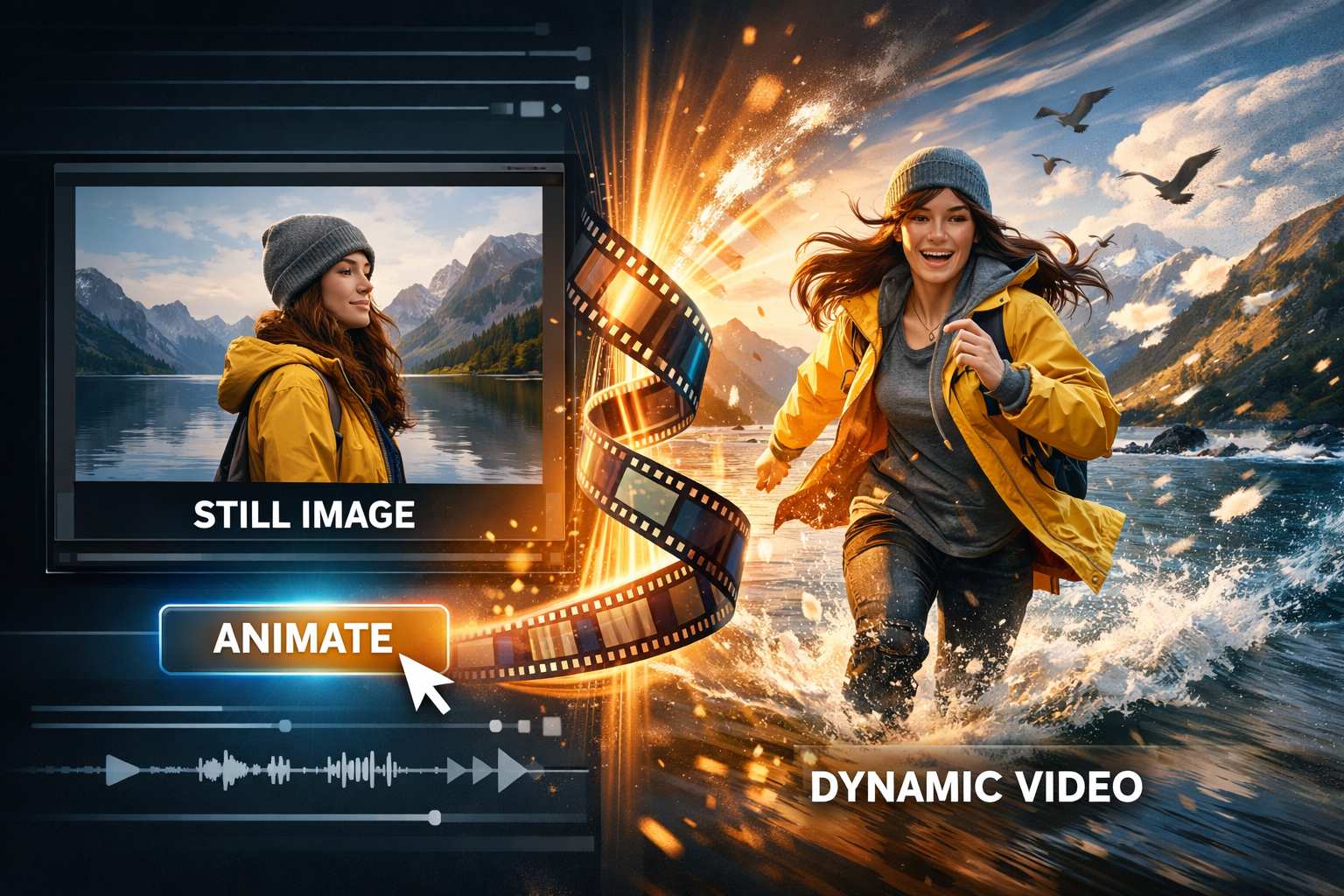
AI Sway Dance Filter has become one of the most engaging effects online. Its ability to transform a still photo into a dynamic movement makes it stand out among AI trends. Powered by a deeply trained AI Sway Dance Video Generator, the movement feels fluid, expressive, and realistic—not robotic. A playful wink, eyebrow movement, rhythmic sway motion, or hip rhythm gives the feeling of watching a real person move, even though it started from a static picture. This makes the filter fun, shareable, and naturally viral.
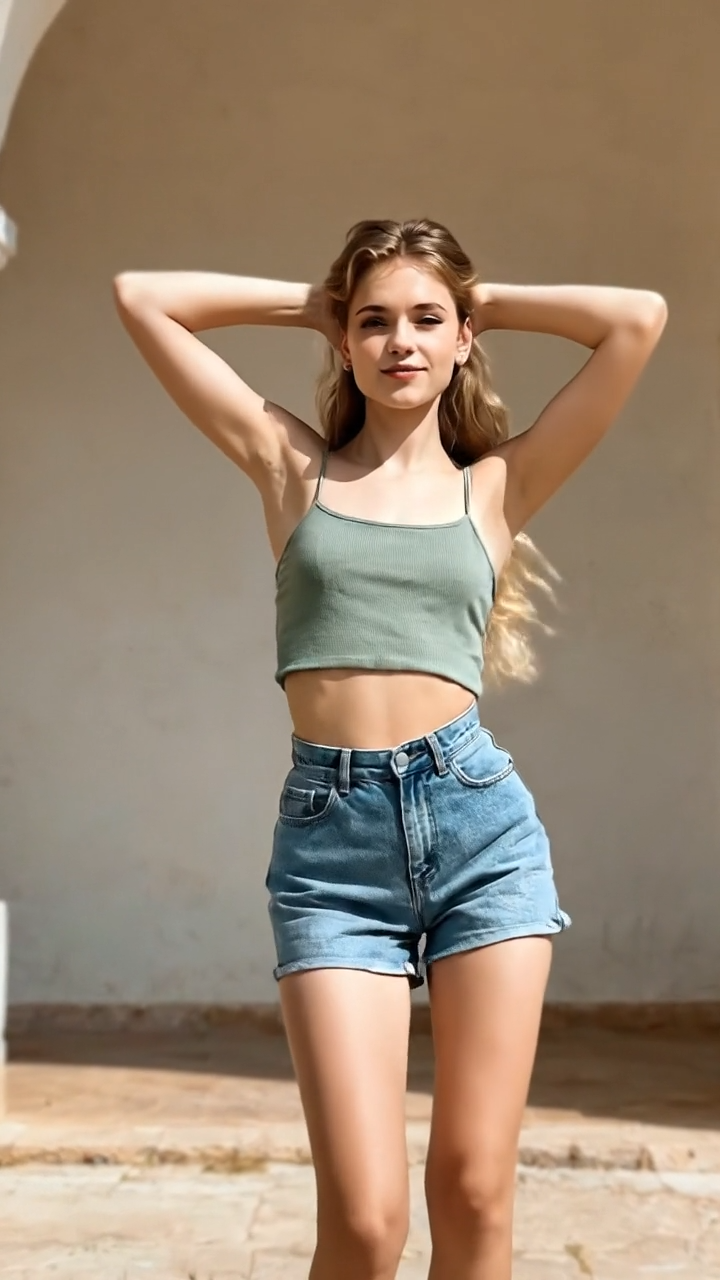
Natural Dance Motion & Expression
Unlike basic animation filters, AI Sway Dance Filter captures natural rhythmic flow. The hips sway smoothly side to side, shoulders remain relaxed, and the upper body follow-through creates a natural wave pattern. Facial expressions—like winks, smirks, or playful smiles—give personality to the animation.
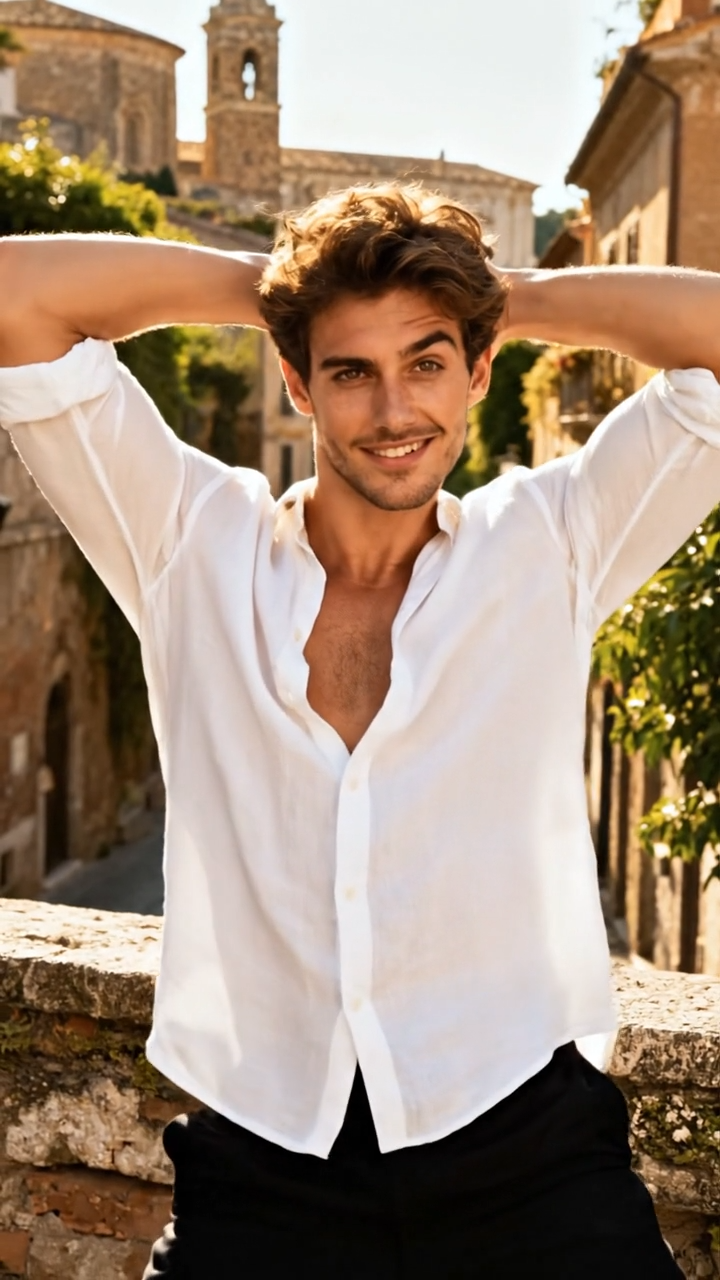
AI-Powered Body Rhythm Control
SuperMaker AI Sway Dance Video Generator optimizes movement based on posture and symmetry. Every sway movement is mapped to a subtle tempo pattern, giving the animation rhythm instead of random motion. This creates a familiar visual flow often seen in TikTok dances and reels trends.
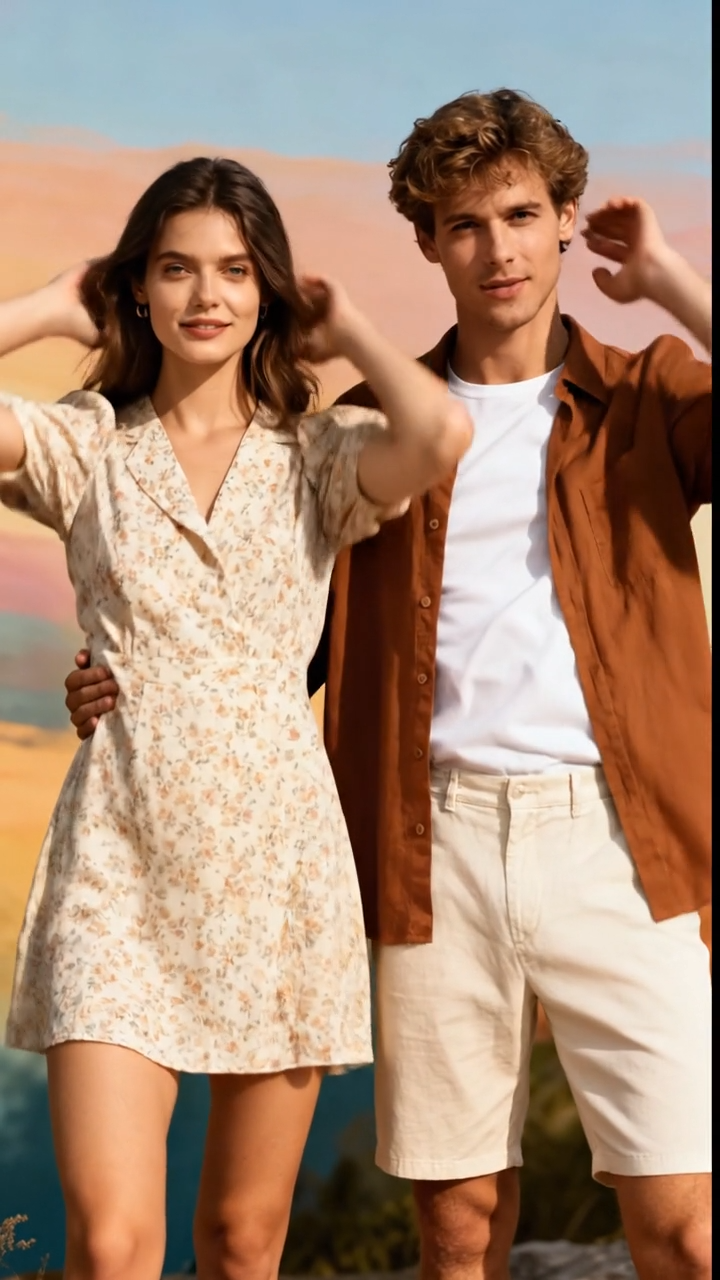
Perfect for Reels, TikTok, and Loops
SuperMaker AI Sway Dance Filter produces smooth, loop-friendly motion, making it ideal for creators who want repeatable animations that feel alive and aesthetically satisfying. Share online and spark audience reactions effortlessly.
Who Is SuperMaker AI Sway Dance Filter For?
Our AI Sway Dance Filter and AI Sway Dance Video Generator are used across creative communities. Whether you are experimenting for fun or producing content professionally, this tool adapts to your workflow.

For TikTok & Instagram Creators
Creators use AI Sway Dance Filter to turn selfies and portraits into dancing characters for fun, reactions, or editing aesthetics.
For Meme Pages & Humor Creators
AI Sway Dance Video Generator makes it easy to animate characters for jokes, parodies, and playful personality edits.

For Personal Avatars
Users transform profile photos into motion avatars for messaging, online identity, or playful swaying stickers.
For Designers & Video Editors
Motion graphic artists use AI Sway Dance Filter as a creative base for music videos, motion assets, and looping choreography.
What Users Say About AI Sway Dance Filter
Real feedback from creators using AI Sway Dance Filter and AI Sway Dance Video Generator.
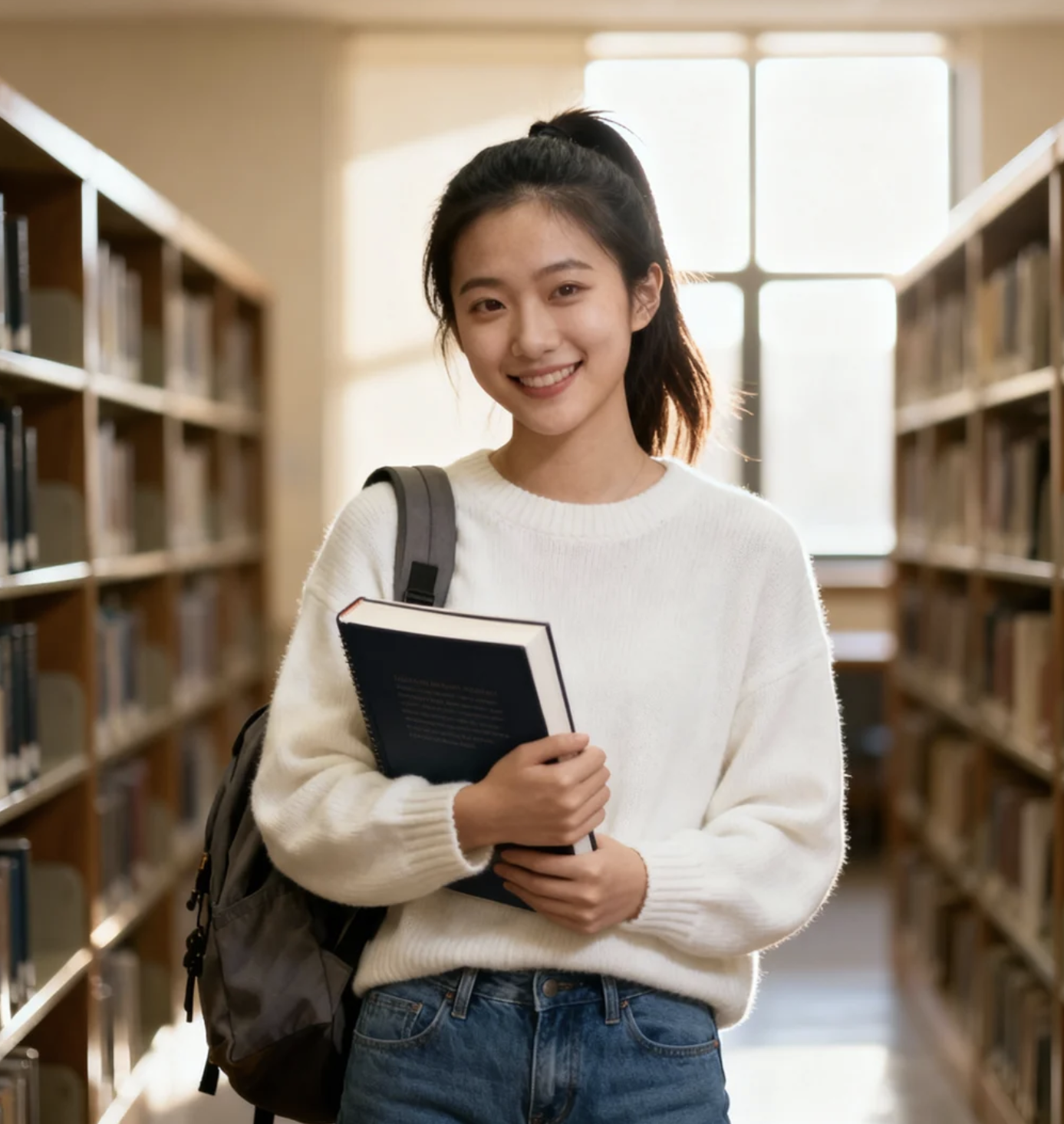
Using our AI Sway Dance Filter was honestly way more fun than I expected. I uploaded a normal selfie and within seconds SuperMaker AI Sway Dance Video Generator turned it into a smooth sway dance animation with a cute wink at the end. I posted the video to TikTok and it instantly got engagement because the motion feels so natural. I’ve tried other animation tools before, but this AI Sway Dance Filter gives the most realistic hip movement and expression detail. It feels like a trend that’s actually worth experimenting with again.
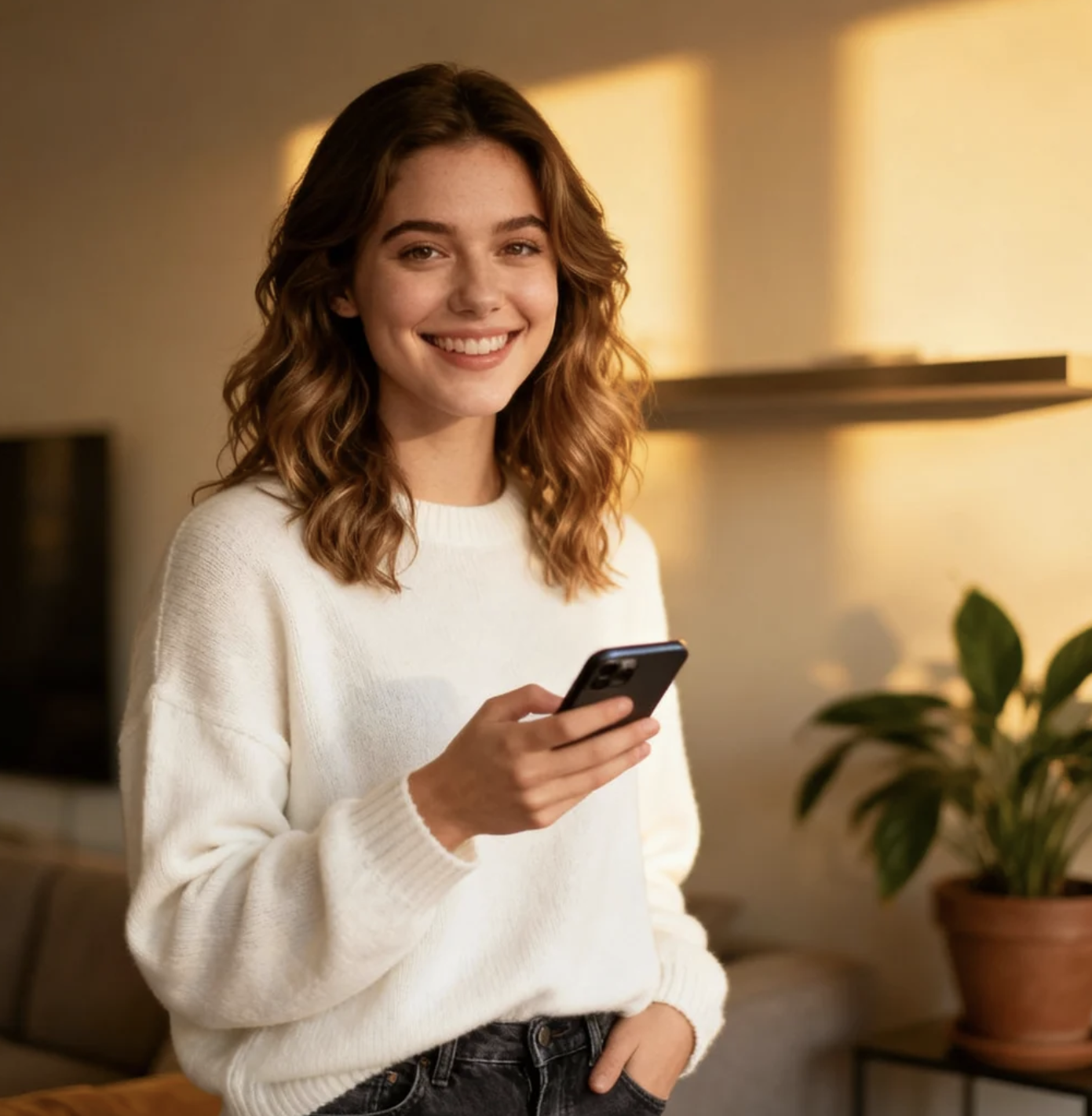
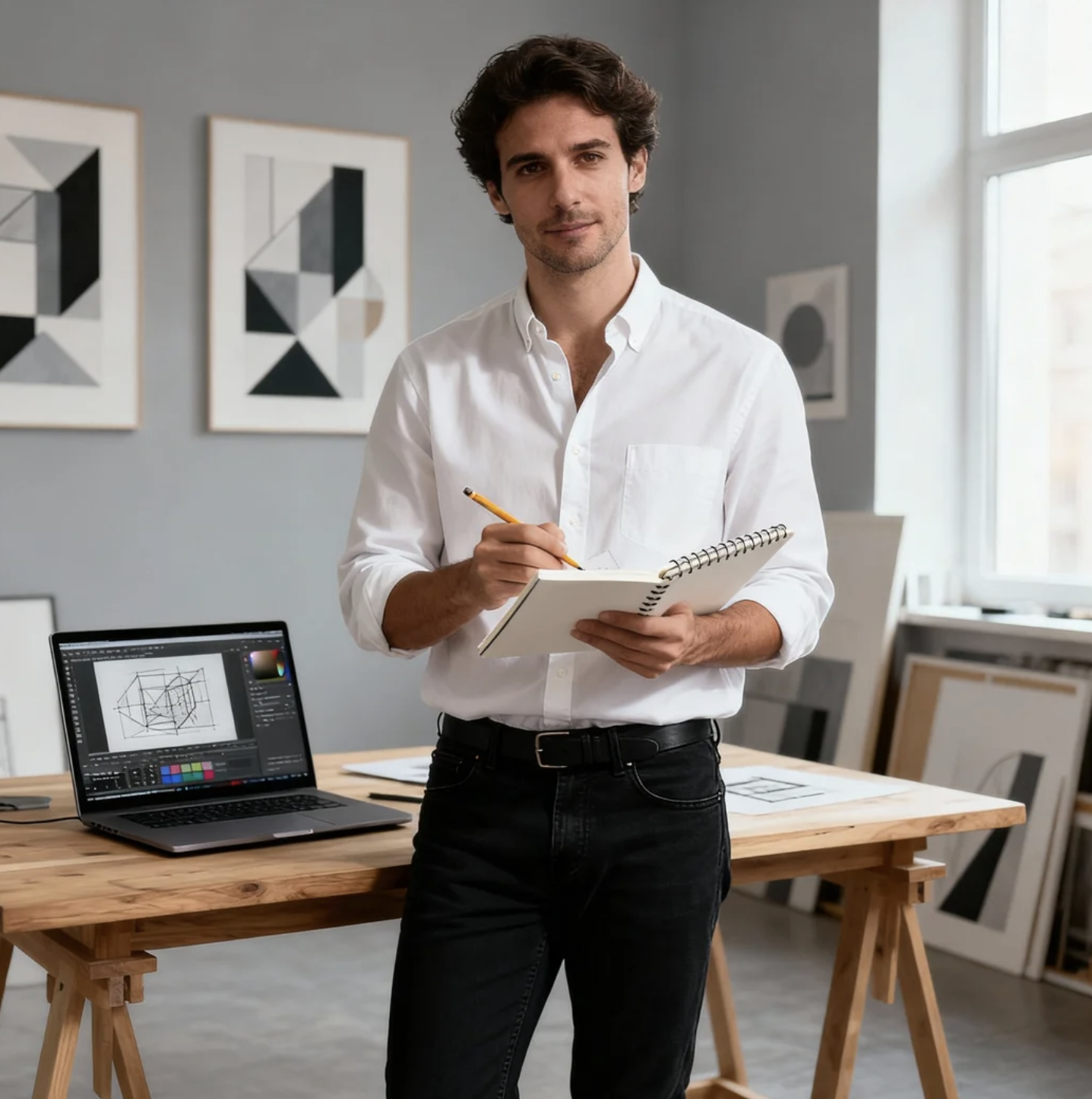
As a designer, I usually avoid gimmicky effects, but SuperMaker AI Sway Dance Filter surprised me. I used it to animate a client portrait, and AI Sway Dance Video Generator produced a believable looping sway animation that looked natural enough to use in a project. The subtle facial expressions and rhythm made it feel human rather than robotic. What I appreciate most is how quickly it works—simple upload, generate, download. Now I use AI Sway Dance Filter not just for fun edits but also to build motion assets for social campaigns.
I saw AI Sway Dance Filter trending and wanted to try it for fun. I uploaded a regular photo, expecting something basic, but AI Sway Dance Video Generator added smooth hip sway and even a playful facial expression that matched my vibe. When I shared the video on Instagram Reels, my friends thought I filmed it myself. The movement feels realistic and the result loops perfectly. I’ve already tried multiple pictures because it’s addictive. SuperMaker AI Sway Dance Filter makes anyone look like they’re in a trendy TikTok dance challenge.
For someone who runs a meme account, AI Sway Dance Filter is pure gold. I animated random characters and the results are hilarious because the movement looks just real enough. AI Sway Dance Video Generator gives smooth rhythm and expressive reactions, which makes the videos easy to turn into looping memes. The wink and body wave animation are my favorite parts because they add personality. AI Sway Dance Filter has become a consistent tool for generating quick content that performs well and keeps my audience engaged.
I tested SuperMaker AI Sway Dance Filter for a brand campaign just out of curiosity. Our AI Sway Dance Video Generator created a looping sway effect that worked surprisingly well as a short, eye-catching asset for Reels and ads. The motion is natural, the expressions feel intentional, and the output looks polished enough for professional content. AI Sway Dance Filter saved us time, especially compared to manual animation or hiring models. Our first test post received higher engagement than expected, so now we’re planning to use it for influencer collaborations too.
As someone who works with character art, I love how AI Sway Dance Filter brings still images to life. I experimented with different styles, and AI Sway Dance Video Generator consistently gave smooth, realistic body rhythm and micro-expressions that looked intentional, not random. The sway animation loops beautifully and adds personality to art that was previously static. For me, AI Sway Dance Filter is not just a trend—it’s a creative tool with real potential for motion-based character design and animated avatar projects.

AI Sway Dance Filter FAQ
Common questions about the AI Sway Dance Filter and the AI Sway Dance Video Generator.
It's an AI-powered effect that transforms a still image into a sway motion animation. It adds facial expressions, hip sway, and realistic rhythm.
Clear, upright photos with full-body produce the best AI Sway Dance Video Generator output.
Yes. Videos generated using the AI Sway Dance Filter are TikTok and Reels friendly.
No. The system handles movement, looping, and expression automatically.
Yes, you can try the filter for free and upgrade for high-resolution exports or advanced animations.
Create Your First Sway Dance Video
Upload your image and watch AI turn it into a smooth sway dance animation with realistic body movement and expressive facial reactions.
