Comatozze Gemini Prompts: Create Natural-Looking AI Couple Photos
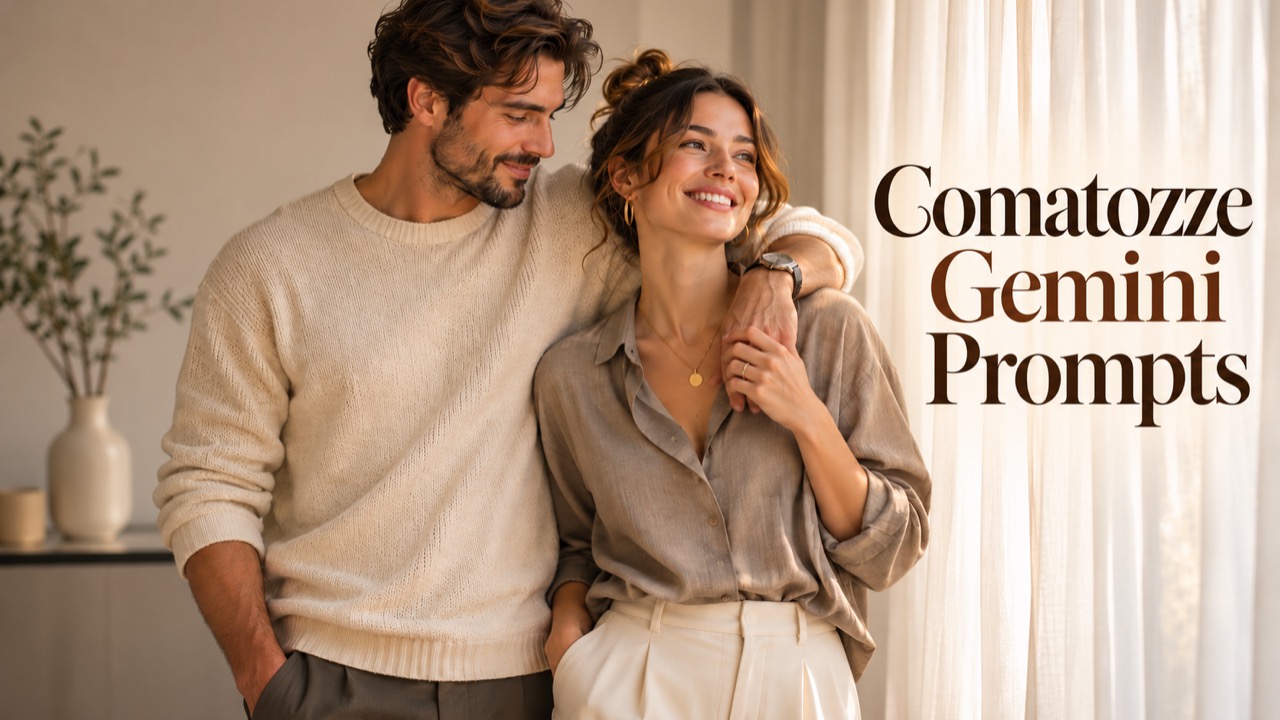
Explore Comatozze Gemini prompts for couple portraits, from soft window-light photos to playful scenes. Copy an idea, adapt the details to your own picture, and learn how to refine the pose, lighting, and composition for a more natural result.
What Are Comatozze Gemini Prompts?
Comatozze Gemini prompts are descriptions used to create or edit couple images with an AI image tool. The examples often combine a close, relaxed pose with soft lighting and a photographic finish. Some aim for a romantic portrait; others turn an ordinary picture into a playful scene.
A useful prompt describes what the camera should see: the people, their pose, clothing, setting, light, and overall mood. If you start with a reference photo, specify which features should stay recognizable. Results vary with the image, model, and prompt, so treat each example as a starting point rather than a guarantee.
How to Make a Comatozze-Style Couple Photo
- Choose a clear photo. Pick a well-lit image where the people’s faces are visible. Use a photo you have permission to edit and share. A simple background can make the intended changes easier to describe.
- Open an image editor. Visit SuperMaker’s image-to-image editor and upload your reference image. Choose an available image model that supports editing from a reference.
- Add a prompt. Copy one of the examples below, then adjust the clothing, setting, and pose. Ask the model to keep recognizable facial features if that matters to your result.
- Generate and refine. Review the image at full size, especially faces, hands, and clothing. If something looks wrong, revise one or two instructions and try again. Download the version you like.
Comatozze Gemini Prompts to Copy and Customize
Each prompt is written for a couple photo, but you can change the people, wardrobe, or mood to suit your own image. Keep the parts that fit and replace the rest with specific details.
1. Soft Curtain Portrait
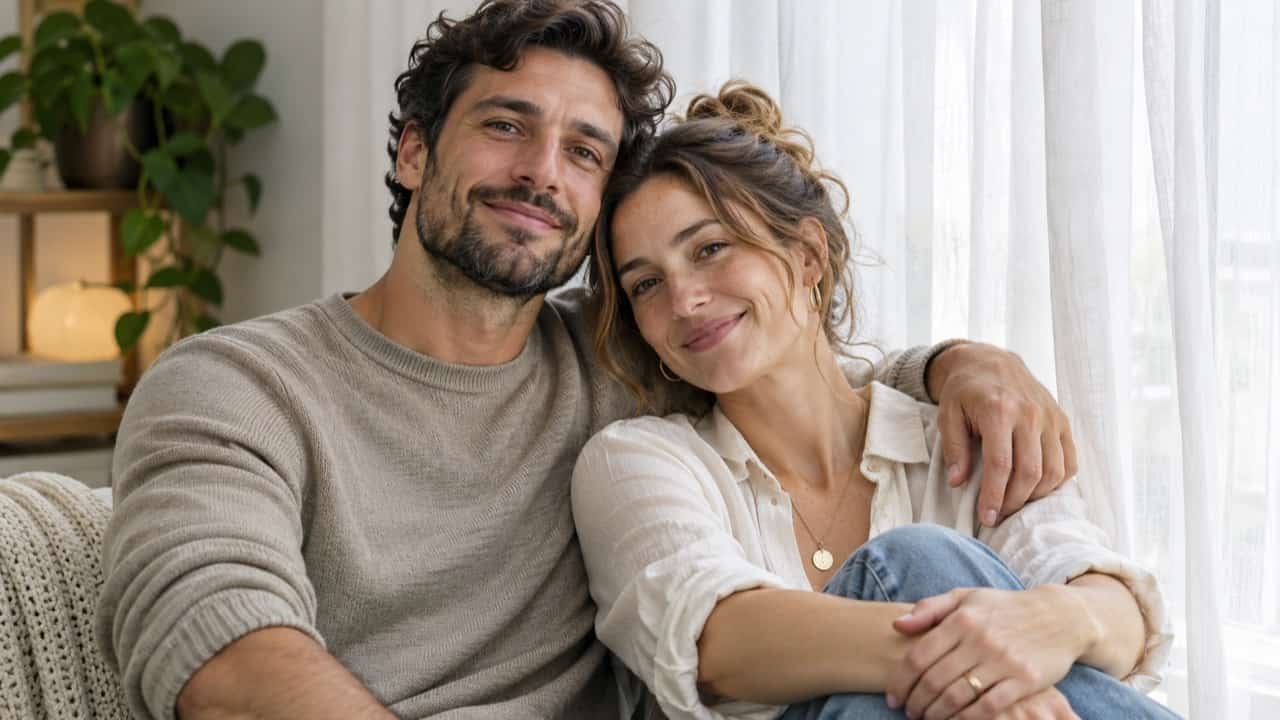
AI-generated illustration of the soft curtain portrait concept.
Edit the reference into a natural couple portrait beside sheer white curtains. Keep both people recognizable. Have them stand close with relaxed shoulders and gentle smiles, wearing neutral casual clothes. Use soft window light, a warm cream palette, and a shallow depth of field. Frame them from the waist up with realistic skin texture.
This is a simple starting point when you want a calm portrait with a clean background. Change the crop to a full-length composition if the outfits are part of the story.
2. Candid Eye Contact
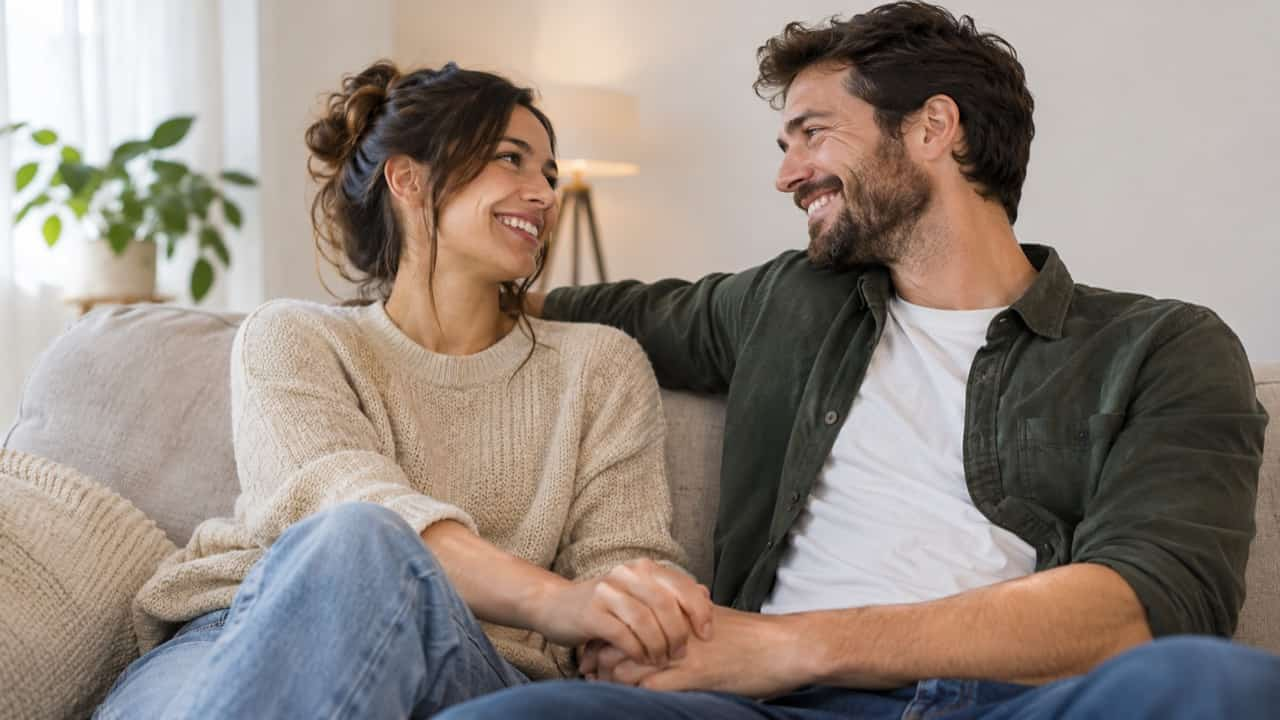
AI-generated illustration of the candid eye contact concept.
Create a candid photograph of the two people in the reference holding hands and looking at each other with natural smiles. Place them in a softly lit living room with a quiet, uncluttered background. Use warm indoor light, an eye-level camera angle, and an unposed, documentary photography feel. Preserve their recognizable facial features.
For a less posed result, describe a small action, such as walking together or laughing after a conversation, instead of asking for a generic romantic expression.
3. Golden-Hour Walk
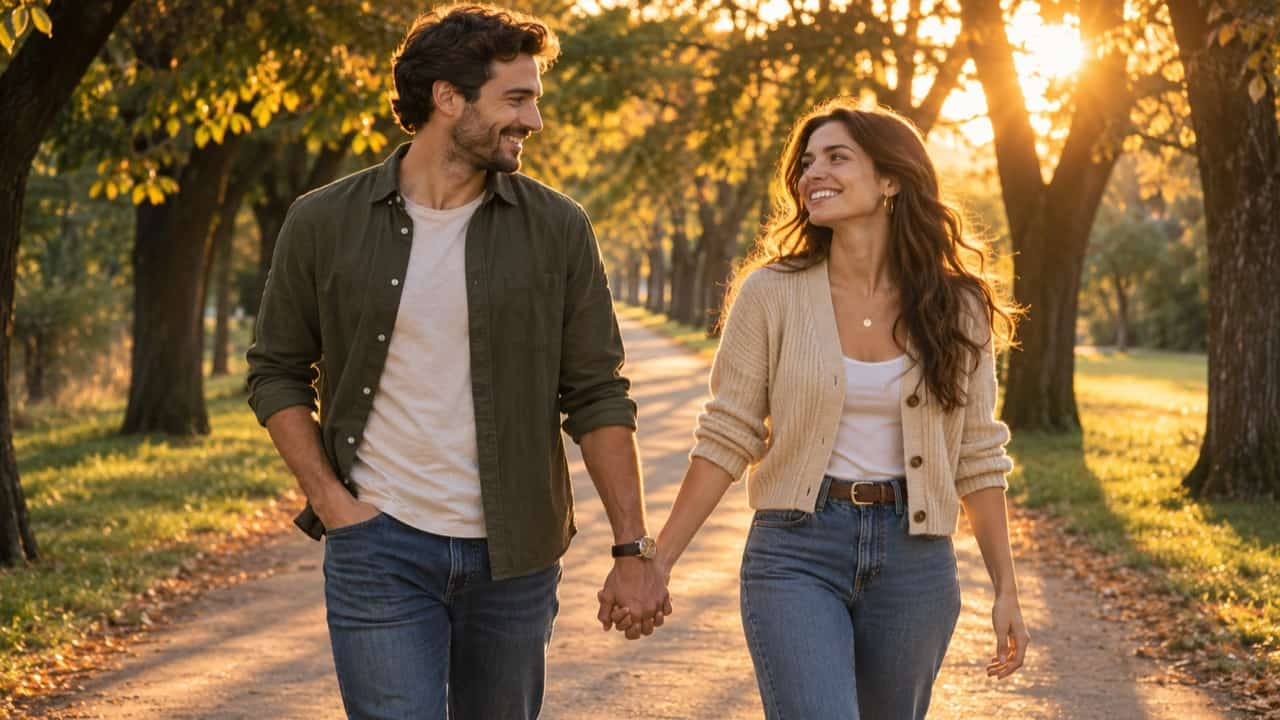
AI-generated illustration of the golden-hour walk concept.
Turn the reference into an outdoor couple portrait during golden hour. Show the pair walking side by side along a tree-lined path, hands loosely joined, with warm sunlight behind them. Keep their faces recognizable and clothing casual. Use natural colors, soft shadows, and a slightly wider composition that includes the surroundings.
The environment gives the image context. If the faces become too small, request a closer crop or ask for a waist-up frame.
4. Nostalgic Instant Photo
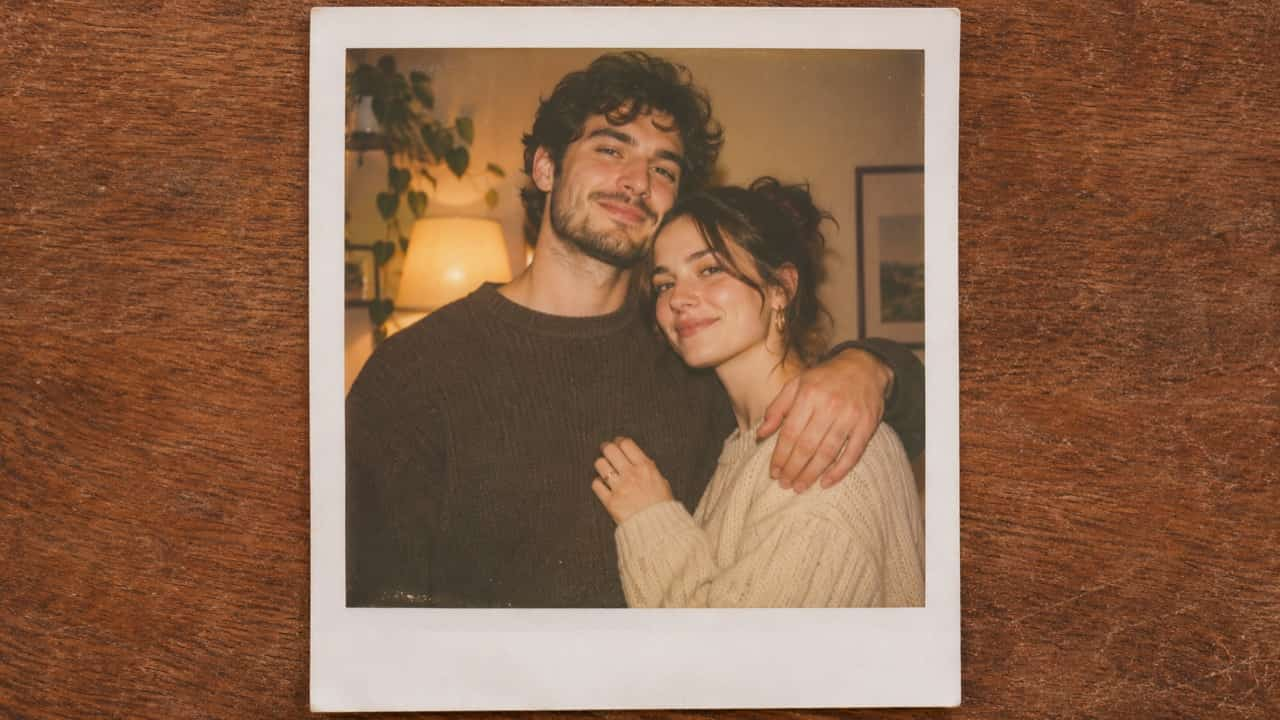
AI-generated illustration of the nostalgic instant photo concept.
Reimagine the reference as a nostalgic instant-film portrait of a couple standing close together. Preserve their facial features and give them relaxed expressions. Add softly faded colors, gentle film grain, and warm indoor light. Use a simple background and a square composition with a clean white photo border; do not add words or logos.
Film-style effects can obscure details. Ask for subtler grain if the faces or clothing lose too much definition.
5. Dressy Studio Portrait
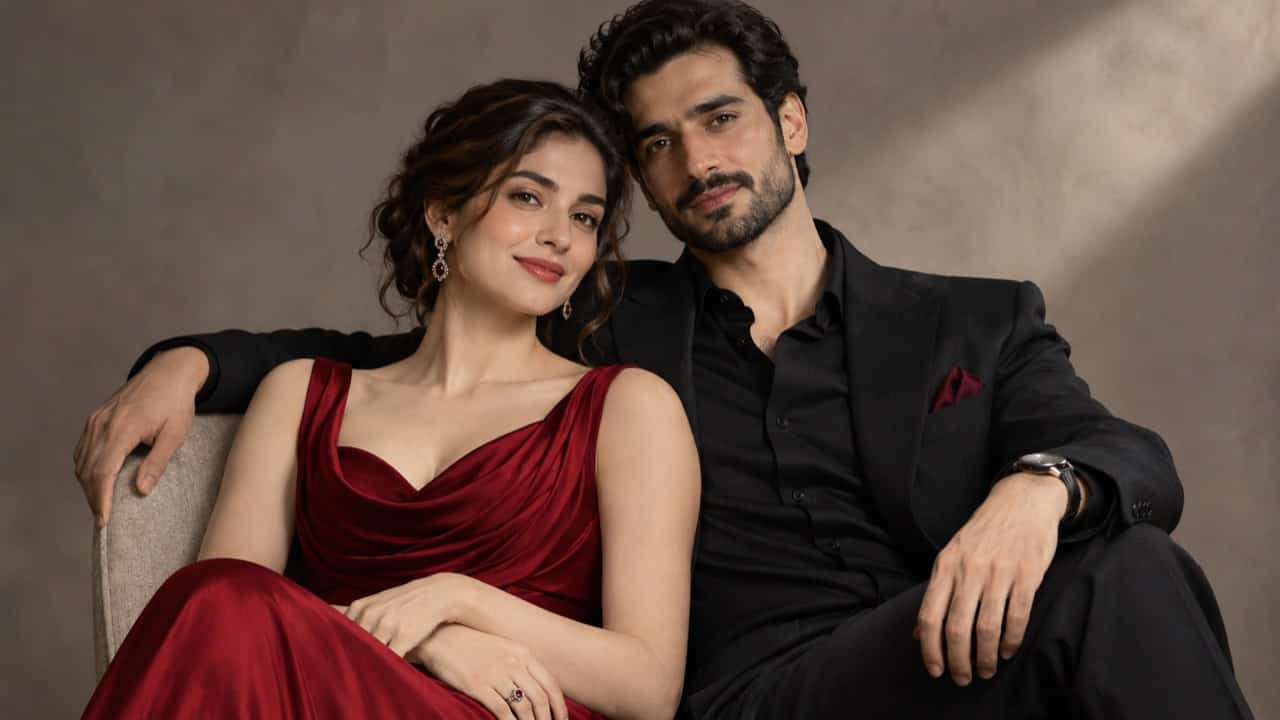
AI-generated illustration of the dressy studio portrait concept.
Create an elegant studio photograph using the two people in the reference. Dress one person in a deep red outfit and the other in a dark tailored outfit. Place them against a neutral backdrop, standing close with understated expressions. Use soft directional light, realistic fabric texture, and a polished editorial composition. Keep their faces recognizable.
Swap the wardrobe colors for your own event or personal style. A neutral background helps the outfits remain the focus.
6. Cozy Side Hug
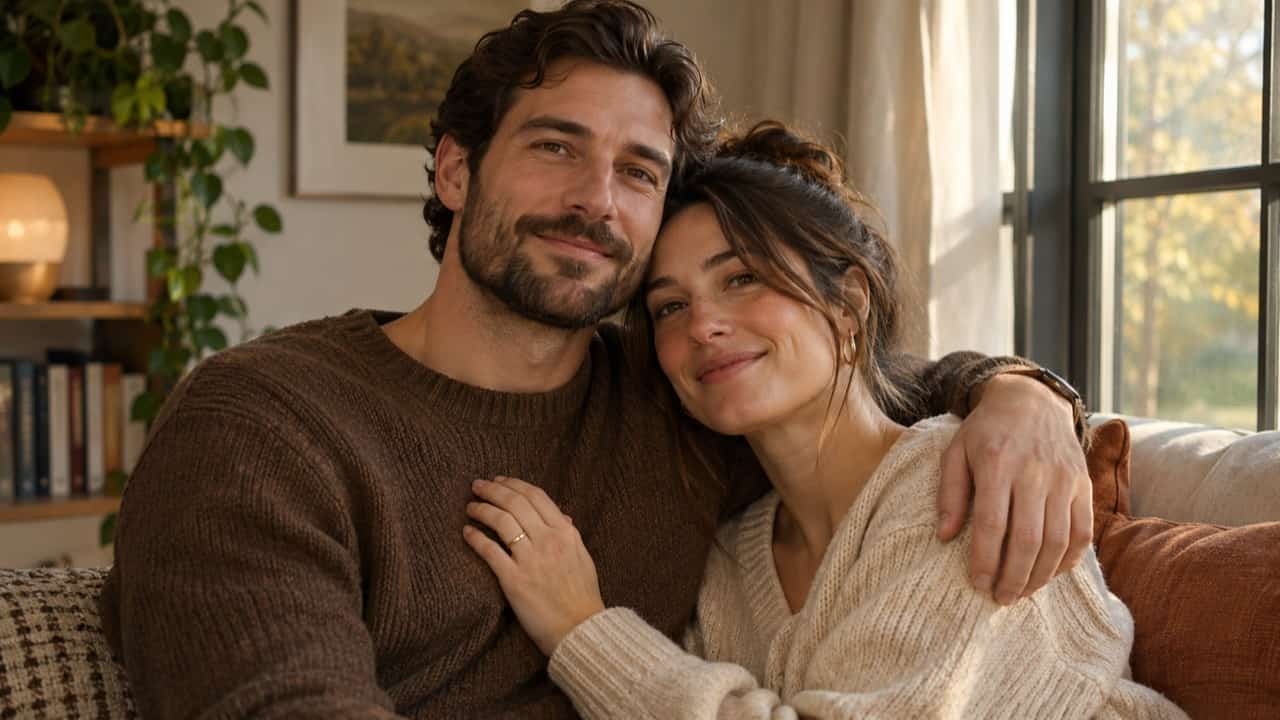
AI-generated illustration of the cozy side hug concept.
Edit the reference into a cozy indoor portrait of the couple sharing a gentle side hug. Set the scene near a window, with warm afternoon light and a softly blurred room behind them. Keep their recognizable faces, natural body proportions, and relaxed hands. Use a candid photographic style with muted earth tones.
If the hands overlap awkwardly, simplify the pose: ask both people to stand side by side with their hands visible.
7. Bouquet Moment
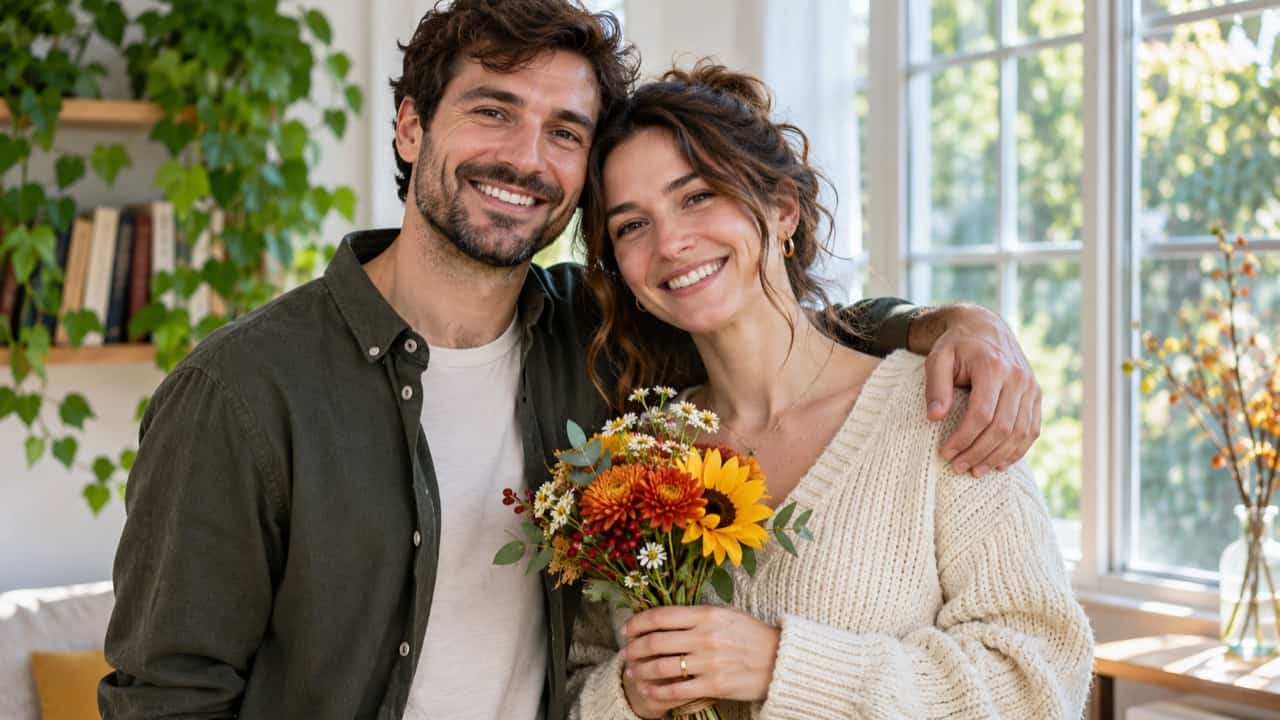
AI-generated illustration of the bouquet moment concept.
Create a bright couple portrait from the reference photo. One person holds a small bouquet of seasonal flowers while the other stands beside them, both smiling naturally. Use a light indoor setting, soft daylight, and a waist-up composition. Preserve their recognizable faces and render the flowers and hands with realistic detail.
Choose a specific flower or color palette to make the image feel more personal. Avoid adding too many accessories in the first attempt.
8. Playful Kitchen Scene
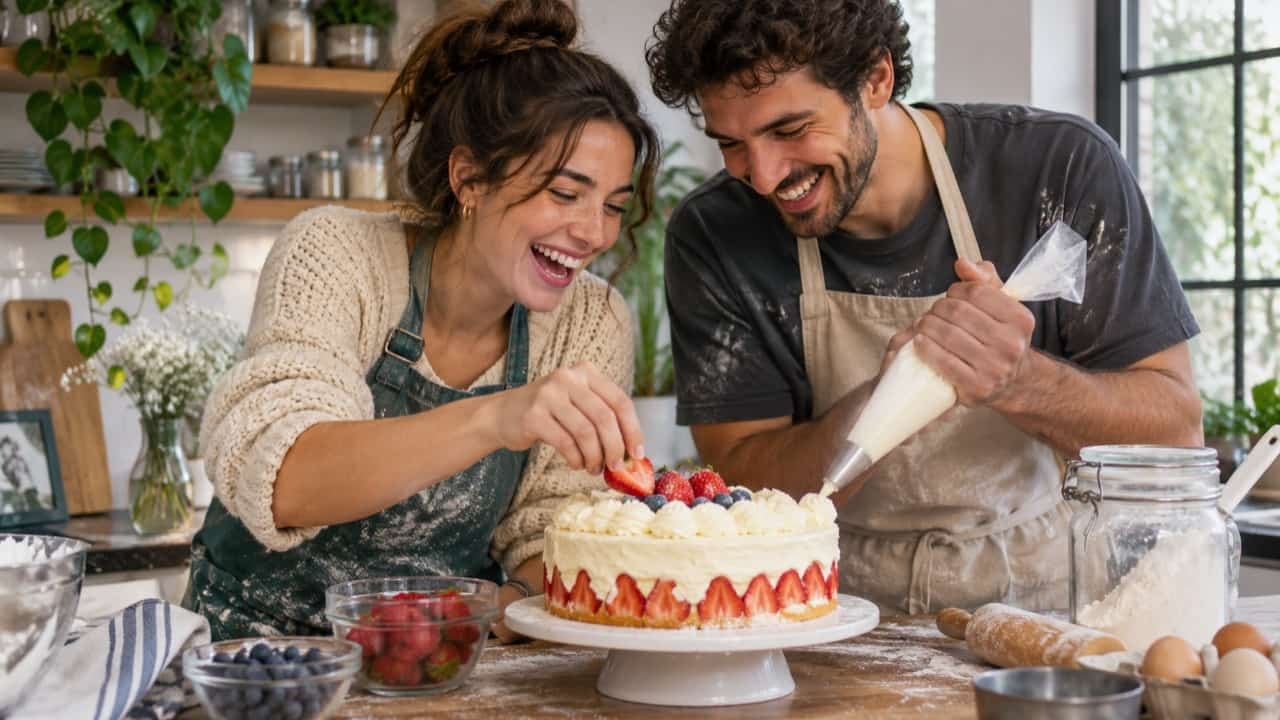
AI-generated illustration of the playful kitchen scene concept.
Transform the reference into a lighthearted couple photo in a cozy kitchen. Show both people laughing as they try to decorate a cake, with a little flour on their aprons and a few baking tools on the counter. Keep their faces recognizable, use bright natural light, and create a candid, realistic photograph without text.
A humorous prompt works best when the action is easy to picture. Add one playful detail at a time so the image stays readable.
Tips for Better Results
Be precise about the pose. “Standing side by side, shoulders touching” is easier to interpret than a long list of conflicting gestures. If the result has awkward anatomy, simplify the scene and specify where hands should appear.
Describe light and framing. Window light, overcast daylight, or golden-hour backlight each creates a different mood. Add an eye-level angle and a waist-up or full-length crop to guide the composition.
Change one detail at a time. Start with a clear prompt, then adjust the background, wardrobe, or expression in separate attempts. This makes it easier to see which instruction improved the image.
Check the result before sharing. Look for altered facial features, extra fingers, inconsistent jewelry, or unexpected text. Get permission from anyone pictured, and make clear that an image is AI-generated when context could otherwise mislead viewers.
Frequently Asked Questions
Do I Need a Couple Photo to Start?
A photo with both people gives the editor a clear reference for the pair. If you have separate photos, check whether your chosen model supports multiple reference images before uploading them. The result may still change details, so review both faces carefully.
Can I Use These Prompts Outside Gemini?
Yes. The prompts describe visual scenes and can be adapted for other image editors that accept a reference image and text instructions. Different models interpret details differently, so you may need to shorten or revise a prompt for the tool you choose.
How Can I Make the Photo Look More Natural?
Choose a clear reference, use a simple pose, and describe a plausible light source. Ask for natural expressions and realistic textures, then check the generated image at full size. Small revisions often help more than adding a long list of style keywords.
Create Your Own Couple Portrait
Start with a photo you have permission to use, choose one prompt, and tailor it to the moment you want to create. Whether you prefer a soft curtain portrait or a funny kitchen scene, open SuperMaker’s image-to-image editor and refine the details until the result feels right for you.