
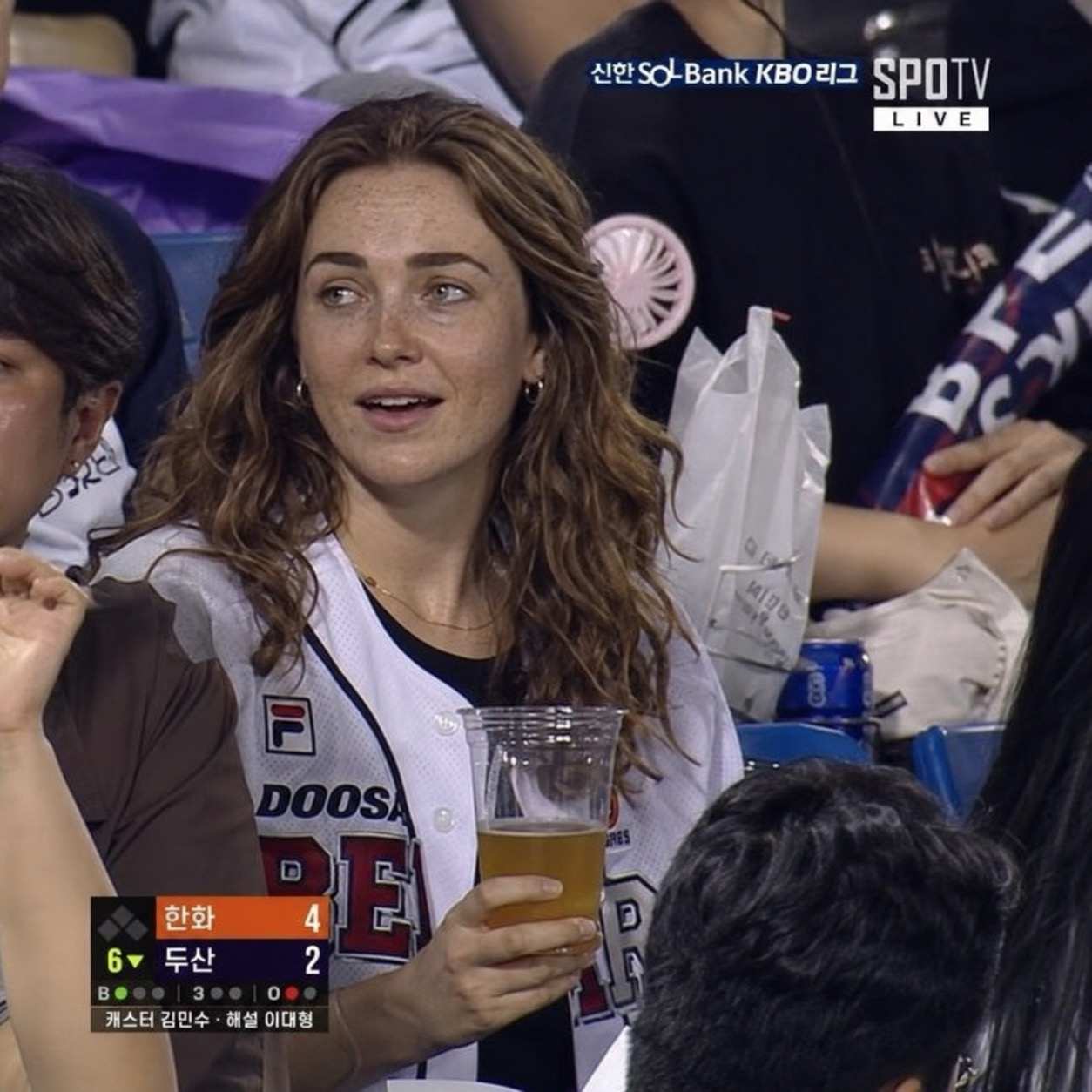
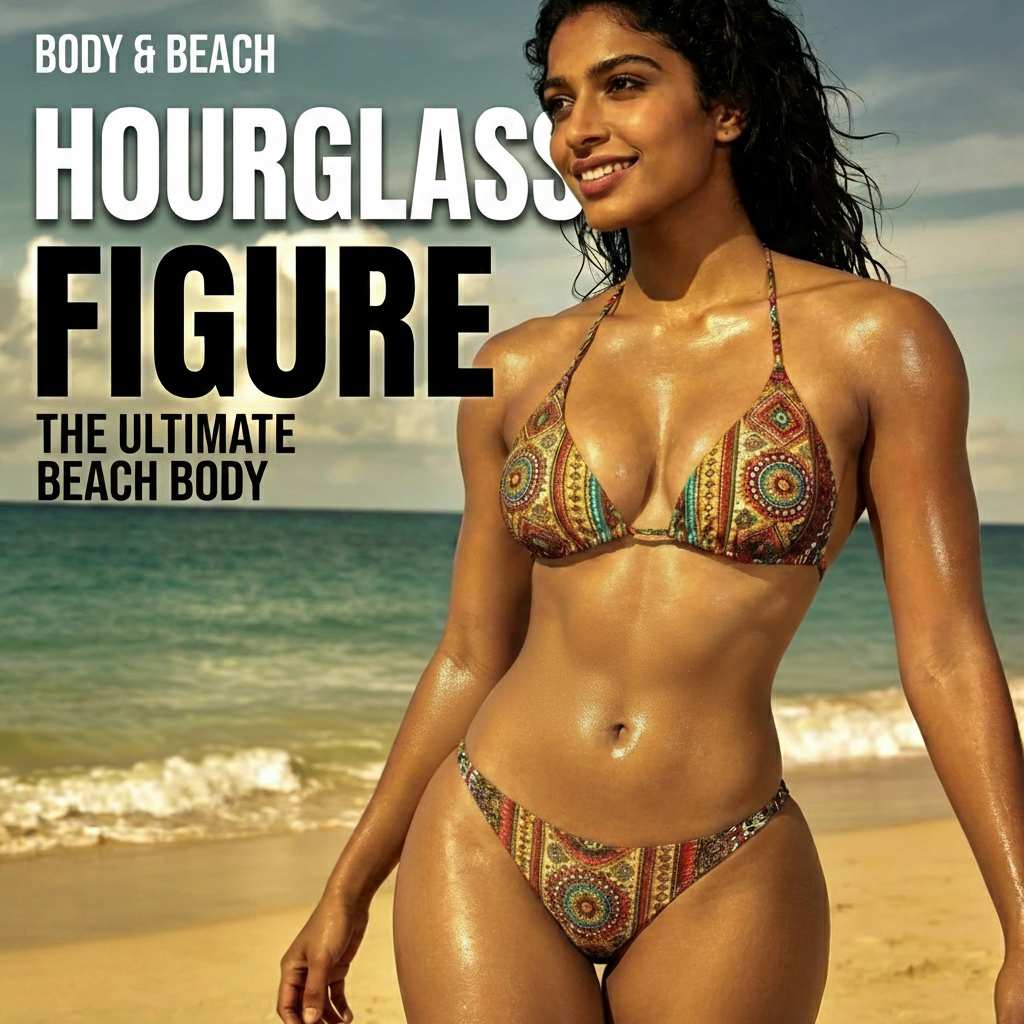
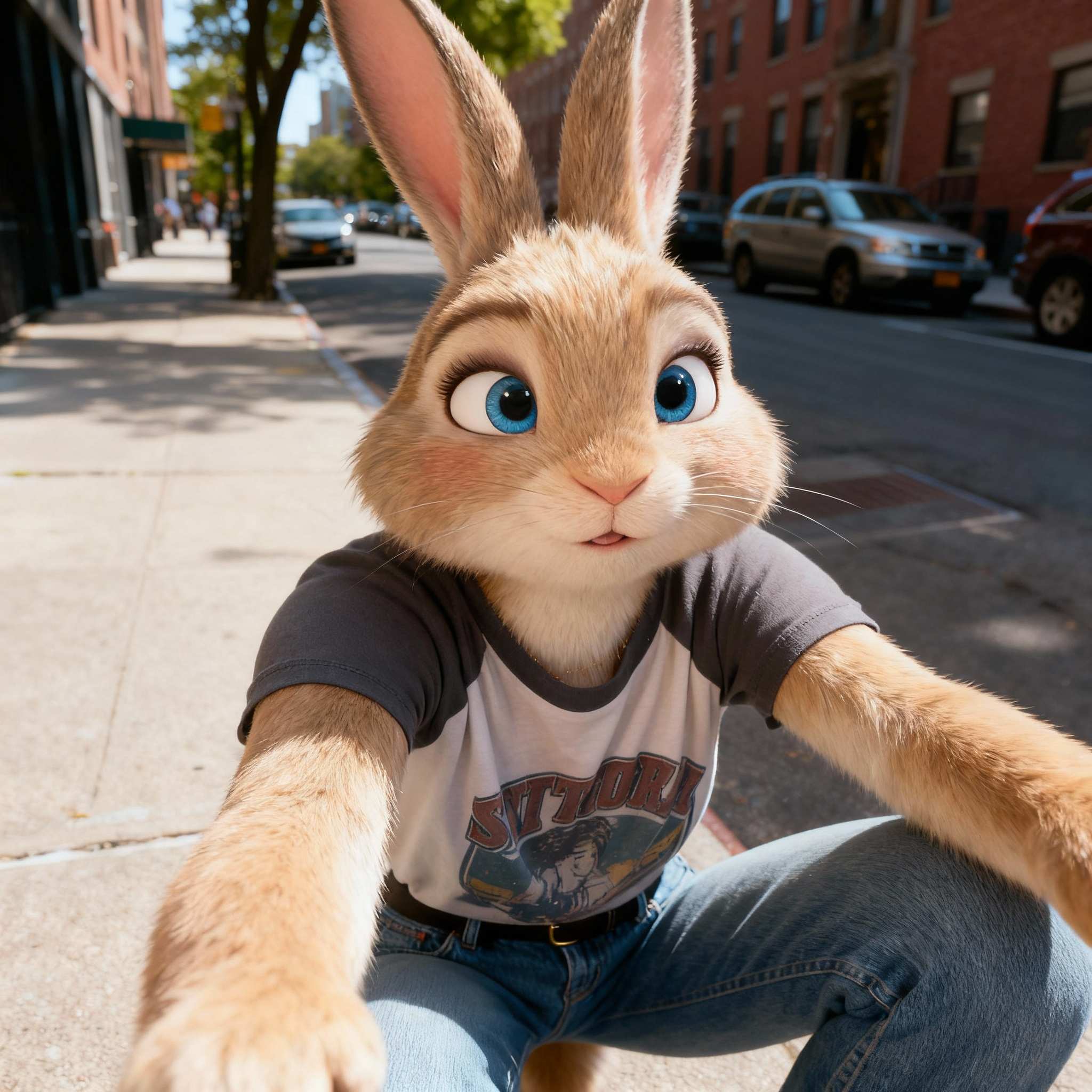

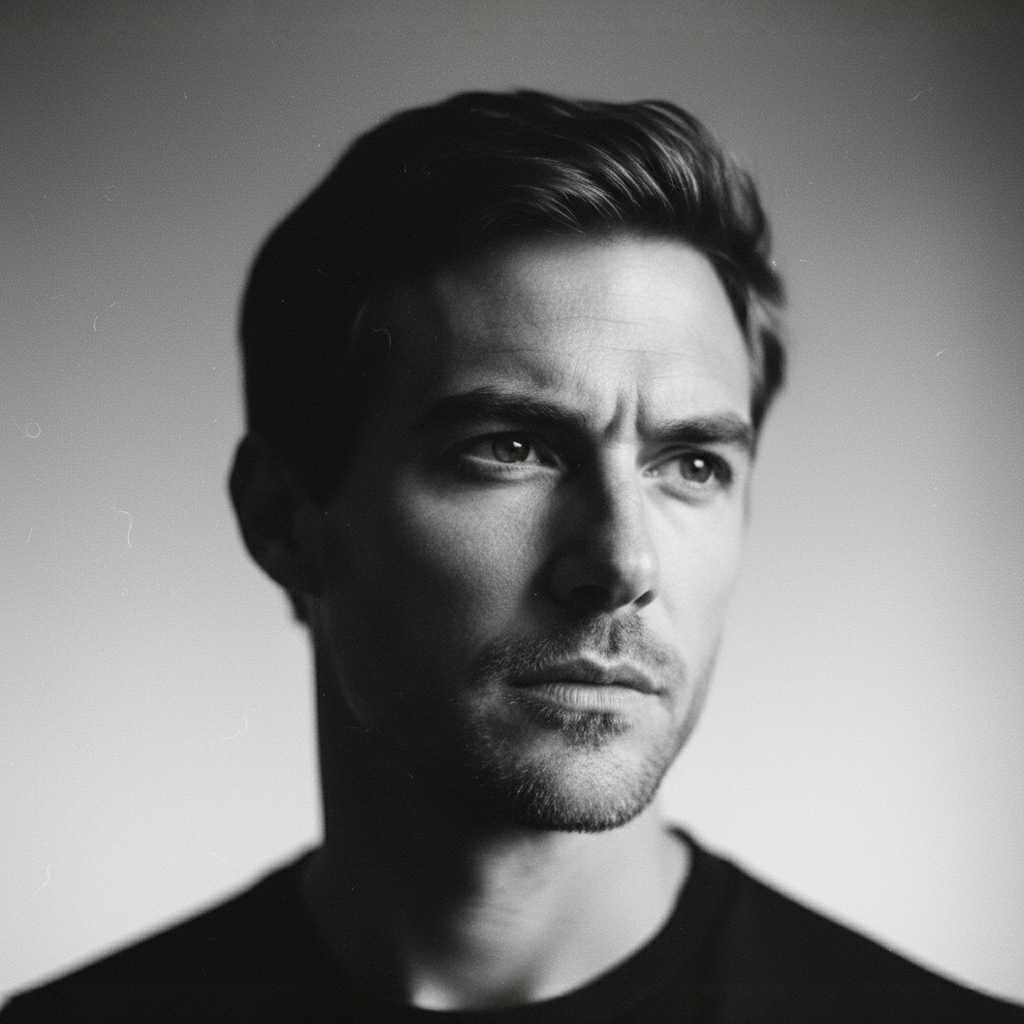
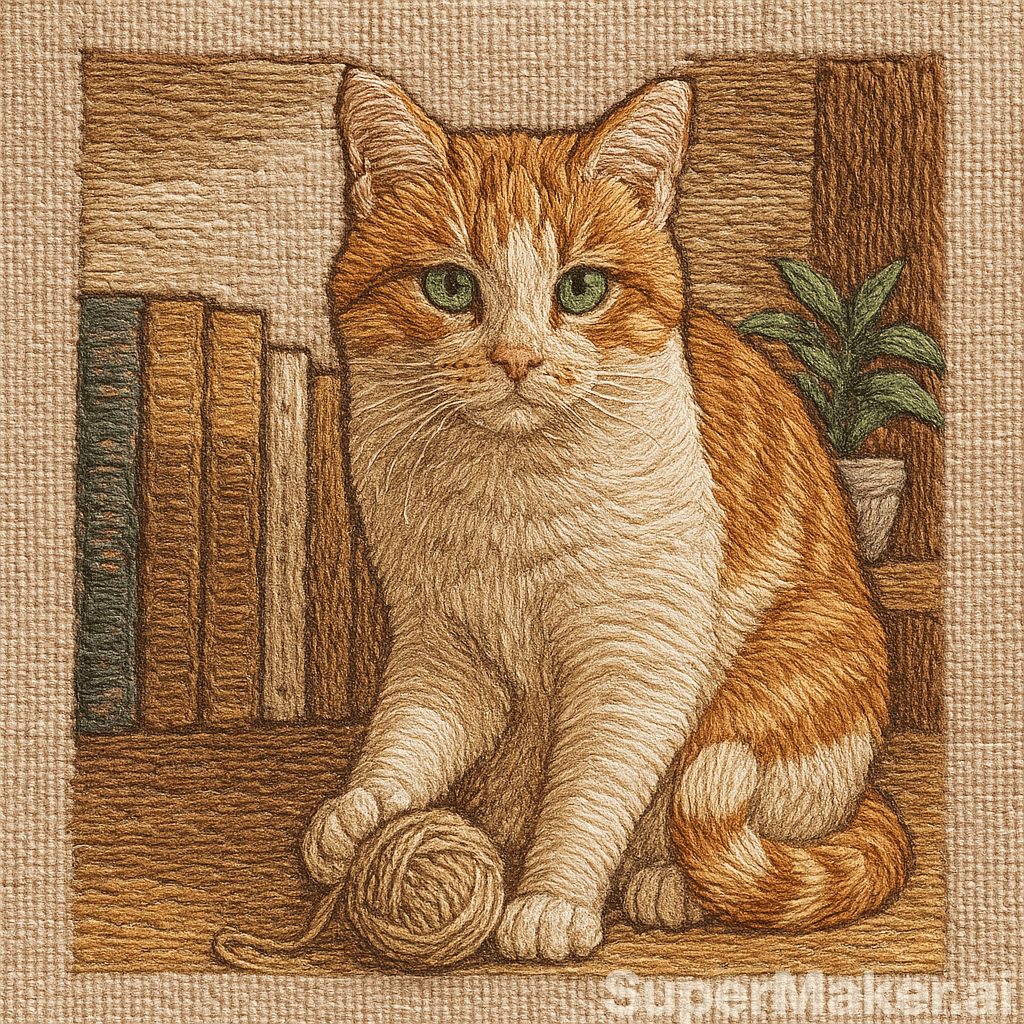
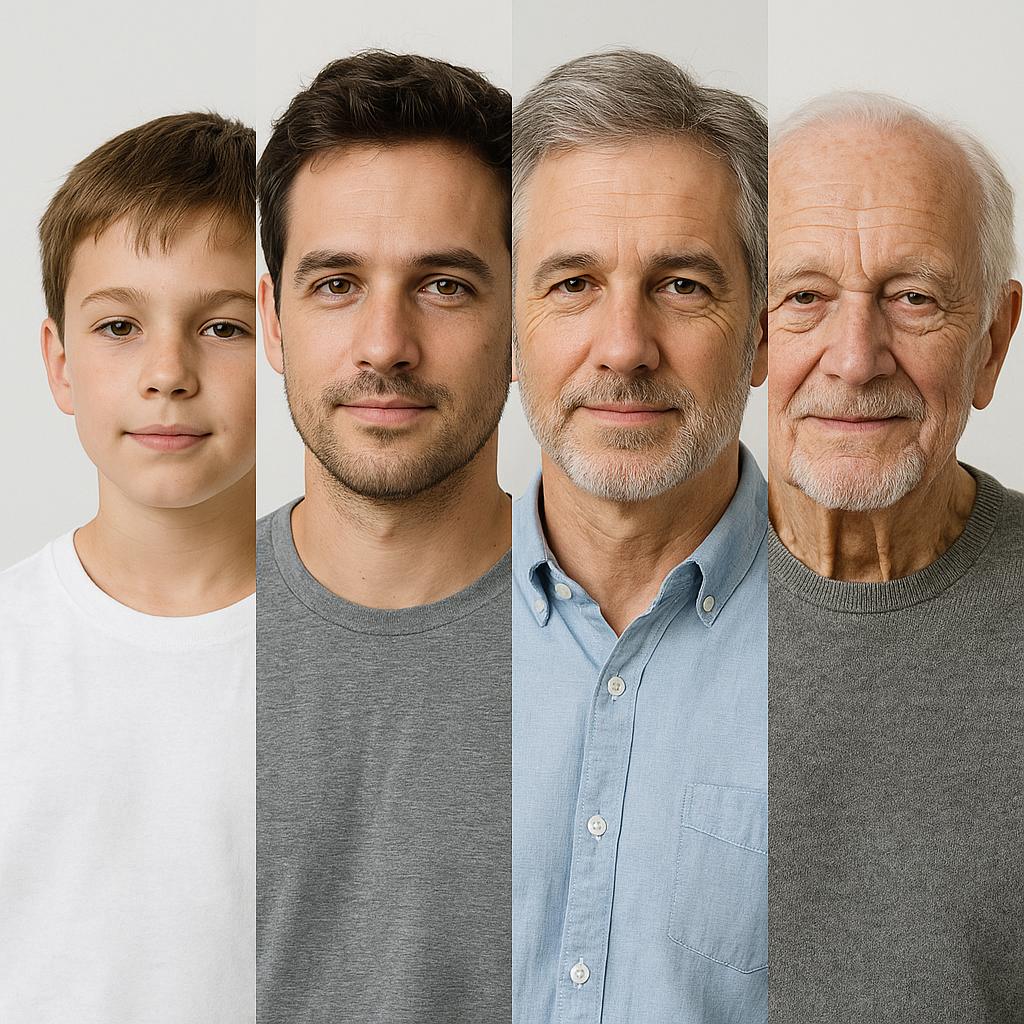
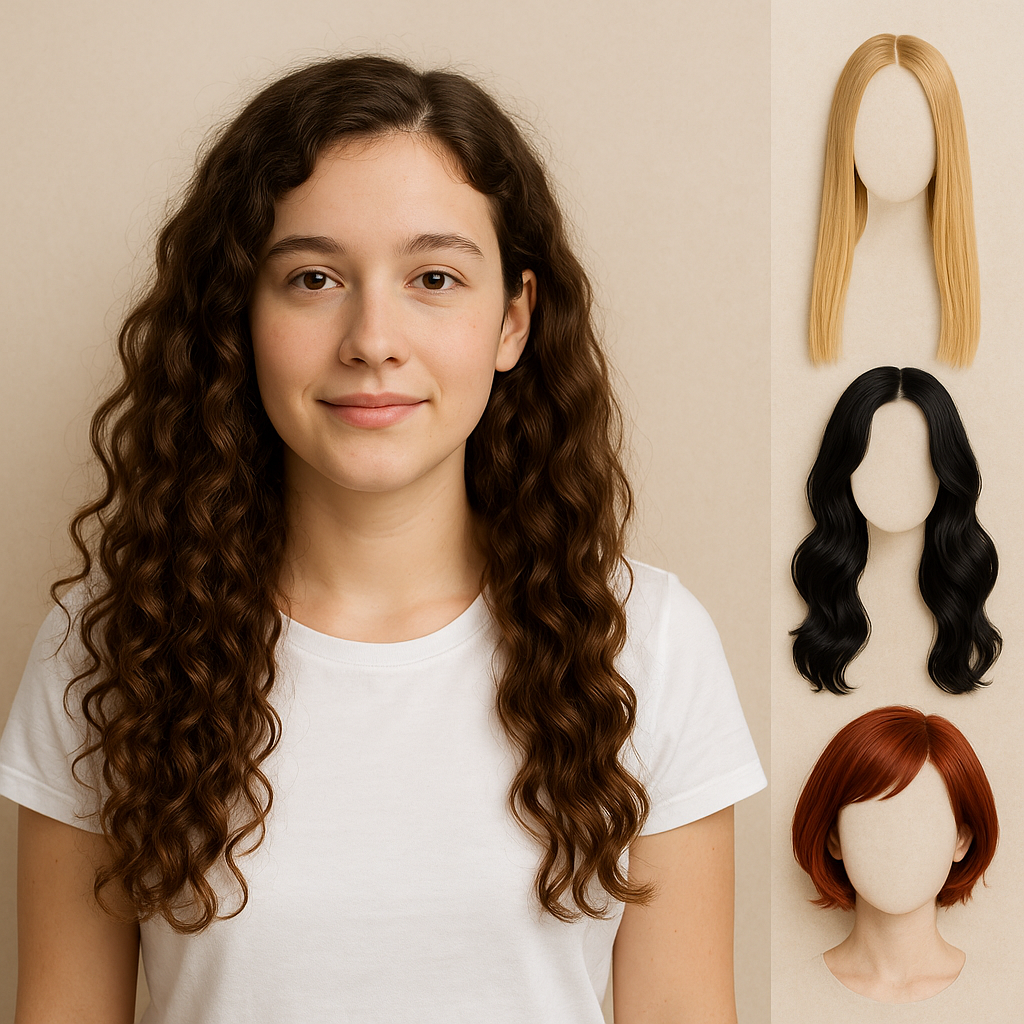
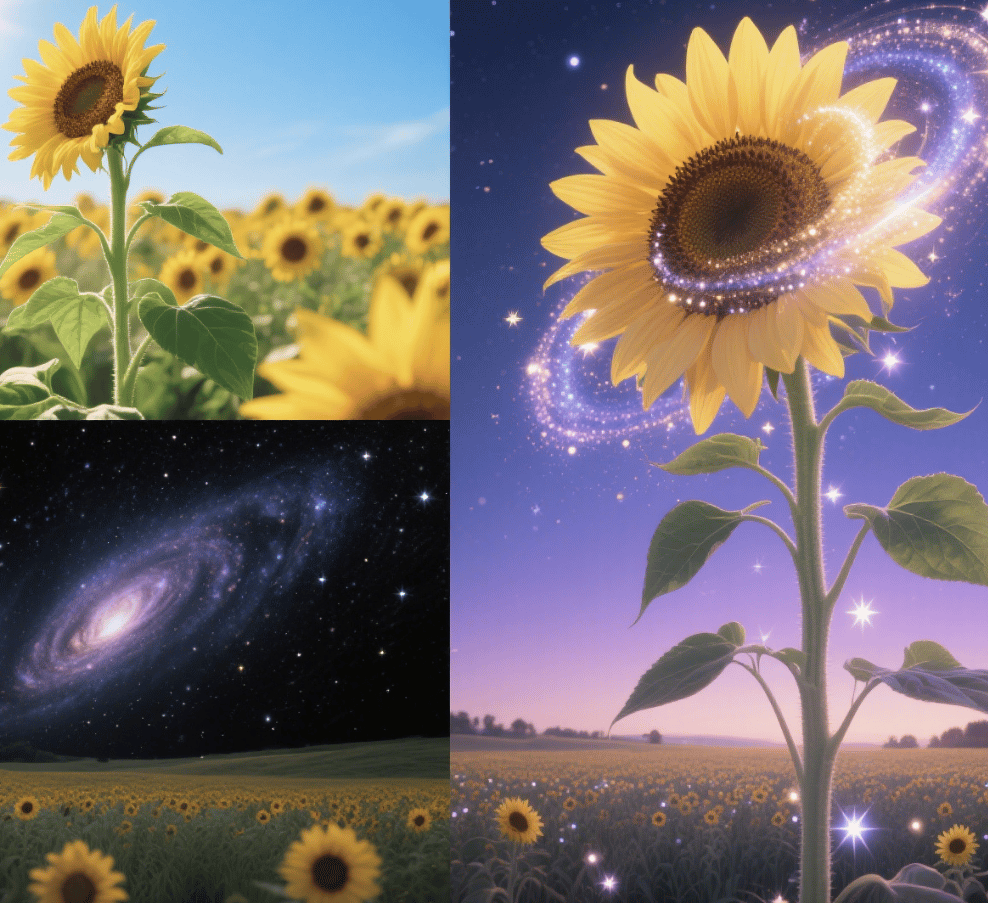

More AI Image Generators
Explore our collection of specialized AI image generators designed for different creative needs and styles

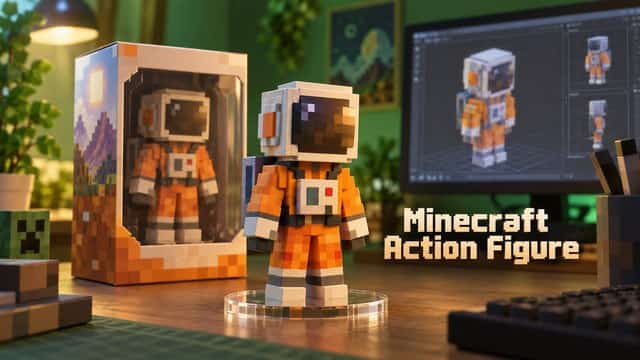










Qwen Image 2.1: AI Image Generator & Editor
Create, Edit, and Refine Images in One AI Workflow
Qwen Image 2.1 is a unified AI image generator and AI image editor for creators who need more control. Turn prompts into polished visuals, edit images with clear instructions, create transparent PNG assets, combine references, and refine key details. From campaigns and ecommerce to SEO content and social posts, Qwen Image 2.1 helps create flexible visual assets faster.

How Qwen Image 2.1 Works
Qwen Image 2.1 combines image generation, editing, transparency, and reference-based direction in one workflow. Start with a brief, create a visual, add references when consistency matters, then refine selected regions without rebuilding the entire image.

1. Describe the Image You Need
Write a prompt covering the subject, scene, style, lighting, composition, palette, and use case. Qwen Image 2.1 works best when you explain what should appear and how the asset will be used. Request negative space for landing-page copy, specify materials for ecommerce, or ask for RGBA transparency when no background is needed.

2. Add References and Guide Composition
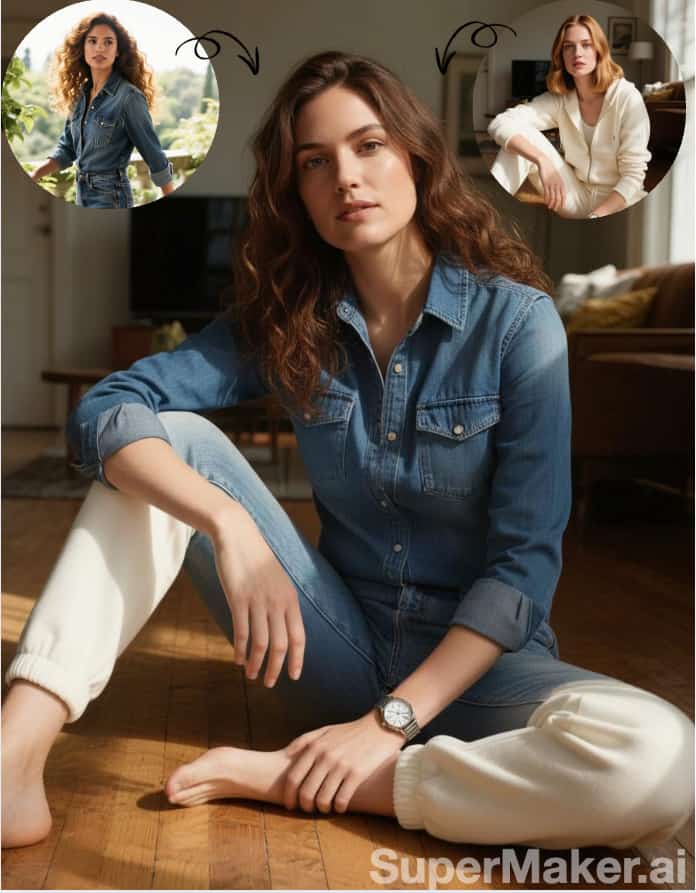
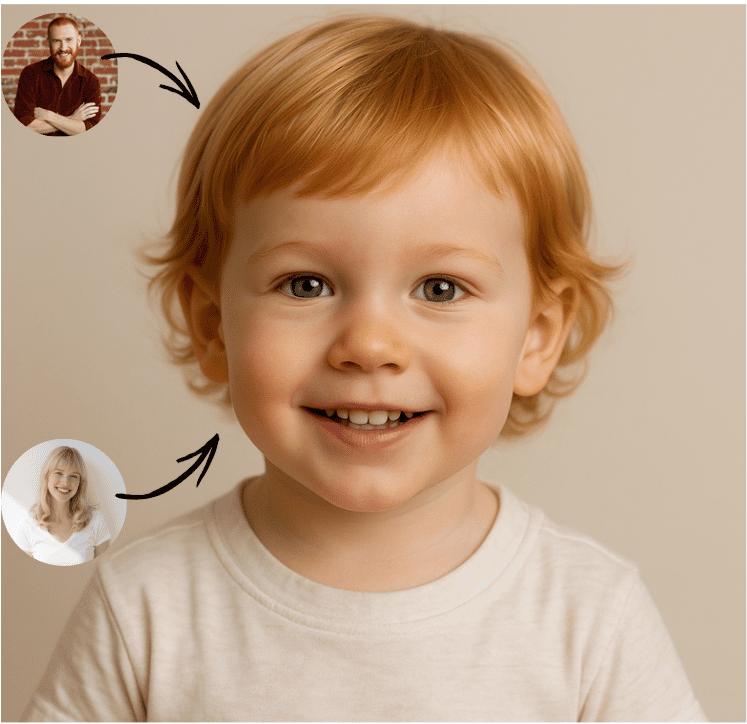
Upload references for selected people, products, objects, colors, layouts, or environments. Qwen Image 2.1 supports up to 10 reference images for one composition. Combine products with models, place furniture in a room, or develop consistent campaign visuals. Review faces, product details, branding, and text before publishing.

3. Refine Only What Matters
Use text instructions and local guidance to improve an image while protecting the composition. Qwen Image 2.1 supports circles, painted areas, and masks for targeted edits. Replace an object, adjust a color, remove a distraction, update a background, or isolate a transparent subject without restarting the creative process.
Best AI Image Tools for Creative Projects
Explore creative tools for image, learn tips and tricks, and see how AI can be your assistant in turning concepts into finished projects.

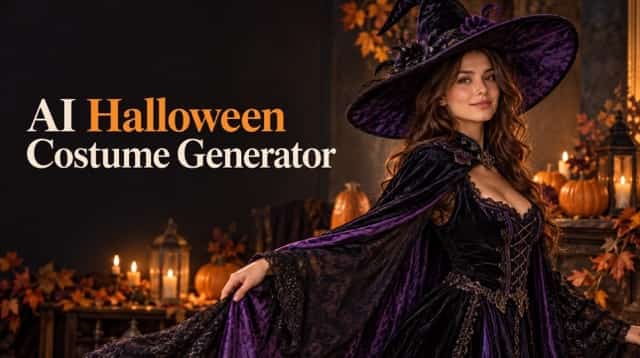


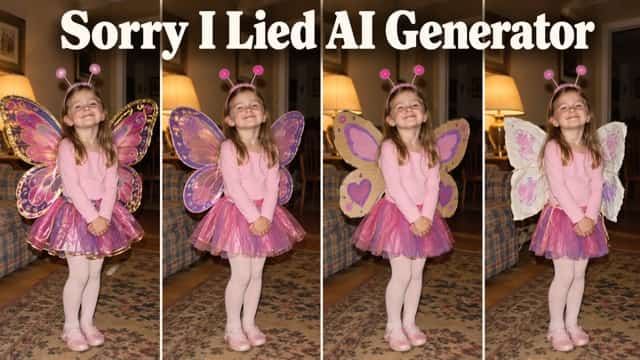
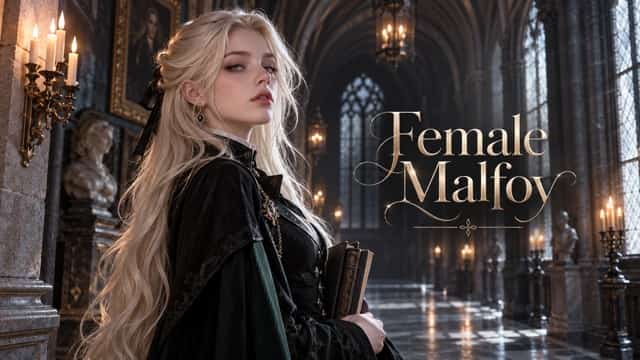
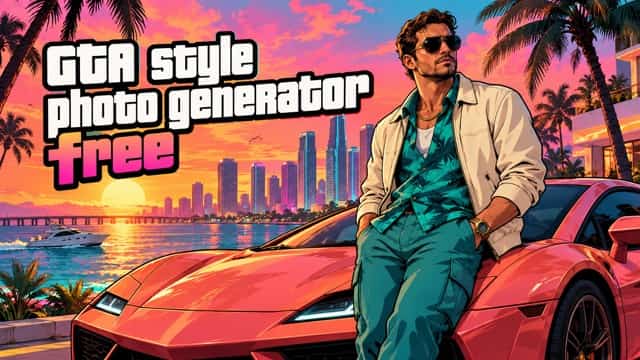

















Create More With Qwen Image 2.1
Qwen Image 2.1 supports workflows where the first image is only the start. It unifies text-to-image creation, references, local editing, and transparent output. Create concepts faster, preserve important elements, and prepare visual assets for websites, campaigns, storefronts, and design systems.
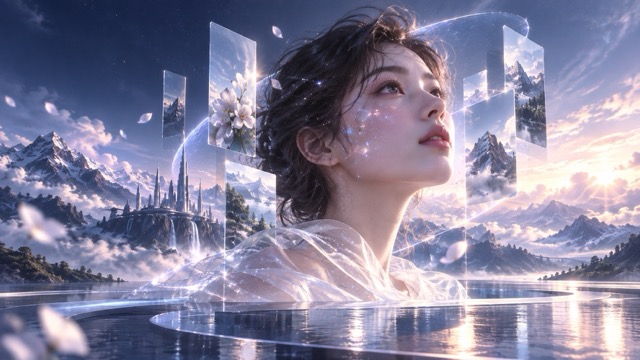
Text-to-Image Creation for Content and Campaigns
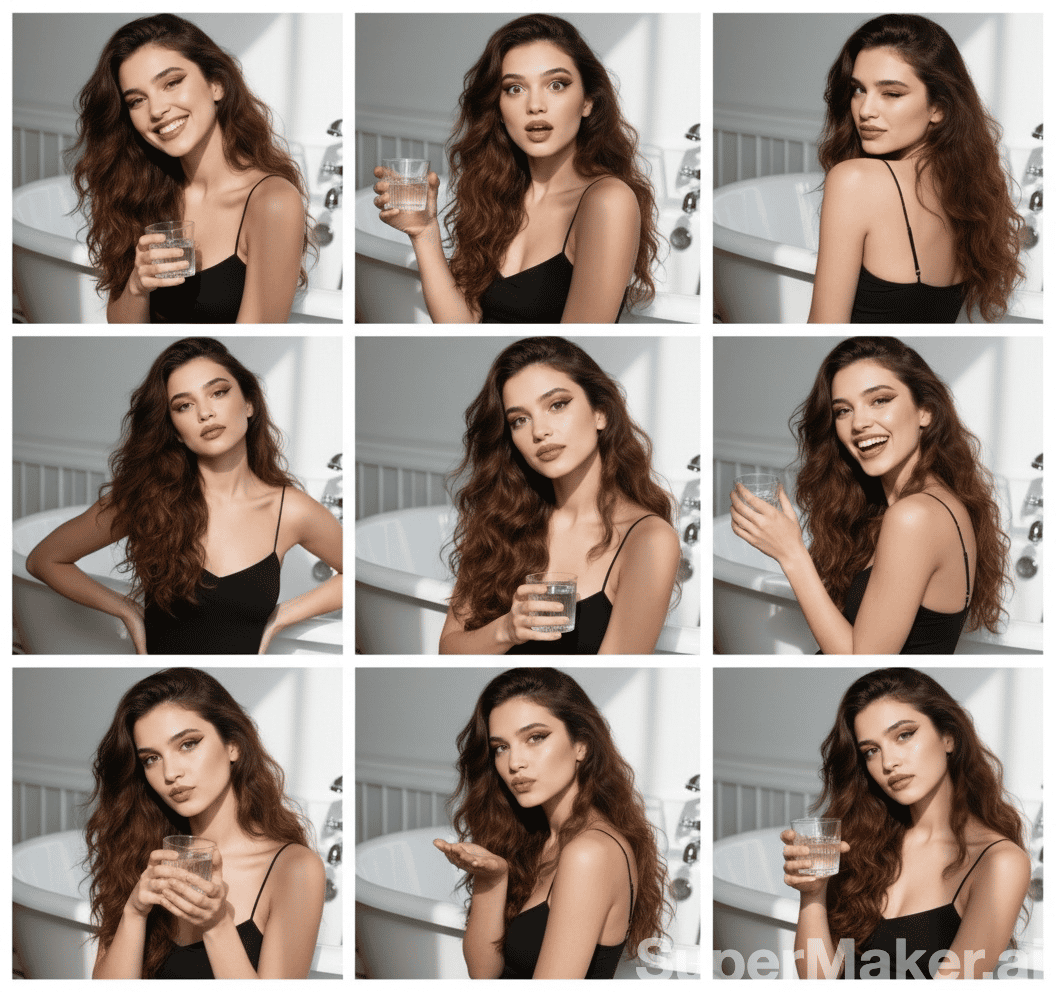
Turn briefs into original visuals with Qwen Image 2.1. Describe the subject, style, setting, lighting, palette, composition, audience, and format. Use this AI image generator for hero images, editorial art, social posts, lifestyle scenes, and product concepts. Add practical direction such as leaving space for a headline, keeping a product in the foreground, or using a clean 16:9 layout.
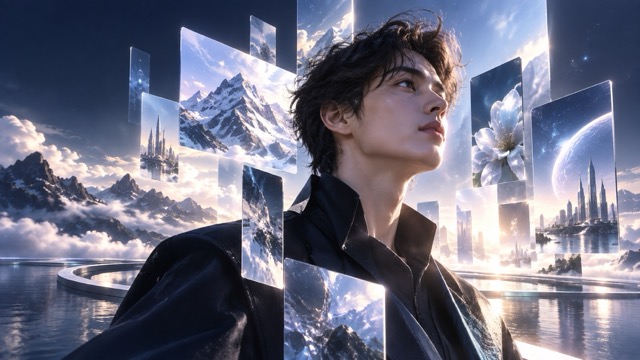
Native Transparent PNG and RGBA Generation
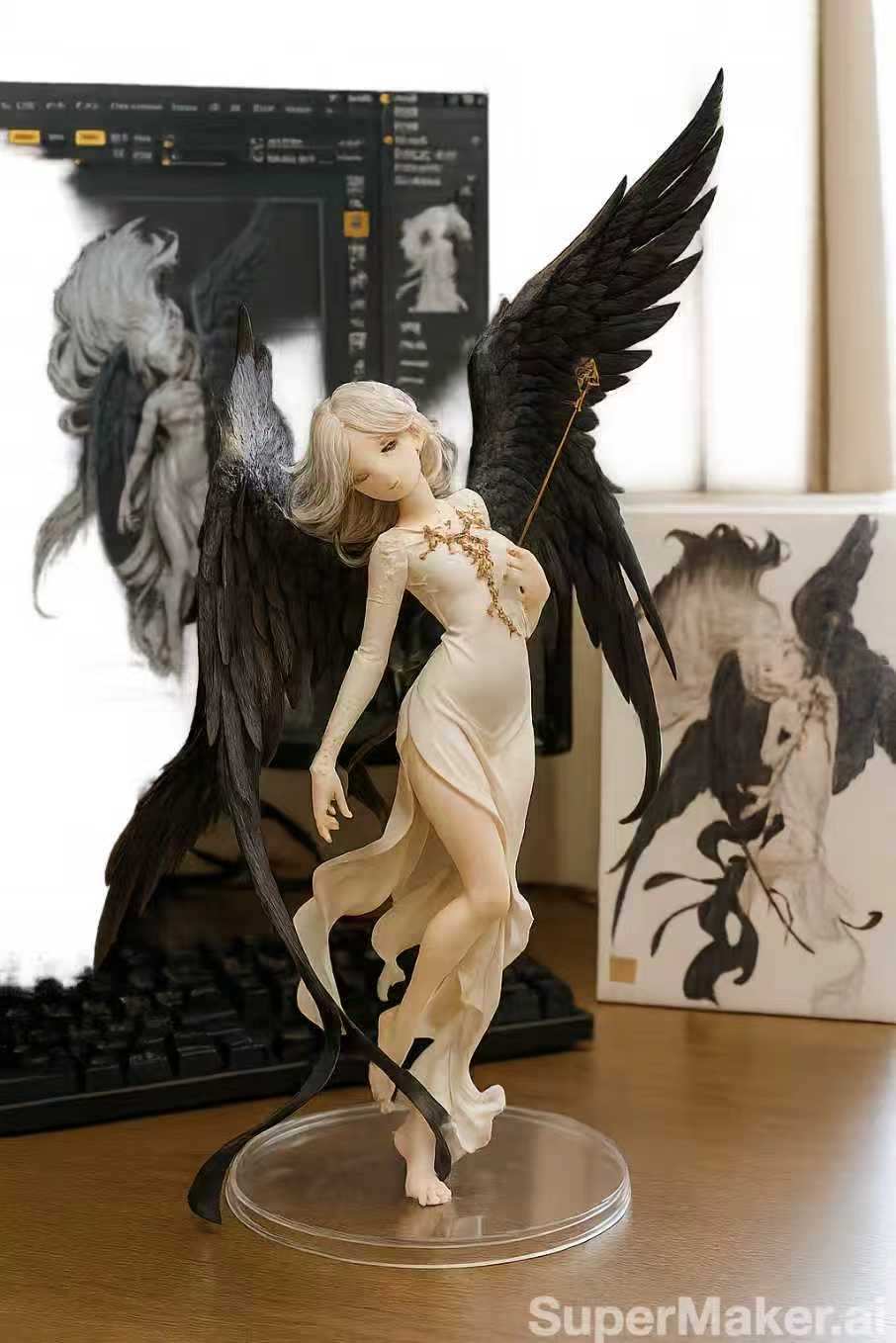
Create reusable visual layers instead of images locked to one background. Qwen Image 2.1 generates and edits RGBA images with a real alpha channel for websites, product pages, ads, presentations, and social posts. Request transparent backgrounds, then place assets over brand colors, photos, gradients, or interfaces without a separate background-removal step.

Multi-Reference Creation With Ten Inputs
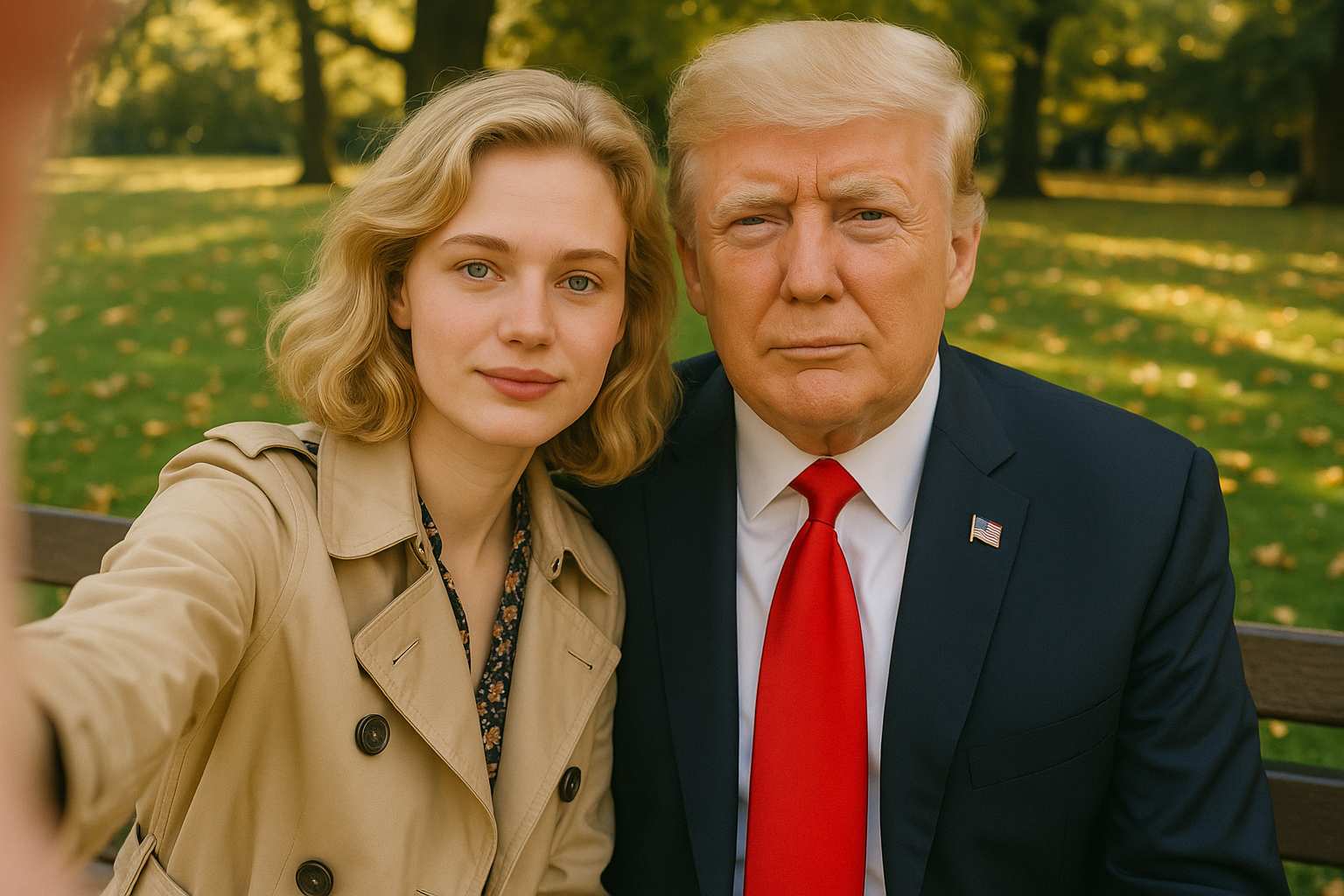
Use up to 10 reference images to produce a more specific visual result. Qwen Image 2.1 can combine a person, product, setting, and style into one coordinated scene for ecommerce, fashion, interiors, marketing, or editorial content. Reference workflows reduce ambiguity, but review identity, brand marks, product geometry, labels, and legal claims before release.
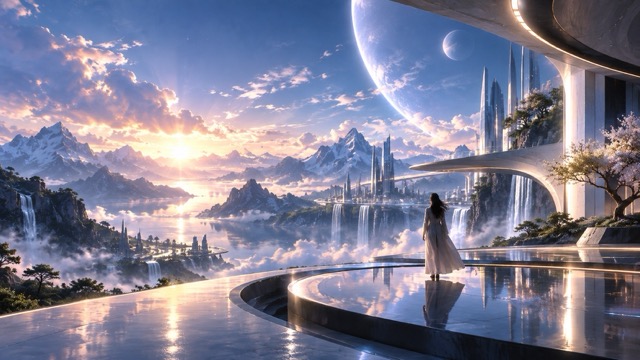
Precise Local Editing With Masks
When an image is nearly right, regenerating everything can create new inconsistencies. Qwen Image 2.1 supports local image editing with regions, circles, painted annotations, and masks. Change selected objects, colors, accessories, background details, or product placement while keeping the approved visual direction and composition intact.
Use Qwen Image 2.1 Across Visual Workflows
Qwen Image 2.1 supports everyday visual work for content, product, and marketing teams. Create relevant page imagery, reusable design assets, campaign concepts, and refined visuals without unnecessary rework. The model provides a flexible start; your team provides final brand and publishing judgment.

SEO Content, Blogs, and Editorial Pages
Create original hero images, article illustrations, featured visuals, comparison graphics, diagrams, and infographic concepts. Qwen Image 2.1 helps replace generic stock photos with visuals matched to each topic, audience, search intent, and brand tone. Improve on-page SEO with clear filenames, descriptive alt text, compressed assets, responsive sizes, and relevant nearby copy.

Ecommerce Product Images and Lifestyle Scenes
Use Qwen Image 2.1 to explore product scenes, catalog variations, lifestyle compositions, and storefront assets. Combine product and environment references for complete marketing scenes, create transparent product elements, and adjust props, colors, or backgrounds with local edits. Verify dimensions, logos, packaging, labels, claims, materials, and colors before customer-facing use.

Marketing Campaigns, Ads, and Social Media
Create visual directions for ads, social posts, newsletters, launches, and brand stories. Qwen Image 2.1 can generate a consistent visual set around one campaign message, from cinematic scenes to clean layouts with CTA space. Select the strongest direction and adapt it for placements with local edits. Add approved headlines, pricing, claims, logos, and legal copy separately.

Design Systems, Decks, and Product Stories
Create transparent icons, isolated objects, mood illustrations, feature concepts, and presentation graphics for a reusable brand system. Qwen Image 2.1 helps build foreground elements that adapt across web pages, sales decks, onboarding, and launch assets. Maintain consistent prompts, palettes, viewpoints, and references, while keeping exact UI, brand elements, and product facts under human control.
Built for Real Creative Work
Effective visual production means choosing the right direction, protecting approved elements, and iterating efficiently. These are illustrative workflow examples, not customer testimonials or verified performance claims.
Qwen Image 2.1 gives us a practical first draft for landing pages and campaigns. We can develop a concept, add references, and revise selected areas instead of restarting constantly. Our team still reviews product accuracy, brand details, and copy, but the creative handoff is faster and more focused.
Transparent image creation helps us produce flexible elements rather than finished scenes tied to one background. We can place isolated products and visual accents across web pages, social assets, decks, and campaign graphics, reducing separate production steps.
Reference-driven generation makes visual direction clearer. By supplying product, style, and environment references, we can develop coherent campaign concepts quickly. Every output remains a draft that we inspect for important details before publishing.
Local editing is valuable when an image is close but unfinished. Marking the area that needs revision lets us update one element while preserving the image composition, mood, and approved direction.
For editorial pages, we need visuals that support the topic instead of generic decoration. Qwen Image 2.1 helps us develop original hero imagery and content-specific assets, while our publishing process handles review, optimization, alt text, and page context.

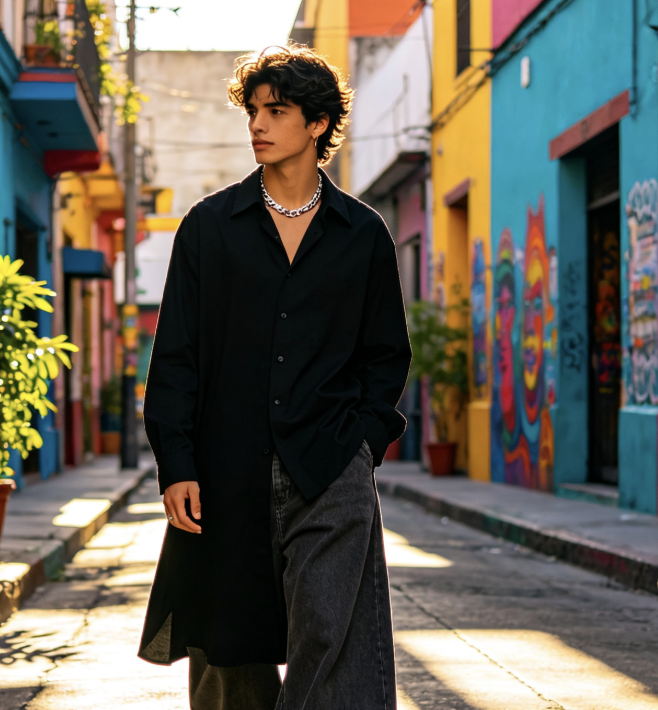

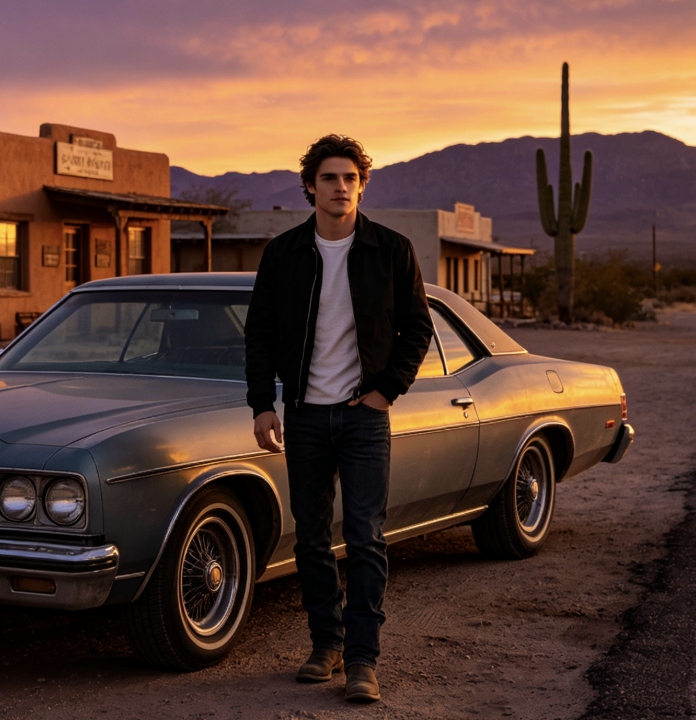

Qwen Image 2.1 FAQ
Find answers about Qwen Image 2.1, AI image generation, transparency, references, local editing, output review, and licensing. These answers clarify where the model supports your workflow and where final human review remains essential.
Qwen Image 2.1 is a unified AI image generator and AI image editor from the Qwen family. It combines text-to-image creation and instruction-based editing. Qwen Image 2.1 can generate standard visuals, create and edit RGBA assets, accept multiple references, and support local modifications. Its 7B visual generation component balances quality, flexibility, efficiency, and production cost.
Yes. Qwen Image 2.1 supports native RGBA generation and editing with a real alpha channel. Request a transparent background and specify RGBA output in the prompt. It is useful for isolated products, foreground objects, icons, stickers, characters, and design components. Review edges and fine transparent details before production use.
Qwen Image 2.1 supports up to 10 reference images in one workflow. Use separate inputs for people, products, outfits, objects, settings, palettes, or styles. This creates more detailed direction, but review identity, geometry, labels, trademarks, and brand consistency whenever they are important.
Qwen Image 2.1 supports local edits through circles, painted annotations, and separate masks. Mark the region to change, then describe the update. Replace an object, remove a distraction, change a color, adjust an accessory, revise a background detail, or refine product placement while preserving the remaining image.
Qwen Image 2.1 can create product-scene concepts, lifestyle visuals, campaign drafts, transparent assets, and marketing variations. It helps teams explore flexible visual directions faster. Before publishing commerce assets, verify product shape, dimensions, colors, packaging, labels, logos, prices, claims, readability, and legally sensitive details.
Review the current Qwen Image 2.1 license and obtain any required commercial authorization before commercial use. Public information identifies a Qwen Research License Agreement, so do not assume commercial rights from weight availability alone. You remain responsible for prompts, references, outputs, trademarks, privacy, platform rules, and advertising compliance.
Create Smarter Workflows With Qwen Image 2.1
Bring text-to-image creation, AI image editing, transparent PNG generation, references, and local refinement into one workflow. Qwen Image 2.1 helps transform an idea into a flexible asset for content, products, and campaigns. Use clear prompts, add references when needed, edit precisely, and review every final result for quality, rights, compliance, and licensing.
