

More AI Image Generators
Explore our collection of specialized AI image generators designed for different creative needs and styles









Create a Goth Portrait with Goth Baddie Generator
Upload a portrait and let Goth Baddie Generator restyle it with smoky makeup, confident alt fashion, and cinematic gothic atmosphere.
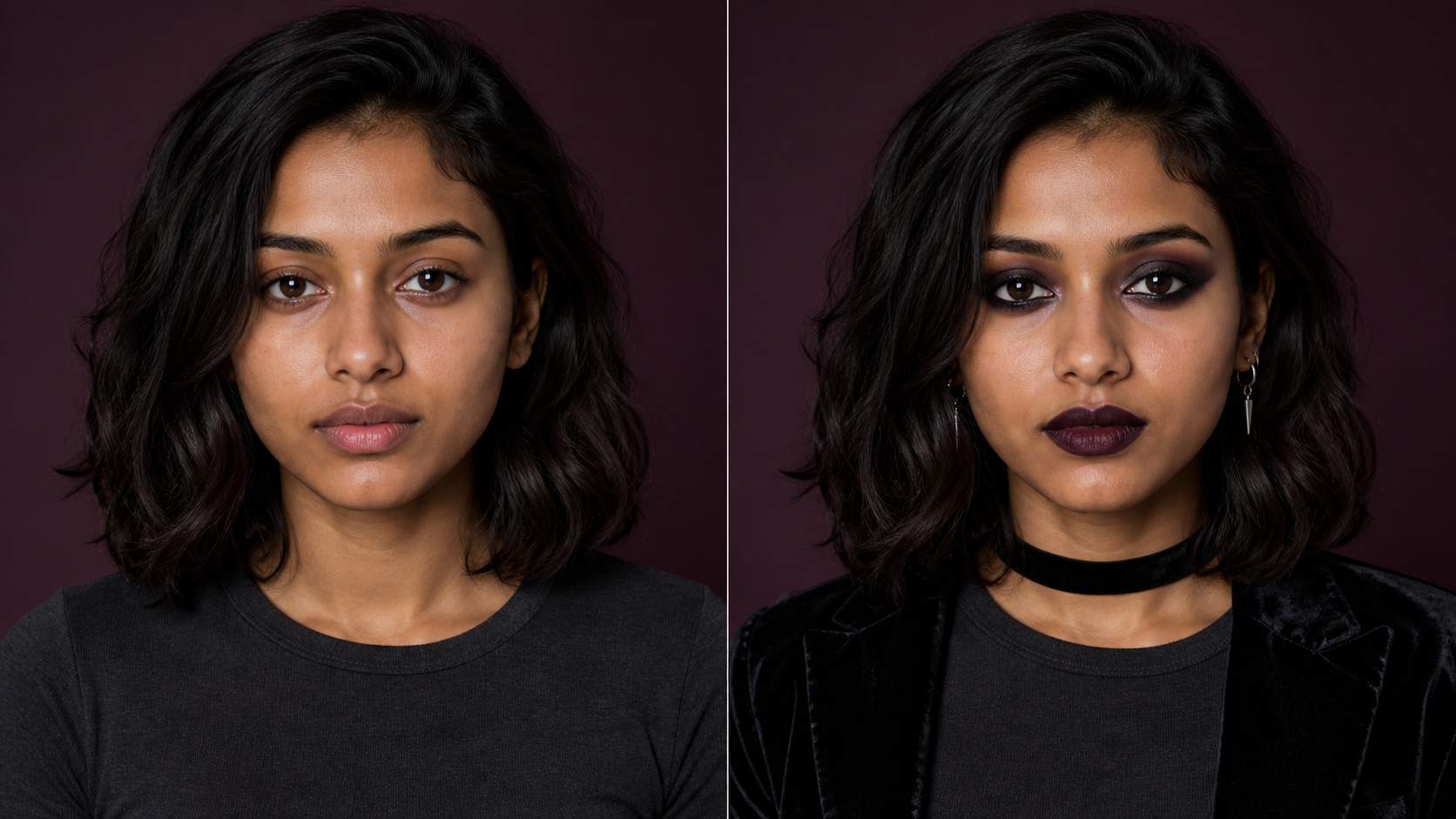
Goth Baddie Generator turns an everyday portrait into a coordinated dark-glam concept. Keep the original identity and composition in view while Goth Baddie Generator reimagines makeup, wardrobe details, color, lighting, and mood as one cohesive visual edit.
How to Use Goth Baddie Generator
The Goth Baddie Generator workflow has three clear stages: upload a visible portrait, create the coordinated transformation, then compare the result with the source image.

Upload a Clear Portrait to Goth Baddie Generator
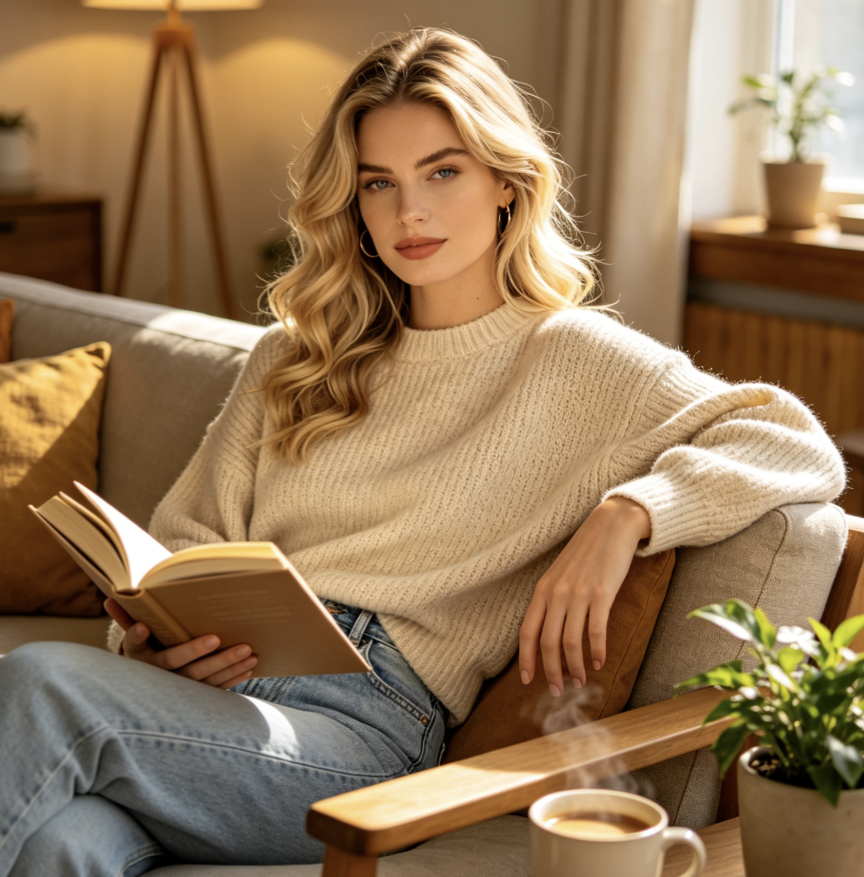
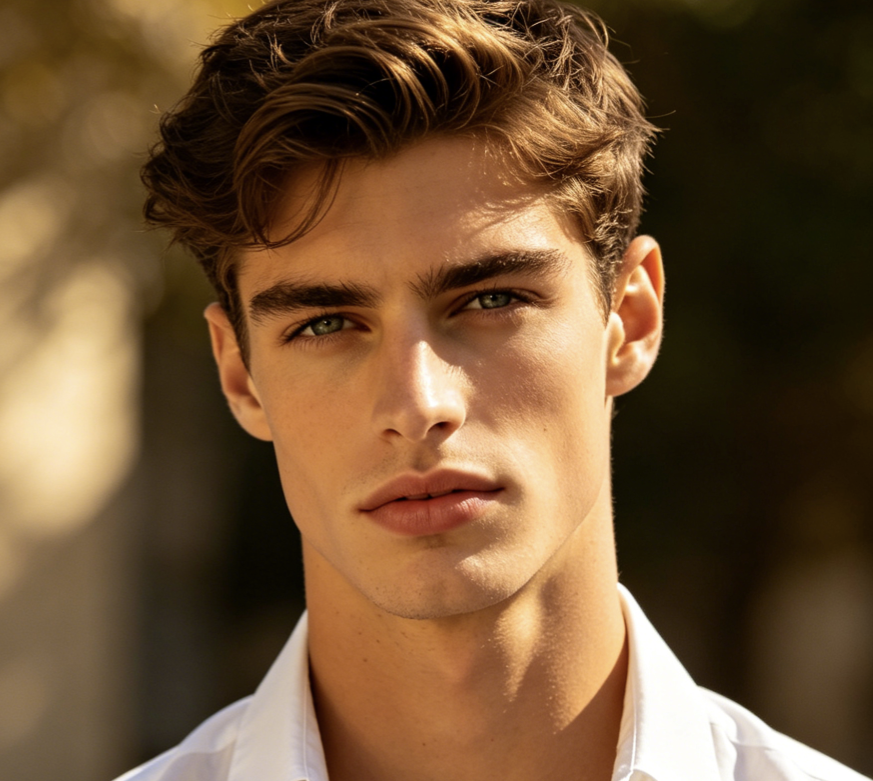
Choose a sharp portrait with visible eyes, lips, hair, and facial contours. A front-facing or slight three-quarter angle gives Goth Baddie Generator useful context for preserving the subject. Start the Goth AI Generator workflow with the expression, pose, crop, and background you want the transformed image to retain.

Generate with Goth Baddie Generator
Start the edit and let Goth Baddie Generator coordinate smoky eyes, dark lips, defined brows, textured black clothing, and moody portrait lighting. Goth Photo Filter experience keeps the makeover focused on a coherent aesthetic instead of adding disconnected stickers, random accessories, or changes that overwhelm the original person.

Compare Your Goth Baddie Generator Result
Review the original portrait beside the transformed version. Check whether Goth Baddie Generator kept the face, expression, pose, and framing recognizable while changing the visual style. Save a result that fits your profile, moodboard, makeup planning, character reference, or personal experiment, and generate another interpretation.
Best AI Image Tools for Creative Projects
Explore creative tools for image, learn tips and tricks, and see how AI can be your assistant in turning concepts into finished projects.

















What Goth Baddie Generator Helps You Create
Goth Baddie Generator brings makeup, fashion, and atmosphere into one portrait transformation. Each feature supports a useful comparison, from protecting identity to exploring distinct gothic moods and turning a rough aesthetic idea into a visual reference.
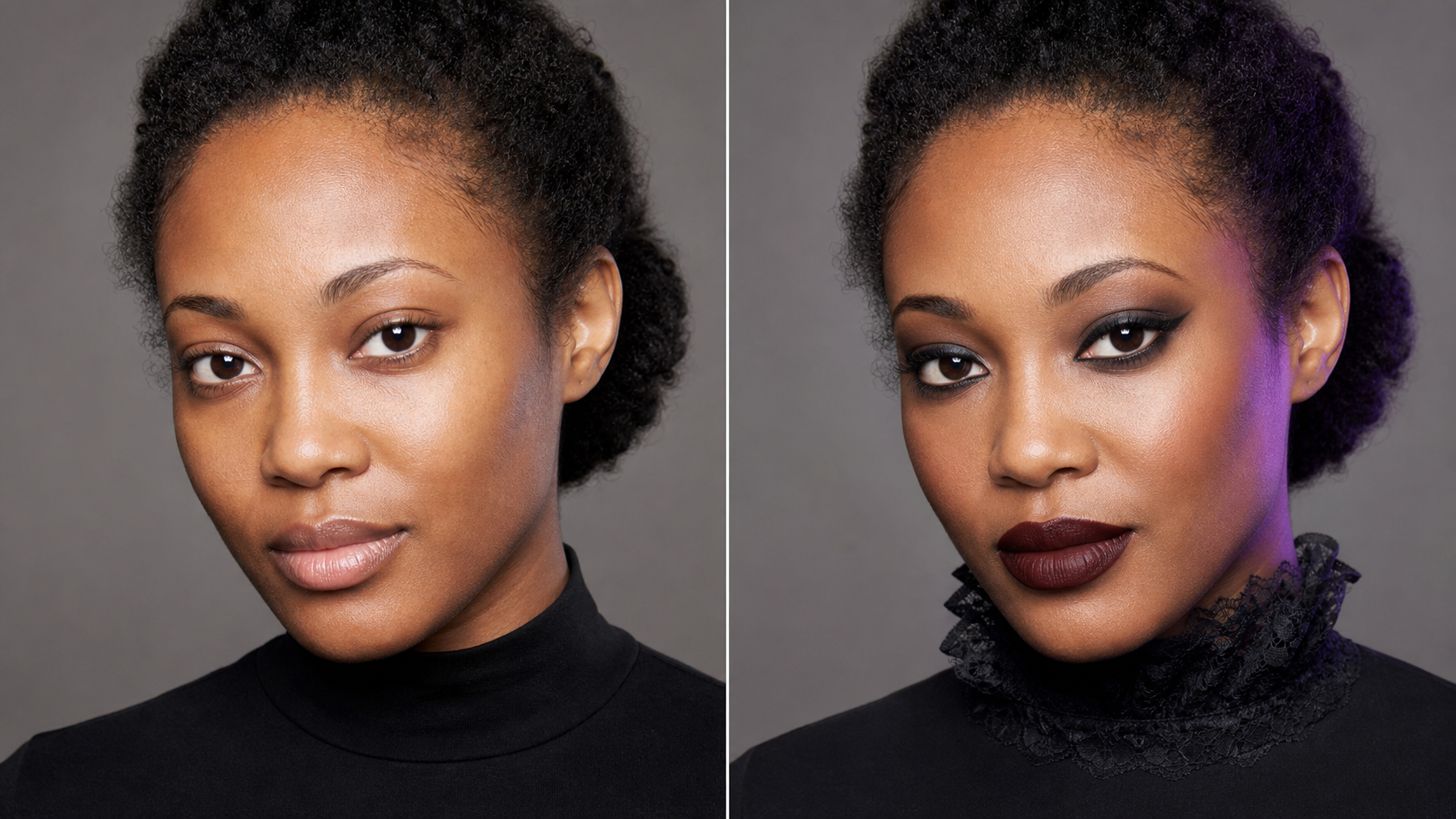
Coordinate Dark Glam with Goth Baddie Generator
A convincing makeover needs more than dark lipstick. Goth Baddie Generator coordinates eye makeup, lip color, complexion, hair accents, wardrobe texture, contrast, and atmosphere so the portrait reads as one deliberate look. Use Goth AI Generator result to explore a polished baddie influence with gothic visual language, while the uploaded person remains the clear visual center of the image.
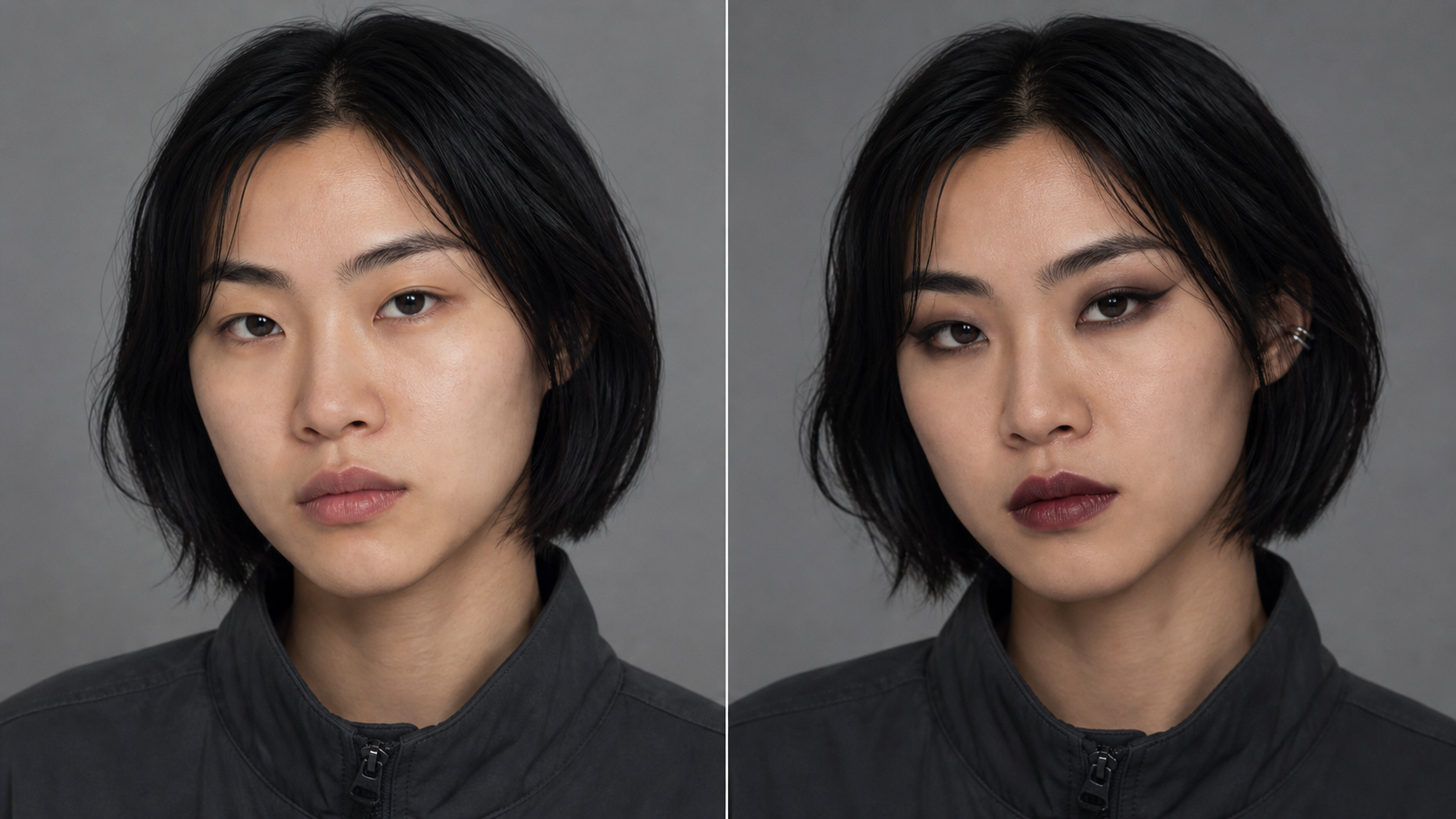
Keep the Face and Expression Recognizable
The comparison matters only when both sides still depict the same person. Goth Baddie Generator is designed around an identity-aware editing goal: preserve facial structure, skin tone, expression, gaze, head angle, and body pose while changing the styling. A focused Goth Photo Filter result makes the new makeup and fashion direction obvious without replacing the subject with a generic character.
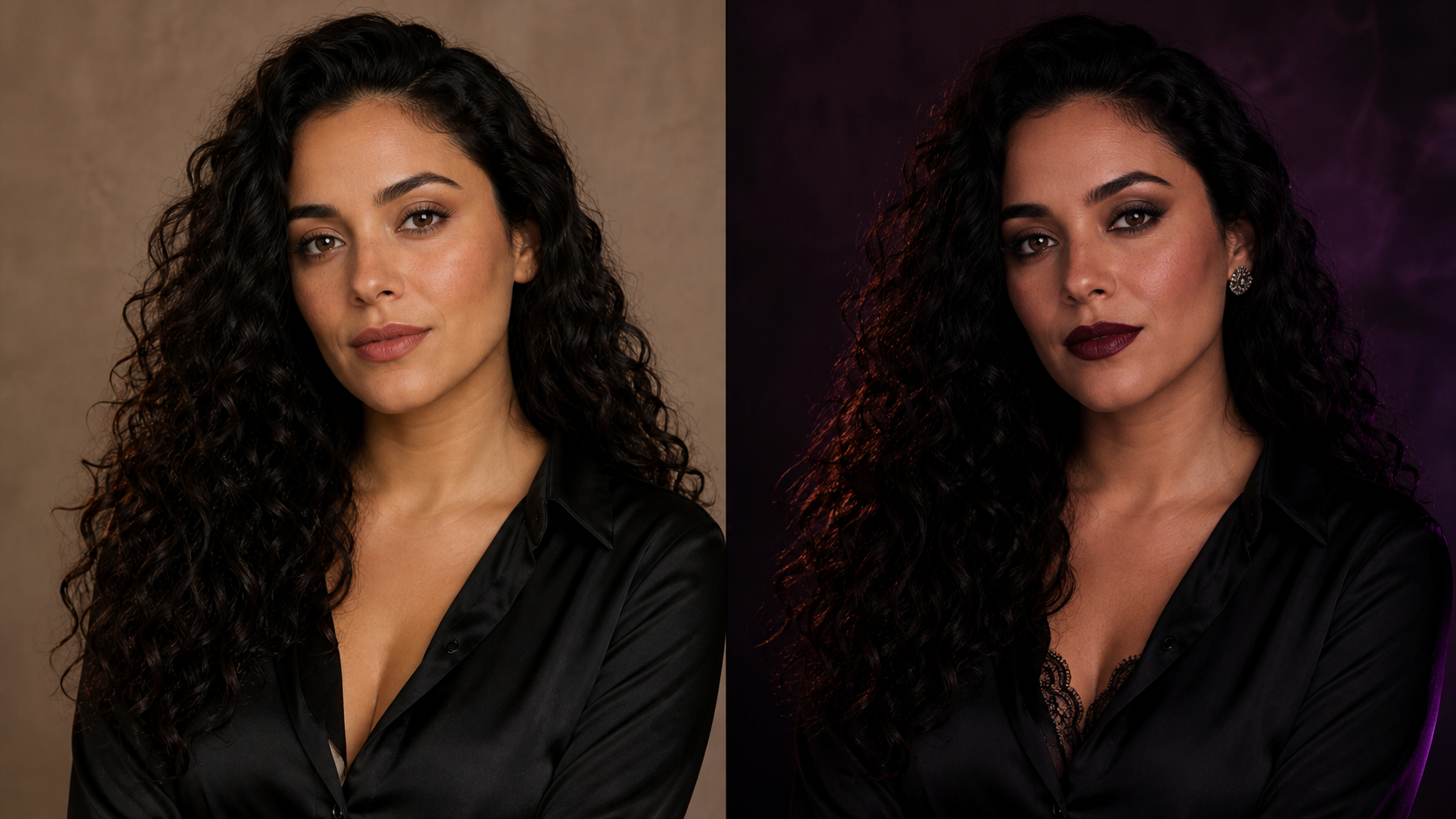
Explore More Than One Gothic Mood
Goth styling can feel romantic, editorial, punk-influenced, soft, or sharply glamorous. Goth Baddie Generator helps you compare those broad directions through complete portraits rather than isolated cosmetic swatches. Try different source photos to study how eyeliner shape, lip depth, hair texture, clothing, and background mood interact, then keep the elements that feel most clearly aligned with your own creative intention.
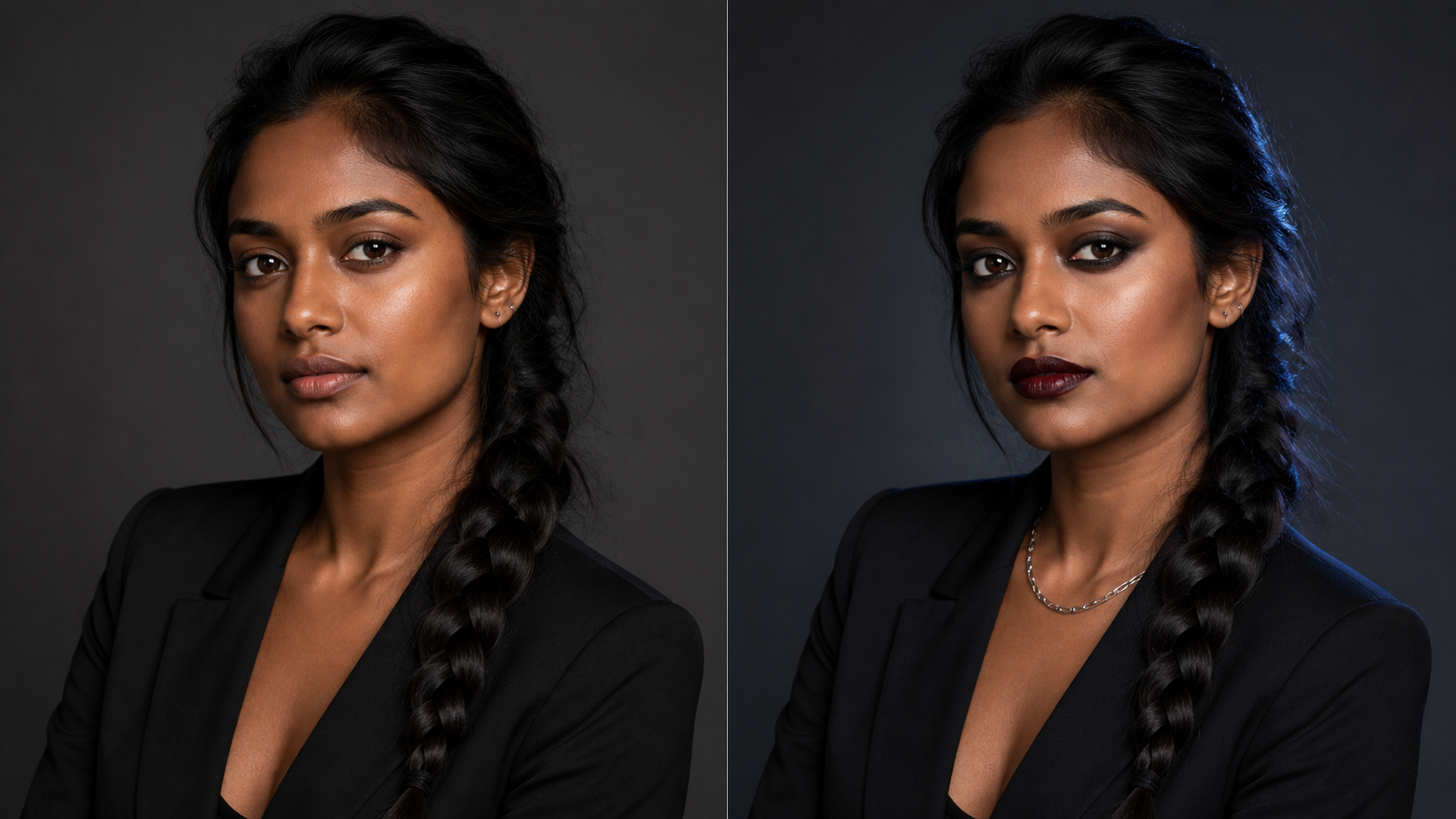
Build a Visual Reference for Makeup and Styling
Words such as smoky, dramatic, romantic, or baddie can mean different things to different people. Goth Baddie Generator turns that loose vocabulary into a concrete portrait reference. Use the generated image to discuss makeup placement, wardrobe mood, hair direction, lighting, or set design, while treating it as usable creative inspiration rather than an exact promise of a real-world cosmetic result.
Practical Ways to Use Goth Baddie Generator
Goth Baddie Generator supports personal style exploration, profile concepts, photo planning, character development, and moodboards. These use cases treat each generated portrait as a flexible creative reference while keeping the original person and their intent central.

Preview Dark Makeup with Goth Baddie Generator
Trying unfamiliar eyeliner, lip color, contour, and contrast can involve time, products, and repeated removal. Goth Baddie Generator gives you a visual starting point before you recreate anything in person. Use a Goth AI Generator image to identify the broad balance you like, then adapt it thoughtfully to your skin, features, products, comfort, and practical makeup skills with greater confidence.

Refresh a Profile with Goth Baddie Generator
A profile image can communicate a mood before anyone reads the bio. Goth Baddie Generator can reinterpret a simple portrait with darker styling and a more distinctive visual identity. Use the Goth Photo Filter result for an avatar concept, creator profile, themed post, or community persona, while reviewing the final crop carefully for small circular and square placements every time.

Plan a Shoot with Goth Baddie Generator
Photographers and subjects often need a shared reference before selecting wardrobe, makeup, lighting, and background details. Goth Baddie Generator can turn an existing portrait into an early direction board that keeps the person central. Discuss which generated choices are achievable, which need adjustment, and how to recreate the mood with original styling during the actual session before committing time or budget.

Develop a Character with Goth Baddie Generator
Writers, illustrators, performers, and costume teams can use Goth Baddie Generator to test the visual language of a character. Start with a consenting adult portrait, study how dark glam changes the silhouette and attitude, then develop original wardrobe, accessories, setting, and narrative details. The output works best as a concept reference, not as finished character design across later project stages.

Compare Styles with Goth Baddie Generator
Not every gothic portrait needs the same intensity. Goth Baddie Generator can help you compare diffused charcoal eyes and muted lips with sharper liner, deeper tones, and bolder wardrobe contrast. Reviewing multiple outcomes side by side makes it easier to identify whether you prefer a wearable everyday direction, a polished editorial look, or something deliberately dramatic for that specific image.

Build a Moodboard with Goth Baddie Generator
A useful moodboard connects beauty, clothing, texture, color, and atmosphere around a clear idea. Goth Baddie Generator can supply a personalized anchor image for that collection. Pair the result with your own references for lace, leather, metal, velvet, architecture, photography, and typography, then edit the board until every element supports the same creative direction before sharing it with collaborators or clients.
How People Use Goth Baddie Generator
People use Goth Baddie Generator to clarify personal style choices and creative briefs. Their experiences show how an identity-aware portrait comparison can support better conversations about makeup, photography, avatars, costumes, and event styling.
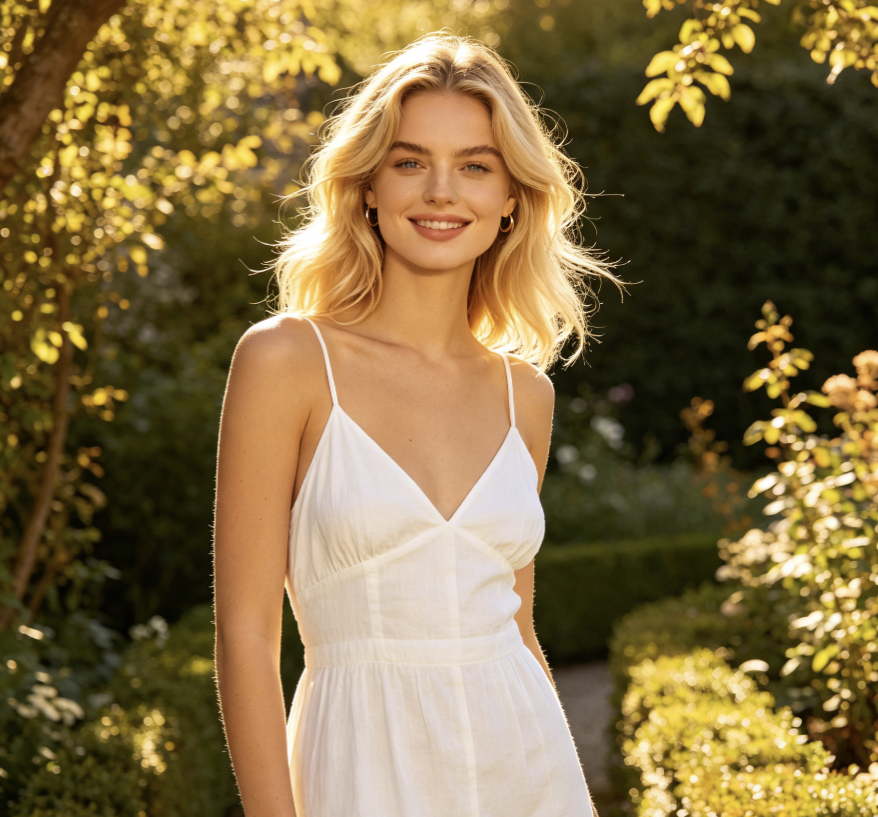
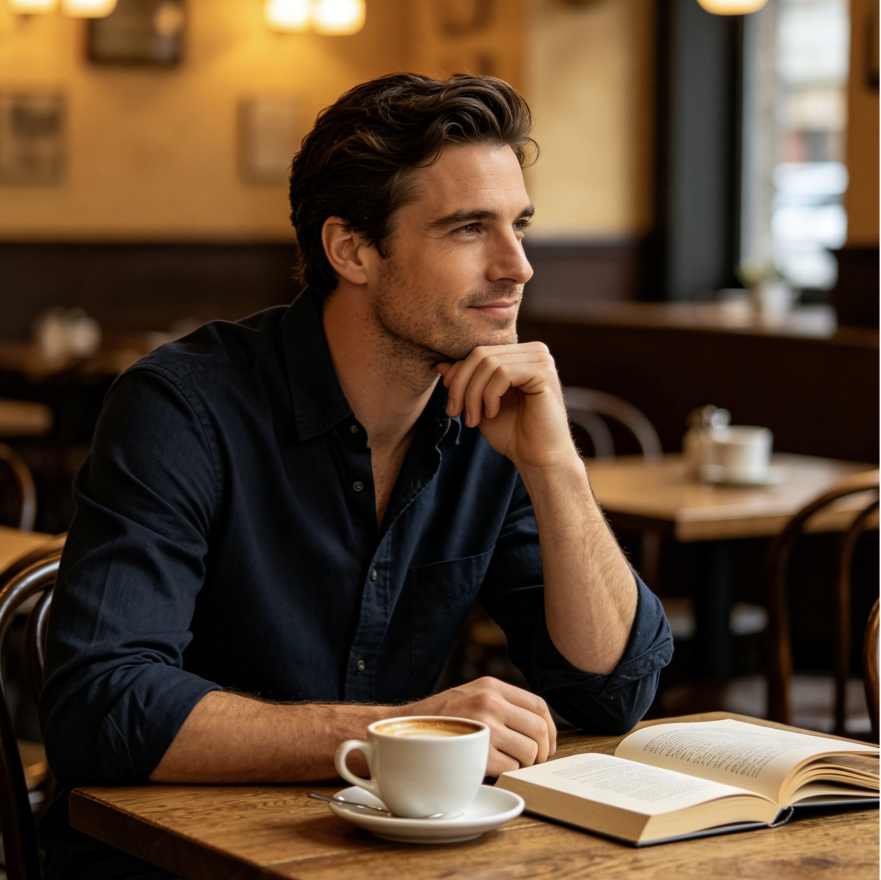
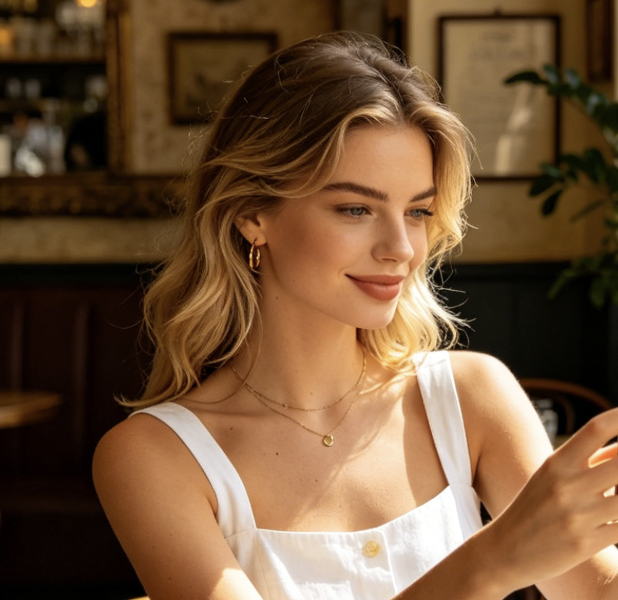
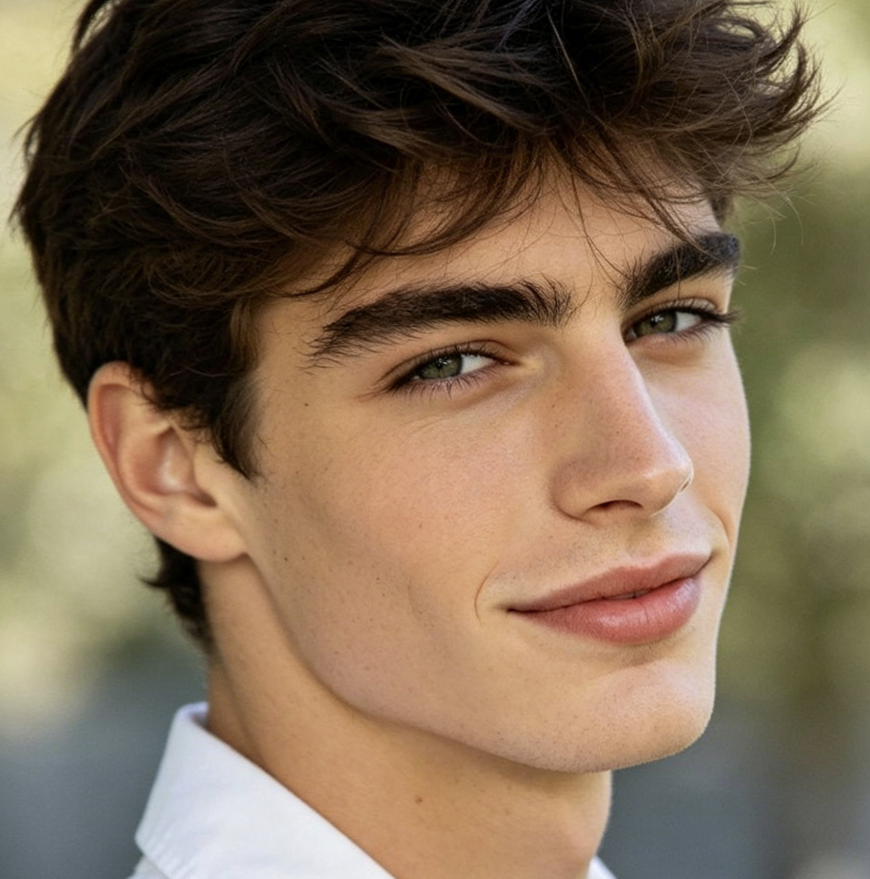
I wanted a darker profile picture, but most references showed someone else’s features. Goth Baddie Generator gave me a comparison built from my own portrait. The Goth AI Generator version kept my expression familiar and helped me decide that softened eye makeup, dark berry lips, and a simple black top felt more like me than an extreme costume look.
For a small editorial shoot, I used Goth Baddie Generator to test whether the makeup or the wardrobe should carry more contrast. The Goth Photo Filter image made the balance easy to discuss with our makeup artist. We kept the smoky liner and velvet texture, then simplified the background so the real portrait still felt intentional and uncluttered.
I was curious about dark glam but did not know which details would suit my face. Goth Baddie Generator turned the idea into something specific enough to evaluate. I liked the sharper brows and muted plum lip, but chose a gentler eye for real life. The result worked as inspiration without making me feel that I had to copy every element.
Our character brief said confident and gothic, which was too broad to guide the costume team. Goth Baddie Generator helped us establish a visual starting point around silhouette, makeup contrast, and metal accents. We then built an original outfit and setting from scratch. The generated portrait saved discussion time without becoming the final design or limiting the creative process.
I used Goth Baddie Generator for a new gaming avatar concept. The strongest part was the recognizable face beneath the darker styling. I compared two source photos and found that even lighting produced the cleanest transformation. That made it easier to choose a result that still read clearly after I cropped it down to a small profile circle.
Before a themed event, Goth Baddie Generator gave me a practical makeup reference to show a friend. The portrait helped us agree on liner shape, lip depth, and where to keep the skin finish natural. We adjusted the idea to products I already owned, which felt more useful than following a generic tutorial on a completely different face.
FAQs About Goth Baddie Generator
These answers explain how Goth Baddie Generator works, which portraits provide useful input, what kinds of styling it can explore, how to evaluate results, and why consent and transparent use matter when editing a person’s image.
Goth Baddie Generator is an image-editing tool that restyles an uploaded portrait with coordinated gothic and baddie-inspired visual cues. The Goth AI Generator workflow may reinterpret makeup, hair details, wardrobe, color, lighting, and background atmosphere while aiming to keep the person recognizable. Treat the result as a creative portrait concept for comparison, inspiration, or planning rather than a guarantee of an exact real-world makeover.
Choose a sharp, well-lit portrait with one clearly visible adult subject. Keep the eyes, lips, face shape, and hair unobstructed, and avoid heavy blur, tiny faces, extreme shadows, or a crop that removes important features. A strong source image gives Goth Baddie Generator better visual context and makes the before-and-after Goth Photo Filter comparison easier to judge for identity and styling consistency.
An identity-aware transformation should retain facial structure, skin tone, expression, gaze, pose, and overall proportions while changing the requested styling. Generative edits can still vary, so compare every output with your original. If Goth Baddie Generator changes unrelated features or makes the person difficult to recognize, try a clearer source portrait or another generation before using the result as a reference.
The aesthetic can combine smoky eyes, defined liner, deep or muted lip tones, sculpted contrast, dark clothing, metallic accents, lace or velvet textures, and a cinematic atmosphere. Goth Baddie Generator should integrate these choices into one portrait rather than simply covering the face with a preset. Exact results vary with the source photo and the model’s interpretation, so generate again when you want another direction.
Compare both images at the same size. Check the face shape, eyes, nose, mouth, skin tone, expression, pose, hands, clothing edges, and background geometry for unwanted changes. Then inspect whether makeup follows facial anatomy and whether accessories connect naturally. A useful Goth Baddie Generator result should look coherent at normal viewing size and remain recognizable when cropped for its intended placement.
A generated portrait can be useful as a moodboard image or conversation starter for makeup, photography, wardrobe, and character work. Show Goth Baddie Generator output alongside the original and explain which details matter. Makeup artists and photographers can then adapt the direction to the person, available products, lighting conditions, budget, comfort, and creative brief instead of treating the generated image as a literal instruction sheet.
Create Your Look with Goth Baddie Generator
Upload a clear portrait and use Goth Baddie Generator to turn a dark-glam idea into a personal visual comparison. Review the transformation, keep what feels right, and let Goth Baddie Generator inspire your next creative direction.
