

More AI Image Generators
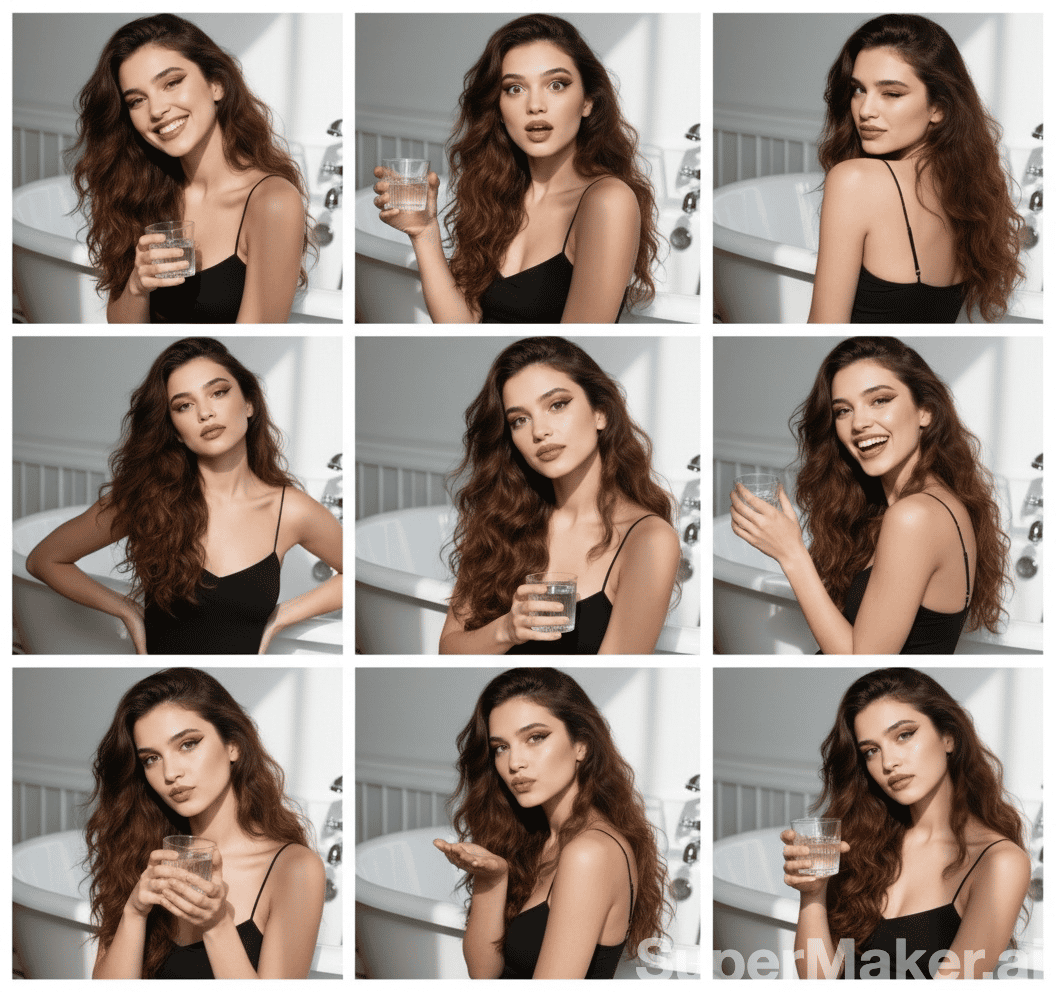
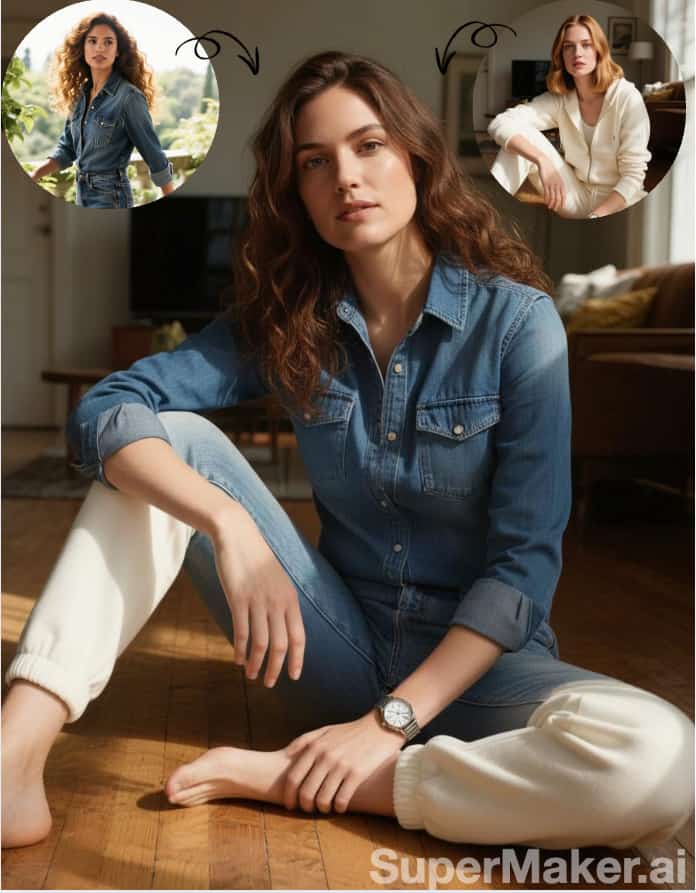
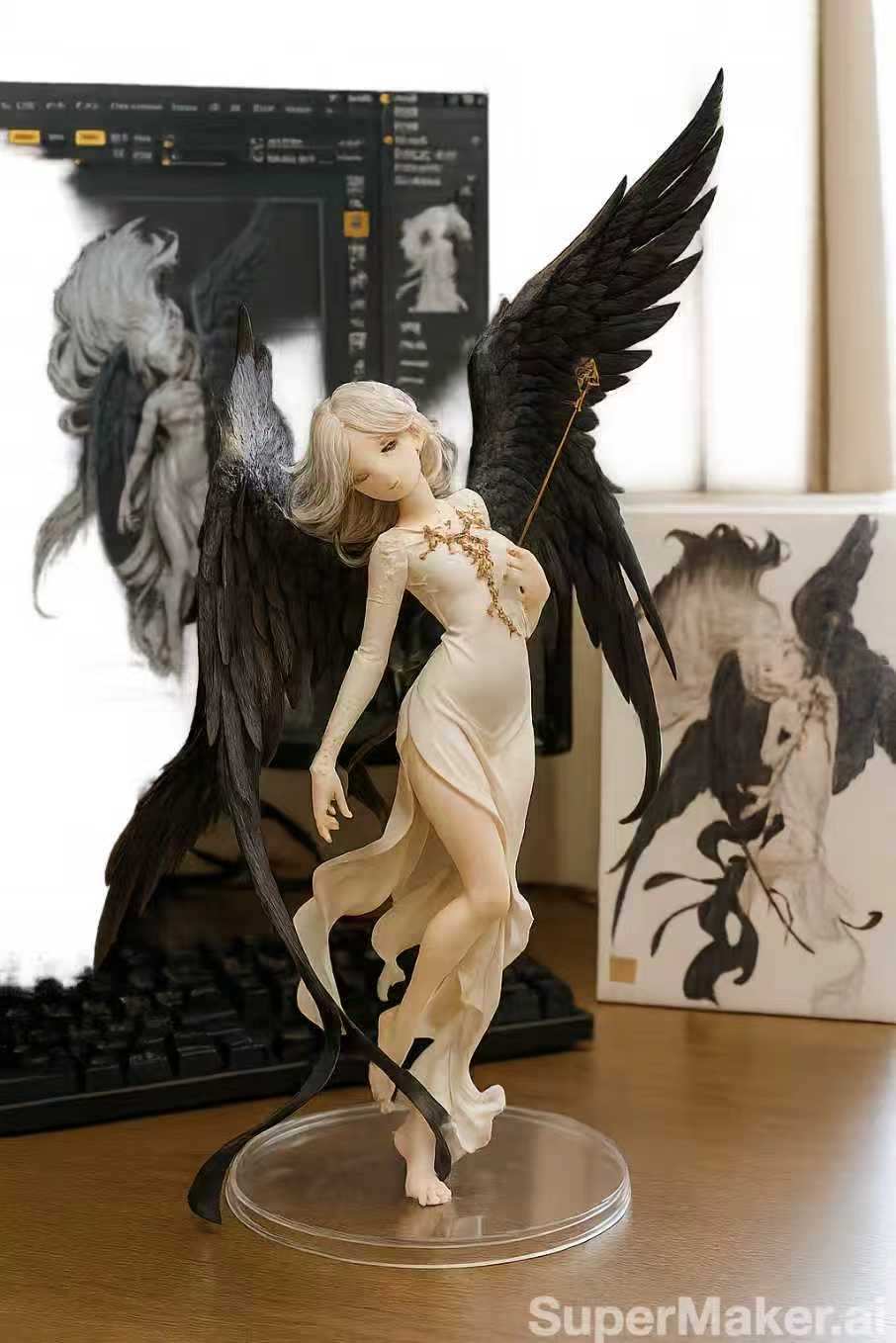
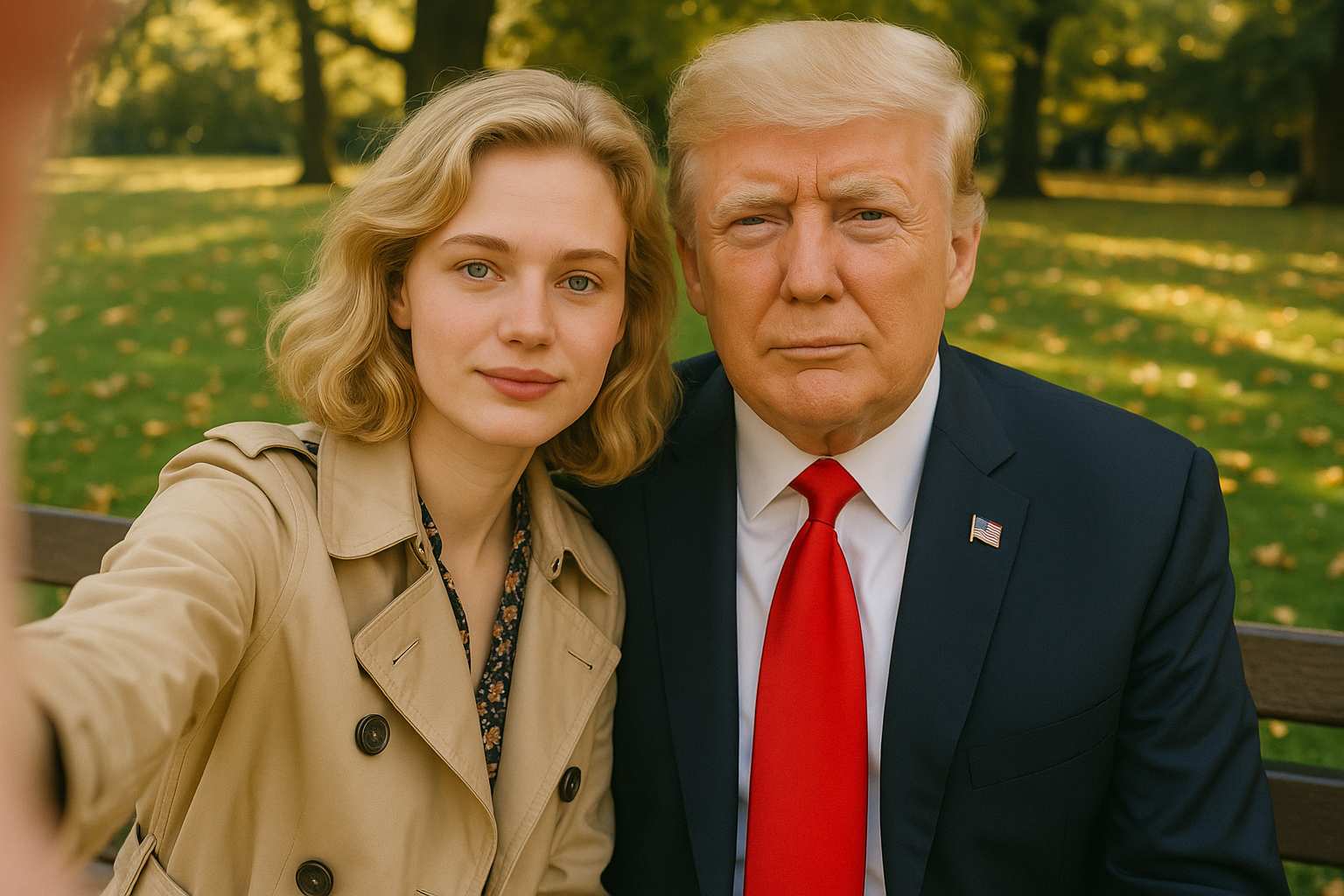
Explore our collection of specialized AI image generators designed for different creative needs and styles











Make Image Higher Resolution Online with AI
Turn low-resolution photos into clearer, sharper, more usable images in seconds.
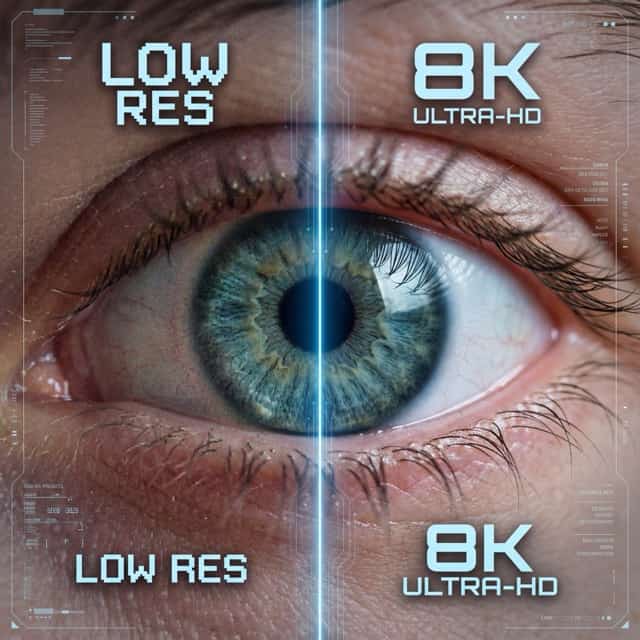
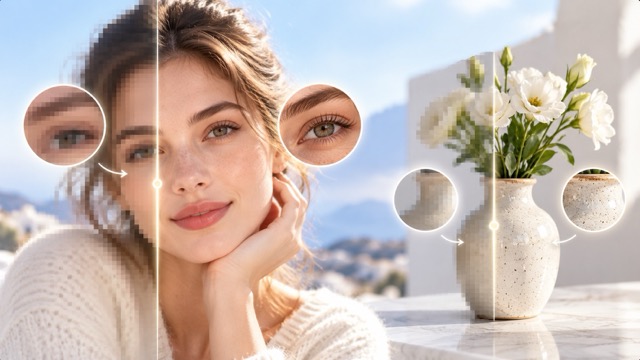
Make image higher resolution with AI and turn small, blurry, or compressed photos into clearer visuals. Enhance edges, textures, faces, and fine details while preserving the original subject and composition. Whether you need a sharper portrait, product image, old photo, or AI-generated picture, use AI to make image higher resolution in just a few clicks. You can also increase image resolution online for social media, e-commerce, presentations, design, or print.
How to Make Image Higher Resolution
Make image higher resolution in three simple steps. Upload a photo, click generate, and download the enhanced result. This quick workflow helps you make image higher resolution without complicated editing tools or manual adjustments.

Upload Photo
Upload the photo you want to improve. Use portraits, product photos, old images, travel pictures, or AI art, and start with the clearest source when you want to make image higher resolution.

Click Generate
Click generate and let AI increase image resolution, sharpen edges, improve textures, and enhance visible details. The process works automatically to make image higher resolution with a cleaner, sharper look.

Download
Preview the enhanced result, check important details, and download the final image. Once you make image higher resolution, it is ready for your next project.
Best AI Image Tools for Creative Projects
Explore creative tools for image, learn tips and tricks, and see how AI can be your assistant in turning concepts into finished projects.
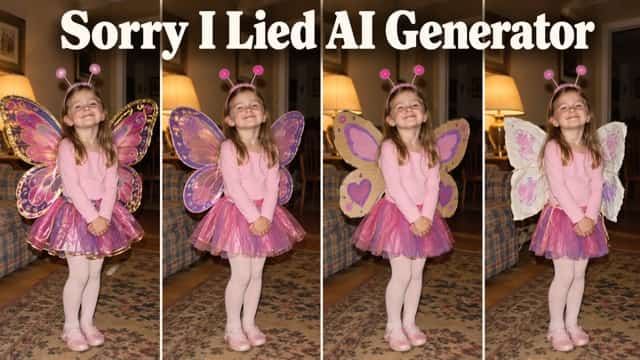

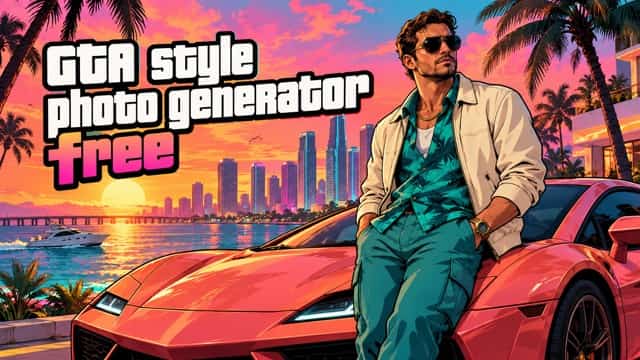

















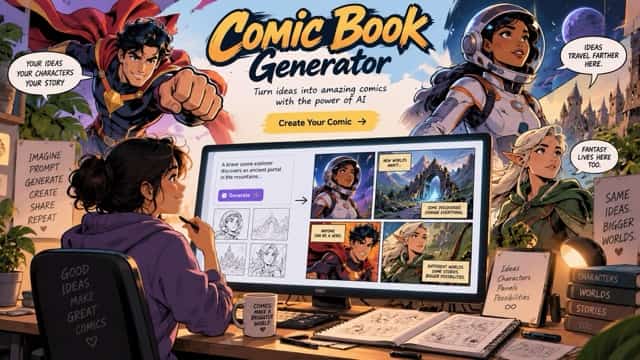
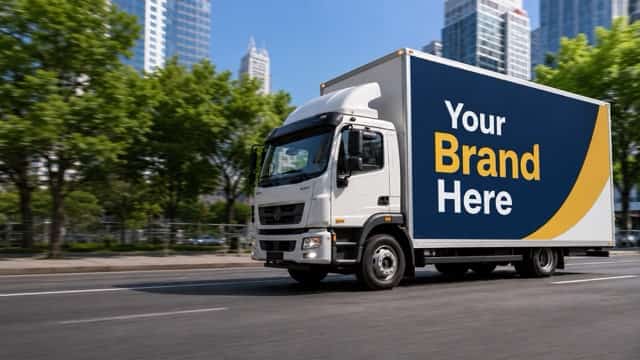
Make Image Higher Resolution with Smarter AI Enhancement
Go beyond basic image enlargement. AI helps make image higher resolution while improving clarity, edges, textures, and visible details. Increase image resolution for small photos, compressed images, product shots, and creative assets, then make image higher resolution before resizing or repurposing the visual.
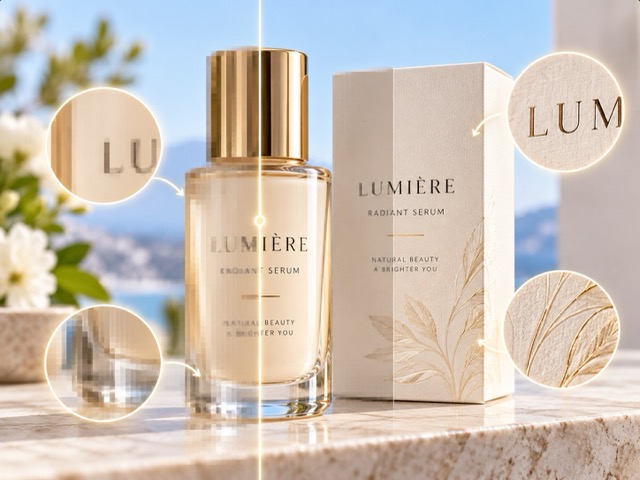
Upscale Small Images with Clearer Details
Basic resizing often makes a small image look blurry or pixelated. AI enhancement analyzes visible patterns and details to make image higher resolution while keeping the original subject recognizable. Improve hair, clothing, object edges, textures, and backgrounds for websites, presentations, portfolios, or social media, especially when you need to make image higher resolution for a larger layout.
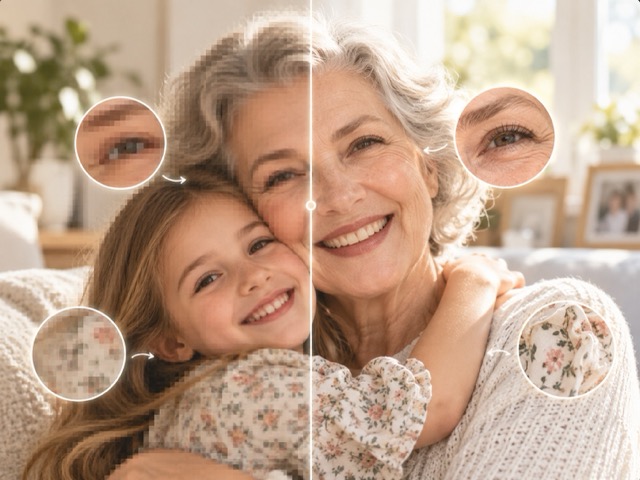
Improve Blurry and Compressed Photos
Photos downloaded from social media, messaging apps, or older devices may lose visible detail. Make image higher resolution to create a cleaner, sharper version. AI can improve facial features, hair, textures, product edges, and small objects, making it easier to make image higher resolution when compression has softened the original.
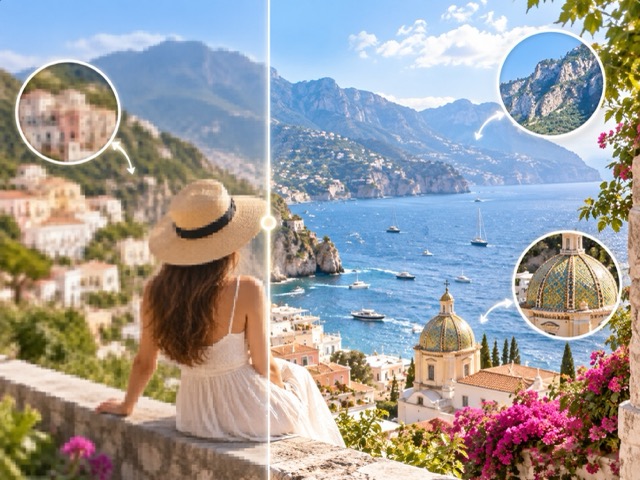
Prepare Images for Print and Large Displays
A photo that looks clear as a thumbnail may appear soft when enlarged. Increase image resolution before using it in posters, brochures, photo books, presentations, banners, or other large layouts. Make image higher resolution before final cropping so you have more flexibility for the finished design.
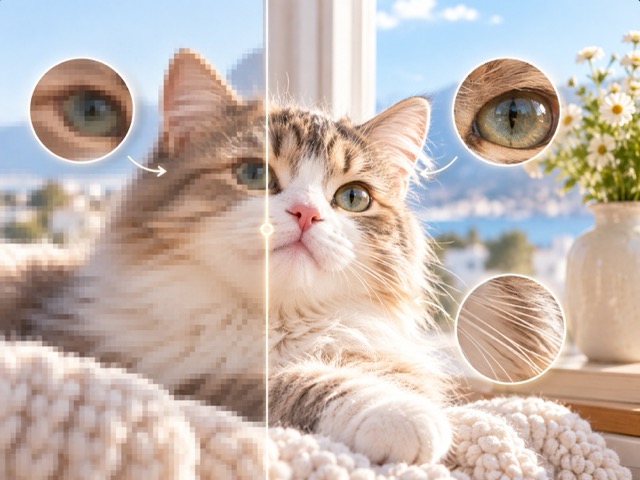
Enhance AI Art and Creative Images
Make image higher resolution after creating an AI image you already like. Instead of regenerating and changing the face, pose, composition, or style, enhance the selected image for banners, mockups, wallpapers, presentations, and social graphics. This lets creators make image higher resolution while keeping the original visual direction.
Make Image Higher Resolution for Any Project
Make image higher resolution when the original photo has the right content but is too small, blurry, or soft for its next use. Increase image resolution for personal photos, online stores, social media, marketing, and creative projects, then make image higher resolution before adapting the photo to its final format.

Old and Personal Photos
Make image higher resolution for old family photos, portraits, travel memories, and scanned images. Improve visible details and create a cleaner version for albums, photo books, or sharing when you want to make image higher resolution without replacing the original memory.

E-commerce Product Images
Increase image resolution for product photos that need clearer zoom views, listing images, promotional graphics, or marketplace reuse. Make image higher resolution before preparing close-up crops so product edges, textures, labels, and small details stay easier to inspect.

Social Media Content
Make image higher resolution before cropping photos for posts, thumbnails, covers, stories, or vertical content. A larger source gives creators more freedom to resize and repurpose one image across platforms, especially when they need to make image higher resolution for multiple formats.

Marketing and Presentations
Increase image resolution for landing pages, slides, campaign graphics, flyers, banners, mood boards, and pitch decks. Make image higher resolution before placing an undersized visual into a larger design, reducing the need to search for a replacement.
Why Users Make Images Higher Resolution
From product photography to personal memories, higher-resolution images make it easier to reuse important visuals across different formats and projects.
I often receive product images that are too small for marketplace listings. This makes it much easier to increase image resolution before creating new product layouts and larger zoom images.
I regularly need the same photo in several sizes for campaigns. Being able to make image higher resolution first gives me a much cleaner source for banners, social posts, and presentation graphics.
I used it on older family photos that looked too small on modern screens. The enhanced versions were much clearer and easier to use in a digital photo album.
Some AI images look great but are not large enough for client layouts. I can increase image resolution without regenerating the artwork and losing the composition I already chose.
The workflow is quick and simple. I upload a photo, generate the enhanced version, and download it before creating thumbnails, social graphics, or larger content assets.



Make Image Higher Resolution FAQ
Find quick answers about increasing image resolution, improving low-resolution photos, and getting better results from AI image enhancement.
Upload your photo, click generate, and download the enhanced image. AI helps make image higher resolution by enlarging the image while improving visible details, edges, and textures.
Yes. AI enhancement can produce a cleaner result than basic resizing because it analyzes image details instead of simply stretching pixels. Starting with the clearest source usually produces the best result.
You can make image higher resolution for portraits, product photos, travel images, old photos, social graphics, digital artwork, AI-generated images, and many other visual assets. For larger uses, increase image resolution from the clearest source available.
Higher resolution gives an image more usable size, but overall quality also depends on focus, lighting, compression, noise, and the original source. AI can enhance visible details but cannot perfectly recover information that is completely missing, so increase image resolution from the best source you have.
Usually, yes. Increasing image resolution first gives you more flexibility when cropping around a face, product, object, or other focal point, especially when creating multiple image sizes.
Yes. You can make image higher resolution before print preparation, then check the final dimensions and resolution requirements for your printer, poster, brochure, photo book, or other printed format.
Make Image Higher Resolution Now
Turn small, blurry, or compressed photos into clearer high-resolution images with AI. Upload your photo, increase image resolution, and download a sharper result for design, social media, e-commerce, presentations, personal projects, or print.
