

More AI Image Generators
Explore our collection of specialized AI image generators designed for different creative needs and styles


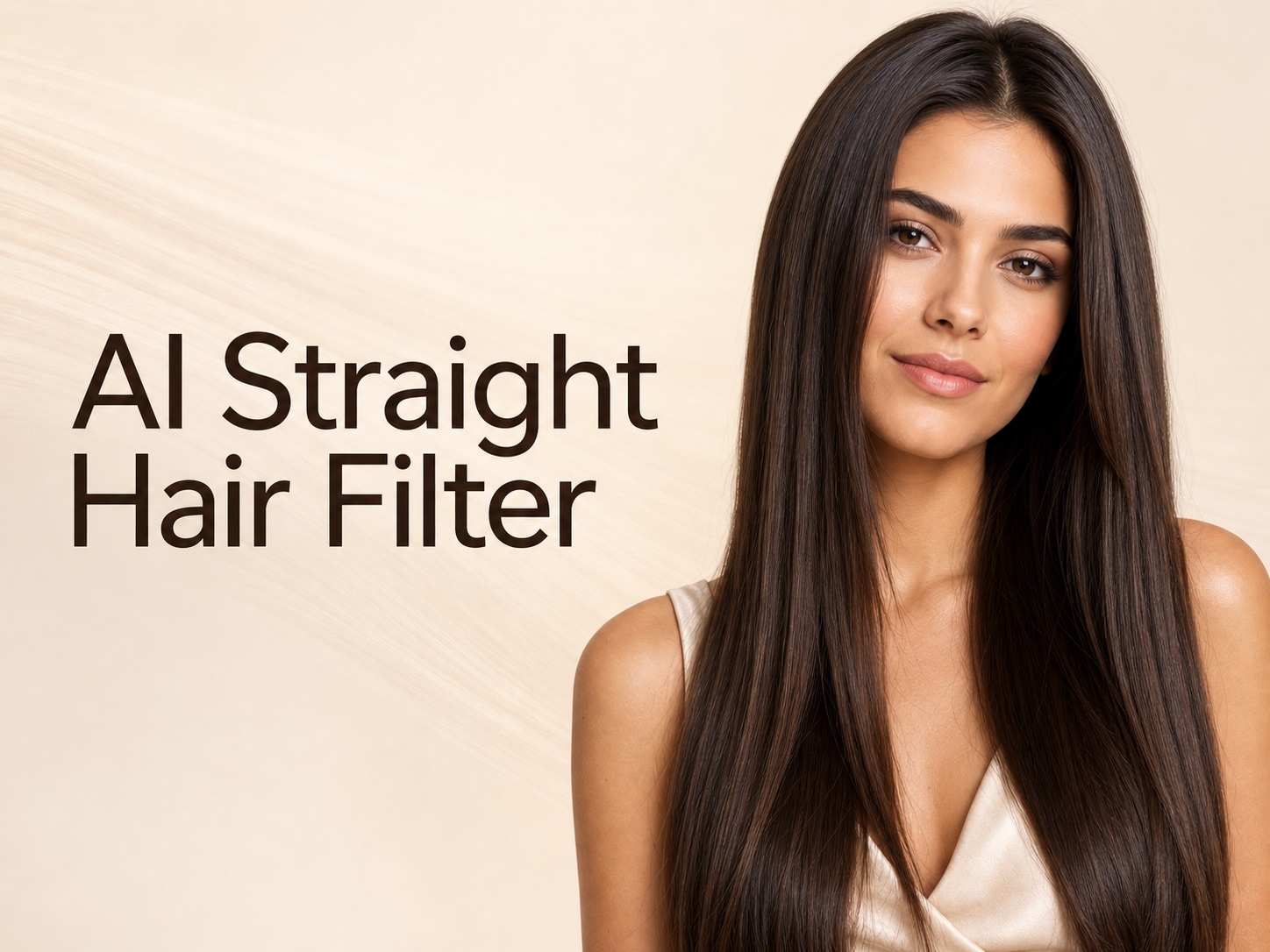







Brainrot AI Image Generator for Viral, Weird, and Funny AI Images
Turn strange ideas into scroll-stopping brainrot visuals in seconds
Create absurd memes, surreal characters, and chaotic social visuals with the Brainrot AI Image Generator. Describe your idea, choose a style, and generate bizarre animal hybrids, exaggerated 3D characters, reaction memes, or Italian-inspired brainrot concepts for TikTok, Instagram, Discord, Reddit, avatars, and meme pages.
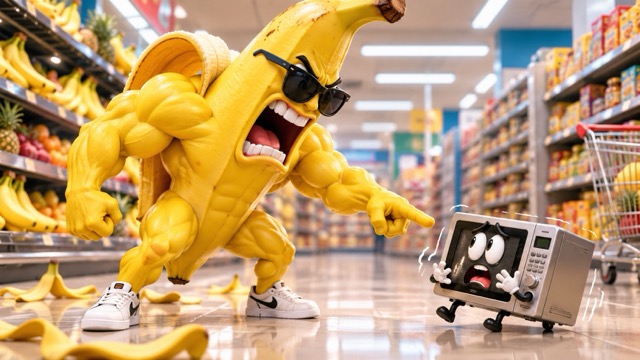
How to Use the Brainrot AI Image Generator
The Brainrot AI Image Generator makes creation simple: describe your idea, shape the style, and generate. No drawing skills are required. Add details such as subject, action, lighting, expression, camera angle, and background, then refine the prompt until the image feels distinctive.

1. Describe Your Brainrot Idea
Enter the weirdest concept you can imagine into the Brainrot AI Image Generator. Combine animals, food, objects, people, or machines. Add unusual props, exaggerated expressions, dramatic actions, or ridiculous environments to help the image generator create a more memorable result.

2. Shape the Style and Vibe
Choose how the Brainrot AI Image Generator should present your idea. Try surreal 3D, anime, pixel art, photorealism, cartoon, clay, retro, or cinematic styles. Add mood and composition details to help the image generator create a more consistent visual identity.

3. Generate, Refine, and Share
Generate your first result, then refine the strongest elements. Adjust the pose, camera, setting, or lighting. The AI Brainrot Generator makes iteration fast, while small prompt changes can create fresh versions for memes, avatars, thumbnails, and community jokes.
Best AI Image Tools for Creative Projects
Explore creative tools for image, learn tips and tricks, and see how AI can be your assistant in turning concepts into finished projects.
















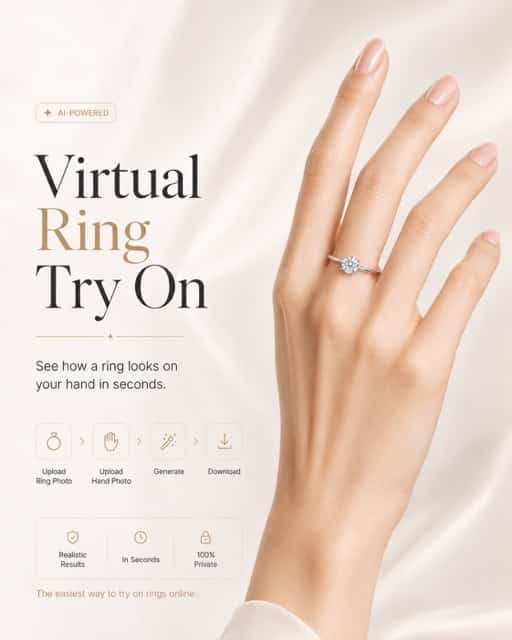
Create More With a Brainrot AI Image Generator
The Brainrot AI Image Generator turns strange ideas into original characters, varied styles, memes, and social-ready visuals. Use the AI Brainrot Generator to experiment quickly, refine key details, and build anything from one-off jokes to recognizable character series.
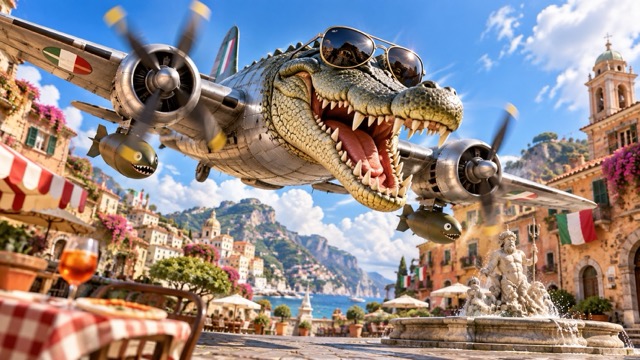
Turn Text Into Original Brainrot Images
Use the Brainrot AI Image Generator to turn a sentence into an original visual. Describe the subject, action, mood, environment, and composition instead of relying on fixed meme templates. The Brainrot Image Generator works especially well for unusual combinations, dramatic characters, and ridiculous situations.
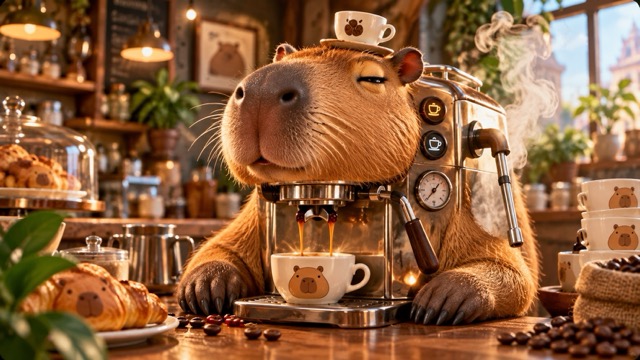
Build Your Own Brainrot Characters
Invent original characters with the Brainrot AI Image Generator. Describe the body, face, outfit, personality, colors, and signature objects, then explore variations with the AI Brainrot Generator. Reuse defining details to create related scenes for memes, gaming communities, or creator branding.
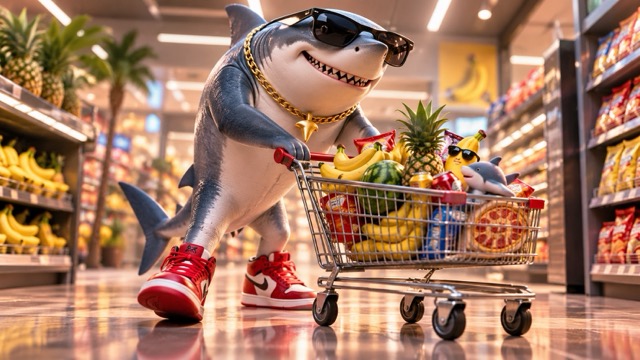
Explore Multiple Brainrot Art Styles
Use the Brainrot AI Image Generator to explore 3D, anime, cartoon, photorealistic, pixel, toy, clay, retro, surreal, or cinematic looks. The AI Brainrot Generator lets style become part of the joke, helping you find the aesthetic that best fits your audience.
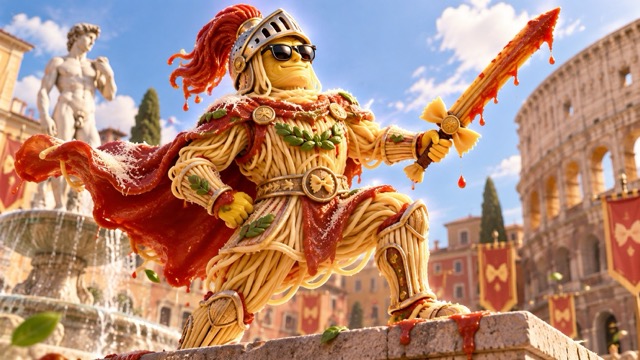
Make Social-Ready Brainrot Visuals
Create bold social visuals with the Brainrot AI Image Generator. Generate exaggerated expressions, unusual silhouettes, and clear scenes for reaction images, thumbnails, covers, or profile pictures. Tell the Brainrot Image Generator where the image will appear to improve the composition.
Brainrot AI Image Generator Use Cases
Use the Brainrot AI Image Generator when stock images and old meme templates feel predictable. Create original jokes, strange characters, trend reactions, and impossible scenes. Because the Brainrot Image Generator starts from text, one idea can quickly become several creative versions.

TikTok, Reels, and Short-Form Content
Use the Brainrot AI Image Generator for bizarre opening visuals, recurring characters, reaction frames, or short-form art. Test several visual hooks around one trend or phrase, then reuse strong character details to build a recognizable series for mobile audiences.

Memes and Reaction Images
Turn group-chat jokes, gaming references, or everyday frustrations into custom visuals with the Brainrot AI Image Generator. Create impossible objects, exaggerated reactions, and strange character combinations instead of forcing every joke into an existing meme template.

Avatars and Community Characters
Create profile pictures, server mascots, fictional team members, or community characters with the Brainrot AI Image Generator. Test outfits, props, expressions, and backgrounds while keeping the central idea consistent for Discord groups, meme accounts, gaming communities, and creator profiles.

Original Brainrot Series and Story Worlds
Use the Brainrot AI Image Generator to build a connected universe around one character. Add rivals, locations, objects, and recurring visual details. The AI Brainrot Generator helps turn a single meme idea into an expandable series or creative story world.
Why Creators Enjoy the Brainrot AI Image Generator
Creators use the Brainrot AI Image Generator for custom memes, original characters, unusual profile pictures, and social ideas. The AI Brainrot Generator makes experimentation simple while giving users room to refine style, composition, and character details.
I use the Brainrot AI Image Generator when a meme idea is too specific for a normal template. The AI Brainrot Generator helps me test several versions fast, and the Brainrot Image Generator usually gets much closer to the joke we imagined.
The Brainrot Image Generator is great for bizarre character sketches. I use the Brainrot AI Image Generator to change costumes, props, expressions, and backgrounds until the character feels unique.
For short-form posts, speed matters. The AI Brainrot Generator lets me test strange visual hooks quickly. The Brainrot AI Image Generator makes brainstorming more visual and less repetitive.
I needed a weird mascot for our gaming community. The Brainrot Image Generator helped us explore options quickly, and the Brainrot AI Image Generator gave us a character everyone remembered.
Small prompt changes create completely new directions in the AI Brainrot Generator. I use the Brainrot AI Image Generator for reaction images, avatars, and surreal post ideas when stock visuals feel generic.



Brainrot AI Image Generator FAQ
Learn how the Brainrot AI Image Generator works, how to write stronger prompts, and how to create more consistent memes, characters, and social visuals with the Brainrot Image Generator.
A Brainrot AI Image Generator is a prompt-based tool for creating absurd, humorous, surreal, exaggerated, or intentionally chaotic AI images. Describe the subject and visual idea, and the AI Brainrot Generator interprets it as an image. Unlike a fixed meme template, a Brainrot Image Generator can create new combinations such as hybrid animals, dramatic food characters, strange mascots, or impossible scenes. The Brainrot AI Image Generator is useful for original memes, avatars, recurring characters, and experimental social visuals.
Start with subject, strange twist, visual style, and setting. Instead of writing 'funny shark,' tell the Brainrot AI Image Generator to create a serious shark wearing bright sneakers in a realistic supermarket with cinematic lighting. The AI Brainrot Generator performs better when relationships are clear. If the Brainrot Image Generator produces something too ordinary, increase the contrast between subject and situation. A strong Brainrot AI Image Generator prompt guides the scene while leaving room for unexpected details.
Yes. Use the Brainrot AI Image Generator to explore Italian-inspired brainrot concepts by describing the character, object combination, exaggerated personality, and visual style. The AI Brainrot Generator can create surreal hybrids, 3D mascots, food characters, and other absurd designs. Rather than copying an existing character, use the Brainrot Image Generator to invent an original silhouette, palette, prop, and setting. This gives the Brainrot AI Image Generator more room to create something distinctive.
Yes. The Brainrot Image Generator can turn a written joke or scenario into an image for a meme. The Brainrot AI Image Generator works especially well with impossible characters, exaggerated reactions, or serious scenes built around ridiculous subjects. Tell the AI Brainrot Generator to leave space if you plan to add a caption. Generate several versions and use the Brainrot Image Generator result with the clearest expression and framing.
The Brainrot AI Image Generator can create surreal 3D, photorealistic, cartoon, anime, pixel, toy, clay, retro, or cinematic looks. The AI Brainrot Generator becomes more interesting when the style contrasts with the subject. A ridiculous character rendered like a luxury advertisement can feel more unexpected than a generic meme. Use the Brainrot Image Generator to compare aesthetics and choose the one that best fits your joke or platform.
Consistency starts with repeating defining details. When you find a character you like in the Brainrot AI Image Generator, keep its body shape, colors, clothing, facial features, signature prop, and style language. The AI Brainrot Generator may still vary, so describe important traits consistently. The Brainrot Image Generator is easier to control when details are concrete. Treat your best prompt like a reusable character sheet and build new scenes around it.
Create Your Next Brainrot Image
Turn a strange idea into a visual with the Brainrot AI Image Generator. Describe the character or scene, experiment with styles, and refine the direction until it feels funny or unexpected. Start with one sentence and create your next meme, avatar, or brainrot character.
