

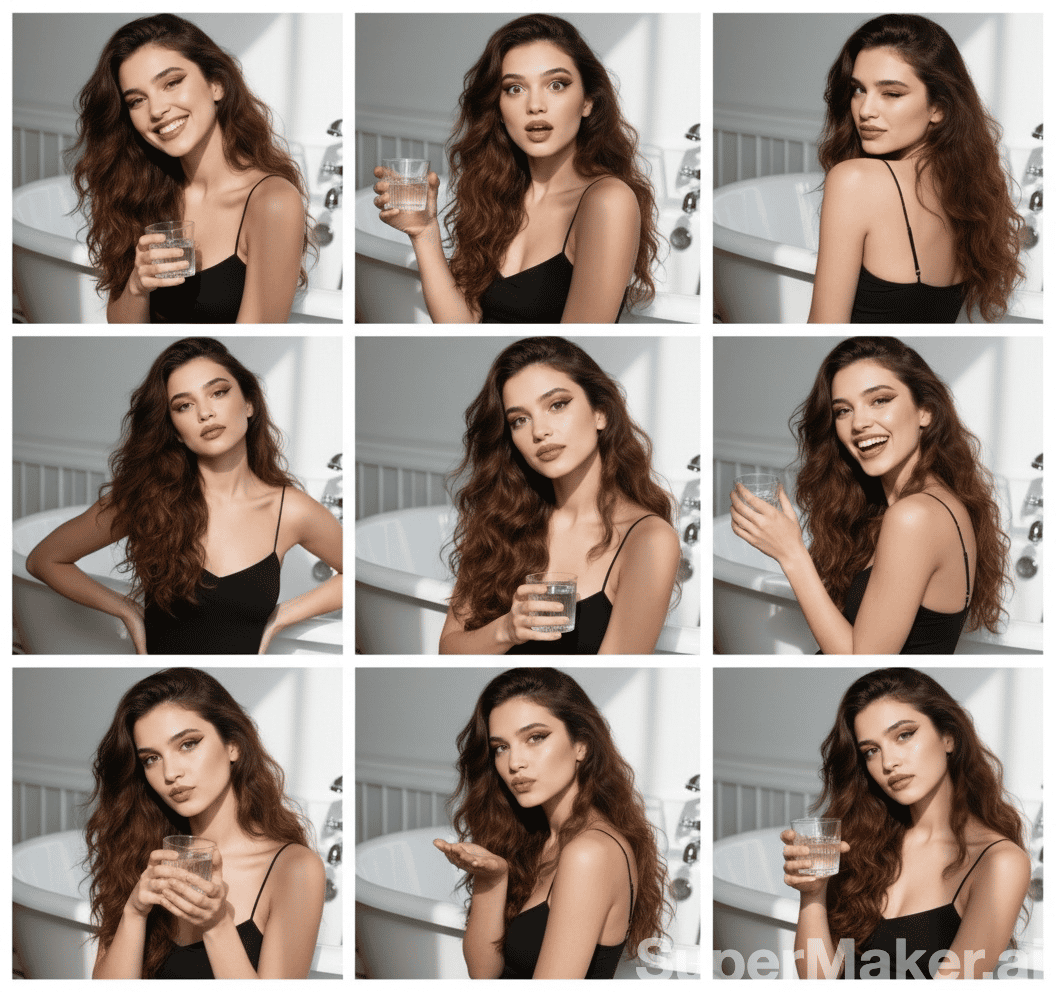
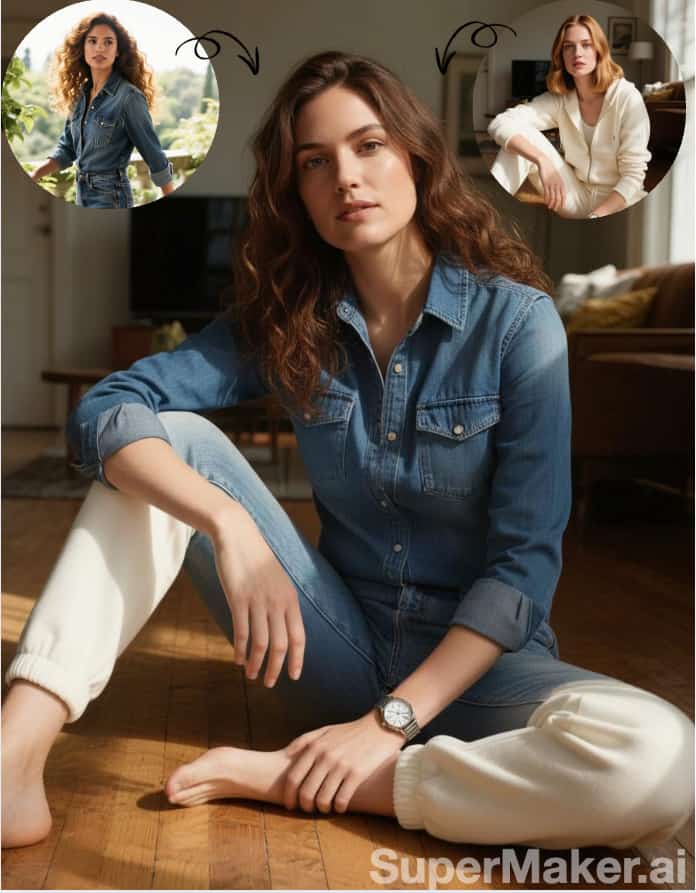
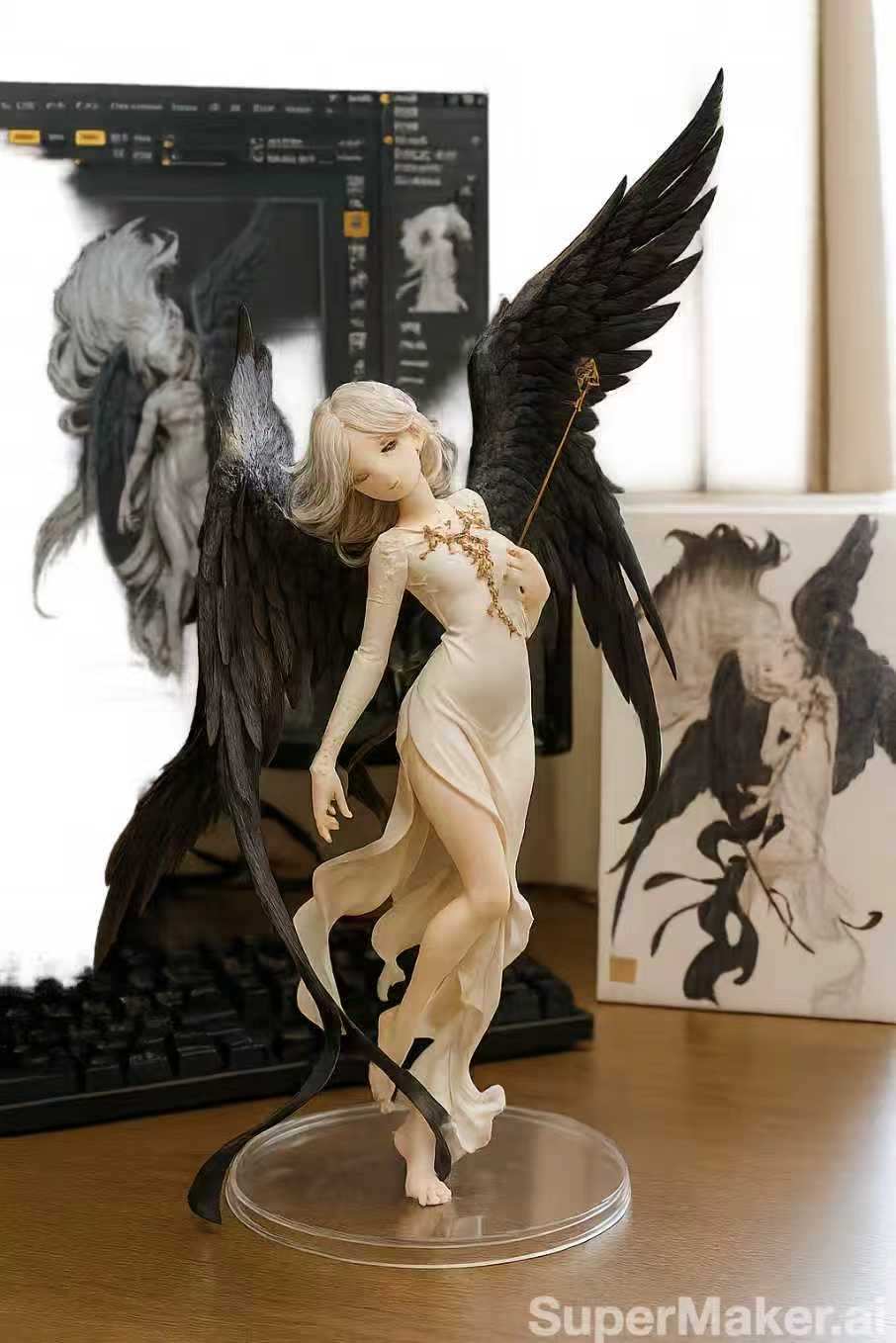
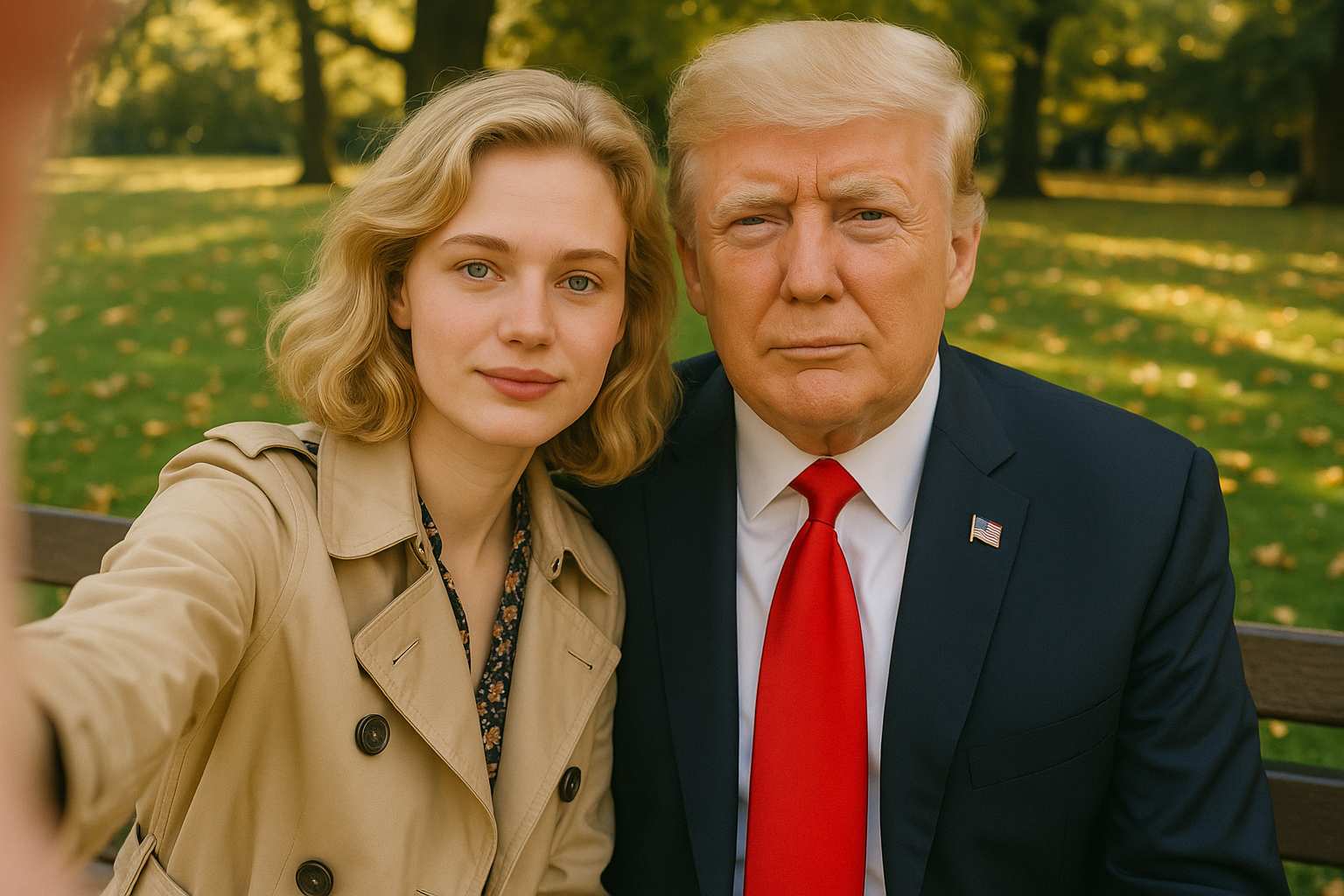
More AI Image Generators
Explore our collection of specialized AI image generators designed for different creative needs and styles










AI Double Exposure Effect For Stunning Portrait Photos
One Portrait, A World Of Possibilities
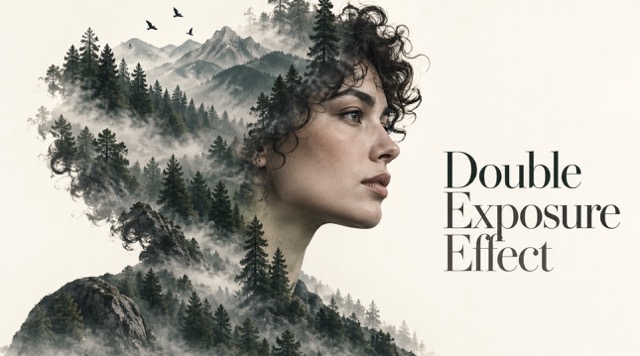
Upload a portrait and create a double exposure effect that brings another world inside your silhouette. Blend a misty forest, city skyline, ocean, flowers, or stars into the hair and shoulders while keeping facial features in focus. Explore a cinematic double exposure portrait for a poster, album cover, profile picture, or personal artwork.
How To Make A Double Exposure Photo
Create a stunning double exposure photo in three simple steps: upload your portrait, click Generate, and download your image.
Upload Your Photo
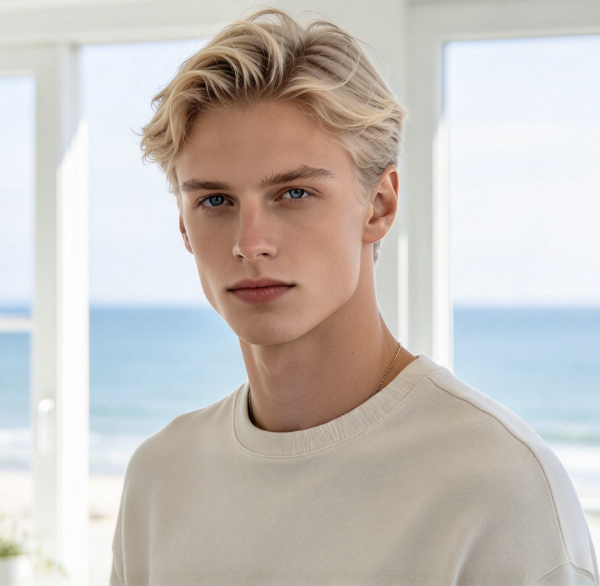
Upload a clear portrait photo of yourself or someone who has authorized its use. Choose an image with visible facial features for better double exposure results.
Click Generate
Click the Generate button to create your double exposure photo. AI will blend your portrait with a creative visual scene.
Download Your Image
Preview your double exposure image and download your favorite result. Save it for social media, posters, album covers, or personal artwork.
Best AI Image Tools for Creative Projects
Explore creative tools for image, learn tips and tricks, and see how AI can be your assistant in turning concepts into finished projects.


















Explore The Double Exposure Effect
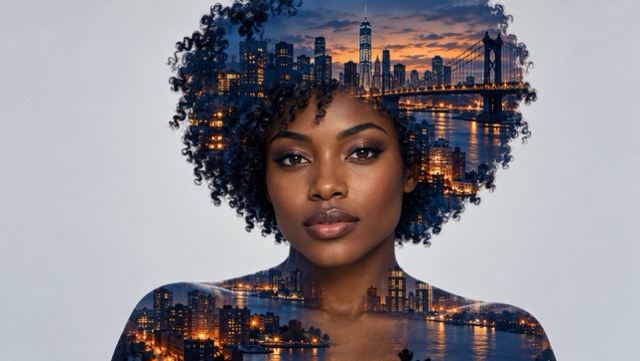
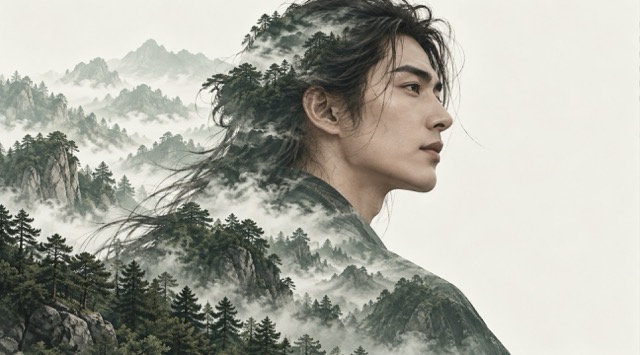
The double exposure effect combines a recognizable portrait with a second visual world. These original illustrations are style examples, not verified outputs from this generator.
Double Exposure From A Single Photo
A second source image is optional. Start with an authorized portrait and describe a landscape, skyline, or texture. The double exposure effect uses your direction to place the scene within the silhouette, bringing visual depth to a double exposure photo without requiring manual layer masks. A simple background and a clearly framed subject help the composition remain readable.
Keep Your Face The Focus
A strong double exposure portrait balances the person and the overlay. Ask for eyes, nose, mouth, and the facial outline to remain clear, and place the landscape in the hair, shoulders, and outer edges. Results vary with the source photo and prompt, so review each double exposure photo carefully. Facial identity and perfectly clean edges cannot be guaranteed.
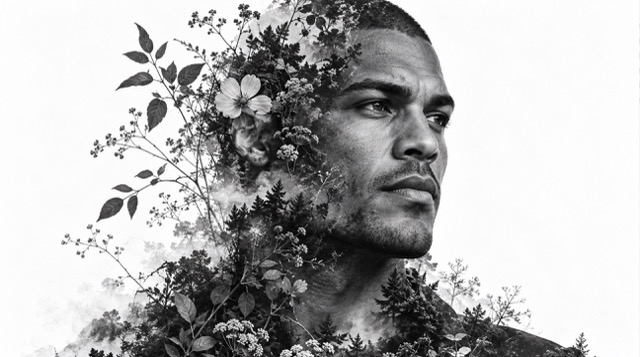
Nature And City Overlays
Give your double exposure images a personal setting. Try a foggy forest and mountains for a reflective mood, a twilight city and bridge for an urban portrait, or ocean waves and a warm horizon for a travel-inspired scene. Describe the palette and background as well as the subject. Use an optional authorized second image when a particular landscape matters.
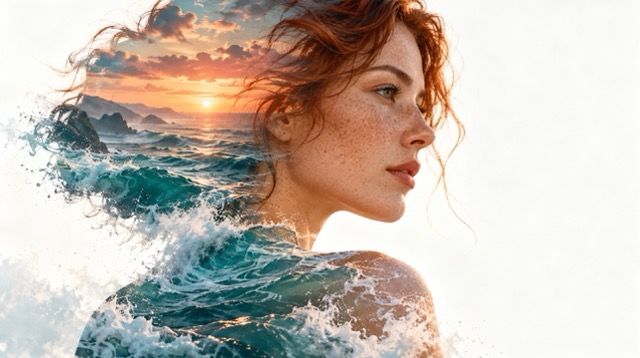
Black And White Or Dreamy Color
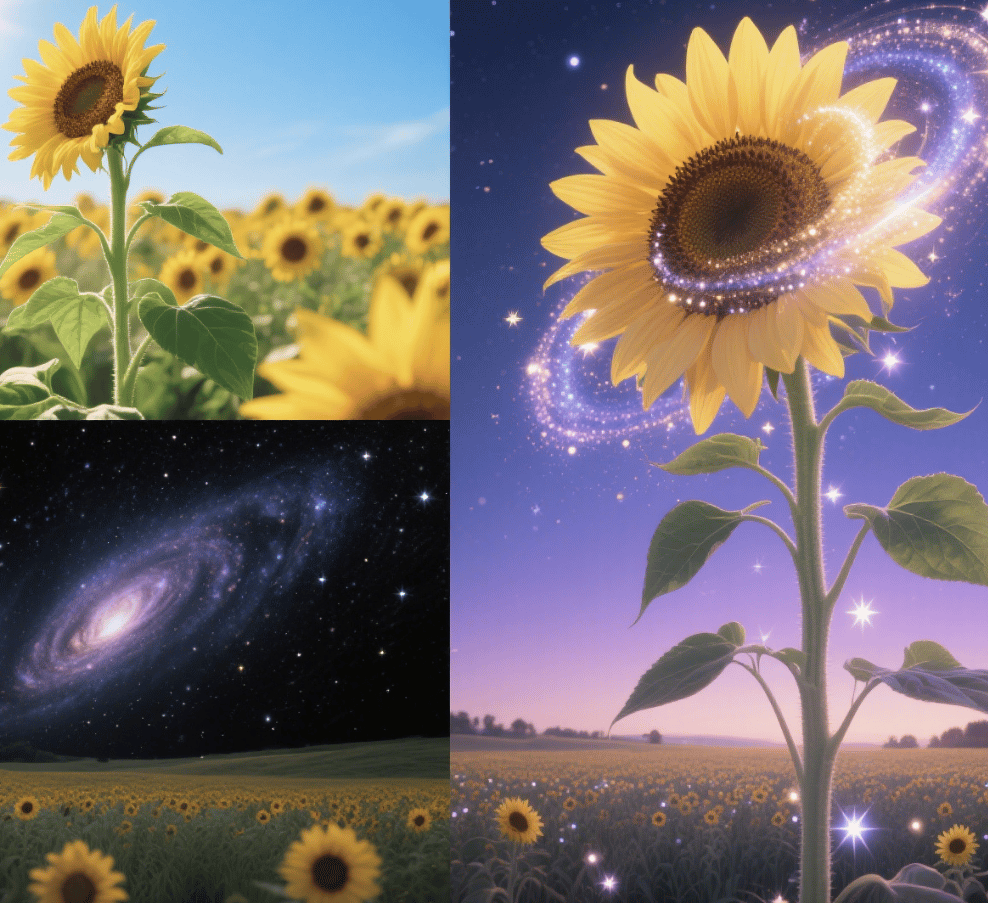
Create a monochrome floral double exposure effect with wildflowers and soft contrast, or explore sunset colors, neon streets, and a galaxy against a dark gradient. A couple double exposure can bring two profiles into one scene, though two-person results can be less consistent. The resulting double exposure images make starting points for covers, posters, and social artwork.
Double Exposure Images For Creative Projects
A double exposure portrait can connect a person with a place, mood, or memory. Explore four practical directions for personal and creative projects.

Album Covers And Movie-Style Posters
Musicians and designers can turn a portrait into an expressive cover concept by placing a city, night sky, or landscape inside the silhouette. Choose a color palette that fits the music or event, leave space for later typography, and review the double exposure photo at the intended size before finishing your layout.

Travel Memories And Personal Portraits
Travel creators can pair a portrait with a memorable mountain, coastline, or city. Describe the place in your own words or add an authorized reference image. The double exposure effect offers a way to evoke a journey while keeping the person central, with a clean background that works well in a portfolio or post.

Couple And Anniversary Artwork
Couples and wedding creators can experiment with two profiles and a shared landscape, flowers, or a starry sky. Use a photo that both people have authorized and describe each person clearly. Two-person double exposure images may need several attempts, so check facial details and spacing before choosing an anniversary print or gift.

Profiles, Books, And Brand Visuals
Creators, independent publishers, and small teams can use a double exposure portrait as a starting point for a profile picture, zine cover, or campaign concept. A forest silhouette can suggest calm, while a city skyline suggests energy. Add final text in your design workflow and check rights and site terms for the intended use.
Illustrative Creative Reactions
The following fictional examples illustrate possible creative reactions. They are not verified customer reviews or accounts of actual use.
I would use this approach to explore how a portrait and a meaningful scene can work together. The clear silhouette and flexible visual direction offer a useful starting point for a creative concept.
I would use this approach to explore how a portrait and a meaningful scene can work together. The clear silhouette and flexible visual direction offer a useful starting point for a creative concept.
I would use this approach to explore how a portrait and a meaningful scene can work together. The clear silhouette and flexible visual direction offer a useful starting point for a creative concept.
I would use this approach to explore how a portrait and a meaningful scene can work together. The clear silhouette and flexible visual direction offer a useful starting point for a creative concept.
I would use this approach to explore how a portrait and a meaningful scene can work together. The clear silhouette and flexible visual direction offer a useful starting point for a creative concept.
I would use this approach to explore how a portrait and a meaningful scene can work together. The clear silhouette and flexible visual direction offer a useful starting point for a creative concept.





Double Exposure Effect FAQ
Find answers to common questions about creating, customizing, downloading, and using AI double exposure photos.
A double exposure effect combines two visual scenes into one artistic image. It blends a portrait with elements such as forests, city skylines, oceans, or flowers, creating a layered composition within the person's silhouette.
No. You can create a double exposure effect using just one portrait photo. AI can generate a creative overlay based on your instructions. A second image is optional if you want to include a specific landscape or scene.
Yes. You can upload an authorized portrait and use a second photo as an optional reference. Describe how the images should blend to create your desired double exposure effect.
A clear, well-lit portrait with visible facial features works best. Head-and-shoulders photos or side profiles with simple backgrounds help AI create a recognizable silhouette and balanced double exposure composition.
You can ask AI to keep facial features clear while placing the overlay in the hair, shoulders, and silhouette edges. Results vary depending on the source photo and instructions, so facial details may occasionally need refinement.
Yes. You can describe your preferred scene, including forests, mountains, city skylines, oceans, flowers, or stars. You can also specify colors, lighting, and atmosphere to create a personalized double exposure photo.
The double exposure generator uses credits. Credit costs and available offers may vary depending on your account and selected settings. Check the current pricing information before generating your image.
The generator preview offers 1K, 2K, and 4K resolution options with multiple aspect ratios. Available settings and credit costs may vary. Check the actual image dimensions before downloading or printing.
Commercial use depends on SuperMaker's current terms, your subscription plan, and the rights to your uploaded images. Review the applicable terms and ensure you have permission to use any source material commercially.
Review SuperMaker's current privacy policy and Public Visibility settings before uploading personal photos. Only upload images you own or have permission to use, and avoid sharing sensitive photographs without understanding the applicable privacy settings.
Make Your Own Double Exposure Photo
Upload an authorized portrait, choose the world you want inside the silhouette, and create a double exposure effect shaped by your own idea. Experiment with a forest, skyline, ocean, flowers, or stars, then review and download your favorite image.
