

More AI Image Generators
Explore our collection of specialized AI image generators designed for different creative needs and styles



AI 3D Figure Generator
Turn Your Photo Into A Collectible Figure Portrait
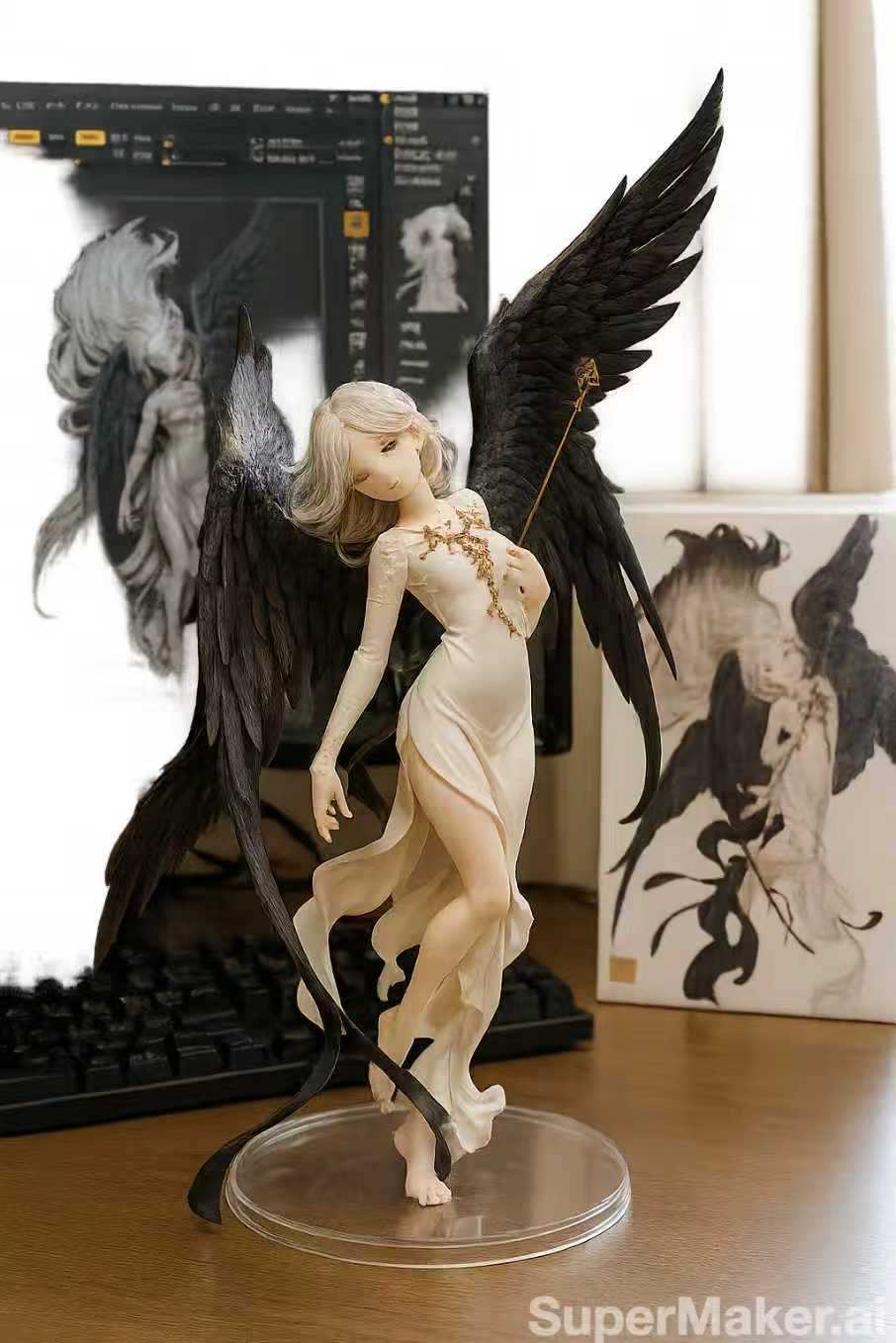
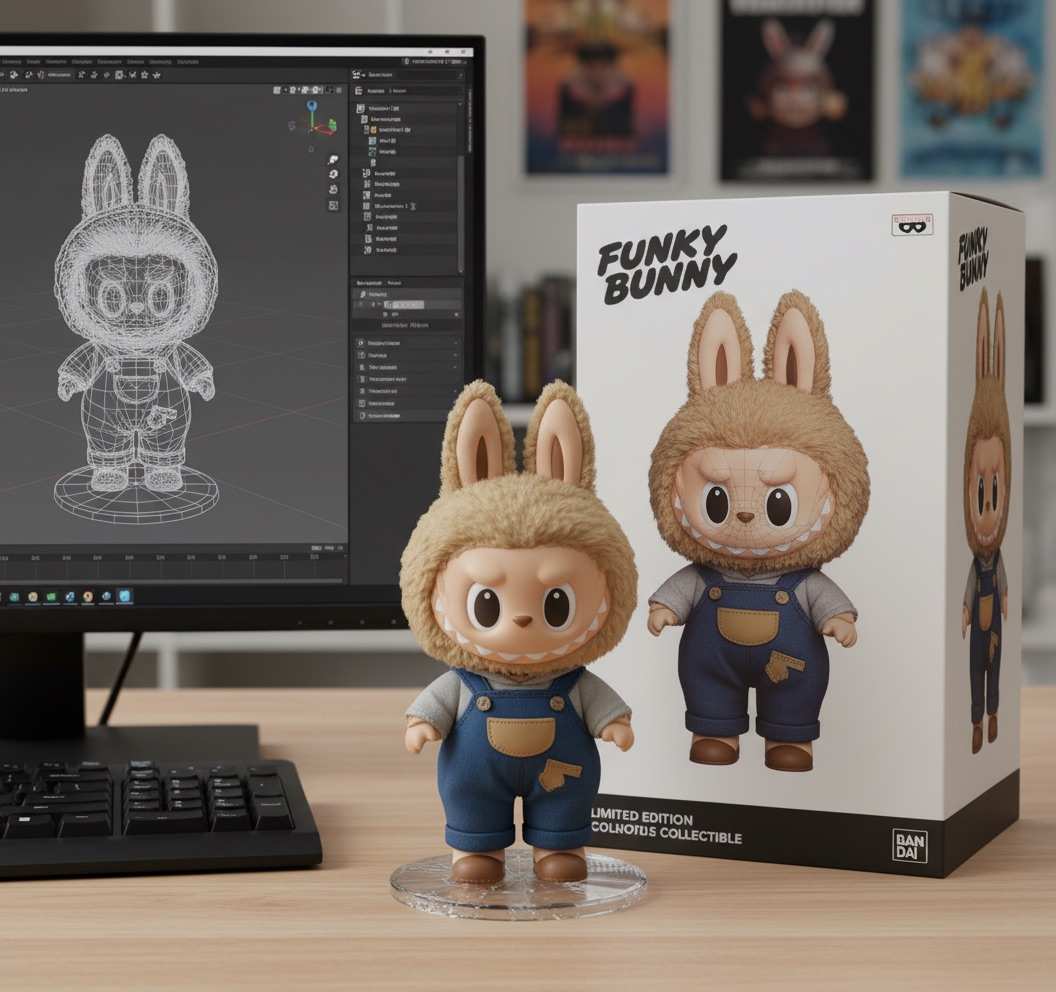
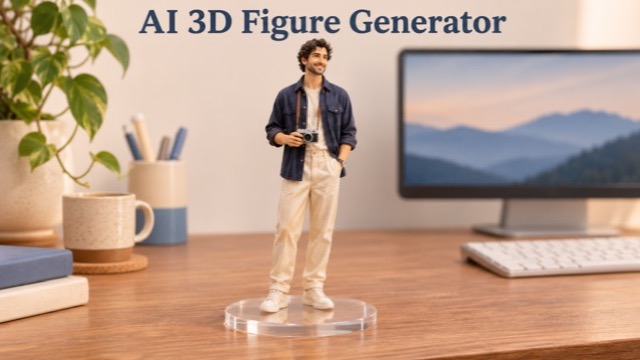
Give a familiar face the look of a miniature collectible. The AI 3D Figure Generator transforms a reference photo into a rendered figure scene, with sculpted details, a display base, and a desktop setting. Start with a portrait or character illustration and let the prepared effect guide the transformation. Create an image for your profile, a personal gift design, or a character mood board without building a model by hand.
How To Use The AI 3D Figure Generator
Begin with one clear reference image and follow three straightforward steps. The prepared figure effect handles the scene direction, so you can concentrate on choosing the subject and reviewing the result.

Upload Your Photo
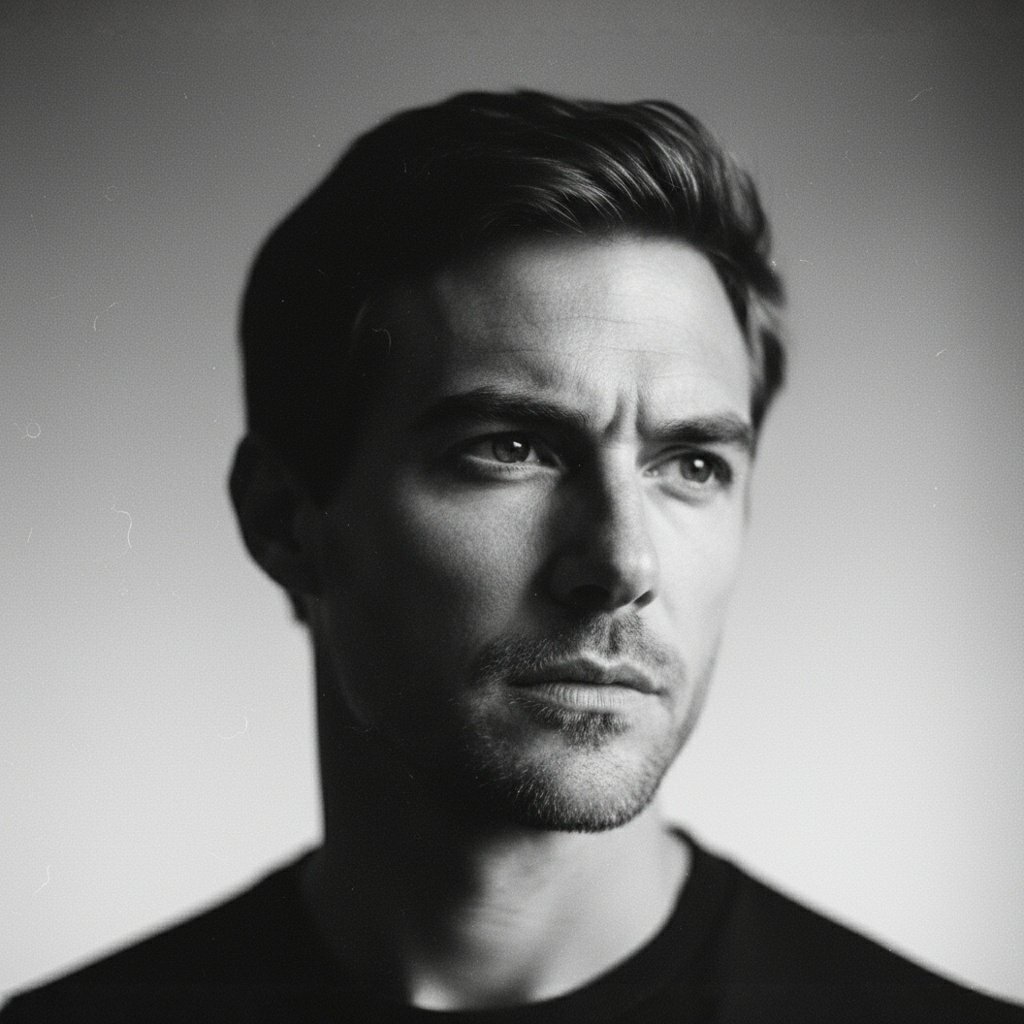
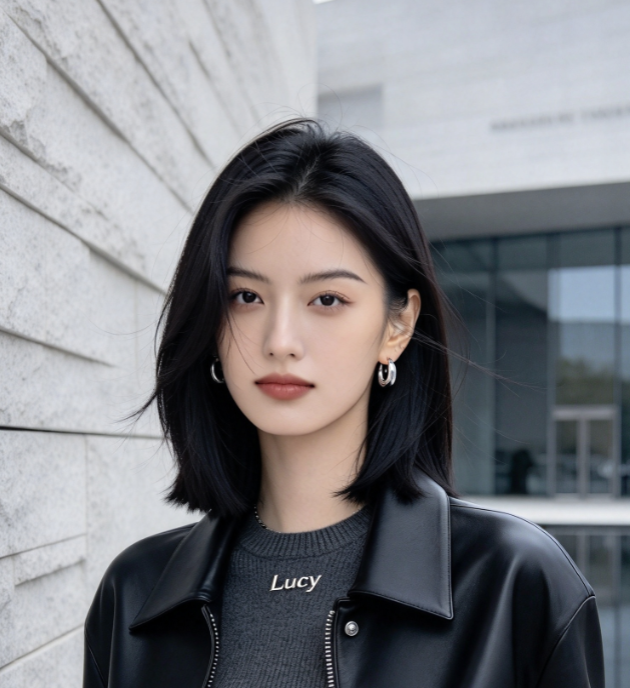
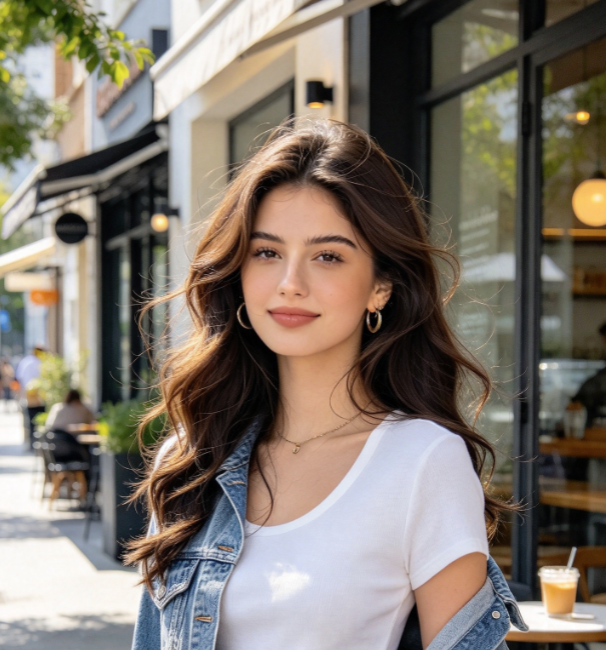
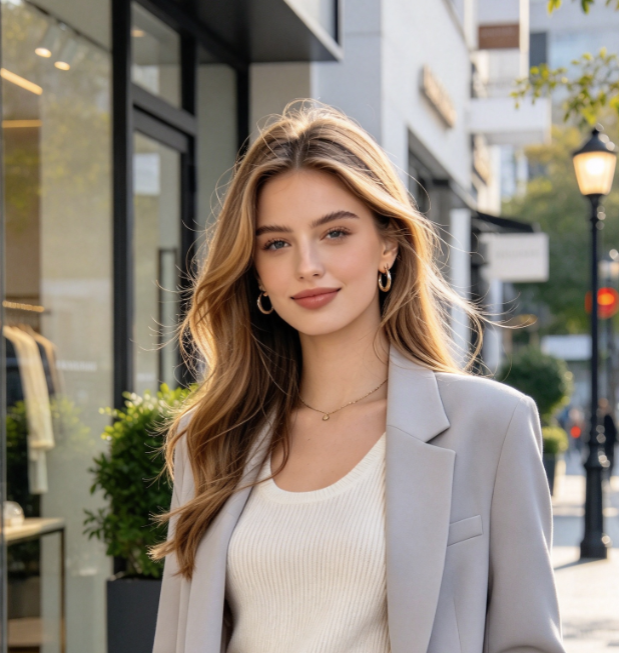
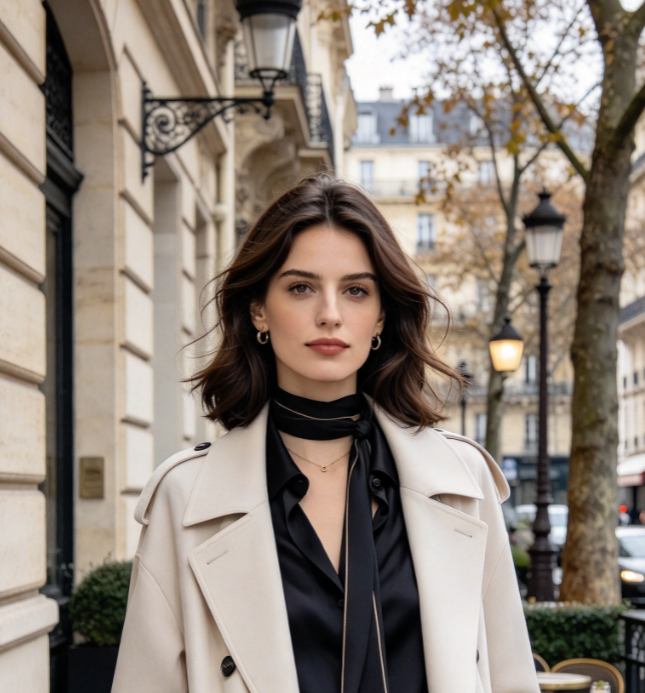
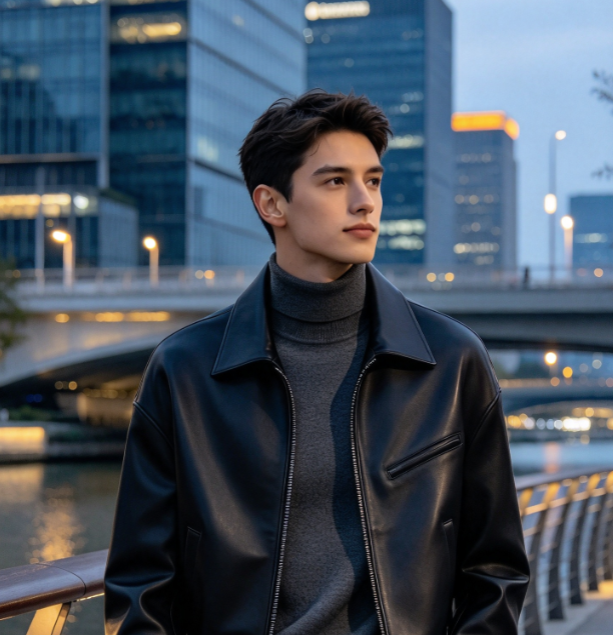
Choose a well lit portrait or character illustration with one clearly visible subject. Include the outfit and hairstyle you want the figure to reference. A simple background and unobstructed face give the transformation more useful visual information than a crowded group photo.

Click Generate
Submit your image to apply the prepared collectible figure effect. The generator uses your reference to guide the character and builds a miniature display scene around it. Review the current generation settings and any displayed credit requirement before starting your request.

Download Your Image
Check the completed image for facial details, hands, clothing, and the display base before downloading it. Save the version that suits your idea, then use it in a profile layout, digital greeting, or concept board. Try a clearer reference if important details need improvement.
Best AI Image Tools for Creative Projects
Explore creative tools for image, learn tips and tricks, and see how AI can be your assistant in turning concepts into finished projects.



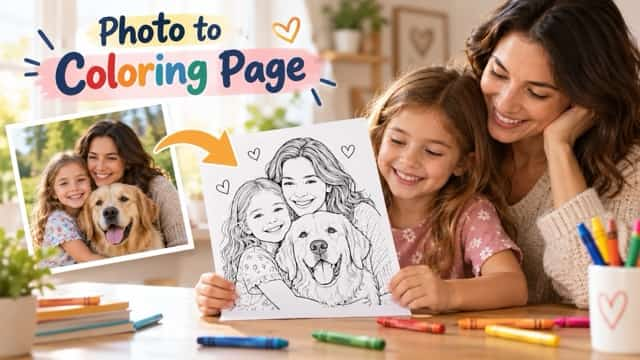
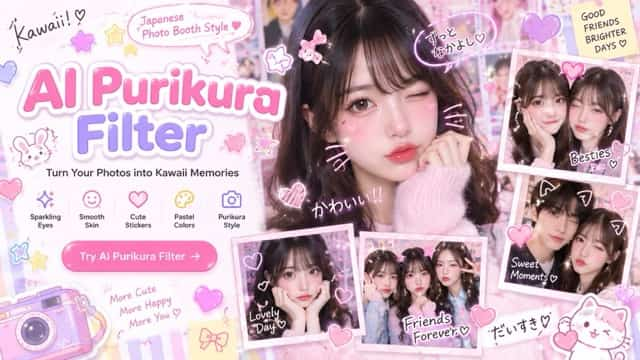


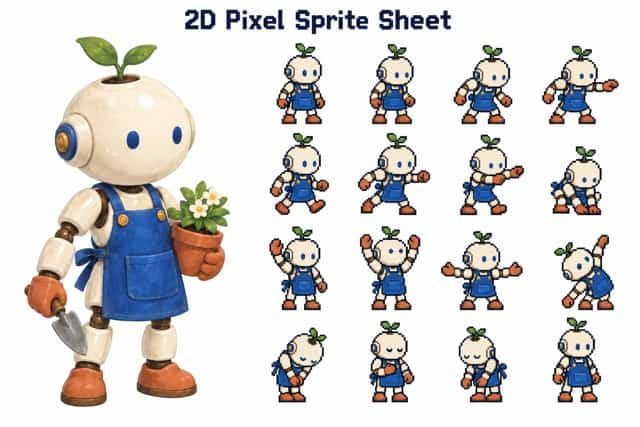
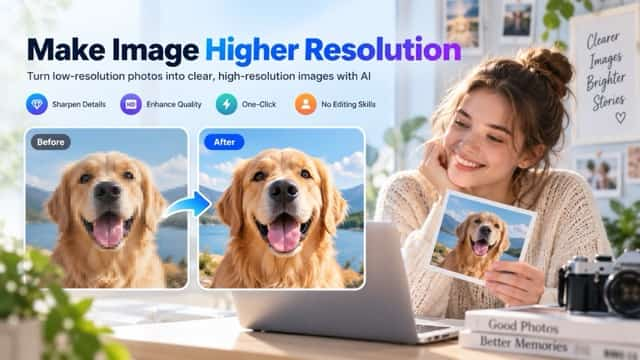



A Familiar Subject With A Collectible Finish
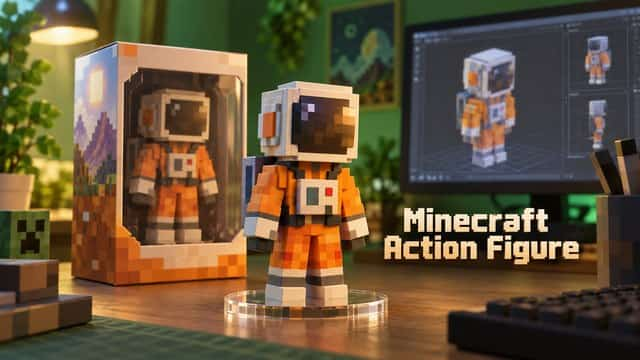
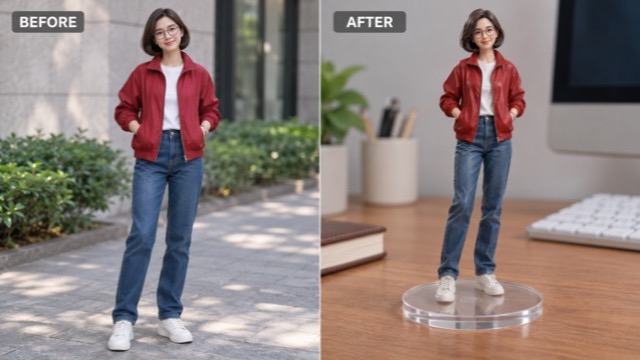
The figure effect brings together a recognizable subject and the visual language of miniature collectibles. Sculpted surfaces, a supporting base, and a desktop composition help turn an everyday reference into an image with a distinct display piece aesthetic.
Keep Your Reference At The Center
A recognizable hairstyle, outfit, and pose give a miniature character its personality. The AI 3D Figure Generator uses your uploaded image as the visual starting point, with a prepared prompt that asks for those defining details to remain recognizable. Pick a reference that already shows the look you want. A jacket, glasses, or a distinctive color palette can be a more useful anchor than a long written character description.
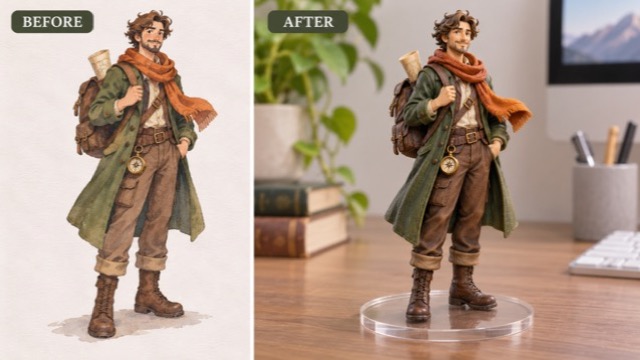
Give Flat Images A Sculpted Look
Turn the visual cues in a portrait or illustration into the appearance of a painted collectible. The effect asks for dimensional shading, sculpted hair, and material highlights that help the figure read as a small object in a scene. These are visual qualities within the generated image. Use the result to explore how a character might look as a display piece before deciding which details deserve further design work.
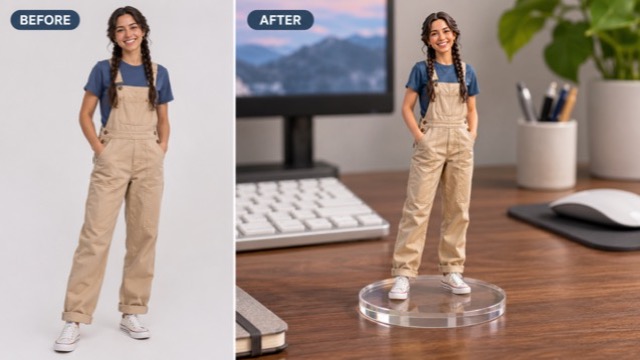
Place Your Figure In A Desktop Scene
A miniature feels more convincing when its surroundings explain its scale. The prepared scene places the figure on a clear circular display base on a desk, with a softly focused workspace behind it. This gives the subject a setting without making you compose every prop yourself. The aim is an image that resembles a photograph of a collectible, with attention directed toward the character rather than a busy background.
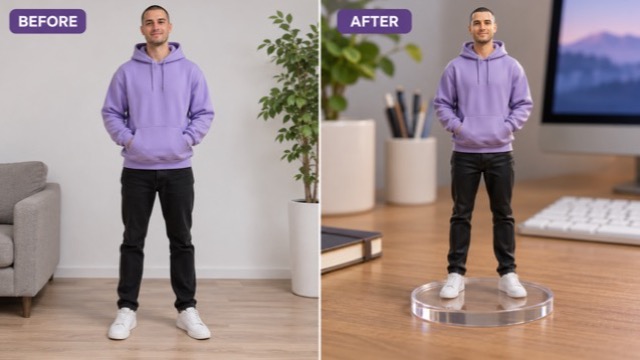
Start With A Photo Instead Of A Modeling Workflow
You do not need to sculpt a mesh or assemble a lighting rig to try this image effect. Upload one reference, apply the prepared transformation, and judge the result visually. This makes the page useful for early creative exploration and personal image projects. Compare a few different source photos when you want a different outfit or expression, keeping the reference choice deliberate rather than changing many things at once.
Make A Figure Image For Your Next Project
Use the AI 3D Figure Generator when a standard photo does not quite fit the idea. These scenarios focus on sharing an image, exploring a character, or adding a personal touch to a design you are already making.

Personal Profile Artwork
Creators and hobbyists can give a profile portrait a collectible twist while keeping a familiar outfit or hairstyle as a visual cue. Start with a clear photo, review the face in the generated result, and place your favorite image in a profile or introduction layout. A figure portrait can help express an interest in toys, design, or character art.

Digital Gifts And Greetings
For a birthday message or a friendly celebration, a figure image can turn a familiar person into the subject of a playful design. Use a photo you have permission to work with, then add your own greeting in a separate editor. The finished image gives the recipient a personalized visual keepsake without implying that a physical toy has been made.

Original Character Mood Boards
Illustrators and character designers can explore how an original drawing might translate into a miniature display aesthetic. Include the generated scene beside sketches, clothing references, and color studies to discuss the direction with collaborators. This is useful for visual conversations about silhouette and finish, while detailed sculpting and production decisions remain part of a separate design process.

Collectible Concept Presentations
Toy enthusiasts and independent designers can create a visual starting point for a proposed collectible. A desktop figure scene gives a concept board more context than an isolated character drawing. Use it to communicate mood, colors, and a broad display idea, then gather feedback before investing time in precise dimensions, engineering, or a production ready model.
Creative Perspectives On Figure Portraits
These fictional examples illustrate how different creators might evaluate a figure portrait in their own projects. They describe potential uses and preferences, rather than verified customer reviews or measured results.
I like the idea of seeing my character as a small display piece. It gives me a useful way to think about the silhouette and costume beyond the original drawing.
The desktop setting is what appeals to me most. A base and a sense of scale make a figure portrait feel closer to the display pieces I enjoy collecting.
A collectible portrait would give a personal introduction post a different visual direction. I would still check the face and crop carefully before using it in a finished layout.
Turning a familiar outfit into a miniature character is a fun starting point for a greeting. I can imagine pairing the image with a short message written in my own style.
For an early concept board, I want something that communicates an overall look. A figure image helps frame that discussion before I spend time developing precise sculpting and material details.
Choosing the reference feels like the most interesting part. A clear expression and a distinctive jacket can give the miniature portrait more personality than a busy photograph with distracting surroundings.
AI 3D Figure Generator Questions
Find practical answers about reference images, the prepared effect, and what you receive. Understanding the output makes it easier to choose a suitable photo and use the finished image in the right kind of project.
It creates a rendered image of your subject as a collectible style figure in a desktop scene. The appearance includes sculpted details and a display base. The output is an image, not a physical product or a downloadable mesh such as an STL, OBJ, or rigged character file.
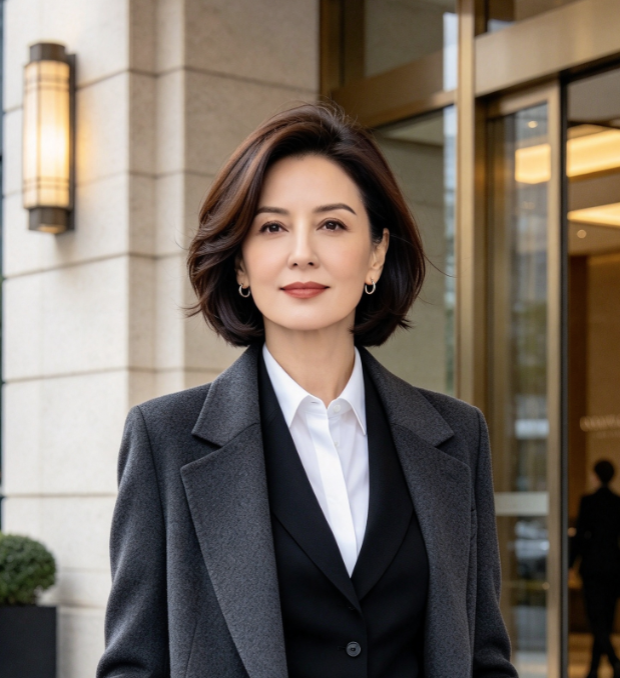
Use one clear image with a single subject, an unobstructed face, and enough visible clothing to establish the intended look. Even lighting and a simple background are helpful. If a full figure is your goal, a reference showing more of the body gives the model more information than a tightly cropped headshot.
No. This page uses a prepared figure prompt, so the upload provides your main creative input. The effect asks for a recognizable subject, a miniature collectible finish, and a desktop display scene. To explore another outfit or expression, choose a source photo that already contains those details.
A clear illustration can serve as the reference for the transformation. Choose artwork with a readable silhouette and visible design details, preferably an original character you created. The generated interpretation may change small features, so compare the result with your source before using it as part of a character presentation.
The prepared effect asks the model to retain recognizable traits, but a generated transformation can reinterpret faces, accessories, hands, or clothing. Review these details in the finished image. If the subject becomes hard to recognize, try a sharper reference with fewer obstructions and a simpler composition before generating again.
Use the image in a digital greeting, personal profile design, or concept board, and make any layout edits in your preferred image editor. For a physical collectible, you would still need a separate modeling and manufacturing workflow. Review the source permissions and applicable service terms before using an image commercially.
See Your Photo As A Miniature Collectible
Choose a clear photo with the expression and outfit you want to explore. Let the AI 3D Figure Generator turn that reference into a figure portrait, then review and download your favorite result. Start with a familiar subject and give your next personal image project a collectible point of view.