ElevenLabs SFX v3: How to Generate Layered AI Sound Effects for Your Videos (+ Free Alternatives)
Build a More Convincing Video Soundtrack With Layered Effects, Clear Prompt Sequences, and Practical Editing Steps. Learn What SFX v3 Changes, How Its API Works, Where Free Access Has Limits, and When Free Sound Libraries Are a Better Fit for Your Next Clip.
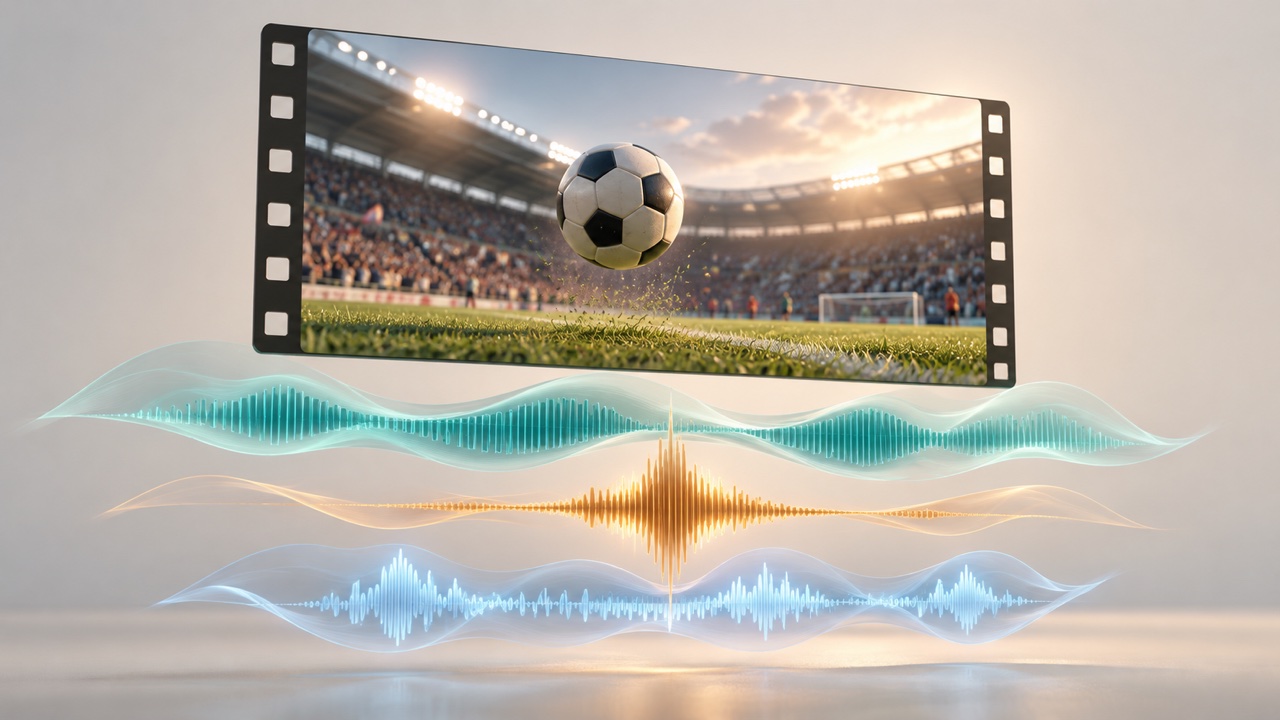
ElevenLabs SFX v3 turns a scene description into sound effects that can combine several events. For video creators, the interesting possibility is a complete sonic moment: a crowd builds, a ball hits the ground, and the reaction changes. You can explore that sequence before assembling individual sounds on a timeline.
ElevenLabs announced SFX v3 on October 29, 2026. This guide covers its practical improvements, prompts to try, a workflow for AI videos, and free alternatives when you need ready-made effects.
What Is New in ElevenLabs SFX v3?
According to the announcement, SFX v3 improves multi-part prompt following, musical and vocal sounds, and overall audio naturalness compared with SFX v2. High-frequency effects such as whistles and chimes should also produce fewer unwanted artifacts.
The launch mentions benchmark testing but does not publish numerical scores or a detailed test methodology. Treat those improvements as vendor claims, then compare versions with your own scenes. A useful listening check is whether every requested event appears, the order makes sense, and sharp sounds remain comfortable.
The official model documentation identifies SFX v3 as eleven_text_to_sound_v3. Access is currently limited and may vary by region. A plan that includes Sound Effects does not automatically guarantee access to this version.
Also distinguish it from Eleven v3 for voice generation. Searches for “ElevenLabs v3 sound effects” can blur two separate jobs: generating a sound scene and producing spoken narration.
How to Use the ElevenLabs Sound Effects Generator
Start in ElevenCreative’s Sound Effects area and check that SFX v3 is available to your account. The release also places sound effects in Flows and Studio.
- Choose a Short Scene. Identify the main action and the sound that establishes its surroundings. Begin with one shot rather than an entire film.
- Describe the Events. Specify the sound sources, environment, and sequence. Mention which element should remain in the background.
- Generate and Listen. Check for missing events, distracting additions, and harsh peaks. Change one instruction at a time so you can judge what helped.
- Download and Edit. Bring the selected audio into your video editor. Trim and align it to the picture before adjusting levels.
“Layered” describes the audible composition here. Do not assume that one generation supplies separately editable tracks for every sound. For independent control, generate the ambience, impact, and reaction separately.
Write Prompts That Describe a Scene
Use this practical structure: setting + main action + event order + background atmosphere + desired character. Start with two or three events; add detail only when it solves a listening problem.
These original example prompts are starting points to test, not guaranteed outputs.
Sports Reaction
An outdoor soccer crowd cheers in the distance. A ball lands nearby with a soft, distinct thud, followed by disappointed boos from the stands. Keep the ball impact clear above the crowd. No commentary or music.
Product Reveal
A small cardboard box slides across a wooden desk, the lid opens with a light paper rustle, then a delicate metallic chime rings briefly. Quiet indoor ambience, close perspective, crisp but gentle sounds, no speech.
Atmospheric Travel Clip
Gentle rain falls on a cafe window while distant street traffic passes outside. A ceramic cup settles onto a saucer nearby, then the rain continues softly. Intimate indoor perspective, natural dynamics, no music.
The sound effects prompting guide recommends concrete actions and settings. It also notes that exact repetition counts are not always followed. If a sound must land on a precise frame, generate it separately and position it in the editor. Negative instructions are requests to evaluate, not guaranteed filters.
Add the Effects to an AI Video
First, finish the visual cut. If your clip already includes audio, listen before adding another layer; doubled impacts or competing background tracks can weaken the scene. SuperMaker’s AI video with audio tools provide a starting point for exploring that workflow.
Make a simple cue list: what happens, where it happens in the clip, and how prominent it should sound. Place the main impact first, then add quieter ambience underneath. Use short fades to soften abrupt starts and endings.
For speech-led clips, keep effects below the narration. Explore voice tools for that spoken layer and music tools for a separate musical bed. Generate effects in ElevenLabs, then combine your downloaded audio assets in your chosen editor.
ElevenLabs Sound Effects API: Select the Model Explicitly
The Sound Effects API reference uses POST /v1/sound-generation. Send this example JSON with your authenticated request:
{ "text": "A wooden drawer slides open, keys rattle inside, then the drawer closes gently.", "model_id": "eleven_text_to_sound_v3", "duration_seconds": 8, "prompt_influence": 0.5, "loop": false }
The default model remains v2, so set the model ID explicitly. An Unknown model response can indicate missing v3 access. The endpoint documents durations from 0.5 to 30 seconds and prompt influence from 0 to 1. Higher influence favors closer adherence with less variation. The response contains audio, not a video with sound attached.
Is ElevenLabs SFX v3 Free?
As of November 2, 2026, the ElevenLabs pricing page lists a $0 plan with Sound Effects and 10,000 shared monthly credits. It gives an approximate cost of 200 credits per sound-effects generation; the capability guide separately lists 40 credits per second when duration is specified. Check the cost shown for your settings instead of assuming a fixed number of free clips.
For commercial videos, the publishing terms matter: the free plan excludes commercial use and requires attribution when shared. Paid-plan rights have conditions, including exclusions for Beta Services. Free credits and v3 model access are separate questions.
Free Alternatives for Video Sound Effects
These alternatives supply downloadable sounds rather than equivalent one-prompt AI generation:
| Option | Useful For | Main Tradeoff |
|---|---|---|
| Mixkit | Ready-made impacts, transitions, and ambience | You select and combine existing clips. Its sound-effects library permits personal and commercial projects without attribution. |
| Pixabay | Finding sounds to adapt into a video | Its license permits free use and adaptation without attribution, with restrictions including standalone redistribution. Check additional rights where relevant. |
Choose ElevenLabs SFX v3 when a custom sequence is worth iterating on. Choose a library when a familiar effect already exists and precise placement matters most. Start with one short scene, listen against the picture, and keep only the layers that make the action clearer.