How to Make an Apartment Dance Video with One Photo
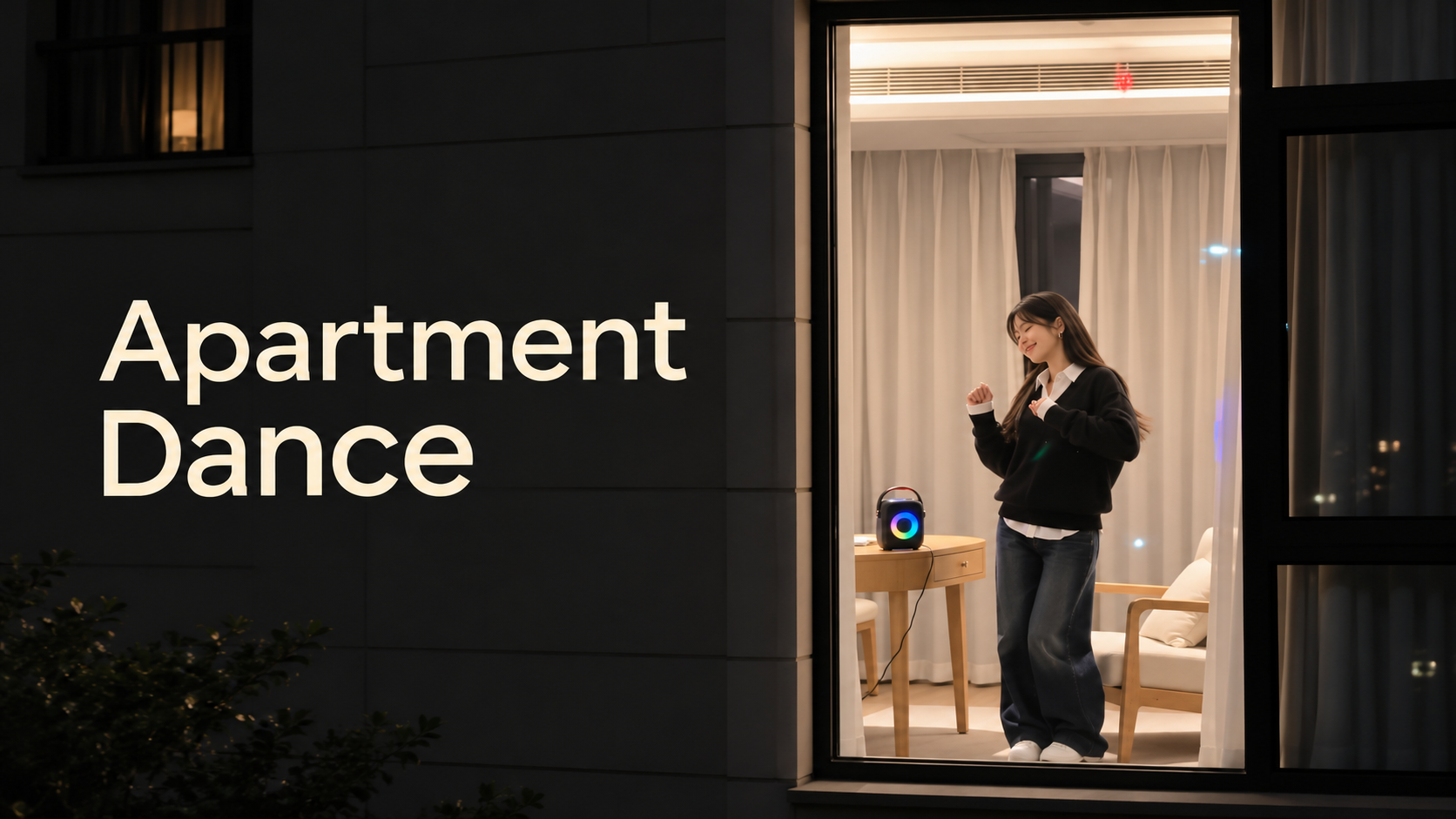
Turn One Portrait into an Apartment Dance Video: Dance beside a Speaker, Notice the Camera, and Pull the Curtains Shut. Follow the Actual SuperMaker Upload Steps, Pick a Portrait Format and Suitable Length, Then Review Your Face, Outfit, and the Ending before Downloading.
Want to see yourself dancing in an apartment window, then getting caught? Open SuperMaker's Apartment Dance page with one clear photo of one person. Upload it, choose your settings, and generate. You do not need to film yourself dancing or write a prompt.
What Happens in an Apartment Dance Video?
The camera approaches a lit window at night. Inside, you dance beside a small speaker, suddenly notice the camera, and stop with an awkward stare. Then you pull the curtains shut. The change from a private party to being caught is the whole joke.
How to Make an Apartment Dance Video on SuperMaker
Step 1: Choose One Clear Portrait
Pick a sharp photo with a visible face and hairstyle. Use a waist-up or full-body image if you want to give the generator clearer information about your outfit and body proportions. Avoid group photos, sunglasses, heavy filters, and clothing hidden behind other objects.
Use your own photo or one you have permission to upload.
Step 2: Upload Your Photo
Open the Apartment Dance video generator. Under Upload Your Portrait, click Upload files or drag in your photo. You can also choose an image from Assets Library.
Check that the preview shows the right person. This version takes one portrait; you do not need to upload a dance video or a picture of your apartment.
Step 3: Choose the Video Settings
For a first attempt, try:
- Aspect Ratio: 9:16 for the vertical window scene.
- Resolution: 720p as a practical starting point.
- Number of Videos: 1 while checking your photo.
- Generate Audio: leave it on if you want generated music and scene sounds.
Read Required Credits after choosing your settings. The amount changes with your selections; the screenshot is an example, not a fixed price.
Step 4: Generate, Review, and Download
Click Generate Video. When the result appears in My Videos, play the whole clip before downloading.
Check that your face stays recognizable as the camera moves closer, your clothing remains coherent during the dance, and the hands look natural when reaching for the curtains. Most importantly, watch the final second: the curtains should close across the window.
Quick Fixes
| If You Notice | Try This |
|---|---|
| Your face looks different | Use a sharper, evenly lit portrait with less filtering. |
| The outfit changes too much | Choose a photo that clearly shows your clothing, preferably waist-up or full-body. |
| The curtain ending is rushed or missing | Check Video Length and allow more time for the final action before generating again. |
Apartment Dance Video FAQ
Do I Need to Know the Dance?
No. You only upload a portrait. The page supplies the dance direction, so you do not need to perform or describe the moves yourself.
Will It Use the Original Trend Song?
Generated audio is not a promise of the original song. If you want a particular track, add it afterward in your editor or publishing app using audio you are permitted to use.
Make Your Own Window Moment
Choose your portrait and open Apartment Dance on SuperMaker. Upload one photo, check the settings and credits, then generate your private-party-turned-awkward-stare video.