
6-second comedic image-to-video sequence, one continuous shot, no cuts. Preserve the source image’s bright photorealistic pool setting, absurd visual joke, saturated blue slide, clear summer sky, and oversized metallic-gold inflatable crown. The attention hook is a simple comic cause-and-effect chain: water pressure builds behind the stuck crown → the crown visibly compresses → it suddenly pops free → races down the slide → splashes into the pool → bobs upright with ridiculous dignity. Keep exactly one metallic-gold inflatable crown throughout. Preserve its original size, reflective crinkled foil surface, air-filled volume, rounded central body, pointed crown tips, small gold balls at the tips, and bright sunlight reflections. Preserve the same blue spiral waterslide, support column, tiled pool walls, railings, concrete deck, clear blue water, and cloudless sky. ENTITY CONTINUITY: the same original crown remains fully intact throughout this continuous state chain: wedged in the slide → compressed by accumulating water → released from the same position → slides forward → enters the pool → floats upright. It never duplicates, bursts, deflates, changes color, becomes a different object, or remains stuck after its moving version appears. SHOT 1 — Begin directly from the supplied low poolside composition. Water rapidly accumulates behind the wedged crown and spills around its edges. The pressure makes the crown’s soft foil body bulge forward, squash inward once, then rebound, while several pointed tips wobble with delayed elastic motion. Hold a very short deadpan anticipation beat as the crown remains stubbornly stuck. The crown suddenly squeezes free with one soft elastic snap. The released water surges behind it and propels the same crown down the final blue curve toward the camera. Its rounded body slides in continuous contact with the wet surface; the crown tips flutter and wobble from speed while the metallic foil catches sharp moving highlights. Water sprays outward along the slide walls with believable direction and weight. As the crown reaches the exit, the camera performs a quick motivated pullback just above the pool surface, keeping the approaching crown centered. The crown shoots into the water with one broad comic splash, briefly dips halfway below the surface, then buoyancy pushes the same intact crown back up. It rocks once from side to side and settles floating point-up, perfectly centered, absurdly regal and motionless while expanding ripples reflect the gold foil. Let the AI determine the natural pacing within the full 6 seconds: clear pressure buildup, sudden fast release, strong splash payoff, and a short deadpan final hold. Photorealistic inflatable-foil physics, coherent water pressure, realistic buoyancy, crisp sunlight, accurate reflections, playful commercial timing, stable low-angle cinematography. Make it feel like one precise physical joke—not generic slow motion, random bouncing, chaotic slapstick, heroic action, or a static image with moving water.
MiniMax H3 Max Prompt: Direct Better Videos
Build a clearer MiniMax H3 Max Prompt with subject, action, camera, timing, lighting, and sound guidance for focused text-to-video and image-to-video tests.
Describe your idea and let AI create the perfect prompt for you
Write a MiniMax H3 Max Prompt That Directs the Whole Shot
Shape subject, setting, motion, camera, light, and audio into one readable video plan instead of a loose stack of style words.
A MiniMax H3 Max Prompt gives the model a concrete sequence to stage. Define what viewers should see and hear, keep each beat achievable within one short clip, then revise one instruction at a time after reviewing the result.
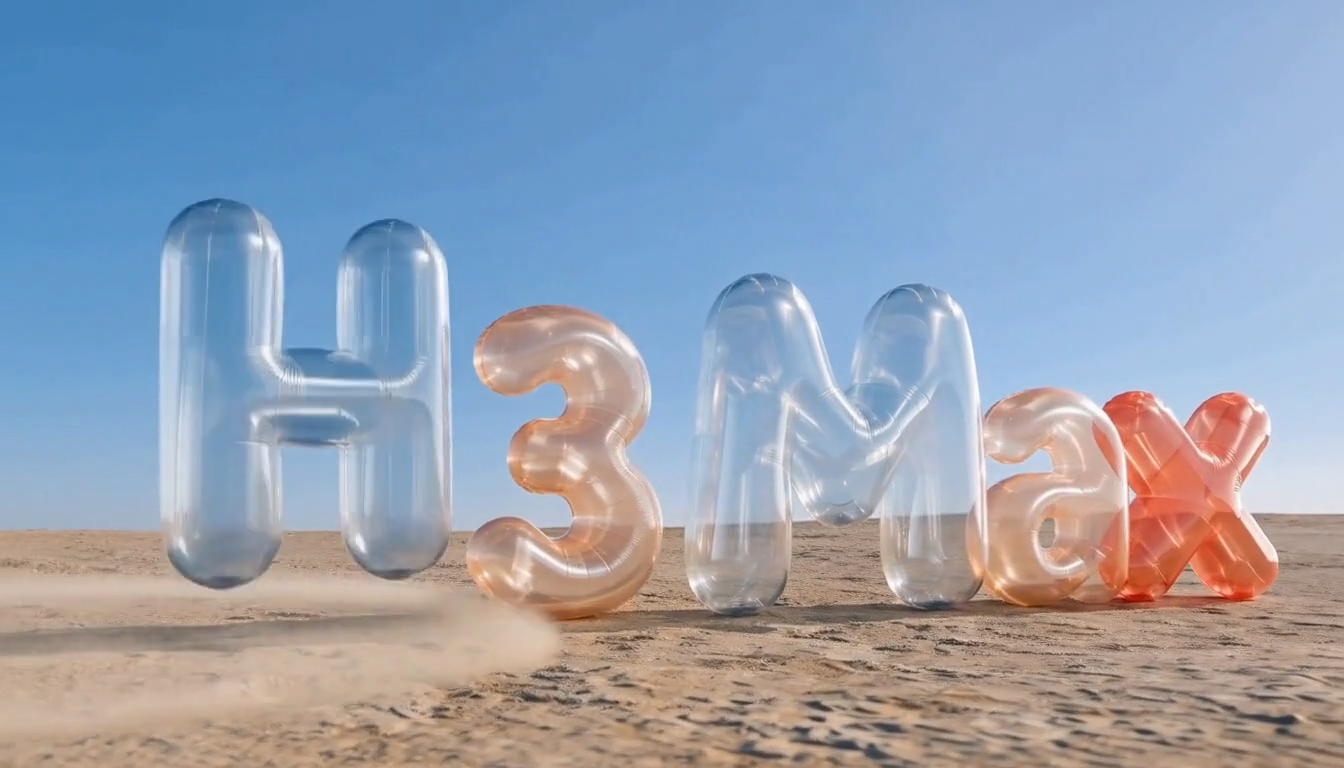
How to Build a MiniMax H3 Max Prompt
A reliable MiniMax H3 Max Prompt workflow moves from input choice to ordered audiovisual direction and deliberate review. Each step reduces ambiguity while keeping the creative brief short enough to evaluate and revise with confidence.

Choose the Input for Your MiniMax H3 Max Prompt
Start the MiniMax H3 Max Prompt with either a text-only concept or an authorized opening image. For text-to-video, establish the subject and initial composition in words. For image-to-video, treat the source as the first frame and describe what should move, what should remain recognizable, and where the action should finish.

Structure the MiniMax H3 Max Prompt
Write the MiniMax H3 Max Prompt in production order: subject, setting, observable action, camera behavior, lighting, and sound. For a longer sequence, add a short timeline with only the beats that can fit. MiniMax's official H3 guidance separates the audiovisual description, overall soundscape, and non-diegetic music.

Test and Refine the MiniMax H3 Max Prompt
Run the MiniMax H3 Max Prompt with supported settings, then watch the clip once without pausing. On a second pass, locate the first meaningful failure: identity drift, broken geometry, unclear action, an abrupt camera move, or mistimed sound. Change the instruction that addresses that failure and leave the rest alone.
Core MiniMax H3 Max Prompt Workflows
Use a MiniMax H3 Max Prompt for text-led shots, first-frame animation, controlled endings, and synchronized sound direction. The format changes with the input, but every workflow benefits from concrete actions and coherent timing.
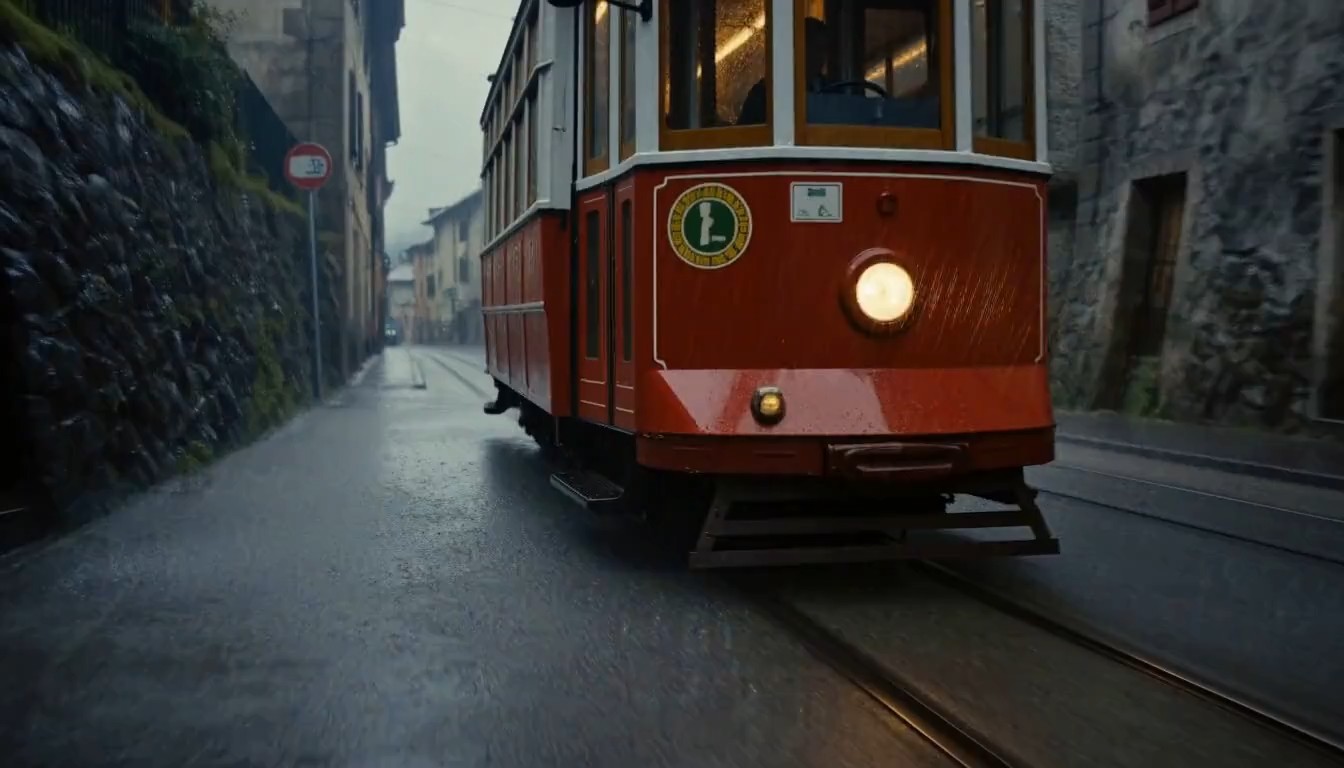
MiniMax H3 Max Prompt for Text-to-Video
A text-to-video MiniMax H3 Max Prompt should make one shot easy to picture before generation starts. Name the main subject, its physical action, the setting, one dominant camera move, the light source, and the intended ending composition. Add dialogue, ambience, effects, or music only when they support what is visible. Specific nouns and verbs usually provide more useful direction than long strings of cinematic adjectives.
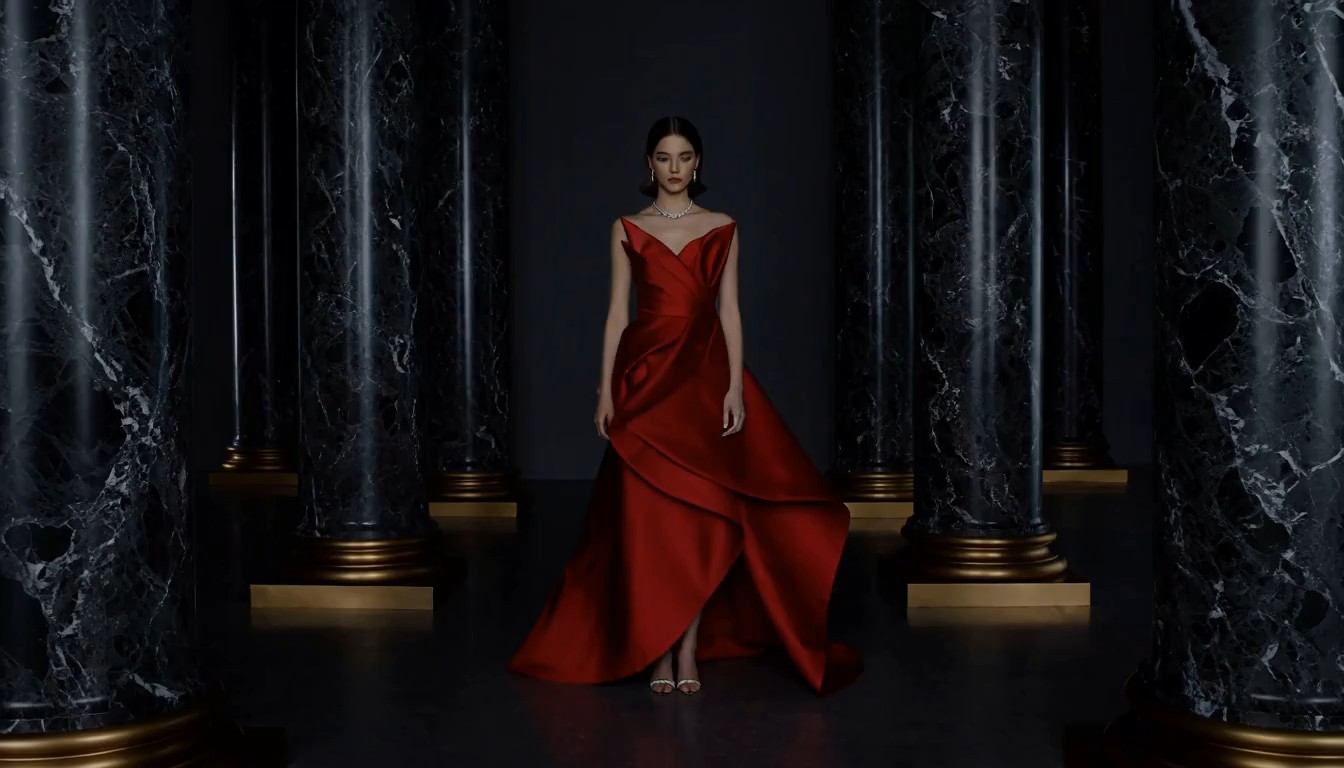
MiniMax H3 Max Prompt for Image-to-Video
An image-to-video MiniMax H3 Max Prompt begins from the supplied still, so avoid restating every pixel. Identify the details that must stay stable, then describe only the new motion, camera response, environmental change, and sound. fal's current endpoint documentation says the opening image is optional; when provided, review faces, hands, lettering, product shape, textures, background layout, and light direction across the complete animated result.
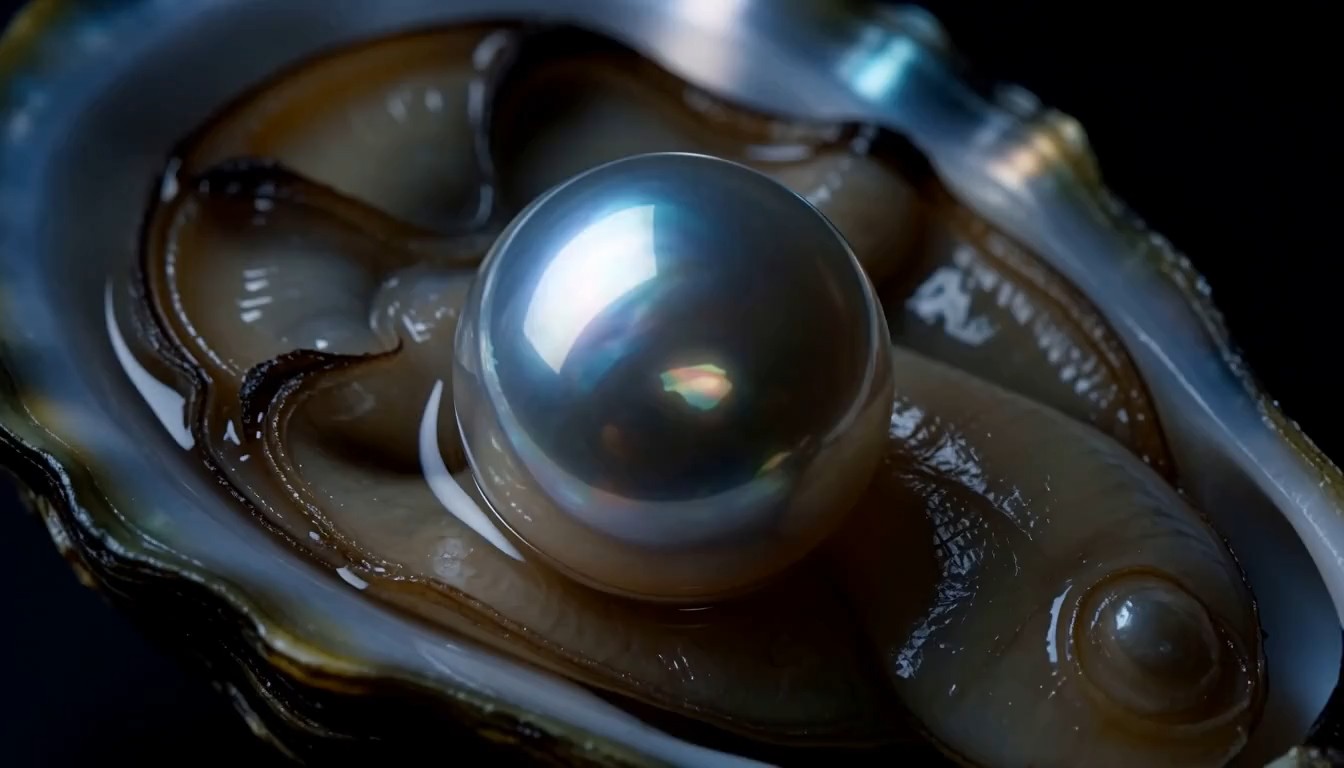
MiniMax H3 Max Prompt with a Final Frame
When the ending composition matters, a MiniMax H3 Max Prompt can pair an opening image with an optional end image through fal's image-to-video route. Choose frames with compatible identity, perspective, lighting, and environment, then explain the visible path between them. Describe progressive changes rather than an unexplained morph. The last beat should settle cleanly into the requested frame, leaving time to recognize the finished composition.
MiniMax H3 Max Prompt for Picture and Sound
A complete MiniMax H3 Max Prompt can direct audio alongside the picture because the H3 foundation generates synchronized audiovisual output. Separate diegetic sound, such as footsteps or room tone, from music that exists only for the audience. Place dialogue or effects near the action that causes them. Avoid filling every second with sound; intentional silence can make a visual reveal clearer and easier to judge.
Practical MiniMax H3 Max Prompt Use Cases
A MiniMax H3 Max Prompt can support product studies, character beats, landscapes, stylized animation, social openings, and previsualization. The strongest use case asks one audiovisual question and defines a concrete review checklist.

MiniMax H3 Max Prompt for Product Reveals
Build a MiniMax H3 Max Prompt around one product action: a bottle rotating into light, a shoe landing on a surface, or packaging opening in a controlled close-up. Lock the approved silhouette, materials, label position, scale, and color. Specify reflection behavior and contact shadows, then inspect small printing, edge geometry, and moving parts frame by frame. A polished overall shot can still contain incorrect product details.

MiniMax H3 Max Prompt for Character Moments
Use a MiniMax H3 Max Prompt to stage one readable character beat, such as a glance, entrance, reaction, or short line. Define identity, wardrobe, eye line, body position, and the emotional change viewers should notice. If you provide a portrait, use authorized material and identify the features that must remain stable. Review face structure, hands, lip movement, clothing, props, and background interaction throughout the motion.

MiniMax H3 Max Prompt for Cinematic Landscapes
A landscape MiniMax H3 Max Prompt works best when environmental motion has a clear cause: wind crosses grass, fog lifts from a lake, snow follows a gust, or a camera tracks along a ridge. Hold the horizon, terrain, weather logic, and light direction steady. Add only sound the location could produce, then check depth, reflections, vegetation, atmospheric scale, and continuity from the opening frame to the final hold.

MiniMax H3 Max Prompt for Stylized Animation
Create a MiniMax H3 Max Prompt for an authorized illustration by naming the visual traits that define it: line weight, palette, texture, proportions, and composition. Choose motion that belongs to the medium rather than forcing photoreal physics. During review, watch for line wobble, texture crawling, accidental realism, changing costume details, or duplicate shapes. Match the sound design to the style and the visible physical action.

MiniMax H3 Max Prompt for Social Openers
Shape a MiniMax H3 Max Prompt around an immediate visual hook that remains readable at the delivery size. Introduce one subject, one change, and one clear payoff, then finish on a stable composition that can cut cleanly into edited footage. Pick the frame orientation before writing camera movement. Use a restrained sound cue rather than an overloaded mix, especially when the final platform may add narration, captions, or music later.
MiniMax H3 Max Prompt for Previsualization
Use a MiniMax H3 Max Prompt to test whether a storyboard idea supports its intended blocking, camera path, pacing, lighting, and sound. Keep the first pass simple and record what the model interpreted correctly. The resulting clip can make production discussions more concrete, but it does not replace shot planning, performer consent, rights clearance, safety review, continuity decisions, or the craft required for a finished commercial deliverable.
What Creators Say About the MiniMax H3 Max Prompt
Creators use a MiniMax H3 Max Prompt to solve different production problems, from product geometry and character blocking to camera stability, edit points, and sound timing. Their most useful revisions isolate one decision at a time.
My first MiniMax H3 Max Prompt tried to direct three camera moves and two product actions at once. The useful fix was not a longer prompt. I cut it to one slow orbit, a single light sweep, and a stable final frame. That made the bottle geometry easier to inspect, and I could tighten the cap and label instructions without changing the entire concept between tests.
I used a MiniMax H3 Max Prompt to test a character entrance before finishing the storyboard. My original version squeezed in dialogue, weather, and a complicated camera move, so the performance never read clearly. Once I kept the eye line, coat movement, foot placement, and table prop, the scene gave our director something specific to discuss. We saved the dialogue for a separate pass.
With a flat ink illustration, my MiniMax H3 Max Prompt initially animated the scarf, hair, leaves, clouds, and camera. The line work started to shimmer everywhere. I reduced the request to the scarf and nearby leaves, then specified one wind direction and the original palette. That smaller change preserved the drawing far better than adding more style adjectives to an already crowded brief.
I ran the same foggy coast through a MiniMax H3 Max Prompt twice: once with a locked camera and once with a gentle forward track. The moving version felt more inviting, but the horizon wandered. Shortening the track fixed more than rewriting the landscape. Keeping the weather, light direction, and wave behavior unchanged also gave our editor a fair comparison instead of two unrelated scenic clips.
For a six-second social opener, I rewrote the MiniMax H3 Max Prompt so the action began immediately and the final frame held for a full second. That pause gave me a clean edit point and exposed a small product-shape error hidden by the earlier motion. I also kept the sound sparse because narration was coming later. Filling every second would have made the final cut harder.
I had described the audio in my MiniMax H3 Max Prompt as simply cinematic, which left too much open to interpretation. Separating footsteps, room tone, and a quiet score made the intended rhythm clearer. One effect still arrived before the visible action, so I revised its timing cue instead of adding louder language. The next version worked much better as a guide for our final sound edit.



FAQs About MiniMax H3 Max Prompt
Learn what a MiniMax H3 Max Prompt controls, how it changes across text and image inputs, where sound and timing belong, and why careful review matters. Answers distinguish MiniMax's official H3 from fal's H3 Max variant.
A MiniMax H3 Max Prompt is the written audiovisual brief sent to fal Research's H3 Max video model. H3 Max is not a separate native MiniMax release; fal describes it as a post-trained version of MiniMax H3. The prompt can define subject, scene, action, camera, lighting, timing, dialogue, ambience, effects, and music. Its purpose is to make a short generated shot understandable enough to test, review, and revise deliberately.
For text-to-video, begin the MiniMax H3 Max Prompt with the main subject, setting, and one observable event. Add a camera move only if it changes how the shot should feel or reveal information. State the light source and finishing composition, then include relevant sound. If timing matters, order a few achievable beats. Avoid conflicting actions, multiple unrelated locations, and long strings of adjectives that do not describe anything visible or audible.
An image-to-video MiniMax H3 Max Prompt should treat the uploaded still as the opening frame. Identify the subject details that must stay recognizable, then explain what changes after that moment: motion, camera response, environmental behavior, and sound. Do not overload the prompt by redescribing every visible element. After generation, inspect faces, hands, product geometry, text, repeated textures, background layout, lighting, and the physical relationship between moving objects.
Yes. A MiniMax H3 Max Prompt can describe the sound that belongs to the scene because the MiniMax H3 foundation supports native synchronized audiovisual generation, a capability fal says H3 Max retains. Separate dialogue, ambience, physical effects, and non-diegetic music when precision matters. Connect each sound to an action or space, and use silence intentionally. Always review timing, speech clarity, unwanted words, abrupt level changes, and whether the audio perspective matches the camera view.
The ideal MiniMax H3 Max Prompt is long enough to remove important ambiguity and short enough to describe one coherent clip. A simple shot may need only a few precise sentences. A timed sequence can use compact beats, but every beat should fit the selected duration. More words do not automatically improve adherence. Remove repeated adjectives, contradictory camera moves, invisible backstory, and details that do not affect the image, action, or soundtrack.
A final-frame MiniMax H3 Max Prompt should describe a continuous path from the opening image to the ending image. fal's image-to-video documentation lists an optional end image for this workflow. Choose compatible frames, state the important relationship between them, and describe observable intermediate changes that narrow the difference over time. Reserve the last beat for a stable landing on the target composition, then inspect identity, perspective, lighting, geometry, and motion continuity.
Revise the MiniMax H3 Max Prompt by naming the first important mismatch, such as an unstable face, unclear action, abrupt camera move, wrong light direction, or mistimed sound. Change one instruction, keep other settings as stable as the interface allows, and render again. Compare complete clips rather than cherry-picking frames. This process cannot guarantee a perfect result, but it makes each test more informative and reduces accidental changes between versions.
Turn One Idea into a Clear MiniMax H3 Max Prompt
Build a MiniMax H3 Max Prompt with one subject, one readable action, intentional camera and light, and sound that belongs to the scene. Generate, review, and refine with a concrete checklist.
