ChatGPT Alternative Image Edit AI: 8 Best Tools to Try in 2026
Compare the best ChatGPT alternative image editing tools for portraits, product photos, local edits, social content, and broader AI creative workflows.
AI image editing used to mean learning layers, masks, selection tools, and dozens of Photoshop shortcuts. ChatGPT changed that expectation. Instead of manually rebuilding a background or selecting an object pixel by pixel, you can upload an image and simply describe what you want changed.
That conversational workflow is convenient, but it is not always the ideal solution for every editing job. You may want tighter control over one part of a photo, stronger subject consistency across several edits, better tools for product photography, or an editor that combines AI generation with broader creative capabilities. Those are common reasons people start searching for a ChatGPT alternative image edit AI tool.
The important question is not whether another AI editor is universally "better" than ChatGPT. It is which one is better suited to the image-editing task in front of you.
Why Look for a ChatGPT Alternative for Image Editing?
ChatGPT already supports editing uploaded images through natural-language instructions. You can describe a change directly or select a portion of an image before asking for an edit.
For a casual image edit, that may be enough. If you are removing a person from the background of a vacation photo, changing the setting of a portrait, or creating a quick social visual, a conversational editor can handle many common jobs.
The requirements become stricter when the image has something that must remain unchanged.
Imagine an ecommerce seller who wants to turn one clean product shot into several advertising scenes. The product shape, logo, proportions, and color need to stay consistent. A fashion creator may want to change a jacket without changing the person's face. A designer may need to replace one object while keeping the lighting and composition untouched.
In those cases, the quality of an AI image editor depends as much on what it preserves as on what it changes.
That is where different ChatGPT image editing alternatives become useful.
What Makes a Good AI Image Editor Like ChatGPT?
Before comparing tools, it helps to define what a useful alternative should actually do.
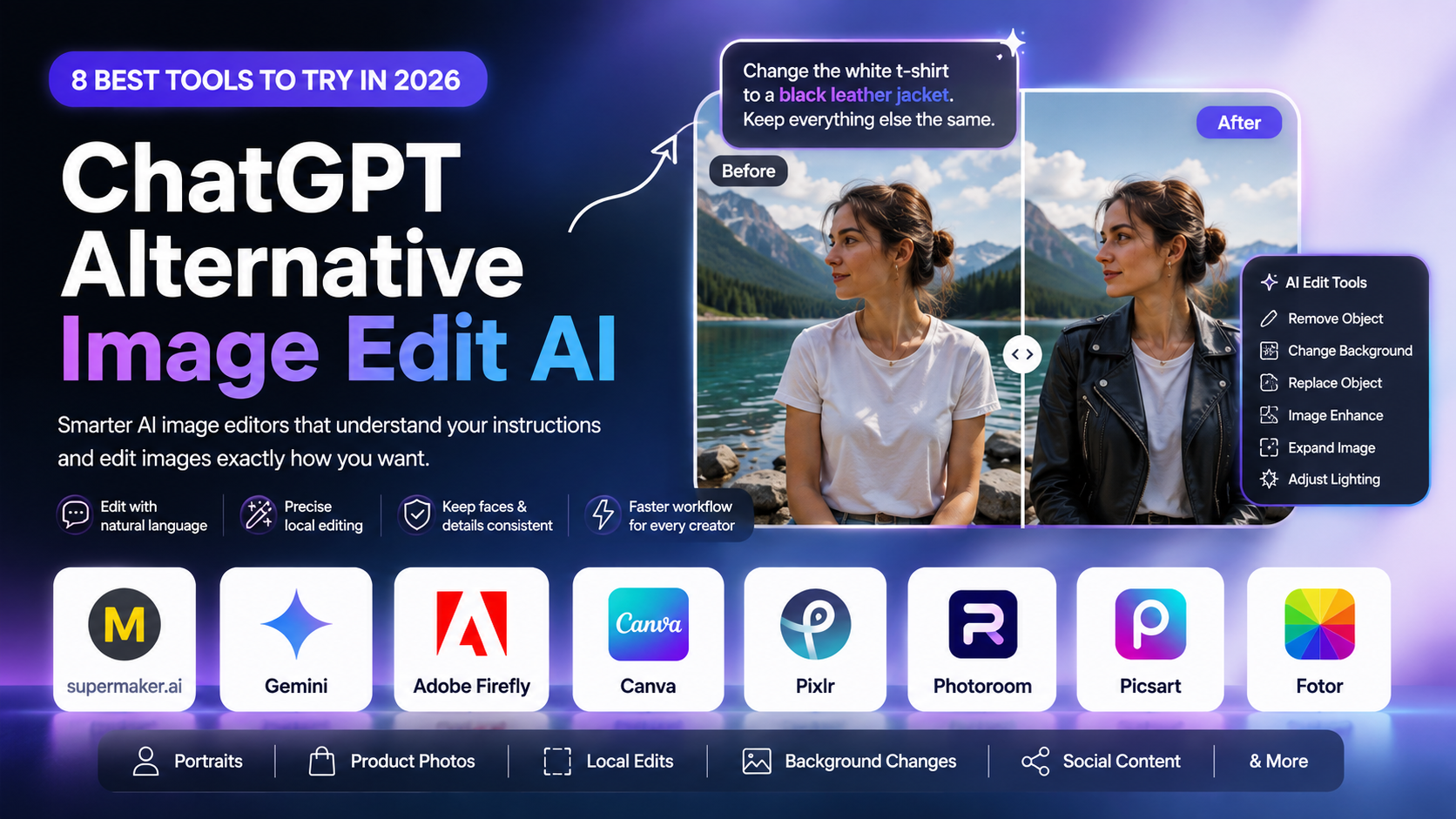
A strong conversational AI editor should understand normal instructions such as "remove the cup from the table" or "change this white shirt to a black leather jacket." But prompt understanding alone is not enough.
For practical editing, six areas matter most: instruction accuracy, subject consistency, local editing precision, background editing, multi-turn editing, and how easily the finished image can continue into a larger design or content workflow.
The right balance depends on what you are editing.
| Tool | Best Fit | Prompt Editing | Local Editing | Strong Workflow Area |
|---|---|---|---|---|
| Gemini | Conversational edits | Yes | Yes | People and character edits |
| Adobe Firefly | Precise visual changes | Yes | Strong | Design and professional editing |
| Supermaker AI | Creative AI workflow | Yes | Yes | Image and video creation |
| Canva | Social and marketing graphics | Yes | Yes | Design and publishing |
| Pixlr | Browser-based editing | Yes | Yes | Quick image edits |
| Photoroom | Product photography | Yes | Yes | Ecommerce images |
| Picsart | Creator content | Yes | Yes | Social and mobile editing |
| Fotor | Everyday AI editing | Yes | Yes | Fast all-in-one editing |
Gemini: A Strong Choice for Conversational Image Editing
Gemini is one of the closest alternatives to the experience people associate with ChatGPT image editing: upload an image, explain what needs to change, review the result, and continue refining it through conversation.
Its image tools are especially useful when the same person, character, or subject needs to remain recognizable across multiple edits.
Suppose you have a portrait and want to change the hairstyle, clothing, room, and lighting one change at a time. The challenge is not generating each new element. It is preventing the subject from gradually turning into a different person.
For users specifically searching for an AI image editor like ChatGPT, Gemini is therefore one of the most direct options to test.
Supermaker AI: A Broader Creative Alternative
Not every user looking for a ChatGPT image editing alternative wants a standalone photo editor. Sometimes image editing is only one stage in a larger creative workflow.
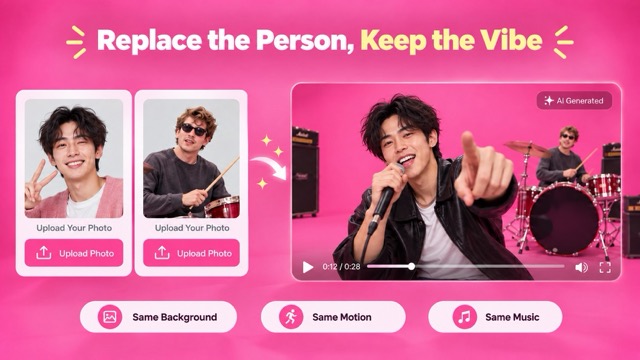
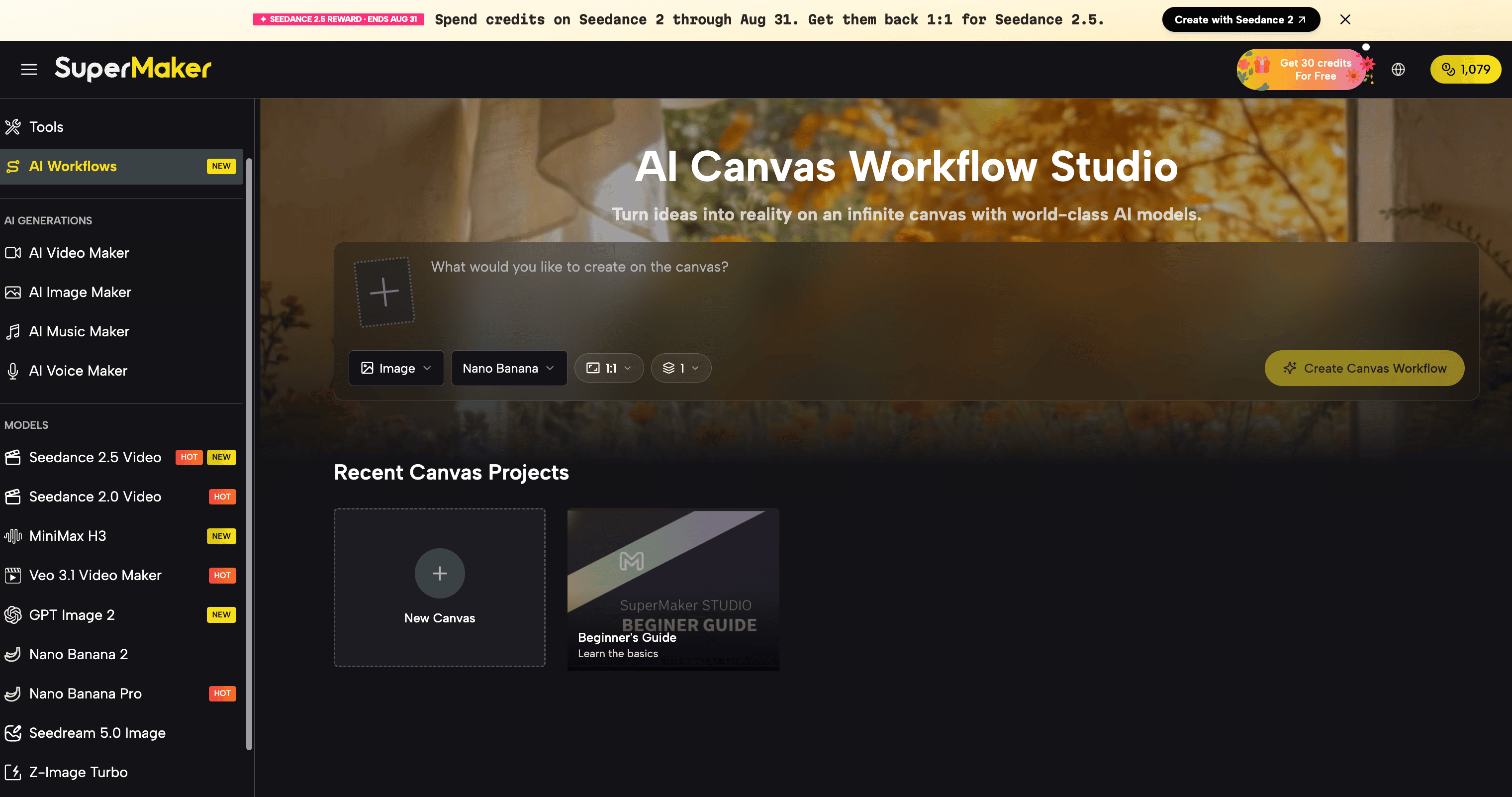
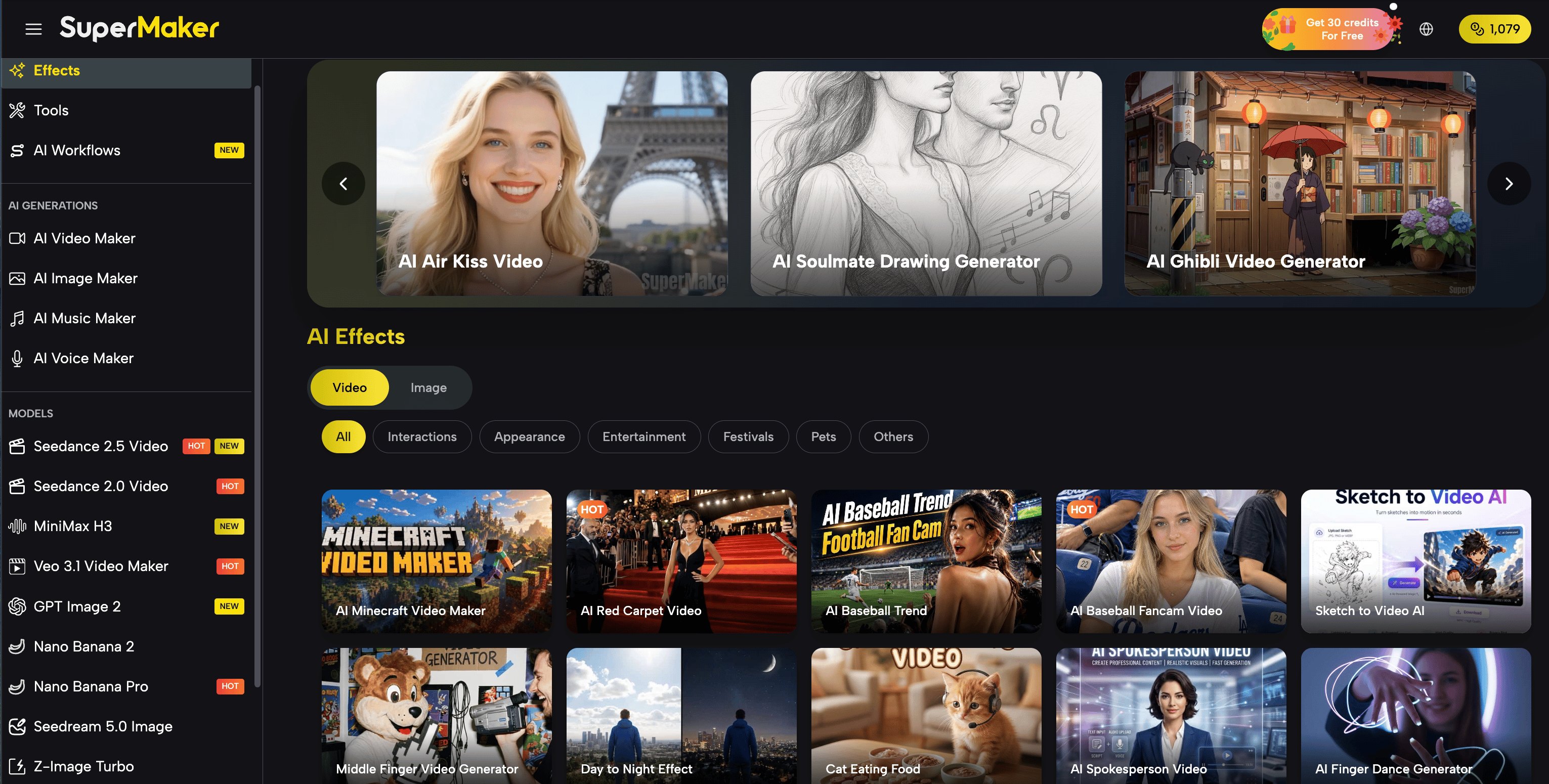
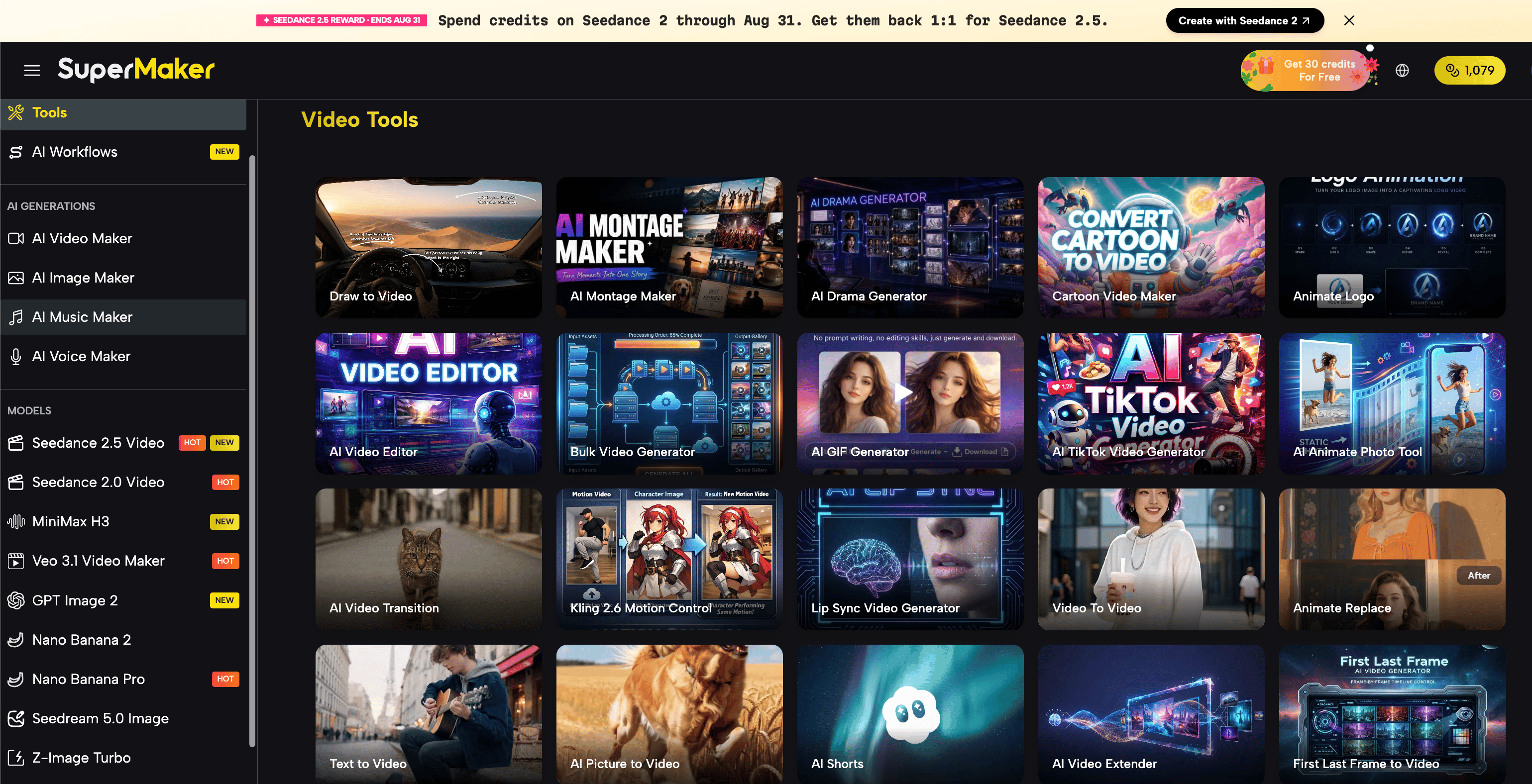
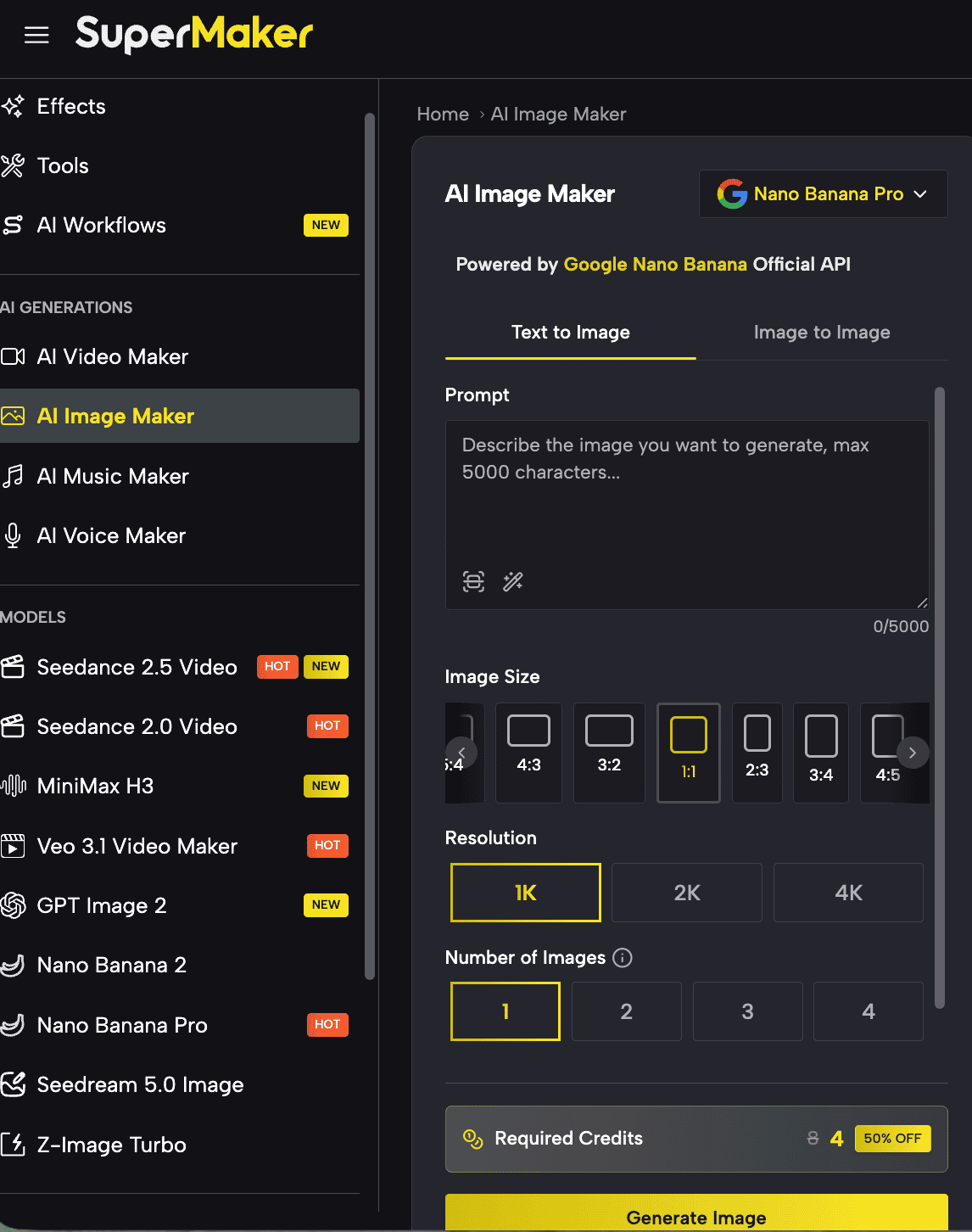
Supermaker AI is worth considering in that situation because it approaches AI content creation more broadly, bringing image-related creation together with other generative workflows rather than treating every visual task as a separate process.
This is particularly useful for creators who may begin with an existing image but eventually need multiple variations, promotional creatives, visual concepts, or video content based on the same campaign idea.
For example, a marketer might start with a product image, create a new advertising scene, test several visual directions, and then continue developing campaign assets around the same concept.
That workflow is different from simply fixing a photograph.
It makes Supermaker AI more relevant for creators, marketers, ecommerce teams, and small businesses that regularly need several types of AI-generated content rather than occasional photo retouching.
For users searching for a ChatGPT alternative image edit AI because they want a wider creative workspace, rather than just another conversational assistant, Supermaker's AI creative tools provide a useful direction to explore.
Adobe Firefly: Better When Local Control Matters
Conversational editing is convenient until you know exactly which ten percent of an image you want to change.
That is where Adobe Firefly takes a more controlled approach.
Its generative editing workflow allows users to select a specific object or region and describe what should appear there. This makes it easier to combine natural-language prompting with more traditional visual controls.
For example, instead of asking an AI to change an entire portrait, you can isolate an area such as a jacket, a piece of furniture, or an object in the background before generating the replacement.
This makes Firefly a useful ChatGPT alternative when "change this image" really means "change precisely this part of the image."
For professional designers, advertisers, and anyone already working with Adobe tools, that additional visual control can be more valuable than a purely chat-based experience.
Canva: Best When Editing Is Only Half the Job
Many images are not finished when the AI edit is complete.
They still need headlines, logos, layouts, brand colors, dimensions for Instagram or TikTok, and perhaps approval from another team member.
This is where Canva becomes a practical alternative.
Canva combines AI-assisted photo editing with templates, text tools, social formats, presentations, advertisements, and other design features.
For example, a social media manager can replace an object in a lifestyle image and then immediately turn the result into a campaign graphic without moving into another application.
If your workflow is:
edit image → add copy → resize → publish
Canva may make more sense than using a standalone conversational image editor.
Pixlr: A Fast Browser-Based ChatGPT Image Editing Alternative
Pixlr is a useful option for people who want AI editing without moving into a heavier professional design environment.
Its browser-based editing workflow combines traditional photo controls with AI-assisted features such as generative filling, background changes, object removal, and image expansion.
That combination makes it useful for quick edits such as replacing an object, extending an image beyond its original frame, cleaning up a photo, or describing a visual change without manually rebuilding the image.
Pixlr is especially relevant when convenience matters. You can move between familiar photo-editing controls and generative tools rather than relying entirely on conversation.
For users who think ChatGPT feels too general-purpose but Photoshop feels too heavy, this middle ground can be appealing.
Photoroom: A Better Fit for Ecommerce and Product Images
Editing a product image has different requirements from editing a fantasy illustration.
A shoe cannot unexpectedly change shape. A bottle label cannot move. The proportions of a handbag need to remain believable when the background changes.
Photoroom focuses heavily on this type of commercial image workflow.
Its AI editing tools can help remove objects, change backgrounds, create new product scenes, and prepare visual assets for online stores and marketplaces.
This makes it one of the more specialized ChatGPT alternatives on this list.
An ecommerce seller who needs twenty product images may care less about an open-ended AI conversation and more about whether the workflow can repeatedly produce listing-ready assets.
For catalog images, marketplace listings, ads, and product photography, that specialization matters.
Picsart: Built for Fast Creator-Friendly Edits
Picsart sits closer to the everyday creator side of AI image editing.
Its AI tools cover background removal, object replacement, retouching, and content generation. Users can select elements they want to replace and use prompts to describe what should appear instead.
That makes it useful for highly visual, quick-turnaround content.
You might change an outfit for a social post, replace an object in a lifestyle shot, clean up a distracting background, or create a visual variation without opening traditional editing software.
For creators who already think in terms of mobile content and social visuals, Picsart can feel more immediately practical than a general AI assistant.
Fotor: A Simple All-in-One Option for Everyday Photo Editing
Not every user wants an advanced creative system. Sometimes the goal is simply to fix an image quickly.
Fotor combines common AI photo tasks such as object removal, background editing, image enhancement, retouching, and generative creation in a browser-friendly environment.
This makes Fotor especially relevant to people searching for an easy AI photo editor with prompts rather than professional design software.
It is well suited to routine jobs: clean up a photo, improve the image, change a background, remove an unwanted object, or prepare an image for social media.
How to Test a ChatGPT Image Editing Alternative
Feature pages tell you what a tool is designed to do. The better way to decide whether it fits your workflow is to give several tools exactly the same source image and exactly the same instruction.
Start with an edit where preservation matters.
For a portrait, try:
Change the white T-shirt to a black leather jacket. Keep the face, hair, pose, hands, lighting, and background unchanged.
Then test a background edit:
Replace the background with a modern coffee shop. Keep the person exactly the same.
For object removal:
Remove the red bag from the table. Do not change any other object.
For ecommerce:
Turn this into a premium studio product photo. Keep the exact product shape, proportions, logo, color, and packaging unchanged.
These same tests can also be useful when evaluating broader platforms such as Supermaker AI, especially if your final goal goes beyond a single edited photo and into campaign visuals or other generated assets.
Do not judge only whether the requested change happened.
Look closely at what was not supposed to change.
Check faces, fingers, logos, text, reflections, product geometry, lighting direction, and small background details. Those are often where the differences between AI image editors become obvious.
Which ChatGPT Image Editing Alternative Should You Choose?
There is no single winner because these tools solve slightly different problems.
Gemini is a strong place to start if you want a conversational editing experience and frequently work with people or recurring subjects.
Adobe Firefly makes more sense when precise selections and controlled local edits are important.
Canva is useful when an edited image immediately needs to become a finished social post, advertisement, presentation, or other marketing asset.
Photoroom stands out when the source image is a product rather than a general creative asset.
Pixlr provides a lightweight browser workflow, Picsart fits creator-oriented content, and Fotor is practical for straightforward everyday photo work.
If your workflow extends from image editing into broader AI content creation, Supermaker AI may be more relevant because the goal is not simply to replace ChatGPT's editing feature, but to keep more of the creative process within one AI-oriented workflow.
In other words, do not search for a tool that merely "beats ChatGPT."
Search for the tool that removes the biggest bottleneck in your own editing workflow.
FAQ
What is the best ChatGPT alternative for AI image editing?
There is no universal best option. Gemini works well for conversational editing, Adobe Firefly is strong for controlled local changes, Photoroom suits ecommerce product images, and Canva is useful when photo editing needs to continue into graphic design.
For broader visual and generative content workflows, Supermaker AI is another option worth considering.
Is there an AI image editor that works like ChatGPT?
Yes. Several AI editors now let users describe changes in natural language instead of relying entirely on traditional editing controls. Gemini, Pixlr, Fotor, Photoroom, and other AI tools support prompt-driven image workflows.
Can AI edit an existing photo instead of generating a new one?
Yes. Modern AI image editors can work with uploaded photos and perform tasks such as replacing backgrounds, removing objects, changing clothing, adding visual elements, and modifying selected regions.
The main difference between tools is how well they preserve parts of the original image that you did not ask them to change.
Which AI image editor is best for product photos?
Photoroom is particularly focused on product and ecommerce photography, while Adobe Firefly can be useful when a specific portion of a product image needs controlled editing.
If product images are only one part of a larger creative campaign involving additional AI-generated content, a broader platform such as Supermaker AI may also fit the workflow.
Which AI is best for editing only part of an image?
Adobe Firefly is one of the stronger options when precise regional control matters because it combines generative editing with selection-based workflows.
For simple edits, however, conversational tools may be faster when exact selections are not necessary.
What should I look for in a ChatGPT image editing alternative?
Focus on what needs to remain unchanged.
For portrait editing, prioritize face and subject consistency. For ecommerce, check product shape, logos, labels, and colors. For design work, local editing precision matters more. For content production, consider whether the tool can continue into other creative tasks after the image edit is finished.
Final Thoughts
The rise of conversational image editing has changed what people expect from creative software. Instead of learning how to perform every technical action, users increasingly expect to explain the result they want and let AI handle much of the execution.
ChatGPT helped make that workflow familiar, but it is only one way to edit images with AI.
The best ChatGPT alternative image edit AI tool depends on what cannot afford to go wrong. For a portrait, that may be identity. For a product image, it may be shape and branding. For a designer, it may be control over a selected region. For a marketer, it may be getting from raw photo to a complete creative campaign without constantly switching tools.
Choose based on that requirement, test the same image and prompt across a few options, and judge the result by both sides of the edit: what the AI successfully changed, and what it successfully left alone.