How to Make a Christmas Dance Trend Video with Your Friend
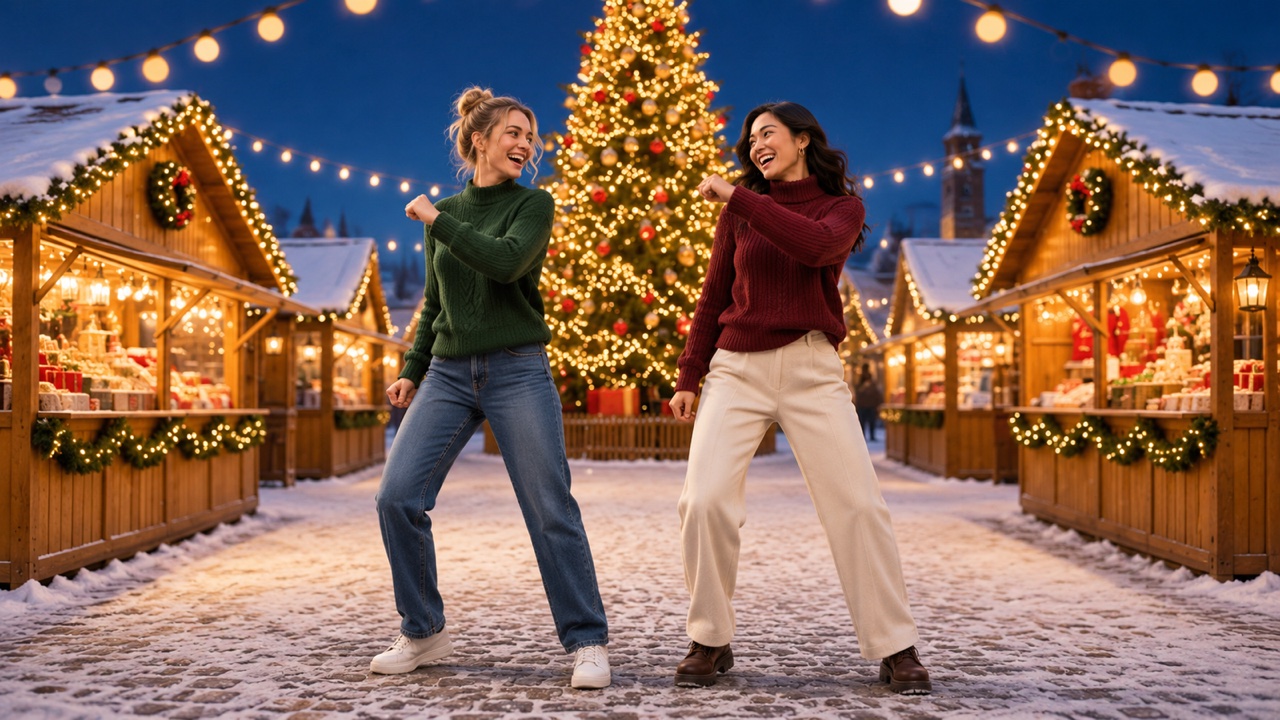
Learn how to turn two portraits into viral Christmas Dance Video.
To make the Christmas Dance Trend video, upload two individual portraits, then select Generate Video. The effect puts you and a friend side by side in a viral Christmas dance. The routine is already set, so you can start with photos you already have. Open the Christmas Dance Trend effect on SuperMaker.
How to Make the Christmas Dance Trend from Photos
1. Add Your Photos and Assign the Dancers
Under Upload Your Dance Photos, choose Upload files. Use sharp, well-lit photos where both faces are easy to see.
| What You Upload | How the Roles Are Assigned |
|---|---|
| Two individual portraits | The first portrait starts on the left. The second starts on the right. |
2. Choose Your Frame and Generate
In Aspect Ratio, choose 9:16 for a vertical video, or Auto if you want SuperMaker to pick the framing. Check Required Credits for your selected settings, then select Generate Video. The dance and prompt are built in.
3. Review the Full Clip
Play the clip through once. Check that both people start on the intended sides and stay recognizable during turns or when they move toward the camera.
Quick Fixes for Your Dance Video
| What You Notice | What to Try |
|---|---|
| The dancers start on the wrong sides | Reverse the upload order for two portraits. For a shared photo, choose one where the people are already arranged the way you want. |
| One face is hard to recognize | Try a sharper, front-facing portrait. If both faces are small in the shared photo, use two individual portraits instead. |
Make your Christmas dance duo on SuperMaker.