How to Make a Fish Cutting Meme AI Video From One Photo
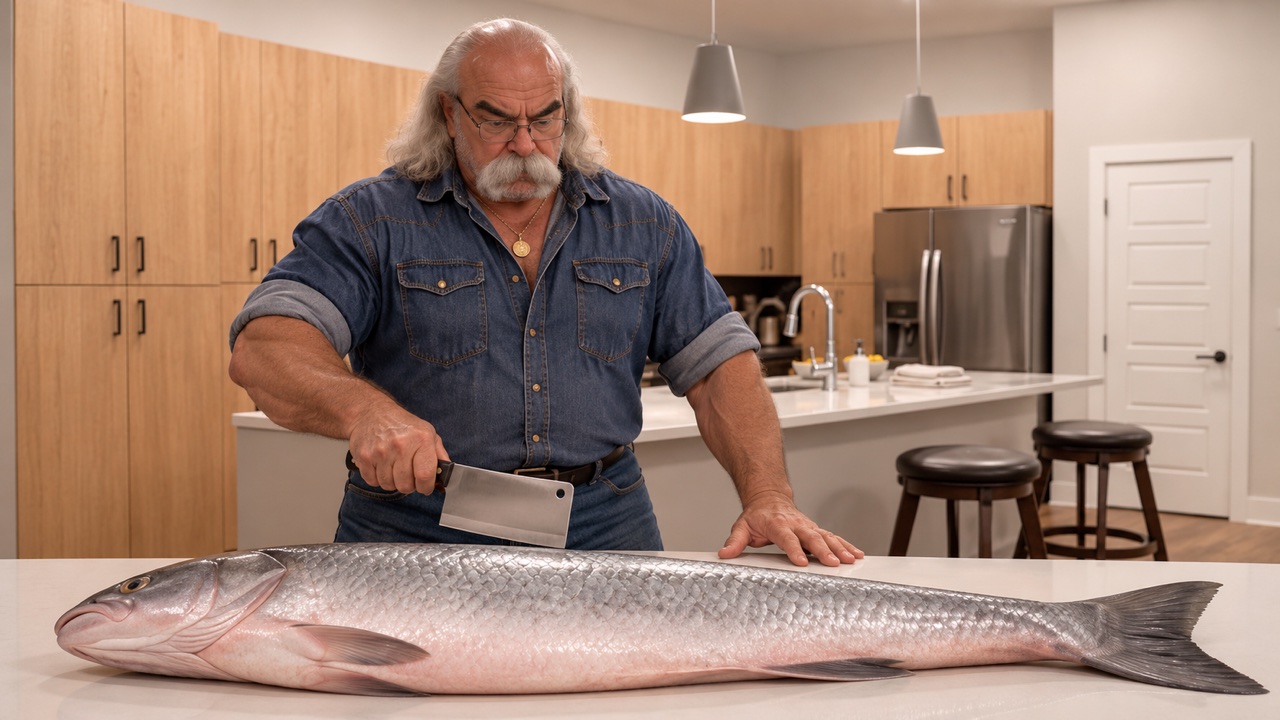
Turn One Portrait Into the Grandpa Said He'd Handle Dinner Meme. See How to Pick a Clear Photo, Upload It to SuperMaker, Choose the Right Frame, and Check the Chopping Sequence. Finish With a Short Caption That Makes the Giant Fish Joke Your Own.
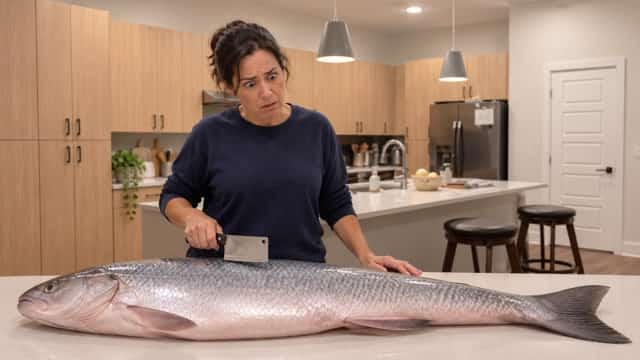
Someone says dinner is handled. Cut to that same person facing a fish that takes up the entire kitchen island. You can make this fish cutting meme AI video with one portrait, a short caption, and a cook your audience will recognize. Start with the Grandpa Said He'd Handle Dinner effect on SuperMaker.
What Makes the Fish Cutting Meme Funny?
The joke starts with a normal offer to cook. The huge fish and the cook's serious expression make it feel as if dinner has turned into a major operation. A familiar face makes the contrast sharper. Try your own photo if you're the person who volunteered, or ask the friend who always says cooking will be easy.
How to Make a Fish Cutting Meme AI Video on SuperMaker
Step 1. Choose One Clear Portrait
Use a well-lit photo of one person. Pick a chest-up shot with a sharp face, visible eyes, and enough of the shirt or jacket to show what they usually wear. A familiar cardigan can help a family member recognize the cook before they read the caption. Use your own portrait or get permission from the person in the photo.
Step 2. Upload the Photo
On the effect page, find Upload Your Portrait and choose Upload files. Add the one photo you want to use. Check the thumbnail before moving on, especially if you chose from several similar shots. The page supplies the kitchen and the chopping scene, so the portrait is the only file you need.
Step 3. Check the Frame and Credits
Use Aspect Ratio to choose where the video will fit. Try 9:16 for a vertical feed or 16:9 when you want more room across the kitchen island. Start with one video and review Required Credits for the settings shown in your session before you select Generate Video.
Step 4. Watch the Whole Clip
Check the face when the cook looks down and turns, then check the cleaver and the fish through the swings. A clear first frame can hide a change in the face later in the clip. If the cook is hard to recognize, try a better-lit portrait. If the fish loses its scale in the vertical crop, try a wider frame.
Add the Caption Before You Share
Give viewers the setup before the first chop. Keep the line short and preview it on your phone so it stays clear of the face, the raised cleaver, and the app's buttons.
- The classic · POV: Grandpa said he'd handle dinner.
- The family chat · Dad said he was making something quick.
- The self-roast · Me after saying dinner would take ten minutes.
Fish Cutting Meme AI FAQ
Do I Need a Video or a Prompt?
One portrait is enough. The effect already supplies the scene and movement. You can write your own caption after generation.
What If the Only Photo I Have Is a Group Shot?
Crop to one person if their face stays sharp and large enough to recognize. If the crop leaves a blurry face or cuts off most of their head, use a different photo.
Make Your Own Grandpa Dinner Clip
Pick the cook and think of the line they would actually say. Upload their portrait, watch the chopping sequence from start to finish, and add your punch line before sharing. Make your fish cutting meme video