



More AI Video Generators
Explore our collection of specialized AI video generators designed for different creative needs and styles
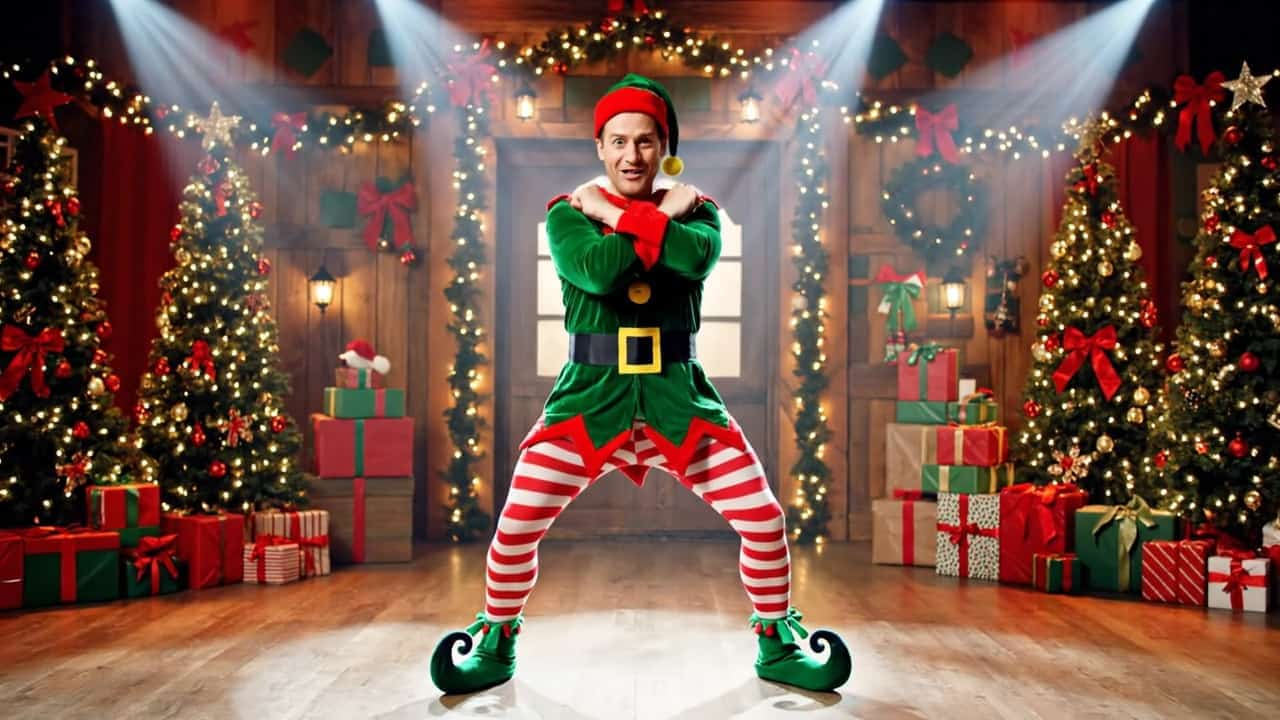
Join The Christmas Dance Trend With A Friend
Your Faces In One Holiday Dance
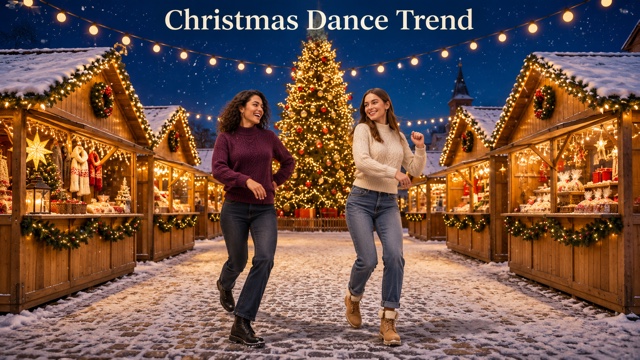
Put yourself and a friend side by side in the Christmas Dance Trend. Upload two individual portraits or one photo with both people to make a Christmas Dance AI video that follows the built-in routine. Both of you get a place in the same performance. Pick the person whose straight face would make the whole dance twice as funny.
How To Make Your Christmas Dance AI Video
The Christmas Dance Trend starts with two people. Choose one portrait for each dancer or a single photo where both faces are visible, then let the preset handle the routine.

Pick Your Christmas Dance Trend Partner
Think about who would make the Christmas Dance Trend funny the moment they appear beside you. Try your best friend, your sibling or your partner. The pairing sets the tone of your Christmas Dance AI video before anyone takes a step.

Upload Your Dance Photos
For the Christmas Dance Trend, upload the left dancer first and the right dancer second, or upload one photo with both people. In a shared photo, the person on the viewer's left takes the left role. Clear faces help your Christmas Dance AI video reflect both people.

Generate Your Christmas Dance AI Video
Select Generate Video once your photos are in place. Seedance 2.0 uses the built-in Christmas Dance Trend clip for the dance and the prepared prompt to assign each portrait to its dancer. Your photos determine who appears in each role throughout the performance.

Watch The Two Dancers Together
Play your Christmas Dance AI video from the first beat to the last pose. Check both faces during the Christmas Dance Trend, especially when a dancer turns or moves closer to the camera. If one face becomes hard to recognize, try a sharper portrait of that person and review the new take.
Best AI Video Tools for Creative Projects
Explore creative tools for video, learn tips and tricks, and see how AI can be your assistant in turning concepts into finished projects.

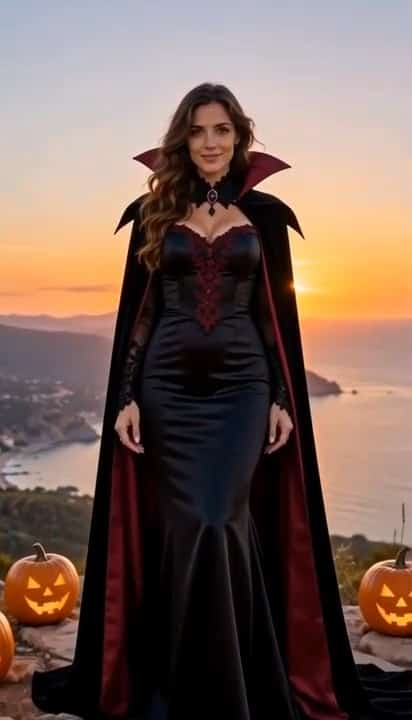
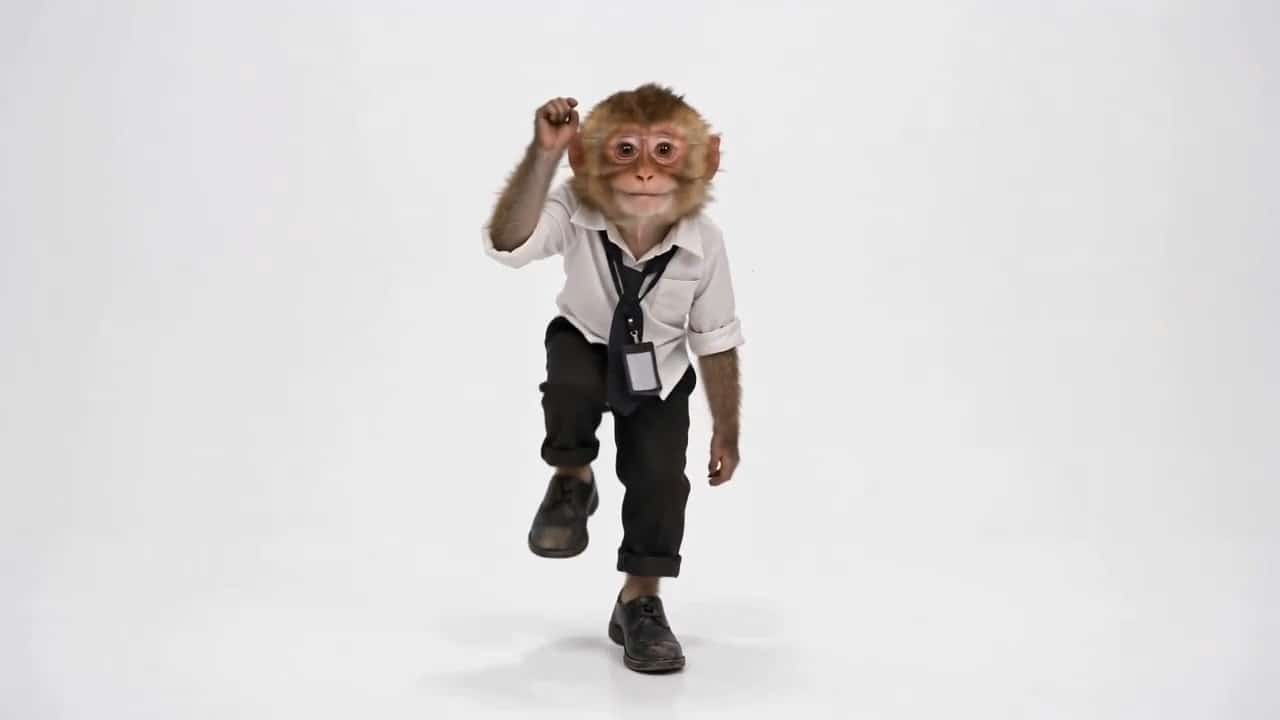

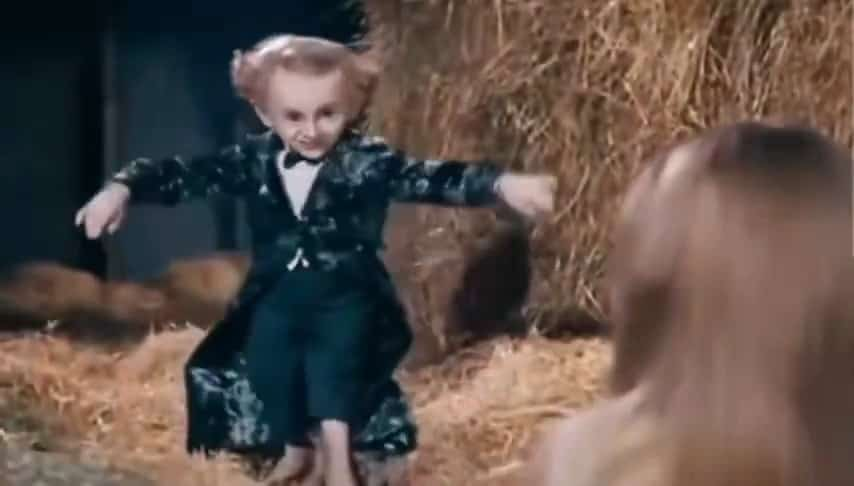
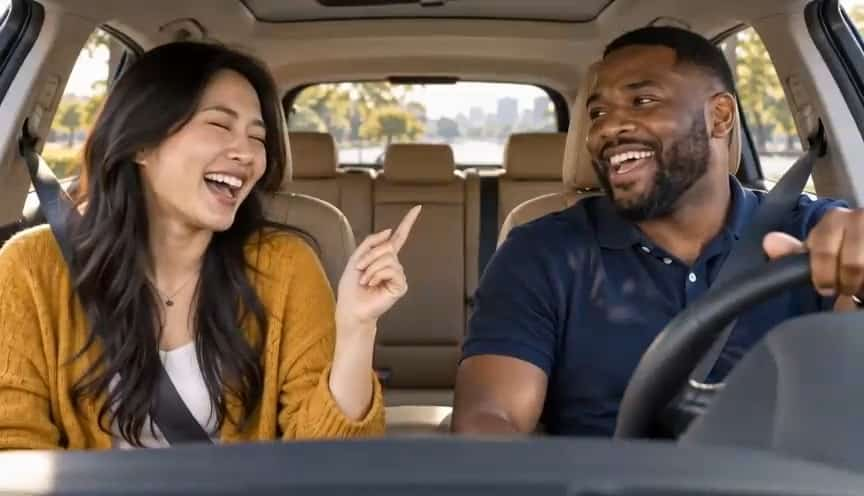









What Your Christmas Dance Trend Video Keeps From The Reference
The Christmas Dance Trend is a shared routine. A Christmas Dance AI video gives the dance to two people you choose while using one clip to guide how they move together.
Cast The Left And Right Dancer
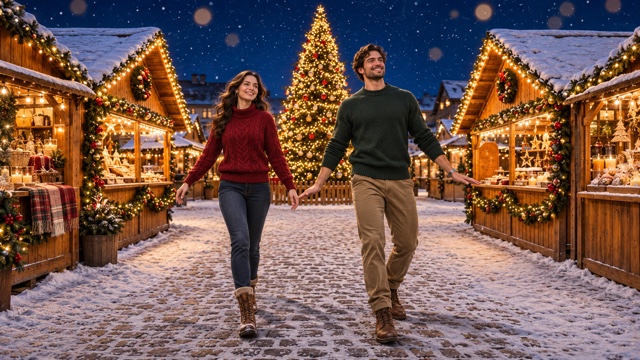
Choose who starts on each side of your Christmas Dance AI video. With two uploads, the Christmas Dance Trend uses the first portrait on the left and the second on the right. With one shared photo, the positions in the photo determine the roles. Each person keeps their assigned choreography even when they change places in the frame.
Follow The Christmas Dance Trend As A Pair
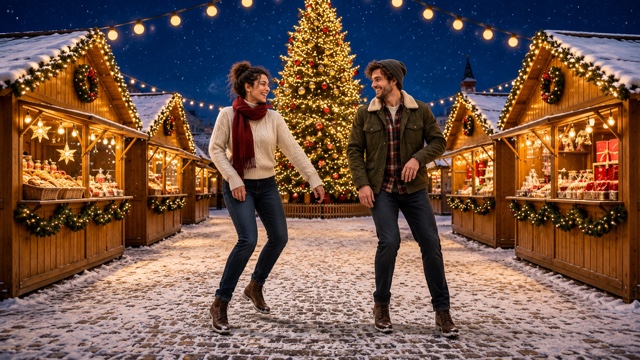
The dance reference gives Seedance 2.0 a shared sequence to follow, from the opening positions through the changes in rhythm and the ending. The Christmas Dance Trend works as a duo because you can see both reactions at once. As you watch your Christmas Dance AI video, look at how the dancers move together across the whole shot. Watch the transitions as well as the big gestures. A small shift in weight or the moment one dancer turns back toward the camera can make the performance feel like one shared take.
Start A Christmas Dance AI Video With Just Photos
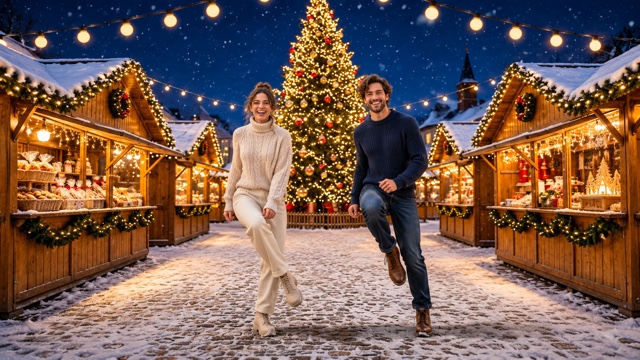
Choose the faces and the Christmas Dance Trend preset supplies the movement and camera reference. SuperMaker has the prompt ready when you upload. That makes it easy to try a Christmas Dance AI video when your friend lives across town or you already have a favorite photo together.
Put Familiar Faces In One Holiday Scene
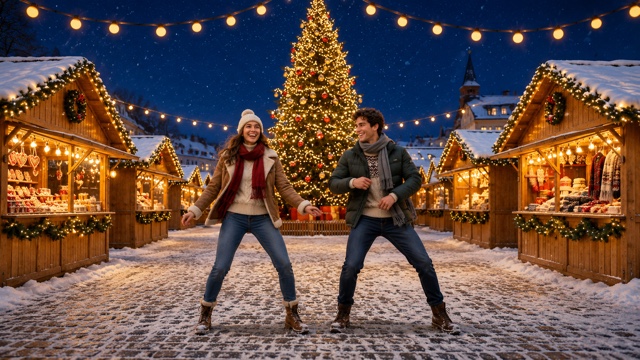
The Christmas Dance Trend clip provides a common setting and lighting for the two dancers. You can start a Christmas Dance AI video with one photo taken indoors and another taken outside. Pick images where both people are easy to recognize, then watch for that likeness throughout the turns and changes in pose.
Who Would You Bring Into The Christmas Dance Trend?
Pick the audience and the pair together. The same Christmas Dance Trend can land as a private joke, a holiday greeting or a clip for your December feed.
Send It To Your Best Friend
Make a Christmas Dance AI video for the friend who keeps sending you dance clips. Drop your version of the Christmas Dance Trend into the chat with a caption that only the two of you would understand. A recognizable pairing can carry the joke in a line or two.

Make A Holiday Greeting As A Couple
Use the Christmas Dance Trend for a moving holiday greeting with your partner. Once you have your Christmas Dance AI video, send it to friends with a short note about how your year went or what you are looking forward to. Let the dance be the part that catches them off guard.

Give The Family Chat A Dance Break
Choose a sibling or cousin for a Christmas Dance AI video you can drop into the family chat before everyone gets together. The Christmas Dance Trend gives you a way to appear side by side from photos taken on different days, even when your holiday plans put you in different cities.

Post Your Take On The Christmas Dance Trend
Use your Christmas Dance AI video as a short holiday post with a friend or collaborator. Keep captions away from both faces so viewers can see who is in the Christmas Dance Trend from the first frame. A quick line about your pairing can give people the context before the dance gets going.
How Creators Might Share The Christmas Dance Trend
These fictional examples show how different pairs might use their holiday dance clip.
I'd send a Christmas Dance AI video to the friend who always says we'll learn the Christmas Dance Trend next weekend. Seeing us finally dance together would be the whole joke.
The Christmas Dance Trend would be a funny way for my brother and me to show up together in the family chat. We already have separate photos we could use for a Christmas Dance AI video.
I'd use a Christmas Dance AI video to start the conversation about our holiday party. I'd put my cohost beside me in the Christmas Dance Trend, then send the date and time under the clip.
My partner is the one who remembers the moves. Putting us in the Christmas Dance Trend gives us a funny December post, especially if we pick portraits with our usual expressions.
I'd keep the caption simple on a Christmas Dance AI video. People who already know the Christmas Dance Trend will look for the moment they realize who the two dancers are.
I'd make a Christmas Dance AI video with the friend who sends the most holiday memes. The Christmas Dance Trend would be even funnier with the two of us taking the dance completely seriously.
Christmas Dance Trend Questions
Get your photos ready for a Christmas Dance AI video and know what to check once the dance is generated.
SuperMaker turns two individual portraits or one photo with both people into a Christmas Dance AI video of both people dancing in one scene. The built-in Christmas Dance Trend reference supplies the routine, timing and framing. The uploaded photos tell Seedance 2.0 which people to put in the two roles.
Yes. Choose one clear portrait per person for the Christmas Dance Trend. The first photo represents the dancer on the left and the second represents the dancer on the right. A Christmas Dance AI video can also start with one shared photo. The viewer's left and right in that photo determine the roles.
Upload your portrait pair or one photo of both people and select Generate Video. The Christmas Dance Trend effect already includes the dance reference and the prompt that connects each photo to a dancer. You can start with photos you already have and skip writing instructions.
Choose sharp, well-lit portraits with the eyes and facial features visible. Heavy shadows, sunglasses or a face far from the camera leave less detail for the Christmas Dance AI video. For a shared photo, keep both faces visible and choose a shot with just the two intended dancers.
This Christmas Dance Trend effect uses Seedance 2.0. The model takes your uploaded photo references and the preset dance reference to generate a shared performance. Review the finished clip to see how the faces and movement hold up through the full routine.
Check the source portrait first. Try replacing it with one where the person faces the camera and their face fills more of the photo. For a shared photo, try another with both faces clearly visible. Rerun the Christmas Dance Trend, and compare the Christmas Dance AI video with your first take.
Make The Christmas Dance Trend Your Own
Pick two people who would make the Christmas Dance Trend fun to watch. Add one portrait per dancer or one photo together, then generate a Christmas Dance AI video for your friend, your family chat or your holiday feed.