
AI Prompt Generator for Image, Video & Text
Upload an image or video, or expand a text idea into a detailed, reusable English prompt.
Video to Prompt
Generated prompt
Your generated prompt will appear here.
More AI Video Generators
Explore our collection of specialized AI video generators designed for different creative needs and styles







AI Prompt Generator for Image, Video & Text
Image To Prompt, Video To Prompt, Text To Prompt
Turn visual references and simple ideas into clear, reusable English prompts with SuperMaker's AI Prompt Generator. Choose Image to Prompt Generator for a photograph, Video to Prompt Generator for a clip, or Text to Prompt Generator for an unfinished idea. Review the written result, adjust its details, and carry it into your next image or video project.
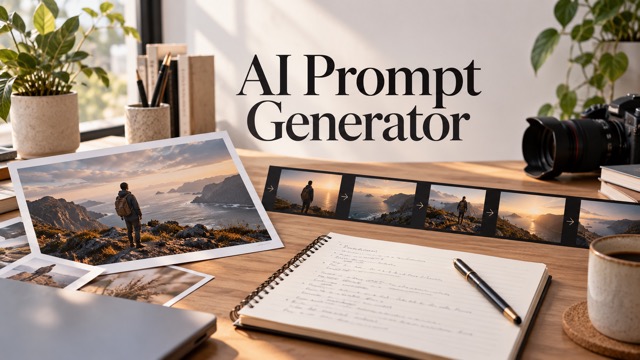
How To Use The AI Prompt Generator
Move from reference to usable language in three steps. The AI Prompt Generator keeps image analysis, video analysis, and text enhancement separate, so your input leads to the right workflow.

Choose Image, Video, or Text
Select the matching tab in the AI Prompt Generator. Upload an image or MP4 video you own or have permission to use, or type a short idea. Choose your output language and review the file limits shown beside the upload control.

Generate Your Prompt
Use Image to Prompt Generator for visual description, Video to Prompt Generator for motion and camera analysis, or Text to Prompt Generator for expansion. Keep the detailed output setting, add any useful instructions, and check the displayed credit cost before generating.

Copy and Use Your Prompt
Read the AI Prompt Generator result and correct details that do not fit your intention. Copy the text, download a TXT file, or use the supported continuation control. Refine the wording for your chosen creative tool before starting a separate media generation.
Best AI Video Tools for Creative Projects
Explore creative tools for video, learn tips and tricks, and see how AI can be your assistant in turning concepts into finished projects.
























AI Prompt Generator Features
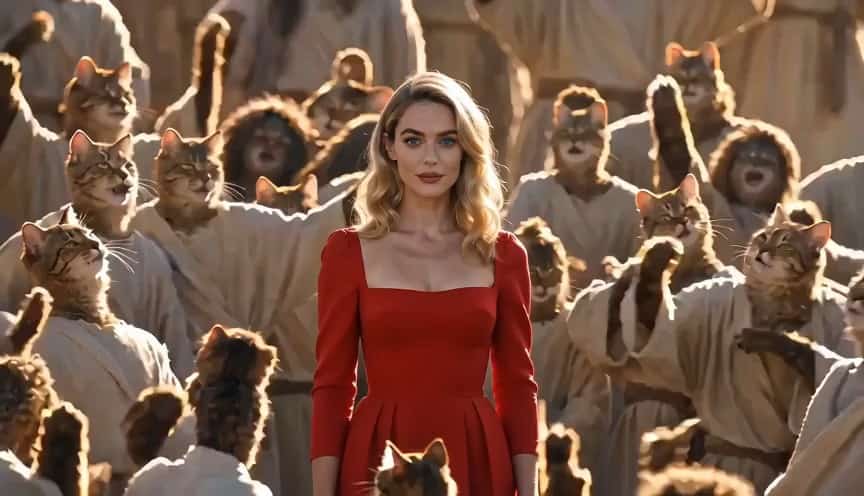
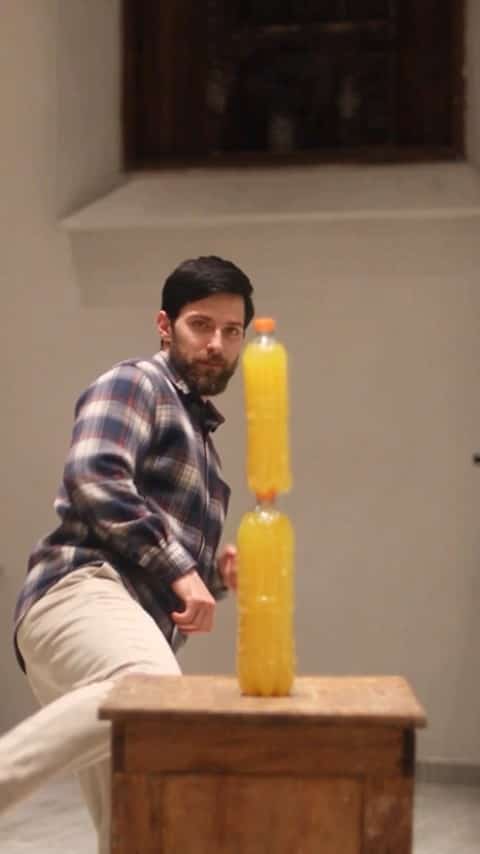
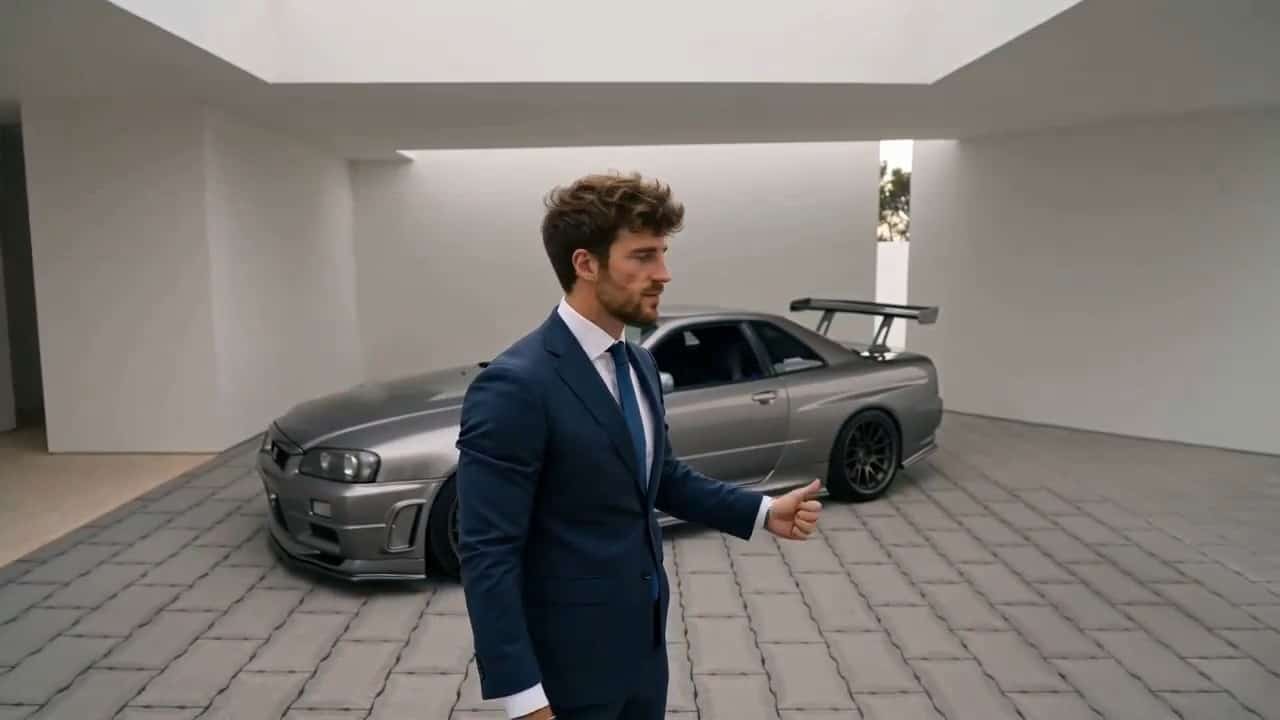
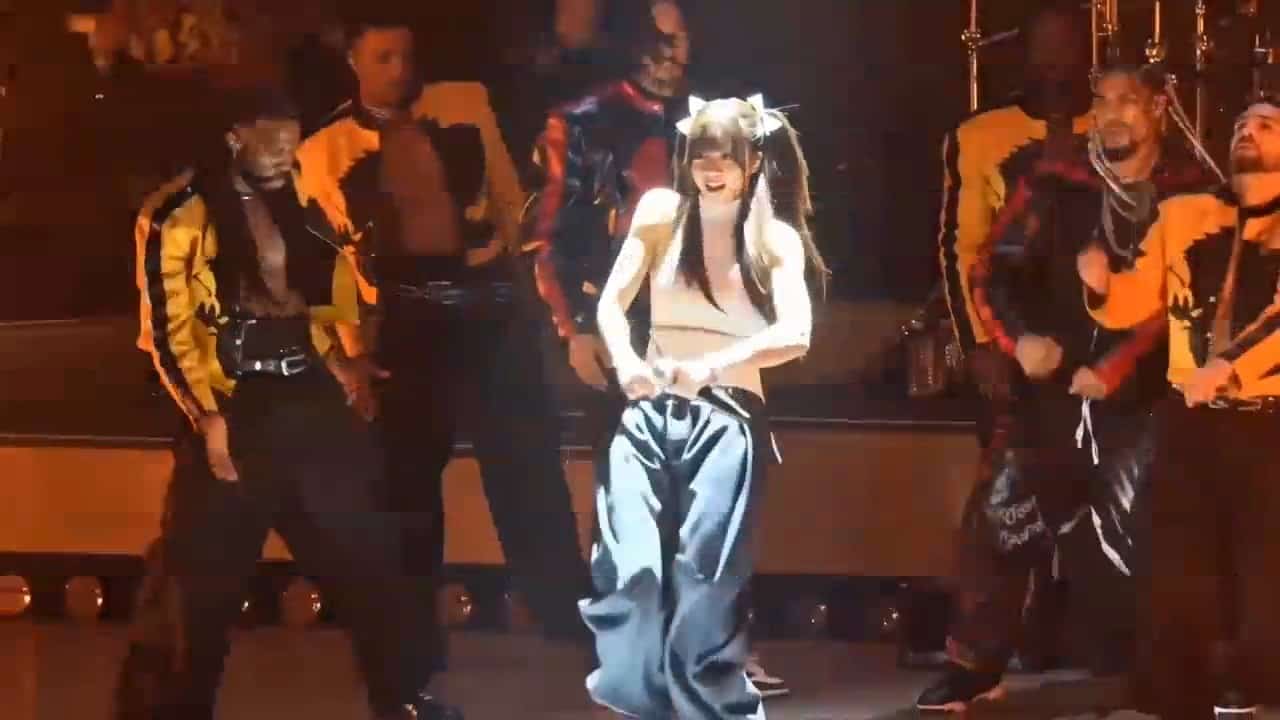
The AI Prompt Generator connects reference analysis with prompt writing. These images are AI-created illustrations of possible reference material, not screenshots or verified outputs from the prompt tools.
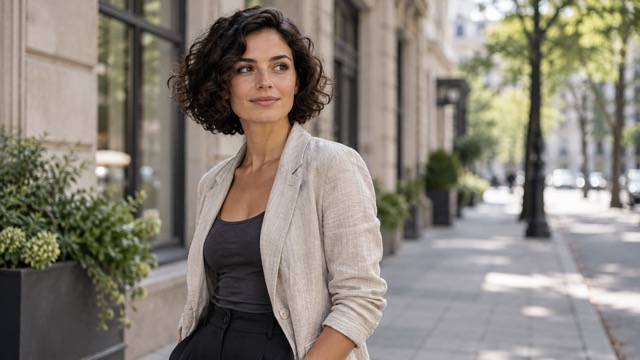
Image To Prompt Analysis
The Image to Prompt Generator turns a visible reference into descriptive language: subject, clothing, objects, setting, composition, lighting, color, texture, and depth of field. Use an AI Prompt from Image to understand how these elements work together, then change the description for an original direction. The Image to Prompt Generator provides an interpretation, not the source creator's hidden instructions.

Video To Prompt Extraction
The Video to Prompt Generator adds time and movement to your description. A useful Video to Text Prompt explains what the subject does, where movement leads, and how the camera frames the scene. Start with Visual basics for subject, scene, motion, camera, and style. Other visible analysis options cover audio or storyboards; inspect their cost and results before relying on them.

Product Details And Text Enhancement
A simple product idea becomes more actionable when it names materials, lighting, framing, and the intended mood. Use Text to Prompt Generator to expand your own direction, or Image to Prompt Generator to describe a reference bottle's glass, reflections, and placement. Select an image target for a still composition or a video target for movement.
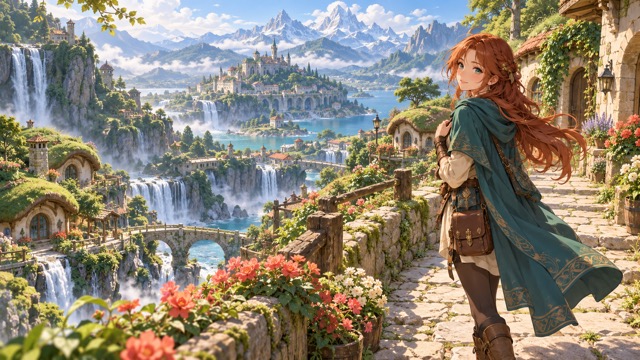
Visual Style And Original Variations
Use the Image to Prompt Generator with original illustrations to explore line quality, color relationships, environment, and atmosphere. Translate observations into AI Image Generation Prompts instead of asking for an exact copy. For a new scene, Text to Prompt Generator can develop the setting from your own words. The AI Prompt Generator helps you compare realistic photography with anime or illustrated treatments through description; the displayed artwork is illustrative reference material, not a verified tool analysis.
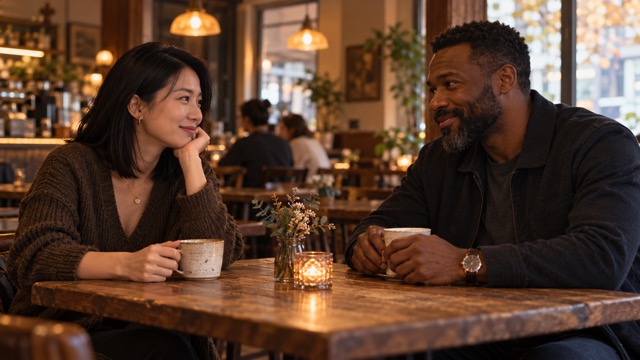
Camera Language And Reusable Prompts
Use Video to Prompt Generator to study a reference's framing and visible action, then rewrite the result around your own characters and setting. A cafe conversation might suggest a medium two-shot, warm window light, and restrained gestures. Text to Prompt Generator can develop that starting idea into a new brief. Generating a finished video remains a separate step.
AI Prompt Generator Use Cases
Choose the workflow that matches your task.

AI Image Prompt Creation
Use Image to Prompt Generator to describe a portrait, landscape, or architectural reference. Keep the visible lighting and composition that matter, then change the subject or setting.

AI Video Prompt Analysis
Study motion with Video to Prompt Generator: compare the subject's action with the camera's movement and the background. Review the source alongside the description. A Video Prompt Extractor can suggest useful wording, but your review remains essential.

Product Advertising Prompts
Describe packaging materials, highlights, and studio composition with Image to Prompt Generator. For a moving product reference, use Video to Prompt Generator and inspect the camera language. Keep claims about the product itself separate from visual interpretation.
Cinematic Storyboard Prompts
Use the available storyboard analysis option when shot structure matters. Review the Video to Prompt Generator output against the clip and correct scene order or timing where needed. Build a new storyboard without assuming perfect automatic shot recognition.

Anime And Illustration Prompts
An Image Prompt Extractor can help describe original characters, linework, and color. Use Image to Prompt Generator as a vocabulary aid, then adapt the result with new details. Avoid presenting reference artwork as something the tool created.

Social Media Video Research
Use Video to Prompt Generator with authorized clips to examine framing, pacing, and visible transitions. The AI Prompt Generator supports local file input; this workflow does not promise downloads from YouTube, TikTok, or other social platforms.

Text Prompt Optimization
Give Text to Prompt Generator a short idea, then review the expanded subject, setting, lighting, and framing. This Text Prompt Enhancer works best with a clear purpose. Remove extra details that distract from the image or video you want.

Creative Prompt Rewriting
Use Text to Prompt Generator to develop alternate lighting, atmosphere, or composition. Start from your own brief or a reviewed analysis. Keep one meaningful change per version so you can understand how the wording affects later creative experiments.
AI Prompt Learning
Compare an Image to Prompt Generator description with its reference, or a Video to Prompt Generator description with its clip. Notice the words used for depth, framing, and movement.
Workflow Preparation
Save reviewed prompts with project notes and reference permissions. Choose a supported target, then check that destination's own settings, costs, and restrictions before generating media.
AI Prompt Generator: Illustrative Reactions
These are fictional example reactions, not verified customer testimonials. They illustrate the kinds of qualities creators may value in an AI Prompt Generator.
I value a clear description of lighting and composition more than a long list of decorative adjectives.
Separating subject movement from camera movement makes a video idea easier for me to review.
I appreciate being able to revise the result before reusing it.
I want product descriptions to stay focused on visible materials, reflections, and framing.
Copying a reviewed prompt into my own notes makes it easier to compare creative directions.
Seeing a reference described in plain language gives me a useful way to learn visual vocabulary.






AI Prompt Generator FAQ
Practical answers about the AI Prompt Generator, supported inputs, editable results, costs, and responsible reference use.
An AI Prompt Generator creates written instructions from a reference or idea. Here you can analyze an image, analyze a video, or expand text. The result is editable prompt text; image and video production happen separately.
An Image to Prompt Generator describes observable visual elements in an uploaded picture. It can help turn subject, composition, lighting, color, and style into reusable language. It does not recover the original prompt or identify a person.
A Video to Prompt Generator turns a clip into a written creative description. Unlike a still-image workflow, it considers motion, camera behavior, and changing scenes. Review the analysis before adapting it into AI Video Generation Prompts.
A Text to Prompt Generator expands a short idea or refines existing wording. Choose an image or video target and inspect the additions. The output is text you can edit, rather than a finished picture or clip.
Open Image to Prompt Generator, upload a supported image, and choose your output preferences. Generate, review the description, and copy useful details. Add instructions when you want the AI Prompt Generator to focus on a particular visual element.
Choose Video to Prompt Generator and upload a supported local MP4 file. Select an analysis depth and check the displayed credits. Generate Prompt from Video, then review the written result against the source before using it elsewhere.
The Video to Prompt Generator's Visual basics option covers camera and motion alongside subject, scene, and style. Treat the result as an interpretation. Fast cuts, occlusion, or ambiguous movement can need correction before the description becomes a useful brief.
Yes. Text to Prompt Generator accepts a simple idea and provides more developed wording. Specify the intended subject or mood in your instructions. Review creative additions carefully, especially when accurate product details or a particular setting matter.
An Image to Prompt Generator description may include appearance, objects, environment, framing, light, palette, texture, and atmosphere. Prioritize what is visible. Do not treat inferred names, locations, brands, or camera specifications as independently verified facts.
Video to Prompt Generator offers storyboard-related analysis settings alongside visual and audio options. Output quality depends on the source and selected mode. Review shot divisions and any timing information; automatic frame-perfect segmentation is not guaranteed.
The video target selector includes Seedance and Veo. Choose the relevant target when preparing a Prompt for Seedance or Prompt for Veo. The AI Prompt Generator adapts wording, while the destination determines supported controls and generation behavior.
Kling is available as a video target. For Runway, use a general-purpose description and adapt it to that tool's current instructions. The AI Prompt Generator does not promise every platform's proprietary parameters or identical results.
The image target selector includes Midjourney and FLUX. Select the target when preparing your description, then review it before use. An Image to Prompt Generator result remains a starting point, not a guarantee of exact reproduction.
Yes. The AI Prompt Generator displays an editable text result. Correct errors, remove unnecessary details, and change the creative direction before copying it. Editing the wording helps keep your final brief aligned with your own intention.
The result area provides Copy and Download TXT controls. You can retain the reviewed text in your own notes.
Image to Prompt Generator accepts JPEG, PNG, and WebP files up to 4 MB. Video to Prompt Generator accepts MP4 files up to 4 MB and 60 seconds. Check the uploader for current limits before submitting.
Prompt generation uses account credits. Check Required Credits before each request and consult the Pricing page for account options. The tested standard settings displayed 2 credits per request; other analysis choices may cost more. Unlimited free use is not promised.
The published Privacy Policy does not specify a retention period for these prompt-tool uploads. Review that policy and contact SuperMaker support before submitting sensitive material. Do not assume immediate deletion, a fixed storage period, or confidential offline processing.
Upload only material you own or are authorized to use. SuperMaker's terms require the necessary rights and prohibit infringement. Use descriptions to develop original work; the AI Prompt Generator does not grant permission to reproduce protected source material.
No. The AI Prompt Generator produces a descriptive interpretation, not hidden original instructions. Results depend on your edits and the destination model. A Reverse Prompt Generator cannot guarantee matching identities, timing, composition, audio, or every visual detail.
Turn Your Ideas into Better AI Prompts
Upload a reference with Image to Prompt Generator, study a clip with Video to Prompt Generator, or refine an idea with Text to Prompt Generator. Review the English result and make it your own. Start your next creative brief with the AI Prompt Generator.
