



















More AI Video Generators
Explore our collection of specialized AI video generators designed for different creative needs and styles



AI ad generator for Cinematic Product Stories
Discover how to make AI ads from the images you already have
Give your product the entrance it deserves. SuperMaker's AI ad generator turns uploaded images into cinematic video advertisements with purposeful motion and immersive sound. Learn how to make AI ads around your actual materials, then add a mood, story or camera idea. The AI ad generator combines that direction with a prepared advertising prompt, so learning how to make AI ads starts with a clear visual brief instead of an empty page.
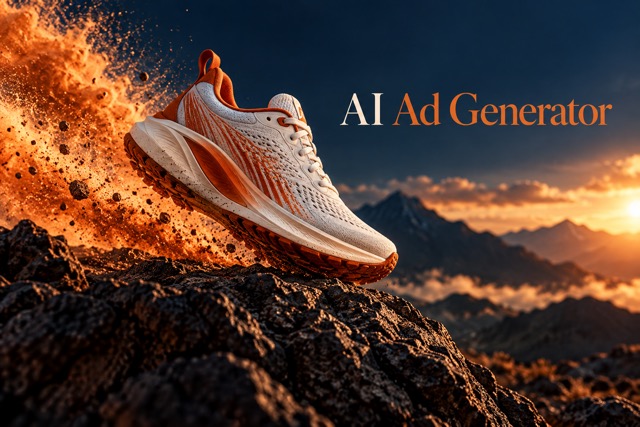
Learn how to make AI ads in Four Steps
The AI ad generator brings your images, creative ideas and video settings into one workflow. This guide to how to make AI ads follows the same sequence you use on the page: upload, direct, generate and preview.

Upload Your Product Images
Upload clear images of the product, person or materials your advertisement should feature. The AI ad generator uses those references to guide recognizable details. When exploring how to make AI ads, start with visible shapes, accurate colors and uncluttered framing; learning how to make AI ads is easier when the source clearly shows what matters.

Add Your Advertising Idea
Describe your audience, scene, mood and desired product action. The AI ad generator blends your ideas with built-in cinematic direction and immersive sound instructions. This is how to make AI ads feel specific to your campaign: explain the story while keeping the supplied materials central.

Choose Settings and Generate
Select an available model and the video parameters offered for it, then generate. The AI ad generator includes Seedance 2.5, Seedance 2.0 variants, MiniMax H3 variants and Google Gemini Omni variants. Learning how to make AI ads includes choosing settings that fit your intended placement and creative brief.

Preview Picture and Sound
Watch the finished video and listen to the soundtrack. Check product details, motion, pacing and sound together. The AI ad generator supports a generate-and-preview workflow, so you can refine your next idea. Understanding how to make AI ads means reviewing the result against your original images before choosing a final version.
Best AI Video Tools for Creative Projects
Explore creative tools for video, learn tips and tricks, and see how AI can be your assistant in turning concepts into finished projects.
























An AI ad generator Built Around Your Creative Brief
Explore how to make AI ads with recognizable materials, immersive audio and deliberate visual storytelling. The AI ad generator gives each campaign a shared starting point while leaving room for your own direction. These four features explain how to make AI ads feel like one coherent commercial.
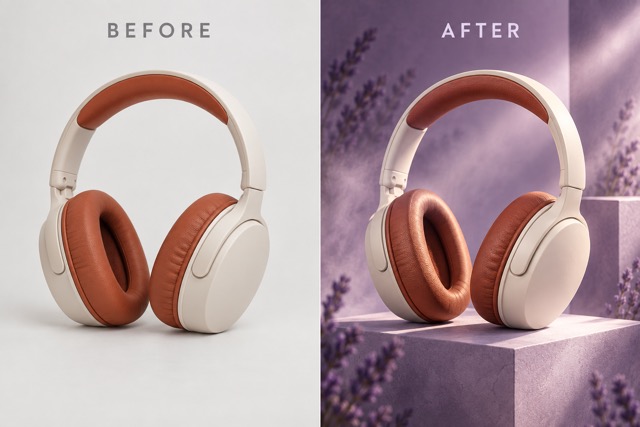
AI ad generator That Keeps Your Materials Central
Your uploaded images define the subjects of the advertisement. The AI ad generator is instructed to preserve product geometry, packaging, colors, faces and recognizable details across frames. For teams learning how to make AI ads, source consistency makes the concept easier to evaluate. Discover how to make AI ads around the product you actually sell, then preview the output to check that its defining features remain accurate.
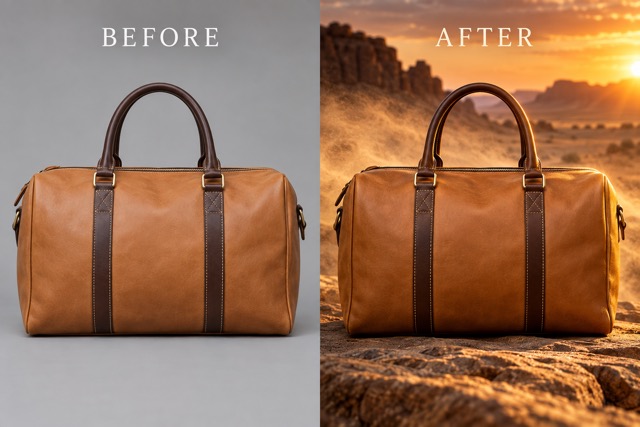
AI ad generator With Immersive Sound Direction
A compelling commercial has an audible world: a crisp pour, a soft fabric movement or the atmosphere of the scene. The AI ad generator requests synchronized ambience, tactile Foley, action effects and a tasteful cinematic music bed. Learn how to make AI ads with sound planned alongside the imagery. When considering how to make AI ads feel immersive, listen for timing and balance as carefully as you watch the picture.
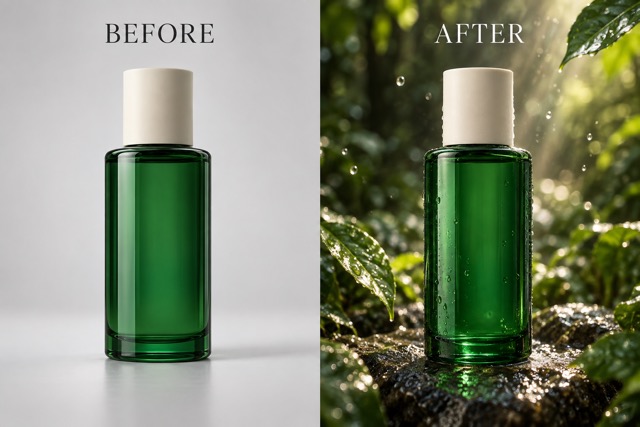
AI ad generator With Your Ideas in the Lead
Use the built-in advertising direction as a starting point, then add your own story, lighting, camera or mood preferences. The AI ad generator combines those ideas with instructions to retain source identity. Learning how to make AI ads can begin with a short request such as a calm studio reveal or an energetic outdoor launch. Explore how to make AI ads in different styles while keeping the same product references.
AI ad generator for a Complete Commercial Arc
Give the viewer an opening hook, a purposeful product moment and a polished final hero shot. The AI ad generator requests a coherent sequence within your selected duration, with believable motion and deliberate transitions. See how to make AI ads that move toward one clear visual conclusion. Preview the final picture and audio together; learning how to make AI ads includes knowing which details to refine in the next generation.
Where the AI ad generator Fits Your Campaign
Find how to make AI ads for different products and audiences using the same upload-to-preview workflow. The AI ad generator follows your materials and direction, helping you explore how to make AI ads with a distinct purpose for every concept.

AI ad generator for Product Launches
Introduce a new product with a strong reveal and a clean final shot. Use the AI ad generator to develop launch concepts from product imagery. Learn how to make AI ads that emphasize the visible design, then explore how to make AI ads with a mood that suits your launch.

AI ad generator for Social Video Concepts
Build a concise visual hook around an immediately recognizable product. The AI ad generator helps you explore motion, scene and pacing from your source images. Discover how to make AI ads for social placements by choosing the available format and keeping the main action easy to follow.

AI ad generator for Beauty and Personal Care
Show packaging, texture and atmosphere in a focused beauty commercial concept. The AI ad generator is directed to preserve the supplied product details. Explore how to make AI ads with soft studio light or a vivid botanical setting, without asking the video to invent product benefits.

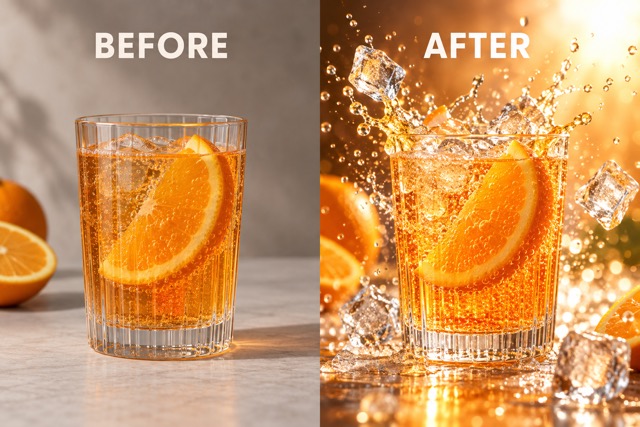
AI ad generator for Food and Drink Stories
Make a pour, fizz or serving moment the center of the scene. The AI ad generator requests sound that follows visible action and keeps your supplied materials relevant. Learn how to make AI ads where appetizing light, believable movement and tactile audio support the same story.

AI ad generator for Agency Creative Exploration
Bring a clear visual direction to your next concept discussion. The AI ad generator lets you combine client-supplied images with different creative briefs. Show colleagues how to make AI ads around a shared reference, and compare how to make AI ads feel calm, dramatic or energetic through specific direction.
Illustrative Creative Reactions to the AI ad generator
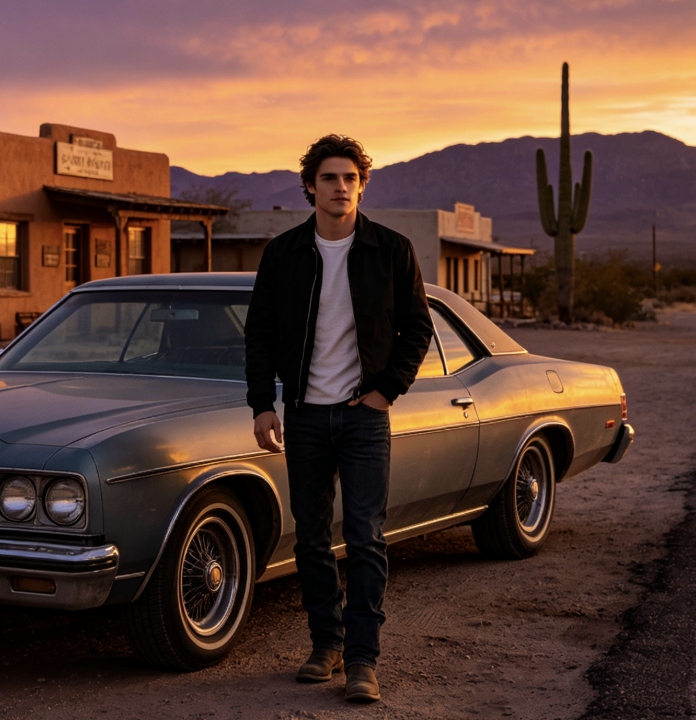
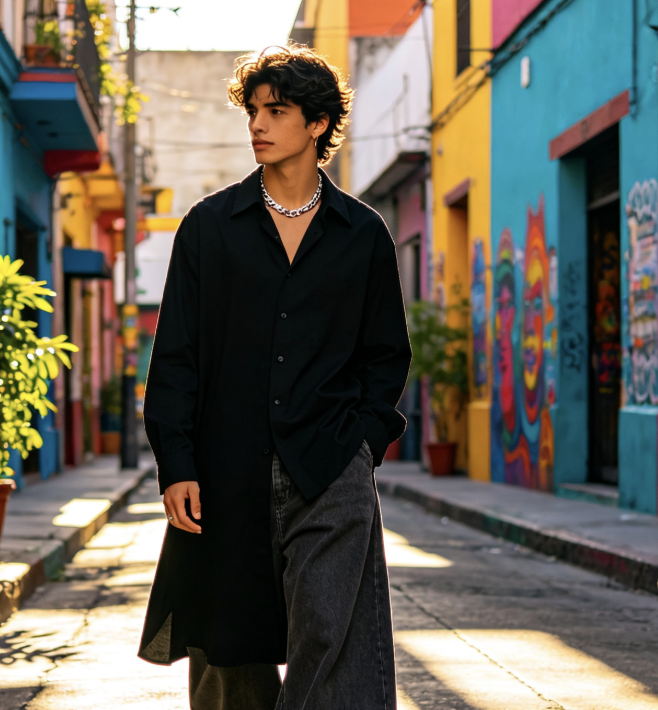
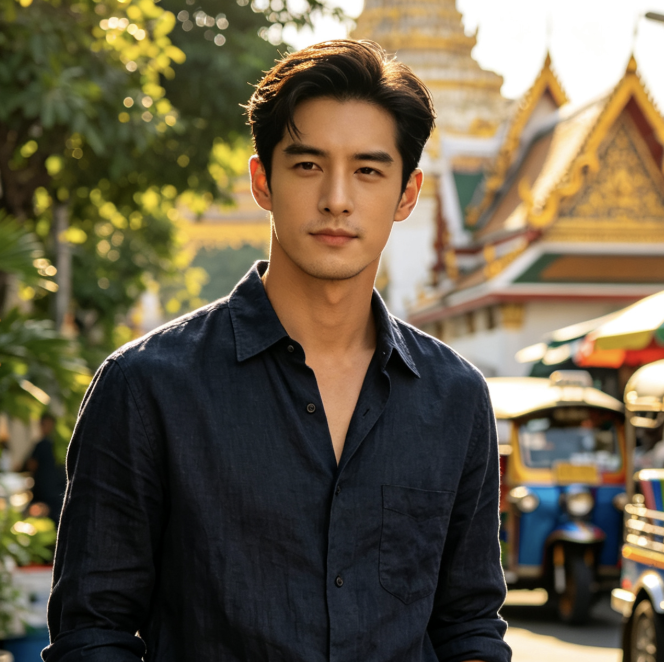
These six fictional examples illustrate possible creative perspectives, not verified customer testimonials. Each shows how a creative role might approach the AI ad generator while exploring how to make AI ads with supplied images and a clear brief.
My ideal AI ad generator would keep the bottle shape and cap recognizable while making the reveal feel cinematic. When learning how to make AI ads, I would start with one clear product photo and judge the concept against that source.
I would use the AI ad generator to explore a strong opening and a quiet final hero shot. Explaining how to make AI ads to a team feels more concrete when the discussion includes camera movement, product action and sound.
For my brief, the AI ad generator would need one readable action and a product that stays recognizable. My approach to how to make AI ads would be to preview the framing before deciding which creative idea to develop further.
I would ask the AI ad generator for a close-up pour with crisp liquid sound and realistic fizz. Learning how to make AI ads would mean listening to the result, not simply choosing the prettiest still frame.
I would give the AI ad generator a restrained palette and ask it to preserve the product's materials. Exploring how to make AI ads would help me discuss a visual direction while keeping packaging details central to the review.
I would use the AI ad generator to compare a calm reveal with a more dramatic product entrance. My starting point for how to make AI ads would always be a clear reference, a specific brief and a careful preview.



AI ad generator Questions, Answered
Get practical answers about how to make AI ads from uploaded images. Understand the AI ad generator workflow, creative controls and preview checks before shaping your next commercial concept.
The AI ad generator is a video tool for turning uploaded images into cinematic advertising concepts. It combines a prepared commercial prompt with your optional creative direction and selected video settings. If you are researching how to make AI ads, it provides a concrete workflow from source materials to a generated video you can preview.
Yes. The AI ad generator includes a built-in prompt covering product consistency, cinematic storytelling and immersive sound. You can add a short idea instead of writing every instruction yourself. Learning how to make AI ads still benefits from clear images and a specific description of the scene you want.
The configured choices are Seedance 2.5, Seedance 2.0, Seedance 2.0 Fast, Seedance 2.0 Mini, MiniMax H3, MiniMax H3 Max Turbo, Gemini Omni Flash 1.1 and Gemini Omni. When deciding how to make AI ads, use the video parameters available for the model you select; supported settings can differ.
Yes. The built-in direction requests immersive synchronized ambience, product Foley, action effects and cinematic music. Understanding how to make AI ads with effective audio includes checking the generated soundtrack for timing and balance. Preview the actual result: a prompt guides generation but does not guarantee that every requested sound will be reproduced exactly.
The prompt explicitly instructs the model to use relevant uploaded references and preserve their identity, shape, colors, packaging and fine details across frames. When learning how to make AI ads, provide clear source images and check the result for inconsistencies. Generated details can vary, so review recognizable products and people carefully.
Yes. Your creative direction is appended to the built-in prompt, and the prompt box remains available for image-based generation. Specify a setting, product action, camera style or mood, select the available video parameters and generate. This is how to make AI ads around your concept while retaining a consistent commercial starting point.
Make Your Next Product Story With the AI ad generator
Bring your images and give your product a cinematic moment. Use the AI ad generator to add creative direction, choose video settings and preview picture with sound. Discover how to make AI ads around recognizable materials, then put your next advertising idea into motion.
