
More AI Video Generators
Explore our collection of specialized AI video generators designed for different creative needs and styles
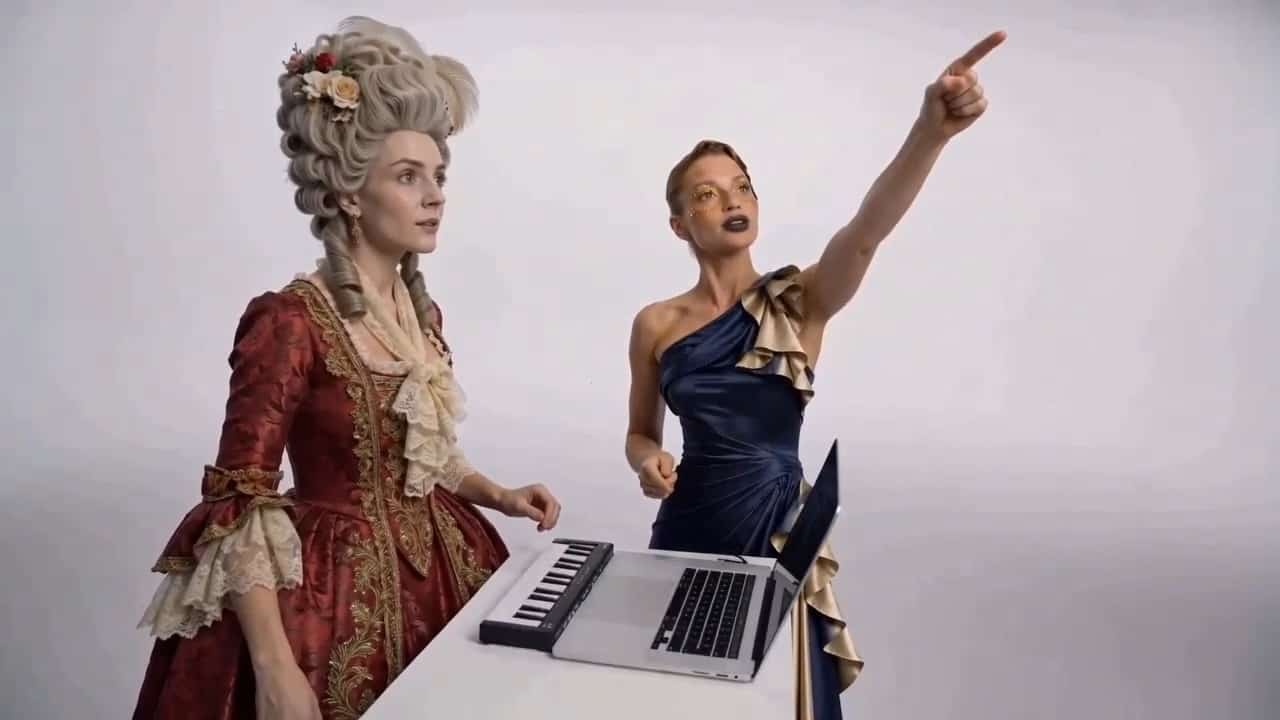
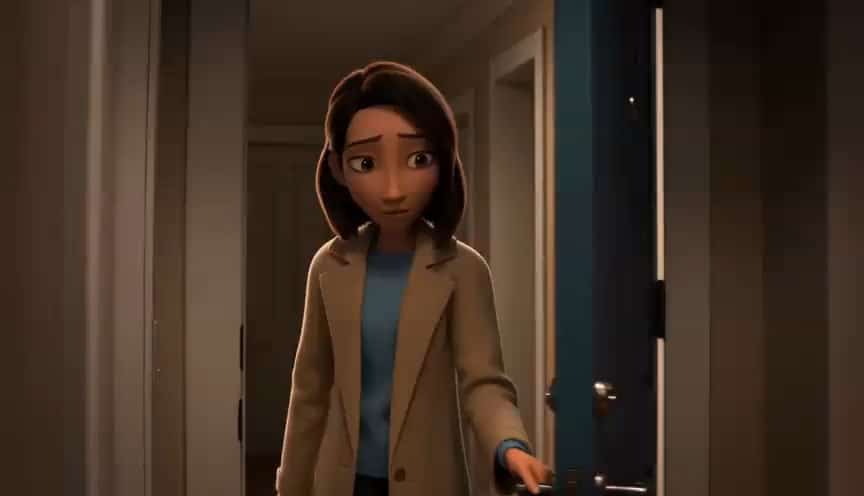
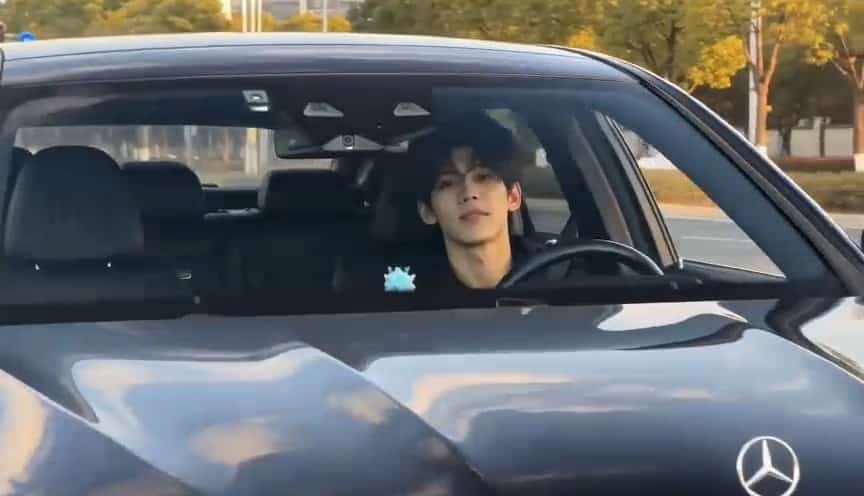
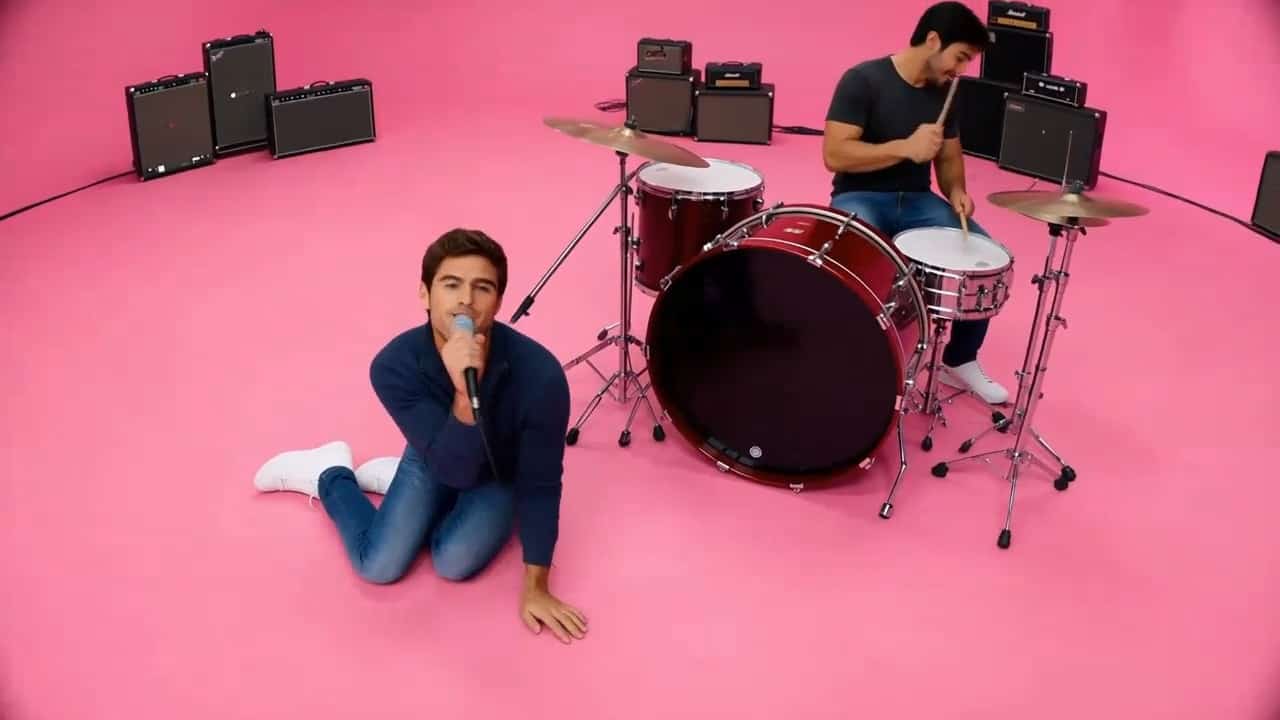







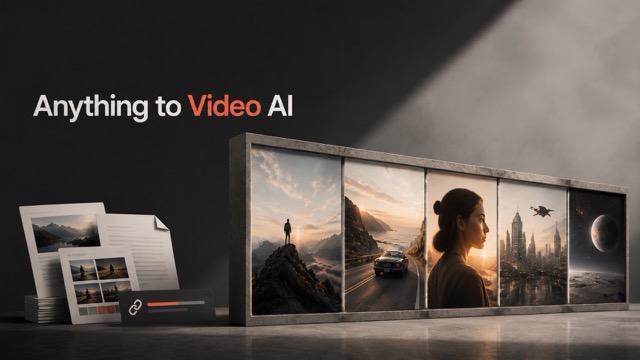
Turn Any Source Into Video With Anything to Video AI
A flexible AI video generator for documents, PDFs, webpages, URLs, images, and more
Stop rebuilding source material scene by scene. anything to video AI uses WAN 3.0 reference mode to turn varied inputs into a clear video concept, while the AI video generator follows your direction for message, audience, pacing, and style. With anything to video AI, one workflow can move from source assets to a shareable result.
How Anything to Video AI Works
anything to video AI turns a mixed bundle of references into a guided production workflow. Use this AI video generator in four straightforward steps, from source collection to a refined video that reflects your intent.

Add Your Source Materials
Upload or provide the supported references that matter to your story. anything to video AI can work from documents, PDFs, webpages, URLs, text, images, video, or audio, giving the AI video generator useful context instead of a blank prompt.

Describe the Video You Need
Tell anything to video AI the audience, goal, tone, pace, visual style, and details to emphasize. The AI video generator combines that instruction with the reference material so your creative intent stays central.

Generate With WAN 3.0
Let anything to video AI organize the inputs into scenes, transitions, and a coherent sequence. The AI video generator uses reference mode to connect relevant subjects, facts, visuals, and sound cues across the video.

Review and Refine
Check the result, clarify what matters, and create another version. anything to video AI makes revision approachable because the AI video generator can follow a tighter direction without forcing you to rebuild every scene manually.
Best AI Video Tools for Creative Projects
Explore creative tools for video, learn tips and tricks, and see how AI can be your assistant in turning concepts into finished projects.






















Why Choose Anything to Video AI
anything to video AI is designed for projects where the useful idea already lives across multiple sources. This AI video generator brings those sources into one reference-driven workflow, helping you move from scattered material to a coherent video without manual scene building. The AI video generator keeps your prompt connected to the references throughout the creative process.
Anything to Video AI for Complex Source Material
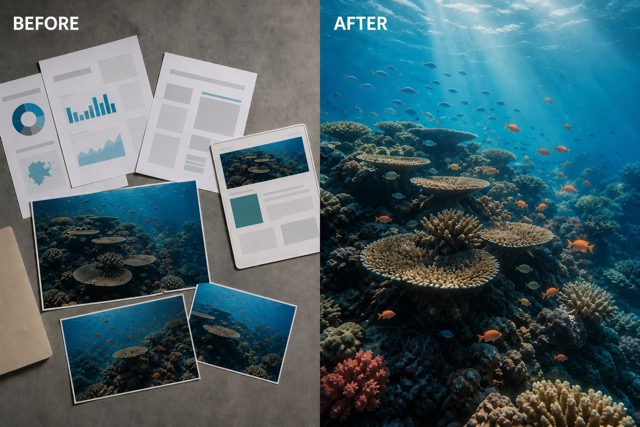
Bring together a report, PDF, webpage, URL, image, clip, or audio reference. anything to video AI helps the AI video generator interpret a richer source set, so the result can reflect more than a short text prompt. WAN 3.0 reference mode supports multimodal creation from up to 20 assets, giving anything to video AI room for layered ideas while the AI video generator keeps the output focused.
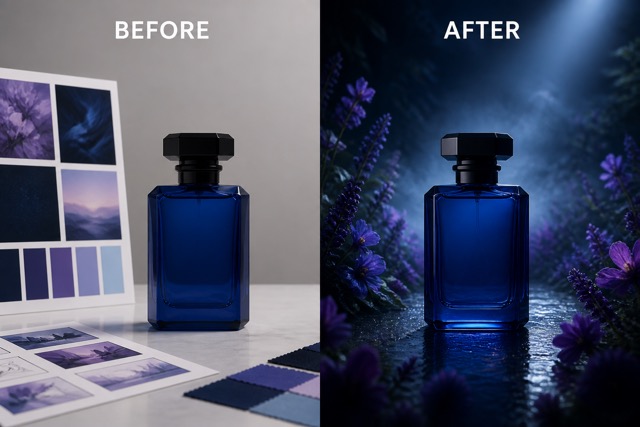
Anything to Video AI With Clear Creative Direction
References provide substance; your prompt provides purpose. anything to video AI lets you specify the audience, platform, mood, structure, camera language, and priorities. The AI video generator blends those choices with the supplied assets, helping anything to video AI create a result that feels intentional. Ask the AI video generator for a product teaser, lesson, recap, pitch, explainer, or visual story without starting from an empty timeline.
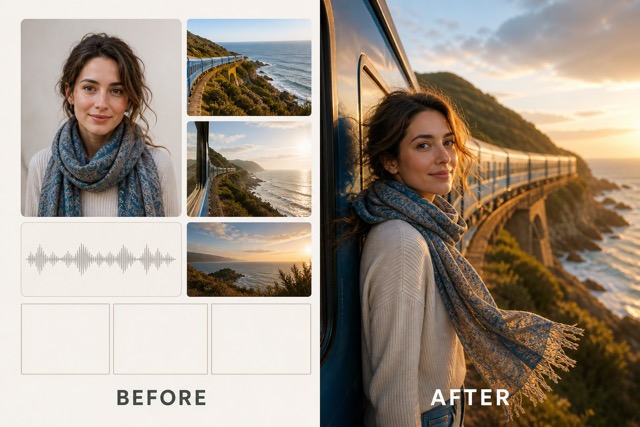
Anything to Video AI for Coherent Multimodal Stories
Mixed inputs can become messy when each asset is treated in isolation. anything to video AI gives the AI video generator one coordinated reference workflow, helping subjects, visual cues, factual themes, and tone carry across scenes. Use anything to video AI when continuity matters and let the AI video generator connect diverse source material with natural pacing and transitions.
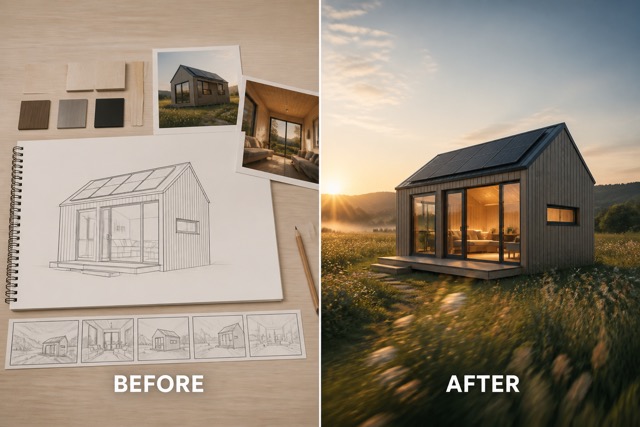
Anything to Video AI for Faster First Cuts
Turn research and creative assets into a visible draft sooner. anything to video AI gives the AI video generator enough context to develop a structured first cut, while your prompt defines what should lead. Teams can use anything to video AI to compare directions, test narratives, and communicate ideas before full production. The AI video generator becomes a practical bridge from information to motion.
What Can You Make With Anything to Video AI?
anything to video AI adapts to business, education, marketing, and creative communication. Use the same AI video generator to shape five very different outcomes while keeping the source materials and your direction at the center.

Reports and PDF Explainers
Use anything to video AI to turn a dense report or PDF into an accessible overview. The AI video generator can follow your requested audience and emphasis while building scenes around the supplied material.

Webpage and URL Recaps
Give anything to video AI a supported webpage or URL reference and define the takeaway. The AI video generator can shape that source into a concise recap, visual introduction, or campaign-ready story.

Product and Campaign Concepts
Combine product images, brand notes, clips, and a launch brief with anything to video AI. The AI video generator can explore a unified teaser or concept while keeping the selected materials connected.

Training and Learning Videos
Turn documentation, slides, examples, and reference media into a learning concept with anything to video AI. Guide the AI video generator toward the right level, pace, tone, and structure for your audience.
Research and Editorial Stories
Use anything to video AI to organize source notes, images, webpages, interviews, and audio into a visual narrative. The AI video generator helps create an early editorial direction that teams can review and refine.
Creative Reactions to Anything to Video AI
These illustrative reactions show how different roles might use anything to video AI. From research to campaigns, the AI video generator can make a complex set of references easier to see, discuss, and develop. Each AI video generator result becomes a practical starting point for feedback.
I used anything to video AI to turn a research packet and interview references into a visual treatment. The AI video generator gave our team a concrete first cut to discuss instead of another long document.
anything to video AI helped me combine a landing page, campaign brief, and product images into one teaser concept. The AI video generator made it much easier to compare story angles before production.
With anything to video AI, I could give the AI video generator a PDF, supporting visuals, and a learner profile. The first result quickly showed where the lesson needed more clarity and better pacing.
anything to video AI gave our mixed references a shared visual direction. I liked that the AI video generator responded to both the source material and the creative prompt instead of treating them as separate tasks.
I tested anything to video AI with notes, webpages, images, and a short audio reference. The AI video generator produced an approachable narrative draft that made editorial review faster and more specific.
anything to video AI is useful when an idea is spread across too many files. The AI video generator turned those scattered references into a coherent concept I could refine with a single creative direction.





Anything to Video AI FAQ
Get clear answers about references, prompts, workflow, and creative control before using anything to video AI as your AI video generator.
anything to video AI is a reference-driven tool powered by WAN 3.0. It lets you supply supported source materials and a creative direction, then the AI video generator organizes those references into a coherent video concept.
anything to video AI is designed for multimodal references such as documents, PDFs, webpages, URLs, text, images, video, and audio. The available AI video generator inputs can depend on the live WAN 3.0 reference workflow and the material you provide.
WAN 3.0 describes omni-creation from up to 20 reference assets. anything to video AI uses the model's native reference limit so the AI video generator can work with a richer bundle when the live workflow supports it.
Yes. Add your purpose, audience, tone, pace, visual style, scene priorities, or details to preserve. anything to video AI combines that direction with the source materials so the AI video generator has both context and a clear goal.
Clear, relevant references and a specific prompt usually give the AI video generator stronger guidance. Organize the most important sources, remove contradictions, and tell anything to video AI which facts, subjects, or moments should lead.
No. anything to video AI can support explainers, learning concepts, product stories, research recaps, campaign ideas, and creative narratives. The same AI video generator workflow can adapt to different audiences and outcomes.
Turn Your Sources Into Video Today
Bring your documents, PDFs, webpages, URLs, images, clips, and ideas together with anything to video AI. Give the AI video generator one clear direction and move from scattered references to a coherent video concept now. Start with the AI video generator whenever your best story is spread across multiple sources.
