













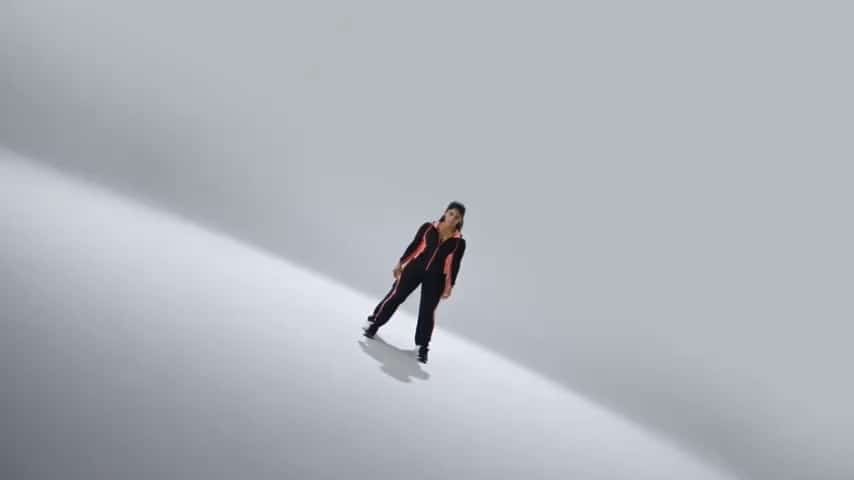
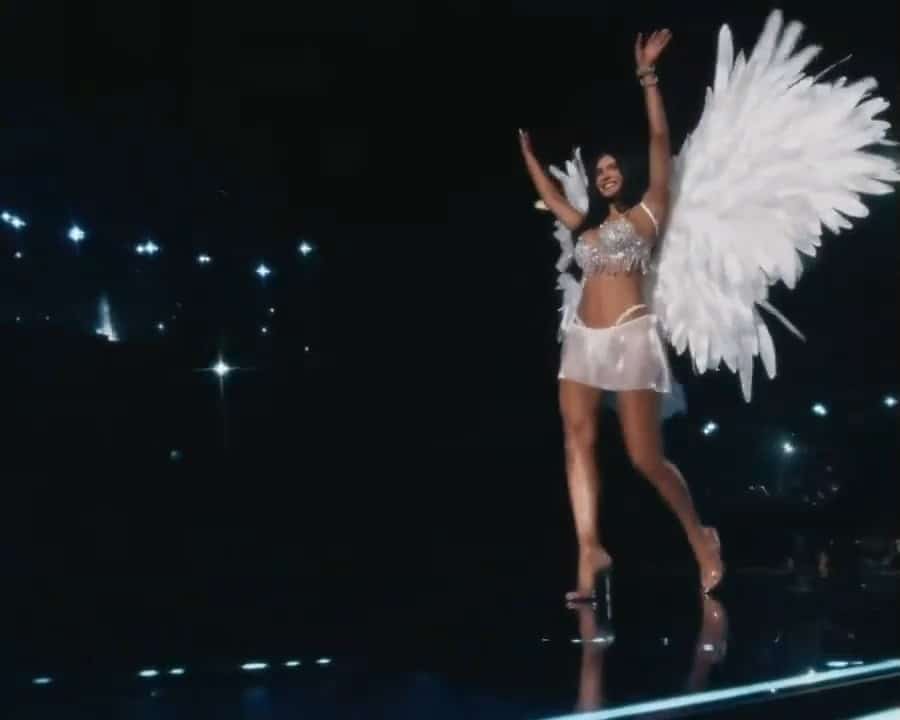
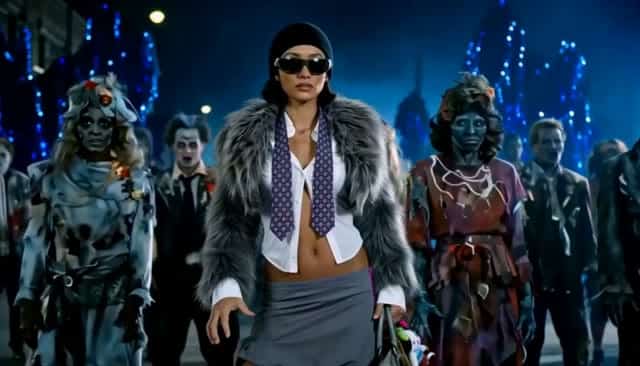
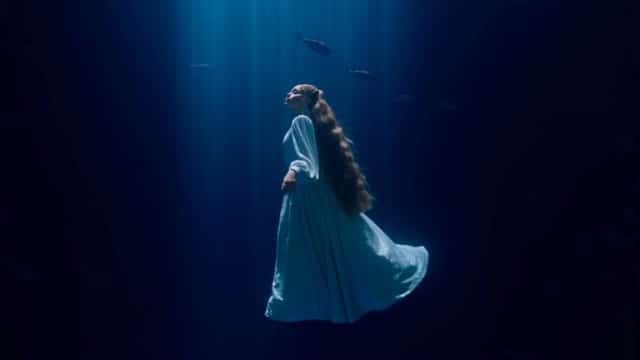
More AI Video Generators
Explore our collection of specialized AI video generators designed for different creative needs and styles
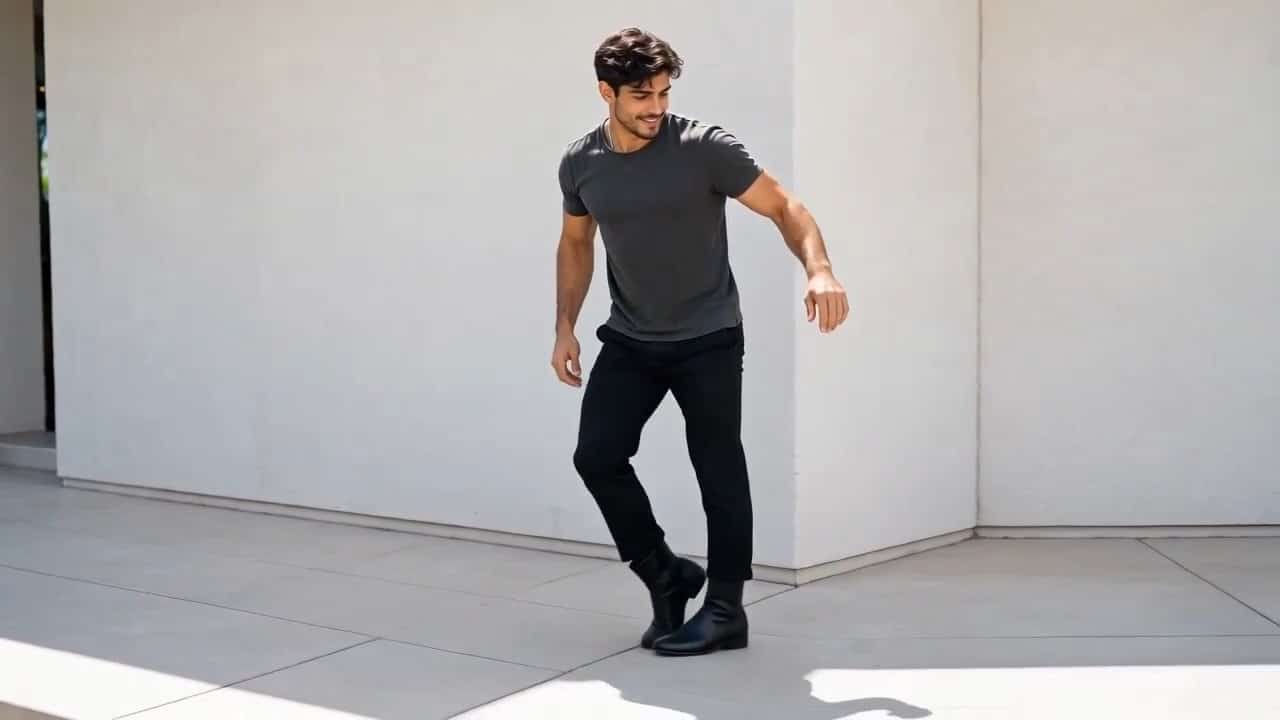
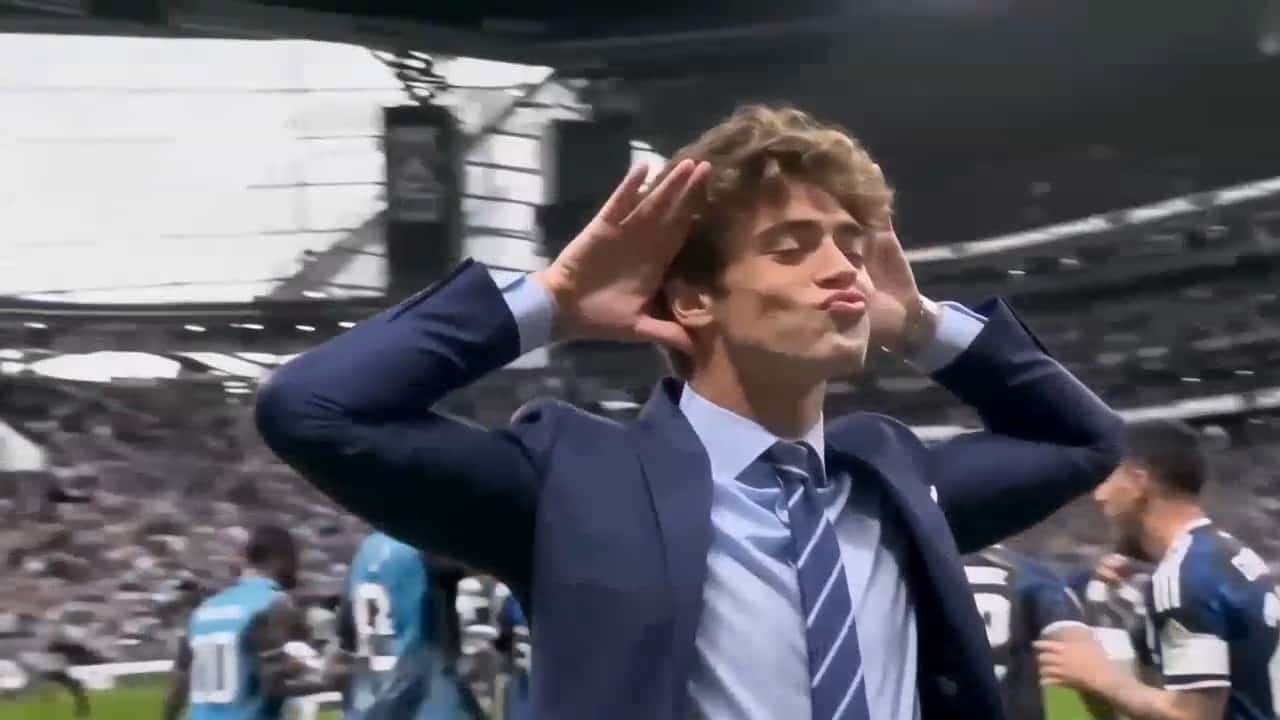
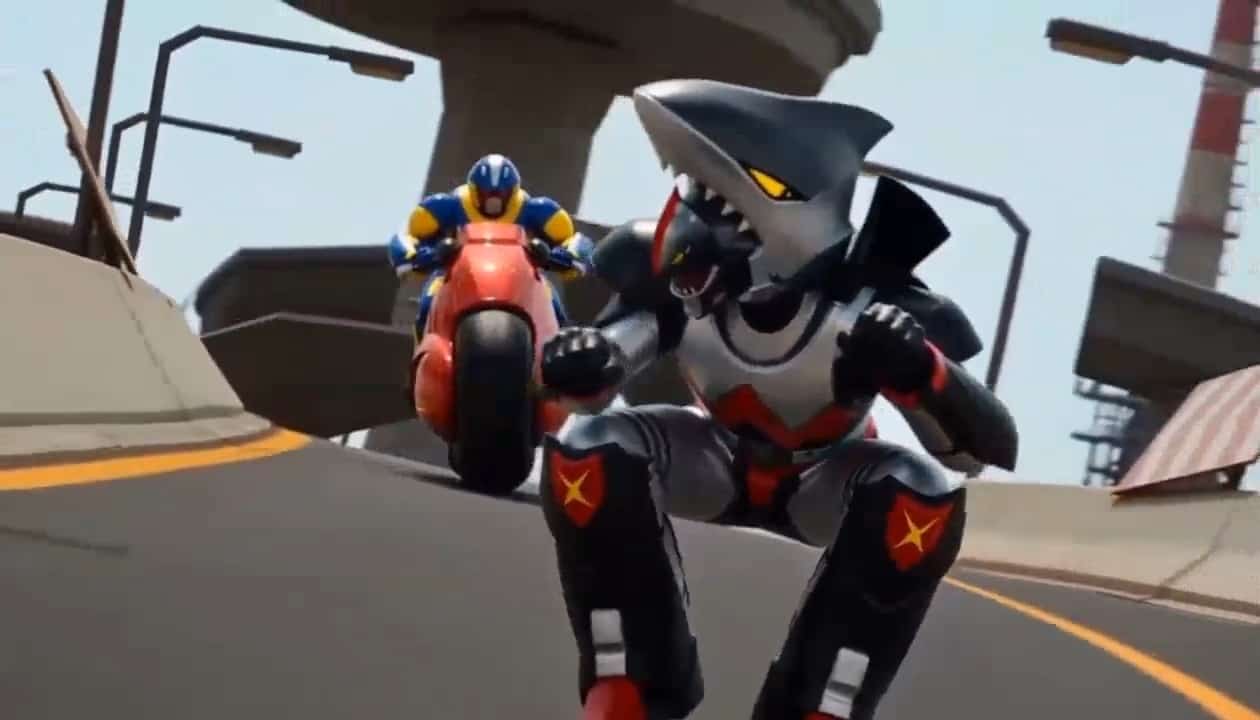



AI Halloween Costume Transformation
Turn Your Photo Into A Cinematic Costume Reveal
AI Halloween Costume Transformation turns your portrait into a cinematic reveal. Upload a photo, choose a vampire, witch, skeleton, or pumpkin outfit, and describe a slow turn through smoke. SuperMaker’s AI Halloween Costume Video Generator animates your idea with supported models, aiming for a recognizable face and expressive fabric.
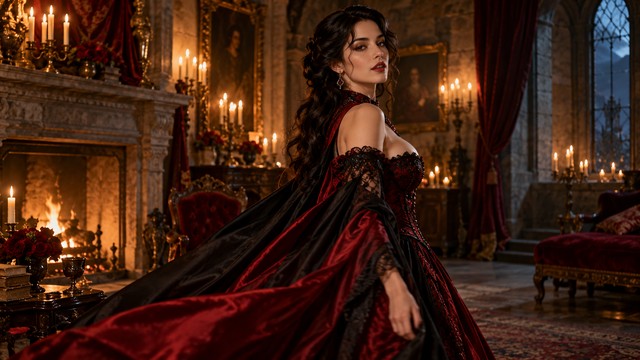
How To Create Your Halloween Video
Create your reveal in three steps. Give AI Halloween Costume Transformation one costume idea and a simple movement.

Upload Your Photo
Upload a clear half-body or full-body photo of yourself or someone who has given permission. Visible facial features and clothing help AI Halloween Costume Transformation interpret your character.

Click Generate
Choose a model and describe the costume, transition, and final pose. Request a gentle turn or smoke, then click Generate in the AI Halloween Costume Video Generator.

Download Your Video
Check the completed clip’s face, hands, outfit, and reveal before downloading. Simplify your prompt if needed, then save your preferred AI Halloween Costume Transformation video for sharing.
Best AI Video Tools for Creative Projects
Explore creative tools for video, learn tips and tricks, and see how AI can be your assistant in turning concepts into finished projects.


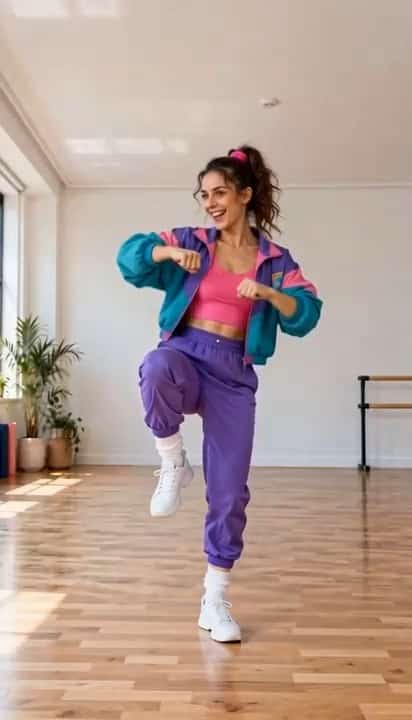





















Direct The Outfit Change
AI Halloween Costume Transformation is a creative workflow, not a standalone model. Tell the AI Halloween Costume Video Generator how clothes change and what stays recognizable.
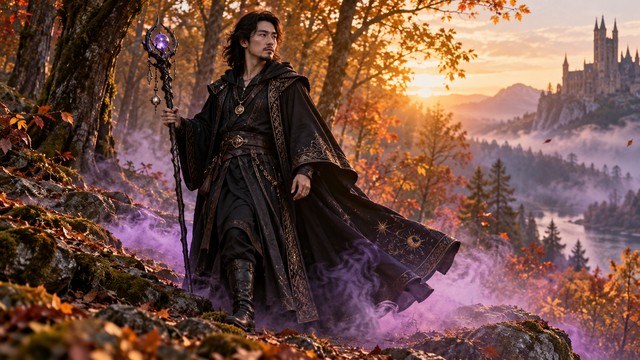
Vampire And Witch Costume Changes
Give AI Halloween Costume Transformation a wardrobe destination: a vampire gown, flowing cape, or wizard robe. Describe fabric, silhouette, and makeup. The AI Halloween Costume Video Generator explores AI Vampire Transformation and witch-inspired looks. For an AI Witch Costume Generator concept, keep movement restrained and request one prop with a clear final pose.
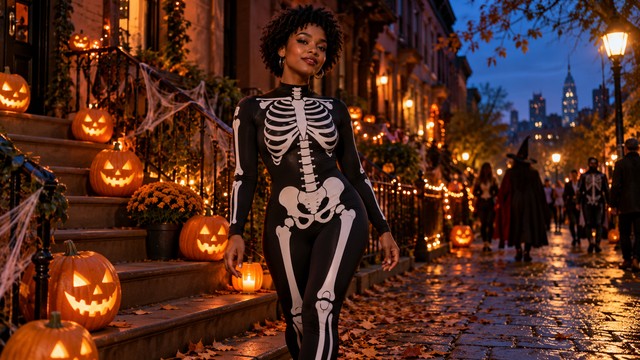
Smooth Outfit Transitions
Build AI Halloween Costume Transformation around the everyday outfit, transition, and finished costume. Connect them with a gentle turn, smoke, or shadow. The AI Halloween Costume Video Generator interprets your direction; results vary by model. For Halloween Outfit Change AI, request natural fabric movement and a final hold instead of competing effects.
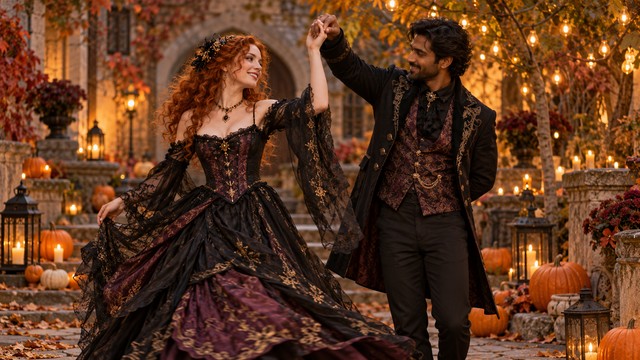
Recognizable Faces And Shared Scenes
Ask AI Halloween Costume Transformation to preserve the face, hair, proportions, and expression. Clear references and modest motion help, but consistency is not guaranteed. With the AI Halloween Costume Video Generator, couples can explore coordinated looks. Describe each person separately, keep positions stable, and inspect faces, hands, and overlapping clothing.
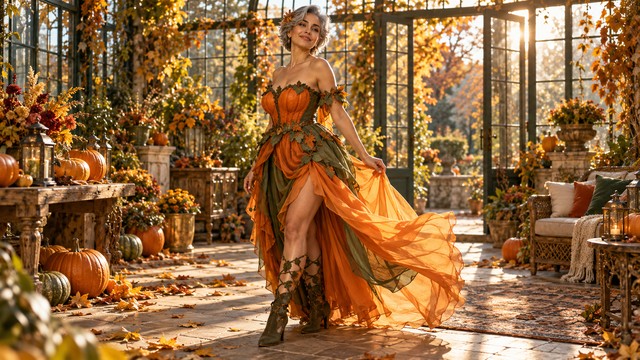
Cinematic Scenes From A Single Photo
Place AI Halloween Costume Transformation in a candlelit room, pumpkin-lined street, or autumn courtyard. Request matching light and a slow push-in. The AI Halloween Costume Video Generator uses your image for Photo to Halloween Video animation. Explore pumpkin outfits or skeleton prints. These illustrations show creative directions, not verified video frames.
Halloween Video Ideas To Make Your Own
Give a familiar face a seasonal story with AI Halloween Costume Transformation. Choose one costume reveal and let the AI Halloween Costume Video Generator explore it.

Halloween Party Invitations
Open an invitation with AI Halloween Costume Transformation: everyday clothes, smoke, then a reveal beside pumpkins. Add names and dates in your editor. The AI Halloween Costume Video Generator supplies the visual starting point for invitations and teasers.

Couple Costume Videos
Try AI Halloween Costume Transformation with one photo of two consenting adults in coordinated outfits. Describe each wardrobe and request a gentle turn. The AI Halloween Costume Video Generator may need several attempts for distinct faces and clean clothing.

Social Media Challenges
Make AI Halloween Costume Transformation the hook for TikTok, Reels, or Shorts. Show the starting outfit and finish on a strong pose. Choose portrait format when available, keeping the face and costume inside the crop.

Original Character And Costume Ideas
Explore skeleton prints, gothic makeovers, or pumpkin characters with AI Halloween Costume Transformation. Use the AI Halloween Costume Video Generator to compare moving costume concepts, then refine colors, fabric, atmosphere, and the final reveal around your favorite direction.
Creative Holiday Greetings
Send a greeting with AI Halloween Costume Transformation, warm light, gentle movement, and an expressive pose. Add precise wording afterward in your editor. The AI Halloween Costume Video Generator can explore humorous, elegant, or softly spooky directions.
Pet Costume Experiments
Try pumpkin or wizard outfits with AI Halloween Costume Transformation if your model handles the pet photo well. Keep the face visible and movement subtle. The AI Halloween Costume Video Generator cannot guarantee accuracy; inspect anatomy and fur.
Halloween Creator Campaigns
Build a series with AI Halloween Costume Transformation, keeping the reveal consistent across original outfits. Change one detail at a time. Use the AI Halloween Costume Video Generator to explore campaign ideas, reviewing identity, clothing, and continuity.
Example Creative Reactions
These fictional names and example reactions illustrate preferences, not verified customer testimonials or results.
I like AI Halloween Costume Transformation concepts that show the ordinary outfit first. A clear change makes the reveal satisfying.
My favorite AI Halloween Costume Transformation pairs a vampire cape with candlelight. The costume and atmosphere should feel like one scene.
A playful AI Halloween Costume Transformation reveal would open my invitation nicely. I prefer adding accurate event details in my editor.
I would choose AI Halloween Costume Transformation for coordinated costumes. Readable faces matter more to me than abundant smoke.
I want the AI Halloween Costume Video Generator to support clear storytelling. A simple turn and strong ending make a useful concept.
I like AI Halloween Costume Transformation ideas where fabric defines character. One outfit leaves room to refine details.






Halloween Costume Video FAQ
Find answers about AI Halloween Costume Transformation, source photos, prompts, and downloads. Check your selected model’s controls before generating.
AI Halloween Costume Transformation uses Image to Video to animate everyday clothes changing into a costume. It is not a separate model. The AI Halloween Costume Video Generator interprets your photo and prompt for movement and the reveal.
Upload a photo, choose a model, and describe the outfit, transition, and ending. Click Generate and review. Keep AI Halloween Costume Transformation focused: for Photo to Halloween Video, show ordinary clothes first and the finished costume last.
Prompt AI Halloween Costume Transformation for a cape, red outfit, gothic makeup, and candlelight. The AI Halloween Costume Video Generator creates an interpretation, not precise clothing replacement. Check the face and costume before keeping a result.
Yes. For AI Halloween Costume Transformation, describe an original witch or wizard with a robe, simple prop, smoke, and a slow turn. Keep actions clear; results depend on the model and source photo.
For AI Halloween Costume Transformation, use a clear half-body or full-body photo with a visible face. Avoid filters and clutter. Clear clothing and proportions help the AI Halloween Costume Video Generator interpret your reference.
Ask AI Halloween Costume Transformation to preserve identity, hair, expression, and proportions, but consistency is not guaranteed. Use a clear photo and restrained motion. Review the whole clip for facial drift during transitions.
Try AI Halloween Costume Transformation with one photo of two consenting adults. Describe each outfit and preserve their positions. Two-person consistency is harder, so limit motion and check faces, hands, and overlapping clothing.
Pet photos are experimental for AI Halloween Costume Transformation. Request a simple costume, subtle movement, and a visible face. The AI Halloween Costume Video Generator cannot guarantee accuracy; inspect anatomy, fur, and clothing placement.
No timeline editing is needed for AI Halloween Costume Transformation: upload, prompt, generate, and download. Keep the idea clear and focused. You can use an editor afterward for precise captions, music, trimming, or invitation details.
AI Halloween Costume Transformation concepts suit TikTok, Reels, and Shorts. Choose 9:16 when available, keeping the face and costume central. Review the crop, platform requirements, and applicable usage terms before posting.
AI Halloween Costume Transformation does not promise automatic Halloween music. Audio depends on your model and its controls. Listen before sharing, and add suitably licensed music in your editor when you need a specific soundtrack or cue.
Open the finished result and use its download control. Review your AI Halloween Costume Transformation clip, including the starting outfit and reveal. If faces or clothes look wrong, simplify the prompt and try again.
Create Your Own Halloween Costume Reveal
Try AI Halloween Costume Transformation with your photo and an original cinematic reveal. Use the AI Halloween Costume Video Generator for vampire, witch, skeleton, or pumpkin looks, then download your favorite.
