

















More AI Video Generators
Explore our collection of specialized AI video generators designed for different creative needs and styles



AI Clip Video Generator: Give Your Ideas Motion
Your AI video clip generator for original short scenes
Create a new scene with the AI clip video generator. Start from words or a reference image, direct the action, and explore a short video that turns an imagined moment into something you can watch.
How to Use the AI Clip Video Generator
A useful clip starts with a focused idea. The AI clip video generator brings the scene into motion, while you choose the subject, action, and visual emphasis. Follow this simple AI video clip generator workflow to move from a brief to a reviewed result.

1. Give the AI clip video generator a Clear Starting Point
Start with a scene you can describe in one sentence. Use the AI clip video generator from text when you need an entirely new setting, or choose the AI clip video generator from images when a photograph already establishes the subject. Tell the AI video clip generator who or what appears, where the action happens, and what changes during the shot. A ceramic cup releasing steam beside a rainy window is more actionable than a request for something beautiful. Give the AI clip video generator a single visual priority so the first result has a clear purpose.

2. Direct the AI clip video generator with One Main Action
Choose a model and the settings available for your project. Then tell the AI clip video generator how the subject moves and how the camera follows. A slow push toward a flower needs different direction from a sideways tracking shot beside a cyclist. Keep these instructions compatible with the scene. The AI video clip generator interprets your brief rather than a fixed editing timeline, so avoid cramming a complete story into one short shot. Before trying the AI clip video generator free with available credits, check the displayed generation cost and account access.

3. Review Your AI clip video generator Result
Generate the clip, then watch it from beginning to end. Use the AI clip video generator result to evaluate the opening frame, main action, and final composition. Check hands, reflections, product shapes, and any important details against your brief. If the movement distracts from the subject, revise that instruction before another attempt. The AI video clip generator gives you material to assess; your review determines whether it fits the project. Download a suitable result through the available controls, and return to the AI clip video generator with one specific adjustment when needed.
Best AI Video Tools for Creative Projects
Explore creative tools for video, learn tips and tricks, and see how AI can be your assistant in turning concepts into finished projects.
























AI Clip Video Generator Features for Purposeful Short Scenes
Use the AI clip video generator to solve a concrete creative problem: invent a setting, animate a reference, direct attention, or compare a revision. Each AI video clip generator decision should support the moment you want viewers to understand.

Build a New Scene with the AI clip video generator from Text
An empty camera roll does not have to stop a visual idea. Use the AI clip video generator from text to describe a place, a subject, and a small action without supplying a photograph. The AI video clip generator gives that description a visual interpretation. Specify the element viewers should notice first, then add only the details that support it. The AI clip video generator is useful for testing a scene before organizing a larger production. Review whether the generated setting and movement communicate the original idea, and narrow the brief if the image becomes too busy.

Animate a Starting Frame with the AI clip video generator from Images
Choose the AI clip video generator from images when a product photograph, illustration, or scene reference already captures the look you want. Upload one clear image and describe what should happen next. The AI video clip generator can use the reference as a starting point, while your prompt directs a gesture, environmental movement, or camera approach. Request preservation of recognizable details, especially when the source contains a face or distinctive object. The AI clip video generator still produces an interpretation, so compare the output with the original before using it. Restrained motion often makes the creative intent easier to judge than several simultaneous actions.
Guide Attention with the AI clip video generator
Camera movement should help viewers understand the subject. Give the AI clip video generator a slow approach to reveal a small detail, a lateral move to establish depth, or a steady frame that lets the action carry the shot. The AI video clip generator is easier to direct when the camera and subject instructions support each other. Use the AI clip video generator to compare how these decisions change the feeling of a scene. Watch the entire result for distracting shifts in perspective, and simplify the motion when the intended focal point becomes difficult to follow.

Explore Model Choices in the AI clip video generator
Different creative briefs may benefit from different model options. The AI clip video generator lets you choose among the configured video models and inspect their available controls. Compare the same brief when evaluating a new model, rather than changing every setting at once. The AI video clip generator can produce different interpretations of lighting, motion, and composition, so define what a useful result means before spending more credits. If you want to try the AI clip video generator free, use eligible account credits and check the requirement shown for the selected settings. Model access and consumption can vary.
Put the AI Clip Video Generator to Work
Choose a small creative task with a clear outcome. The AI clip video generator can support social concepts, product planning, story pitches, and visual explanations. Shape the brief around the audience, then use the AI video clip generator result as material for a careful creative review.

Social Openings with the AI video clip generator
Build a visual hook around one recognizable moment: a surprising reveal, a small transformation in the scene, or a distinctive character action. Use the AI clip video generator to explore that opening before assembling the rest of your post. The AI video clip generator provides the moving scene; add captions and other finishing elements in your preferred editing workflow. Leave enough visual space for those additions. Review the clip in the format your audience will see, and select the AI clip video generator result with the clearest opening rather than the busiest effect.

Product Concepts with the AI video clip generator
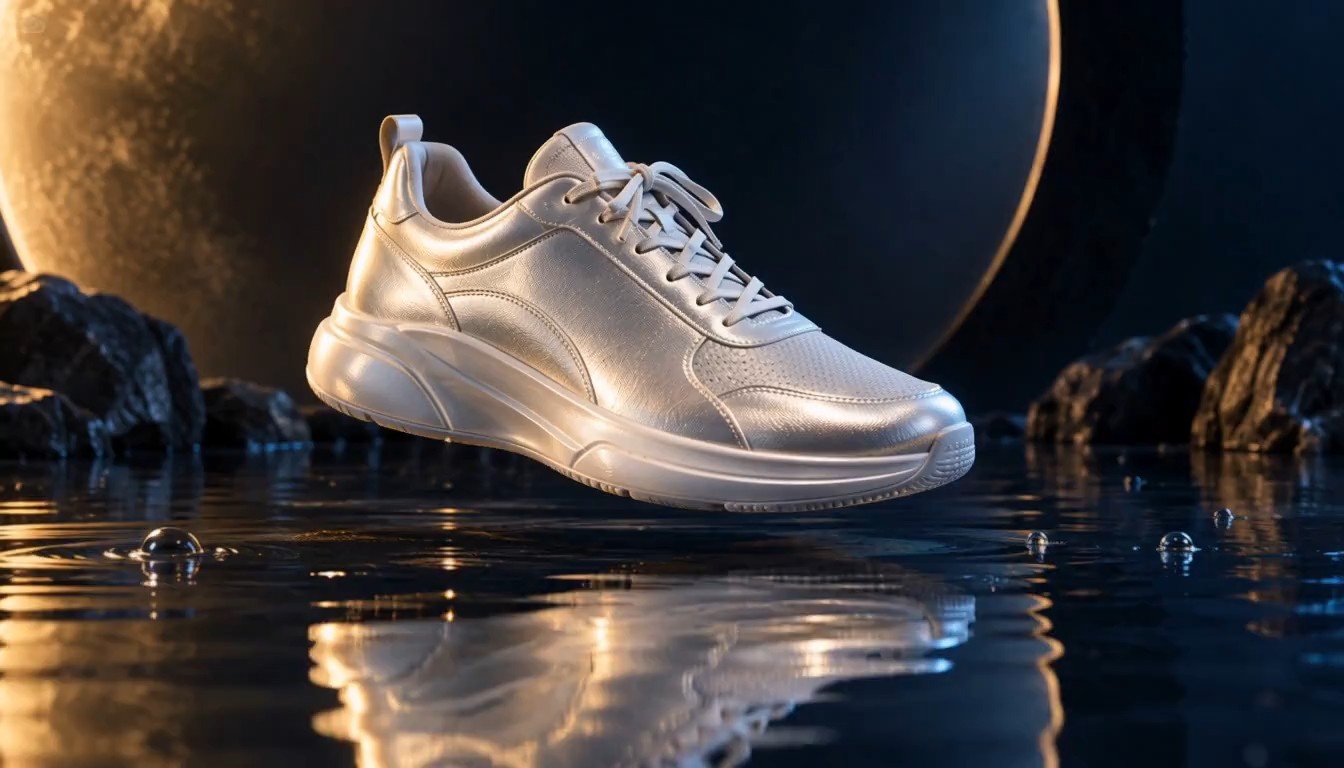
Explore how a product could appear in a short visual presentation. The AI clip video generator from images can start with a reference photograph, while a text brief defines movement and atmosphere. Ask the AI video clip generator for a gentle reveal or a restrained camera approach that keeps the object easy to inspect. Generated packaging, lettering, and reflections may change, so verify important details before campaign use. The AI clip video generator helps make a concept watchable during planning, giving collaborators a specific motion idea to discuss and refine.

Story Pitches with the AI video clip generator
Describe a single story beat instead of an entire film. The AI clip video generator might show a traveler discovering a light in the forest or a tiny robot examining an unfamiliar flower. Use the AI video clip generator to explore pacing, atmosphere, and the relationship between the character and setting. Keep the action readable without relying on added dialogue. Compare each AI clip video generator interpretation with your storyboard, and use the strongest draft to explain the intended mood during the next creative discussion.

Visual Explanations with the AI video clip generator
Give a presentation a short imagined scene that introduces the topic. A seed opening, water moving around a stone, or a simple environmental change can support a spoken explanation. The AI clip video generator produces illustrative motion, so verify any factual details independently. Use the AI video clip generator to draw attention to one idea rather than filling the frame with competing events. Show the AI clip video generator result alongside your explanation and identify generated interpretations when accuracy or documentary context matters to the audience.
AI Clip Video Generator: Four Creative Scenarios
These fictional scenarios illustrate possible uses of the AI clip video generator; they are not verified customer testimonials. Each creator brings a different goal and a specific review decision to the workflow.
I would use the AI clip video generator to test a quiet reveal before building a social opening. The AI video clip generator brief would focus on a single action and room for a caption. I would compare the first moments and choose the AI clip video generator draft that makes the subject immediately clear.
My AI clip video generator concept would begin with a product reference and a gentle camera approach. I would use the AI video clip generator result to discuss mood with the team, then inspect the packaging closely. A useful AI clip video generator draft would communicate the presentation idea without distracting movement.
I would ask the AI video clip generator for a simple visual introduction to a lesson. The scene would illustrate an idea, with factual explanation supplied separately. I would review the AI clip video generator output for distracting details and tell learners when the motion is an imagined interpretation.
The AI video clip generator would help me explore a character discovering a strange object. I would keep the action small enough to read in one shot. After reviewing the AI clip video generator draft, I would refine the gesture or camera direction before discussing the next story beat.


AI Clip Video Generator Questions Answered
Plan your first AI clip video generator attempt with practical answers about inputs, prompts, available credits, and output review. These details help you choose a focused brief and understand what to inspect afterward.
The AI clip video generator creates original short scenes from a text prompt or image reference. You define the subject and action, select available settings, and review the generated clip. It is a creative generation workflow rather than automatic highlight extraction from a long recording.
You can explore the AI clip video generator free when your account has eligible credits and access to the selected model. Check the displayed generation requirement before each attempt. Free access is limited by your balance and current account conditions; it does not mean unlimited generation.
Start the AI clip video generator from text with a subject, setting, and one main action. Add a compatible camera instruction and lighting direction. A specific scene gives the model a clearer brief than a list of unrelated styles or a complete multi-scene story.
Use the AI clip video generator from images by uploading a clear reference and describing the movement. Explain which details should remain recognizable. Review the generated clip against the original, because faces, object shapes, and lettering can change during animation.
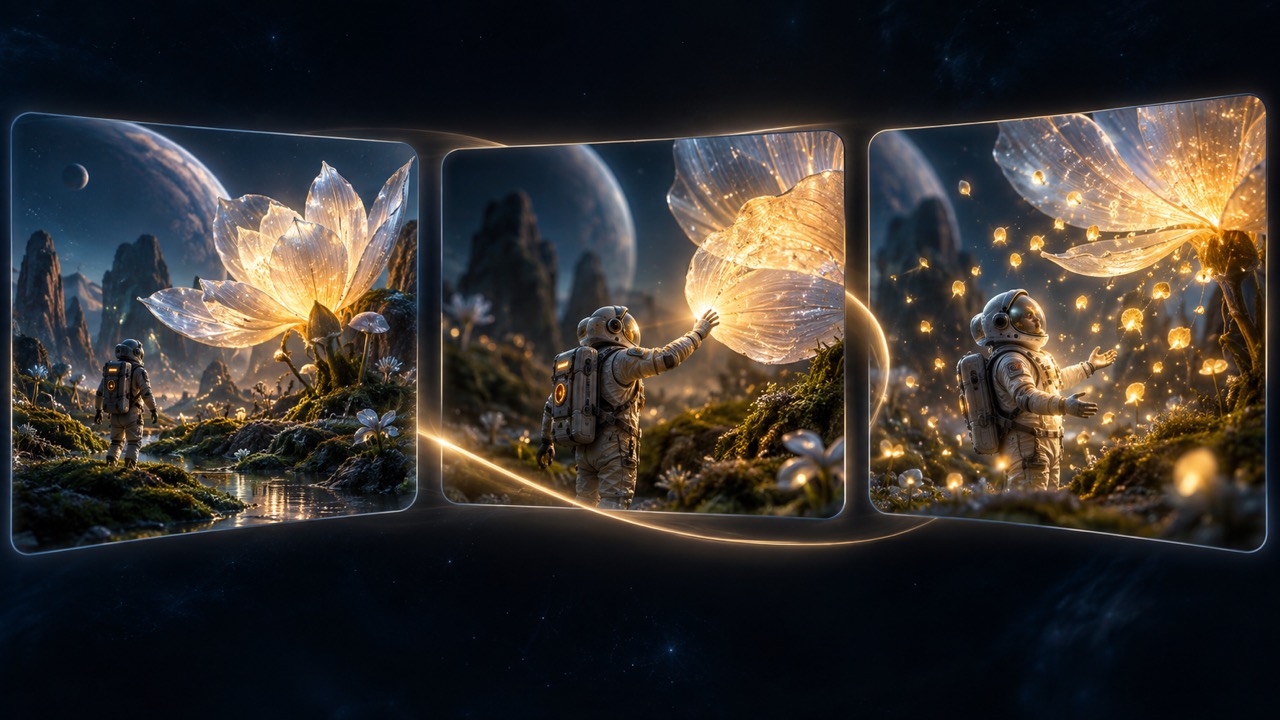
Give the AI clip video generator one visual priority and a purposeful action. For example, describe a tiny astronaut reaching toward a glowing flower while the camera slowly approaches. Keep secondary movement restrained, then revise the instruction that most affects the result.
The AI clip video generator can supply a generated scene for a social project. Finishing work such as precise captions, branded overlays, and assembling several clips may require a separate editor. Review the output and add those elements before publishing your finished post.
Use the same brief and compare the available settings, displayed credits, and resulting motion. The AI clip video generator offers configured model choices, but controls and access vary. Judge each output against the project's needs instead of assuming every model behaves identically.
Simplify the main action or reduce the camera movement, then check the result again. The AI clip video generator can reinterpret complex instructions, so adjust one variable at a time. Inspect the beginning, middle, and ending before choosing a clip for further editing.
Start Your Next Scene with the AI Clip Video Generator
Choose one idea, describe the action, and explore it with the AI clip video generator. Your AI video clip generator workflow can begin with words or a reference image. To try the AI clip video generator free, check eligible credits and the displayed cost, then create a focused first attempt.
