





















More AI Video Generators
Explore our collection of specialized AI video generators designed for different creative needs and styles



Unforgettable Car Trend With You In The Reveal
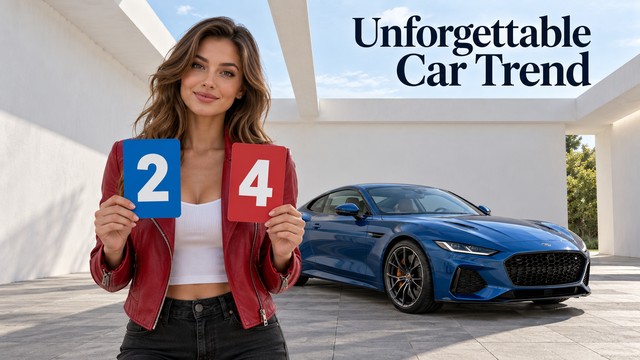
A Familiar Card Trick, Your Own Starring Role
Make the Unforgettable Car Trend personal with your own portrait and your choice of car. Add a vehicle photo when you have a particular look in mind, or skip it and let AI choose a sports car. A prepared sequence guides the reveal, leaving you to decide who takes the lead and what arrives in the final frame.
How To Make Your Unforgettable Car Trend Video
Your portrait is the starting point. A second image is optional and gives the car reveal a more personal direction.

Upload Your Portrait
Add one clear individual portrait first. This image defines the person, clothing and appearance you want in the scene.

Add A Car Photo If You Want
Upload a car image second to guide the vehicle's design and color. Leave this image out if you would like AI to choose a sports car.

Generate Your Version
Start generation with the prepared effect. The first photo defines the lead, the optional second photo defines the car, and the reference clip guides the action.

Review And Finish
Watch the complete clip before choosing it. If you want a different look, try another portrait. Add the final music and caption in your preferred editor.
Best AI Video Tools for Creative Projects
Explore creative tools for video, learn tips and tricks, and see how AI can be your assistant in turning concepts into finished projects.

























Give The Reveal A Personal Point Of View
The Unforgettable Car Trend works as a small performance: the anticipation matters as much as the final frame. Build your version around a look that feels like you.
Put Your Own Look At The Center
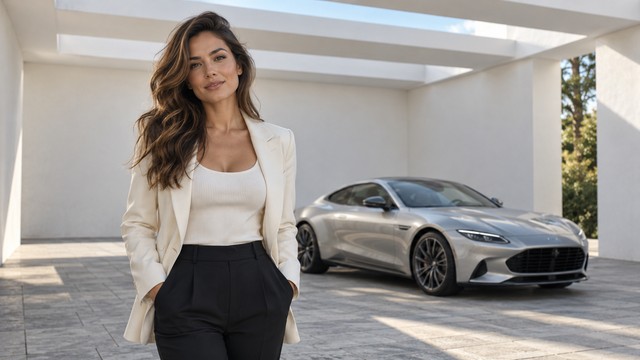
A casual jacket, a dressy outfit or an everyday portrait can give the same idea a different attitude. The photo is your casting choice. Choose an image with details you want carried into the performance, rather than a group picture where the intended lead is unclear.
Let The Cards Set Up The Reveal
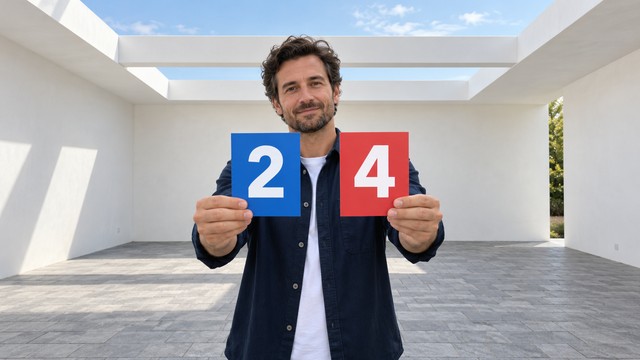
The recognizable sequence moves from two cards reading 24, through a covered lens, to the car reveal. The prepared clip guides that order. Your role is to bring a new face and outfit into the moment while keeping the visual setup easy to follow.
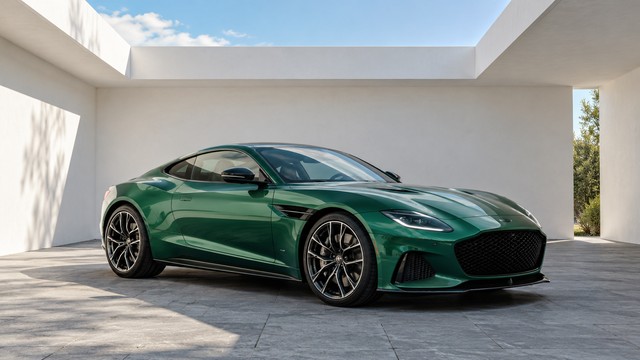
Bring Your Car Or Enjoy The Surprise
Use a clean car photo to guide the body style, paint color and visible details. A front three-quarter view is a practical way to show the vehicle clearly. Prefer a surprise? Add only your portrait and let the effect choose a sports car. A random choice is not a guarantee of a different model on every generation.
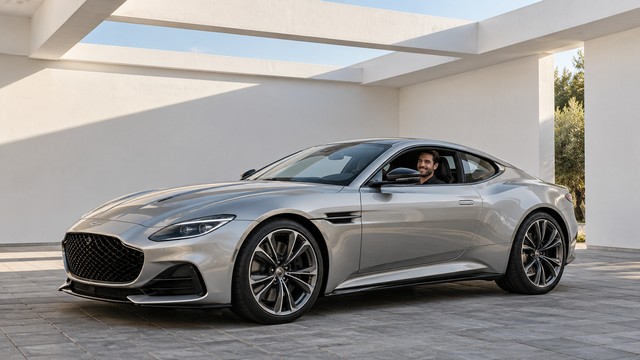
Build A Post Around The Final Frame
Treat the reveal as the payoff for your caption: a dream-garage joke, a style introduction or a playful entrance. Review the resulting framing before adapting it for a feed or story. Keep any added text clear of the face and the car.
Ideas For Your Unforgettable Car Trend
Use one familiar format to tell a small story about your taste, personality or sense of humor.

Your Take On The Trend
Make a personal entry for your social feed. Pair the clip with a caption that gives friends a reason to recognize your version.

A Dream-Garage Joke
Add a picture of a car you would love to reveal, or leave the choice to AI. Pair the result with a playful wish-list caption.

A Style Introduction
Choose a portrait with a distinctive outfit and use the scene as a short introduction to that look.

A Friendly Remix Challenge
Invite friends to make their own versions from their own photos, then compare the different personalities each portrait brings.
Creative Takes On The Car Reveal
Illustrative reactions to the creative concept, not verified customer reviews or tested generation results.
I like the idea of giving a familiar reveal my own style.
I like being able to choose a car instead of settling for one fixed look.
A single portrait is a clear starting point for a personal remix.
The setup and payoff make this a compact idea for a short post.
The surprise sports-car option makes a simple portrait feel like a new idea.
Seeing friends bring different looks to one format sounds fun.





Unforgettable Car Trend Questions
Know what defines this effect and which parts of the scene your photo changes.
It is a short car-reveal format built around cards showing 24 and a lens-covering transition. This page is designed to place your chosen person into that prepared scene.
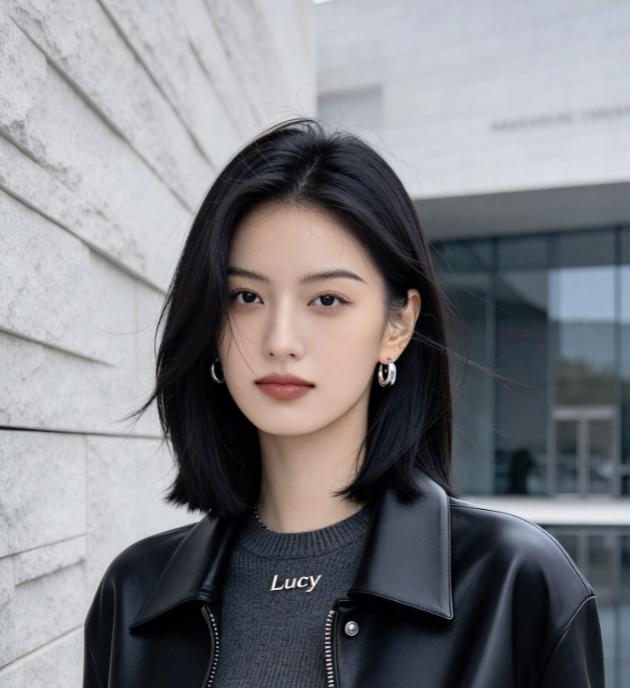
Add one clear portrait first, with the face and outfit visible. You may then add a car photo as the second image. Choose a car image with the whole vehicle visible and avoid images containing several cars. Use images you have permission to use.
No. This effect uses prepared instructions for the appearance replacement and reveal sequence. Free-text prompting is not part of this page's intended workflow.
Yes. Add an optional second image of the car you want to use as a visual reference. If you upload only your portrait, the effect asks AI to choose a sports car. The vehicle is AI-generated, so review its details; the result is not an exact product rendering.
The effect does not promise the track or automatic beat matching. Finish the audio using the music options available to you in your chosen editing or social app.
Watch the whole clip, including the transition. Check the face and outfit, readable cards, natural hands and stable vehicle details. Generation can vary, so choose a result you are happy with before posting.
Make The Unforgettable Car Trend Your Own
Choose your portrait, add a favorite car if you want, and turn the Unforgettable Car Trend into your own reveal.
