














More AI Video Generators
Explore our collection of specialized AI video generators designed for different creative needs and styles



Animate Old Photos and Bring Every Memory to Life
Turn a treasured portrait into a gentle, expressive video
Use SuperMaker to animate old photos with subtle expressions, natural blinking, and restrained camera movement. This video workflow turns one uploaded image into a short video while keeping the original mood and recognizable details at the center. Start to animate old photos with care, and animate old photos with a clear purpose.
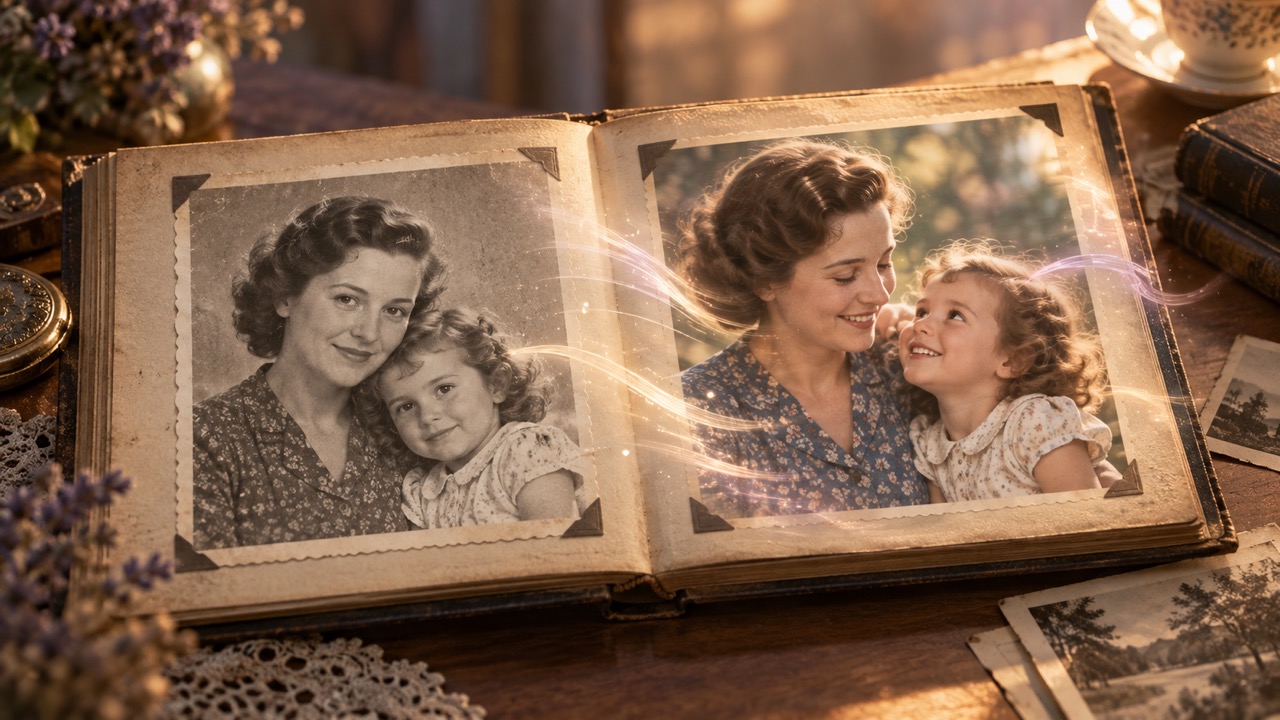
How to Animate Old Photos in Three Focused Steps
The process is simple: upload one picture, describe the motion, and review the result. You can animate old photos without keyframes or desktop editing software, and AI old photo animation helps translate a still portrait into gentle movement. Use this workflow to bring old photos to life while treating the original image as a visual reference, not something to redesign. Start to animate old photos with care.

Upload One Meaningful Photograph
Choose a clear scan or phone capture, then upload it to animate old photos without building a timeline. A front-facing portrait is a helpful starting point, but group scenes can also work when faces remain visible. Before you animate old family photos, crop distracting borders and check that the people you want to move are easy to identify. This first step prepares an old photo to video request without altering the source file on your device. Start to animate old photos with care.

Describe Gentle, Believable Motion
Tell SuperMaker how to animate old photos with a short, concrete prompt. Ask for natural blinking, a soft smile, calm breathing, or a slow camera push. The generator responds better when the movement is restrained and connected to the original pose. If your goal is to bring old photos to life, mention what should remain unchanged, including identity, clothing, background, lighting, and the photograph's period character. Start to animate old photos with care.

Generate, Review, and Refine
Generate a preview and inspect faces, hands, gaze, and background continuity. When you animate old photos, small prompt adjustments can make the result feel calmer or more expressive. Try AI old photo animation again with simpler motion if a detail moves too far. The animate old photos free entry point lets you explore the workflow, while generation availability and credits shown in the interface determine what you can create next. Start to animate old photos with care.
Best AI Video Tools for Creative Projects
Explore creative tools for video, learn tips and tricks, and see how AI can be your assistant in turning concepts into finished projects.
























Thoughtful Tools to Animate Old Photos with AI
SuperMaker helps you animate old photos through image-guided video generation, direct motion prompts, and quick visual review. AI old photo animation is most convincing when identity, era, composition, and emotional tone stay consistent. Use the controls to animate old photos with purpose, compare interpretations, and keep the original photograph as the trusted record. Start to animate old photos with care.
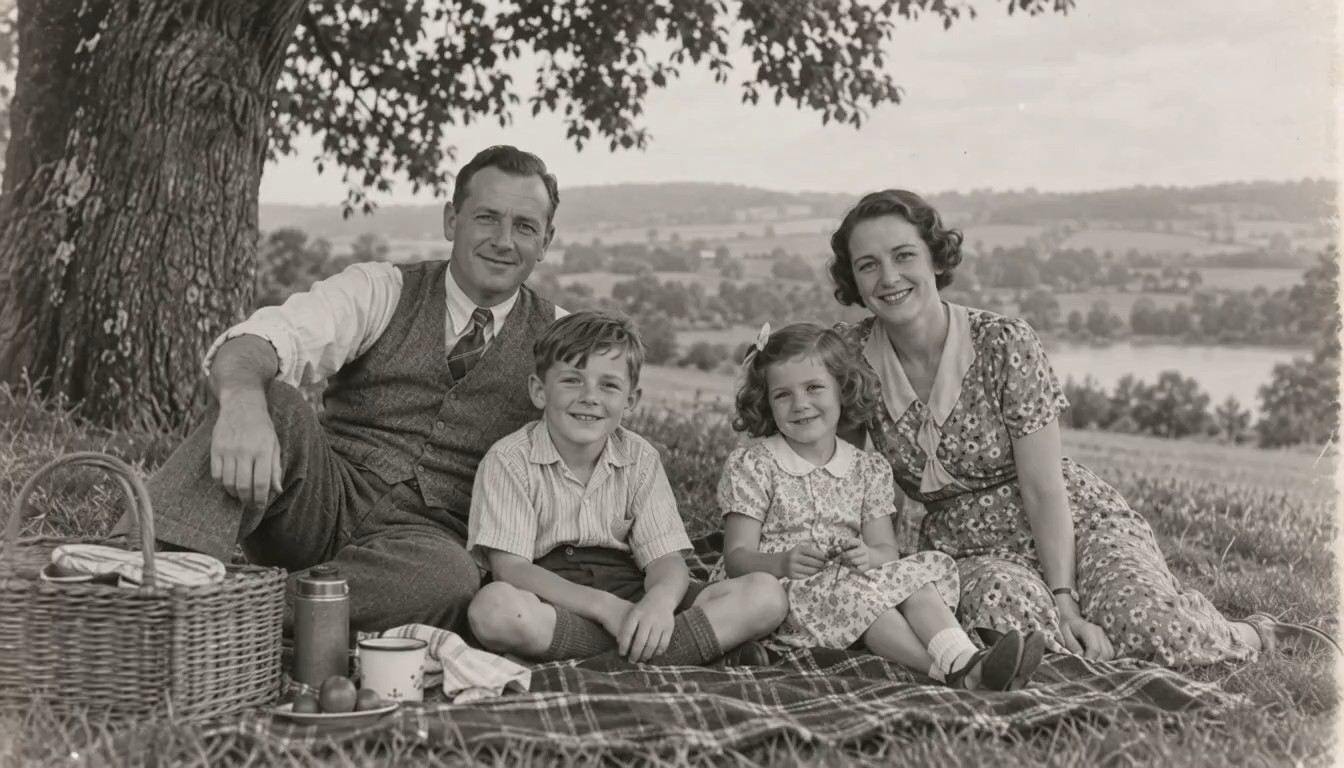
Preserve Identity While Adding Subtle Motion
The best way to animate old photos is to keep movement small enough that the person still feels familiar. Ask for blinking, breathing, a slight head turn, or a quiet smile instead of a dramatic performance. The generator uses the uploaded portrait as the visual starting point, so a clear face and a focused prompt give the model stronger guidance. This approach can animate old family photos with more restraint and can bring old photos to life without asking the scene to become something it never was. Review every old photo to video result carefully because generated motion may reinterpret fine details. Start to animate old photos with care.
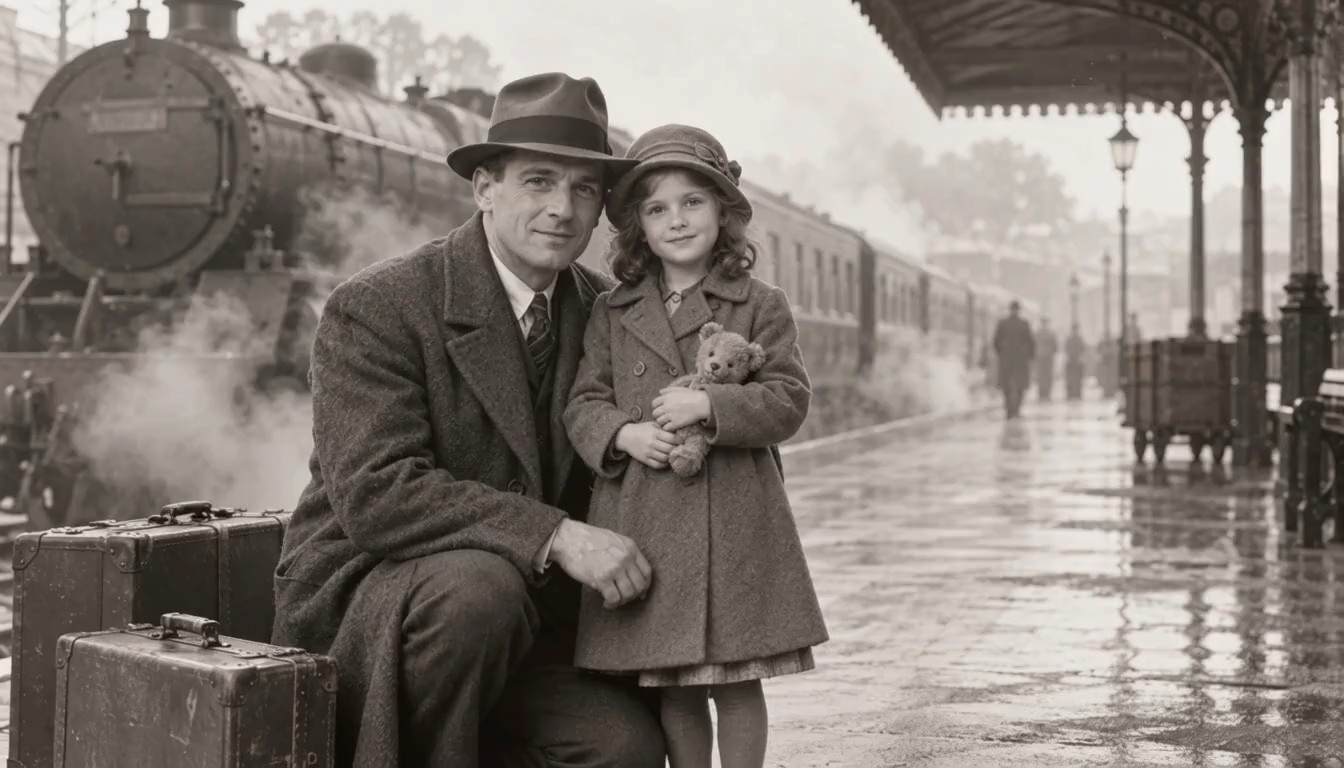
Guide Expressions, Gaze, and Camera Movement
Prompts make it easier to animate old photos with a specific emotional tone. Describe a warm blink, a modest smile, a glance toward the camera, or a slow push-in that respects the original framing. With AI old photo animation, direct language usually works better than a long story packed with competing actions. To animate old photos free of unnecessary visual changes, specify what must stay stable and avoid unsupported promises about a perfect reconstruction. The aim is to bring old photos to life as a creative interpretation, not to claim a historically exact recording. Start to animate old photos with care.
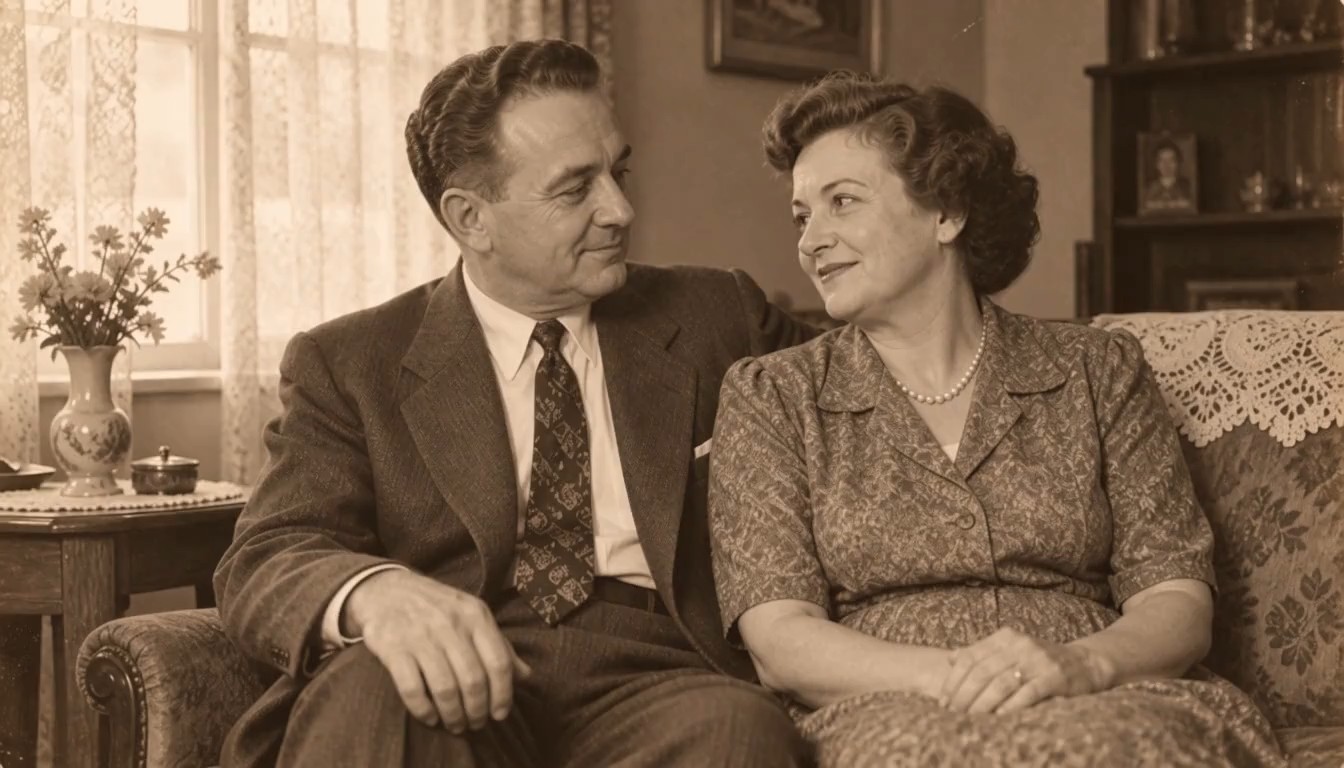
Work with Family Portraits, Group Scenes, and Archives
You can animate old photos from albums, framed prints, scanned portraits, school pictures, and community archives. For group scenes, name the person or area that should move first and keep secondary movement subtle. AI old photo animation can help family historians, educators, and storytellers create a short visual moment from a still reference. When you animate old family photos, use respectful prompts and consider how relatives may feel about the result. A thoughtful old photo to video clip can support remembrance, conversation, and historical context without replacing the original photograph. Start to animate old photos with care.
Refine Motion Without Losing the Photograph's Character
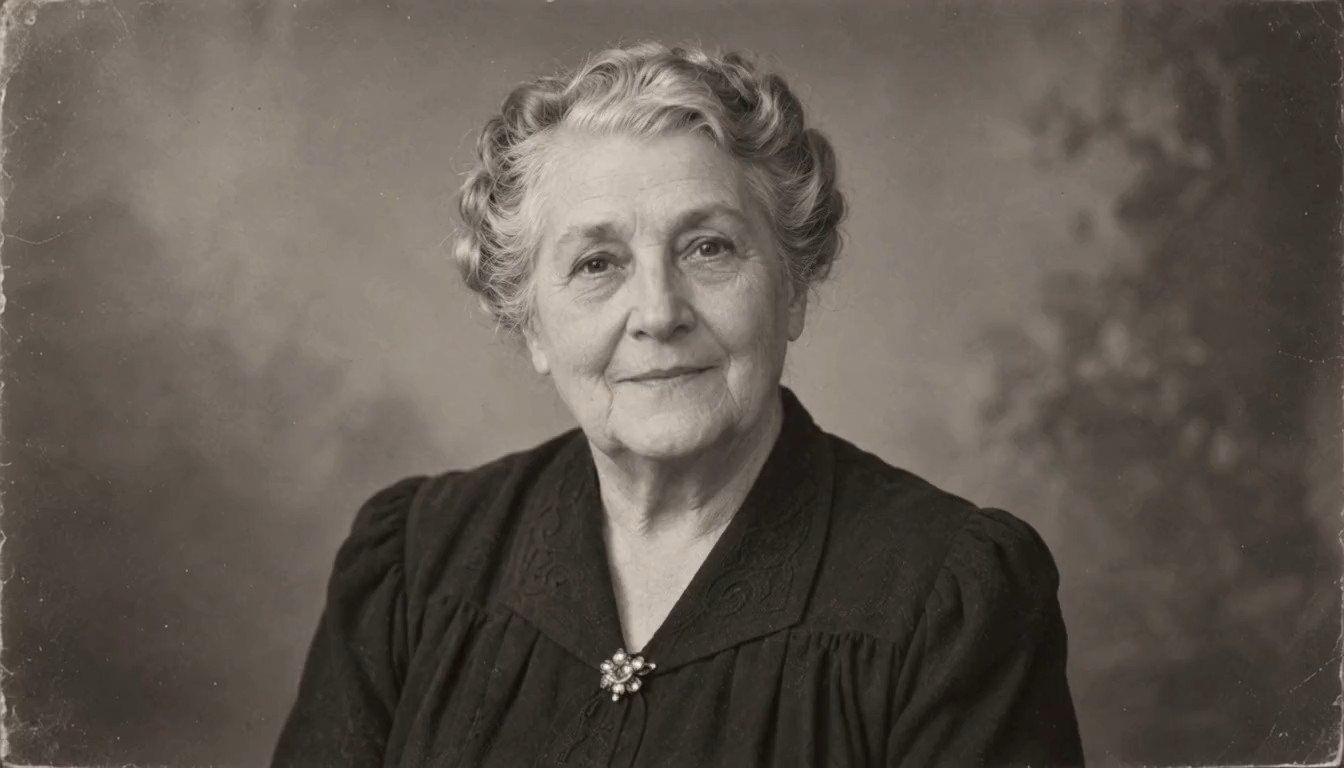
When you animate old photos, refinement often means removing motion rather than adding more. If the first result feels busy, request slower breathing, a smaller smile, steadier shoulders, and minimal camera drift. AI old photo animation can vary from one generation to another, so compare versions and choose the one that best respects the source. The animate old photos free workflow is useful for learning which prompts produce controlled motion. Keep paper texture, monochrome tone, period clothing, and background details explicit whenever those elements matter to the memory. Start to animate old photos with care.
Meaningful Ways to Animate Old Photos
People animate old photos for family storytelling, genealogy, education, archives, and personal tributes. The goal is not simply to make an image move; it is to create a short, understandable moment around a valued source. This method supports that work when prompts remain respectful and viewers can tell where the original photograph ends and the creative motion begins. Start to animate old photos with care.

Family Memory Keepers
Create a short memory clip for a private family gathering, anniversary, or digital album. You can animate old photos to suggest a blink, smile, or shared glance, then place the generated video beside the original image for context. AI old photo animation gives families a creative way to revisit a portrait, and the ability to animate old family photos can encourage relatives to share names, dates, and stories that might otherwise be forgotten. Start to animate old photos with care.

Genealogy and Local History Projects
Use a carefully labeled old photo to video clip as an engaging introduction to a family-tree presentation, oral-history interview, or archive exhibit. Historians can animate old photos while clearly distinguishing the generated movement from documentary evidence. AI old photo animation can attract attention to the source, but captions should still record names, locations, dates, and provenance. This balance helps bring old photos to life without blurring creative interpretation and verified history. Start to animate old photos with care.

Educators and Museum Storytellers
Teachers and curators can animate old photos to open a lesson, introduce a historical figure, or invite students to observe clothing and setting. Keep the animation short, disclose that motion is generated, and return attention to the original source. AI old photo animation can make an archive feel approachable, while a restrained old photo to video sequence supports discussion without pretending to reconstruct an undocumented event. Start to animate old photos with care.

Memorial and Tribute Creators
A tribute editor may animate old photos for a remembrance video, digital frame, or family slideshow. Use gentle expressions and avoid comic or exaggerated motion when the subject is a loved one. AI old photo animation works best here as a quiet visual accent. Before sharing, ask close relatives when appropriate and explain that the clip is generated. This considerate approach can bring old photos to life while respecting memory and audience expectations. Start to animate old photos with care.
How People Use AI Old Photo Animation
These fictional examples show how different creators might animate old photos for learning, remembrance, and family storytelling. AI old photo animation can support each goal when users choose restrained motion, review every output, and share the original context with the generated clip. Start to animate old photos with care.
I wanted to animate old photos for a small family-history evening, not turn them into flashy effects. The prompt controls helped me keep the movement gentle and focused. AI old photo animation gave me a short clip that encouraged everyone to talk about the people in the picture. Being able to animate old family photos this way made the album feel like a starting point for conversation. Start to animate old photos with care.
For a classroom project, I used SuperMaker to animate old photos with very small gestures and a slow camera move. The result drew students into the source before we examined the date, clothing, and location. AI old photo animation worked best when I described what must remain still. It was a practical way to bring old photos to life while keeping the original image visible beside the clip. Start to animate old photos with care.
I needed an old photo to video moment for a community archive presentation. SuperMaker let me animate old photos without learning keyframes, and the short prompt was easy to refine. AI old photo animation produced several interpretations, so I selected the calmest one and labeled it clearly as generated. That gave the audience an engaging opening without confusing animation with documentary footage. Start to animate old photos with care.
The animate old photos free option helped me test a simple idea before planning a longer tribute. I asked for a soft blink, a slight smile, and no change to the background. AI old photo animation made it easy to compare versions and choose a respectful result. I could animate old photos for the opening of the slideshow while preserving the scanned originals as the real family record. Start to animate old photos with care.


Animate Old Photos FAQ
Learn how to animate old photos with clearer prompts, suitable source images, careful review, and respectful sharing. These answers explain the practical limits of AI old photo animation and help you plan a simple old photo to video workflow. Start to animate old photos with care.
Upload one photograph, enter a short motion prompt, and generate a preview. To animate old photos well, ask for one or two restrained actions such as blinking or a slight smile. Review the clip and simplify the prompt if identity, background, or period details drift. Start to animate old photos with care.
Yes, you can access the animate old photos free workflow and see the current generation options in the interface. Available credits, limits, and model requirements are shown at generation time. This wording does not promise unlimited free use, so check the displayed terms before creating additional clips. Start to animate old photos with care.
A clear scan or evenly lit phone capture usually gives AI old photo animation a stronger reference. Face-forward portraits are a practical starting point, though group images may work when each face is visible. Avoid heavy glare, extreme blur, and crops that cut through important features. Start to animate old photos with care.
Use direct, modest instructions: natural blinking, soft breathing, a slight smile, and a slow camera push. When you animate old photos, also state what should not change. Mention identity, clothing, framing, monochrome tone, and background whenever those details are important. Start to animate old photos with care.
The tool creates a generated interpretation that can bring old photos to life, not a factual recording of what happened after the shutter closed. Facial details and motion may vary. Keep the original photograph, review the output closely, and label generated clips when context matters. Start to animate old photos with care.
Yes, you can animate old family photos that contain more than one person. Start with subtle shared motion and identify the main subject in your prompt. Group scenes are more complex, so inspect every face and regenerate with fewer actions if people change unexpectedly. Start to animate old photos with care.
AI old photo animation can work with black-and-white, sepia, or faded images, but results depend on visible detail. Ask the model to preserve the original tone if you do not want color added. Animation and restoration are different tasks, so repair severe damage separately when needed. Start to animate old photos with care.
Treat an old photo to video result as generated media and share it with clear context. For memorial or sensitive family material, consider the feelings and wishes of close relatives. Do not use the clip to imply that invented movement is verified historical footage. Start to animate old photos with care.
Animate Old Photos and Revisit a Meaningful Moment
Upload one image, describe gentle movement, and use AI old photo animation to create a short memory clip. Start with the animate old photos free workflow, review every detail, and bring old photos to life with a prompt that respects the original people, place, and period. Start to animate old photos with care, and animate old photos with a clear purpose.
