
More AI Video Generators
Explore our collection of specialized AI video generators designed for different creative needs and styles
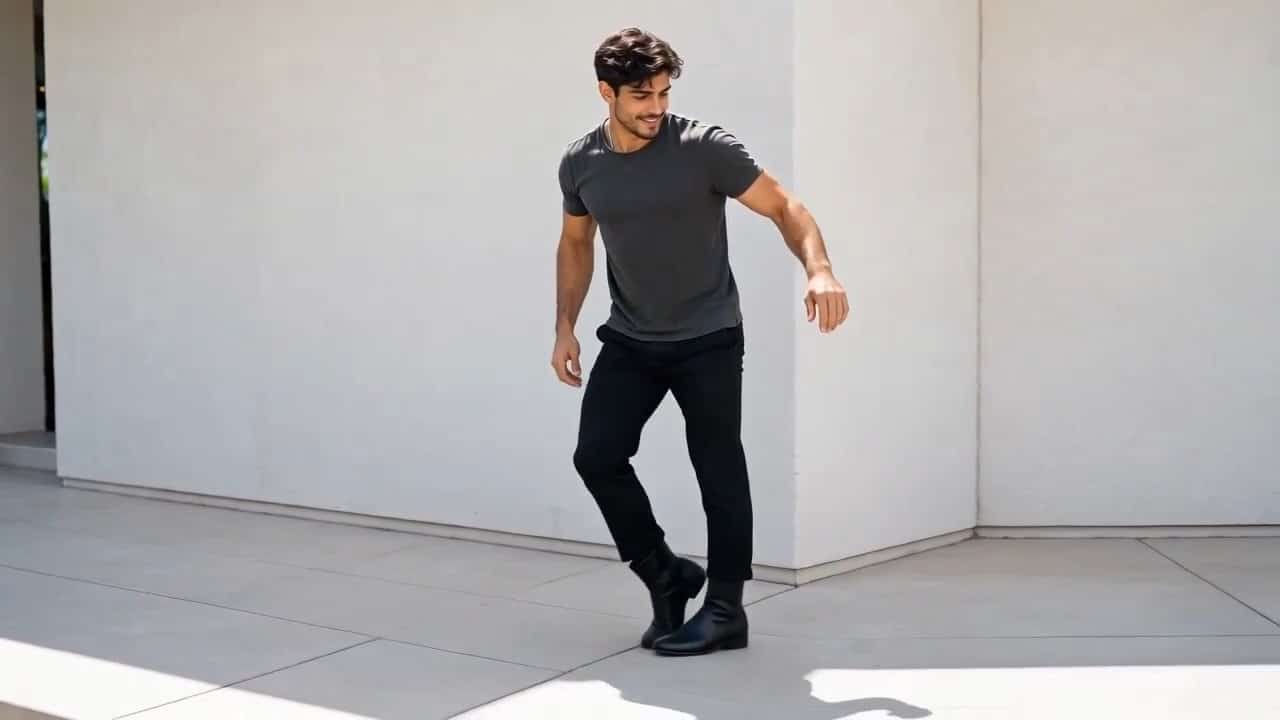
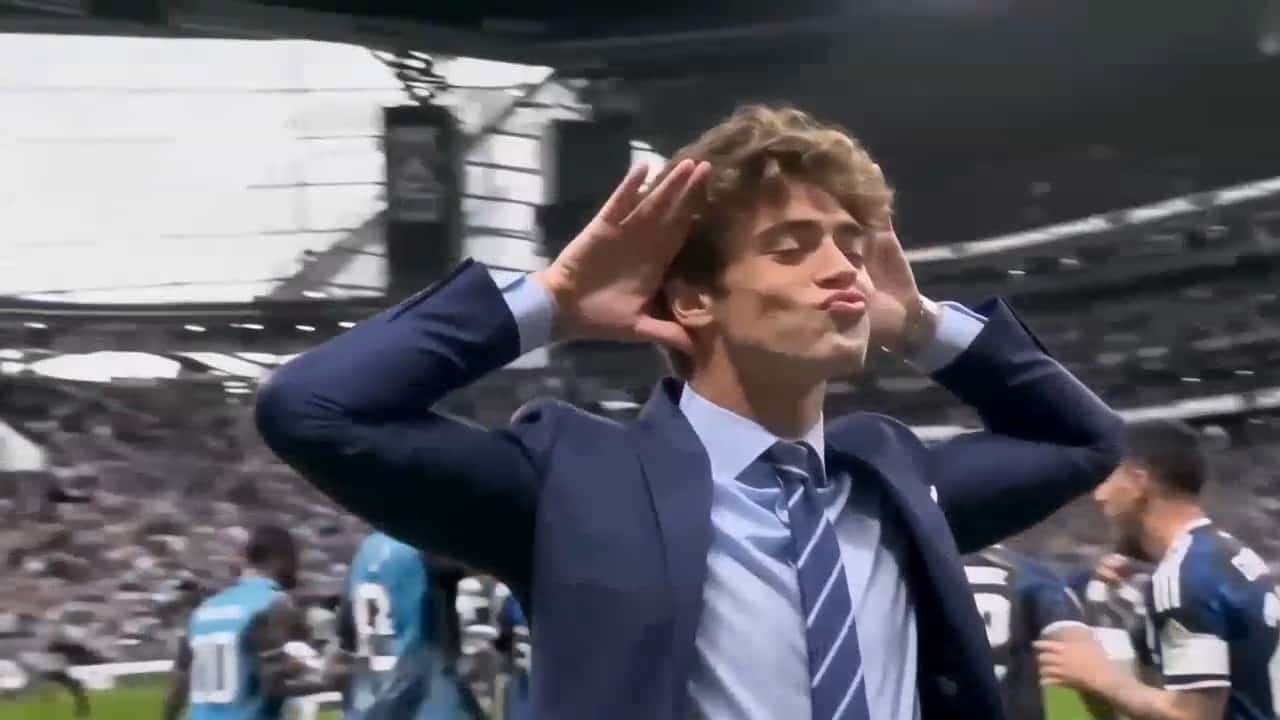
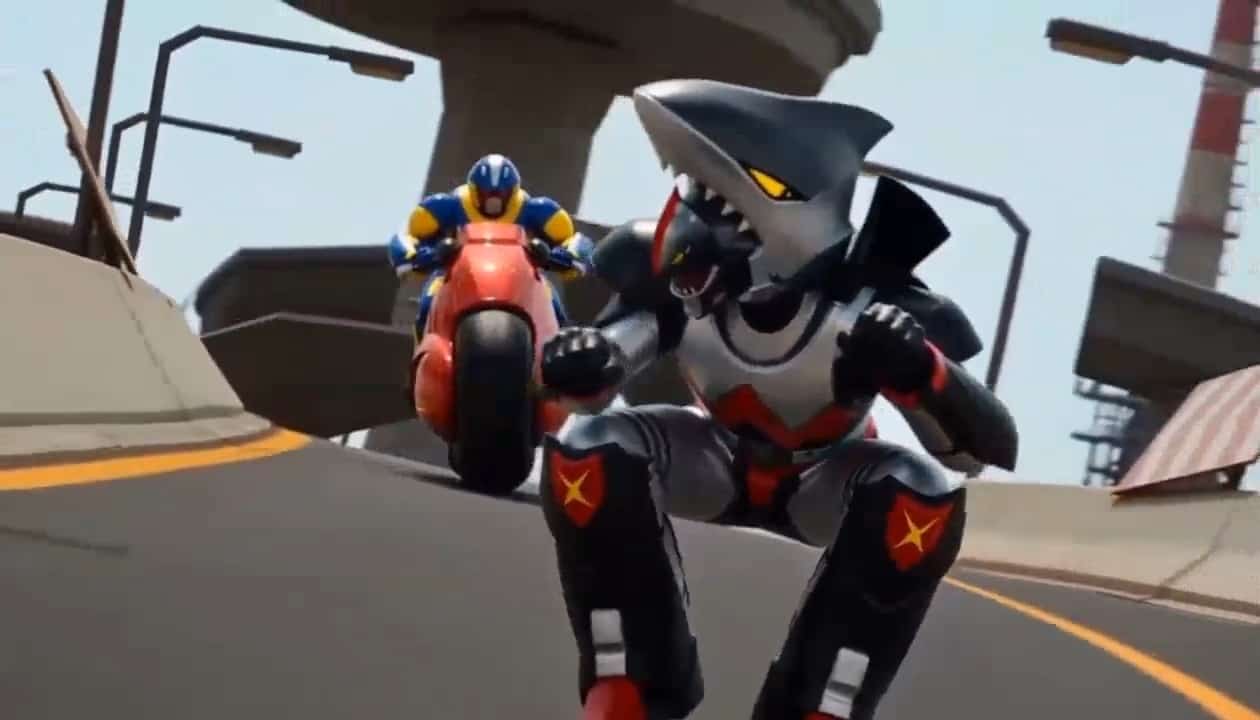
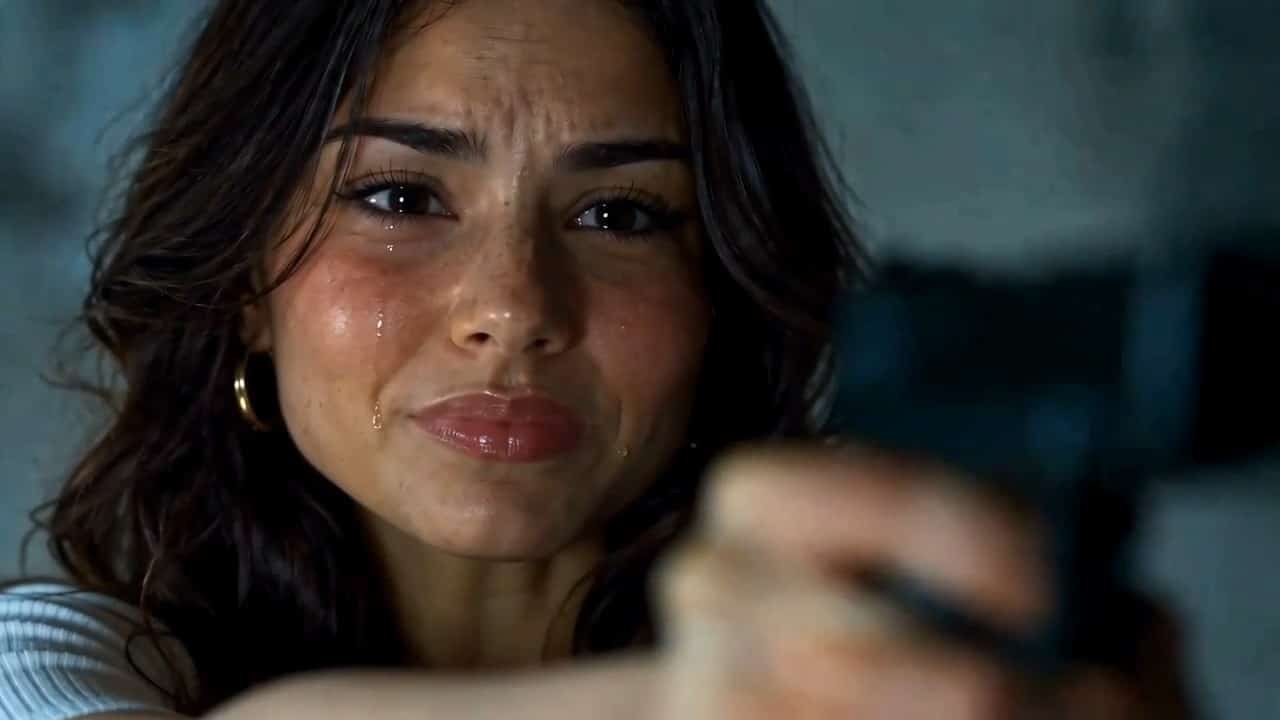



Bulin 47 AI Video Generator
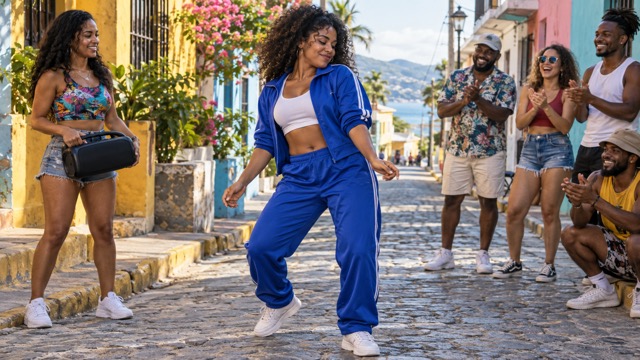
Turn Your Photo Into A Street Freestyle Moment
Create a street freestyle performance with Bulin 47 AI Video. Upload an authorized photo and add your movement direction. Bulin 47 AI Video Generator combines shoulder rhythm, natural body sway, and playful crowd reactions to bring your character to life without professional editing skills. Start with one idea.
How To Create Bulin 47 AI Video
Create your clip in three steps. Bulin 47 AI Video Generator uses SuperMaker video engines; Bulin 47 is the theme, not a separate model.

Upload Your Photo
Upload a clear photo of yourself or an authorized adult. Keep the face and shoulders visible so Bulin 47 AI Video Generator can guide the character.

Click Generate
Add optional movement direction, then click Generate. Bulin 47 AI Video Generator animates your photo with the selected engine. Wait for your Bulin 47 AI Video to finish.
Download Your Video
Preview your Bulin 47 AI Video, checking the face, movement, and crowd reactions. Download your favorite version, or refine your direction and generate another take.
Best AI Video Tools for Creative Projects
Explore creative tools for video, learn tips and tricks, and see how AI can be your assistant in turning concepts into finished projects.






















Direct A Street Performance With Personality
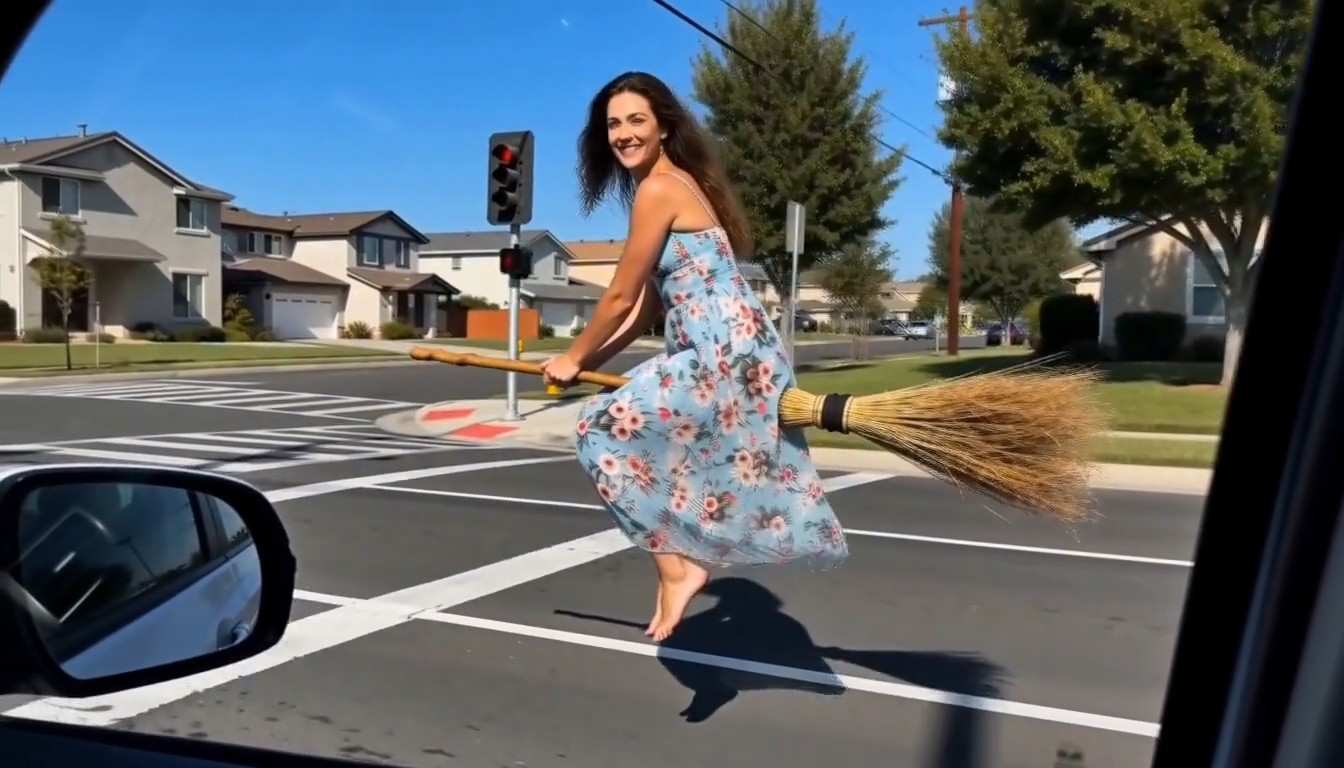
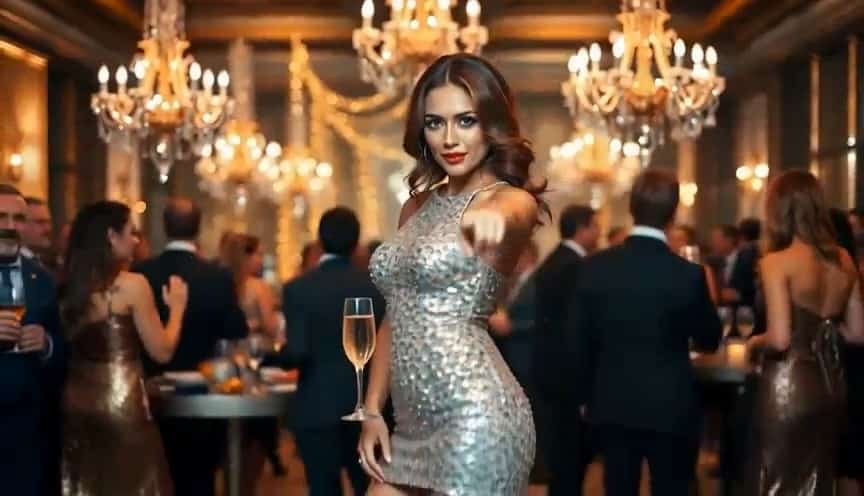
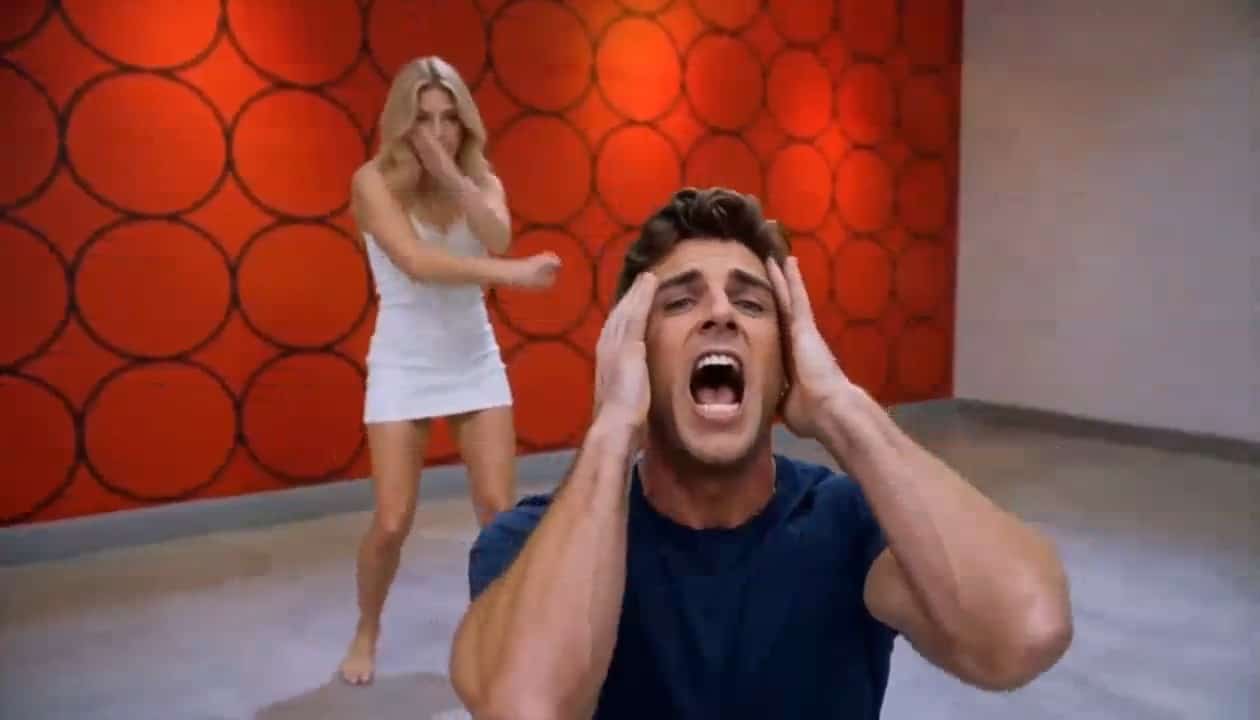
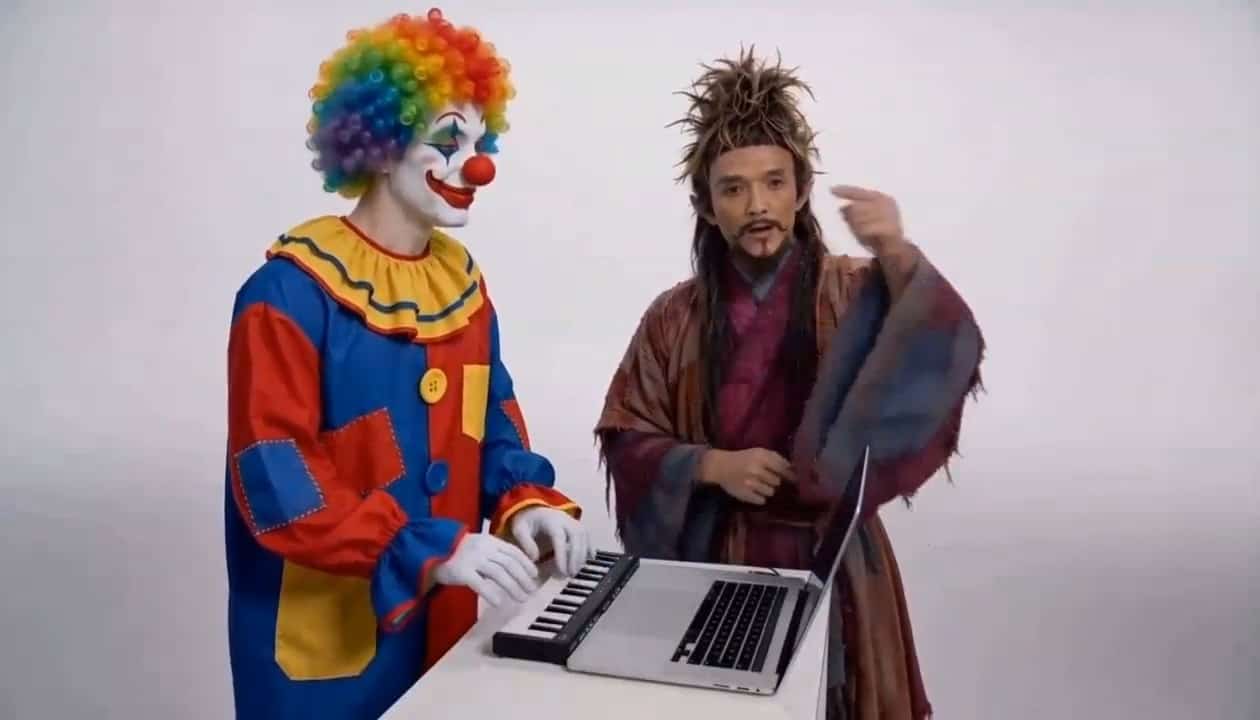
Direct a clear performer, readable movement, and a believable, lively street atmosphere with Bulin 47 AI Video Generator. The images below illustrate different creative concepts, not guaranteed video frames or an official artist template.
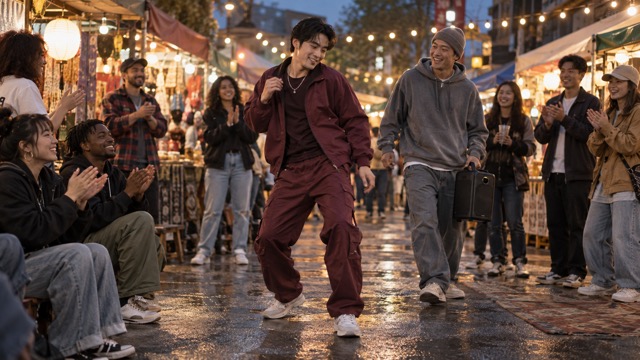
Give Your Photo A Freestyle Rhythm
Use Bulin 47 AI Video Generator to request a shoulder bounce, small torso lean, or relaxed side-to-side groove. Connect the movement naturally: shoulders lift, the body settles, and knees absorb the rhythm.
For a grounded Bulin 47 AI Video, describe facial features and clothing to preserve, and keep the camera calm. Large spins and elaborate hand choreography can distract from a shoulder-led performance. Start with one action and refine it after reviewing the result.
Bulin 47 AI Video Generator lets you explore confident, playful, or understated movement from the same portrait, guided by your creative direction.
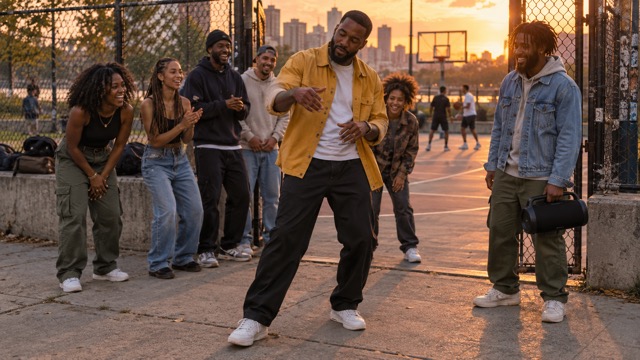
Bring The Street Scene To Life
In Bulin 47 AI Video Generator, describe a neighborhood sidewalk, courtyard, market corner, or brick-lined street. Add lighting and space for movement; a warm afternoon and a small audience can establish the atmosphere.
Use Bulin 47 AI Video to give spectators a simple role: smiling, clapping, or nodding while the lead remains visible.
Bulin 47 AI Video Generator interprets your requests through the selected video engine, so results vary with the prompt and source photo. Review how the setting fits your character, especially when requesting a different background. Keep the street details focused on the performance.
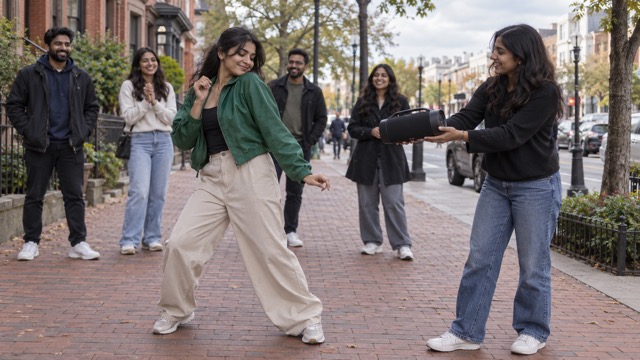
Add A Speaker And A Shared Reaction
Ask Bulin 47 AI Video Generator for a companion holding a portable speaker, nodding toward the performer, and reacting to the groove. Specify who holds the speaker and where they stand.
For Bulin 47 AI Video, try a simple sequence: the companion looks over, the character begins a shoulder bounce, and onlookers smile.
Bulin 47 AI Video Generator does not imply original music, official templates, or original-video replacement. The speaker is a visual element. Review any audio offered by the selected engine, and use only music you are authorized to include when preparing a social post.
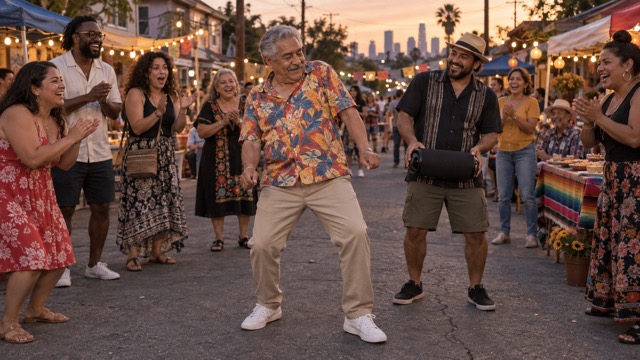
Create A Character That Fits Your Joke
Use Bulin 47 AI Video Generator to turn an authorized portrait into a playful street performer. Describe the outfit mood, setting, movement intensity, and crowd response while keeping the central joke clear.
A memorable Bulin 47 AI Video needs one premise: a serious expression followed by a shoulder roll, or a relaxed dancer whose friend reacts with surprise. Change one detail at a time to compare interpretations.
Bulin 47 AI Video Generator supports original creative directions inspired by the freestyle trend. Use your own likeness or an authorized subject, present realistic animation responsibly, and review facial details and movement before sharing.
Make Your Next Social Clip More Personal
Bulin 47 AI Video gives an expressive character a short visual story. Use Bulin 47 AI Video Generator to explore your idea, then choose a clear performance and framing that suit your social audience.

TikTok Freestyle Concepts
Use Bulin 47 AI Video Generator to test a shoulder groove, amused crowd, and confident street entrance as one visual hook. Keep the opening readable so the joke lands without explanation.
A Bulin 47 AI Video can become a TikTok concept with authorized music and captions added afterward. Choose available framing options and review the final crop before posting. Keep expressions easy to read.

Instagram Reels With A Personal Twist
Use Bulin 47 AI Video Generator to create a Reel concept with your own character style. A colorful street, casual outfit, and relaxed sway can establish a playful mood. Describe the expression and pace you want.
For Bulin 47 AI Video, leave room around the performer for your final crop. Choose the version whose face, silhouette, and audience response suit your idea. Match the mood to your feed.

YouTube Shorts And Reaction Stories
Ask Bulin 47 AI Video Generator for a shoulder bounce followed by an impressed smile from the speaker holder. Let the audience nod or clap as the performer gains confidence. A simple sequence makes the story readable.
Bulin 47 AI Video can support a playful Shorts reveal. Review transitions and background movement before downloading the take that communicates your idea most clearly. Let one facial expression carry the final reveal naturally.

AI Memes And Funny Character Ideas
Create contrast with Bulin 47 AI Video Generator: a formal portrait, an unexpectedly relaxed groove, and friends reacting to a spontaneous street performance. Use an authorized photo and a joke that feels playful to the subject.
With Bulin 47 AI Video, vary the character, setting, or shoulder intensity while keeping one premise. Contextualize realistic AI animation when viewers could mistake it for real footage. Keep the same joke across different versions.
Creative Perspectives On The Freestyle Idea
These fictional names and reactions are not verified endorsements. They show priorities for a Bulin 47 AI Video concept: clear movement, character personality, and playful storytelling.
Bulin 47 AI Video Generator feels approachable for testing one shoulder-led movement before framing a social post.
A Bulin 47 AI Video feels much more convincing when natural body sway supports a clear shoulder-led movement.
Bulin 47 AI Video Generator offers an interesting way to explore a character story through simple speaker interaction.
A serious portrait with a playful groove is a strong Bulin 47 AI Video premise for a short joke.
Bulin 47 AI Video Generator offers a way to describe friendly crowd reactions without planning each frame.
I would build a Bulin 47 AI Video around a distinct expression and memorable character personality.






Bulin 47 AI Video Questions
Explore photos, prompts, and sharing with Bulin 47 AI Video Generator. Results depend on your direction, source image, and the video engine you choose.
It is a themed photo-to-video workflow on SuperMaker. Upload an authorized character photo and describe shoulder rhythm, body sway, street atmosphere, speaker interaction, and crowd reactions. Bulin 47 AI Video names the trend-inspired direction, not a separate model. Generation uses a supported video engine. The goal is an original character performance; this page does not claim an official partnership, approved template, or access to original footage.
Use a photo you own or have permission to animate. Clear facial features, visible shoulders, and an uncluttered pose help Bulin 47 AI Video Generator. Avoid tight crops for arm or leg movement, and review the finished character before sharing.
Tell Bulin 47 AI Video Generator who moves and how: two relaxed shoulder bounces, subtle knee bends, loose arms, and a confident smile. Add a friend with a speaker and a small smiling audience. Keep the camera steady. A Bulin 47 AI Video benefits from one clear action; simplify extra camera moves or crowd activity if the result feels busy. Review each interpretation carefully.
Yes. Ask Bulin 47 AI Video Generator for one speaker holder and a few spectators smiling, nodding, or clapping. Specify their position to keep the performer visible. These are creative requests, not guaranteed individual controls. Fewer participants can make interactions easier to evaluate. Review object placement, hands, and background movement, then refine anything that distracts from the performance. Keep the interaction simple.
Bulin 47 AI Video Generator creates a new interpretation from your photo and prompt. No original music, official template, or original-video replacement is claimed. A speaker in the scene does not establish a soundtrack. Audio options depend on the selected engine. Before sharing Bulin 47 AI Video, check the finished clip and use only audio you are authorized to include.
No professional editing skills are required to begin. Upload your photo, add direction, and click Generate. Bulin 47 AI Video Generator handles generation while you choose the subject and preferred result. Review and download the clip, then add any captions, authorized music, or final crop for your chosen social platform. Duration, framing, processing time, and output options depend on the engine. Begin with a focused idea.
Create Your Own Bulin 47 AI Video
Give your character a street freestyle moment with Bulin 47 AI Video Generator. Upload a photo, describe the shoulder groove, and generate your performance. Review the result, refine your direction if needed, and download the version that captures the personality of your character.
