















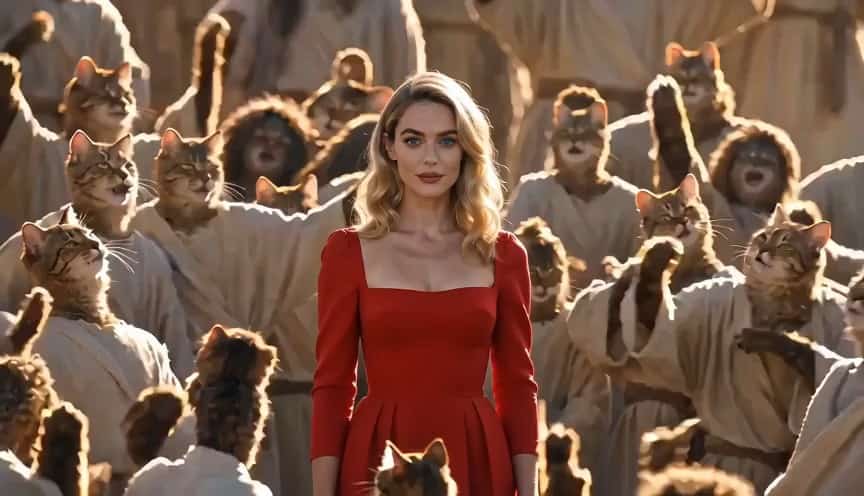
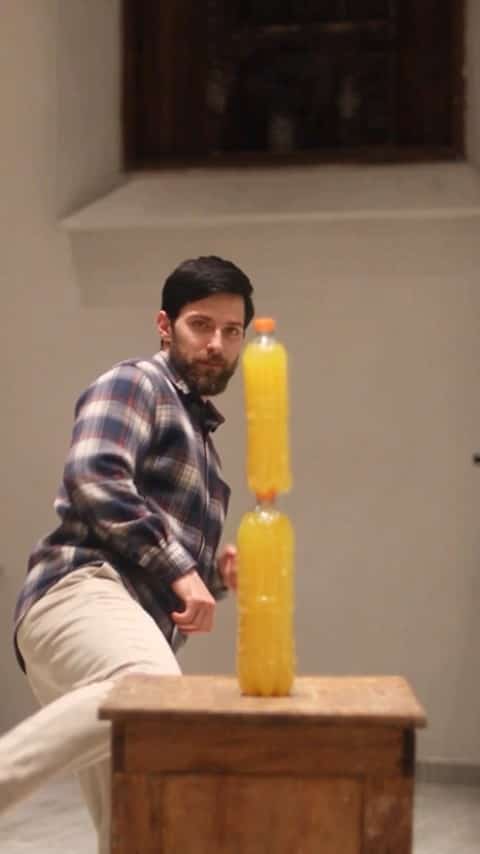
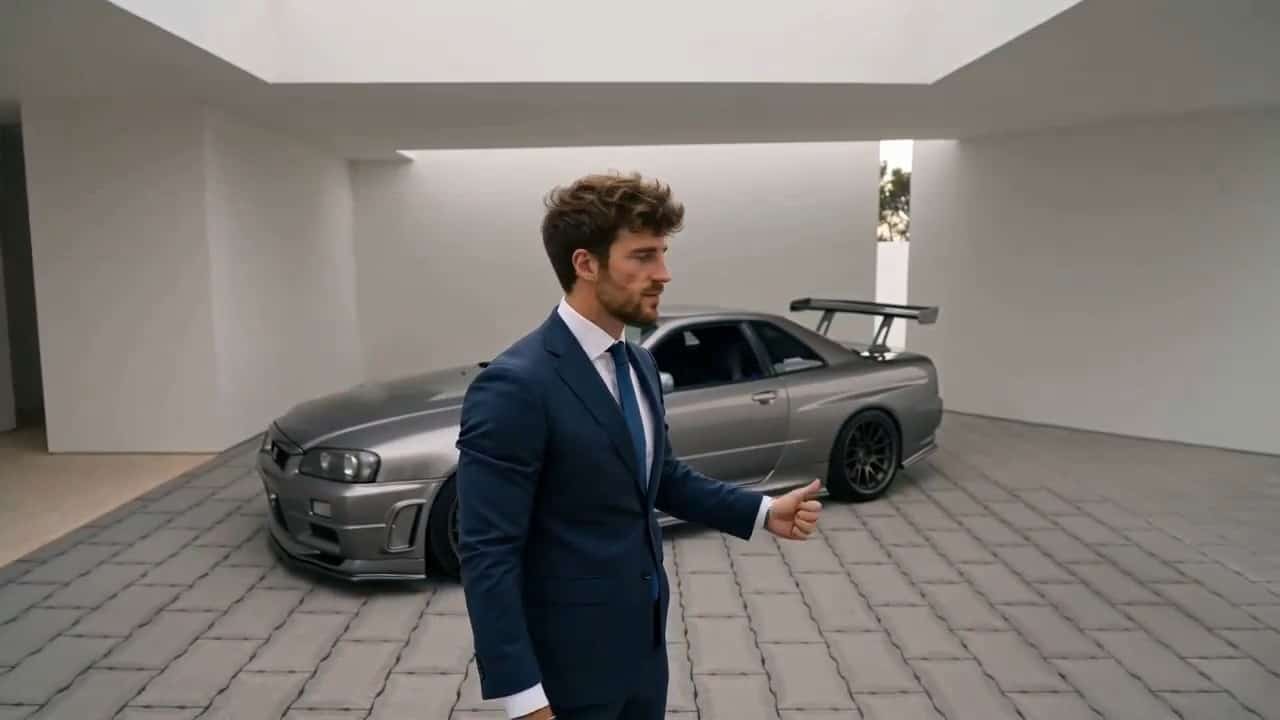
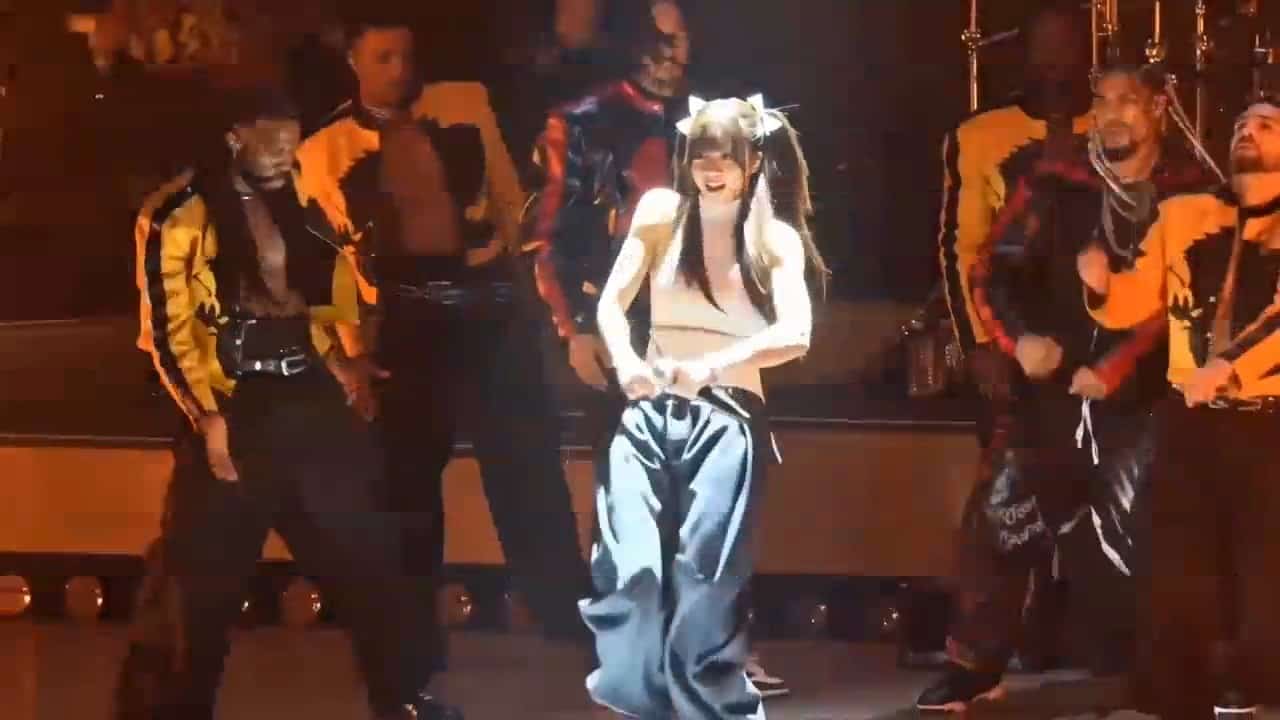

More AI Video Generators
Explore our collection of specialized AI video generators designed for different creative needs and styles



AI Montage Maker: Create Montage Videos Online
Turn Photos, Clips, And Text Into One Story
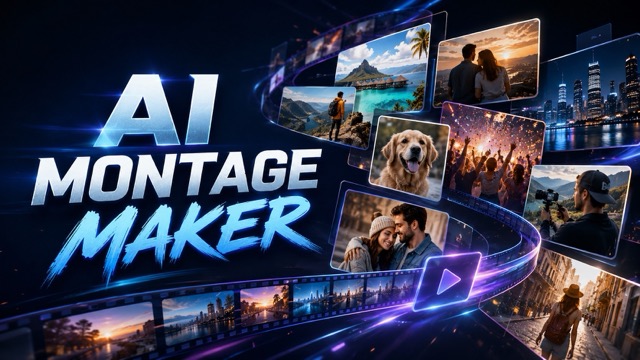
Use SuperMaker AI montage maker to combine uploaded images, video clips, and text materials into a polished montage video. Add a prompt describing the mood, pace, transitions, visual rhythm, camera energy, or final effect you want. The AI montage maker studies your materials, selects meaningful moments, and organizes them into a clear sequence without requiring manual timeline editing. Create travel recaps, event highlights, product showcases, personal memories, social videos, and campaign edits with a tool designed for fast, prompt-guided video creation.
How To Use The AI Montage Maker
The AI montage maker turns mixed media into a structured video in three simple steps. Upload your photos, clips, and text, describe the result you want, and generate. SuperMaker can shape the order, pacing, transitions, framing, and visual flow around your prompt while keeping the uploaded content central to the final edit.

Upload Photos, Videos, And Text
Start by uploading the materials you want to include. The AI montage maker can work with portraits, travel photos, event clips, product shots, behind-the-scenes footage, screenshots, title text, captions, dates, and short messages. Use clear files with relevant subjects so the AI montage maker can identify strong moments and build a more coherent visual sequence.

Describe Your Montage Effect
Tell the AI montage maker how the video should feel. You can request a fast sports recap, nostalgic memory edit, cinematic travel sequence, romantic celebration, clean product showcase, energetic social clip, or calm documentary montage. Add details about shot length, transition style, scene order, text placement, motion, or aspect ratio so the AI montage maker has clear creative direction.
Generate Your Montage Video
Click generate and let the AI montage maker arrange your media into a finished multi-scene video. SuperMaker AI montage maker balances visual variety, continuity, timing, and prompt intent to create a montage that feels edited rather than randomly assembled. Review the result, adjust your instruction when needed, and generate a new version for your platform or project.
Best AI Video Tools for Creative Projects
Explore creative tools for video, learn tips and tricks, and see how AI can be your assistant in turning concepts into finished projects.

























Create More Than A Basic Slideshow
SuperMaker AI montage maker is built to connect different materials through pacing, sequence, transitions, and visual meaning. Unlike a basic slideshow that simply displays files one after another, the AI montage maker uses your prompt to shape how each image, clip, and text element contributes to the full video.
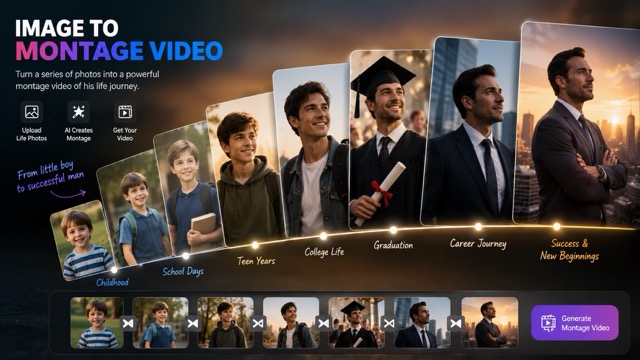
Combine Images, Clips, And Text In One Montage
Bring different media types into one project without manually arranging every asset. The AI montage maker can move between photos and video clips, use uploaded text as title cards or story markers, and maintain a clear direction across the sequence. SuperMaker helps turn scattered materials into a connected video for memories, campaigns, portfolios, presentations, or online posts.
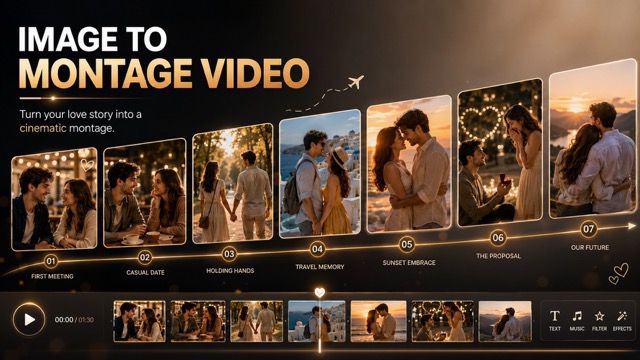
Control Pacing And Style With A Prompt
Use natural language to guide the edit instead of adjusting each cut by hand. Ask the AI montage maker for quick cuts, soft fades, rhythmic transitions, dramatic reveals, gentle zooms, chronological storytelling, emotional build-up, or a strong final scene. The AI montage maker interprets the requested effect and applies a consistent editing direction across the uploaded materials.
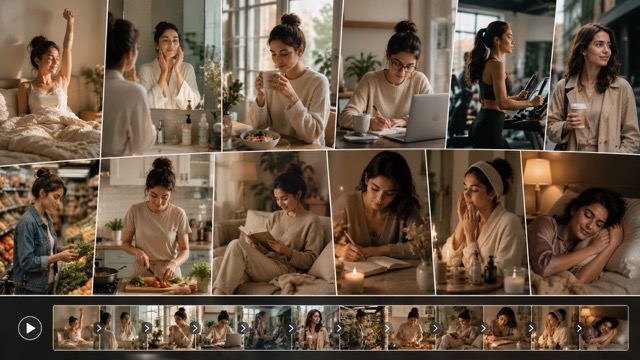
Build Shareable Multi-Scene Videos Faster
Create a complete visual recap without starting from an empty timeline. SuperMaker can help organize opening shots, supporting moments, highlights, text beats, and an ending into one concise video. Use the AI montage maker for horizontal campaigns, vertical social content, event summaries, creator reels, and personal videos that need a clear beginning, middle, and finish.
Popular AI Montage Maker Use Cases
The AI montage maker supports personal storytelling, creator content, event recaps, and visual marketing. Upload the materials you already have, describe the intended effect, and let SuperMaker shape them into a focused video that matches the audience and purpose.

Travel And Vacation Recaps
Use the AI montage maker to combine destination photos, walking clips, food moments, landscape shots, and short travel notes. The AI montage maker can create a chronological journey, cinematic destination edit, or energetic vacation highlight from mixed materials.

Celebrations And Event Memories
Turn birthday, wedding, graduation, family, festival, or party materials into an emotional recap. SuperMaker AI montage maker can connect key moments, uploaded messages, and memorable scenes, while the AI montage maker follows your preferred mood and pacing.

Product And Brand Showcases
Use the AI montage maker for launches, product features, campaign recaps, customer stories, and behind-the-scenes edits. The AI montage maker can organize detail shots, demonstrations, lifestyle clips, and text points into a cleaner promotional sequence.

Social Highlights And Creator Reels
Create concise recaps for TikTok, Instagram Reels, YouTube Shorts, and creator portfolios. SuperMaker AI montage maker helps select varied moments and maintain momentum, while the AI montage maker turns uploaded content into a unified short-form edit.
What Users Say About The AI Montage Maker
Creators, marketers, filmmakers, and everyday users choose SuperMaker when they need a faster way to structure mixed media. The AI montage maker helps them turn separate files and ideas into videos with stronger flow, pacing, and purpose.
I uploaded travel photos, short phone clips, and location notes, then asked for a warm cinematic recap. The AI montage maker gave the material a clear journey and saved me from arranging every shot manually.
SuperMaker helped our team turn campaign assets into a concise launch video. The AI montage maker kept the product shots organized and followed the clean, fast-paced direction in our prompt.
I use the AI montage maker for wedding previews when I need to combine still photos, ceremony clips, and short text messages. The pacing feels more intentional than a standard slideshow.
The AI montage maker is useful for quick ecommerce edits. I can upload product footage and feature text, describe the order and energy, and get a structured draft for a promotion.
I needed multiple social recap ideas from the same event assets. SuperMaker AI montage maker made it easy to test different pacing and moods, and the AI montage maker kept each version visually connected.
I combined rehearsal clips, cover images, and release text in the AI montage maker. It turned the materials into a focused music promo with a stronger opening and a more satisfying ending.



AI Montage Maker FAQ
Learn what the AI montage maker does, which materials you can upload, and how to write a clearer prompt for a better montage video.
An AI montage maker is a video creation tool that organizes multiple images, clips, and text elements into one edited sequence. SuperMaker AI montage maker uses uploaded materials and a written instruction to guide scene order, pacing, transitions, visual rhythm, and the overall effect. It is designed to create a connected montage rather than a simple file-by-file slideshow.
Upload your images, video clips, and text materials, then describe the video you want. The AI montage maker analyzes the media and prompt before building a multi-scene edit. You can request a mood, transition style, speed, structure, visual emphasis, or platform format. SuperMaker AI montage maker then generates a video based on those directions.
You can use photos, short video clips, screenshots, illustrations, product visuals, portraits, travel footage, event recordings, title text, captions, dates, and short written messages. The AI montage maker works best when the uploads are clear, relevant, and connected to one theme. A focused collection helps the AI montage maker create a more consistent result.
Yes. The AI montage maker is prompt-guided, so you can describe the desired mood, pace, scene order, transitions, text treatment, camera feel, and ending. For example, ask for a nostalgic family montage with soft fades, a fast product edit with sharp cuts, or a cinematic travel recap with a gradual emotional build.
A slideshow maker usually presents images in a simple sequence with basic timing and transitions. The AI montage maker is designed to connect images, video clips, and text through a prompt-driven structure. SuperMaker AI montage maker can create more varied pacing, scene relationships, and multi-scene storytelling than a basic slideshow workflow.
Upload high-quality materials, remove obvious duplicates, and write a prompt that explains the purpose, mood, pace, and preferred sequence. Tell the AI montage maker which moments matter most and what kind of ending you want. Clear inputs help the AI montage maker produce a more focused, balanced, and visually coherent video.
Create Your Montage With AI
Upload your photos, video clips, and text materials, then describe the result you want. SuperMaker AI montage maker can turn separate moments into a connected montage for travel, events, products, social content, campaigns, and personal stories. Start with your own media and let the AI montage maker shape it into a polished multi-scene video.
