















More AI Video Generators
Explore our collection of specialized AI video generators designed for different creative needs and styles



STORM II AI video: Make Your Character Dance
Bring your photo into the STORM trend with STORM dance video AI
Put your main character at the center of the STORM trend. STORM II AI video turns a single character photo into a dance video through a simple upload, settings, and generate workflow. Use STORM dance video AI to explore a personal take on the dance without recording a routine. STORM II AI video starts with your photo, so the creative idea starts with you. Make STORM dance video AI the first step toward a dance moment with your own visual identity.
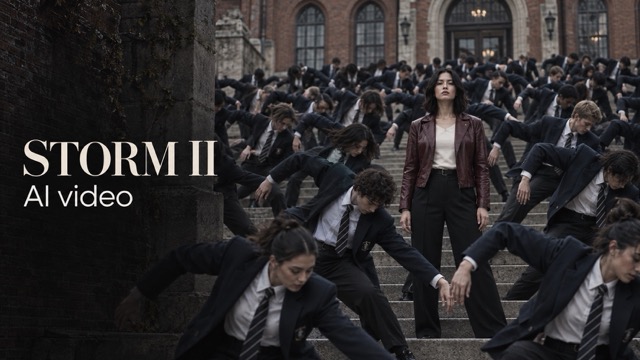
How to Create a STORM II AI video
Join the STORM trend in four straightforward steps. STORM II AI video keeps the focus on your character while STORM dance video AI handles the transition from still photo to dance clip. No filmed performance is needed to start your STORM II AI video. Follow the same STORM dance video AI process whenever you want to try a new character.

Upload Your Main Character
Begin your STORM II AI video with one clear photo of the person you want to feature. Choose a well-lit image with a visible face and an uncluttered composition. STORM dance video AI uses this character photo as its visual starting point, making your STORM trend idea feel personal.

Choose Your Video Settings
Select Seedance 2.5 or a Seedance 2.0 series option for your STORM II AI video. Choose from the video parameters available for that model. STORM dance video AI keeps these choices in the same creation flow, so you can prepare your STORM trend clip without assembling a timeline.

Generate Your Dance Video
Click generate to create your STORM II AI video. STORM dance video AI turns the uploaded character into the subject of the dance concept. Keep the creation page open while processing finishes; generation time depends on the selected model and settings.
Review Your Dance Moment
Watch your STORM II AI video and check the face, body movement, and overall framing. If you want another interpretation, try another clear photo or adjust an available setting. STORM dance video AI makes it easy to explore how your character fits the STORM trend.
Best AI Video Tools for Creative Projects
Explore creative tools for video, learn tips and tricks, and see how AI can be your assistant in turning concepts into finished projects.
























Make the STORM trend Your Own With STORM II AI video
A strong dance idea needs a clear main character and an approachable way to create. STORM II AI video brings those pieces together. Explore how STORM dance video AI can turn a familiar photo into an expressive clip built around your character. Keep your STORM dance video AI experiment focused on the person you want viewers to notice.
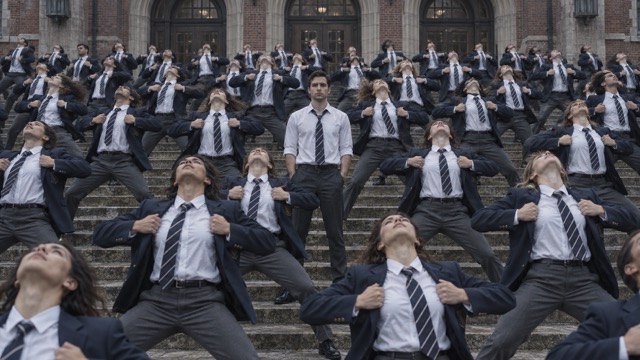
One Photo, One Main Character
Your STORM II AI video begins with a single character photo. You do not need to upload a filmed dance performance to start. STORM dance video AI uses the supplied image to establish the subject, giving you an accessible entry into the STORM trend. Choose a photo whose facial details and clothing are easy to see; a strong source helps you judge the finished STORM II AI video.
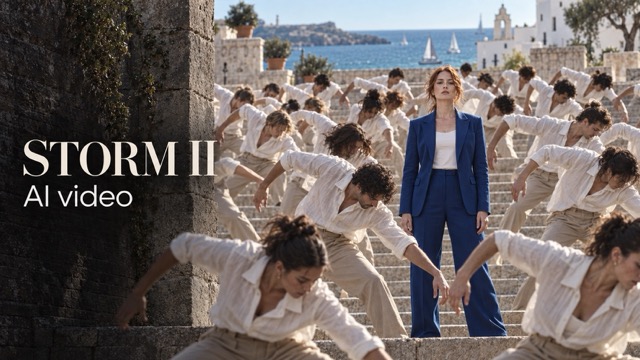
A Dance Moment Without a Camera Setup
Create a STORM II AI video when you have a character idea but no time to film. STORM dance video AI lets you explore an animated performance from a still image, without arranging a studio or recording repeated takes. Bring the energy of the STORM trend into a personal creative experiment and review your STORM II AI video before deciding what to share.
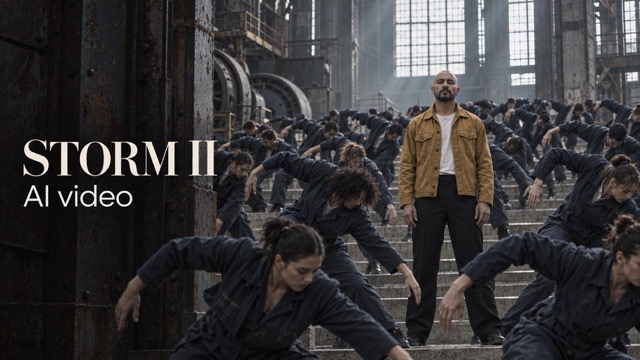
Seedance Options in One Place
Build your STORM II AI video using Seedance 2.5, Seedance 2.0, Seedance 2.0 Fast, or Seedance 2.0 Mini. STORM dance video AI gives you these model choices within one page. Available video settings depend on the selected option. Compare interpretations of your character and choose the STORM II AI video that best expresses your STORM trend idea.
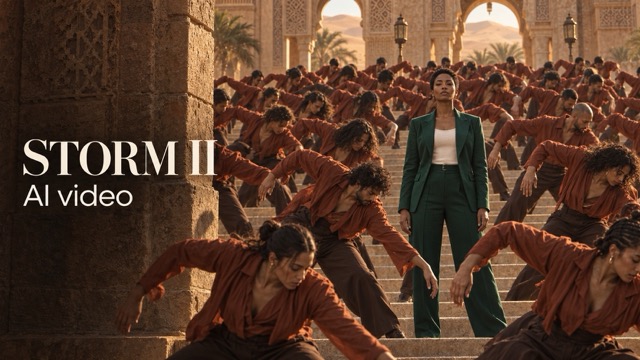
Settings That Fit Your Post
Before generating your STORM II AI video, select the available video parameters that suit your intended presentation. STORM dance video AI keeps the process focused on a few practical choices instead of a complicated editing project. Preview the complete clip, check the framing, and use your preferred STORM II AI video as the starting point for your next STORM trend post.
STORM II AI video Ideas for Your Next Post
The STORM trend can become a personal joke, a character introduction, or a new direction for your feed. Use STORM dance video AI to explore these starting points, then choose the STORM II AI video concept that feels like you. Each STORM dance video AI idea begins with the same simple photo upload.

Your Personal Dance Debut
Turn your own photo into a STORM II AI video and imagine yourself stepping into the routine. STORM dance video AI gives camera-shy creators a way to experiment with the STORM trend from a favorite picture. Start with one clearly framed subject and let the character lead.

Character Reveal Clips
Introduce an original character with a STORM II AI video that adds movement to a static design. STORM dance video AI offers a playful starting point for a character-focused post. Keep the reference easy to interpret and review how the final STORM II AI video represents the details that matter.

A Fresh Take for Your Feed
Use STORM dance video AI to explore a dance concept alongside your usual photos and updates. A STORM II AI video can give followers a different way to meet your on-screen persona. Connect your STORM trend idea to the style and personality already present in your content.

Friendly Creative Challenges
Invite friends to make their own STORM II AI video concepts using photos they choose to share. STORM dance video AI gives everyone the same simple starting workflow while leaving room for different characters. Compare creative interpretations of the STORM trend, from understated portraits to expressive outfits.
Creative Reactions to STORM II AI video
These six illustrative scenarios show how creators might approach STORM dance video AI; they are sample reactions, not verified customer reviews. Explore different reasons to try a STORM II AI video and find your own angle on the STORM trend.
“My ideal STORM II AI video would let me join the dance idea without filming myself. I would use STORM dance video AI with a clear portrait and start with a simple clip. The appeal is seeing my own character take part in the STORM trend.”
“I would use STORM dance video AI to explore a dance introduction for an original character. A STORM II AI video could help me think beyond a static profile image. I would compare the character details against my source before choosing a clip.”
“For a new feed idea, I would start a STORM II AI video with a photo that already matches my style. STORM dance video AI offers a focused way to test the concept. I would keep the STORM trend playful and make the presentation feel personal.”
“I would try the available models on the same STORM II AI video idea and compare their interpretations. STORM dance video AI puts those choices close to the upload step. Watching each result would help me decide which movement and framing I prefer.”
“My starting point for STORM dance video AI would be a clear outfit photo with one visible subject. A STORM II AI video could offer a fresh way to present that persona. I would review the face and clothing carefully before sharing the dance.”
“I would use STORM dance video AI for a lighthearted character experiment with friends. A STORM II AI video sounds approachable because the starting point is just a photo. We could each explore the STORM trend in our own way and compare our favorite moments.”

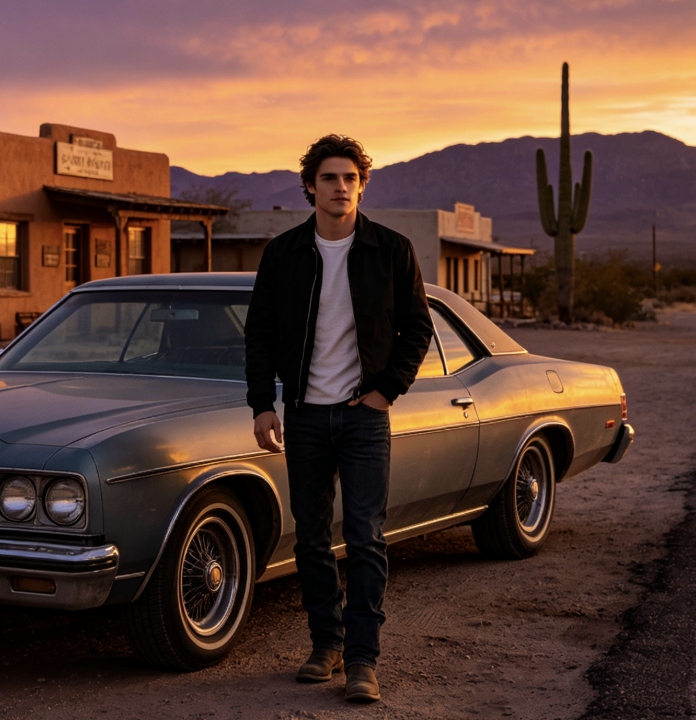

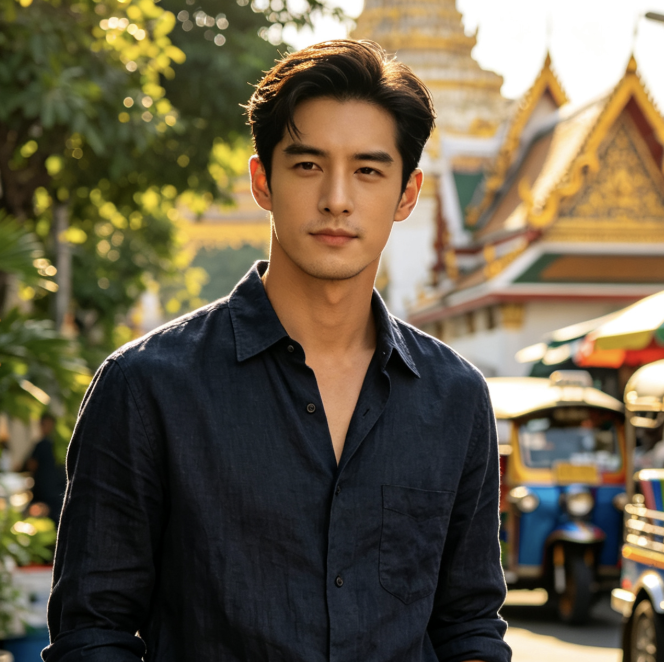

STORM II AI video Questions Answered
Learn what to upload, how to choose your settings, and what to review with STORM dance video AI. These answers explain the essential STORM II AI video workflow before you begin.
STORM II AI video is a character-photo-to-dance experience for creating your own take on the STORM trend. The STORM dance video AI workflow starts with one main character image, continues through model and video settings, and finishes with a generated clip for you to review. Think of STORM dance video AI as a starting point for a personal dance interpretation.
Upload one main character photo, choose an available Seedance model, set your video parameters, and generate your STORM II AI video. STORM dance video AI is designed around that simple sequence. You do not need to film yourself performing the dance to supply the character.
Use a clear image with one prominent character, good lighting, and a visible face. Avoid heavy blur, crowded group shots, or details hidden behind large objects. STORM dance video AI starts from the information in your photo, so an easy-to-read reference gives your STORM II AI video a clearer foundation. For STORM dance video AI, choose clarity over complicated backgrounds.
The STORM II AI video page offers Seedance 2.5 and the Seedance 2.0 family: Seedance 2.0, Fast, and Mini. STORM dance video AI uses the model you select, and available settings can vary. Review the choices shown in the generator before starting your clip.
No filmed routine or manual animation sequence is required to begin your STORM II AI video. Upload the main character image and choose the available video settings. STORM dance video AI is intended to make the starting process approachable, while you remain responsible for reviewing and selecting the final result.
No. STORM dance video AI results can differ with the source photo, model, settings, and generation. Review the face, hands, clothing, and motion in each STORM II AI video. Try another source or setting when needed; the creative result and social response are not guaranteed. Compare your STORM dance video AI result with the source before selecting your favorite.
Create Your Own STORM II AI video
Choose the photo that deserves its own dance moment. Start your STORM II AI video with one main character, explore the available video settings, and let STORM dance video AI bring the idea into motion. Your next creative clip begins with a picture. Explore STORM dance video AI with a character you are excited to see move.
