


















More AI Video Generators
Explore our collection of specialized AI video generators designed for different creative needs and styles



Stones To Castle AI: Turn Their Stones Into Your Castle
One Photo, One Comeback Story
Create a personal comeback film with Stones to Castle AI Video Generator. An angry crowd throws stones, your character stays composed, and those same stones become the foundation of a rising castle. Stones to Castle AI Video Template supplies the narrative, so you can begin with a clear photo instead of planning every shot. Make Stones to Castle AI video from one photo and give a familiar message a cinematic form: build a castle with the stones they throw at you. The appeal of Stones to Castle AI is the change in perspective, from facing a hostile crowd to looking out from something you have built.
How Stones To Castle AI Works
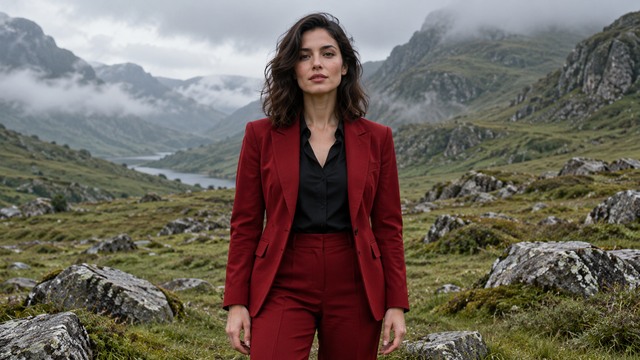
Wondering how to make a stones to castle video? Stones to Castle AI Video Generator brings the portrait and prepared scene together. Follow four practical steps with Stones to Castle AI Video Template, keeping your attention on the person, the story and the finished result.

Choose One Clear Portrait
Start Stones to Castle AI Video Generator with one person whose face is sharp, visible and evenly lit. For Stones to Castle AI video from one photo, choose the person you want as the calm builder, rather than uploading a picture of a castle. Stones to Castle AI Video Template provides the surroundings.

Let The Prepared Story Lead
With Stones to Castle AI Video Template, the photo supplies your main character while the prepared reference guides the crowd, stones and castle sequence. You do not need to write a prompt or assemble individual scenes. Stones to Castle AI Video Generator follows the comeback arc instead of asking you to design an unrelated fantasy landscape. Stones to Castle AI works best when the uploaded face and hairstyle are easy to distinguish from everyone in the background.

Generate Your Comeback Film
Check the generation settings and displayed credit cost before starting Stones to Castle AI Video Generator. Stones to Castle AI Video Template gives that progression a shared visual direction. If you are learning how to make a stones to castle video, focus on a readable beginning, transformation and ending, rather than expecting every stone or tower to match another clip exactly.

Review The Whole Transformation
Watch Stones to Castle AI from the opening crowd to the final window portrait. Stones to Castle AI Video Generator produces a new AI interpretation, so faces, hands and building details can vary. Review framing before adapting a clip for the stones to castle TikTok trend; keep the construction and final expression visible in your edit.
Best AI Video Tools for Creative Projects
Explore creative tools for video, learn tips and tricks, and see how AI can be your assistant in turning concepts into finished projects.

























The Story Inside Stones To Castle AI
Three connected ideas give Stones to Castle AI its impact: a recognizable lead, a visible transformation and an ending that feels earned. Stones to Castle AI Video Template keeps those ideas in the same narrative, while Stones to Castle AI Video Generator uses your portrait to make the central role personal.
Put Your Portrait In The Lead
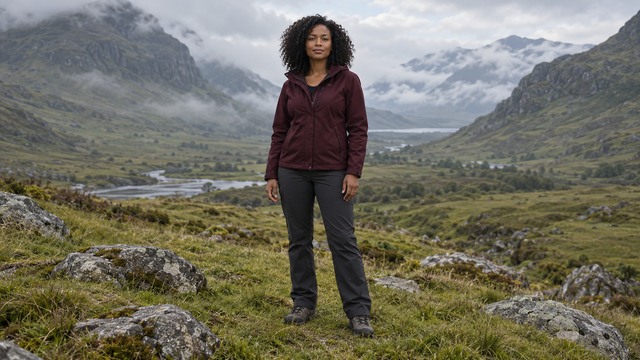
The strongest part of Stones to Castle AI is recognizing yourself in a story about resilience. Your uploaded photo guides the builder's face, hair and appearance, while the crowd stays in a separate supporting role. Stones to Castle AI Video Generator is designed around that single central identity, from the quiet opening stance to the last close view. Stones to Castle AI Video Template carries the setting and action, so the photo does not have to show a castle, a crowd or thrown stones. You can create Stones to Castle AI video from one photo taken before any of the action.
Turn The Conflict Into Construction
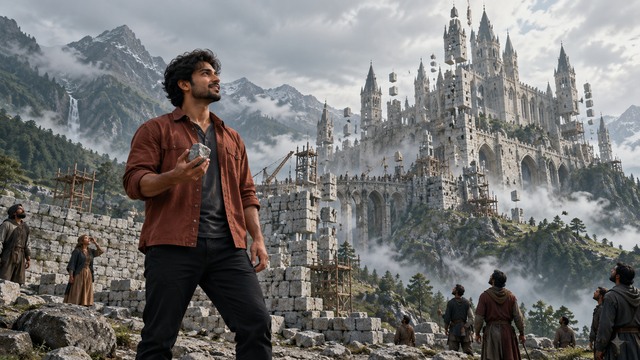
A stone becomes useful when the builder picks it up. That small action makes the larger reveal meaningful: scattered material gathers into a wall, towers rise above the valley, and the crowd has to look up. Stones to Castle AI Video Generator connects the change in scale to the character's response. Stones to Castle AI Video Template supplies a complete arc rather than an isolated view of a finished building. The phrase build a castle with the stones they throw at you explains the visual metaphor: pressure becomes material for progress. In Stones to Castle AI, the transformation should remain readable between the pickup and the architectural reveal. Use the sequence to communicate persistence, without filling the frame with a lengthy explanation.
Finish With A Quiet Moment Of Confidence
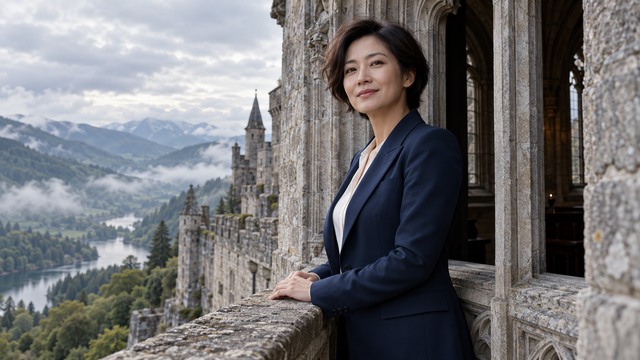
The final portrait gives Stones to Castle AI a human ending. After the castle fills the landscape, the builder appears at a stone window with a composed expression. Stones to Castle AI Video Template balances the large reveal with a small, readable emotional payoff. Stones to Castle AI Video Generator is a starting point for a personal milestone post, a reflective update or your interpretation of the stones to castle TikTok trend. If you add a caption or music in your social editor, let it support the movement from doubt to confidence. Review the full result first, especially the window face and clothing.
Make Stones To Castle AI Mean Something To You
Use Stones to Castle AI to give a personal turning point a visual shape. Stones to Castle AI Video Generator supplies the dramatic structure; your choice of photo and the context of your post give it meaning. These are creative uses of the same prepared effect, without a separate story editor.

Mark A Personal Fresh Start
A new chapter can be difficult to explain in a few words. Stones to Castle AI Video Template gives it a visible progression from pressure to achievement. Stones to Castle AI Video Generator can support a reflection on a difficult period without requiring a literal account of what happened. Keep your accompanying caption specific to your own progress and leave the fictional crowd as a narrative device.

Tell A Creative Project Story
A finished project often hides the doubts that came before it. Stones to Castle AI can become a symbolic introduction to a launch, a portfolio update or a creative milestone. Stones to Castle AI Video Template offers a shared story reference while your portrait connects the lead to your work. If someone asks how to make a stones to castle video, the starting point is the same: one clear portrait and the prepared effect, followed by a careful review.

Create A Short Social Comeback
The stones to castle TikTok trend gives viewers a conflict, a transformation and a payoff they can follow visually. Stones to Castle AI Video Generator helps you make your own interpretation from a portrait, while Stones to Castle AI Video Template keeps the familiar crowd-to-castle structure. Avoid cropping so tightly that the castle's scale or your character disappears.

Share A Message Of Resilience
The invitation to build a castle with the stones they throw at you can express patience, self-belief or the choice to keep working. Stones to Castle AI Video Template turns that idea into a character-led film rather than a static quote card. Stones to Castle AI Video Generator lets you begin with a portrait you already have, making the metaphor feel more personal. Your caption can explain what the castle represents, while the video supplies the visual change from scattered stones to something lasting.
Creative Reactions To The Comeback Story
Illustrative names and reactions describe possible creative responses to the format; these are not verified customer endorsements.
The quiet response makes the reveal feel earned. I like that the character builds something instead of throwing the stones back.
The shift from one small stone to a huge structure gives the story a clear visual idea. The final face brings it back to the person.
A beginning, a turning point and a calm ending make the message easy to follow. I would keep that last window moment in the edit.
The castle is a useful symbol for steady progress. A short personal caption can make the same scene mean something different to each creator.


Stones To Castle AI Questions Answered
Understand the portrait, the prepared narrative and the review process before starting Stones to Castle AI. These answers explain what Stones to Castle AI Video Template is designed to create and how to approach your result.
Stones to Castle AI is a photo-to-video effect about turning adversity into something constructive. A crowd throws stones toward a calm person, the person picks one up, a wall becomes a castle, and a final window portrait completes the reversal. Stones to Castle AI Video Generator uses your uploaded photo for the builder while Stones to Castle AI Video Template supplies the prepared scene and story direction. The phrase build a castle with the stones they throw at you captures its meaning.
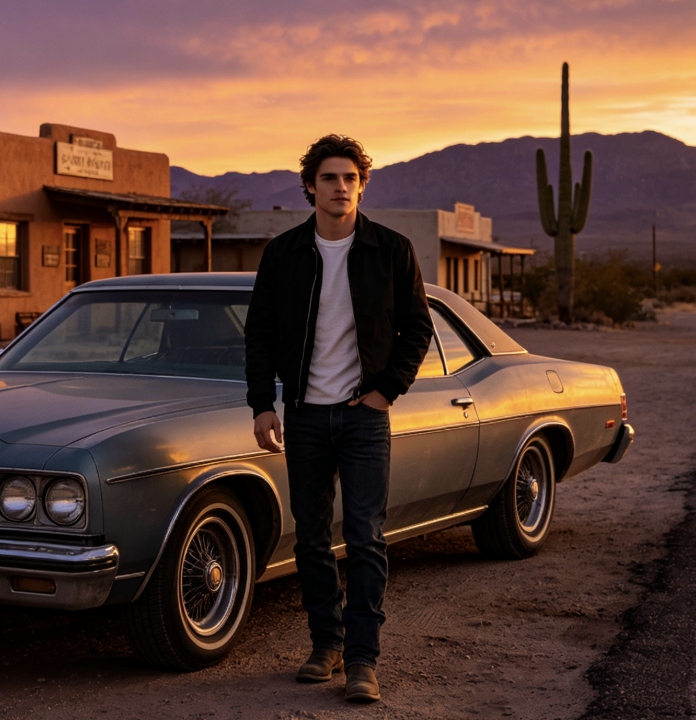
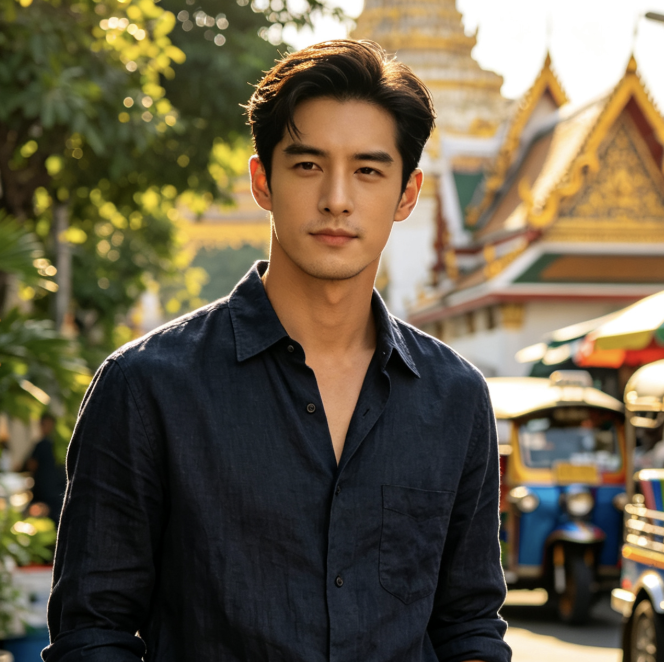
To create Stones to Castle AI video from one photo, upload a clear portrait of one person, review the available generation settings and start the prepared effect. Stones to Castle AI Video Generator combines your character reference with the stored story reference. If you are searching for how to make a stones to castle video, the key preparation is a suitable portrait: a visible face, even lighting and no competing people. Stones to Castle AI Video Template handles the intended sequence; you review the completed film before saving or sharing it.
No prompt writing is required for this fixed effect. Stones to Castle AI Video Template already contains the story direction, and Stones to Castle AI Video Generator uses the prepared reference to guide its scene progression. Your part is choosing a suitable photo and checking the result. The sequence is directed in advance, although exact expressions, stone movement and architectural details can vary between AI generations.
Choose one person with a sharp, unobstructed face. Stones to Castle AI Video Generator is intended to place that person in the central builder role, so a group photo can create ambiguity. Stones to Castle AI Video Template supplies the crowd and setting; your upload does not need dramatic action or a fantasy background. Use a photo you have permission to use. Review the face and outfit across the opening, pickup and final window shot rather than judging the result from one attractive frame.
You can prepare your interpretation of the stones to castle TikTok trend and adapt the completed video for your chosen social format. Stones to Castle AI Video Generator provides the comeback scene; your social editor can handle a caption, framing and music selection. Keep the builder and rising castle readable, and retain the final expression when trimming. Stones to Castle AI Video Template does not promise a licensed trend soundtrack or a particular platform's music access. Check the completed file and the publishing platform's available options before posting.
No. Stones to Castle AI follows a prepared story, but generation can change faces, hands, timing, clothing and castle details. Stones to Castle AI Video Template guides the sequence rather than guaranteeing identical frames. Stones to Castle AI Video Generator works from the visual information in your portrait, so a clearer source may give a better starting point. Look for a consistent protagonist, readable stone pickup, connected construction and a recognizable final portrait.
Build Your Comeback With Stones To Castle AI
Start with a photo that shows the person you want in the lead. Stones to Castle AI Video Generator turns that input toward a story of composure, construction and confidence, while Stones to Castle AI Video Template supplies the scene progression. Let the stones become the beginning of something larger. Review your finished film and share the meaning you want the castle to carry.
